In today’s digital age, touchscreen technology has become an integral part of many devices, from smartphones and tablets to interactive kiosks and professional monitors. Among the various sizes available, the 32 inch touchscreen LED display stands out as a versatile and popular choice for both personal and commercial use. This article delves into the details of 32 inch touchscreen LED displays, exploring their technology, applications, advantages, and what to consider before purchasing one.
Understanding LED Displays and Touchscreen Technology
What Is an LED Display?
LED, or Light Emitting Diode, displays are a type of flat-panel display that use LEDs to illuminate pixels. Unlike traditional LCDs that rely on cold cathode fluorescent lamps (CCFLs) for backlighting, LED displays use an array of LEDs, which can be placed either behind the screen (backlit LED) or along the edges (edge-lit LED). This technology results in brighter screens, better contrast ratios, and more energy efficiency.
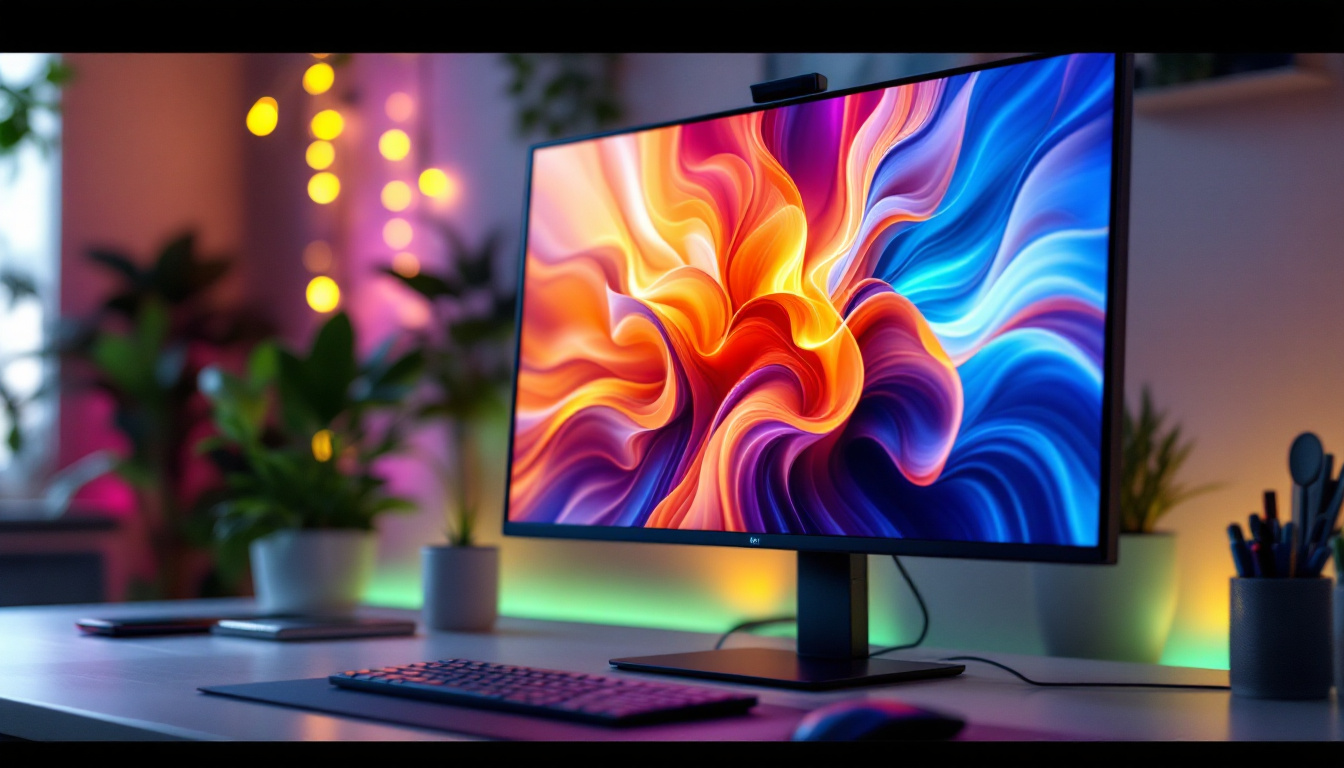
LED displays are widely favored for their ability to produce vibrant colors and deep blacks, making them ideal for high-definition visuals. In a 32 inch LED display, the balance between screen size and pixel density typically provides sharp images suitable for a variety of uses, from watching videos to professional graphic work. Moreover, advancements in LED technology, such as Quantum Dot and Mini-LED, have further enhanced color accuracy and brightness, making the viewing experience even more immersive. These innovations allow for finer control of light output and can significantly improve the dynamic range, which is particularly beneficial for content creators and gamers who demand the highest quality visuals.
How Does Touchscreen Technology Work?
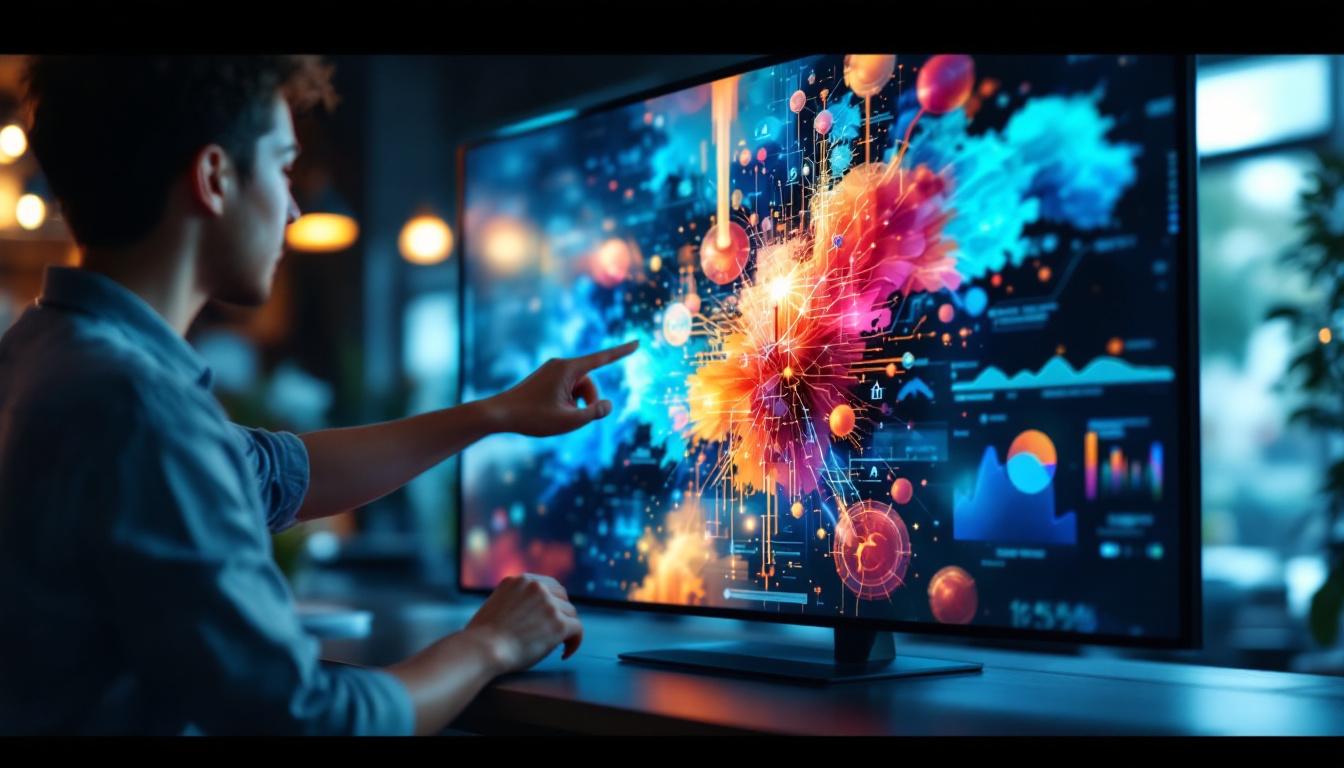
Touchscreen technology enables users to interact directly with what is displayed on the screen, rather than using a mouse or keyboard. The most common types of touchscreen technology include resistive, capacitive, infrared, and surface acoustic wave (SAW). Each has its own method of detecting touch inputs.
Capacitive touchscreens, which are prevalent in modern devices, work by sensing the electrical properties of the human finger. When a finger touches the screen, it changes the local electrostatic field, which the device registers as input. This technology allows for multi-touch gestures, such as pinching and swiping, and offers high sensitivity and clarity. In addition to capacitive touchscreens, there are also emerging technologies like optical touchscreens that use cameras to detect touch, providing an alternative for larger displays or interactive kiosks. These systems can track multiple points of contact and are often used in public spaces, enhancing user engagement through dynamic interfaces that respond to gestures and movements, making them an exciting area of development in user interface design.
Why Choose a 32 Inch Touchscreen LED Display?
Optimal Size for Versatility
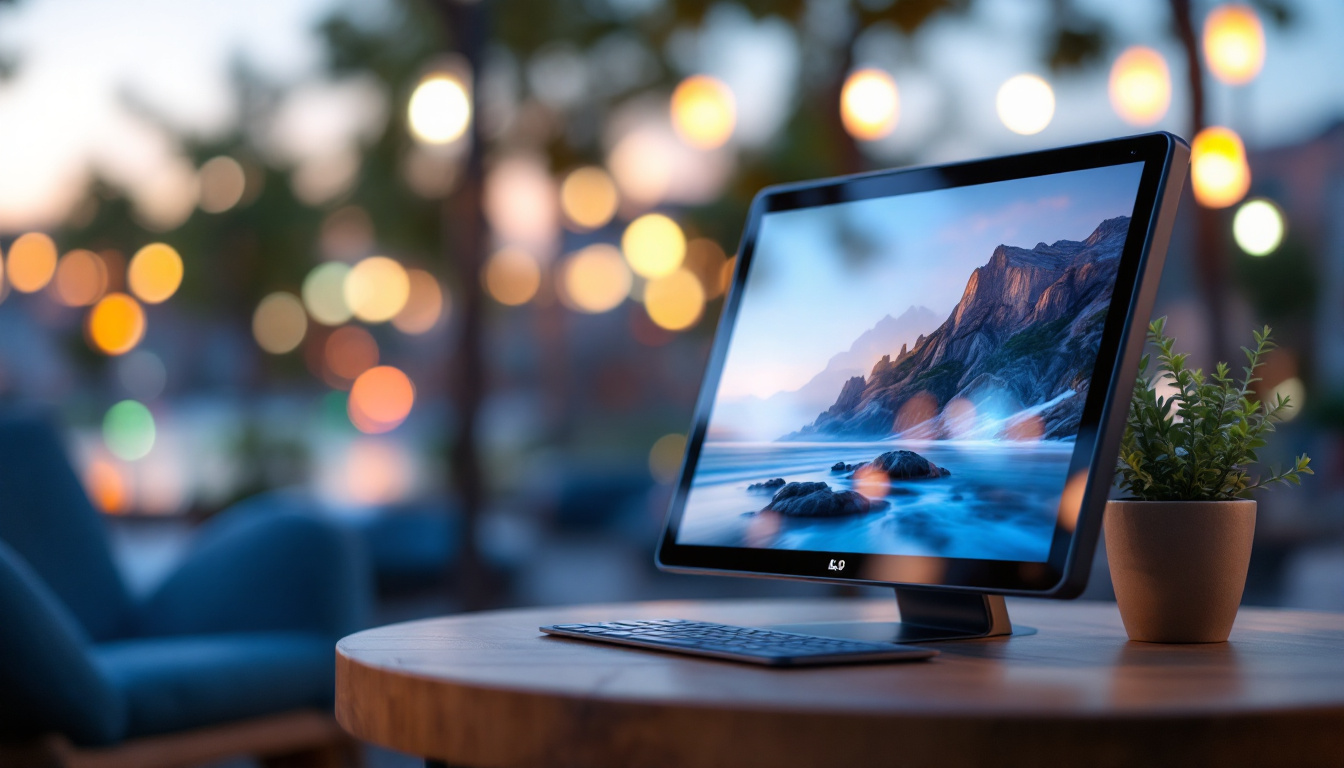
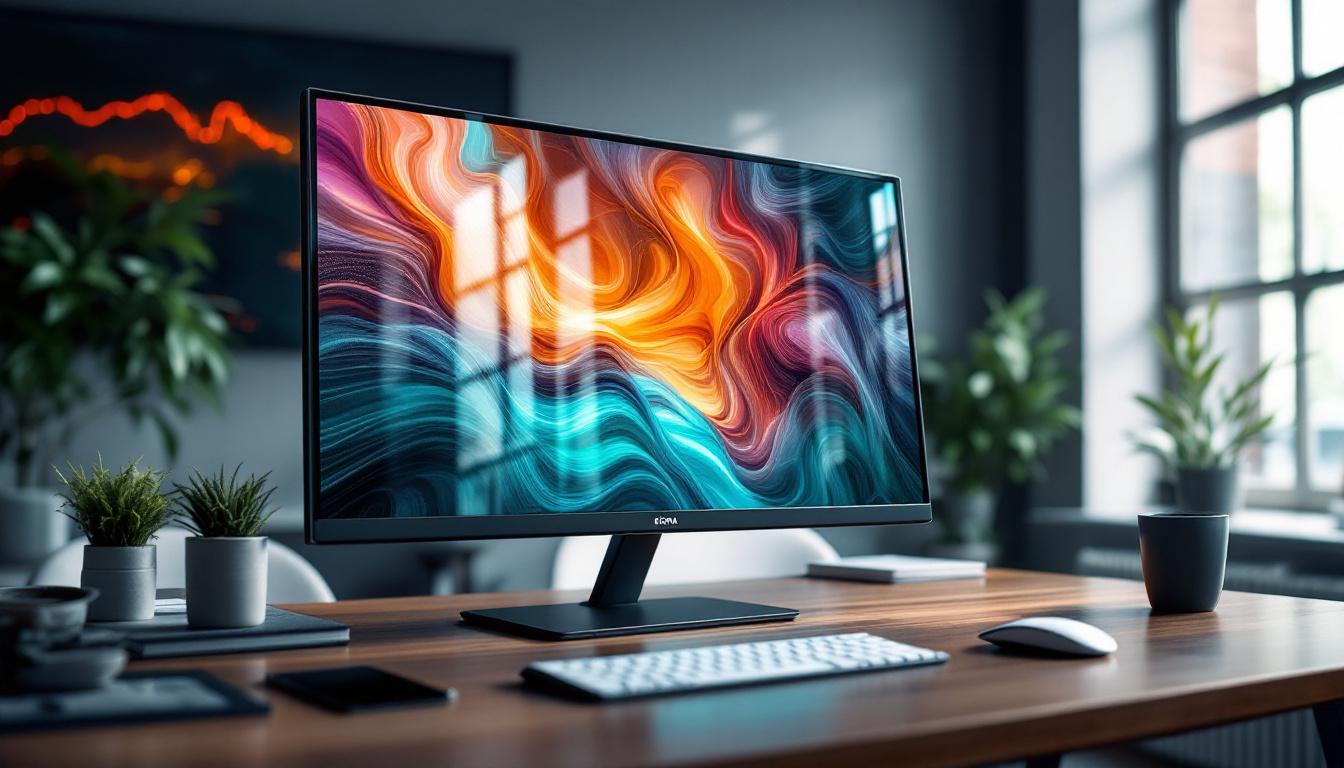
The 32 inch size strikes a practical balance between portability and screen real estate. It is large enough to provide an immersive viewing experience but compact enough to fit comfortably on desks, walls, or kiosks. This size is especially popular in environments where users need to interact with content directly, such as in retail, education, healthcare, and corporate settings.
For example, in retail environments, a 32 inch touchscreen can serve as an interactive product catalog or self-checkout station. In classrooms, it can be used as a digital whiteboard or presentation tool, enhancing engagement and collaboration.
High Resolution and Image Quality
Most 32 inch LED touchscreen displays come with Full HD (1920×1080 pixels) resolution or higher, ensuring crisp and clear visuals. This resolution is sufficient for detailed graphics, video playback, and text display without pixelation. Some premium models even offer 4K resolution, catering to professionals who require ultra-high-definition displays for design, video editing, or medical imaging.
Energy Efficiency and Longevity
LED technology is known for its energy efficiency compared to older display technologies. A 32 inch LED touchscreen typically consumes less power than similarly sized LCDs with CCFL backlighting. This not only reduces electricity costs but also contributes to a lower environmental footprint.
Additionally, LED displays tend to have longer lifespans, often rated for tens of thousands of hours of use. This durability makes them a cost-effective investment over time, especially in commercial applications where devices run continuously.
Applications of 32 Inch Touchscreen LED Displays
Commercial and Retail Uses
In retail, interactive displays enhance customer experience and streamline operations. A 32 inch touchscreen can be used for product browsing, digital signage, and self-service checkouts. The touch interface allows customers to navigate catalogs, customize products, or access promotions without assistance.
Restaurants and cafes also benefit from these displays, using them as digital menus or ordering kiosks. This reduces wait times and improves order accuracy while freeing up staff for other tasks.
Education and Training
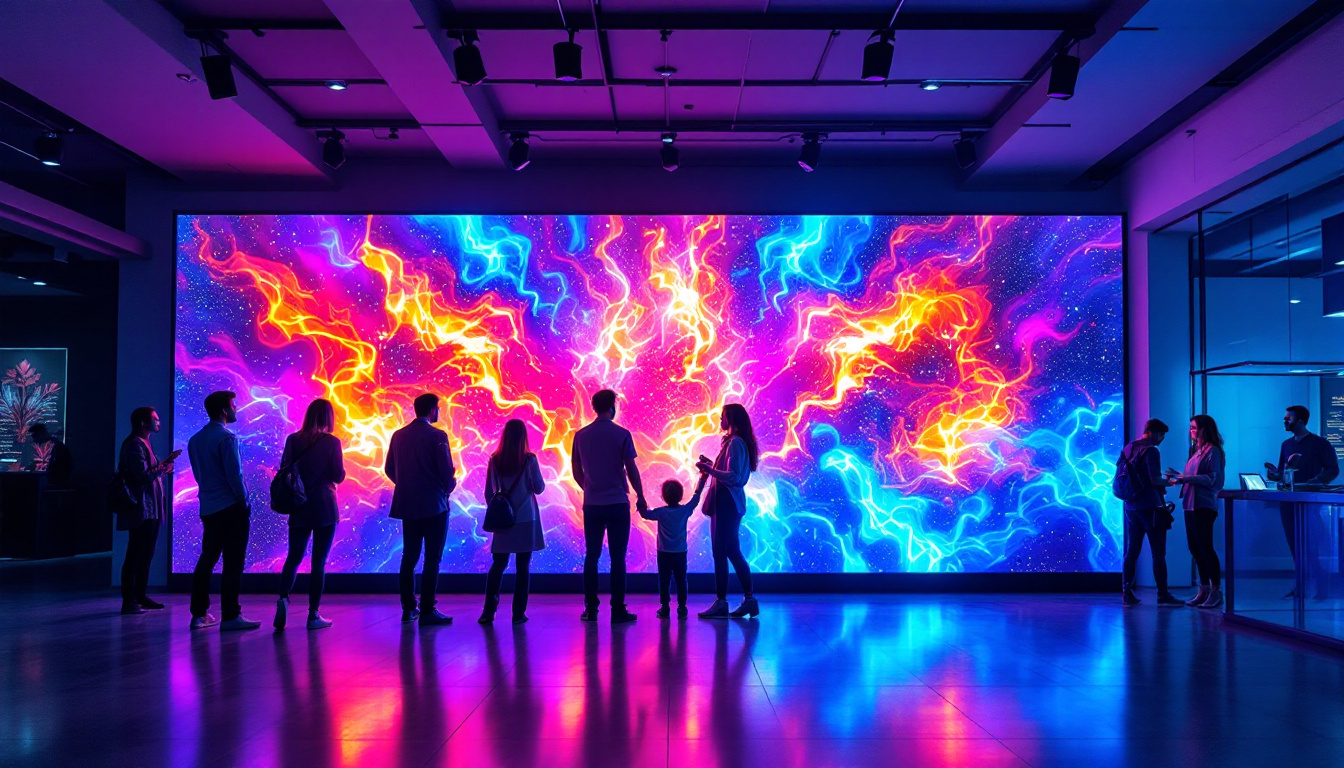
Interactive learning has gained momentum with the integration of touchscreen displays in classrooms and training centers. A 32 inch touchscreen LED display serves as an interactive whiteboard, enabling teachers and trainers to present lessons dynamically. Students can engage directly with educational content through touch, fostering collaboration and active participation.
Moreover, these displays support multimedia content, including videos, animations, and interactive quizzes, catering to diverse learning styles and enhancing retention.
Healthcare and Medical Imaging
In healthcare, 32 inch touchscreen LED displays are used for patient monitoring, diagnostics, and telemedicine. Their high resolution and touch capabilities allow medical professionals to manipulate images, zoom in on scans, and access patient data quickly and intuitively.
Touchscreen interfaces also simplify workflows in busy clinical environments, reducing the need for peripheral devices and minimizing contamination risks associated with keyboards and mice.
Corporate and Creative Workspaces
Corporate offices utilize these displays for video conferencing, presentations, and collaborative work. The touchscreen functionality supports annotation, brainstorming, and real-time editing, making meetings more interactive and productive.
Creative professionals, such as graphic designers and video editors, benefit from the precise touch input and color accuracy of high-quality 32 inch LED displays. Paired with stylus support, these screens can function as digital canvases for detailed artwork and design projects.
Key Features to Consider When Buying a 32 Inch Touchscreen LED Display
Touch Technology Type
Choosing the right touch technology depends on the intended use. Capacitive touchscreens offer high responsiveness and multi-touch support, ideal for interactive applications. Resistive touchscreens, while less sensitive, can be used with gloves or styluses and are often more affordable.
Infrared and SAW touchscreens provide excellent durability and clarity but might be more expensive and less common in this size category. Understanding the environment and user needs will help determine the best option.
Resolution and Display Quality
Resolution affects the sharpness and detail of the displayed content. Full HD is standard for most 32 inch displays, but 4K options are increasingly available. Consider the types of content you will display: detailed graphics and video editing benefit from higher resolution, while general use may not require it.
Other display attributes such as brightness (measured in nits), contrast ratio, and color accuracy (sRGB or Adobe RGB coverage) are also important, especially for professional or outdoor use.
Connectivity Options
A versatile display should support multiple input sources. Common ports include HDMI, DisplayPort, USB, and VGA. USB ports are particularly important for connecting touch input to the computer or for powering peripherals.
Some models offer wireless connectivity options like Bluetooth or Wi-Fi, enabling easier integration with modern devices and networks.
Durability and Build Quality
For commercial or public use, durability is crucial. Look for features such as tempered glass, anti-glare coatings, and IP ratings for dust and water resistance. These ensure the display can withstand heavy use and environmental factors.
Mounting options also matter—whether the display supports VESA mounts for wall or stand installation can affect placement flexibility.
Software Compatibility and Features
Check that the touchscreen is compatible with your operating system and software applications. Many displays come with bundled software for calibration, multi-touch gestures, and screen splitting, enhancing productivity.
Advanced features like palm rejection, stylus support, and gesture recognition can further improve the user experience depending on the use case.
Maintenance and Troubleshooting Tips
Keeping the Screen Clean
Maintaining the touchscreen’s clarity and responsiveness requires regular cleaning. Use a microfiber cloth and a screen-safe cleaning solution to remove fingerprints, dust, and smudges. Avoid harsh chemicals or abrasive materials that can damage the screen coating.
Calibrating Touch Sensitivity
Over time, touchscreens may require recalibration to maintain accuracy. Most devices include calibration tools accessible through the settings menu or dedicated software. Regular calibration ensures that touch inputs correspond precisely to the displayed content.
Common Issues and Solutions
Some typical issues include unresponsive touch areas, ghost touches, or display flickering. These can often be resolved by restarting the device, updating drivers, or checking cable connections. In cases of hardware failure, contacting the manufacturer or a professional technician is recommended.
The Future of 32 Inch Touchscreen LED Displays
As technology advances, 32 inch touchscreen LED displays are expected to become even more sophisticated. Emerging trends include the integration of OLED panels for deeper blacks and more vibrant colors, enhanced touch sensitivity with haptic feedback, and increased use of AI for adaptive display settings.
Moreover, the rise of hybrid work environments and smart offices will drive demand for interactive displays that support seamless collaboration across remote and in-person teams. Features like wireless casting, voice control, and cloud connectivity are likely to become standard.
In addition, sustainability will play a larger role in display manufacturing, with a focus on recyclable materials, energy-efficient components, and longer product lifecycles.
Conclusion
The 32 inch touchscreen LED display offers a compelling combination of size, clarity, and interactivity that suits a wide range of applications—from retail and education to healthcare and corporate environments. Understanding the underlying LED and touchscreen technologies, along with the key features to consider, empowers buyers to select the right display for their needs.
With ongoing innovations and expanding use cases, these displays are set to remain a vital tool in enhancing user engagement and productivity. Whether for professional use or personal enjoyment, investing in a high-quality 32 inch touchscreen LED display is a decision that delivers both immediate benefits and long-term value.
Discover the Future of Interactive Displays with LumenMatrix
Ready to elevate your space with the latest in LED display technology? LumenMatrix offers a wide array of innovative solutions tailored to your unique needs. From captivating Indoor and Outdoor LED Wall Displays to dynamic Vehicle and Sports LED Displays, our products are designed to make your brand stand out. Experience the revolution in visual communication with our All-in-One LED Displays, LED Posters, and more. Embrace the power of touch with a high-quality 32 inch touchscreen LED display and transform how you engage with your audience. Check out LumenMatrix LED Display Solutions today and step into a world of vivid imagery and interactive possibilities.