Choosing the right TV for your living space involves more than just picking a model with the latest features or the biggest screen. One critical factor that often gets overlooked is the optimal viewing distance—the ideal space between your eyes and the TV screen to ensure the best visual experience. This is especially important with LED displays, which dominate the market due to their brightness, color accuracy, and energy efficiency.
Understanding how to calculate the optimal viewing distance can transform your TV watching experience, reducing eye strain and enhancing picture quality. This article delves into the science behind optimal viewing distances for LED TVs, explains how to use a TV optimal viewing distance calculator, and offers practical tips for setting up your home theater.
Why Optimal Viewing Distance Matters
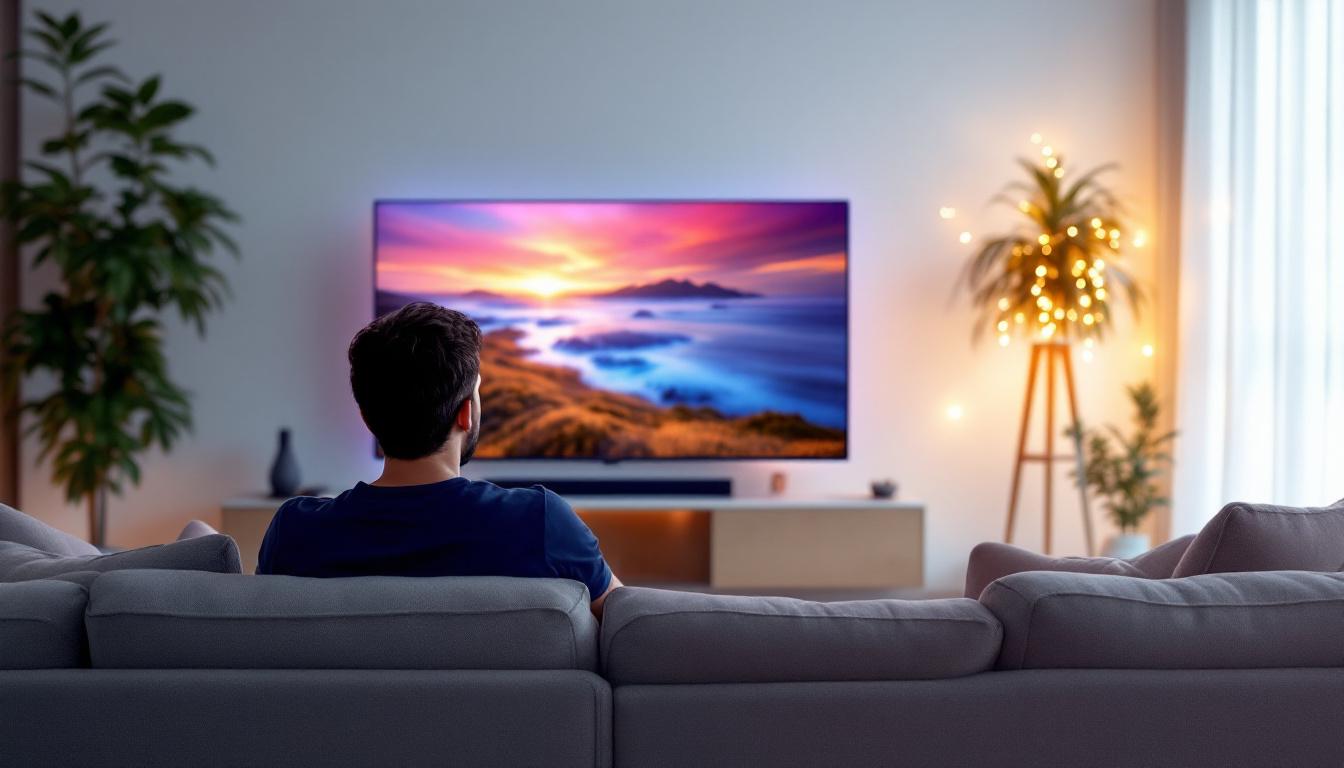
Optimal viewing distance is the sweet spot where your eyes can comfortably perceive the full detail and color of the TV screen without distortion or discomfort. Sitting too close or too far can negatively impact your viewing experience.
For instance, sitting too close to a large LED TV can cause visible pixelation, where individual pixels become noticeable, breaking the illusion of a seamless image. Conversely, sitting too far away can diminish the immersive effect and make it difficult to appreciate high-definition content fully.
Eye strain is another critical consideration. Prolonged viewing at an improper distance can lead to fatigue, headaches, and blurred vision. This is particularly relevant in today’s world where many people spend hours watching TV or streaming content. The blue light emitted from screens can also contribute to digital eye strain, making it essential to find that perfect distance to mitigate discomfort.
Moreover, the environment in which you watch TV plays a significant role in your overall experience. Factors such as ambient lighting, screen glare, and even the color of your walls can affect how you perceive the image on your screen. A well-lit room can enhance visibility, but too much light can create reflections that distract from the viewing experience. Therefore, considering both the viewing distance and the environment can lead to a more enjoyable and comfortable viewing experience.
The Science Behind Viewing Distance and Screen Size
The optimal viewing distance is closely related to the TV’s screen size and resolution. Larger screens generally require a greater viewing distance to avoid pixelation, but the resolution plays a key role in determining how close you can sit without noticing individual pixels.
For example, a 4K UHD LED TV has four times the pixel density of a 1080p HD TV, allowing viewers to sit closer without losing image clarity. According to the Society of Motion Picture and Television Engineers (SMPTE), the ideal viewing distance is approximately 1.5 to 2.5 times the diagonal size of the TV for HD content, but for 4K content, this distance can be reduced to about 1 to 1.5 times the screen size. This means that a 65-inch 4K TV can be comfortably viewed from as close as 5.5 feet away, providing a truly immersive experience that draws you into the action.
Additionally, the aspect ratio of the screen can influence viewing distance. Most modern TVs have a 16:9 aspect ratio, which is ideal for widescreen movies and shows. However, if you’re watching older content with a different aspect ratio, such as 4:3, the viewing experience can change dramatically. In such cases, adjusting your distance may help you better appreciate the content without feeling like you’re missing out on important visual details. Understanding these nuances can enhance your overall enjoyment and help you make the most out of your viewing setup.
How to Use a TV Optimal Viewing Distance Calculator
A TV optimal viewing distance calculator simplifies the process of determining the best distance to place your seating relative to the TV screen. These calculators typically require you to input the screen size and resolution, then provide a recommended viewing distance range.
Many calculators also factor in the type of content you watch most frequently—whether it’s standard HD broadcasts, 4K streaming, or gaming—since each content type has different optimal viewing parameters.
Step-by-Step Guide to Using the Calculator
- Measure Your TV Screen Size: The screen size is measured diagonally from one corner of the display to the opposite corner. This measurement is usually listed in inches.
- Select Your TV Resolution: Common resolutions include 1080p (Full HD), 4K UHD, and 8K UHD. Knowing your TV’s resolution helps the calculator provide a more accurate distance recommendation.
- Input Viewing Preferences: Some calculators ask about your primary use—such as movies, sports, or gaming—to tailor the viewing distance accordingly.
- Calculate: After entering the information, the calculator will provide a range of optimal viewing distances, often in both feet and meters.
Using these tools ensures that your seating arrangement maximizes picture quality and comfort.
Optimal Viewing Distances for Different LED TV Sizes and Resolutions
To provide a practical reference, here are some general guidelines for optimal viewing distances based on screen size and resolution. These distances assume typical living room lighting conditions and average visual acuity.
For Full HD (1080p) LED TVs
- 32-inch TV: 4 to 6.5 feet (1.2 to 2 meters)
- 43-inch TV: 5.5 to 8.5 feet (1.7 to 2.6 meters)
- 55-inch TV: 7 to 11.5 feet (2.1 to 3.5 meters)
- 65-inch TV: 8 to 13.5 feet (2.4 to 4.1 meters)
For 4K UHD LED TVs
- 43-inch TV: 3.5 to 5.5 feet (1.1 to 1.7 meters)
- 55-inch TV: 4.5 to 7 feet (1.4 to 2.1 meters)
- 65-inch TV: 5 to 8 feet (1.5 to 2.4 meters)
- 75-inch TV: 5.5 to 9 feet (1.7 to 2.7 meters)
For 8K UHD LED TVs
8K TVs, though still emerging in the consumer market, allow for even closer viewing distances due to their ultra-high pixel density. For example, a 65-inch 8K TV can be viewed comfortably from as close as 2.5 to 4 feet (0.8 to 1.2 meters).
Factors Affecting Optimal Viewing Distance Beyond Size and Resolution
While screen size and resolution are primary factors, several other considerations can influence the ideal viewing distance for your LED TV setup.
Room Lighting and Ambient Conditions
Bright room lighting can cause glare and reflections on the TV screen, which may affect perceived image quality. In such cases, sitting slightly farther away or using anti-glare screen protectors can improve comfort and visibility.
Conversely, a dimly lit room enhances contrast and color perception, allowing for closer viewing distances without discomfort.
Viewing Angle and Seating Arrangement
Optimal viewing is not only about distance but also about angle. The best picture quality is achieved when sitting directly in front of the TV, within a 30-degree horizontal viewing angle. Sitting too far off-center can distort colors and brightness.
When planning your seating, consider the layout of your room to ensure that all viewers have a good line of sight without compromising the optimal distance.
Personal Visual Acuity and Preferences
Individual differences in eyesight and personal preferences also play a role. Some viewers prefer sitting closer to feel more immersed, especially for gaming or cinematic experiences, while others prioritize comfort and prefer a greater distance.
It’s important to balance these preferences with the technical recommendations to avoid eye strain and maximize enjoyment.
Practical Tips for Setting Up Your LED TV for Optimal Viewing
Beyond calculating the ideal distance, several practical steps can help you create the perfect viewing environment.
Measure Your Space Before Purchasing
Before buying a new LED TV, measure the available wall or stand space and the distance from your seating area. This ensures that the TV size you choose fits comfortably within your room and aligns with optimal viewing distances.
Adjust Seating and Mounting Height
The center of the TV screen should ideally be at eye level when seated. Mounting the TV too high or too low can cause neck strain and reduce picture quality perception.
Minimize Glare and Reflections
Position your TV away from direct sunlight or use curtains and blinds to control ambient light. Anti-reflective coatings on LED screens can also help reduce glare.
Use Calibration Tools and Settings
Many modern LED TVs come with built-in calibration tools or support for external calibration devices. Adjusting brightness, contrast, color temperature, and sharpness settings can enhance image clarity at your chosen viewing distance.
The Future of Viewing Distance with Advancements in LED Technology
As LED technology continues to evolve, so too will the parameters for optimal viewing distance. Innovations such as micro-LED and OLED hybrid displays promise even higher resolutions and better color accuracy, potentially allowing viewers to sit closer without sacrificing image quality.
Additionally, emerging standards in content production, including higher frame rates and dynamic HDR formats, will further influence how viewers interact with their displays.
Staying informed about these trends and regularly reassessing your viewing setup will help you maintain the best possible experience as technology advances.
Conclusion
Understanding and applying the concept of optimal viewing distance is essential for anyone looking to maximize their LED TV experience. By considering screen size, resolution, room conditions, and personal preferences, viewers can reduce eye strain, enhance picture quality, and enjoy immersive entertainment.
Using a TV optimal viewing distance calculator is a practical first step in this process, providing tailored recommendations that take the guesswork out of setting up your home theater. Coupled with thoughtful room arrangement and TV calibration, these insights ensure that your LED display delivers its full potential.
Whether upgrading to a new LED TV or simply optimizing your current setup, paying attention to viewing distance is a small adjustment that yields significant benefits for your viewing pleasure and eye health.
Explore Cutting-Edge LED Displays with LumenMatrix
Ready to elevate your viewing experience with the latest in LED display technology? LumenMatrix is at the forefront of innovation, offering a wide range of LED display solutions tailored to your needs. From immersive Indoor LED Wall Displays to dynamic Outdoor LED Wall Displays, and from versatile Vehicle LED Displays to engaging LED Sports Displays, LumenMatrix has it all. Discover how our LED Poster Displays, Floor LED Displays, Custom LED Displays, All-in-One LED Displays, and LED Transparent Displays can transform your visual communication and captivate your audience. Check out LumenMatrix LED Display Solutions today and see your world in a whole new light.