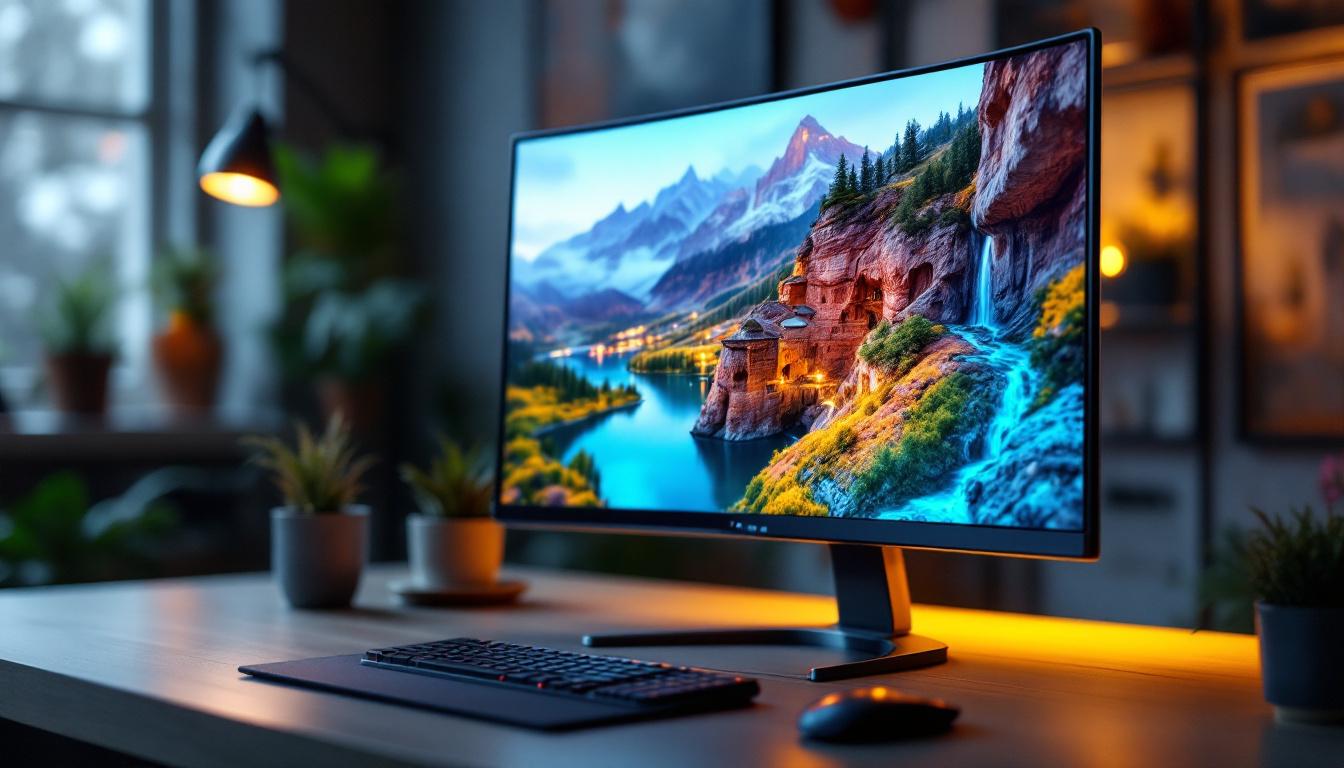
Choosing the right monitor is a crucial decision for both professionals and casual users alike. Among various screen sizes, the 22-inch monitor strikes a balance between workspace efficiency and visual comfort. This article delves into the specifics of 22-inch monitor dimensions, focusing on LED display technology, and explains why this size remains popular in today’s diverse computing environments.
Understanding 22 Inch Monitor Dimensions
When referring to a “22 inch monitor,” the measurement typically indicates the diagonal length of the screen. This diagonal measurement is a standard way to describe monitor sizes across the industry, allowing consumers to compare displays easily regardless of aspect ratio or bezel size.
For a 22-inch monitor, the diagonal length measures exactly 22 inches (approximately 55.88 centimeters). However, to fully understand the physical dimensions of the display, it’s essential to consider the aspect ratio, which directly influences the width and height of the screen.
Aspect Ratios and Their Impact on Dimensions
The most common aspect ratio for modern monitors, including 22-inch models, is 16:9. This widescreen format is ideal for multimedia consumption, gaming, and general productivity. Using the Pythagorean theorem, the width and height of a 22-inch 16:9 screen can be calculated as follows:
- Width: Approximately 19.17 inches (48.7 cm)
- Height: Approximately 10.78 inches (27.4 cm)
These dimensions refer to the active display area, excluding the bezel or frame around the screen. The bezel size varies by manufacturer and model but typically ranges from 0.5 to 1 inch in total width around the screen. This means that when considering the overall footprint of the monitor on your desk, you may need to account for this additional space taken up by the bezel, which can affect your setup, especially in tighter workspaces.
Other Aspect Ratios in 22 Inch Monitors
Though 16:9 dominates, some 22-inch monitors come with alternative aspect ratios such as 16:10 or even 4:3, especially in specialized or legacy models. For example, a 22-inch 16:10 monitor would have slightly taller dimensions, offering more vertical screen real estate, which can be beneficial for tasks like document editing or coding. This additional height allows users to view more lines of text at once, making it easier to work on spreadsheets or programming without constant scrolling.
Moreover, the choice of aspect ratio can greatly influence the viewing experience. A 4:3 monitor, while less common today, may appeal to users who prefer a more square display for tasks like photo editing or graphic design, where maintaining the original aspect ratio of images is crucial. Understanding these differences helps users select a monitor that best fits their specific needs, whether for gaming, professional work, or casual browsing. Additionally, as technology evolves, the emergence of ultra-wide monitors has introduced even more options, offering expansive horizontal space that can enhance multitasking capabilities.
LED Display Technology Explained
LED (Light Emitting Diode) technology has become the standard for modern monitors, replacing older CCFL (Cold Cathode Fluorescent Lamp) backlighting methods. The term “LED monitor” typically refers to an LCD panel illuminated by LED backlights, offering significant advantages in performance and energy efficiency.
How LED Backlighting Works
In an LED monitor, the liquid crystal display (LCD) panel itself does not emit light. Instead, a series of LEDs positioned behind or along the edges of the screen provide illumination. This backlighting allows the LCD to display images by controlling the passage of light through liquid crystals.
There are two primary types of LED backlighting:
- Edge-lit LED: LEDs are placed along the edges of the screen, allowing for thinner displays and lower production costs.
- Full-array LED: LEDs are distributed evenly behind the entire screen, enabling better brightness uniformity and local dimming capabilities.
Benefits of LED Monitors
LED technology offers several advantages over older display types:
- Energy Efficiency: LED backlights consume less power, reducing electricity costs and environmental impact.
- Improved Brightness and Contrast: LED monitors can achieve higher brightness levels and better contrast ratios, enhancing image quality.
- Thinner and Lighter Designs: The compact nature of LEDs allows for slimmer monitor profiles and lighter weight, improving desk ergonomics.
- Longer Lifespan: LEDs typically last longer than CCFL backlights, reducing the need for replacements.
Physical Dimensions Beyond the Screen
While the screen size and aspect ratio define the visible display area, the overall dimensions of a 22-inch monitor include additional factors such as bezels, stand, and housing. These elements affect the monitor’s footprint on a desk and its compatibility with mounting solutions.
Bezel Size and Its Influence
Bezels frame the screen and can vary widely in thickness. Modern monitors often feature ultra-thin bezels, sometimes less than 0.2 inches (5 mm), to maximize screen space and enable seamless multi-monitor setups. However, some budget or older models may have bezels up to 1 inch thick.
For example, a 22-inch monitor with a 0.3-inch bezel on all sides would add approximately 0.6 inches to both the width and height, resulting in external dimensions roughly 19.77 inches wide by 11.38 inches tall.
Stand and Ergonomics
The stand contributes to the monitor’s height and depth on a desk. Many 22-inch monitors come with adjustable stands that allow tilt, swivel, and height adjustments, improving user comfort. The base footprint can range from compact circular designs to wider rectangular shapes, affecting how much desk space is required.
For users with limited space, VESA-compatible monitors enable mounting on arms or wall brackets, freeing up valuable surface area.
Why Choose a 22 Inch Monitor?
The 22-inch monitor size is a popular choice for various reasons, balancing screen real estate with affordability and desk space considerations.
Ideal for Office and Home Use
For office environments, 22-inch monitors provide ample space for multitasking without overwhelming the workspace. They are well-suited for tasks such as word processing, spreadsheets, and web browsing. Additionally, their moderate size makes them easier to fit into cubicles or shared workstations.
At home, these monitors serve well for casual gaming, streaming, and general computing. Their size is comfortable for typical viewing distances of 20 to 30 inches, reducing eye strain.
Cost-Effectiveness
Compared to larger monitors, 22-inch models are often more affordable, making them attractive for budget-conscious buyers. They also tend to consume less power, contributing to lower operating costs over time.
Compatibility and Versatility
22-inch monitors are widely compatible with various devices, including desktop PCs, laptops, gaming consoles, and media players. Their size and resolution options make them versatile for different user needs, from casual use to professional applications.
Resolution and Display Quality in 22 Inch LED Monitors
Resolution plays a critical role in the visual experience of a 22-inch monitor. It determines the clarity and sharpness of images and text displayed on the screen.
Common Resolutions for 22 Inch Monitors
The most common resolution for 22-inch monitors is Full HD (1920 x 1080 pixels). This resolution provides a good balance between image clarity and performance, especially for general office work, video playback, and gaming.
Some 22-inch monitors offer higher resolutions like 1680 x 1050 pixels (WSXGA+) or lower resolutions such as 1366 x 768 pixels, though the latter is less common and generally less desirable due to reduced sharpness.
Pixel Density and Viewing Experience
Pixel density, measured in pixels per inch (PPI), indicates how sharp the display appears. A 22-inch Full HD monitor typically has a pixel density around 100 PPI, which is sufficient for most users to enjoy crisp images and readable text at normal viewing distances.
Higher pixel densities improve detail but may require scaling adjustments in the operating system to maintain usability, especially for users with vision challenges.
Additional Features to Consider in 22 Inch LED Monitors
Beyond size and resolution, several features enhance the usability and performance of 22-inch LED monitors.
Panel Types: IPS vs. TN vs. VA
The type of LCD panel affects color accuracy, viewing angles, and response times:
- IPS (In-Plane Switching): Offers superior color reproduction and wide viewing angles, making it ideal for graphic design and media consumption.
- TN (Twisted Nematic): Typically has faster response times but narrower viewing angles and less accurate colors, favored by competitive gamers.
- VA (Vertical Alignment): Provides better contrast ratios and deeper blacks, suitable for watching movies and general use.
Refresh Rate and Response Time
Standard 22-inch monitors usually feature a 60Hz refresh rate, which is adequate for most productivity tasks. However, gamers may prefer models with 75Hz or higher refresh rates for smoother motion.
Response time, measured in milliseconds, indicates how quickly pixels can change color. Lower response times reduce motion blur, enhancing gaming and video playback quality.
Connectivity Options
Modern 22-inch monitors typically include a variety of input ports such as HDMI, DisplayPort, and VGA. USB hubs and audio output jacks add convenience for connecting peripherals and headphones.
Conclusion: Selecting the Right 22 Inch LED Monitor
Understanding the dimensions and technical specifications of a 22-inch LED monitor is essential for making an informed purchase. This size offers a practical balance of screen space, affordability, and versatility.
When choosing a 22-inch monitor, consider the aspect ratio, resolution, panel type, and additional features that align with your specific needs—whether for office productivity, gaming, or multimedia consumption. Paying attention to physical dimensions beyond the screen, such as bezel size and stand footprint, ensures the monitor fits comfortably in your workspace.
LED technology enhances the viewing experience with improved brightness, energy efficiency, and design flexibility. By carefully evaluating these factors, users can select a 22-inch LED monitor that delivers excellent performance and value for years to come.
Discover LumenMatrix’s Advanced LED Display Solutions
Ready to elevate your visual experience with a 22-inch LED monitor that embodies innovation and performance? Look no further than LumenMatrix, a pioneer in LED display technology. Our extensive range of solutions, from Indoor and Outdoor LED Wall Displays to specialized options like Vehicle and Sports LED Displays, is designed to meet your diverse needs. Whether for professional environments, gaming setups, or dynamic advertising, LumenMatrix’s LED displays are crafted to deliver unparalleled clarity and impact. Don’t miss the opportunity to transform your space with our cutting-edge displays. Check out LumenMatrix LED Display Solutions today and witness the future of visual communication.