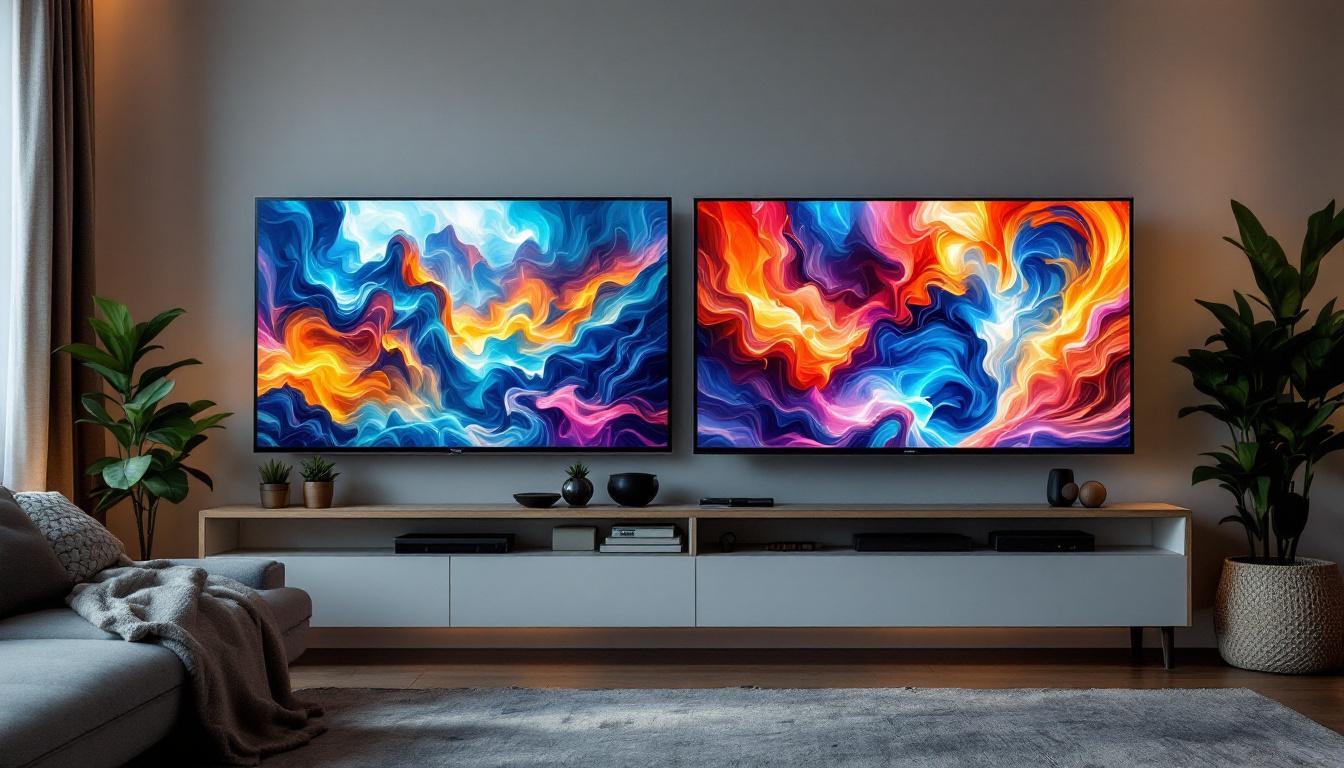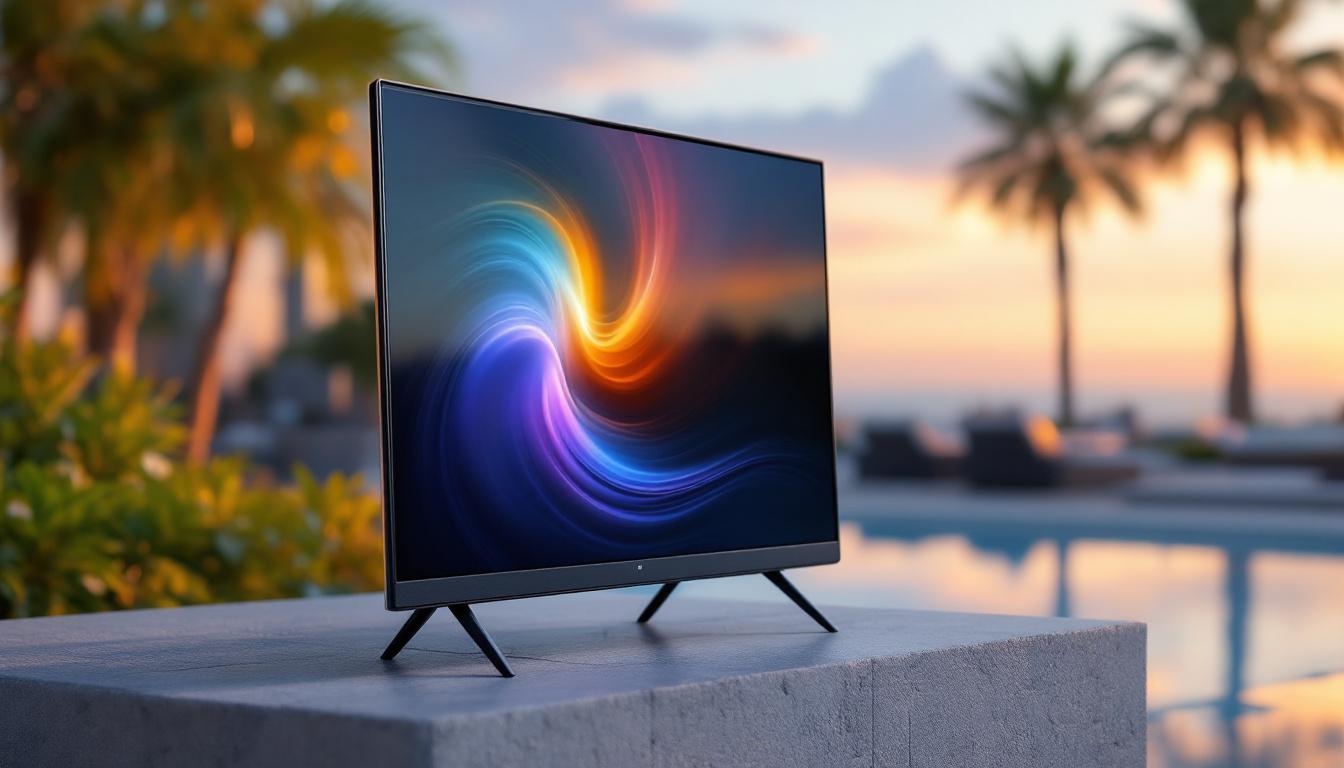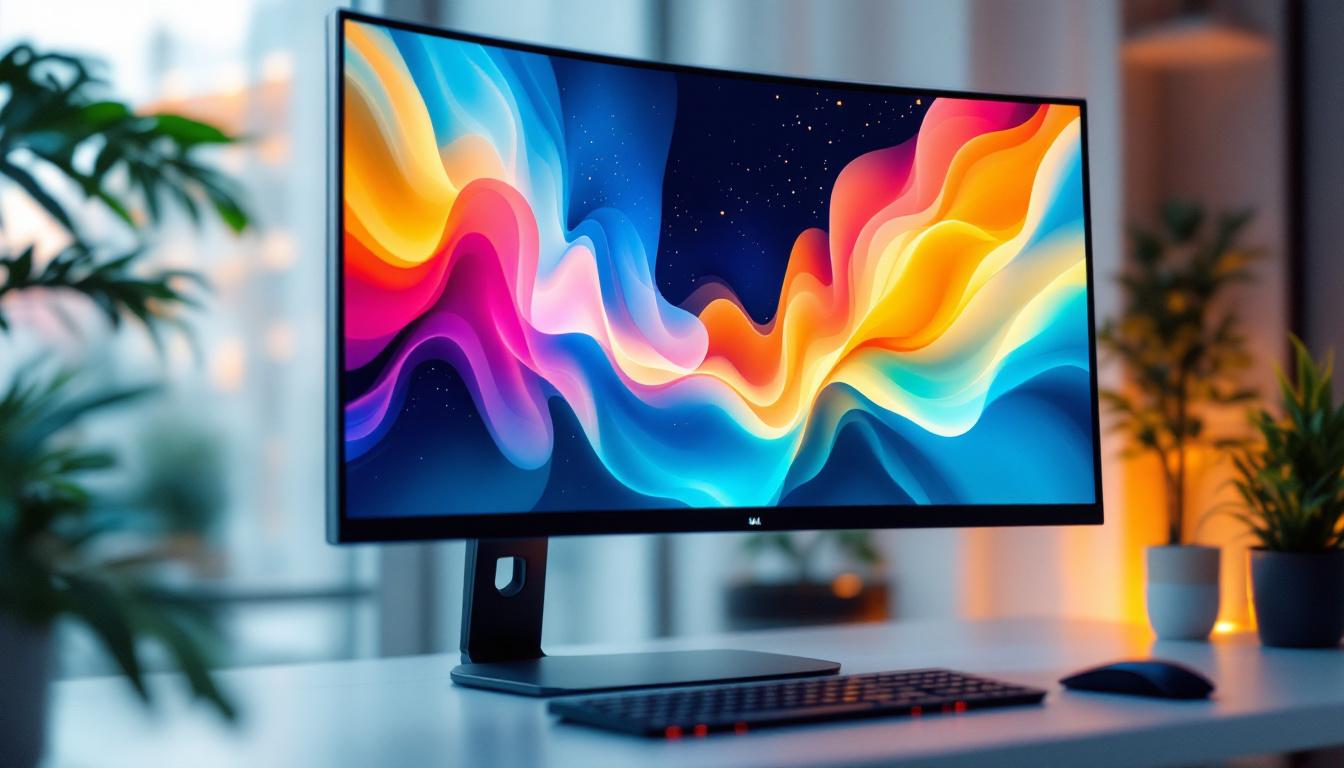
Choosing the right monitor size is a crucial decision for anyone looking to optimize their computing experience, whether for work, gaming, or casual use. Among the many options available, the 22 inch monitor size stands out as a popular and versatile choice. This article delves into what makes a 22 inch LED monitor a compelling option, explaining its features, benefits, and how it fits into various user needs.
Understanding the 22 Inch Monitor Size
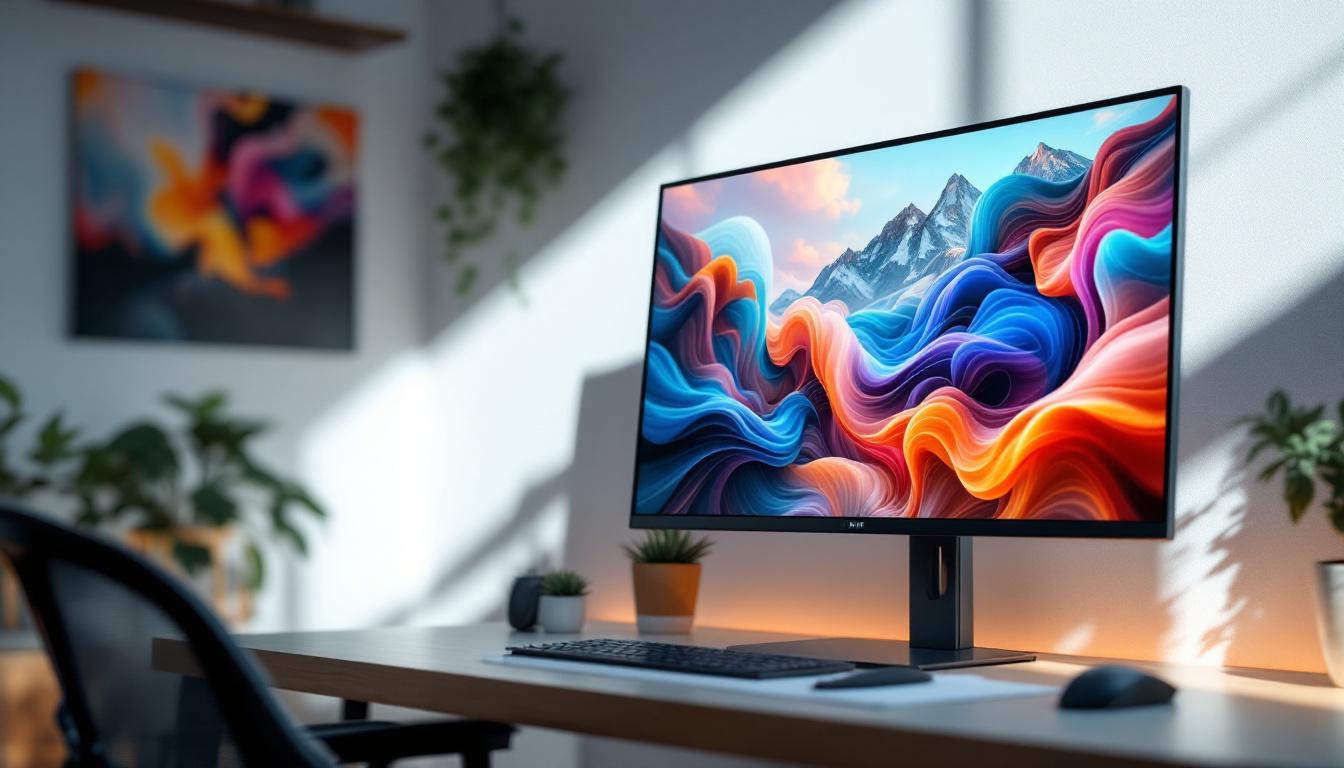
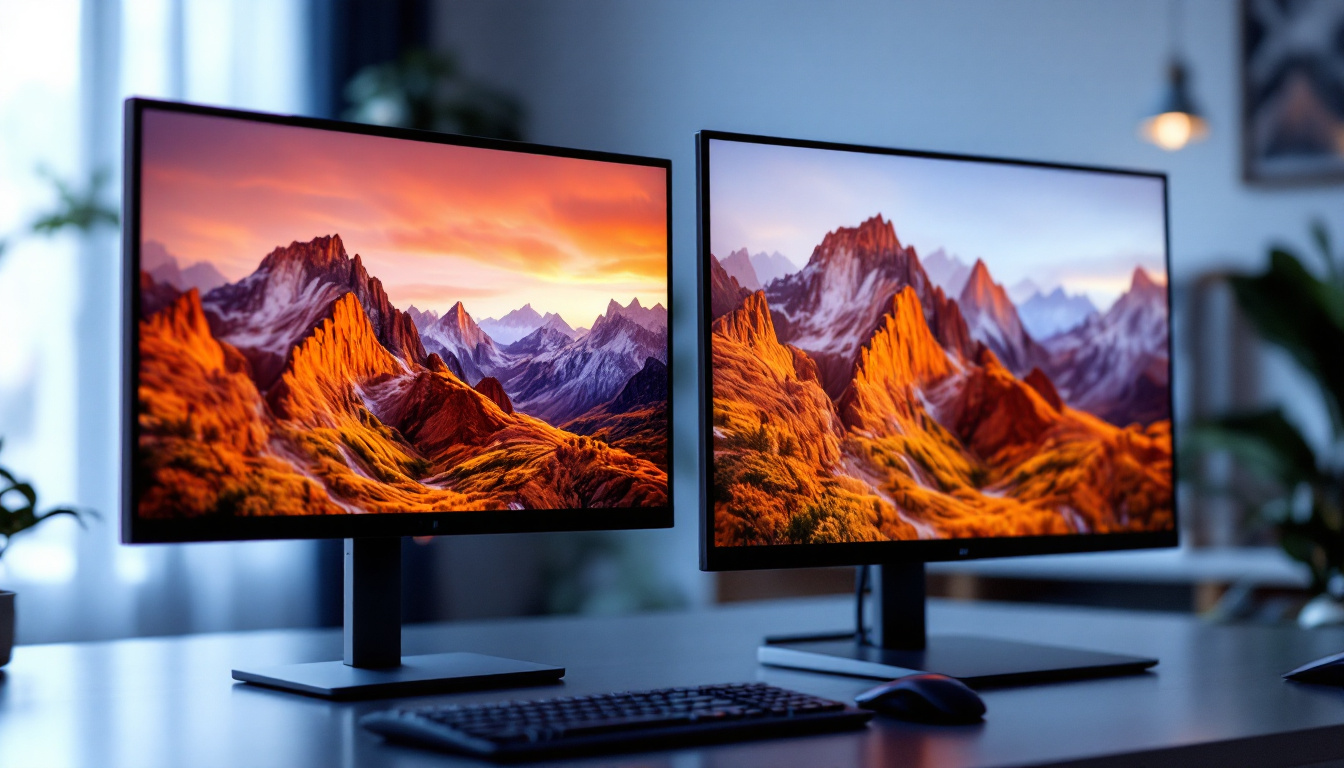
The term “22 inch monitor” refers to the diagonal measurement of the screen, which is approximately 22 inches from one corner to the opposite corner. This size strikes a balance between screen real estate and desk space, making it suitable for a wide range of environments.
To put it in perspective, a 22 inch monitor typically has a screen width of about 19 inches and a height of around 11 inches, depending on the aspect ratio. The most common aspect ratio for these monitors is 16:9, which is the standard widescreen format used for most media and computing applications.
Why 22 Inches?
The 22 inch size is often favored because it offers enough screen space to comfortably view multiple windows or applications side by side without overwhelming the user or requiring excessive desk space. For many users, this size is the sweet spot between portability and usability.
Additionally, 22 inch monitors are generally more affordable than larger displays, making them accessible for students, professionals, and casual users alike. They also tend to consume less power, which can be a consideration for environmentally conscious users or those looking to reduce their electricity bills.
Another significant advantage of a 22 inch monitor is its versatility. This size is particularly well-suited for various tasks, from office work and graphic design to casual gaming and streaming. With a resolution typically ranging from 1080p to 1440p, users can enjoy crisp visuals and vibrant colors, enhancing their overall experience whether they are working on spreadsheets or watching movies. Furthermore, many models come equipped with features such as adjustable stands, built-in speakers, and multiple connectivity options, including HDMI and DisplayPort, making them adaptable to different setups and preferences.
Moreover, the ergonomics of a 22 inch monitor can contribute to a more comfortable viewing experience. With the right height and distance, users can minimize eye strain and neck discomfort, which is especially important for those who spend long hours in front of their screens. Many users find that this size allows for a more natural viewing angle, promoting better posture and reducing the risk of repetitive strain injuries. As such, investing in a quality 22 inch monitor can be beneficial not just for productivity but also for long-term health and well-being.
LED Display Technology Explained
When discussing 22 inch monitors, it’s important to understand the display technology behind them. Most modern monitors use LED (Light Emitting Diode) technology, which has become the standard in the industry due to its efficiency, brightness, and color accuracy.
What is an LED Monitor?
LED monitors use light-emitting diodes to illuminate the screen. Unlike older LCD monitors that used cold cathode fluorescent lamps (CCFLs) for backlighting, LED monitors employ LEDs, which are more energy-efficient and allow for thinner, lighter designs.
The LED backlighting can be arranged in different ways, such as edge-lit or full-array, each affecting the display’s brightness uniformity and contrast. Full-array LED backlighting, for example, provides better control over local dimming zones, enhancing picture quality especially in darker scenes. This technology allows for deeper blacks and more vibrant colors, making it ideal for watching movies or playing video games where visual detail is paramount.
Benefits of LED Displays
LED monitors offer several advantages over older technologies:
- Energy Efficiency: LED backlights consume less power, reducing electricity usage and heat output.
- Improved Brightness and Contrast: LEDs can achieve higher brightness levels and better contrast ratios, resulting in vivid images.
- Longer Lifespan: LEDs typically last longer than CCFLs, meaning the monitor remains bright and color-accurate for years.
- Slim Design: The compact nature of LEDs allows for thinner screens and lighter monitors.
In addition to these benefits, LED monitors are also more environmentally friendly. The absence of harmful substances, such as mercury, which is found in some older technologies, makes LED displays a safer choice for both consumers and the planet. Furthermore, many manufacturers are now focusing on sustainable production practices, ensuring that the materials used in LED monitors are recyclable and have a lower carbon footprint. This growing emphasis on sustainability not only appeals to eco-conscious consumers but also reflects a broader industry trend towards greener technology solutions.
Another noteworthy aspect of LED technology is its adaptability. With advancements in display technologies, such as OLED (Organic Light Emitting Diode) and Mini-LED, the landscape of LED displays continues to evolve. These newer technologies offer even greater color accuracy and contrast ratios, pushing the boundaries of what is possible in monitor design. As a result, users can expect a more immersive viewing experience, whether they are working on graphic design projects, enjoying high-definition films, or engaging in competitive gaming. The rapid pace of innovation in LED technology ensures that consumers will have access to cutting-edge displays that meet their diverse needs and preferences.
Key Features of 22 Inch LED Monitors
While the size and display technology are important, other features significantly impact the overall user experience with a 22 inch LED monitor. Understanding these features helps consumers make informed decisions tailored to their specific needs.
Resolution and Image Quality
The resolution of a 22 inch monitor determines how sharp and detailed the images appear. The most common resolution for this size is Full HD (1920 x 1080 pixels), which provides clear and crisp visuals suitable for most tasks including office work, web browsing, and media consumption.
Some 22 inch monitors may offer higher resolutions, such as 1920 x 1200 pixels, which adds vertical space and can be beneficial for productivity tasks like coding or document editing. However, higher resolutions on smaller screens can make text and icons appear smaller, so scaling settings might be necessary.
Refresh Rate and Response Time
For gamers and video editors, refresh rate and response time are critical specifications. The refresh rate, measured in hertz (Hz), indicates how many times the screen updates per second. A standard 22 inch LED monitor usually has a refresh rate of 60Hz, which is adequate for everyday use.
However, gaming-focused models may offer refresh rates of 75Hz or higher, providing smoother motion and reducing eye strain during fast-paced action. Response time, measured in milliseconds (ms), refers to how quickly a pixel can change color. Lower response times (1-5 ms) reduce motion blur and ghosting effects, enhancing the gaming and video experience.
Connectivity Options
Modern 22 inch LED monitors come with a variety of ports to connect to different devices. Common interfaces include HDMI, DisplayPort, and VGA. HDMI is the most widely used today, supporting both video and audio signals.
Some monitors also feature USB ports, allowing users to connect peripherals directly to the monitor for convenience. Additionally, audio output jacks enable connection to external speakers or headphones.
Who Should Choose a 22 Inch LED Monitor?
The 22 inch LED monitor is versatile, but certain user groups benefit more from this size and technology.
Office and Productivity Users
For professionals working with documents, spreadsheets, and web applications, a 22 inch monitor offers ample screen space without dominating the workspace. Its Full HD resolution ensures text is sharp and easy to read, while the LED technology provides consistent brightness throughout the day.
Moreover, the energy efficiency of LED displays can contribute to lower operational costs in office environments with multiple workstations.
Students and Home Users
Students and casual users often seek affordable yet reliable monitors. The 22 inch LED monitor fits this need perfectly by providing a good balance between size, quality, and price. It is compact enough for dorm rooms or small desks and versatile enough for studying, streaming, and light gaming.
Entry-Level Gamers
While hardcore gamers might prefer larger screens with ultra-high refresh rates, entry-level gamers can enjoy a 22 inch LED monitor with a 75Hz refresh rate and low response time for a smooth gaming experience. The smaller screen size also allows for easier viewing at close distances, which can be advantageous in fast-paced games.
Comparing 22 Inch Monitors to Other Sizes
Understanding how a 22 inch monitor compares to other sizes helps clarify its place in the market and assists buyers in making the right choice.
22 Inch vs. 24 Inch
While 24 inch monitors have become the new standard for many users, the 22 inch size remains relevant due to its smaller footprint and often lower price. The difference in screen area is noticeable but not overwhelming, making the 22 inch monitor ideal for users with limited desk space.
Additionally, 22 inch monitors tend to have slightly higher pixel density when both sizes share the same resolution, resulting in sharper images.
22 Inch vs. Larger Monitors (27 Inch and Above)
Larger monitors offer more immersive experiences and increased productivity through expanded screen real estate. However, they require more desk space and often come with higher price tags. For users who prioritize portability, budget, or have smaller workspaces, a 22 inch monitor is a practical and efficient choice.
Tips for Optimizing Your 22 Inch LED Monitor Experience
To get the most out of a 22 inch LED monitor, consider the following tips:
Adjust Display Settings
Calibrating brightness, contrast, and color settings can significantly improve image quality and reduce eye strain. Many monitors come with preset modes such as “Reading,” “Gaming,” or “Movie” that optimize settings for specific uses.
Use Proper Ergonomics
Position the monitor at eye level and about an arm’s length away to maintain good posture and minimize neck and eye strain. Adjustable stands or monitor arms can help achieve the ideal setup.
Keep Drivers Updated
Ensure your graphics drivers and monitor firmware are up to date to benefit from the latest performance improvements and bug fixes.
Conclusion
A 22 inch LED monitor is a balanced and practical choice for a wide range of users. Its size offers sufficient screen space for productivity and entertainment without overwhelming a desk, while LED technology ensures energy efficiency, vibrant colors, and long-lasting performance.
Whether outfitting an office, setting up a student workspace, or enjoying casual gaming, the 22 inch LED monitor delivers reliable quality and value. Understanding its features and how it compares to other sizes empowers buyers to make informed decisions tailored to their specific needs.
Discover LumenMatrix’s Advanced LED Displays
Ready to experience the pinnacle of LED display technology? LumenMatrix is at the forefront of innovation, offering a diverse range of LED display solutions that cater to your every need. Whether you’re looking to enhance your office productivity, elevate your home entertainment, or take your gaming to the next level, our cutting-edge displays are designed to deliver unparalleled visual clarity and performance. From Indoor LED Walls to Custom LED Displays, our products are crafted to transform your visual communication and engagement. Don’t settle for less – check out LumenMatrix LED Display Solutions today and see the difference for yourself.