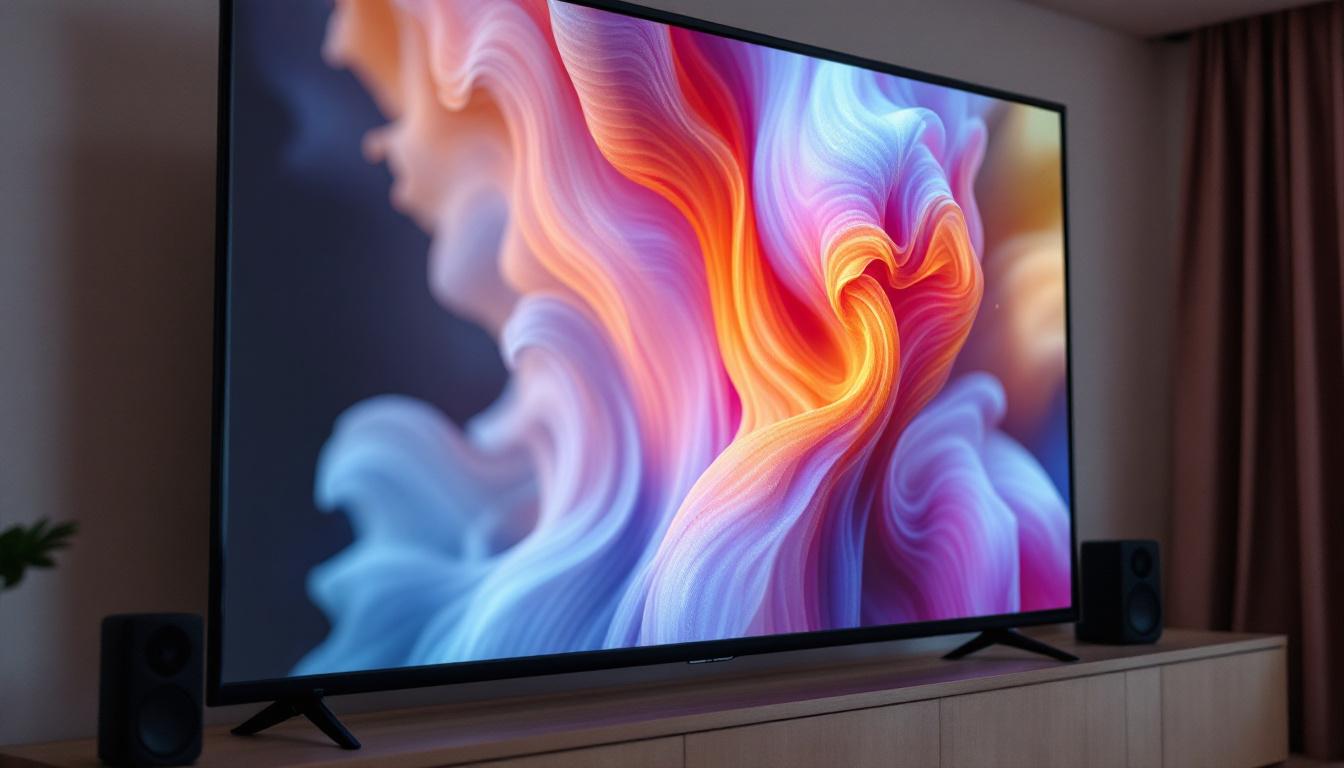
Choosing the right projector screen size is crucial for creating an immersive viewing experience, whether for home theaters, conference rooms, or classrooms. With the rise of LED display technology, many users are exploring alternatives to traditional projection systems. This article delves into the essentials of calculating projector screen sizes and explains how LED displays compare, helping you make an informed decision tailored to your needs.
Understanding Projector Screen Size Calculation
Determining the correct projector screen size involves more than just picking a large rectangle to fill a wall. It requires understanding the relationship between the projector’s throw distance, aspect ratio, and the viewing environment. A projector screen size calculator simplifies this process by providing precise dimensions based on your specific setup.
Key Factors Influencing Screen Size
Several variables influence the ideal projector screen size:
- Throw Distance: The distance between the projector lens and the screen. Different projectors have varying throw ratios, which determine the image size at a given distance.
- Aspect Ratio: The ratio of the screen’s width to its height. Common ratios include 16:9 (widescreen HDTV), 4:3 (standard definition), and 21:9 (ultrawide cinema).
- Room Size and Seating Distance: The physical space and how far viewers will sit from the screen impact the optimal screen dimensions for comfortable viewing.
- Resolution and Image Quality: Higher resolution projectors can support larger screen sizes without noticeable pixelation.
By inputting these parameters into a projector screen size calculator, users receive tailored screen dimensions that maximize image clarity and viewer comfort. Understanding these factors is crucial, as an improperly sized screen can lead to a subpar viewing experience, where images may appear distorted or viewers may struggle to see details.
Additionally, the type of content being projected plays a significant role in determining the best screen size. For instance, if you are primarily displaying presentations or spreadsheets, a different screen size may be optimal compared to when you are screening movies or video games. The viewing angle also matters; a larger screen may require a wider seating arrangement to ensure that all viewers can enjoy the same quality of image without distortion.
How to Use a Projector Screen Size Calculator
Most online calculators require you to enter:
- Throw Distance: Measure the distance from your projector to the wall or screen area.
- Aspect Ratio: Select the aspect ratio that matches your content source or preference.
- Desired Screen Width or Height: Some calculators allow you to specify either dimension, and they compute the other accordingly.
Once these inputs are provided, the calculator outputs the recommended screen size, often including the diagonal measurement and suggested seating distances. This ensures that the projected image fits perfectly within your space and viewing conditions. Moreover, many calculators also provide insights into the ideal screen material and gain, which can further enhance the viewing experience by optimizing brightness and color accuracy.
It’s also worth noting that some advanced calculators may take into account ambient light conditions in the room, which can significantly affect the perceived quality of the projection. For example, if your viewing environment has a lot of natural light, you may want to opt for a larger screen with a higher gain material to combat washout effects. Understanding these nuances can help you make a more informed decision, ensuring that your investment in a projector and screen yields the best possible results for your specific needs.
The Rise of LED Displays as Projection Alternatives
While projectors have been the go-to solution for large-format displays for decades, LED display technology has rapidly advanced, offering a compelling alternative. Understanding the benefits and limitations of LED displays compared to traditional projectors is essential for anyone planning a visual setup.
What Are LED Displays?
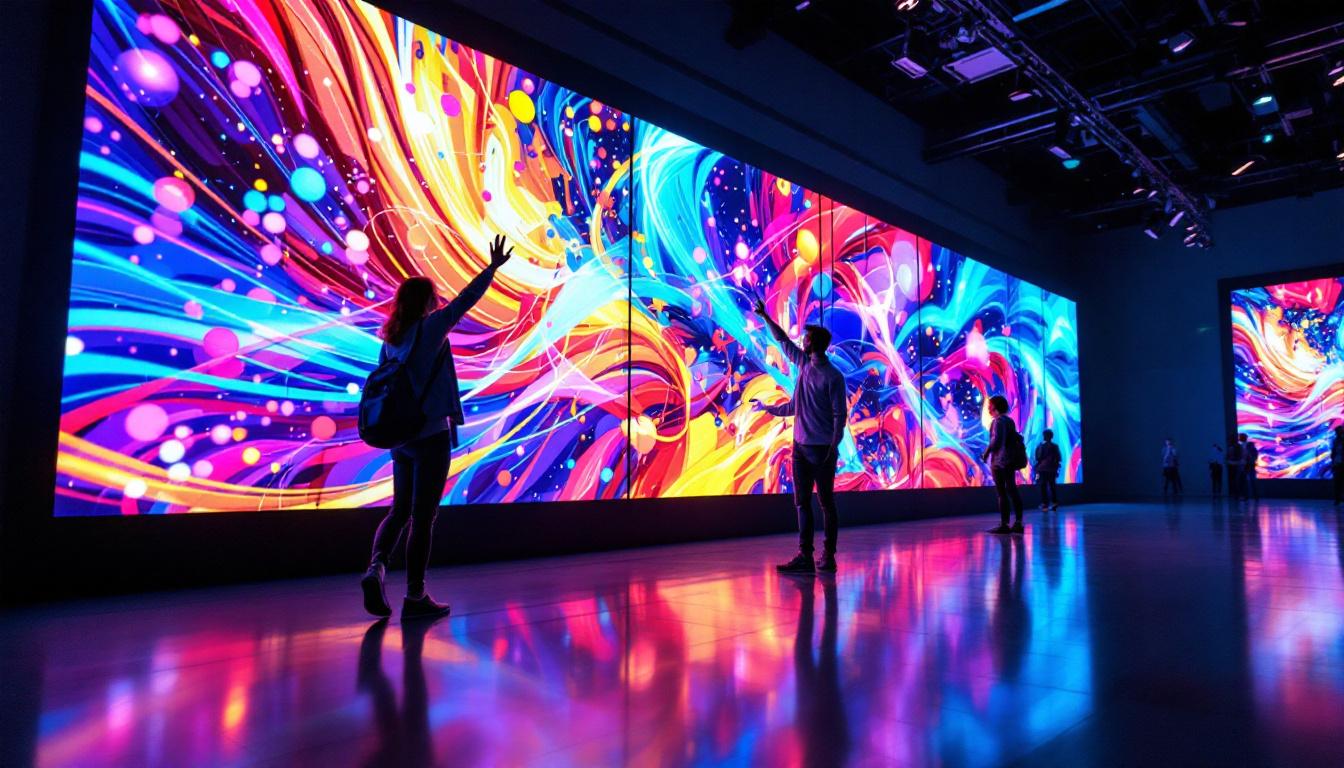
LED (Light Emitting Diode) displays are composed of thousands to millions of tiny LEDs that emit light individually to form an image. These displays can be configured in various sizes and resolutions, from small indoor panels to massive outdoor video walls.
Unlike projectors, which rely on reflected light, LED displays produce their own light, resulting in vibrant colors and high contrast ratios even in brightly lit environments.
Advantages of LED Displays Over Projectors
- Brightness and Visibility: LED displays maintain high brightness levels regardless of ambient light, making them ideal for well-lit rooms or outdoor use.
- Image Uniformity: LEDs provide consistent brightness and color across the entire screen, avoiding hotspots or dim areas common with projectors.
- Durability and Maintenance: LED panels typically require less maintenance than projectors, which need bulb replacements and periodic cleaning.
- Flexible Sizes and Shapes: Modular LED panels can be assembled into custom sizes and even curved or irregular shapes, offering design flexibility.
- Instant On/Off: Unlike projectors that may require warm-up or cool-down periods, LED displays power on and off instantly.
Considerations When Choosing LED Displays
Despite their advantages, LED displays come with considerations that may influence their suitability:
- Cost: LED displays generally have a higher upfront cost compared to projectors, especially for very large screens.
- Viewing Distance and Pixel Pitch: The pixel pitch (distance between LEDs) affects image sharpness. For close viewing, a finer pixel pitch is necessary, which increases cost.
- Installation Complexity: LED walls require professional installation and calibration to ensure optimal performance.
Integrating Projector Screen Size Calculations with LED Display Planning
For users evaluating whether to invest in a projector or an LED display, understanding how screen size calculations translate into LED display dimensions is vital. While traditional projector screen size calculators focus on throw distance and aspect ratio, LED display planning emphasizes pixel pitch, resolution, and viewing distance.
Matching Screen Size to Viewing Distance
Whether using a projector or LED display, the distance between the screen and the audience determines the ideal screen size and resolution. For projectors, this is managed by adjusting throw distance and lens settings. For LED displays, the pixel pitch and total resolution dictate how close viewers can sit without noticing pixelation.
For example, a 16:9 LED display with a 1.5mm pixel pitch is suitable for close viewing distances of 3 to 5 feet, making it ideal for conference rooms or retail displays. Larger pixel pitches (e.g., 4mm or higher) are better suited for auditoriums or outdoor venues where viewers sit farther away.
Calculating LED Display Size Equivalents
To compare an LED display with a projected image, consider the diagonal measurement and aspect ratio. For instance, a 120-inch diagonal projector screen with a 16:9 aspect ratio has a width of approximately 105 inches and a height of 59 inches.
When selecting an LED display to replace this, ensure the panel’s total dimensions match or exceed these measurements. Additionally, verify that the resolution and pixel pitch provide adequate image clarity at your expected viewing distances.
Tools and Resources for LED Display Planning
Several manufacturers and industry websites offer LED display calculators that factor in pixel pitch, resolution, and viewing distance. These tools help users design LED walls that meet their specific application requirements.
Combining projector screen size calculators with LED display planning tools allows users to make apples-to-apples comparisons, facilitating better investment decisions.
Practical Applications and Case Studies
Understanding projector screen size calculations and LED display technology is not just theoretical; it has practical implications across various industries.
Home Theater Setup
For home theater enthusiasts, selecting the right screen size ensures an immersive yet comfortable viewing experience. A common guideline is to position the screen so that the viewing distance is approximately 1.5 to 2.5 times the screen diagonal. Using a projector screen size calculator can help determine the optimal screen size based on room dimensions and seating arrangement.
Some homeowners opt for LED displays in dedicated media rooms to avoid ambient light issues. A 120-inch LED panel with a fine pixel pitch can deliver cinema-quality visuals without the need for darkened rooms or complex projector setups.
Corporate and Educational Environments
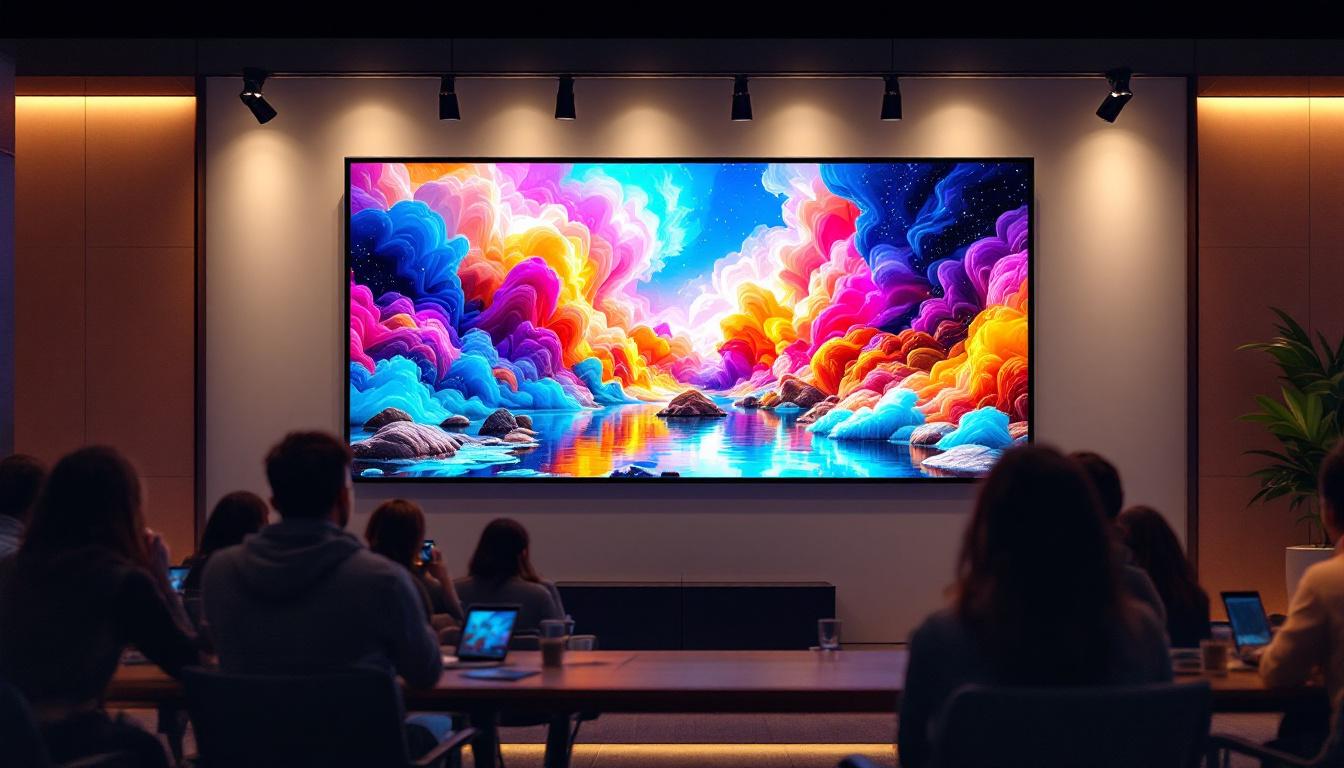
In conference rooms and classrooms, visibility and flexibility are paramount. Projectors remain popular due to their cost-effectiveness and ability to produce large images. However, LED displays are increasingly favored for their brightness and ease of use.
For example, a university lecture hall might use a projector with a 150-inch screen calculated to fit the room’s throw distance and seating layout. Meanwhile, a corporate boardroom may invest in a 75-inch LED display with a 1.2mm pixel pitch for sharp video conferencing and presentations.
Event and Outdoor Venues
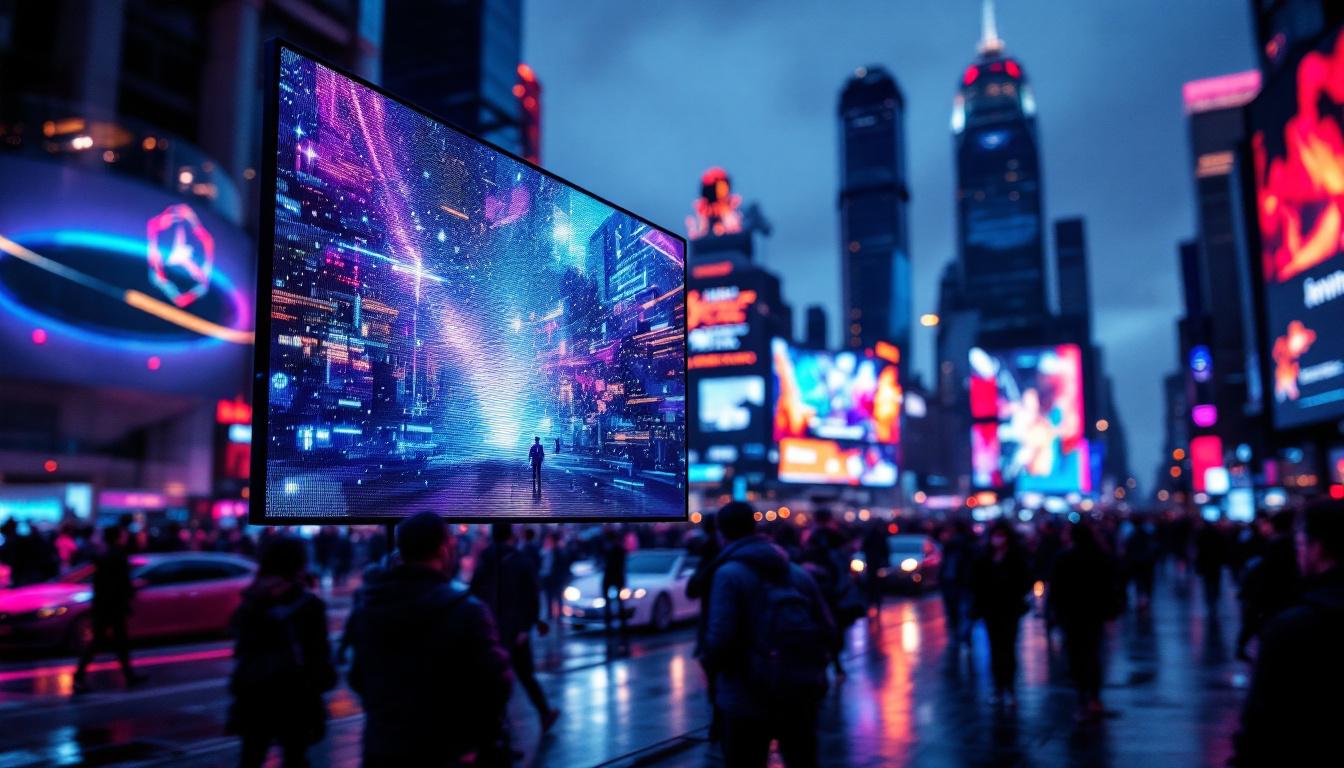
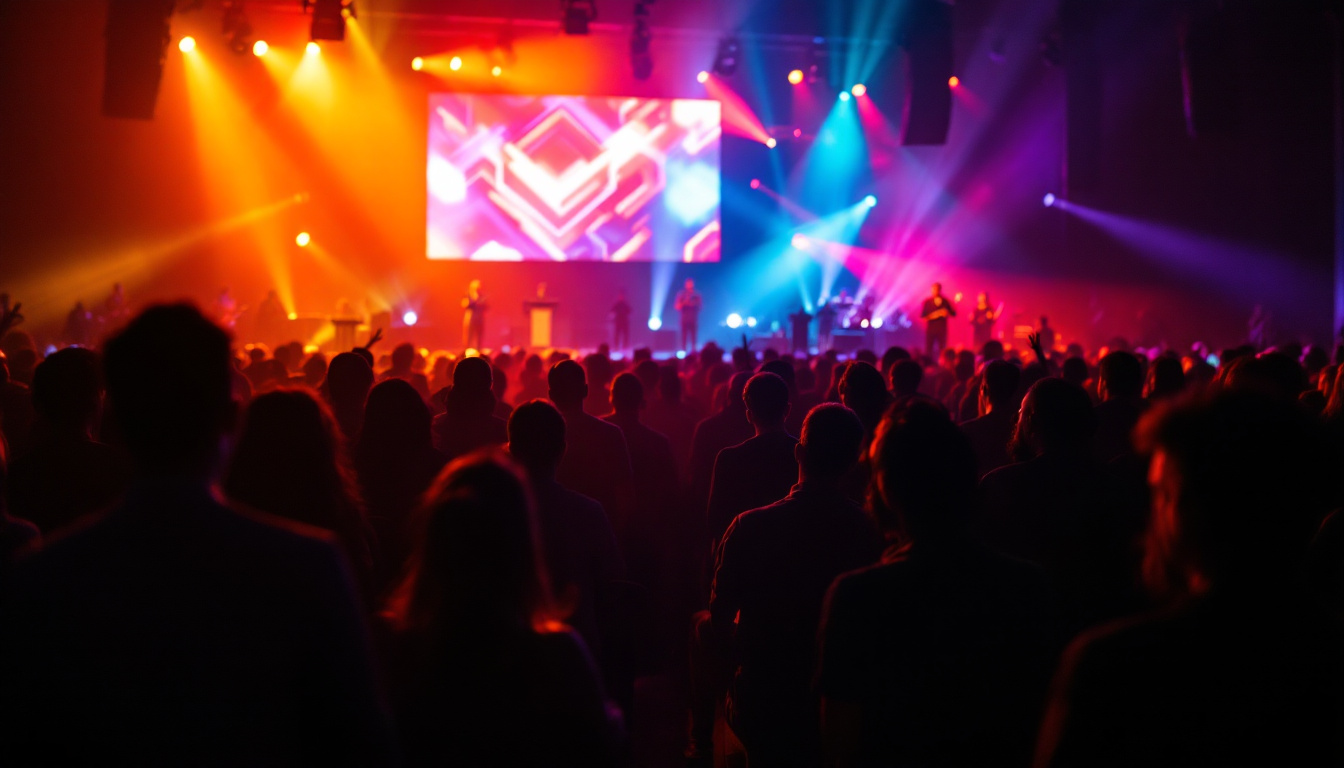
Outdoor events demand high brightness and weather-resistant solutions. LED video walls dominate this space due to their superior visibility in daylight and rugged construction.
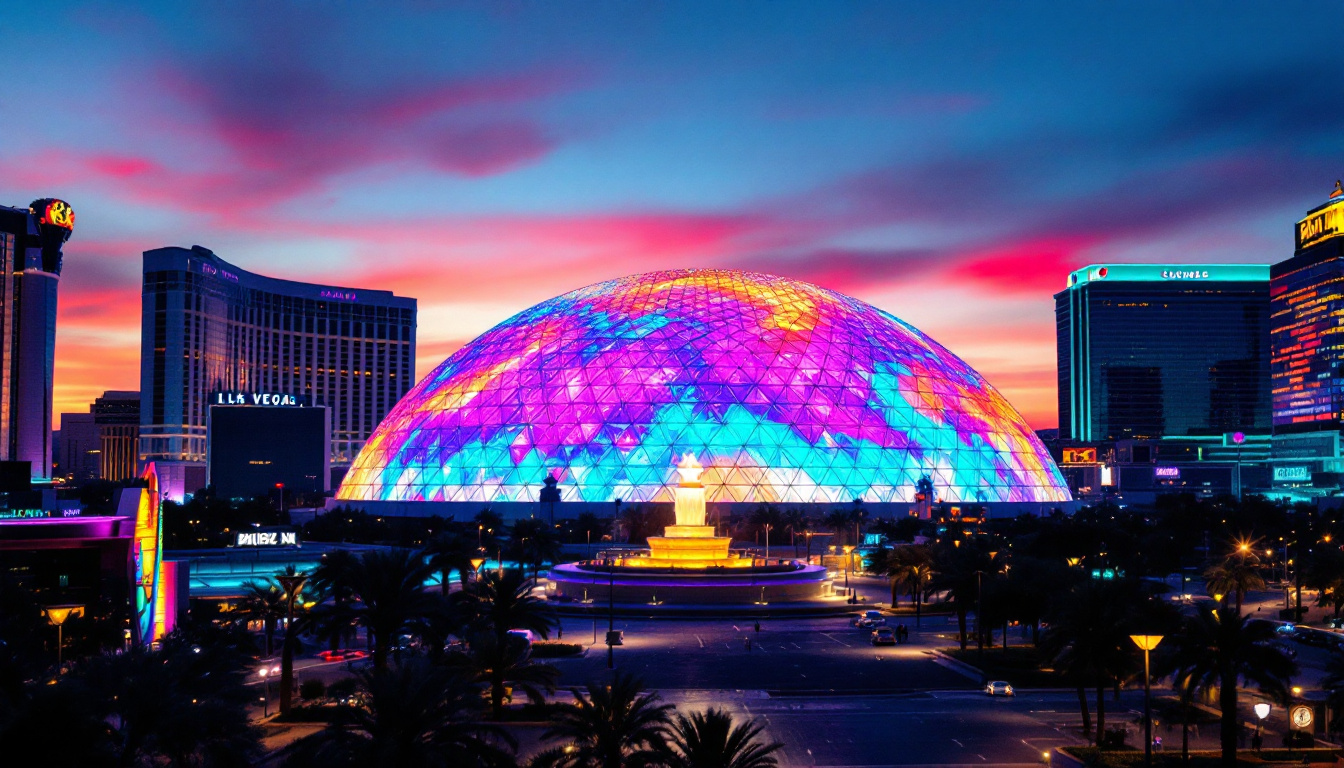
Event organizers calculate the required LED display size based on audience distance and venue layout, often opting for modular panels that can be assembled to create massive screens exceeding 300 inches diagonally.
Conclusion: Making the Right Choice for Your Visual Display
Choosing between a projector and an LED display involves careful consideration of screen size, viewing environment, budget, and maintenance preferences. Utilizing a projector screen size calculator ensures that projected images are optimized for clarity and comfort, while understanding LED display specifications helps in selecting the right panel size and resolution for your needs.
As LED technology continues to evolve and prices become more competitive, the line between projector and LED display applications is blurring. By combining precise calculations with an understanding of each technology’s strengths, users can create stunning visual experiences tailored perfectly to their spaces.
Explore Cutting-Edge Visual Solutions with LumenMatrix
Ready to elevate your visual experience with the latest in LED display technology? LumenMatrix is at the forefront of innovation, offering a wide range of LED display solutions that bring your content to life. From vibrant Indoor and Outdoor LED Wall Displays to dynamic Vehicle and Sports LED Displays, our products are designed to captivate and engage your audience. Discover the possibilities with our Custom, All-in-One, and Transparent LED Displays, each crafted to deliver your message with unparalleled impact. Don’t just take our word for it; check out LumenMatrix LED Display Solutions and see how we can transform your space into a mesmerizing visual spectacle.