In today’s fast-paced digital environment, professionals and enthusiasts alike are constantly seeking ways to enhance their visual workspace. A 3 monitor rack setup, combined with LED display technology, offers a compelling solution for increased productivity, immersive experiences, and ergonomic efficiency. This article delves into the intricacies of 3 monitor racks and LED displays, explaining their benefits, technical considerations, and practical applications.
Understanding the 3 Monitor Rack Setup
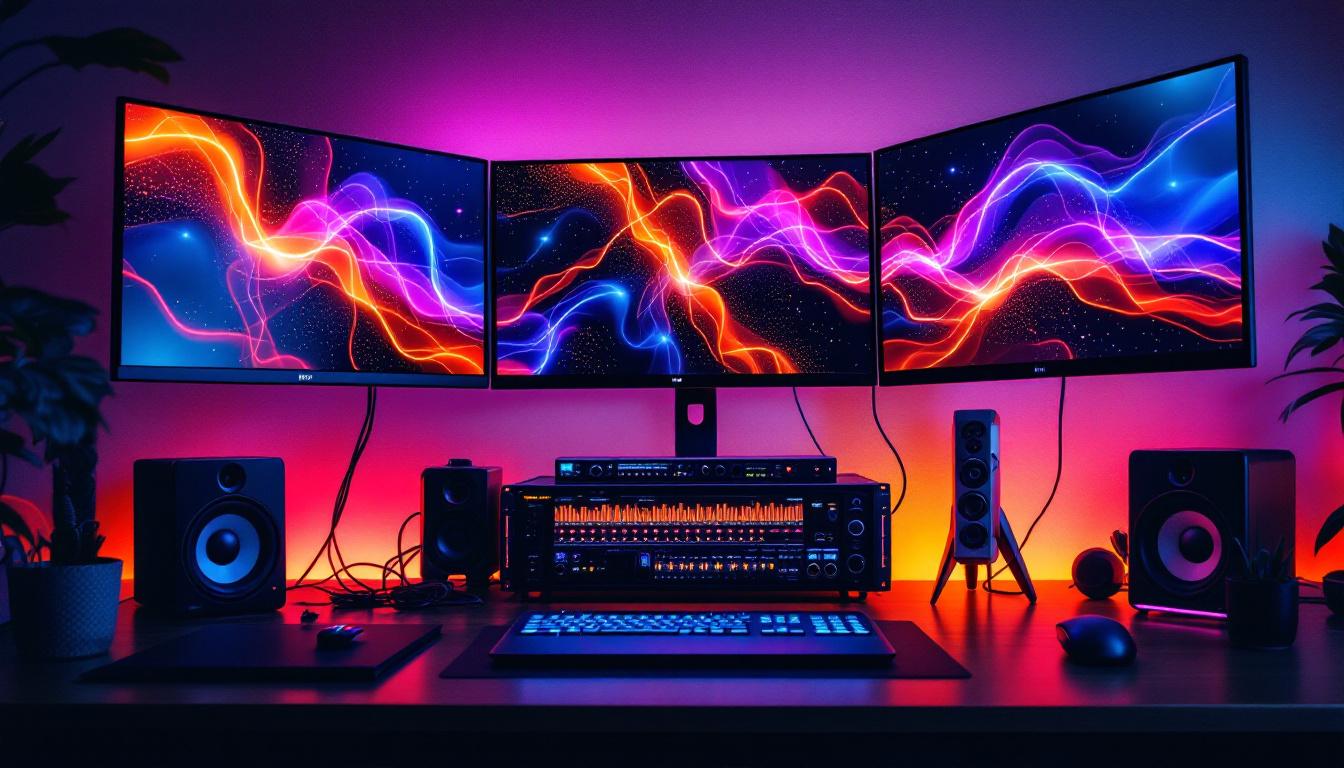
A 3 monitor rack setup involves mounting three individual monitors on a single frame or stand, creating a seamless multi-display workspace. This configuration is popular among various user groups, including traders, designers, gamers, and software developers, due to its ability to expand screen real estate without cluttering the desk. The versatility of this setup allows users to customize their workspace according to their specific needs, whether it be for intensive gaming sessions or detailed graphic design projects.
Unlike traditional single or dual monitor setups, a 3 monitor rack allows users to view multiple applications simultaneously, improving multitasking capabilities and workflow efficiency. For instance, a financial analyst can monitor stock charts on one screen, news feeds on the second, and trading platforms on the third, all at once. Similarly, a game developer might run their coding software on one monitor, test their game on another, and keep documentation or design references open on the third, thus streamlining their development process.
Benefits of a 3 Monitor Rack
One of the primary advantages of a 3 monitor rack is the ergonomic design it offers. By adjusting the height, tilt, and angle of each monitor, users can reduce neck and eye strain, promoting better posture during extended work sessions. Additionally, racks free up desk space by elevating monitors off the surface, providing room for other essential tools and accessories. This can be particularly beneficial in smaller workspaces where maximizing surface area is crucial. Furthermore, many modern monitor racks come equipped with cable management systems, helping to keep cords organized and out of sight, which not only enhances aesthetics but also reduces the risk of tangling and damage.
From a productivity standpoint, studies have shown that multi-monitor setups can increase efficiency by up to 42%. This improvement is attributed to reduced time spent switching between windows and enhanced ability to cross-reference information quickly. Moreover, the psychological benefits of having a larger workspace can’t be overlooked; users often report feeling less stressed and more focused when they have the ability to spread out their tasks visually. In creative fields, a 3 monitor setup can facilitate a more fluid workflow, allowing artists and designers to keep their tools, palettes, and reference materials visible without the constant need to toggle between tabs or applications.
LED Display Technology: What Makes It Stand Out?
Light Emitting Diode (LED) displays have become the standard in modern monitors due to their superior image quality, energy efficiency, and longevity. Understanding the technology behind LED displays is crucial when selecting monitors for a 3 monitor rack setup.
How LED Displays Work
LED displays use an array of light-emitting diodes to illuminate the screen. Unlike older LCD monitors that rely on cold cathode fluorescent lamps (CCFLs) for backlighting, LED monitors utilize LEDs that offer better brightness control and color accuracy. This results in sharper images, deeper blacks, and more vibrant colors.
There are two main types of LED backlighting: edge-lit and full-array. Edge-lit LEDs are positioned along the edges of the screen, allowing for thinner designs but sometimes causing uneven brightness. Full-array LED displays place LEDs directly behind the panel, offering superior uniformity and contrast, especially when combined with local dimming technology.
Advantages of LED Displays in Multi-Monitor Setups
When integrating three monitors, consistency in display quality is essential to avoid visual disruptions. LED monitors typically provide uniform brightness and color reproduction, ensuring a smooth transition across screens. Moreover, LED technology consumes less power compared to CCFL-backlit monitors, which can be significant in setups running multiple displays continuously.
Another benefit is the reduced heat generation of LED displays, which contributes to a cooler workspace environment and extends the lifespan of the monitors. This is particularly important in professional settings where monitors may be in use for 8+ hours daily.
Choosing the Right Monitors for a 3 Monitor Rack
Selecting monitors for a 3 monitor rack involves balancing several factors, including size, resolution, panel type, and connectivity options. These considerations ensure that the setup meets the user’s specific needs while maintaining visual harmony across all screens.
Monitor Size and Resolution
The physical size of each monitor typically ranges from 24 to 32 inches for most 3 monitor setups. Larger screens provide more workspace but require more desk space and can increase the overall cost. A common and effective size is 27 inches, which offers a good balance between visibility and ergonomics.
Resolution is equally important. Full HD (1920×1080) is the minimum standard, but many professionals prefer Quad HD (2560×1440) or even 4K (3840×2160) displays for sharper images and more screen real estate. Higher resolution monitors allow users to fit more content on each screen without sacrificing clarity, which is invaluable in tasks such as video editing, programming, or data analysis.
Panel Types: IPS vs. TN vs. VA
Panel technology affects color accuracy, viewing angles, and response times. In a 3 monitor rack, consistency across panels is crucial to avoid color mismatches and uneven image quality.
- IPS (In-Plane Switching): Known for excellent color reproduction and wide viewing angles, IPS panels are ideal for creative professionals and anyone requiring precise color fidelity.
- TN (Twisted Nematic): These panels offer faster response times and are often preferred by gamers, but they have narrower viewing angles and less accurate colors.
- VA (Vertical Alignment): VA panels provide better contrast ratios and deeper blacks than IPS and TN but may have slower response times. They are a good middle ground for general use.
For a balanced 3 monitor rack, IPS panels are generally recommended due to their versatility and superior visual consistency.
Connectivity and Compatibility
Ensuring that the monitors and the 3 monitor rack are compatible is essential. Most modern monitors support HDMI, DisplayPort, and USB-C connections. DisplayPort is often preferred for multi-monitor setups because it supports daisy-chaining, allowing multiple monitors to connect through a single port on the computer.
Additionally, some monitors come with built-in USB hubs, which can simplify cable management and improve workspace organization. When mounting monitors on a rack, check the VESA mounting compatibility (usually 75x75mm or 100x100mm) to ensure the monitors fit securely on the rack system.
Practical Applications of 3 Monitor Racks with LED Displays
The combination of a 3 monitor rack and LED displays serves a wide range of professional and personal applications, enhancing both functionality and user experience.
Professional Workstations
In industries such as finance, engineering, and software development, having multiple screens is indispensable. Traders can monitor multiple markets and news sources simultaneously, while engineers can view complex CAD designs alongside reference materials. Software developers benefit from having code editors, debuggers, and testing environments open concurrently.
The LED displays’ sharpness and color accuracy ensure that details are not lost, while the rack’s ergonomic design reduces physical strain during long hours of work.
Creative Industries
Graphic designers, video editors, and photographers require precise color representation and ample screen space to manage their projects effectively. A 3 monitor rack with LED displays allows them to spread out toolbars, timelines, and preview windows without compromising image quality.
Moreover, LED technology’s ability to display a wide color gamut supports accurate color grading and editing, which is critical in maintaining the integrity of creative work.
Gaming and Entertainment
For gamers and streamers, a 3 monitor setup can provide an immersive experience and streamline content creation. The primary monitor displays the game, while the secondary monitors can show chat windows, streaming controls, or system performance metrics.
LED displays with fast refresh rates and low response times enhance gameplay by reducing motion blur and input lag, providing a competitive edge. Additionally, the rack setup keeps the monitors aligned perfectly, creating a panoramic view that enhances immersion.
Installation and Maintenance Tips for 3 Monitor Racks
Proper installation and upkeep are vital to maximize the benefits of a 3 monitor rack with LED displays. Attention to detail during setup can prevent common issues such as screen misalignment, cable clutter, and overheating.
Installation Best Practices
Start by selecting a sturdy and adjustable rack that supports the weight and size of your monitors. Follow the manufacturer’s instructions carefully to mount each monitor securely using VESA mounts. Position the monitors at eye level to reduce neck strain and angle them slightly inward for an immersive viewing experience.
When connecting cables, use cable management solutions like clips, sleeves, or channels to keep wires organized and out of the way. This not only improves aesthetics but also prevents accidental disconnections or damage.
Maintenance and Troubleshooting
Regularly clean the monitors with a microfiber cloth to remove dust and fingerprints, avoiding harsh chemicals that can damage the screen. Check the rack’s screws and joints periodically to ensure stability.
If color discrepancies or flickering occur, verify the cable connections and update the monitor drivers. Calibration tools can help maintain color accuracy across all three displays, which is especially important in professional settings.
Conclusion: Why a 3 Monitor Rack with LED Displays is a Smart Investment
Integrating a 3 monitor rack with LED displays into a workspace offers significant advantages in productivity, ergonomics, and visual quality. Whether for professional tasks, creative projects, or gaming, this setup enhances the ability to multitask and engage with digital content more effectively.
By carefully selecting compatible monitors, understanding LED technology, and following best installation practices, users can create a cohesive and efficient multi-monitor environment. As technology continues to evolve, investing in a 3 monitor rack with LED displays remains a forward-thinking choice for anyone looking to optimize their digital workspace.
Discover the Future of Visual Display with LumenMatrix
Ready to elevate your workspace with the most advanced LED display technology? LumenMatrix is at the forefront of innovation, offering a wide array of LED display solutions tailored to your needs. From captivating Indoor LED Wall Displays to dynamic Outdoor LED Wall Displays and beyond, our products are designed to transform your visual communication and engagement. Experience the difference with LumenMatrix and take the first step towards a visually stunning and productive environment. Check out LumenMatrix LED Display Solutions today and see your space in a new light.