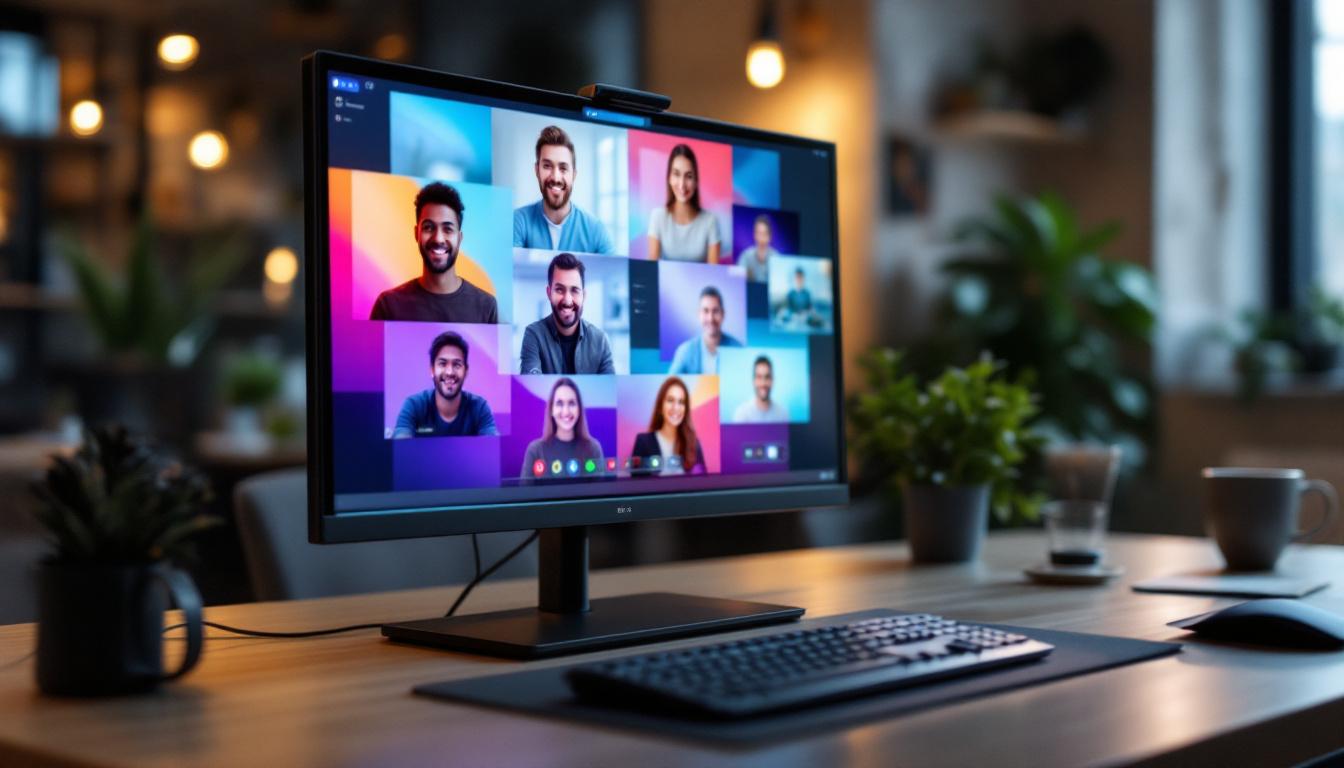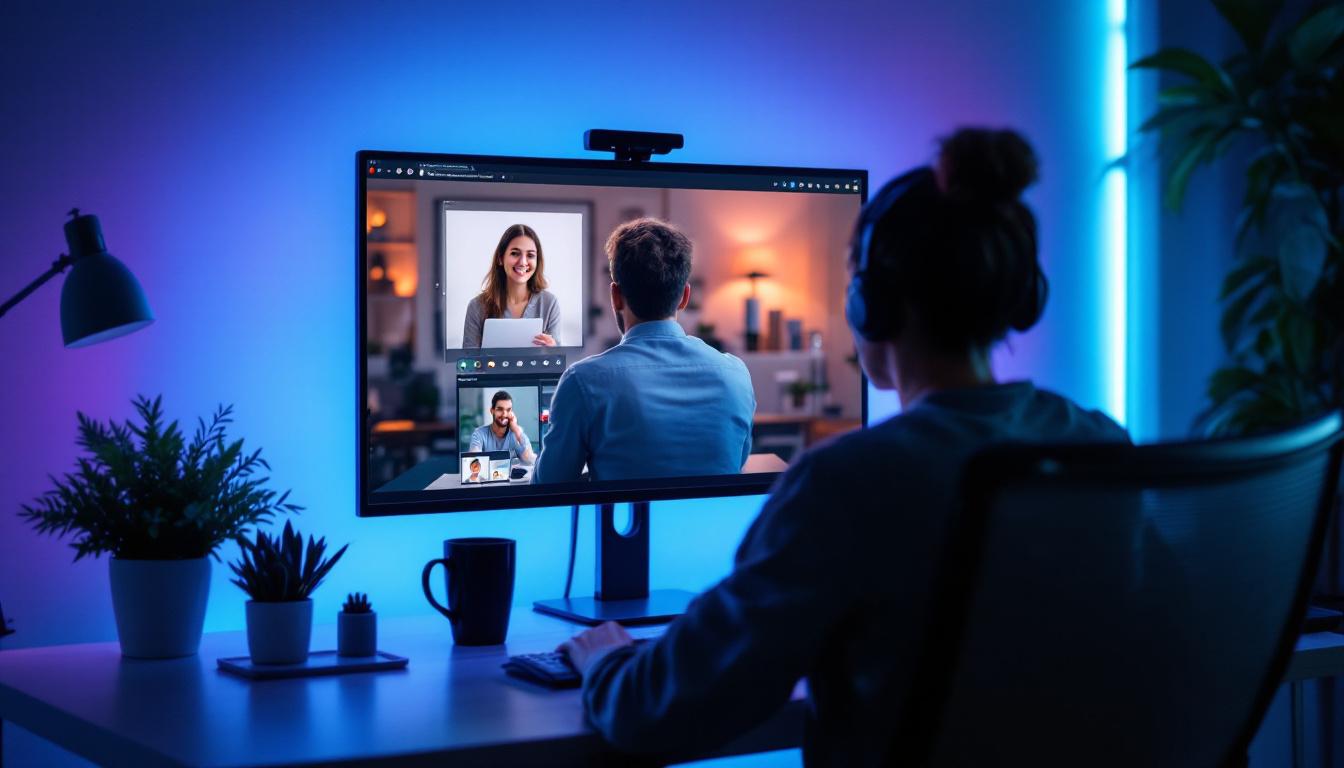
In today’s increasingly remote and hybrid work environments, video conferencing has become a cornerstone of professional communication. Whether you’re leading a team meeting, conducting interviews, or connecting with clients, the quality of your video feed can significantly impact how you are perceived. One of the most critical factors influencing video quality is lighting. Among various lighting options, LED displays have emerged as a leading choice for enhancing video conferencing experiences.
Why Lighting Matters in Video Conferencing
Good lighting is essential for clear, professional video communication. Poor lighting can cause shadows, uneven skin tones, and grainy images, which distract viewers and reduce engagement. According to a 2023 study by Wainhouse Research, 78% of remote workers reported that poor video quality negatively affected their meeting productivity. This statistic underscores the importance of investing in proper lighting solutions.
Natural light is often ideal, but it’s not always available or consistent. Artificial lighting, therefore, plays a crucial role in creating a flattering and clear video image. Among artificial lighting options, LED lighting stands out due to its efficiency, versatility, and ability to mimic natural light conditions.
When setting up your video conferencing space, consider the direction and intensity of your lighting. Positioning lights at eye level can help eliminate unflattering shadows on your face, while diffusing the light can soften its intensity, creating a more inviting atmosphere. Additionally, using a combination of key lights and fill lights can enhance your appearance by balancing out highlights and shadows, ensuring that you appear vibrant and engaged during your meetings. This attention to detail not only improves the visual quality of your video but also boosts your confidence as you present yourself in a professional manner.
Moreover, the color temperature of your lighting can significantly influence the overall tone of your video calls. Warmer lights can create a cozy and approachable feel, while cooler lights tend to convey a more clinical and focused environment. Experimenting with different lighting setups can help you find the perfect balance that aligns with your personal or brand image. As remote work continues to evolve, understanding the nuances of lighting can give you a competitive edge, making your virtual presence more impactful and memorable.
Understanding LED Displays for Video Conferencing
What is an LED Display?
LED (Light Emitting Diode) displays are lighting panels composed of numerous small diodes that emit light when an electric current passes through them. Unlike traditional incandescent or fluorescent bulbs, LEDs are energy-efficient, have a longer lifespan, and produce less heat. This makes them ideal for prolonged use during video calls.
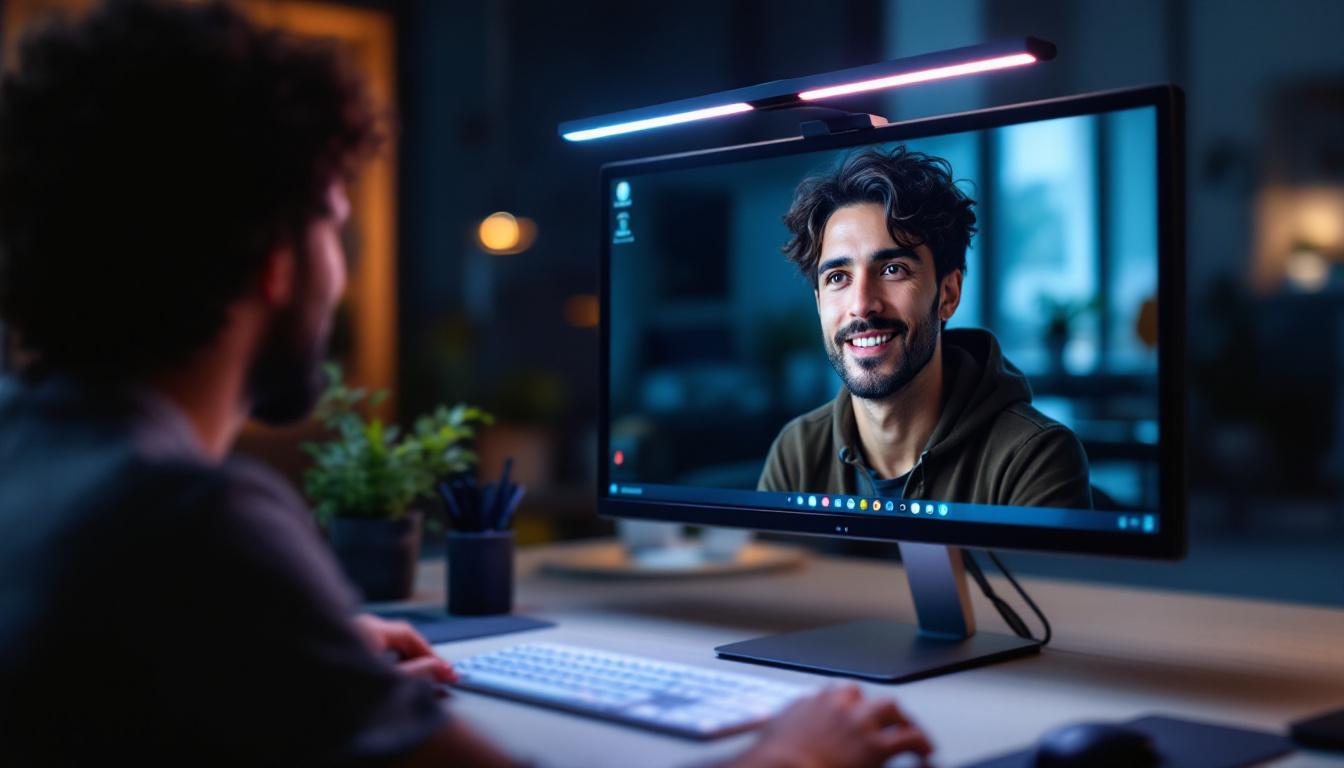
In the context of video conferencing, LED displays refer to lighting panels designed specifically to illuminate the subject evenly, reducing shadows and enhancing facial features. These panels often come with adjustable brightness and color temperature settings to adapt to different environments and skin tones. The technology behind LED displays has evolved significantly, allowing for not just better energy efficiency but also improved color accuracy, which is crucial for professional settings where visual presentation matters.
Moreover, LED displays can be integrated with smart technology, enabling users to control the lighting remotely through applications on their smartphones or computers. This feature is particularly beneficial for users who may need to adjust their lighting setup without leaving their desk, ensuring a seamless and distraction-free video conferencing experience. The convenience of smart LED displays allows for quick adjustments during a call, helping to maintain a professional appearance regardless of the lighting conditions in the room.
Key Features of LED Lighting for Video Conferencing
When selecting LED lighting for video conferencing, several features are critical:
- Adjustable Brightness: Allows users to control the intensity of light to avoid overexposure or underexposure.
- Color Temperature Control: Measured in Kelvins (K), this feature lets users switch between warm (around 3200K), neutral (around 4500K), and cool (up to 6500K) light tones, helping to match ambient light and skin tones.
- Flicker-Free Technology: Prevents the flickering effect that can cause eye strain and degrade video quality.
- Portability and Mounting Options: Many LED panels are lightweight and come with tripod mounts or clips, making them easy to position for optimal lighting angles.
Additionally, some LED lighting solutions come equipped with built-in diffusion panels, which help to soften the light and create a more flattering appearance on camera. This is particularly useful in minimizing harsh shadows that can detract from the overall quality of the video. Furthermore, advanced models may include features such as RGB color mixing, allowing users to create dynamic lighting effects or match specific branding colors during presentations. This versatility not only enhances the aesthetic appeal of video calls but also allows for creative expression, making meetings more engaging and visually stimulating.
Another important aspect to consider is the power source of the LED lighting. Many modern LED panels offer dual power options, allowing them to be powered by both AC outlets and rechargeable batteries. This flexibility is invaluable for professionals who may need to conduct video calls in various locations, whether in a home office, a temporary workspace, or on the go. With the right LED display setup, users can ensure that they are always well-lit and ready to present themselves in the best possible light, regardless of their surroundings.
How LED Lighting Improves Video Conferencing Quality
Enhancing Facial Visibility and Expression
LED lighting provides even illumination that highlights facial features without harsh shadows. This is crucial because facial expressions are a significant part of non-verbal communication. A well-lit face ensures that subtle cues like smiles, nods, and frowns are visible, fostering better understanding and connection during meetings.
Reducing Eye Strain for Longer Calls
Many LED panels incorporate flicker-free technology and adjustable brightness, which help reduce eye fatigue during extended video calls. This is especially important as remote work has led to longer screen time for many professionals. Comfortable lighting conditions contribute to sustained focus and productivity.
Improving Color Accuracy and Skin Tone Representation
Color temperature control allows LED lights to produce natural-looking skin tones. This avoids the washed-out or overly warm appearance that can occur with poor lighting. Accurate color representation helps participants feel more confident and professional on camera.
Choosing the Best LED Display for Your Video Conferencing Setup
Consider Your Environment
Before purchasing LED lighting, assess your workspace. Is your room dimly lit, or do you have ample natural light? Are there multiple light sources that create shadows? Understanding your environment helps determine the brightness and size of the LED panel you need.
Size and Portability
LED panels come in various sizes, from small ring lights to larger rectangular panels. Smaller lights are portable and easy to position, while larger panels provide more uniform lighting over a wider area. For professionals who travel or work from multiple locations, portability is a key consideration.
Power Source and Connectivity
Many LED panels offer USB power options, making them compatible with laptops and portable chargers. Others require AC power, which may limit placement options. Additionally, some advanced models include wireless control via smartphone apps, allowing for easy adjustments during calls.
Budget Considerations
LED lighting solutions vary widely in price. Entry-level ring lights can be found for under $50, while professional-grade panels with advanced features may cost several hundred dollars. Investing in quality lighting is often worthwhile, as it directly impacts your professional image and communication effectiveness.
Practical Tips for Using LED Lighting in Video Conferencing
Positioning Your LED Light
Place the LED panel at eye level or slightly above to mimic natural sunlight angles. Position the light about 12 to 24 inches from your face to avoid harsh shadows while ensuring sufficient brightness. Avoid placing lights directly overhead or below, as this can create unflattering shadows.
Balancing Ambient and LED Light
Use LED lighting to supplement ambient light rather than overpower it. If possible, close curtains or blinds to control natural light variability. Combining LED lights with soft ambient lighting creates a balanced and professional appearance on camera.
Using Diffusers and Softboxes
Many LED panels come with built-in diffusers or softboxes that soften the light output. This reduces glare and harsh shadows, resulting in a more flattering and natural look. If your LED panel doesn’t include these, consider purchasing separate diffusion accessories.
Adjusting Color Temperature for Different Times of Day
Morning and midday light tends to be cooler, while evening light is warmer. Adjust your LED panel’s color temperature to complement the natural light during your calls. Cooler temperatures (5000K-6500K) work well in bright, daylight conditions, while warmer temperatures (3200K-4500K) suit dimmer, indoor environments.
Top LED Lighting Products for Video Conferencing in 2024
Several LED lighting products have gained popularity among professionals for video conferencing:
- Neewer 18-inch Ring Light Kit: Offers adjustable brightness and color temperature, with a large, even light source ideal for close-up video calls.
- Elgato Key Light Air: Compact and powerful, this panel features app-based controls and flicker-free lighting, perfect for home office setups.
- Lume Cube Broadcast Lighting Kit: Portable and versatile, with adjustable brightness and color temperature, suitable for on-the-go professionals.
- Godox LEDP260C Video Light: Provides excellent color accuracy and brightness control, favored by content creators and remote workers alike.
Choosing the right product depends on individual needs, workspace, and budget, but these options represent some of the best lighting solutions available in 2024.
Conclusion: Elevate Your Video Conferencing with LED Lighting
Investing in quality LED lighting can transform your video conferencing experience by improving image clarity, enhancing facial features, and reducing eye strain. As remote work continues to be a dominant mode of professional interaction, ensuring you look your best on camera is more important than ever.
By understanding the features and benefits of LED displays, assessing your environment, and selecting the right equipment, you can create a professional and engaging video presence. Whether you’re a remote employee, freelancer, or business leader, the right lighting is a simple yet powerful tool to communicate effectively and confidently.
Discover LumenMatrix’s Advanced LED Lighting Solutions
Ready to elevate your video conferencing experience with superior LED lighting? LumenMatrix, a pioneer in LED display technology, offers an array of cutting-edge solutions tailored to meet your needs. From enhancing your professional presence in virtual meetings to creating immersive environments with Indoor and Outdoor LED Wall Displays, our products are designed to deliver unparalleled clarity and visual impact. Explore our innovative LED Display Solutions, including specialized options like Vehicle LED Displays, LED Sports Displays, and Custom LED Displays, to find the perfect fit for your space. Experience the difference in visual communication with LumenMatrix and share your message with confidence. Check out LumenMatrix LED Display Solutions today and transform the way you connect and engage.