36 Inch PC Monitor: LED Display Explained
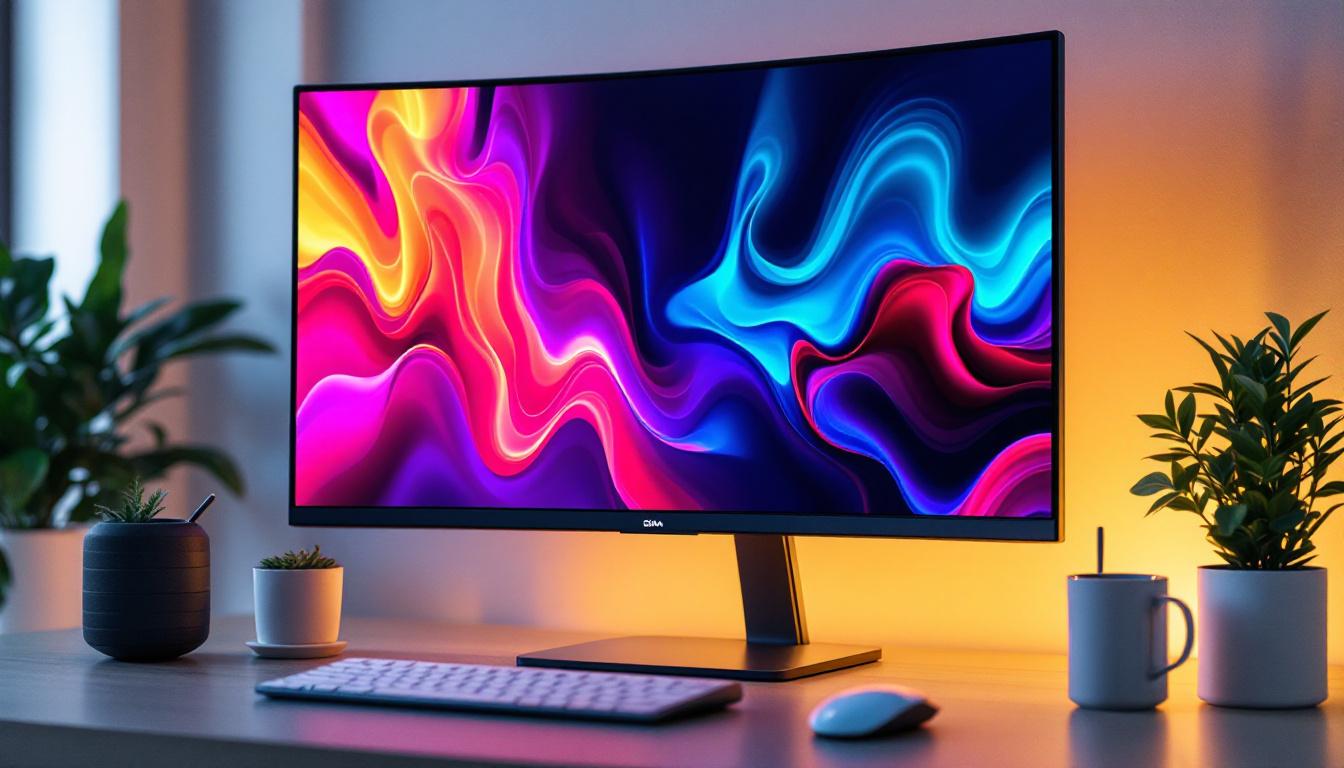
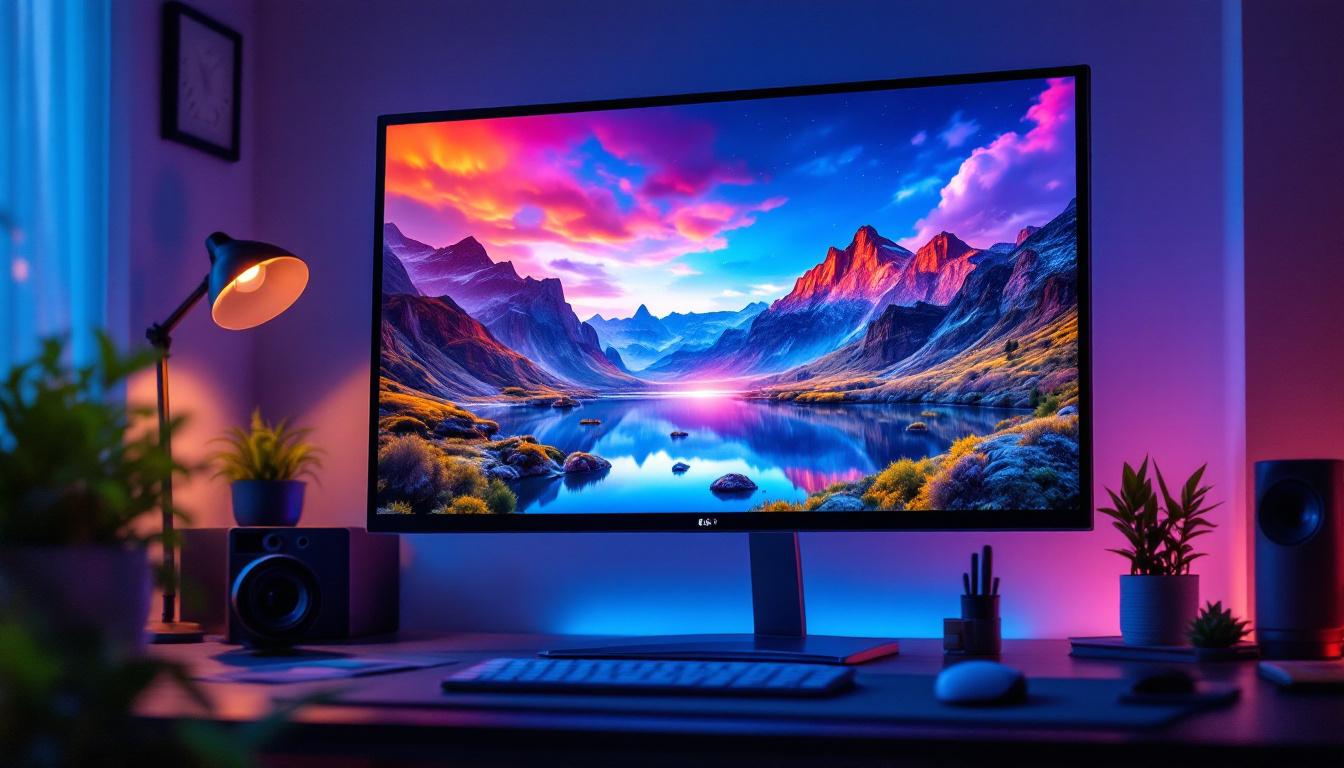
Choosing the right PC monitor is a critical decision for professionals, gamers, and casual users alike. Among the various options available, a 36 inch PC monitor with an LED display stands out for its balance of size, image quality, and energy efficiency. This article delves into the specifics of 36 inch LED monitors, explaining their technology, benefits, and practical considerations to help you make an informed choice.
Understanding LED Display Technology
LED, or Light Emitting Diode, technology has revolutionized the way monitors display images. Unlike older LCD monitors that used cold cathode fluorescent lamps (CCFL) for backlighting, LED monitors use an array of tiny light-emitting diodes. This shift has brought about significant improvements in brightness, contrast, and energy consumption. The transition to LED technology not only enhances the visual experience but also contributes to a more sustainable approach to electronics, as LED displays consume less power and have a longer lifespan compared to their predecessors.
How LED Displays Work
At the core, LED monitors are still LCD panels, but the backlight source is composed of LEDs rather than fluorescent tubes. These LEDs illuminate the liquid crystals, which then manipulate the light to produce images. The use of LEDs allows for thinner panels, better color accuracy, and more uniform brightness across the screen. Additionally, advancements in LED technology, such as Quantum Dot and Mini LED, are pushing the boundaries of color performance and dynamic range, making displays even more vibrant and lifelike.
There are two main types of LED backlighting: edge-lit and full-array. Edge-lit LED monitors place LEDs along the edges of the screen, allowing for slimmer designs but sometimes uneven brightness. Full-array LED monitors have LEDs spread evenly behind the entire screen, enabling local dimming and superior contrast ratios. This means that in scenes with both bright and dark elements, full-array displays can selectively dim or brighten specific areas of the screen, resulting in deeper blacks and more impactful highlights, which is especially beneficial for watching movies or playing video games.
Why Size Matters: The Appeal of a 36 Inch Monitor
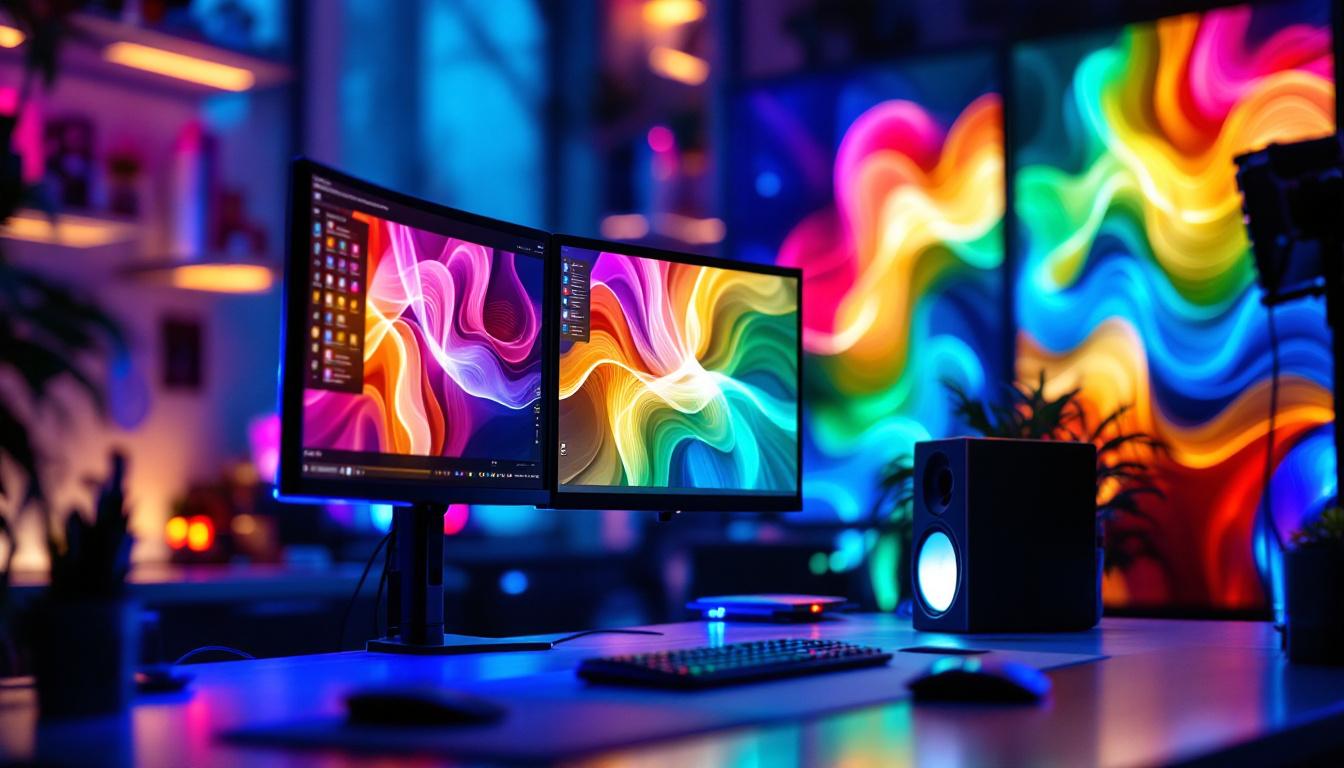
A 36 inch monitor occupies a sweet spot between large desktop displays and ultra-wide or multi-monitor setups. This size provides ample screen real estate for multitasking, creative work, and immersive gaming without overwhelming desk space. For professionals like graphic designers, video editors, and engineers, a 36 inch screen can significantly enhance productivity by reducing the need to switch between windows constantly. The expansive view allows for side-by-side comparisons of work, which is invaluable in design and editing workflows.
Moreover, the 36 inch size is large enough to support high resolutions such as 3440×1440 or even 3840×2160 (4K), ensuring crisp, detailed images. This is particularly important for users who require color accuracy and fine detail, such as photographers and CAD users. The larger display also enhances the gaming experience, as players can immerse themselves in expansive worlds with greater field of view. Additionally, many 36 inch monitors come equipped with features like high refresh rates and adaptive sync technologies, which further elevate the gaming experience by providing smoother motion and reducing screen tearing.
Benefits of a 36 Inch LED PC Monitor
When considering a 36 inch LED monitor, several benefits make it an attractive choice over smaller or older display technologies.
Superior Image Quality and Color Accuracy
LED monitors typically offer better color reproduction and higher contrast ratios than traditional LCDs. The ability to implement local dimming with full-array LED backlighting allows for deeper blacks and more vibrant colors. This is essential for creative professionals who rely on accurate color representation.
Additionally, many 36 inch LED monitors support wide color gamuts such as Adobe RGB or DCI-P3, which cover a broader spectrum of colors than standard sRGB displays. This capability ensures that the colors you see on screen are closer to real life, which is crucial for print work and video production. The enhanced detail in shadows and highlights can significantly impact the quality of visual projects, making these monitors a preferred choice for photographers and graphic designers.
Moreover, the large screen real estate provided by a 36 inch monitor allows for multitasking without the need for multiple displays. Users can comfortably work with multiple applications side by side, enhancing productivity and workflow efficiency. Whether you’re editing a video while referencing a script or designing a layout with various assets, the expansive display area makes it easier to manage complex tasks.
Energy Efficiency and Longevity
LED backlighting is more energy-efficient than CCFL, consuming less power while providing brighter images. This efficiency translates into lower electricity bills and a reduced environmental footprint. Furthermore, LED monitors tend to have longer lifespans, often rated for 30,000 to 60,000 hours of use, making them a cost-effective investment over time.
In addition to energy savings, many 36 inch LED monitors are designed with eco-friendly materials and manufacturing processes, further contributing to their sustainability. Features like automatic brightness adjustment based on ambient light can also help conserve energy, ensuring that the monitor operates efficiently in various lighting conditions. This focus on sustainability is increasingly important for consumers looking to make environmentally conscious choices in their technology purchases.
Ergonomics and Eye Comfort
Many modern 36 inch LED monitors come equipped with features designed to reduce eye strain during prolonged use. Flicker-free technology and blue light filters help minimize visual fatigue, which is especially beneficial for users who spend hours in front of the screen. Adjustable stands and VESA compatibility also allow users to customize the monitor’s height, tilt, and orientation for optimal ergonomic comfort.
Furthermore, some monitors incorporate advanced features like ambient light sensors that adjust screen brightness based on the surrounding environment, promoting a more comfortable viewing experience. This adaptability helps to reduce glare and improve visibility, making it easier to focus on tasks without straining your eyes. For gamers and professionals alike, these ergonomic considerations can lead to longer, more enjoyable sessions without discomfort, ultimately enhancing performance and creativity.
Key Features to Consider When Buying a 36 Inch LED Monitor
Not all 36 inch LED monitors are created equal. To ensure you select a model that meets your needs, consider the following key features.
Resolution and Pixel Density
Resolution determines the clarity and detail of the images displayed. For a 36 inch monitor, a higher resolution such as 3440×1440 (ultrawide QHD) or 3840×2160 (4K UHD) is recommended to maintain sharpness and avoid pixelation. Pixel density, measured in pixels per inch (PPI), affects how crisp the display appears. A higher PPI results in finer detail and smoother text rendering.
Refresh Rate and Response Time
For gamers and video editors, refresh rate and response time are crucial. A higher refresh rate (e.g., 120Hz or 144Hz) ensures smoother motion and reduces screen tearing during fast-paced action. Response time, typically measured in milliseconds, indicates how quickly a pixel can change color. Lower response times (1-5ms) help minimize motion blur and ghosting effects.
Connectivity Options
Modern 36 inch LED monitors should offer a variety of input ports, including HDMI, DisplayPort, and USB-C. USB-C is particularly valuable for users who want to connect laptops or mobile devices with a single cable that can transmit video, data, and power. Multiple ports also allow for easy connection of peripherals and multiple devices.
Panel Type
The panel type significantly affects image quality and viewing angles. IPS (In-Plane Switching) panels are preferred for their wide viewing angles and accurate color reproduction, making them ideal for professional use. VA (Vertical Alignment) panels offer better contrast ratios but narrower viewing angles, while TN (Twisted Nematic) panels provide faster response times but poorer color accuracy.
Practical Applications of 36 Inch LED Monitors
The versatility of 36 inch LED monitors makes them suitable for a wide range of applications.
Professional Workstations
In fields such as graphic design, video editing, and 3D modeling, the large screen size combined with high resolution and color accuracy enhances workflow efficiency. Professionals can view multiple windows side-by-side, work on detailed projects without zooming, and trust the color fidelity of their displays.
Gaming and Entertainment
Gamers benefit from the immersive experience that a large 36 inch screen provides. When paired with high refresh rates and fast response times, these monitors deliver smooth gameplay and vivid visuals. Additionally, the ultrawide aspect ratio common in 36 inch monitors offers a broader field of view, which can be advantageous in competitive gaming.
Office Productivity and Multitasking
For everyday office use, a 36 inch monitor can replace dual-monitor setups, reducing clutter and simplifying cable management. The expansive screen space allows users to keep multiple applications open simultaneously, improving productivity and ease of navigation.
Considerations and Potential Drawbacks
While 36 inch LED monitors offer many advantages, there are some considerations to keep in mind before making a purchase.
Desk Space and Viewing Distance
A 36 inch monitor requires a sizable desk and sufficient viewing distance—typically around 2.5 to 3 feet—to ensure comfortable use without excessive head movement or eye strain. Users with limited space may find such a large screen impractical.
Price and Budget
Larger monitors with advanced LED technology and high resolutions tend to be more expensive. It’s important to balance desired features with budget constraints. However, investing in a quality 36 inch LED monitor can pay off in terms of productivity, comfort, and longevity.
Potential for Overkill
Not every user needs a 36 inch display. For basic tasks like web browsing or word processing, smaller monitors may suffice. Overly large screens can sometimes lead to inefficient workflows if not paired with appropriate software and ergonomic setups.
Conclusion: Is a 36 Inch LED Monitor Right for You?
Choosing a 36 inch PC monitor with an LED display can be a game-changer for users who require expansive screen space, excellent image quality, and energy-efficient technology. Whether for professional creative work, immersive gaming, or enhanced productivity, these monitors offer a compelling combination of features.
However, it’s essential to consider your workspace, budget, and specific needs before making a purchase. By understanding the technology behind LED displays and evaluating key specifications such as resolution, refresh rate, and panel type, you can select a 36 inch monitor that perfectly complements your computing environment.
As display technology continues to advance, 36 inch LED monitors remain a versatile and forward-looking choice for a wide range of applications, delivering both performance and visual excellence.
Discover the Future of Visual Display with LumenMatrix
Ready to elevate your visual experience with a monitor that embodies the pinnacle of LED technology? Look no further than LumenMatrix, a pioneer in crafting LED displays that bring your content to life. Whether you’re seeking to boost your professional workspace or enrich your entertainment setup, LumenMatrix offers a diverse range of solutions including Indoor and Outdoor LED Wall Displays, Vehicle and Sports LED Displays, and innovative options like LED Poster, Floor, Custom, All-in-One, and Transparent Displays. Embrace the future of visual communication and check out LumenMatrix LED Display Solutions to find the perfect match for your 36 inch LED monitor needs.