In today’s fast-paced digital world, the demand for versatile and efficient display solutions has skyrocketed. Portable touch screen monitors have emerged as a game-changer for professionals, creatives, and tech enthusiasts alike. Combining mobility with interactive capabilities, these devices offer a seamless extension to laptops, tablets, and even smartphones. This article delves into the best portable touch screen monitors available today, with a special focus on their LED display technology — explaining how it works, why it matters, and what to look for when choosing the right monitor for your needs.
Understanding Portable Touch Screen Monitors
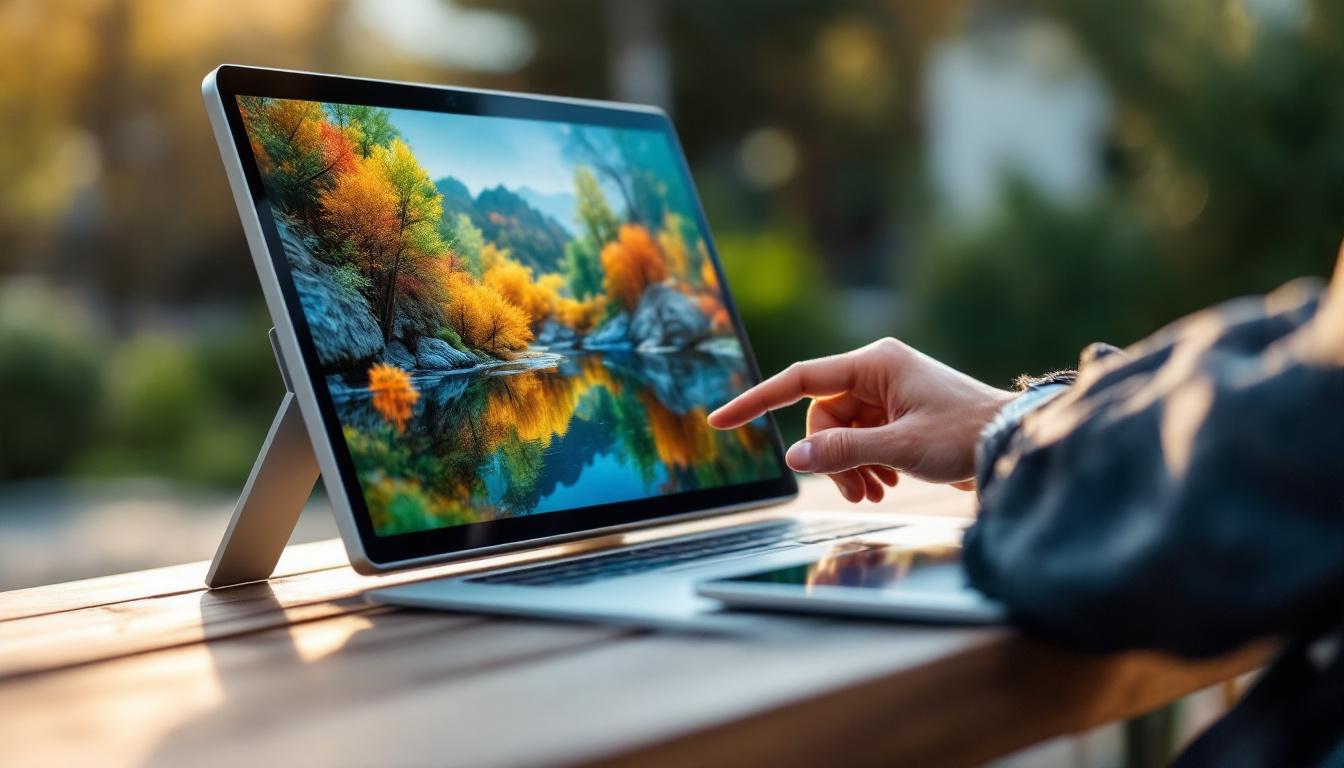
Portable touch screen monitors are compact, lightweight displays designed to be easily transported and connected to various devices. Unlike traditional monitors, these screens offer touch interactivity, allowing users to tap, swipe, and use gestures directly on the display. This feature enhances productivity, creativity, and convenience, especially for those who work remotely or require multi-screen setups on the go.
Typically ranging from 12 to 17 inches, these monitors are powered either via USB-C or HDMI connections, often without the need for an external power source. Their slim profiles and durable builds make them ideal companions for business presentations, digital art, gaming, and even mobile entertainment.
Why Touch Screen Matters
The integration of touch technology in portable monitors transforms how users interact with their devices. For graphic designers and illustrators, it means being able to draw directly on the screen with a stylus. For business professionals, it allows for intuitive navigation during presentations or collaborative work sessions. Even casual users benefit from the ease of scrolling, zooming, and selecting content without relying on a mouse or keyboard.
Moreover, touch screens can enhance accessibility, making it easier for users with limited dexterity to operate their devices. This added layer of interaction is increasingly becoming a standard expectation in portable displays.
LED Display Technology Explained
At the heart of most portable touch screen monitors lies LED display technology. Understanding how LED (Light Emitting Diode) displays work is crucial to appreciating their advantages and limitations.
What is an LED Display?
LED displays use tiny light-emitting diodes to illuminate pixels on the screen. Each pixel is made up of sub-pixels in red, green, and blue, which combine to produce a full spectrum of colors. LED technology is actually a type of LCD (Liquid Crystal Display) that uses LEDs as the backlight source instead of older fluorescent lamps.
This shift to LED backlighting has several benefits, including improved brightness, better energy efficiency, and thinner display profiles. LED displays can also offer enhanced color accuracy and contrast ratios, making images and videos appear more vibrant and lifelike.
Types of LED Backlighting
There are mainly two types of LED backlighting used in portable monitors:
- Edge-Lit LED: LEDs are placed along the edges of the screen, and light is distributed across the display using light guides. This design allows for thinner monitors but may result in less uniform brightness.
- Direct-Lit LED: LEDs are positioned directly behind the screen, providing more even lighting and better contrast but often at the cost of increased thickness and weight.
Most portable monitors favor edge-lit LED technology due to its slimness and portability advantages.
Advantages of LED Displays in Portable Monitors
LED displays are particularly suited for portable touch screen monitors for several reasons:
- Energy Efficiency: LEDs consume less power, which is vital for battery-operated or USB-powered devices.
- Brightness and Visibility: LED backlighting enables higher brightness levels, ensuring clear visibility even in well-lit environments.
- Color Accuracy: Modern LED displays support wide color gamuts, important for tasks requiring precise color reproduction like photo editing.
- Durability: LEDs have a longer lifespan compared to older backlighting technologies, making the monitors more reliable over time.
Key Features to Consider When Choosing a Portable Touch Screen Monitor
With numerous options available in the market, selecting the best portable touch screen monitor can be overwhelming. Understanding the critical features and specifications helps make an informed decision tailored to your specific needs.
Screen Size and Resolution
Screen size impacts portability and usability. While larger screens (15 to 17 inches) offer more workspace and better viewing comfort, smaller sizes (12 to 14 inches) are more compact and easier to carry. Resolution is equally important; Full HD (1920×1080) is the standard for sharp images, but some high-end models offer 4K resolution for exceptional detail.
Touch Technology
Most portable monitors use capacitive touch technology, which supports multi-touch gestures and provides a responsive experience similar to smartphones. Some monitors also support stylus input, which is essential for digital artists and note-takers. Checking compatibility with your preferred stylus or pen is advisable.
Connectivity Options
USB-C has become the preferred connection method due to its ability to transmit video, audio, and power through a single cable. However, HDMI ports are still common and useful for connecting to a wider range of devices. Some monitors also include additional USB ports, headphone jacks, or microSD card slots for enhanced versatility.
Build Quality and Portability
Since portability is a primary feature, the monitor’s weight, thickness, and durability matter. Aluminum or metal chassis offer better protection and a premium feel compared to plastic bodies. Features like foldable stands, protective cases, and anti-glare coatings also enhance usability on the go.
Battery Life and Power Source
While many portable monitors draw power from connected devices, some come with built-in batteries, allowing independent use. Battery life varies widely, so consider how long you need the monitor to operate without external power, especially for travel or outdoor use.
Top Portable Touch Screen Monitors in 2024
Several models stand out in 2024 for their performance, features, and value. Here’s a closer look at some of the best options currently available.
1. ASUS ZenScreen Touch MB16AMT
The ASUS ZenScreen Touch MB16AMT is a 15.6-inch Full HD portable monitor with a capacitive 10-point touch screen. It features an IPS panel with excellent color accuracy and wide viewing angles. The built-in 7800mAh battery allows up to 4 hours of use without external power, making it ideal for mobile professionals.
Connectivity includes USB-C and micro-HDMI ports, supporting a wide range of devices. Its hybrid-signal solution allows it to work with USB-C and traditional USB-A ports, enhancing compatibility.
2. Lenovo ThinkVision M14t
Lenovo’s ThinkVision M14t is a 14-inch portable touch monitor with 1920×1080 resolution and 10-point multi-touch support. It is designed with creatives in mind, offering a stylus for precise input and an adjustable kickstand for ergonomic use.
Weighing just 698 grams, it’s one of the lightest in its class. Dual USB-C ports enable easy connection and power delivery, while the anti-glare screen reduces eye strain during extended use.
3. Dell C1422H
The Dell C1422H is a 14-inch Full HD portable monitor that supports touch input and features an IPS panel for vibrant colors and sharp images. It boasts a sleek design with a foldable smart cover that doubles as a stand.
With USB-C connectivity, it offers plug-and-play functionality and is compatible with a wide range of laptops and mobile devices. Its brightness of 300 nits ensures good visibility in various lighting conditions.
4. HP EliteDisplay S14
HP’s EliteDisplay S14 is a 14-inch portable monitor with a Full HD IPS display and touch support. It stands out for its robust build quality and straightforward USB-C connectivity.
Though it lacks a built-in battery, its slim profile and lightweight design make it an excellent choice for business travelers who prioritize portability and ease of use.
How to Maximize the Use of Your Portable Touch Screen Monitor
Owning a portable touch screen monitor is just the beginning. To get the most out of this technology, consider these tips and best practices.
Optimize Display Settings
Adjust brightness, contrast, and color settings to match your environment and task requirements. Many monitors come with software utilities that allow fine-tuning of color profiles, which is especially useful for photo and video editing.
Use Compatible Accessories
Invest in a high-quality stylus if your monitor supports pen input. Pairing the monitor with a portable stand or case can improve ergonomics and protect the screen during transport. Additionally, ensure your cables and adapters support the monitor’s resolution and refresh rate to avoid performance bottlenecks.
Maintain and Protect the Screen
Touch screens are prone to fingerprints and smudges. Use microfiber cloths and screen-safe cleaning solutions to keep the display clear. Avoid applying excessive pressure or sharp objects that could damage the touch layer.
Future Trends in Portable Touch Screen Monitors
The portable monitor market continues to evolve rapidly, driven by advances in display technology and user demands.
Higher Resolutions and OLED Displays
While Full HD remains standard, 4K portable monitors are becoming more accessible. OLED technology, known for its superior contrast and color depth, is starting to appear in portable formats, promising richer visuals and even thinner designs.
Improved Touch and Pen Technologies
Expect more precise and pressure-sensitive touch inputs, enabling better support for digital artists and handwriting recognition. Integration with AI-powered software may also enhance gesture controls and accessibility features.
Enhanced Connectivity and Power Solutions
With the expansion of USB4 and Thunderbolt 4 standards, portable monitors will benefit from faster data transfer and more efficient power delivery. Wireless display technologies could also reduce cable clutter, making setups cleaner and more flexible.
Conclusion
Portable touch screen monitors equipped with LED displays represent a versatile and practical solution for anyone needing a mobile, interactive display. Understanding the underlying LED technology and key features helps users select the best device tailored to their specific needs, whether for professional work, creative projects, or entertainment.
As technology advances, these monitors will continue to improve in display quality, touch responsiveness, and portability, making them indispensable tools in the modern digital landscape. Investing in a high-quality portable touch screen monitor today can significantly enhance productivity and user experience across a wide range of applications.
Discover LumenMatrix’s Advanced LED Display Solutions
Ready to elevate your visual experience with the latest in LED display technology? LumenMatrix is at the forefront of creating immersive and dynamic visual solutions that transform any space. From versatile Indoor LED Wall Displays to robust Outdoor LED Wall Displays, and from sleek LED Poster Displays to engaging LED Sports and Floor Displays, our range caters to every need. Embrace the future of digital signage with LumenMatrix’s Custom, All-in-One, and Transparent LED Displays, designed to captivate and communicate with unparalleled clarity. Check out LumenMatrix LED Display Solutions today and step into a world of vivid imagery and interactive displays.