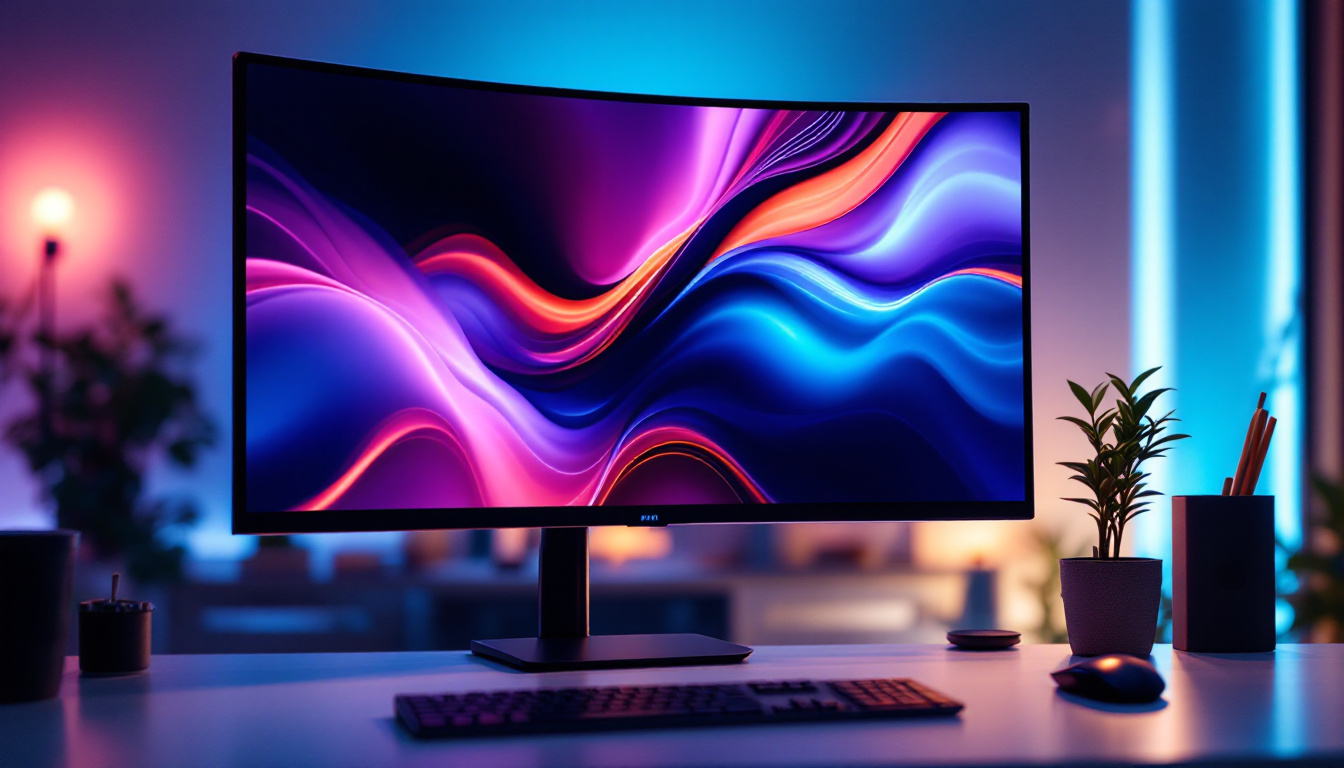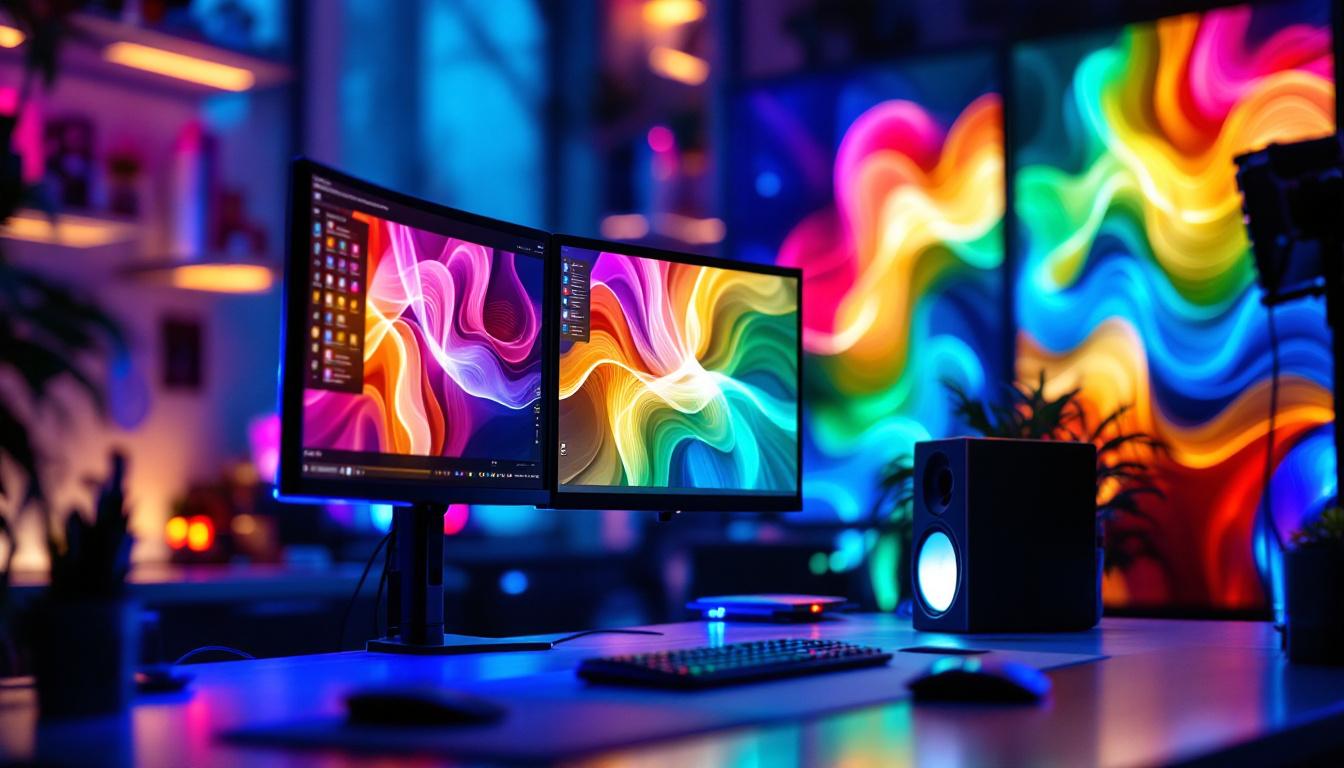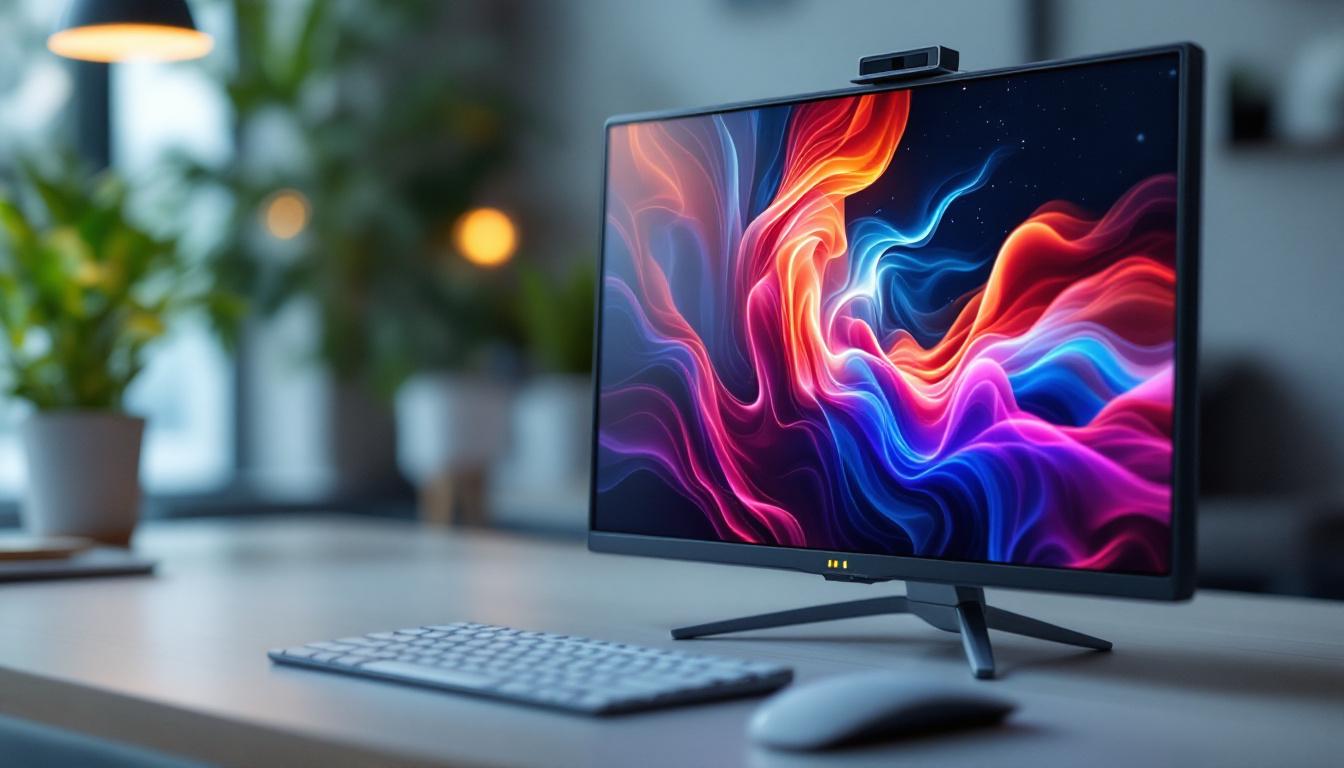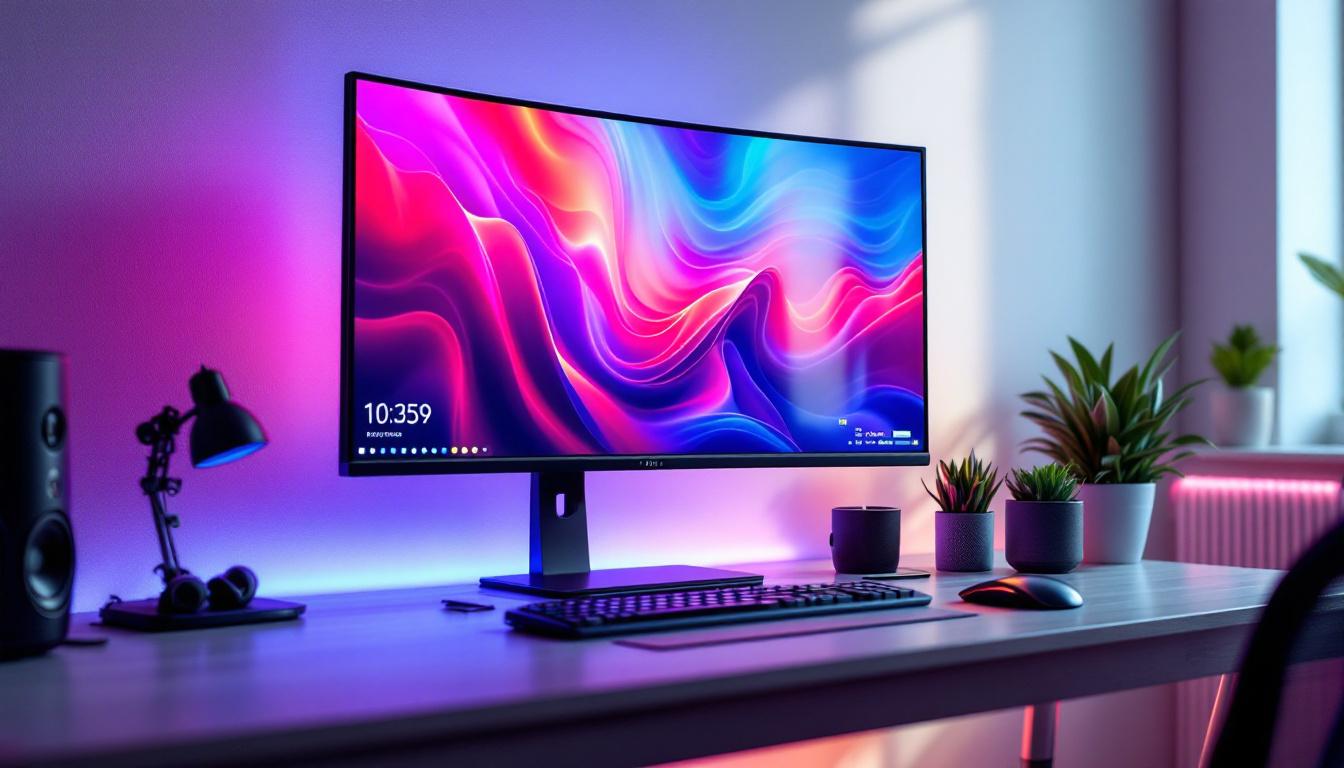
In today’s digital age, the demand for larger computer monitors has surged dramatically. Whether for professional work, gaming, or entertainment, big computer monitors offer immersive experiences and enhanced productivity. Among the various display technologies available, LED displays have become the most popular choice due to their superior image quality, energy efficiency, and sleek design. This article explores the world of big computer monitors with LED displays, explaining the technology, benefits, and what to look for when considering a purchase.
Understanding LED Display Technology
What is an LED Display?
LED stands for Light Emitting Diode, a semiconductor device that emits light when an electric current passes through it. In the context of computer monitors, an LED display refers to an LCD panel that uses LEDs as a backlighting source instead of traditional cold cathode fluorescent lamps (CCFLs). This subtle but significant difference results in better brightness, contrast, and energy efficiency.
LED displays can be categorized mainly into two types: edge-lit and full-array. Edge-lit LED monitors have LEDs positioned along the edges of the screen, which illuminate the display through a light guide panel. Full-array LED monitors, on the other hand, have LEDs spread evenly behind the entire screen, allowing for more precise local dimming and better contrast ratios. This capability is particularly beneficial for viewing high-definition content, as it enhances the overall visual experience by providing deeper blacks and more vivid colors, making movies and games more immersive.
Moreover, advancements in LED technology have led to the development of mini-LED and micro-LED displays. Mini-LEDs use smaller diodes to create more zones of local dimming, resulting in improved brightness control and contrast. Micro-LEDs, still in the early stages of commercialization, promise to deliver even greater performance by eliminating the need for a backlight altogether, as each pixel emits its own light. These innovations are paving the way for future displays that could redefine how we interact with visual media.
How LED Displays Compare to Other Technologies
Before LED technology became mainstream, CCFL-backlit LCDs were the norm. While CCFLs provided decent brightness, they were bulkier and consumed more power. LED backlighting has largely replaced CCFLs because it offers thinner panels, lower energy consumption, and longer lifespan.
Another competing technology is OLED (Organic Light Emitting Diode), which differs fundamentally by producing light at each pixel rather than using a backlight. OLEDs offer superior contrast and color accuracy but are currently more expensive and less common in large computer monitors. For most users seeking big monitors, LED displays strike a practical balance between performance and affordability. Furthermore, LED displays are less prone to burn-in issues that can affect OLED screens, making them a more reliable choice for varied usage scenarios, including gaming and professional applications where static images may be displayed for extended periods.
In addition to these advantages, LED displays are also becoming more versatile with the introduction of HDR (High Dynamic Range) technology. HDR allows for a wider range of colors and brightness levels, enhancing the viewing experience by making images appear more lifelike. This feature is particularly appealing to photographers, videographers, and gamers who demand high fidelity in their visual output. As the demand for high-quality displays continues to grow, manufacturers are constantly innovating to incorporate the latest technologies, ensuring that LED displays remain at the forefront of visual technology.
Why Choose Big Computer Monitors?
Enhanced Productivity and Multitasking
One of the primary reasons professionals opt for big computer monitors is the ability to multitask efficiently. Larger screens provide more real estate to open multiple windows side by side without overlapping. For example, a 34-inch ultrawide monitor can replace dual-monitor setups, reducing clutter and streamlining workflow.
Studies have shown that increasing screen size can improve productivity by up to 20-30% for tasks involving data analysis, programming, and content creation. The extra space allows users to view more information simultaneously, reducing the need to switch between tabs or applications.
Immersive Gaming and Entertainment
Gamers and media enthusiasts benefit significantly from big monitors, especially those with high refresh rates and low response times. A large LED display with a resolution of 1440p or 4K enhances visual detail and immersion, making games and movies more engaging. Ultrawide monitors with curved screens also contribute to a more natural field of view, reducing eye strain during extended sessions.
Improved Ergonomics and Comfort
Big monitors can be positioned at optimal distances and angles to reduce neck and eye strain. Instead of squinting at small screens or hunching over laptops, users can maintain better posture. Many large LED monitors come with adjustable stands or VESA mount compatibility, allowing customization for ergonomic comfort.
Key Features to Consider When Buying Big LED Monitors
Screen Size and Resolution
Screen size is the most obvious factor when shopping for big monitors. Sizes typically range from 27 inches to 49 inches or more. The choice depends on desk space, usage needs, and budget. However, size alone doesn’t guarantee a good experience; resolution plays a crucial role in image clarity.
For a 27-32 inch monitor, 1440p (2560×1440) resolution is ideal, offering sharp images without demanding excessive GPU power. For screens 34 inches and above, 4K (3840×2160) resolution provides the best detail, especially for professional photo and video editing. Ultrawide monitors often feature resolutions like 3440×1440, balancing width and clarity.
Refresh Rate and Response Time
Refresh rate, measured in hertz (Hz), indicates how many times the screen updates per second. Higher refresh rates (120Hz, 144Hz, or even 240Hz) result in smoother motion, which is vital for gaming and fast-paced video playback. Response time, measured in milliseconds (ms), refers to how quickly a pixel changes color. Lower response times reduce motion blur and ghosting.
While professional office work may not require high refresh rates, gamers and video editors should prioritize monitors with at least 120Hz refresh rate and response times under 5ms.
Color Accuracy and HDR Support
For creative professionals, color accuracy is paramount. Look for monitors that cover a wide color gamut such as AdobeRGB or DCI-P3, and offer factory calibration or hardware calibration support. High Dynamic Range (HDR) support enhances contrast and color depth, making images more lifelike.
True HDR monitors have peak brightness levels above 600 nits and local dimming zones to produce deep blacks and bright highlights. While many LED monitors advertise HDR, the quality varies, so checking reviews and specifications is essential.
Connectivity and Additional Features
Modern big monitors come equipped with multiple ports including HDMI, DisplayPort, USB-C, and USB hubs. USB-C with Power Delivery is especially useful for laptop users, enabling video, data transfer, and charging through a single cable.
Other features to consider include built-in speakers, blue light filters, flicker-free technology, and adjustable stands. Some models also offer software for screen splitting and workspace management, enhancing productivity.
Popular Big LED Monitor Models in 2024
LG UltraFine 32UN880-B
The LG UltraFine 32UN880-B is a 32-inch 4K UHD LED monitor designed for professionals. It boasts 95% DCI-P3 color coverage, HDR10 support, and an ergonomic stand with a flexible arm. Its USB-C connectivity with 85W power delivery makes it an excellent choice for MacBook and Windows laptop users alike.
Dell UltraSharp U4023W
Dell’s UltraSharp U4023W is a 40-inch ultrawide LED monitor with a 5120×2160 resolution. It features an IPS panel with 98% DCI-P3 coverage and factory calibration. The monitor supports HDR400 and includes a wide array of ports, including USB-C and Thunderbolt 3, making it ideal for multitasking and creative workflows.
Samsung Odyssey Neo G9
For gamers seeking an immersive experience, the Samsung Odyssey Neo G9 is a 49-inch curved LED monitor with a 240Hz refresh rate and 1ms response time. It supports HDR2000 with Mini-LED backlighting, delivering exceptional contrast and brightness. Its ultrawide 5120×1440 resolution and Quantum Dot technology provide vibrant colors and smooth gameplay.
Where to Find Big Computer Monitors for Sale
Online Retailers and Marketplaces
Online platforms such as Amazon, Newegg, and Best Buy offer extensive selections of big LED monitors. These sites provide detailed specifications, customer reviews, and competitive pricing. Shopping online also allows easy price comparison and access to deals or bundles.
Specialized Electronics Stores
Visiting specialized electronics retailers or brand-specific stores can be advantageous for hands-on testing and expert advice. Stores like Micro Center or Fry’s Electronics often have display models, allowing customers to experience the monitor’s size and image quality firsthand before purchasing.
Refurbished and Outlet Options
For budget-conscious buyers, refurbished or outlet monitors can provide significant savings. Many manufacturers and retailers offer certified refurbished units that have been tested and come with warranties. This option can make high-end big monitors more accessible.
Tips for Setting Up and Maintaining Big LED Monitors
Optimal Placement and Ergonomics
Position the monitor so that the top of the screen is at or slightly below eye level. Maintain a viewing distance of about 20-30 inches to reduce eye strain. For ultrawide or curved monitors, centering the screen helps maintain consistent viewing angles.
Calibrating Your Monitor
To get the best color accuracy, especially for professional work, calibrate your monitor using hardware calibration tools or built-in software. Regular calibration ensures consistent colors over time and compensates for any panel aging.
Cleaning and Care
Use a microfiber cloth and appropriate screen cleaner to gently wipe the display. Avoid harsh chemicals or abrasive materials that can damage the screen. Keep the monitor away from direct sunlight and excessive dust to prolong its lifespan.
Conclusion
Big computer monitors with LED displays offer a compelling combination of size, image quality, and energy efficiency. Whether for enhancing productivity, enjoying immersive gaming, or engaging in creative work, understanding LED technology and key features helps buyers make informed decisions. With numerous models available in 2024 catering to different needs and budgets, there has never been a better time to upgrade to a large LED monitor.
When shopping, consider factors such as screen size, resolution, refresh rate, color accuracy, and connectivity options. Pairing the right monitor with your setup can transform your computing experience, making tasks easier and entertainment more enjoyable.
Discover the Future of Visual Technology with LumenMatrix
Ready to take your visual experience to the next level? LumenMatrix is at the forefront of LED display innovation, offering a diverse range of solutions that cater to every need—from Indoor and Outdoor LED Wall Displays to specialized options like Vehicle, Sports, and Floor LED Displays. Embrace the future with our Custom, All-in-One, and Transparent LED Displays, designed to captivate and engage. Elevate your space and share your message with unparalleled clarity. Check out LumenMatrix LED Display Solutions today and see how our cutting-edge technology can transform your visual communication.