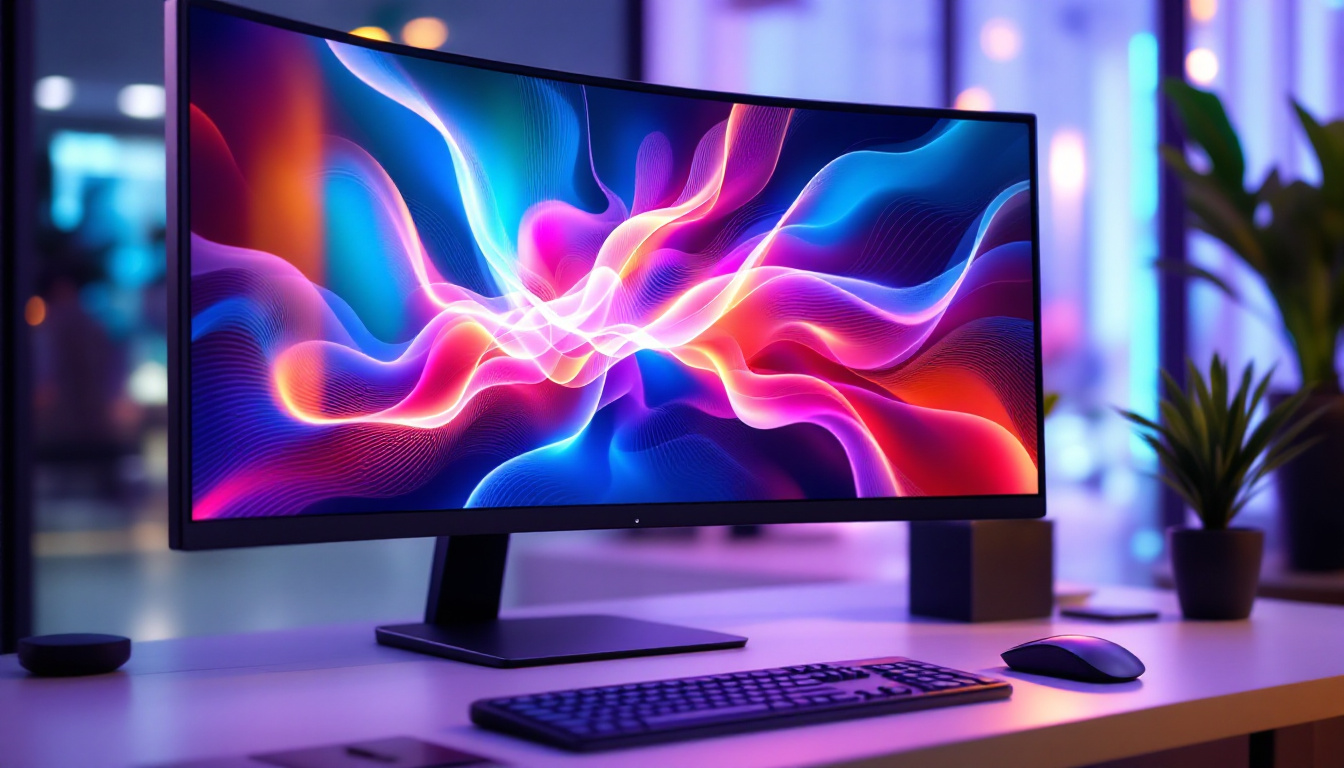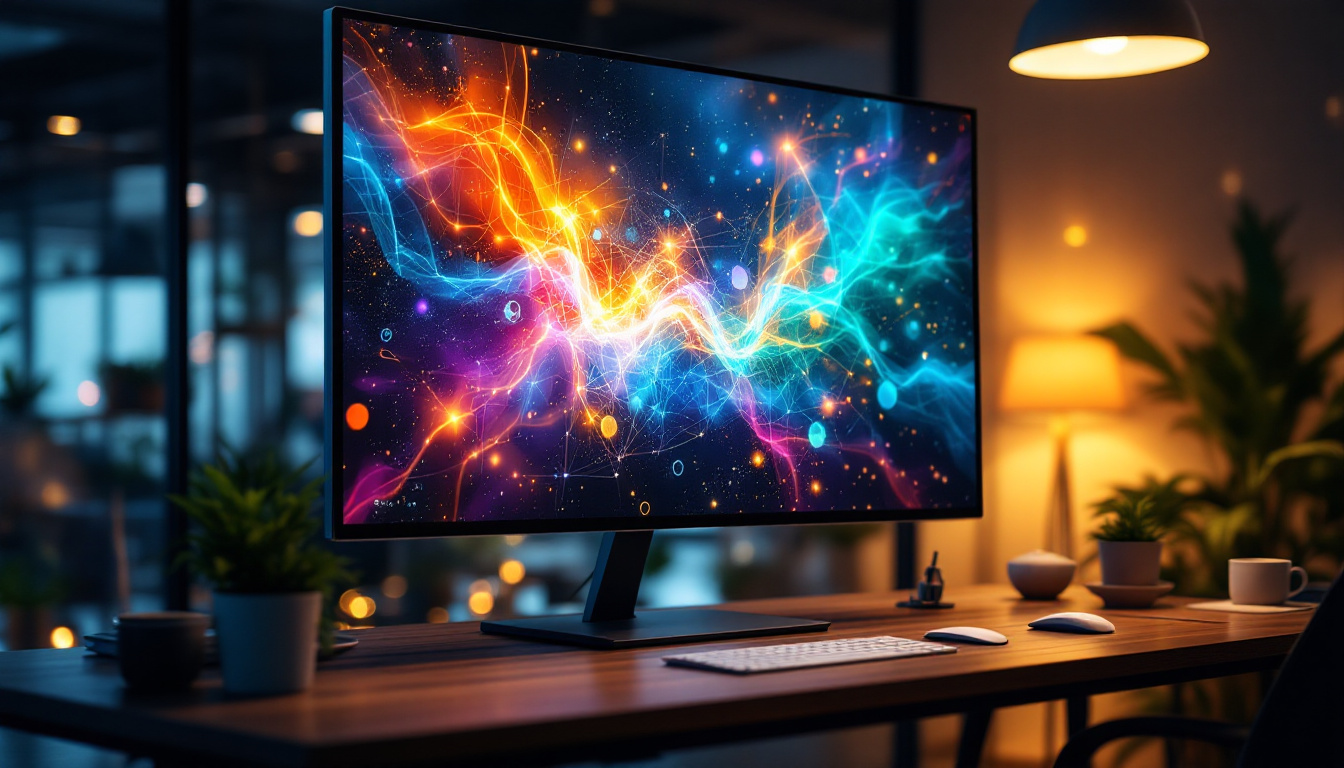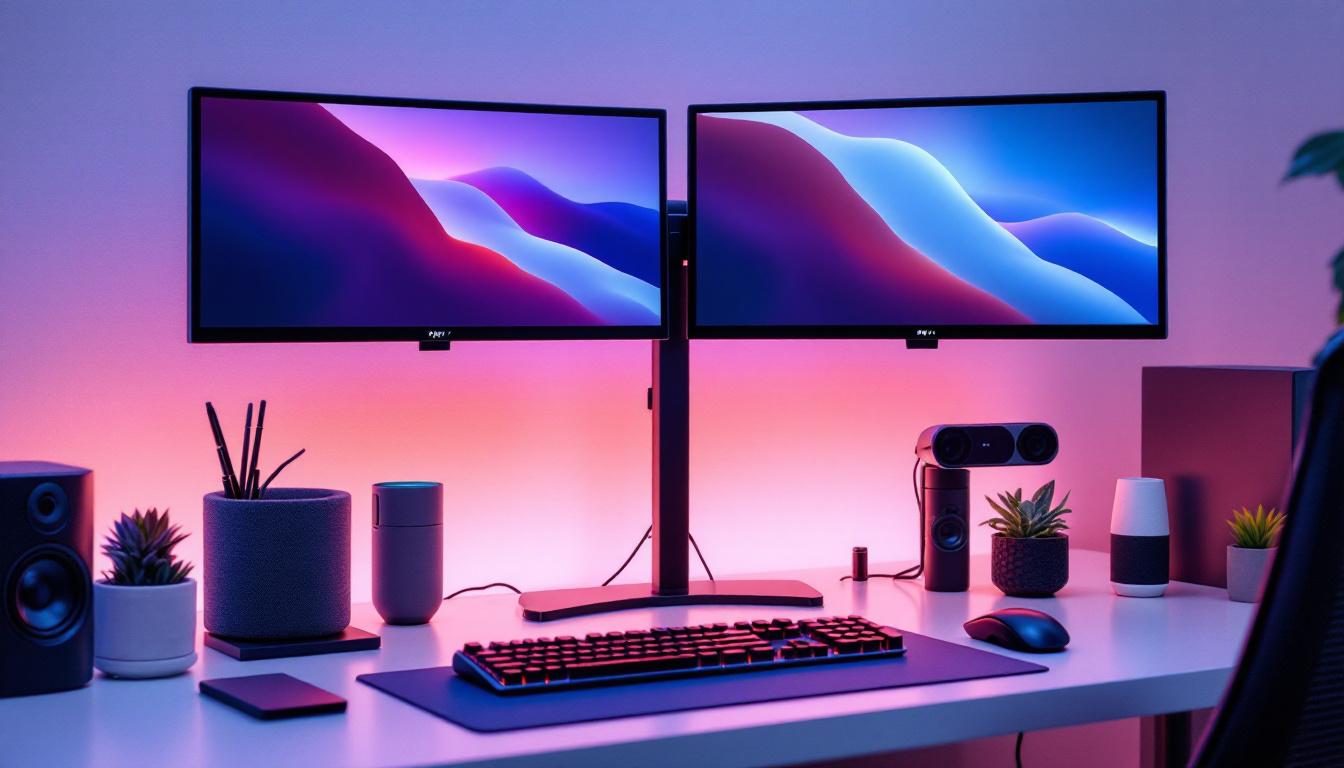
In today’s fast-paced digital workspace, efficiency and ergonomics are paramount. As professionals increasingly rely on multiple screens to boost productivity, the dual monitor stand desk mount has become an essential accessory. Coupled with LED displays, this setup not only enhances workflow but also improves comfort and workspace aesthetics. This article delves into the intricacies of dual monitor stand desk mounts, focusing on their compatibility with LED displays, benefits, and considerations for choosing the right setup.
Understanding Dual Monitor Stand Desk Mounts
What Is a Dual Monitor Stand Desk Mount?
A dual monitor stand desk mount is a hardware accessory designed to hold two monitors simultaneously on a single mounting system. Unlike traditional monitor stands that come with individual screens, these mounts consolidate support into one unit, allowing for better desk organization and flexibility in positioning.
Typically, these mounts attach to the desk via clamps or grommets, freeing up valuable desk space and reducing clutter. They allow users to adjust the height, tilt, swivel, and rotation of each monitor independently, promoting ergonomic comfort and reducing strain during extended computer use. This adjustability is particularly beneficial for users who spend long hours at their desks, as it helps to maintain proper posture and reduce the risk of musculoskeletal issues.
In addition to their ergonomic advantages, dual monitor stands often come equipped with cable management systems that help keep cords organized and out of sight, further enhancing the aesthetic of a workspace. Many models are designed with sleek finishes and modern aesthetics, making them a stylish addition to any office environment. Furthermore, the ability to easily switch between portrait and landscape orientations adds versatility, catering to different tasks and personal preferences.
Why Dual Monitor Setups Are Increasingly Popular
The rise of remote work, digital content creation, and multitasking-intensive professions has driven the demand for dual monitor setups. According to a 2023 report by Statista, approximately 65% of office workers in the United States use two or more monitors to improve productivity. Dual monitors enable users to view multiple applications side by side, reducing the need to switch between tabs and windows constantly.
For example, software developers can code on one screen while referencing documentation on the other, graphic designers can have their tools on one display and the canvas on another, and financial analysts can monitor real-time data alongside spreadsheets. This setup streamlines workflows and minimizes cognitive load. Moreover, research has shown that using dual monitors can increase productivity by up to 20-30%, as users can more efficiently manage their tasks and access information simultaneously.
Additionally, the growing trend of online collaboration tools and video conferencing has made dual monitor setups even more appealing. Users can conduct virtual meetings on one screen while taking notes or working on projects on the other, allowing for a seamless transition between communication and productivity. As the digital landscape continues to evolve, the flexibility and efficiency offered by dual monitor setups are likely to remain a staple in modern work environments, catering to both professional and personal needs.
LED Displays and Their Role in Dual Monitor Setups
What Makes LED Displays Ideal for Dual Monitor Mounts?
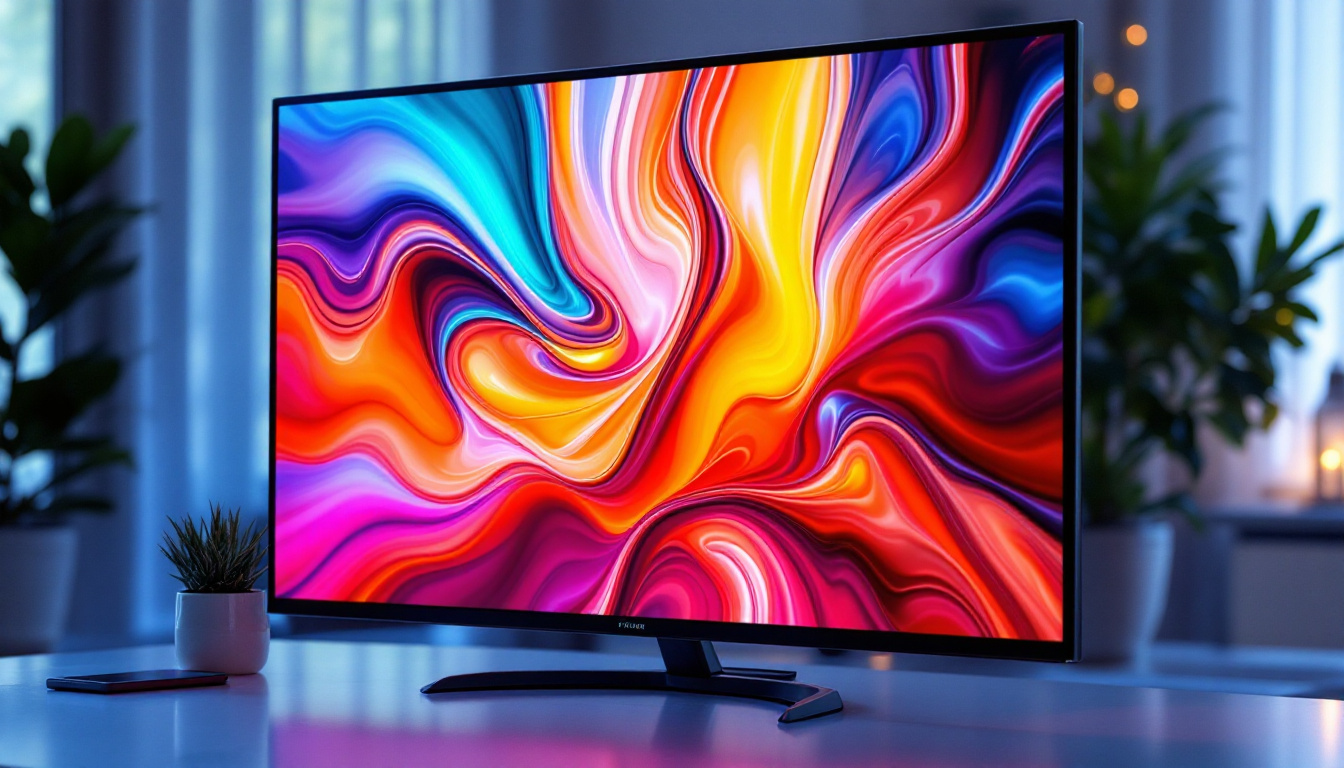
LED (Light Emitting Diode) displays have become the standard in monitor technology due to their superior brightness, energy efficiency, and color accuracy compared to older LCD variants. Their slim profiles and lightweight designs make them particularly suitable for dual monitor mounts, which require manageable weight and compact dimensions for optimal positioning.
Moreover, LED displays often feature thin bezels, which is a crucial factor in dual monitor setups. Thin bezels minimize the visual gap between screens, creating a near-seamless viewing experience that is essential for tasks requiring wide, uninterrupted screen real estate.
Advantages of LED Displays in Multi-Monitor Environments
Energy efficiency is one of the standout benefits of LED technology. Compared to traditional LCDs, LED monitors consume up to 30% less power, which can lead to significant energy savings in office environments with multiple screens running continuously.
Additionally, LED displays typically offer better color gamut and contrast ratios, which is important for professionals in creative fields who require precise color representation. The faster response times and higher refresh rates available in many LED monitors also benefit gamers and video editors who rely on smooth visuals.
Key Features to Consider When Choosing a Dual Monitor Stand for LED Displays
Weight Capacity and Compatibility
One of the most critical factors when selecting a dual monitor stand is its weight capacity. LED monitors vary in size and weight, so it’s essential to verify that the stand can safely support both screens. Most dual monitor mounts specify a maximum weight per arm, often ranging from 8 to 20 pounds.
Compatibility with VESA mounting standards (typically 75x75mm or 100x100mm) is also vital. VESA compatibility ensures that the mounting holes on the back of the LED display align with the mount’s brackets, allowing for secure attachment. Most modern LED monitors adhere to these standards, but it’s prudent to check before purchasing.
Adjustability and Ergonomics
Ergonomic adjustability is a defining feature of quality dual monitor stands. Look for mounts that offer height adjustment, tilt, swivel, and rotation capabilities. These features enable users to position monitors at eye level, reducing neck and eye strain and promoting better posture.
Some mounts provide independent adjustment for each arm, which is advantageous when using monitors of different sizes or orientations (landscape vs. portrait). Additionally, cable management systems integrated into the mount help maintain a tidy workspace by concealing wires.
Desk Mounting Options
Dual monitor stands typically attach to desks via two methods: clamp mounts and grommet mounts. Clamp mounts secure the stand to the edge of the desk, making them easy to install and remove without damaging the desk surface. Grommet mounts require a hole in the desk surface, either pre-existing or drilled, through which the mount is secured.
Choosing the right mounting option depends on desk thickness, material, and personal preference. Clamp mounts are generally more versatile and less invasive, while grommet mounts offer greater stability.
Setting Up Your Dual Monitor Stand with LED Displays
Step-by-Step Installation Guide
Installing a dual monitor stand desk mount with LED displays is a straightforward process, but attention to detail ensures safety and optimal performance. Begin by selecting a suitable location on your desk that provides enough space and access to power outlets and peripherals.
1. Assemble the mount according to the manufacturer’s instructions, ensuring all screws and components are securely fastened.
2. Attach the mounting brackets to the back of each LED monitor, aligning with the VESA holes.
3. Secure the monitor arms to the desk using either the clamp or grommet method.
4. Mount the monitors onto the arms, tightening any locking mechanisms to prevent movement.
5. Adjust the height, tilt, and angle of each monitor to your preferred ergonomic position.
6. Organize cables using the mount’s cable management features to keep your workspace neat.
Common Installation Challenges and Solutions
Some users may encounter challenges such as incompatible VESA patterns, heavy monitors exceeding weight limits, or desk thickness issues. In these cases, consider purchasing VESA adapters or selecting mounts designed for heavier displays.
Ensuring the desk surface is sturdy enough to support the mount and monitors is crucial. For desks made of fragile materials, additional reinforcement may be necessary. If unsure, consulting with a professional or the mount manufacturer’s support team can prevent damage and ensure safety.
Benefits of Using a Dual Monitor Stand with LED Displays
Enhanced Productivity and Workflow
Studies have shown that dual monitor setups can increase productivity by up to 42%, according to research from the University of Utah. The ability to view multiple documents, applications, or data streams simultaneously reduces time spent switching contexts and improves focus.
For businesses, this translates into faster project completion, improved accuracy, and better collaboration. Employees can multitask efficiently, leading to higher job satisfaction and reduced fatigue.
Improved Ergonomics and Comfort
Proper monitor placement reduces the risk of musculoskeletal disorders associated with prolonged computer use. Dual monitor stands allow users to position screens at eye level and adjust angles to minimize glare and neck strain.
Ergonomic setups contribute to fewer headaches, less eye strain, and overall better health, which can decrease absenteeism and increase workplace morale.
Space Optimization and Aesthetic Appeal
By elevating monitors off the desk surface, dual monitor stands free up valuable workspace for other tasks and accessories. This is especially beneficial in smaller offices or home setups where desk space is limited.
Additionally, many mounts feature sleek, modern designs that complement contemporary office aesthetics. The reduction of cable clutter further enhances the visual appeal and creates a professional environment.
Popular Dual Monitor Stand Desk Mounts Compatible with LED Displays
Ergotron LX Dual Stacking Arm
The Ergotron LX Dual Stacking Arm is renowned for its robust build quality and extensive adjustability. It supports monitors up to 25 pounds each and offers height, tilt, swivel, and rotation adjustments. Its polished aluminum finish and integrated cable management make it a favorite among professionals.
VIVO Dual LCD Monitor Desk Mount
VIVO’s dual monitor mount is a budget-friendly option that doesn’t compromise on features. It supports monitors up to 22 pounds, includes full articulation, and offers both clamp and grommet mounting options. Its compatibility with most LED displays makes it versatile for various setups.
AmazonBasics Premium Dual Monitor Stand
AmazonBasics offers a premium dual monitor stand with gas spring arms for smooth adjustments. It supports monitors up to 20 pounds each and features a sturdy base for enhanced stability. The stand’s sleek black design fits well in both home and office environments.
Conclusion: Maximizing Your Workspace with Dual Monitor Stands and LED Displays
Integrating a dual monitor stand desk mount with LED displays is a strategic investment for anyone seeking to enhance productivity, comfort, and workspace organization. Understanding the compatibility, ergonomic features, and installation requirements ensures that users select the right setup tailored to their needs.
As LED technology continues to evolve, offering thinner, lighter, and more vibrant displays, dual monitor mounts will remain an indispensable tool for modern workspaces. Whether for professional use, gaming, or creative pursuits, the right dual monitor stand paired with quality LED displays can transform the way users interact with their digital environment.
Discover the Future of Visual Displays with LumenMatrix
Ready to take your workspace to the next level with the latest in LED display technology? LumenMatrix is at the forefront of innovation, offering a wide range of LED display solutions that can redefine your professional environment. From enhancing brand visibility to creating immersive experiences, our Indoor and Outdoor LED Wall Displays, Vehicle LED Displays, and more are designed to captivate and engage. Elevate your digital workspace and discover how our cutting-edge LED display modules can transform your visual communication. Check out LumenMatrix LED Display Solutions today and see the difference for yourself.