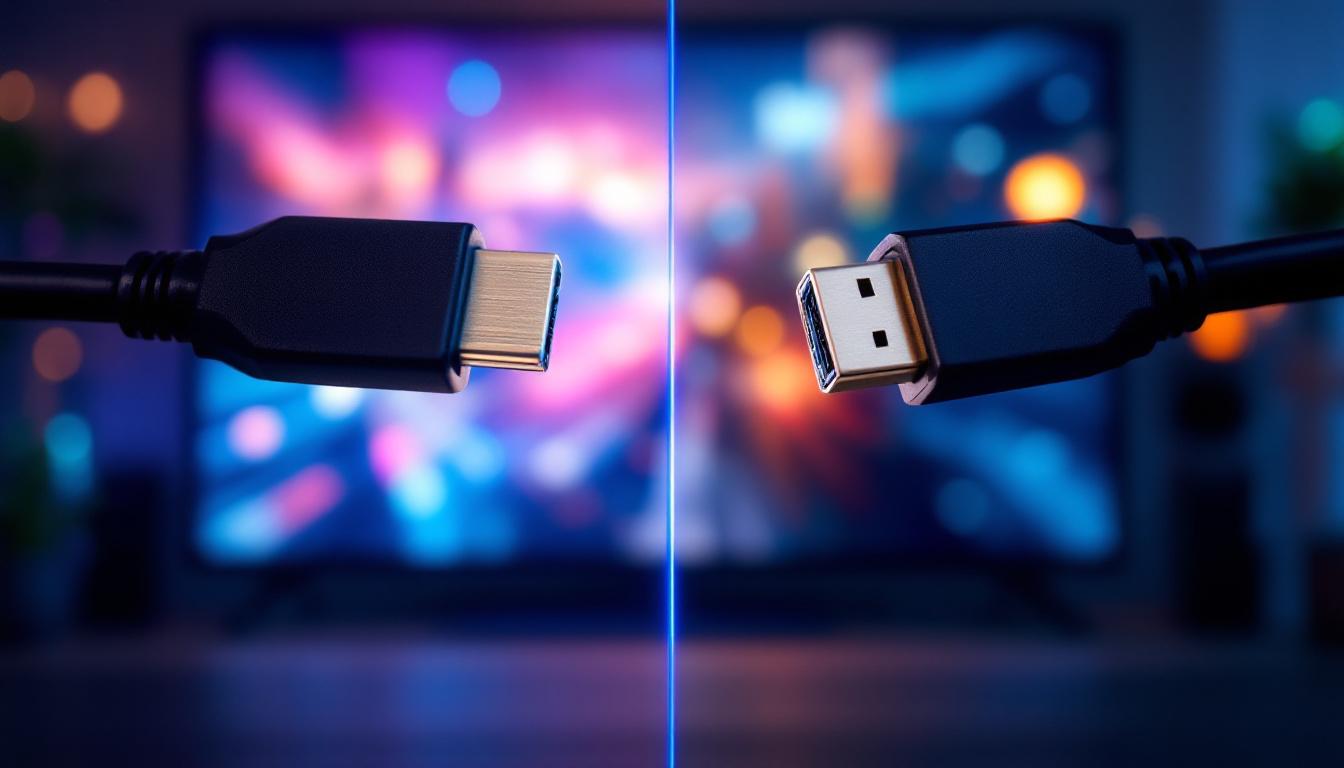
When it comes to connecting modern LED displays to computers, gaming consoles, or home theater systems, two standards dominate the conversation: HDMI 2.1 and DisplayPort 1.4. Both interfaces offer high bandwidth and advanced features, but understanding their differences is crucial for making the right choice based on your needs. This article dives deep into HDMI 2.1 and DisplayPort 1.4, explaining their technical specifications, performance capabilities, and practical applications in LED display technology.
Understanding the Basics of HDMI 2.1 and DisplayPort 1.4
What is HDMI 2.1?
HDMI (High-Definition Multimedia Interface) 2.1 is the latest major update to the HDMI standard, officially released in late 2017. It was designed to support the increasing demands of modern displays, including 4K and 8K resolutions, higher refresh rates, and enhanced audio capabilities. HDMI 2.1 supports a maximum bandwidth of 48 Gbps, which allows it to transmit uncompressed video and audio signals at very high resolutions and frame rates.
This version of HDMI introduced several new features such as Dynamic HDR, eARC (enhanced Audio Return Channel), and Variable Refresh Rate (VRR), which are particularly beneficial for gamers and home theater enthusiasts. HDMI 2.1 is backward compatible with previous HDMI versions, ensuring compatibility with older devices. Moreover, the introduction of Quick Frame Transport (QFT) reduces latency, making it ideal for fast-paced gaming and immersive experiences. The ability to support resolutions up to 10K means that HDMI 2.1 is not just a solution for today’s technology but is also future-proofing for the ever-evolving landscape of display technology.
What is DisplayPort 1.4?
DisplayPort 1.4, released in 2016, is a digital display interface primarily used to connect a video source to a display device such as a monitor. It offers a maximum bandwidth of 32.4 Gbps, which is slightly lower than HDMI 2.1 but still sufficient for most high-end display requirements. DisplayPort 1.4 supports resolutions up to 8K at 60 Hz and 4K at 120 Hz, along with HDR10 metadata transport.
One of the key features of DisplayPort 1.4 is its support for Display Stream Compression (DSC) 1.2a, which allows for visually lossless compression, enabling higher resolutions and refresh rates without increasing bandwidth requirements. DisplayPort is widely favored in the PC and professional monitor markets due to its robust multi-stream transport (MST) capabilities, allowing multiple displays to be connected through a single port. Additionally, DisplayPort 1.4 supports Adaptive Sync technology, which synchronizes the display’s refresh rate with the frame rate output of the graphics card, effectively eliminating screen tearing and providing a smoother gaming experience. This makes it an ideal choice for gamers and professionals who demand high performance and visual fidelity from their displays.
Technical Comparison: Bandwidth, Resolution, and Refresh Rates
Bandwidth and Data Transfer Rates
Bandwidth is a critical factor when comparing HDMI 2.1 and DisplayPort 1.4, as it determines the maximum resolution and refresh rate a connection can support. HDMI 2.1 boasts a bandwidth of 48 Gbps, significantly higher than DisplayPort 1.4’s 32.4 Gbps. This difference allows HDMI 2.1 to handle more data-intensive video streams, such as 8K at 60 Hz without compression.
However, DisplayPort 1.4 compensates for its lower bandwidth by utilizing Display Stream Compression (DSC) 1.2a. DSC enables DisplayPort 1.4 to transmit 8K video at 60 Hz with HDR by compressing the data stream without noticeable loss in image quality. This makes DisplayPort 1.4 highly efficient for high-resolution displays, especially in professional and gaming setups. Furthermore, the flexibility of DisplayPort’s adaptive sync technology, which helps eliminate screen tearing and stuttering during gameplay, enhances its appeal among gamers who demand smooth performance.
Resolution and Refresh Rate Support
Both HDMI 2.1 and DisplayPort 1.4 support 4K and 8K resolutions, but their refresh rate capabilities differ slightly. HDMI 2.1 can deliver 4K at 120 Hz and 8K at 60 Hz uncompressed, making it ideal for next-generation gaming consoles and high-end home theaters. It also supports 10K resolution at 120 Hz, a feature that future-proofs the standard for upcoming display technologies. This capability is particularly relevant as the industry moves towards more immersive experiences, such as virtual reality and augmented reality, where higher resolutions and refresh rates can significantly enhance user engagement.
DisplayPort 1.4 supports 4K at 120 Hz and 8K at 60 Hz using DSC compression. While this compression is visually lossless, some professionals may prefer uncompressed signals for critical applications like color grading or medical imaging. DisplayPort’s MST feature allows daisy-chaining multiple 4K monitors, a feature not supported by HDMI 2.1, which can be a significant advantage for productivity setups. This daisy-chaining capability is especially beneficial in multi-monitor configurations, allowing users to expand their workspace without requiring additional graphics outputs. As a result, professionals in fields such as video editing, graphic design, and data analysis can optimize their workflow by utilizing several displays simultaneously, enhancing both productivity and creativity in their projects.
Feature Set and Use Case Scenarios
Gaming and High-Performance Computing
For gamers, both HDMI 2.1 and DisplayPort 1.4 offer compelling features. HDMI 2.1’s support for Variable Refresh Rate (VRR), Auto Low Latency Mode (ALLM), and Quick Frame Transport (QFT) enhances gaming experiences by reducing input lag and screen tearing. These features are integrated into many modern gaming consoles like the PlayStation 5 and Xbox Series X, making HDMI 2.1 the natural choice for console gamers.
On the PC side, DisplayPort 1.4 remains the preferred interface for high-refresh-rate gaming monitors, especially those exceeding 144 Hz at 1440p or 4K resolutions. The MST feature allows multi-monitor setups, which are common among gamers and professionals alike. Additionally, DisplayPort’s widespread adoption in graphics cards from Nvidia and AMD ensures broad compatibility.
Professional and Creative Workflows
In professional environments such as video editing, graphic design, and CAD applications, color accuracy and multi-display setups are paramount. DisplayPort 1.4’s support for HDR10 metadata and DSC allows for high-resolution, high-color-fidelity displays with minimal latency. The ability to daisy-chain multiple monitors through MST simplifies cable management and enhances productivity.
While HDMI 2.1 supports HDR and high resolutions, it is less common in professional monitors compared to DisplayPort. However, HDMI 2.1’s eARC feature is valuable in professional audio setups, allowing high-quality audio return from displays to sound systems, which is important for audiovisual production studios.
Home Theater and Consumer Electronics
HDMI 2.1 is the dominant standard in home theater systems due to its broad compatibility with TVs, soundbars, AV receivers, and gaming consoles. The enhanced Audio Return Channel (eARC) supports high-bitrate audio formats such as Dolby Atmos and DTS:X, delivering immersive sound experiences. Additionally, HDMI 2.1’s support for Dynamic HDR ensures that movies and TV shows are displayed with optimal contrast and color on compatible displays.
DisplayPort is rarely found in consumer electronics like TVs or streaming devices, which limits its utility in home theater setups. Therefore, HDMI 2.1 is the clear winner for users focused on home entertainment.
Compatibility and Cable Considerations
Device Compatibility
HDMI ports are ubiquitous across a wide range of devices, including TVs, monitors, gaming consoles, laptops, and AV receivers. HDMI 2.1’s backward compatibility means it can work with older HDMI devices, though at reduced capabilities. This makes HDMI 2.1 a versatile choice for users with mixed device ecosystems.
DisplayPort is more common in PCs, high-end monitors, and some laptops. While it is less prevalent in consumer electronics, it remains the standard for professional and gaming monitors. DisplayPort 1.4 is backward compatible with earlier versions, but older devices might not support some advanced features like DSC or HDR.
Cable Quality and Length
Cable quality plays a significant role in maintaining signal integrity, especially at high bandwidths. HDMI 2.1 cables, often labeled as “Ultra High Speed HDMI,” are designed to handle 48 Gbps bandwidth. These cables use improved shielding and materials to reduce interference and signal degradation over longer distances.
DisplayPort cables for version 1.4 also require high-quality construction to support 32.4 Gbps data rates. However, DisplayPort cables generally support longer cable lengths than HDMI without signal loss, making them suitable for complex setups where the source and display are far apart.
Future-Proofing Your LED Display Setup
Emerging Technologies and Standards
As display technology advances, both HDMI and DisplayPort continue to evolve. HDMI 2.1 is already paving the way for 10K resolution and higher refresh rates, which align with emerging microLED and OLED display technologies. The inclusion of gaming-centric features like VRR and ALLM ensures HDMI remains relevant for the foreseeable future.
DisplayPort 2.0, the successor to 1.4, promises even higher bandwidths up to 80 Gbps and native support for 16K resolution, although it is not yet widely adopted. For users investing in professional or gaming monitors, keeping an eye on DisplayPort 2.0 adoption may be worthwhile.
Choosing Between HDMI 2.1 and DisplayPort 1.4
The decision between HDMI 2.1 and DisplayPort 1.4 largely depends on the intended use case. For home theater enthusiasts and console gamers, HDMI 2.1 is the superior choice due to its advanced audio features, higher bandwidth, and broad device compatibility. For PC users, especially those with multi-monitor setups or requiring high refresh rates and color accuracy, DisplayPort 1.4 remains the preferred interface.
Ultimately, understanding the strengths and limitations of each standard helps consumers and professionals optimize their LED display setups, ensuring the best performance and longevity from their investment.
Conclusion
HDMI 2.1 and DisplayPort 1.4 are both powerful interfaces designed to meet the demands of modern LED displays. HDMI 2.1 excels in bandwidth, audio features, and consumer electronics compatibility, making it ideal for home entertainment and gaming consoles. DisplayPort 1.4 offers efficient compression, multi-display support, and is favored in professional and PC gaming environments.
Choosing the right connection depends on the specific requirements of resolution, refresh rate, audio needs, and device ecosystem. As display technology continues to evolve, both standards will play vital roles in delivering stunning visuals and immersive experiences across various applications.
Explore Cutting-Edge LED Display Solutions with LumenMatrix
Whether you’re setting up a high-performance gaming station, a professional creative workspace, or an immersive home theater experience, the right LED display can make all the difference. At LumenMatrix, we specialize in providing innovative LED display modules tailored to your unique needs. From Indoor and Outdoor LED Wall Displays to specialized solutions like Vehicle, Sports, and Custom LED Displays, our products are designed to elevate your visual experience. Discover how LumenMatrix’s advanced LED technology can transform your space and captivate your audience. Check out LumenMatrix LED Display Solutions today and step into the future of visual communication.