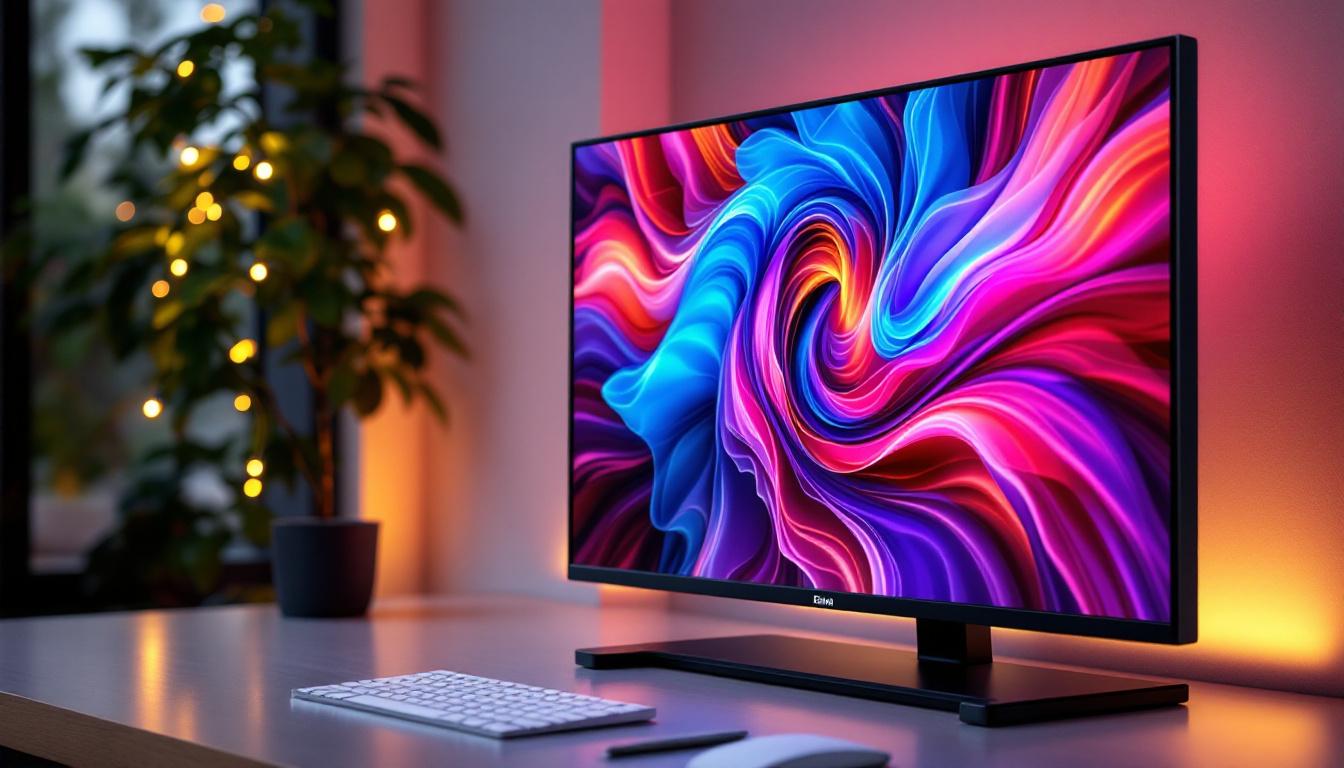
Choosing the right desktop monitor for your home setup can be a daunting task, especially with the myriad of display technologies available today. Among these, LED displays have become the standard for most users, offering a blend of performance, energy efficiency, and visual quality. This comprehensive guide delves into the world of LED desktop monitors, explaining what they are, how they work, and what factors to consider when selecting one for your home.
Understanding LED Display Technology
What Does LED Mean?
LED stands for Light Emitting Diode, a semiconductor device that emits light when an electric current passes through it. In the context of desktop monitors, LED refers to the type of backlighting used in Liquid Crystal Display (LCD) panels. Unlike older LCD monitors that used cold cathode fluorescent lamps (CCFL) for backlighting, LED monitors utilize these diodes to illuminate the screen.
This shift to LED backlighting has revolutionized monitor design, enabling thinner panels, improved energy efficiency, and enhanced color accuracy. It’s important to note that “LED monitor” is somewhat of a misnomer; the display itself is still an LCD panel, but the light source behind it is LED. The advantages of LED technology extend beyond mere aesthetics; they also contribute to a more sustainable approach to technology, as LED displays consume significantly less power than their CCFL counterparts. This reduction in energy consumption not only lowers electricity bills for consumers but also decreases the overall carbon footprint associated with manufacturing and operating these devices.
How LED Backlighting Works
In an LED-backlit LCD monitor, the screen consists of liquid crystals that control the passage of light to form images. The LEDs serve as the light source behind or around the edges of the LCD panel. There are two primary types of LED backlighting:
- Edge-Lit LED: LEDs are placed around the edges of the screen, and light is distributed across the panel using light guides. This design allows for ultra-thin monitors but can sometimes lead to uneven brightness.
- Direct-Lit or Full-Array LED: LEDs are placed directly behind the entire screen, offering better uniformity and contrast. Some full-array monitors feature local dimming, where specific zones of LEDs can be dimmed independently to enhance black levels and overall picture quality.
Understanding these distinctions is crucial for buyers who prioritize image quality and uniformity. Additionally, the advancements in LED technology have paved the way for features such as HDR (High Dynamic Range), which allows for a wider range of colors and brightness levels. This technology enhances the viewing experience, making images appear more lifelike and immersive. Furthermore, the ongoing innovation in LED technology continues to push the boundaries of what is possible in display quality, with manufacturers constantly developing new methods to improve color reproduction and energy efficiency. As consumers become more discerning, the demand for high-quality displays that leverage these advancements will only continue to grow.
Advantages of LED Desktop Monitors for Home Use
Energy Efficiency and Environmental Impact
One of the most significant benefits of LED monitors compared to older CCFL-backlit LCDs is their energy efficiency. LED backlights consume less power, which translates to lower electricity bills and reduced environmental impact. According to the U.S. Department of Energy, LED monitors can use up to 40% less energy than their CCFL counterparts.
This efficiency is especially relevant for home users who keep their monitors on for extended periods, such as remote workers, students, or gamers. Lower power consumption also means less heat generation, contributing to a more comfortable workspace. Moreover, the reduced energy demand of LED monitors can lead to a smaller carbon footprint, aligning with the growing trend of eco-conscious consumerism. As more individuals become aware of their environmental impact, choosing energy-efficient devices like LED monitors becomes a responsible choice that supports sustainability efforts.
Improved Picture Quality and Color Accuracy
LED backlighting enhances color reproduction and brightness levels. Modern LED monitors often support wider color gamuts, such as sRGB and Adobe RGB, making them suitable for tasks that demand color precision like photo editing and graphic design. Additionally, many LED monitors offer higher contrast ratios, which improve the depth and vibrancy of images.
For example, local dimming in full-array LED monitors allows for deeper blacks by selectively dimming parts of the screen, enhancing the overall viewing experience. This feature is particularly beneficial for watching movies or playing games with dark scenes. Furthermore, advancements in HDR (High Dynamic Range) technology have made it possible for LED monitors to display a broader range of brightness levels, resulting in stunning visuals that can bring content to life. Whether you’re enjoying a cinematic experience or engaging in high-stakes gaming, the improved picture quality can significantly elevate your overall experience.
Design and Form Factor Benefits
The slim profile of LED monitors is a direct result of the compact size of LEDs compared to CCFL tubes. This has enabled manufacturers to produce sleek, lightweight monitors that occupy less desk space and contribute to a modern aesthetic. For home users with limited space, this can be a decisive factor.
Additionally, LED technology supports flexible designs such as curved screens and ultra-wide aspect ratios, catering to diverse user preferences and enhancing immersion. The ergonomic benefits of adjustable stands and VESA compatibility also allow users to customize their setups for optimal comfort and productivity. As more people work from home or engage in creative pursuits, the ability to tailor a workspace to individual needs becomes increasingly important. With options that range from minimalist designs to immersive multi-monitor setups, LED monitors can adapt to various lifestyles and enhance the functionality of any home office or entertainment area.
Key Specifications to Consider When Choosing an LED Monitor
Resolution and Screen Size
The resolution of a monitor determines the sharpness and clarity of images. Common resolutions include Full HD (1920×1080), Quad HD (2560×1440), and 4K Ultra HD (3840×2160). The choice depends on the intended use and budget.
Screen size is equally important; typical home monitors range from 21 to 32 inches. Larger screens paired with higher resolutions provide more workspace and detail but may require more powerful hardware to drive them effectively.
Refresh Rate and Response Time
Refresh rate, measured in hertz (Hz), indicates how many times the screen updates per second. Standard monitors run at 60Hz, which is adequate for general use. However, gamers and video editors might prefer monitors with 120Hz, 144Hz, or higher for smoother motion and reduced blur.
Response time refers to how quickly pixels change color, affecting motion clarity. Lower response times (1-5 milliseconds) are preferable for fast-paced activities.
Panel Type: IPS vs. TN vs. VA
The LCD panel type influences color accuracy, viewing angles, and response times:
- IPS (In-Plane Switching): Offers superior color reproduction and wide viewing angles, making it ideal for creative work and general use.
- TN (Twisted Nematic): Typically has faster response times but poorer color accuracy and narrower viewing angles, often favored by competitive gamers on a budget.
- VA (Vertical Alignment): Provides better contrast ratios and deeper blacks than IPS and TN but may have slower response times.
Connectivity Options
Modern LED monitors come with various input ports such as HDMI, DisplayPort, USB-C, and sometimes legacy VGA or DVI. USB-C has gained popularity due to its ability to deliver video, data, and power through a single cable, simplifying desk setups.
When selecting a monitor, ensure it has compatible ports for your computer and peripherals. Some monitors also include built-in USB hubs, speakers, or adjustable stands for added convenience.
Common Misconceptions About LED Monitors
LED vs. OLED: Not the Same
While LED and OLED are often confused, they are fundamentally different technologies. OLED (Organic Light Emitting Diode) displays emit light from each pixel independently, allowing for perfect blacks and exceptional contrast. However, OLED monitors are still relatively rare and expensive in the desktop market.
LED monitors, by contrast, rely on LCD panels with LED backlighting. They offer excellent performance for most users at a more accessible price point.
“LED” Does Not Mean Better Picture Quality by Default
Simply having LED backlighting does not guarantee superior image quality. Factors such as panel type, resolution, color calibration, and backlight design play significant roles. For example, an edge-lit LED monitor may have uneven brightness compared to a full-array model.
Therefore, it’s essential to consider the full specifications and reviews rather than relying solely on the “LED” label.
How to Maintain and Optimize Your LED Monitor
Proper Calibration
To get the most accurate colors and optimal brightness, calibrate your monitor using built-in tools or external calibration devices. This is especially important for professionals in photography or design but can also enhance everyday viewing comfort.
Cleaning and Care
LED monitors are sensitive to scratches and damage. Use a microfiber cloth and appropriate screen cleaning solutions to gently clean the surface. Avoid harsh chemicals and excessive pressure.
Adjusting Settings for Comfort
Adjust brightness, contrast, and color temperature to reduce eye strain. Many monitors offer blue light filters or “reading modes” that can be activated during extended use.
Conclusion: Is an LED Monitor Right for Your Home Setup?
LED desktop monitors represent a mature and versatile technology that balances performance, efficiency, and affordability. Whether you’re working from home, gaming, streaming, or engaging in creative projects, an LED monitor can meet your needs effectively.
Understanding the nuances of LED backlighting, panel types, and key specifications empowers you to make an informed decision that enhances your computing experience. As technology continues to evolve, LED monitors remain a reliable choice for most home users seeking quality and value.
Discover the Future of Visual Display with LumenMatrix
Ready to elevate your home setup with the latest in LED technology? LumenMatrix is at the forefront of LED display innovation, offering a wide array of solutions tailored to your unique needs. From immersive Indoor LED Wall Displays to dynamic Outdoor LED Wall Displays, and from sleek LED Poster Displays to vibrant LED Sports Displays, LumenMatrix has the cutting-edge technology to transform your visual experience. Embrace the future of digital signage and create unforgettable visual narratives with our Custom LED Displays, All-in-One LED Displays, and LED Transparent Displays. Don’t just take our word for it; check out LumenMatrix LED Display Solutions today and see the difference for yourself.