In the age of smartphones and social media, vertical videos have become a dominant format, especially on platforms like Instagram, TikTok, and Snapchat. However, when it comes to professional presentations, digital signage, or LED displays, horizontal videos often provide a more immersive and visually appealing experience. This article explores how to convert vertical videos into horizontal format effectively, with a special focus on LED display technology and its unique considerations.
Understanding Video Orientation and Its Impact on LED Displays
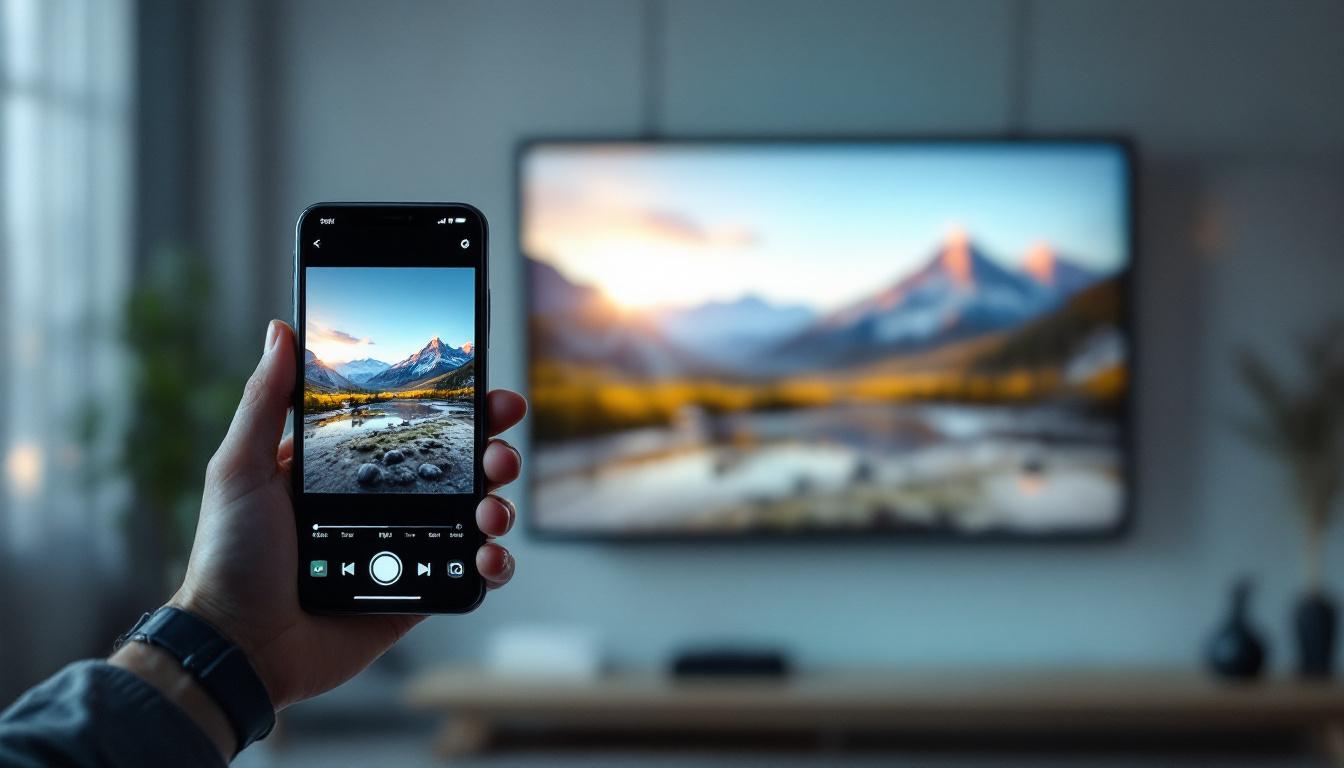
Video orientation—whether vertical or horizontal—significantly influences how content is perceived and displayed. Vertical videos are typically shot in portrait mode, with an aspect ratio of 9:16, while horizontal videos use landscape mode, commonly at 16:9. This difference affects not only the viewing experience but also technical compatibility with various display technologies, especially LED screens.
LED displays are widely used for advertising, events, and digital signage due to their brightness, color accuracy, and scalability. These displays are often designed with a horizontal aspect ratio in mind, matching the natural human field of vision and standard video formats. Showing vertical videos on a horizontal LED screen without adjustment can result in black bars on the sides, stretched images, or cropped content, which diminishes viewer engagement.
Why Horizontal Format Suits LED Displays Better
Horizontal videos align with the physical layout of most LED panels, which are typically modular and arranged in rows and columns to create wide screens. This layout maximizes the use of screen real estate and ensures that content fills the display without distortion. Moreover, horizontal orientation is more compatible with widescreen content such as movies, advertisements, and presentations, which are often produced in 16:9 or wider aspect ratios.
From a psychological standpoint, horizontal videos offer a more natural viewing experience. The human eye’s horizontal field of view is wider than the vertical, making landscape videos easier to watch for extended periods. This is particularly important for LED displays used in public spaces, where grabbing and maintaining attention is crucial.
Methods to Convert Vertical Videos to Horizontal Format
Converting vertical videos to horizontal format involves more than just rotating the footage. It requires careful consideration of framing, resolution, and content composition to ensure the final product looks professional and engaging on an LED display.
1. Cropping and Reframing
One common method is cropping the vertical video to fit a horizontal frame. This involves selecting a portion of the vertical video and trimming the top and bottom to achieve a 16:9 aspect ratio. While this can work for videos where the subject is centered, it risks cutting out important visual elements if not done carefully.
Advanced video editing software allows reframing, where the editor can reposition the cropped area dynamically throughout the video to keep the subject in focus. This technique is particularly useful for videos with movement or multiple subjects.
2. Adding Backgrounds and Borders
Another approach is to place the vertical video within a horizontal frame by adding backgrounds or borders on the sides. These backgrounds can be blurred versions of the video itself, solid colors, gradients, or custom graphics that complement the content. This method preserves the entire vertical video without cropping but may reduce the effective screen area used for the main content.
Using blurred backgrounds derived from the video creates a seamless, aesthetically pleasing effect that maintains viewer focus while filling the horizontal space. This technique is popular in social media reposts and digital signage where preserving the original video is essential.
3. Rotating and Reshooting
In some cases, especially when producing new content, the best solution is to shoot video horizontally from the outset. If a vertical video must be used, rotating it 90 degrees to horizontal is an option, but this typically results in sideways footage that is difficult to watch. Reshooting the video horizontally, if feasible, ensures optimal quality and compatibility with LED displays.
Technical Considerations for LED Display Compatibility
LED displays come with specific technical requirements that influence how video content should be prepared. Understanding these requirements helps ensure that converted horizontal videos display correctly and look their best.
Resolution and Pixel Density
LED screens vary widely in resolution and pixel pitch (the distance between individual LEDs). High-resolution displays with fine pixel pitch can show detailed video content clearly, while lower-resolution screens may require simpler graphics or larger text.
When converting vertical videos to horizontal format, it is important to match the output video resolution to the LED display’s native resolution. For example, a common LED display resolution might be 1920×1080 pixels (Full HD). Converting a 1080×1920 vertical video to 1920×1080 horizontal without adjusting resolution can lead to pixelation or distortion.
Aspect Ratio Matching
Maintaining the correct aspect ratio is critical to avoid stretching or squashing the video. Most LED displays are designed for 16:9 or wider ratios, so converting vertical 9:16 videos to 16:9 requires either cropping or adding borders, as discussed earlier.
Some LED walls are custom-shaped or modular, allowing for creative aspect ratios. In such cases, video content can be tailored to fit the unique display dimensions, but this requires advanced planning and editing.
Color Calibration and Brightness
LED displays are known for their vibrant colors and high brightness levels, which can sometimes exaggerate color differences or highlight imperfections in video content. When converting vertical videos, it is advisable to perform color grading and calibration to ensure consistent appearance on the LED screen.
Brightness levels should also be optimized to prevent glare or washed-out images, especially in outdoor or brightly lit environments.
Practical Tools and Software for Video Conversion
Several professional and consumer-grade tools can assist in converting vertical videos to horizontal format, each offering different features suited to various needs and skill levels.
Video Editing Software
Programs like Adobe Premiere Pro, Final Cut Pro, and DaVinci Resolve provide comprehensive editing suites that allow cropping, reframing, adding backgrounds, and color grading. These tools support high-resolution exports compatible with LED displays and offer timeline-based editing for precise control.
For users seeking simpler solutions, software like iMovie or Adobe Premiere Rush can handle basic cropping and background addition with user-friendly interfaces.
Automated Conversion Tools
Some online platforms and mobile apps offer automated vertical-to-horizontal video conversion. These tools typically add blurred backgrounds or borders and perform basic cropping. While convenient, they may not provide the customization or quality needed for professional LED display use.
Specialized LED Content Management Systems
Many LED display manufacturers provide proprietary content management software that includes video formatting features optimized for their hardware. These systems can automatically adjust video orientation, resolution, and playback settings to match the display’s specifications.
Using such systems ensures compatibility and can simplify the conversion process, especially for large-scale or permanent installations.
Case Studies: Successful Vertical-to-Horizontal Video Conversions for LED Displays
Examining real-world examples helps illustrate best practices and common challenges when converting vertical videos for LED screens.
Advertising Campaigns in Retail Environments
A major retail chain converted a series of influencer vertical videos into horizontal format for use on large LED walls in store windows. By cropping and dynamically reframing the videos, they maintained the focus on the product while filling the screen. Adding branded blurred backgrounds enhanced visual appeal without distracting from the message. This approach increased customer engagement by 25% compared to previous static ads.
Event Displays and Live Streaming
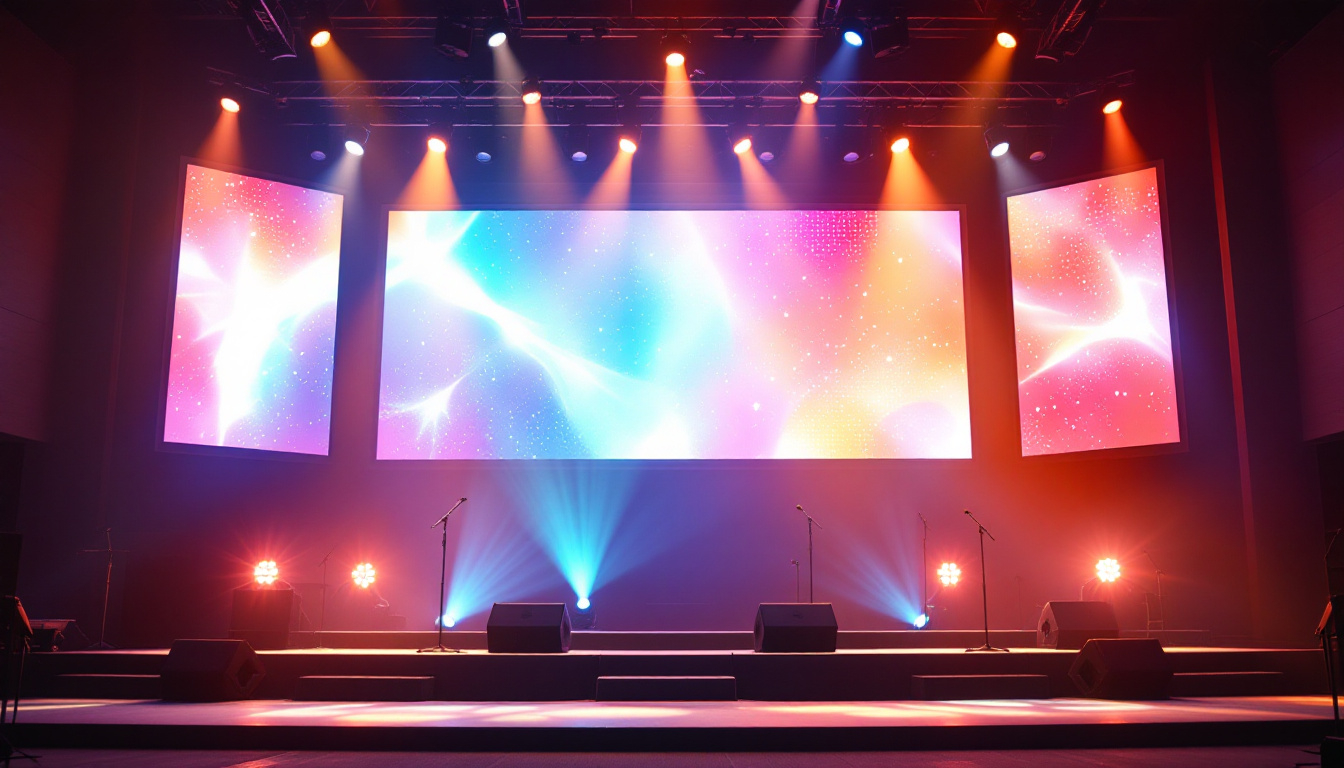
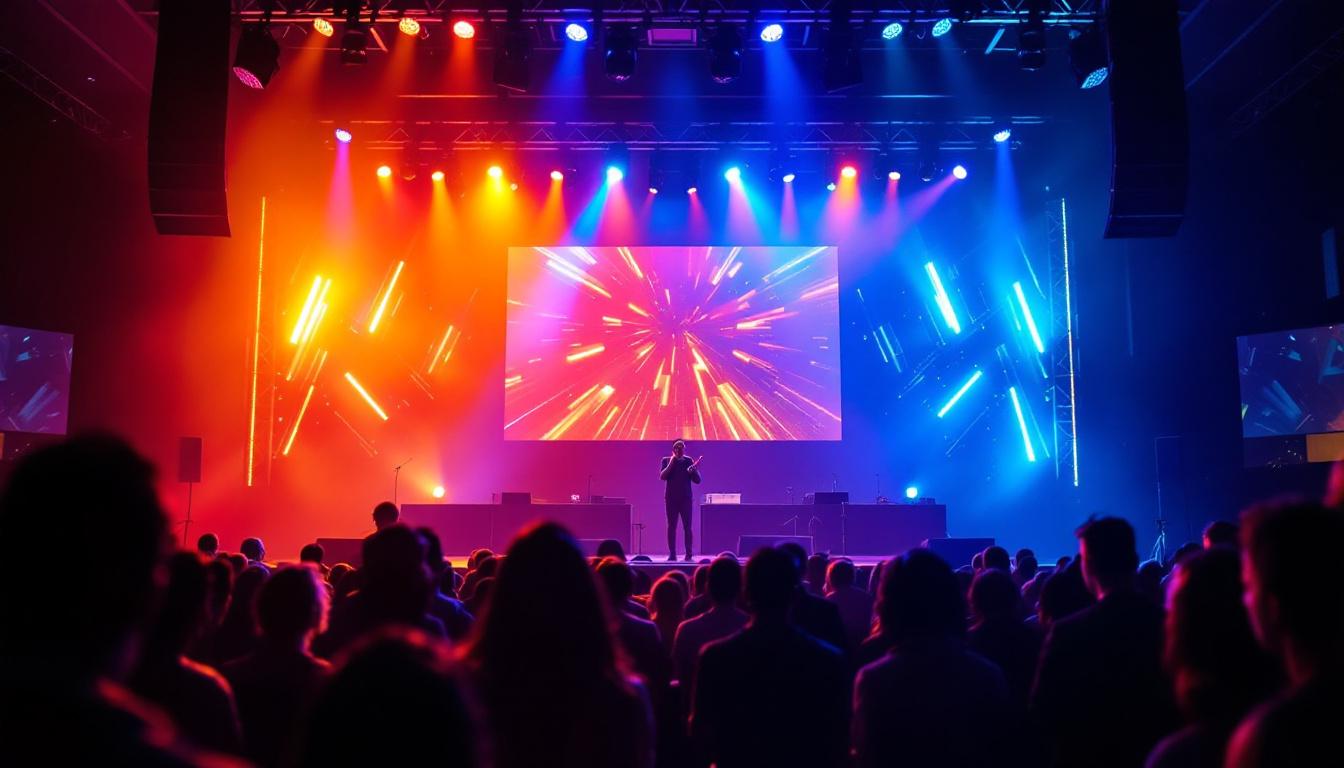
At a music festival, organizers displayed vertical fan-shot videos on a massive horizontal LED screen. Using real-time video processing software, they added animated borders and adjusted brightness to match the stage lighting. This integration created an immersive experience and encouraged attendees to submit more vertical videos, knowing they would be showcased effectively.
Corporate Presentations and Digital Signage
A multinational corporation repurposed vertical training videos for horizontal LED signage in their headquarters. By carefully cropping and adding branded backgrounds, they preserved the original content while adapting it for widescreen displays. The result was a polished, professional look that enhanced internal communications and employee engagement.
Best Practices and Tips for Optimizing Vertical Videos for Horizontal LED Displays
To ensure the highest quality and viewer impact when converting vertical videos for horizontal LED screens, consider the following recommendations:
- Plan Ahead: Whenever possible, shoot videos in horizontal format if they are intended for LED display use.
- Use High-Resolution Footage: Higher resolution videos provide more flexibility during cropping and scaling.
- Maintain Subject Focus: Use reframing techniques to keep important elements centered and visible.
- Leverage Backgrounds: Employ blurred or branded backgrounds to fill horizontal space without distracting viewers.
- Match Display Specifications: Align video resolution and aspect ratio with the LED screen’s native settings.
- Color Grade and Calibrate: Adjust colors and brightness to suit the LED display environment.
- Test on Actual Hardware: Preview videos on the target LED display before final deployment to catch any issues.
Conclusion
Converting vertical videos to horizontal format for LED displays is both a technical and creative challenge. Understanding the differences in aspect ratio, resolution, and display technology is essential for producing visually compelling content that maximizes the impact of LED screens. By employing cropping, reframing, background addition, and appropriate software tools, content creators and marketers can effectively adapt vertical videos for horizontal LED displays.
As LED technology continues to evolve and become more prevalent in advertising, events, and corporate communications, mastering these conversion techniques will be increasingly valuable. Properly formatted horizontal videos not only enhance viewer engagement but also ensure that the investment in LED display technology delivers the best possible return.
Discover LumenMatrix’s Innovative LED Display Solutions
Ready to transform your vertical videos into horizontal masterpieces for LED displays? LumenMatrix is at the forefront of LED display technology, offering a wide array of solutions that bring your content to life. From Indoor and Outdoor LED Walls to Custom and Transparent Displays, our products are designed to captivate your audience and amplify your message. Experience the future of visual communication with LumenMatrix. Check out LumenMatrix LED Display Solutions today and see the difference innovation can make.