Size Of LCD: LED Display Explained
In today’s world, screens are everywhere—from smartphones and laptops to televisions and digital signage. The size of an LCD or LED display plays a crucial role in user experience, image quality, and the overall effectiveness of the device. Understanding how display size is measured, what it means in practical terms, and how it impacts performance can help consumers and professionals make informed decisions when purchasing or specifying screens.
Understanding LCD and LED Displays
Before diving into the specifics of display size, it’s essential to clarify what LCD and LED displays are and how they relate to each other. LCD stands for Liquid Crystal Display, a technology that uses liquid crystals to modulate light and produce images. LED, or Light Emitting Diode, typically refers to the type of backlighting used in LCD panels.
Most modern displays marketed as “LED TVs” or “LED monitors” are actually LCD panels illuminated by LED backlights, replacing older cold cathode fluorescent lamps (CCFLs). This change has allowed for thinner, more energy-efficient screens with better brightness and color accuracy. The shift to LED backlighting has also enabled manufacturers to create displays with higher contrast ratios, leading to deeper blacks and more vibrant colors, which significantly enhances the viewing experience for movies, video games, and other visual media.
In summary, LCD is the core display technology, and LED refers to the backlighting method. This distinction is important because the size of the display is primarily about the LCD panel itself, not the backlighting technology. Additionally, the advancements in display technology have led to various types of LCDs, such as IPS (In-Plane Switching) and TN (Twisted Nematic), each offering different benefits in terms of viewing angles, response times, and color reproduction. As consumers become more discerning about their display choices, understanding these nuances can help in selecting a screen that best fits their needs, whether for professional use, gaming, or casual viewing.
How Display Size Is Measured
Diagonal Measurement: The Standard Metric
The size of an LCD or LED display is almost universally measured diagonally, from one corner of the visible screen to the opposite corner. This measurement is expressed in inches in most countries, though centimeters are used in some regions.
For example, a 55-inch television means the screen measures 55 inches diagonally, not the width or height. This method provides a consistent way to compare screen sizes across different aspect ratios and device types. The diagonal measurement is particularly useful because it allows consumers to quickly gauge the size of a display without needing to understand the intricacies of its dimensions. This simplicity is crucial in a market flooded with options, where shoppers might be overwhelmed by technical specifications.
Aspect Ratio and Its Impact on Size Perception
Aspect ratio—the ratio of width to height—also affects how large a screen feels. Common aspect ratios include 16:9 for most TVs and monitors, 4:3 for older displays, and ultrawide formats like 21:9 for specialized monitors.
A 27-inch 16:9 monitor will have different width and height dimensions compared to a 27-inch 4:3 display, even though the diagonal measurement is the same. This can influence user experience, especially in applications like gaming, video editing, or productivity, where screen real estate is critical. For instance, gamers often prefer ultrawide screens for an immersive experience, while video editors may opt for a 16:9 aspect ratio that aligns more closely with standard video formats. Understanding aspect ratios can thus greatly enhance how users interact with their devices, tailoring their setups to meet specific needs.
Visible Screen vs. Physical Dimensions
It’s important to distinguish between the visible screen size and the physical dimensions of the device. The visible screen refers to the actual area where images are displayed, while physical dimensions include bezels, casing, and other hardware.
With the trend toward thinner bezels, the physical size of devices is shrinking relative to their screen size, making it easier to fit larger displays into smaller spaces. This evolution in design not only enhances aesthetic appeal but also improves functionality, allowing for a more immersive viewing experience without requiring additional desk space. Furthermore, many manufacturers are now incorporating features like edge-to-edge glass, which maximizes the visible area and minimizes distractions from bezels. As a result, consumers can enjoy a more expansive visual experience, whether they are watching movies, playing games, or working on complex tasks.
Why Display Size Matters
Viewing Distance and Comfort
The optimal viewing distance varies depending on the size and resolution of the display. For example, a 24-inch monitor is typically viewed from about 20 to 30 inches away, while a 55-inch TV is best enjoyed from several feet back.
Choosing the right size for the intended viewing distance can reduce eye strain and improve overall comfort. Sitting too close to a large screen can cause discomfort, while sitting too far from a small screen can make details hard to see.
Resolution and Pixel Density
Display size is closely tied to resolution and pixel density, measured in pixels per inch (PPI). A larger screen with the same resolution as a smaller one will have a lower pixel density, which can make images appear less sharp.
For instance, a 24-inch 1080p monitor has a higher PPI than a 32-inch 1080p monitor, resulting in crisper images on the smaller screen. Conversely, a 32-inch 4K display offers both large size and high pixel density, ideal for detailed work or immersive entertainment.
Application-Specific Considerations
Different use cases demand different screen sizes. For office productivity, a 24 to 27-inch monitor is often sufficient, providing enough space for multitasking without overwhelming the user’s field of view.
Gamers and creative professionals may prefer larger, high-resolution displays or ultrawide monitors to enhance immersion and workspace. Meanwhile, digital signage and public displays often require very large screens to be visible from a distance.
Common LCD/LED Display Sizes and Their Uses
Small Displays: 10 to 15 Inches
Devices such as tablets, small laptops, and portable monitors typically fall into this size range. These displays balance portability with usability, making them ideal for mobile computing and casual media consumption.
For example, a 13.3-inch laptop screen is popular for its compactness and reasonable working area, while 10-inch tablets prioritize mobility and ease of handling.
Medium Displays: 20 to 32 Inches
This range covers most desktop monitors and mid-sized TVs. A 24-inch 1080p monitor is a common choice for office work, gaming, and general use, offering a good balance between screen space and desk footprint.
Monitors around 27 to 32 inches, especially with 1440p or 4K resolution, are favored by professionals who need detailed visuals, such as graphic designers and video editors.
Large Displays: 40 Inches and Above
Large TVs and digital signage displays start at around 40 inches and can go well beyond 100 inches for commercial applications. These are designed for viewing from a distance, whether in living rooms, conference rooms, or public spaces.
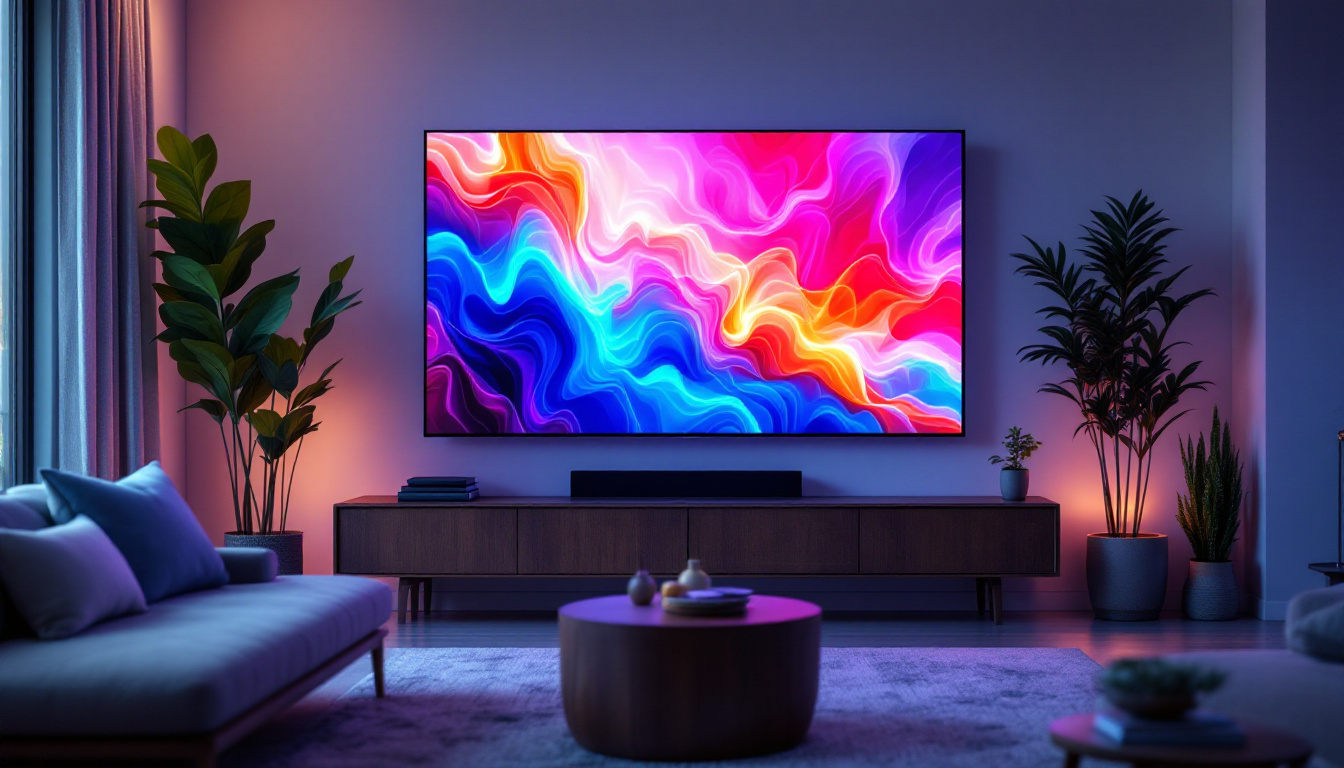
In home entertainment, 55 to 75-inch TVs have become increasingly popular, supported by affordable 4K content and streaming services. For digital signage, sizes can reach 100 inches or more, ensuring visibility across large venues.
Factors Influencing the Choice of Display Size
Space Constraints and Ergonomics
Physical space is often the first consideration. A large display might not fit comfortably on a small desk or in a compact room. Ergonomics also play a role—screens should be positioned to avoid neck strain and maintain a natural line of sight.
Adjustable stands, wall mounts, and multi-monitor setups can help optimize space and comfort, but the initial size choice must align with the environment.
Budget and Value
Larger displays and higher resolutions generally come at a higher cost. Consumers must weigh the benefits of increased screen size against their budget constraints.
Interestingly, prices for larger LED-backlit LCD panels have dropped significantly over the past decade, making bigger screens more accessible. However, extremely large or specialized displays still carry premium prices.
Content and Usage Patterns
The type of content viewed influences size preference. Watching high-definition movies or playing graphically rich games benefits from larger screens with high resolution.
Conversely, users focused on text-based work or web browsing may prioritize a comfortable size with good pixel density over sheer screen real estate.
Future Trends in LCD and LED Display Sizes
Display technology continues to evolve rapidly. Innovations such as OLED, MicroLED, and flexible displays are expanding the possibilities for screen size and form factor.
Ultra-large displays are becoming more affordable and common in both consumer and commercial markets. Additionally, the rise of 8K resolution is pushing manufacturers to produce larger screens that can fully utilize the increased pixel count.
Moreover, the integration of smart features and improved energy efficiency in LED-backlit LCDs ensures that screen size will remain a key factor in device design and usability for years to come.
Conclusion
The size of an LCD or LED display is a fundamental specification that affects viewing experience, usability, and suitability for various applications. Measuring screen size diagonally provides a standardized way to compare devices, but understanding aspect ratio, resolution, and viewing distance is equally important.
Whether selecting a compact laptop screen, a versatile desktop monitor, or a large television, considering the interplay of size, resolution, and intended use will lead to better satisfaction and performance. As technology advances, the options for display sizes continue to broaden, offering consumers and professionals alike a wealth of choices tailored to their needs.
Explore the Future of Visual Displays with LumenMatrix
Ready to elevate your visual experience with the latest in LED display technology? LumenMatrix offers a comprehensive range of innovative solutions, from Indoor and Outdoor LED Wall Displays to specialized options like Vehicle LED Displays and LED Sports Displays. Our mission is to transform the way you communicate visually, providing displays that not only enhance brand visibility but also create immersive and engaging experiences for any audience. Check out LumenMatrix LED Display Solutions today and discover how we can help you make a lasting impact with clarity and creativity.