In recent years, touch screen desktop monitors have transformed the way users interact with computers, blending the tactile immediacy of smartphones and tablets with the expansive functionality of desktop setups. At the heart of many of these devices lies LED display technology, which offers vibrant visuals, energy efficiency, and sleek design. This article delves into the intricacies of touch screen desktop monitors, focusing on LED displays, their technology, benefits, and practical applications.
Understanding Touch Screen Desktop Monitors
What Defines a Touch Screen Desktop Monitor?
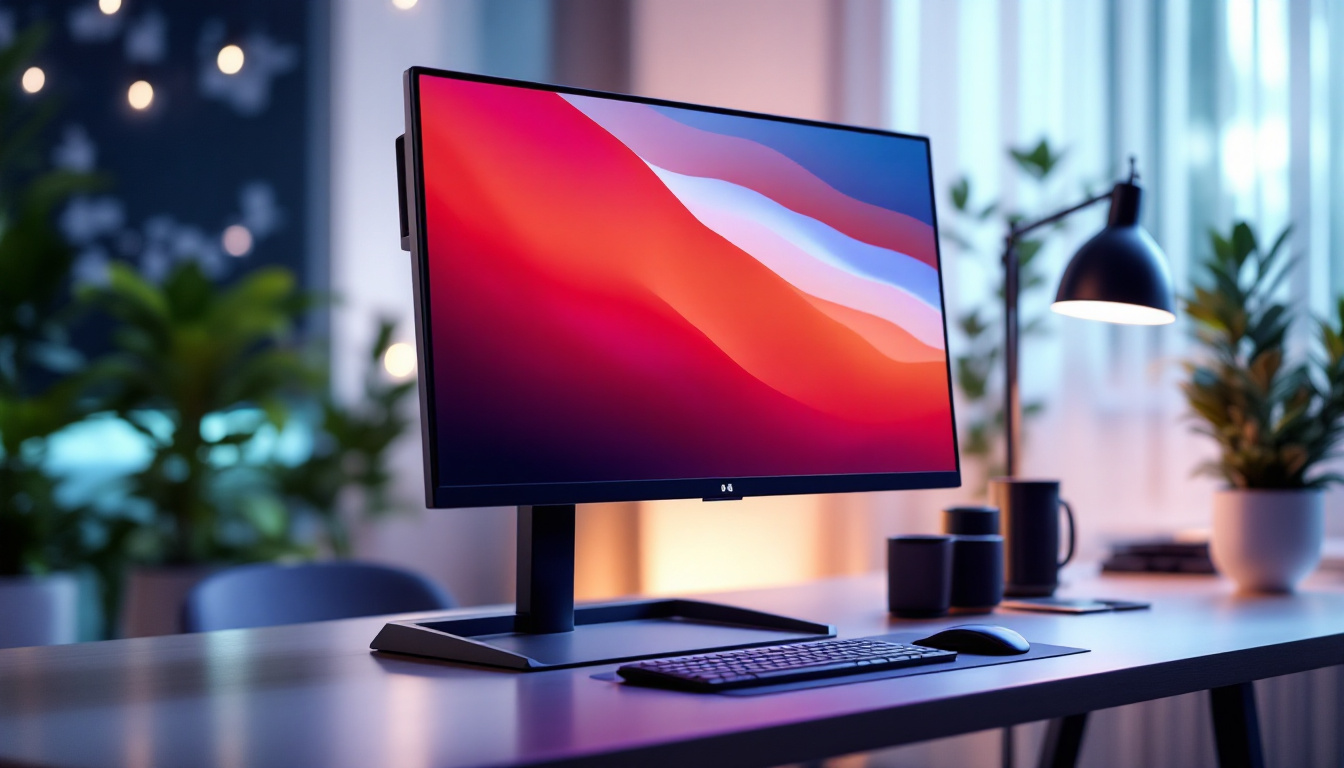
A touch screen desktop monitor integrates a traditional display with a touch-sensitive layer, allowing users to interact directly with the screen using fingers or a stylus. Unlike standard monitors that rely solely on peripherals like a mouse or keyboard, touch screen monitors enable more intuitive and immediate control, enhancing user experience in various contexts from professional environments to casual use.
These monitors come in various sizes, typically ranging from 15 inches to over 27 inches, catering to different needs such as graphic design, point-of-sale systems, or everyday computing. The touch technology embedded can vary, but capacitive and resistive touchscreens are the most common types found in desktop monitors.
Why Choose a Touch Screen Monitor?
Touch screen monitors offer several advantages that make them appealing across industries and user groups. For one, they streamline workflows by reducing the need for external input devices, which can be especially beneficial in space-constrained environments or for users with accessibility needs.
Moreover, touch interaction encourages a more natural and direct way of engaging with digital content, fostering creativity and efficiency. In sectors like healthcare, education, and retail, touch screen monitors facilitate quick data entry, interactive presentations, and customer engagement, respectively.
LED Display Technology: The Backbone of Modern Monitors
What is an LED Display?
LED stands for Light Emitting Diode, a semiconductor device that emits light when an electric current passes through it. In the context of desktop monitors, LED refers to the backlighting technology used to illuminate the screen’s liquid crystal display (LCD) panel. Unlike older cold cathode fluorescent lamp (CCFL) backlights, LEDs offer superior brightness, color accuracy, and energy efficiency.
It’s important to note that most LED monitors are actually LCD panels lit by LEDs rather than displays made entirely of LEDs. However, the term “LED monitor” has become the standard way to describe these devices due to their backlighting method.
Types of LED Backlighting
There are primarily two types of LED backlighting used in desktop monitors: edge-lit and full-array. Edge-lit LED monitors position LEDs along the edges of the screen, using light guides to distribute illumination. This design allows for thinner and lighter monitors but can sometimes result in uneven brightness or less precise local dimming.
Full-array LED monitors place LEDs uniformly behind the entire screen area, enabling more consistent brightness and better contrast ratios through local dimming zones. While generally thicker and more costly, full-array displays offer superior picture quality, especially in darker scenes.
Advantages of LED Displays in Touch Screen Monitors
LED displays bring several key benefits to touch screen desktop monitors. Firstly, their high brightness levels ensure visibility even in well-lit environments, which is crucial for touch interaction where screen clarity can affect accuracy.
Secondly, LED backlighting contributes to energy efficiency, reducing power consumption compared to older technologies. This is particularly valuable in commercial settings where monitors may operate for extended periods.
Additionally, LED displays support a wide color gamut and better contrast ratios, enhancing visual fidelity for tasks such as photo editing, video production, and gaming. The slim profile enabled by LED backlighting also complements the sleek and modern aesthetic of touch screen monitors.
Touch Screen Technologies: Capacitive vs. Resistive
Capacitive Touch Technology
Capacitive touchscreens detect touch through the electrical properties of the human body. When a finger touches the screen, it changes the screen’s electrostatic field, which sensors detect and process. This technology is known for its high sensitivity, multi-touch capability, and durability.
Capacitive touchscreens are widely used in smartphones and tablets, and their adoption in desktop monitors has grown due to these advantages. They support gestures like pinch-to-zoom and swiping, making interactions more fluid and natural.
Resistive Touch Technology
Resistive touchscreens consist of two flexible layers separated by a small gap. When pressure is applied, the layers make contact, registering the touch. While resistive screens are generally less sensitive and do not support multi-touch, they can be operated with any object, including styluses or gloves.
This makes resistive touchscreens suitable for industrial or medical environments where users might wear gloves or need precise stylus input. They are also typically more cost-effective, though at the expense of clarity and responsiveness.
Choosing the Right Touch Technology
The choice between capacitive and resistive touch technology depends largely on the intended use case. For general consumer use, capacitive touchscreens offer superior responsiveness and multi-touch support. In contrast, resistive touchscreens are preferred in specialized environments requiring stylus input or glove compatibility.
Many modern touch screen desktop monitors leverage capacitive technology due to its enhanced user experience and robust performance, especially when paired with high-quality LED displays.
Applications of Touch Screen Desktop Monitors with LED Displays
Professional and Creative Workspaces
Graphic designers, video editors, and digital artists benefit immensely from touch screen monitors with LED displays. The combination of precise touch input and vibrant color reproduction enhances creative workflows, allowing for direct manipulation of digital content.
For instance, artists can use styluses to draw directly on the screen with minimal latency, while video editors can scrub through timelines with touch gestures. The high resolution and color accuracy of LED displays ensure that the visual output matches professional standards.
Retail and Point-of-Sale Systems
In retail environments, touch screen monitors streamline sales transactions and inventory management. LED displays provide clear visibility under various lighting conditions, while touch input accelerates customer checkouts and employee interactions.
Many point-of-sale systems now incorporate touch screen monitors with LED technology to improve speed and accuracy, reduce training time for staff, and enhance the overall customer experience.
Healthcare and Medical Use
Healthcare professionals rely on touch screen monitors for accessing patient records, imaging, and diagnostic tools. LED displays ensure that images such as X-rays and MRIs are displayed with clarity and precision, aiding accurate diagnoses.
Touch input allows for quick navigation through complex medical software, often in sterile environments where traditional input devices might be impractical. The durability and responsiveness of capacitive touchscreens also support frequent use in busy clinical settings.
Education and Interactive Learning
Educational institutions increasingly incorporate touch screen desktop monitors to foster interactive learning. LED displays provide bright, clear visuals that capture students’ attention, while touch functionality enables hands-on engagement with educational software.
This technology supports collaborative learning environments where multiple users can interact simultaneously, enhancing participation and retention. From virtual labs to digital whiteboards, touch screen monitors with LED displays are revolutionizing classroom dynamics.
Key Considerations When Purchasing a Touch Screen Desktop Monitor
Screen Size and Resolution
Choosing the appropriate screen size and resolution is critical. Larger screens (24 inches and above) offer more workspace and are preferable for multitasking or detailed creative work. Resolution should ideally be at least Full HD (1920×1080), with 4K becoming increasingly common for professional applications.
Higher resolution paired with LED technology ensures sharp images and reduces eye strain during prolonged use.
Touch Technology and Responsiveness
Evaluate the type of touch technology based on your usage scenario. Capacitive touchscreens are generally more responsive and support multi-touch, making them suitable for most users. However, if stylus input or glove use is essential, a resistive touchscreen might be more appropriate.
Responsiveness and latency are also important; monitors with low touch latency provide a smoother user experience, especially in creative or gaming contexts.
Connectivity and Compatibility
Ensure the monitor supports the necessary input ports such as HDMI, DisplayPort, and USB-C. USB ports are often used to connect the touch interface to the computer. Compatibility with your operating system (Windows, macOS, Linux) and software is also vital to avoid integration issues.
Ergonomics and Build Quality
Since touch screen monitors encourage direct interaction, ergonomics play a significant role. Look for adjustable stands that allow tilting, swiveling, or height adjustment to reduce strain during use.
Build quality matters, especially in commercial or industrial environments. Monitors with reinforced glass, anti-glare coatings, and dust or water resistance can extend device lifespan and reliability.
The Future of Touch Screen Desktop Monitors with LED Displays
As technology advances, touch screen desktop monitors continue to evolve, integrating more sophisticated LED display technologies like mini-LED and OLED. Mini-LED offers even greater contrast and brightness control by using thousands of tiny LEDs for backlighting, while OLED displays provide true blacks and exceptional color accuracy by emitting light at the pixel level.
Moreover, innovations in touch technology, including haptic feedback and pressure sensitivity, are enhancing tactile interaction, making digital experiences more immersive and precise.
With the rise of hybrid work models and increased demand for versatile computing solutions, touch screen desktop monitors with LED displays are poised to become standard components in both professional and personal computing environments.
Conclusion
Touch screen desktop monitors equipped with LED displays represent a powerful fusion of interactive technology and high-quality visuals. Understanding the underlying LED technology, the differences between touch input methods, and the practical applications of these devices helps users make informed decisions tailored to their needs.
Whether for creative professionals, retail operators, healthcare providers, or educators, these monitors offer enhanced usability, efficiency, and engagement. As LED technology and touch interfaces continue to advance, their role in shaping the future of desktop computing looks increasingly promising.
Discover LumenMatrix’s Innovative LED Display Solutions
Ready to elevate your interactive experiences with the latest in LED display technology? LumenMatrix is at the forefront of creating dynamic visual solutions that bring your content to life. From engaging Indoor LED Wall Displays to versatile All-in-One LED Displays, our products are designed to captivate and communicate with unparalleled clarity. Embrace the future of touch screen desktop monitors and beyond with LumenMatrix. Check out LumenMatrix LED Display Solutions today and transform the way you share your message.