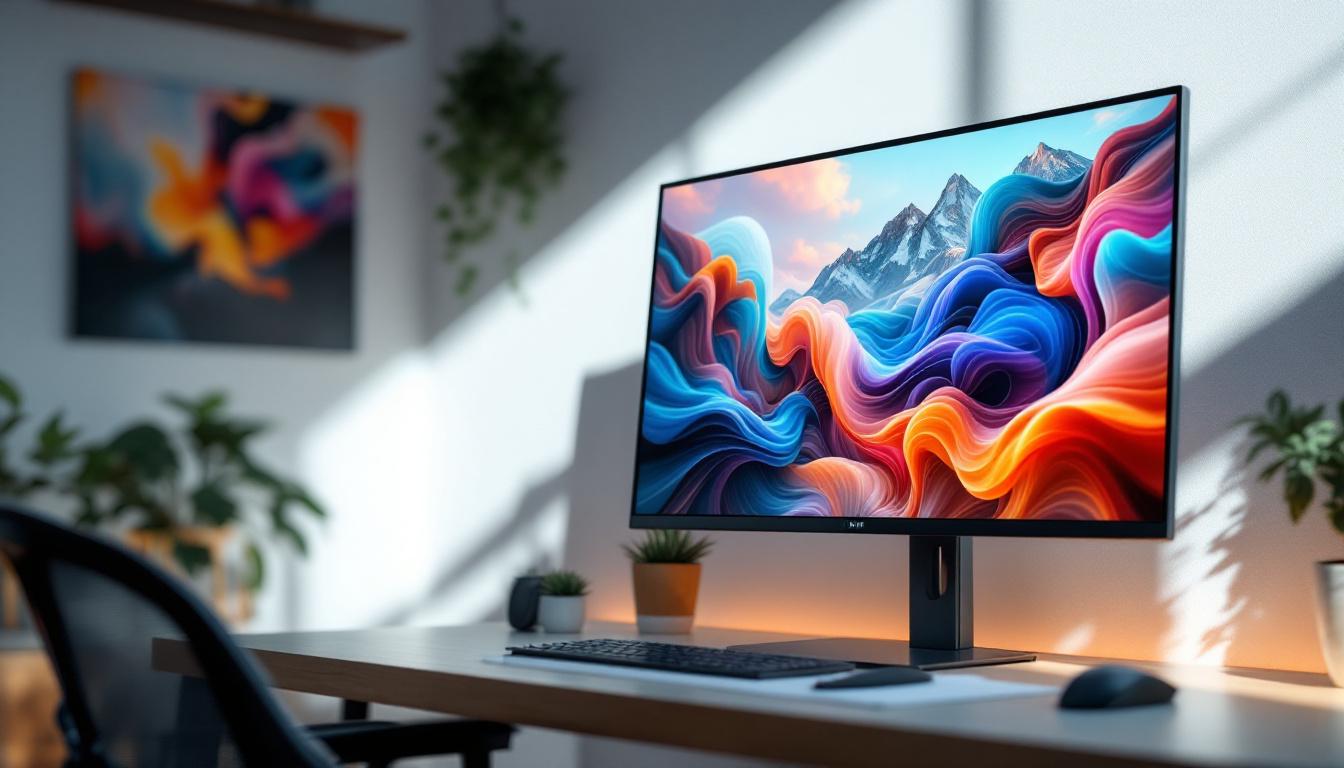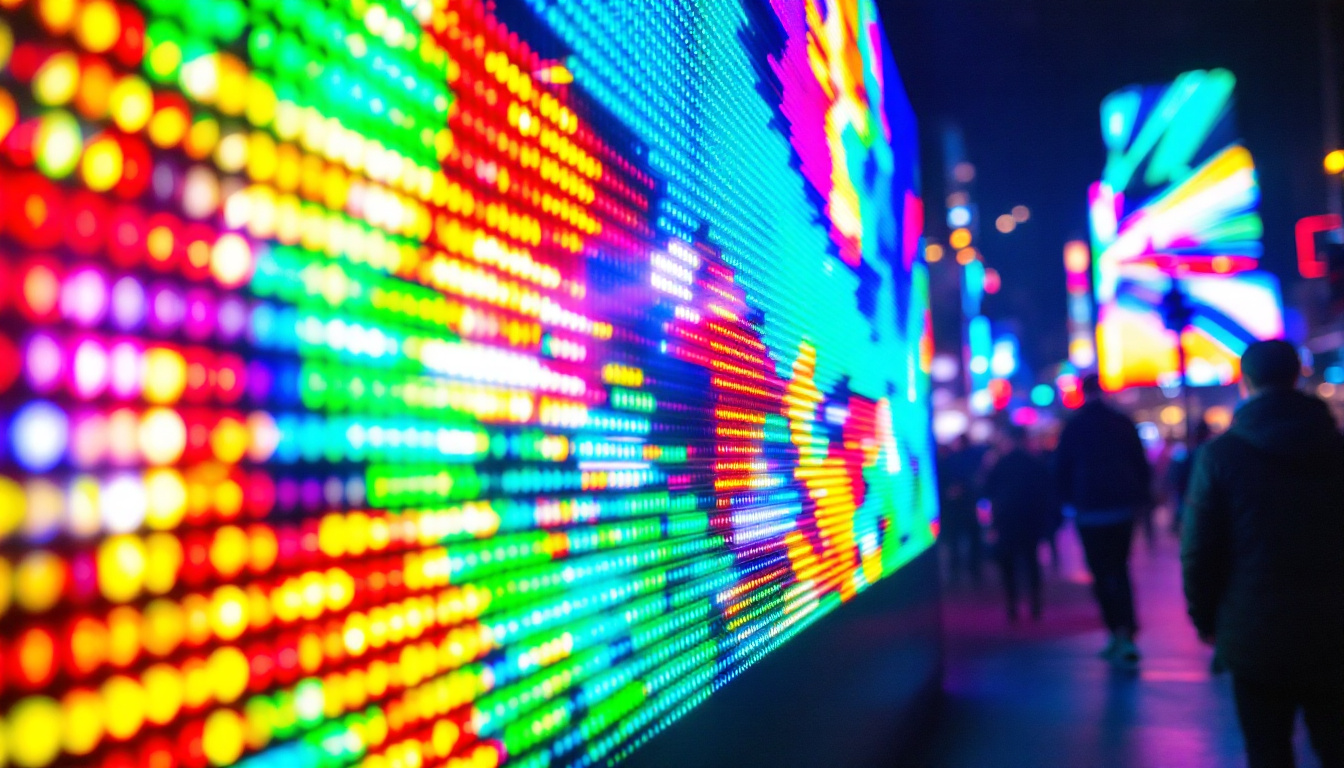
In today’s fast-paced digital world, touch screen external monitors have become an essential tool for professionals, creatives, and everyday users alike. These devices blend the convenience of touch input with the visual clarity of LED display technology, offering a versatile and interactive experience. Whether you’re enhancing your workstation, designing graphics, or simply seeking a more intuitive way to interact with your computer, understanding the technology behind these monitors is crucial.
This article delves into the fundamentals of touch screen external monitors, focusing on the LED display technology that powers them. We’ll explore how LED displays work, the types of touch screen technologies commonly integrated, and the benefits and considerations when choosing the right monitor for your needs.
Understanding LED Display Technology
What is an LED Display?
LED stands for Light Emitting Diode, a semiconductor device that emits light when an electric current passes through it. In the context of monitors, LED displays refer to screens that use LEDs as a backlighting source for LCD panels. This is different from older LCD monitors that used cold cathode fluorescent lamps (CCFL) for backlighting.
The LED backlighting technology offers several advantages, including improved brightness, better color accuracy, energy efficiency, and thinner panel designs. These benefits contribute to sharper images and more vibrant visuals, which are particularly important for users who rely on precise color representation, such as graphic designers and video editors. Furthermore, the longevity of LED technology means that users can enjoy their displays for years without significant degradation in performance, making them a cost-effective choice in the long run.
How LED Backlighting Works in Monitors
In an LED-backlit monitor, the LCD panel itself doesn’t emit light. Instead, the LEDs positioned behind or along the edges of the screen provide the necessary illumination. The liquid crystals in the LCD panel then manipulate this light to produce images by blocking or allowing light to pass through colored filters.
There are two primary types of LED backlighting used in monitors:
- Edge-Lit LED: LEDs are placed along the edges of the screen, and light is spread evenly across the display using light guides. This design allows for thinner monitors but may suffer from uneven brightness in some cases.
- Direct or Full-Array LED: LEDs are placed directly behind the LCD panel in a grid. This setup enables local dimming, where specific zones can be dimmed or brightened independently, enhancing contrast and black levels.
In addition to these two primary types, advancements in technology have led to the development of Mini-LED and Micro-LED displays. Mini-LED technology uses thousands of tiny LEDs to provide even more precise local dimming, resulting in improved contrast ratios and deeper blacks. Micro-LED, on the other hand, represents a significant leap forward, as each pixel is an individual LED, allowing for incredible color accuracy and brightness levels. This innovation could potentially revolutionize display technology, offering a glimpse into a future where screens can achieve unparalleled visual fidelity.
Why LED Displays are Preferred for Touch Screen Monitors
LED displays have become the standard for modern touch screen external monitors due to their superior performance characteristics. Their brightness levels are generally higher than CCFL-backlit LCDs, which is essential in environments with ambient light. Additionally, LED technology consumes less power, contributing to energy savings and longer device lifespan.
The thinner design enabled by LED backlighting also complements touch screen technology, making the monitors more sleek and portable. Moreover, LED displays tend to have faster response times and better color gamut coverage, enhancing the overall user experience. This is particularly beneficial for applications that require quick interactions, such as gaming or real-time data analysis, where every millisecond counts. The combination of touch sensitivity and vibrant visuals creates an immersive experience that captivates users and enhances productivity.
Furthermore, the durability of LED displays makes them ideal for touch screen applications in various industries, from retail to healthcare. Their resilience against screen burn-in and fading over time ensures that the displays maintain their quality even under heavy usage. As touch screen technology continues to evolve, LED displays will likely remain at the forefront, adapting to meet the demands of future innovations and user expectations.
Touch Screen Technologies Integrated with LED Monitors
Capacitive Touch Technology
Capacitive touch screens are the most common type found in modern external monitors. They work by detecting the electrical properties of the human finger. When a finger touches the screen, it changes the local electrostatic field, which the device registers as an input.
This technology supports multi-touch gestures such as pinch-to-zoom and swipe, making it ideal for interactive applications, presentations, and creative work. Capacitive touch screens are highly responsive and offer excellent clarity because they require only a thin, transparent conductive layer on top of the display.
Resistive Touch Technology
Resistive touch screens operate by sensing pressure applied to the screen. They consist of multiple layers, including two thin, electrically conductive layers separated by a small gap. When pressed, the layers make contact, registering the touch point.
While resistive touch technology is less sensitive than capacitive, it has the advantage of working with any input device, including styluses and gloved fingers. It is often found in industrial or rugged environments where durability and versatility are priorities.
Other Touch Technologies
Besides capacitive and resistive, there are other touch technologies like infrared (IR) and surface acoustic wave (SAW). IR touch screens use an array of infrared LEDs and sensors around the screen’s edges to detect touch, while SAW uses ultrasonic waves. These are less common in consumer-grade external monitors but may be used in specialized applications.
Benefits of Using a Touch Screen External Monitor with LED Display
Enhanced User Interaction and Productivity
Touch screen monitors provide a more natural and intuitive way to interact with digital content. Instead of relying solely on a mouse and keyboard, users can directly manipulate objects on the screen. This can speed up workflows, especially in tasks like drawing, photo editing, and data navigation.
For professionals in fields such as architecture, design, and education, touch input combined with the vivid visuals of LED displays allows for more precise control and better visualization of complex projects.
Improved Visual Quality and Comfort
LED displays offer superior brightness and color accuracy, which reduces eye strain during prolonged use. High dynamic range (HDR) capabilities in some LED monitors further enhance image quality by providing greater contrast and more lifelike colors.
These visual improvements are critical for users who spend long hours in front of screens, ensuring comfort and reducing fatigue.
Energy Efficiency and Longevity
Compared to older backlighting technologies, LED displays consume significantly less power. This efficiency translates to lower electricity bills and a smaller environmental footprint. Additionally, LEDs have a longer lifespan, meaning the monitor will maintain consistent brightness and color quality for years.
Choosing the Right Touch Screen External Monitor
Consider Screen Size and Resolution
The ideal screen size depends on your workspace and intended use. Common sizes range from 15 inches for portable monitors to 27 inches or larger for desktop setups. Resolution is equally important; higher resolutions like 4K (3840 x 2160 pixels) provide sharper images and more workspace but may require more powerful hardware to drive smoothly.
Evaluate Touch Technology and Responsiveness
For general use and creative work, capacitive touch screens are usually the best choice due to their responsiveness and multi-touch support. However, if you need to use a stylus or operate the monitor in an industrial setting, resistive touch might be more appropriate.
Check Connectivity Options
Modern touch screen monitors typically offer multiple connectivity options such as HDMI, DisplayPort, USB-C, and sometimes legacy ports like VGA. USB-C is particularly advantageous as it can carry video, data, and power through a single cable, simplifying setup.
Additional Features to Look For
Some monitors come with built-in speakers, adjustable stands, anti-glare coatings, and compatibility with styluses or palm rejection technology. These features can enhance usability and comfort based on your specific needs.
Common Applications of Touch Screen LED External Monitors
Creative and Design Work
Graphic designers, illustrators, and video editors benefit from the direct interaction and precise color reproduction that touch screen LED monitors provide. The ability to draw or manipulate objects with fingers or styluses streamlines the creative process.
Business and Education Environments
In offices and classrooms, touch screen monitors facilitate interactive presentations, collaborative work, and digital whiteboarding. The intuitive interface encourages engagement and can improve communication efficiency.
Retail and Point of Sale Systems
Touch screen LED monitors are widely used in retail for point of sale (POS) terminals, kiosks, and customer self-service stations. Their durability, responsiveness, and clear displays enhance the customer experience and operational workflow.
Maintaining and Caring for Your Touch Screen External Monitor
Cleaning Tips
To keep your touch screen monitor in optimal condition, use a soft, lint-free microfiber cloth. Avoid harsh chemicals or abrasive materials that can damage the screen’s protective layers. For smudges and fingerprints, a mixture of distilled water and isopropyl alcohol in a 1:1 ratio is generally safe, but always check the manufacturer’s guidelines.
Protecting the Screen
Consider using screen protectors designed for touch screens to guard against scratches and reduce glare. When transporting portable monitors, use padded cases to prevent physical damage.
Software and Calibration
Regularly update your monitor’s firmware and drivers to ensure compatibility and performance. Calibrating the display for color accuracy using specialized tools can be beneficial for professional users who require precise color matching.
Conclusion
Touch screen external monitors with LED displays represent a significant advancement in display technology, combining interactive capabilities with high-quality visuals. Understanding the underlying LED technology and the types of touch input available helps users make informed decisions tailored to their needs.
Whether for creative endeavors, professional environments, or everyday computing, these monitors offer enhanced productivity, comfort, and efficiency. By carefully considering factors such as screen size, resolution, touch technology, and connectivity, users can select the ideal monitor to elevate their digital experience.
As LED and touch technologies continue to evolve, the future promises even more innovative and immersive display solutions, making touch screen external monitors a smart investment for today and tomorrow.
Discover the Future of Touch Screen Displays with LumenMatrix
Ready to experience the pinnacle of touch screen technology and LED display innovation? LumenMatrix is at the forefront, crafting immersive visual solutions that transform environments and engage audiences. From vibrant Indoor and Outdoor LED Wall Displays to dynamic Vehicle and Sports LED Displays, our offerings cater to a wide array of applications. Embrace the future of digital signage with our All-in-One LED Displays, LED Posters, and even Custom LED solutions tailored to your unique needs. Elevate your brand and captivate your audience—check out LumenMatrix LED Display Solutions today and join the visual revolution.