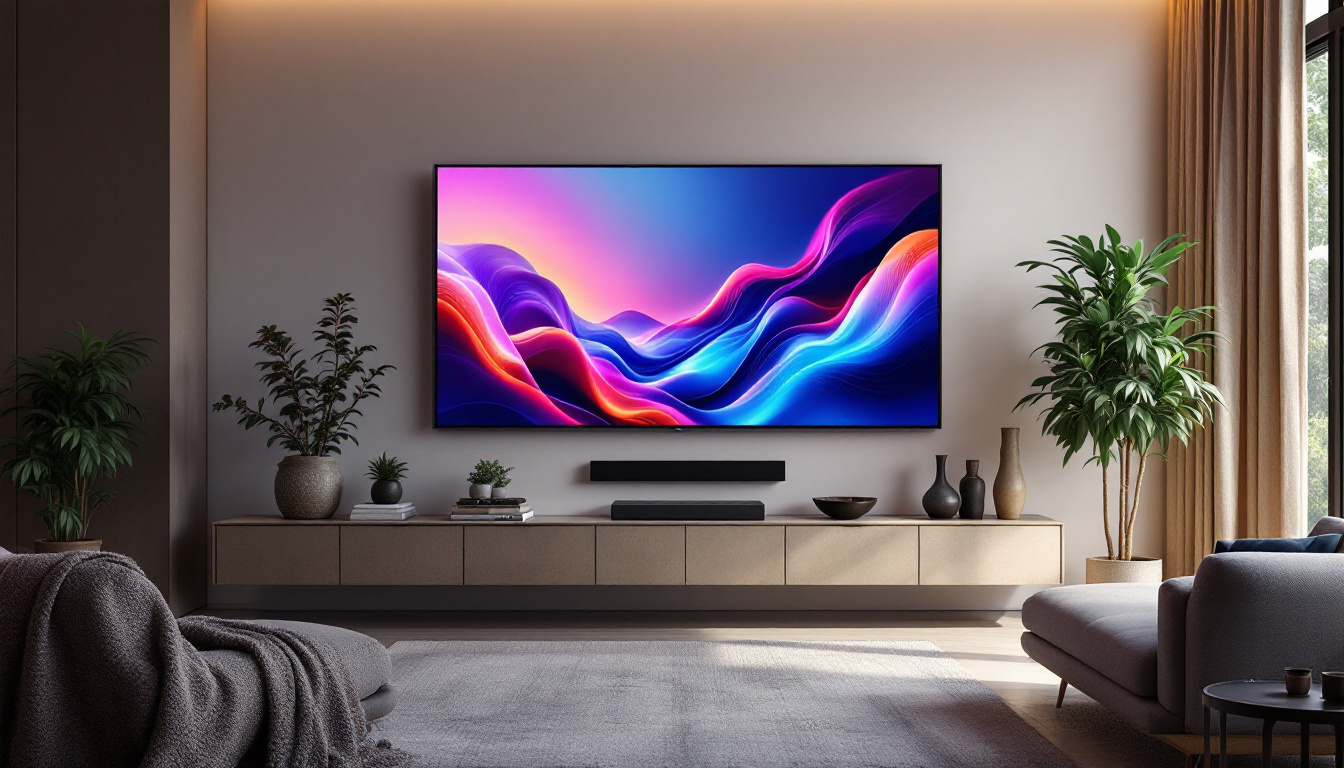
In the world of modern electronics, LCD and LED displays dominate the visual landscape, from televisions and computer monitors to smartphones and digital signage. However, one common issue that users frequently encounter is the dreaded “black screen” — a phenomenon where the display remains dark despite the device being powered on. Understanding why this happens requires a deep dive into the technology behind LCD and LED displays, their components, and the common causes of display failure.
Understanding LCD and LED Display Technologies
What is an LCD Display?
LCD stands for Liquid Crystal Display, a technology that uses liquid crystals to modulate light and create images. Unlike traditional cathode ray tube (CRT) monitors, LCDs are flat-panel displays that rely on a backlight to illuminate the screen. The liquid crystals themselves do not emit light; instead, they control the passage of light from the backlight to form images.
In an LCD, the backlight is typically a cold cathode fluorescent lamp (CCFL) or, more commonly today, an array of light-emitting diodes (LEDs). The screen is composed of layers including polarizing filters, glass substrates, electrodes, and the liquid crystal layer. When an electric current is applied, the liquid crystals align to either block or allow light to pass through, creating the pixels that form images. This technology has evolved significantly, leading to advancements such as higher resolutions and improved color accuracy, making LCDs a popular choice for everything from televisions to computer monitors.
Moreover, the development of In-Plane Switching (IPS) technology has further enhanced LCD displays by providing wider viewing angles and better color reproduction compared to traditional Twisted Nematic (TN) panels. This has made IPS panels particularly favored in professional settings where color accuracy is paramount, such as graphic design and photography. As a result, consumers now have a variety of options tailored to their specific needs, whether for gaming, professional use, or casual viewing.
LED Displays: A Misnomer?
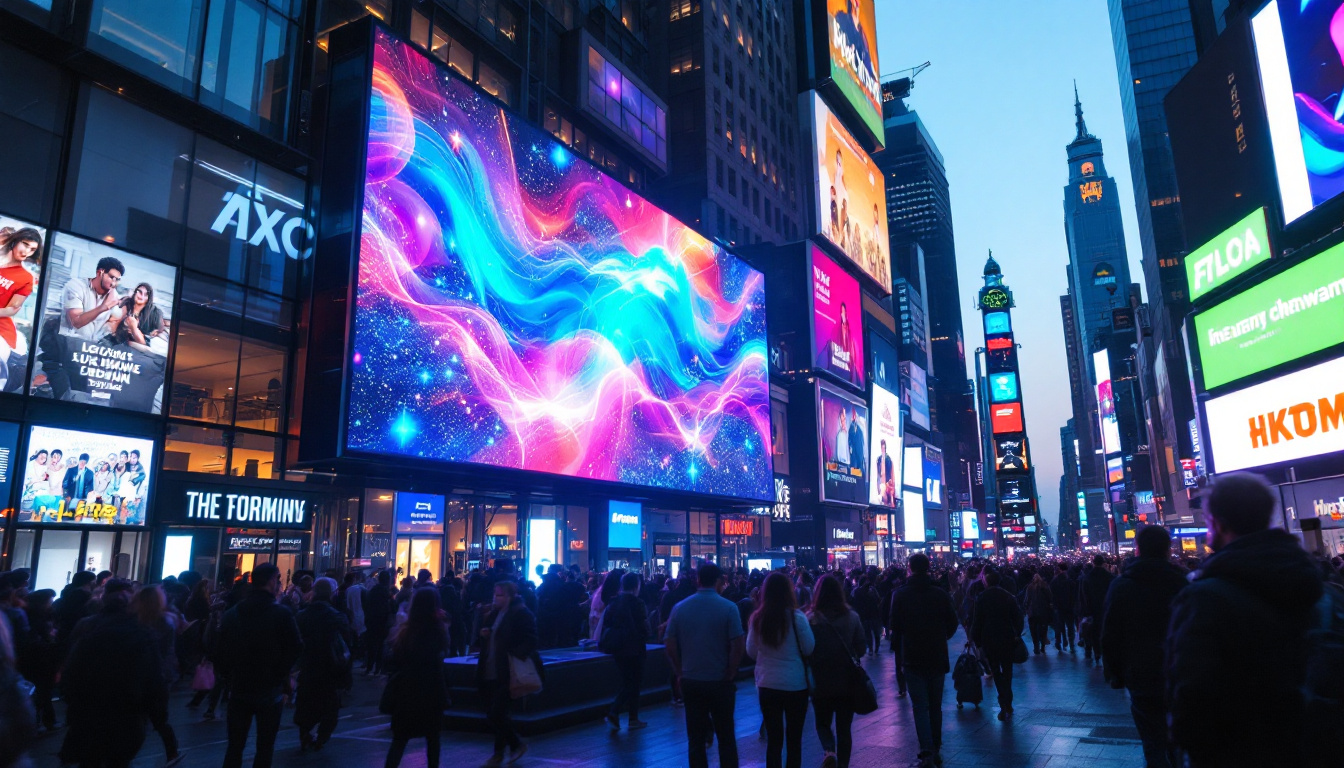
Often, the term “LED display” is used interchangeably with “LCD display,” causing confusion. Technically, LED displays refer to screens that use light-emitting diodes as the actual pixels, such as in large outdoor billboards or the latest OLED (Organic LED) screens. However, in consumer electronics, “LED display” usually means an LCD screen with LED backlighting.
This distinction is important because the black screen issue can stem from different components depending on the technology. For example, an LED-backlit LCD screen’s black screen may be due to backlight failure, whereas a true LED display might have pixel or driver issues. Additionally, true LED displays, particularly OLEDs, offer remarkable contrast ratios and vibrant colors due to their ability to turn off individual pixels completely, resulting in deeper blacks and a more immersive viewing experience. This capability has made OLED technology increasingly popular in high-end televisions and smartphones, where visual fidelity is a top priority.
Furthermore, the energy efficiency of LED technology has also contributed to its widespread adoption. Compared to traditional LCDs with CCFL backlighting, LED-backlit displays consume significantly less power, which is not only beneficial for reducing electricity bills but also for minimizing environmental impact. As technology continues to advance, the line between these display types may blur even further, leading to innovations that enhance both performance and sustainability in the world of visual displays.
Common Causes of the LCD Black Screen
Backlight Failure: The Most Frequent Culprit
Since LCDs rely on backlighting to display images, one of the most common reasons for a black screen is a failure in the backlight system. If the backlight stops working, the screen will appear completely dark, even though the display’s pixels might still be functioning correctly.
Backlight failure can occur due to several reasons:
- LED Backlight Burnout: The LEDs that provide illumination may degrade over time or fail due to electrical issues.
- Inverter Malfunction: In older CCFL-backlit LCDs, the inverter converts DC power to AC to power the fluorescent lamps. A faulty inverter can cause the backlight to stop functioning.
- Power Supply Issues: Insufficient or unstable power delivery to the backlight can cause it to fail intermittently or permanently.
Faulty Display Cable or Connector
Another frequent cause of a black screen is a damaged or loose display cable. The cable connects the motherboard or graphics card to the LCD panel, transmitting video signals. If this cable is damaged, disconnected, or poorly seated, the screen may fail to display an image.
Common signs of cable issues include flickering screens, intermittent blackouts, or lines appearing on the display. In laptops, the display cable runs through the hinge and is prone to wear and tear over time.
Graphics Card or Driver Problems
Sometimes, the black screen is not a hardware issue with the display itself but originates from the graphics processing unit (GPU) or its drivers. A malfunctioning GPU, corrupted drivers, or incompatible software updates can prevent the display from rendering images properly.
In such cases, connecting the device to an external monitor can help diagnose whether the problem lies with the internal display or the graphics system.
Other Hardware Failures
Additional hardware issues that may cause a black screen include:
- Faulty LCD Panel: Physical damage or manufacturing defects in the LCD panel can cause pixels to fail or the entire screen to go black.
- Motherboard Issues: Problems with the motherboard, such as damaged circuits or connectors, can disrupt the video signal.
- Power Button or Firmware Glitches: Sometimes, software or firmware bugs can cause the screen to remain black even when the device is powered on.
Diagnosing the Black Screen Problem
Step-by-Step Troubleshooting
Diagnosing the cause of a black screen can be challenging but following a systematic approach can help isolate the issue:
- Check Power and Connections: Ensure the device is powered on and all cables are securely connected. For laptops, verify the battery and power adapter functionality.
- Test with External Display: Connect the device to an external monitor or TV. If the external display works, the problem likely lies with the internal screen or its connections.
- Inspect the Backlight: Shine a flashlight at an angle on the screen. If faint images are visible, the LCD is working but the backlight is not.
- Reset or Update Drivers: Boot the device in safe mode and update or reinstall graphics drivers.
- Check for Physical Damage: Look for cracks, discoloration, or signs of damage on the screen and cables.
When to Seek Professional Help
While some troubleshooting steps can be performed by users, many LCD and LED display repairs require specialized tools and expertise. If the problem involves backlight replacement, motherboard repair, or internal cable replacement, professional service is recommended.
Attempting to repair delicate components without proper knowledge can lead to further damage or void warranties. Certified technicians can provide accurate diagnostics and safe repairs, ensuring the longevity of the device.
Preventing LCD and LED Display Black Screen Issues
Proper Handling and Usage
Many black screen problems stem from physical damage or wear and tear. To minimize risks, handle devices carefully, avoid dropping or applying pressure to the screen, and keep liquids away from electronic components.
For laptops, avoid excessive opening and closing of the lid, which can strain the display cable running through the hinges. Using a protective case can also reduce the likelihood of accidental damage.
Regular Maintenance and Updates
Keeping device software and drivers up to date can prevent compatibility issues that cause display problems. Manufacturers often release updates that fix bugs and improve hardware performance.
Additionally, cleaning vents and ensuring proper ventilation can prevent overheating, which may damage internal components including the display system.
Use Quality Power Sources
Power surges and unstable electrical supply can damage backlights and other sensitive components. Using surge protectors and reliable power adapters helps protect devices from electrical faults.
Emerging Technologies and the Future of Displays
OLED and MicroLED: Beyond LCD and LED Backlights
While LCDs with LED backlighting remain prevalent, newer display technologies are gaining traction. Organic Light Emitting Diode (OLED) displays emit light directly from each pixel, eliminating the need for a backlight. This results in deeper blacks, higher contrast ratios, and thinner screens.
Similarly, MicroLED technology uses microscopic LEDs as individual pixels, combining the benefits of OLED with improved brightness and longevity. These advances promise to reduce issues like backlight failure, as the light source is integrated into the pixel itself.
Impact on Black Screen Issues
With the adoption of OLED and MicroLED, the nature of black screen problems may shift. Instead of backlight failures, issues might involve pixel degradation or driver circuitry. However, these technologies also offer improved reliability and energy efficiency, potentially reducing the frequency of display failures.
Conclusion
The “black screen” on LCD and LED displays is a common and frustrating problem that can arise from a variety of causes, most notably backlight failure, faulty cables, or graphics system malfunctions. Understanding the underlying technology helps in diagnosing and addressing these issues effectively.
While some troubleshooting can be done by users, many repairs require professional expertise. Preventative measures such as careful handling, regular maintenance, and using quality power sources can extend the lifespan of displays and reduce the risk of black screen failures.
As display technologies continue to evolve with innovations like OLED and MicroLED, users can expect more reliable and vibrant screens, potentially minimizing traditional problems associated with LCD and LED backlit displays.
Explore Cutting-Edge LED Solutions with LumenMatrix
If you’re looking to overcome the common black screen issues and elevate your visual display experience, LumenMatrix has the innovative solutions you need. As a pioneer in LED display technology, we offer an extensive range of products, from Indoor and Outdoor LED Wall Displays to specialized options like Vehicle LED Displays, LED Sports Displays, and even Custom LED solutions. Our mission is to transform visual communication, providing you with displays that not only captivate your audience but also convey your message with unparalleled impact and clarity. Don’t let a black screen disrupt your engagement—check out LumenMatrix LED Display Solutions today and see the difference for yourself.