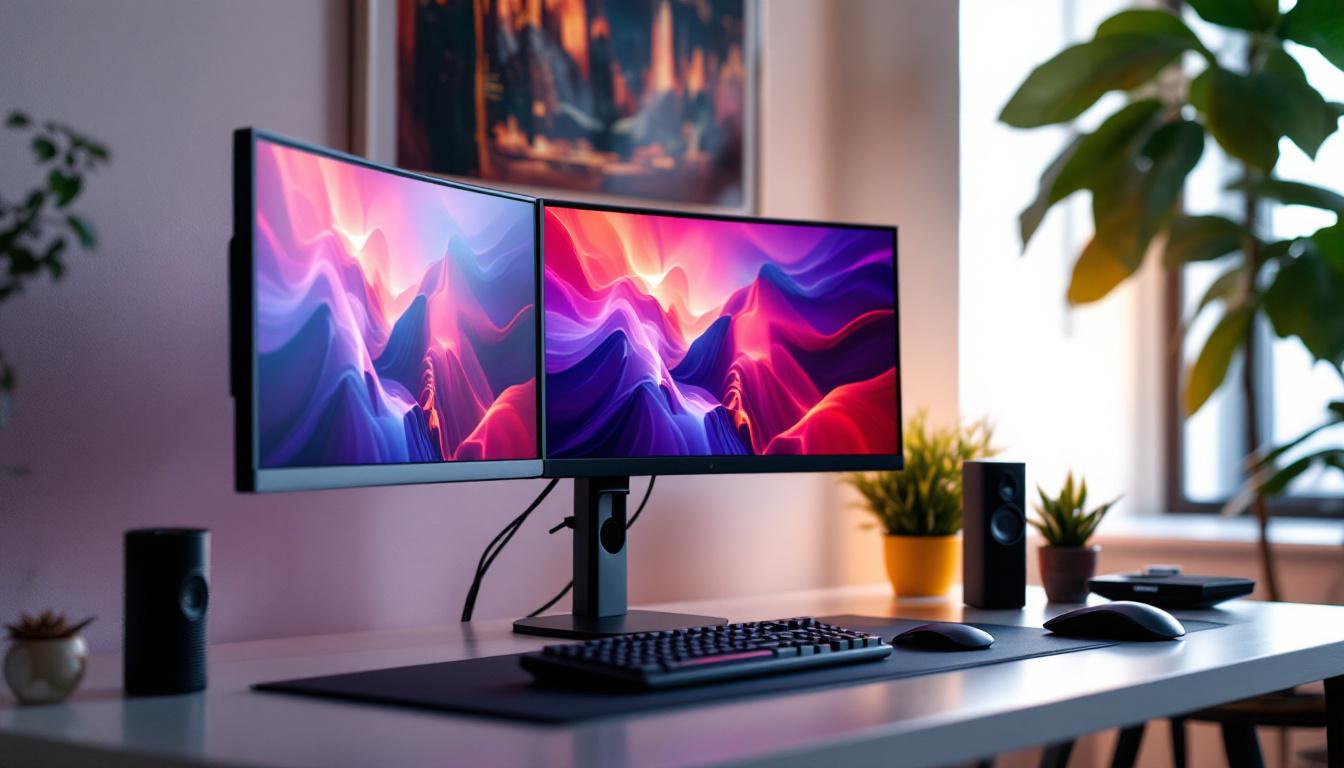
In today’s fast-paced digital world, maximizing workspace efficiency and visual clarity is more important than ever. For professionals, gamers, and creatives alike, the triple computer monitor mount has become an essential accessory to enhance productivity and ergonomics. When paired with LED displays, these mounts offer a seamless, immersive experience that transforms any workstation. This article dives deep into the world of triple monitor mounts, focusing on their compatibility with LED displays, benefits, setup considerations, and tips for choosing the right configuration.
Understanding Triple Computer Monitor Mounts
What Is a Triple Monitor Mount?
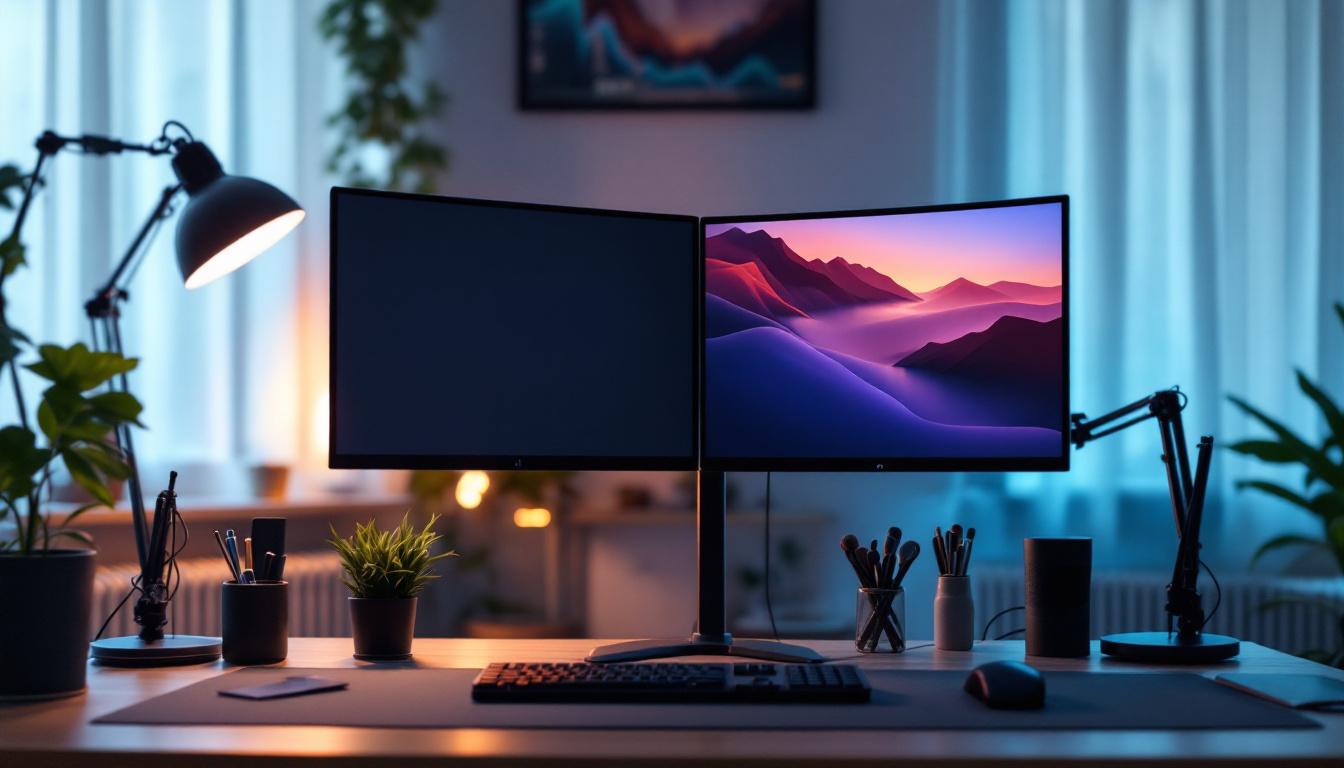
A triple computer monitor mount is a hardware accessory designed to hold three monitors simultaneously, typically arranged side-by-side or in a curved formation. These mounts free up desk space by elevating monitors off the surface, allowing for a cleaner and more organized setup. They come in various styles, including desk clamp mounts, freestanding bases, and wall-mounted options, catering to different workspace needs. This versatility makes them suitable for both home offices and professional environments, adapting to the specific requirements of each user.
With the rise of multi-monitor setups, especially in professions such as finance, software development, video editing, and gaming, triple mounts have gained popularity. They enable users to expand their visual real estate, making multitasking easier and more efficient. For instance, a software developer can have their code editor open on one screen, documentation on another, and a testing environment on the third, significantly enhancing productivity and workflow. Additionally, gamers often utilize triple monitor setups to immerse themselves in expansive game worlds, providing a competitive edge and a more engaging experience.
Key Features of Triple Monitor Mounts
When selecting a triple monitor mount, several features are crucial to consider:
- Adjustability: Height, tilt, swivel, and rotation adjustments allow users to customize the viewing angle for comfort and reduced strain.
- Compatibility: VESA mounting standards (usually 75x75mm or 100x100mm) ensure the mount fits a wide range of monitors, including LED displays.
- Weight Capacity: Each arm must support the weight of the monitor to prevent sagging or damage.
- Build Quality: Durable materials like steel or aluminum provide stability and longevity.
- Cable Management: Integrated channels or clips help keep cables organized and out of sight.
In addition to these features, many triple monitor mounts also offer enhanced ergonomics, which can be particularly beneficial for users who spend long hours in front of their screens. Some mounts include gas spring mechanisms that allow for effortless height adjustments, ensuring that each monitor can be positioned at eye level to promote better posture. Furthermore, advanced models may come equipped with features like quick-release mechanisms for easy monitor installation and removal, making it convenient for users who frequently change their setup or need to transport their monitors.
Another important aspect to consider is the aesthetic appeal of the mount. Many manufacturers now offer sleek, modern designs that complement contemporary office decor. Some mounts even come in various finishes, such as matte black, silver, or white, allowing users to choose one that best matches their existing equipment. This attention to design not only enhances the visual aspect of the workspace but also contributes to a more professional appearance, which can be particularly important in client-facing environments.
LED Displays: Why They Matter in Triple Monitor Setups
What Are LED Displays?
LED (Light Emitting Diode) displays are a type of LCD screen that uses LED backlighting instead of traditional fluorescent lights. This technology offers several advantages, including improved brightness, energy efficiency, thinner panels, and better color accuracy. LED displays have become the standard for modern monitors, especially in professional and gaming environments. The transition from older backlighting technologies to LEDs has revolutionized how visuals are presented, enabling deeper blacks and more vibrant colors that enhance the viewing experience.
Benefits of Using LED Displays in a Triple Monitor Configuration
Pairing a triple monitor mount with LED displays enhances the overall experience in several ways:
- Consistent Brightness and Color: LED backlighting provides uniform brightness across the screen, reducing eye strain during prolonged use. This is particularly beneficial for professionals who spend hours in front of their screens, such as graphic designers and software developers.
- Energy Efficiency: LED monitors consume less power compared to older LCD models, which is beneficial when running multiple screens simultaneously. This not only lowers electricity bills but also contributes to a more sustainable workspace.
- Slim Profile: The thin design of LED monitors complements the sleek appearance of triple mounts, saving space and improving aesthetics. This streamlined look can enhance the overall design of your workspace, making it more modern and inviting.
- Improved Refresh Rates: Many LED monitors support higher refresh rates, which is advantageous for gaming and video editing. Gamers can enjoy smoother gameplay with reduced motion blur, while video editors benefit from more fluid playback of high-resolution footage.
Common LED Display Specifications to Consider
When integrating LED displays into a triple monitor setup, pay attention to these specifications:
- Screen Size: Typically, 24 to 27 inches is ideal for triple setups to balance screen real estate and desk space. Larger screens can create an immersive experience, but they may require more desk depth and could lead to neck strain if not positioned correctly.
- Resolution: Full HD (1920×1080) is common, but QHD (2560×1440) or 4K (3840×2160) offer sharper images, especially useful for detailed work. Higher resolutions allow for more screen real estate, enabling users to multitask effectively by having multiple applications open side by side.
- Refresh Rate: A minimum of 60Hz is standard, but 120Hz or higher benefits gamers and video professionals. This higher refresh rate can significantly enhance the experience in fast-paced games or during high-speed video editing, where every frame counts.
- Response Time: Lower response times (1-5ms) reduce motion blur, essential for fast-paced content. This is particularly important in competitive gaming, where every millisecond can make a difference in performance.
- Color Accuracy: Look for monitors with high color gamut coverage (sRGB, AdobeRGB) for creative tasks. Accurate color representation is crucial for photographers and designers who rely on precise color matching for their work.
Additionally, consider the connectivity options available on the monitors. HDMI, DisplayPort, and USB-C are common interfaces that can affect how easily you can set up your triple monitor configuration. Having multiple ports can also facilitate a more flexible workspace, allowing you to connect various devices without the hassle of constantly swapping cables. Furthermore, features like adjustable stands and VESA compatibility can enhance ergonomics, ensuring that your monitors are positioned at the right height and angle for comfortable viewing.
Setting Up a Triple Monitor Mount with LED Displays
Choosing the Right Mount for Your LED Monitors
Compatibility between the mount and LED monitors is critical. Most LED monitors support VESA mounting, but it’s important to verify the pattern and weight limits. For example, a triple mount rated for 17 to 32-inch monitors with a maximum weight of 17.6 lbs (8 kg) per arm will suit most mid-sized LED displays.
Desk clamp mounts are popular for their stability and minimal desk footprint, while freestanding mounts offer portability without desk modifications. Wall mounts save space but require sturdy wall surfaces and professional installation.
Ergonomics and Positioning
Proper ergonomics reduce physical strain and improve productivity. The center monitor should be directly in front of the user at eye level, with the side monitors angled inward to create a slight curve. This arrangement minimizes neck movement and provides a natural field of view.
Adjust the height so the top of the screens is at or just below eye level. Tilt angles between 10 to 20 degrees can reduce glare and enhance comfort. Many triple mounts allow independent adjustment of each arm, making it easy to fine-tune the setup.
Installation Tips
Before mounting, clear the workspace and ensure the desk or wall can support the mount’s weight. Follow the manufacturer’s instructions carefully, using the right tools and hardware.
When attaching the LED monitors, handle them gently to avoid damaging the screen or connectors. Use the included screws for VESA mounting, and double-check that all connections are secure.
Lastly, organize cables using the mount’s management system or additional clips to keep the setup tidy and prevent tangling.
Advantages of Using Triple Monitor Mounts with LED Displays
Enhanced Productivity and Multitasking
Studies show that multi-monitor setups can increase productivity by up to 35%, as users can view multiple applications simultaneously without toggling between windows. This is especially beneficial for professionals such as programmers, financial analysts, and designers who require access to numerous data streams or tools.
Triple mounts with LED displays provide crisp, bright visuals that reduce eye fatigue, allowing users to work longer and more comfortably.
Improved Gaming and Entertainment Experience
Gamers benefit from triple LED monitor setups by enjoying a wider field of view, which enhances immersion and situational awareness. Many modern games support multi-monitor configurations, allowing for panoramic gameplay that can provide a competitive edge.
Additionally, LED displays’ fast refresh rates and low response times reduce motion blur, delivering smoother visuals and more responsive gameplay.
Space Efficiency and Aesthetic Appeal
By elevating monitors off the desk, triple mounts free up valuable workspace for other essentials like keyboards, writing materials, or peripherals. This contributes to a cleaner, more organized environment conducive to focus and creativity.
The sleek design of LED monitors combined with modern mounts creates a professional and visually appealing setup that can impress clients and colleagues alike.
Potential Challenges and How to Overcome Them
Desk Space and Weight Considerations
Not all desks can support the weight or size of a triple monitor mount with three LED displays. It’s important to check the desk’s load capacity and surface area before purchasing. Reinforcing the desk or opting for wall mounts may be necessary in some cases.
Color and Brightness Uniformity
Using three identical LED monitors is ideal to ensure consistent color and brightness across all screens. Mixing different models can result in noticeable discrepancies that may distract or impair work quality, particularly in color-sensitive tasks.
Cost and Budget Constraints
Triple monitor setups can be costly, especially when investing in high-quality LED displays and durable mounts. Prioritize features based on your specific needs—such as resolution for creative work or refresh rate for gaming—to make informed decisions and avoid unnecessary expenses.
Conclusion: Is a Triple Monitor Mount with LED Displays Right for You?
For anyone looking to boost productivity, improve ergonomics, or elevate their gaming and entertainment experience, a triple computer monitor mount paired with LED displays offers a compelling solution. The combination provides expansive, high-quality visuals in a neat, space-saving arrangement that enhances both function and form.
By understanding the key features of mounts and LED monitors, considering ergonomic principles, and carefully planning installation, users can create a customized, efficient workspace tailored to their needs. Whether for professional use or leisure, investing in a triple monitor setup with LED technology is a forward-thinking choice that delivers long-term benefits.
Discover the Future of Visual Displays with LumenMatrix
Ready to take your workspace or entertainment setup to the next level? Explore LumenMatrix’s innovative LED display solutions, designed to bring your visual experience to life. Whether you’re looking to enhance your brand’s visibility or create an immersive gaming environment, our range of Indoor and Outdoor LED Wall Displays, Vehicle LED Displays, and more, are tailored to meet your needs. Check out LumenMatrix LED Display Solutions today and see how our cutting-edge technology can transform your visual communication.