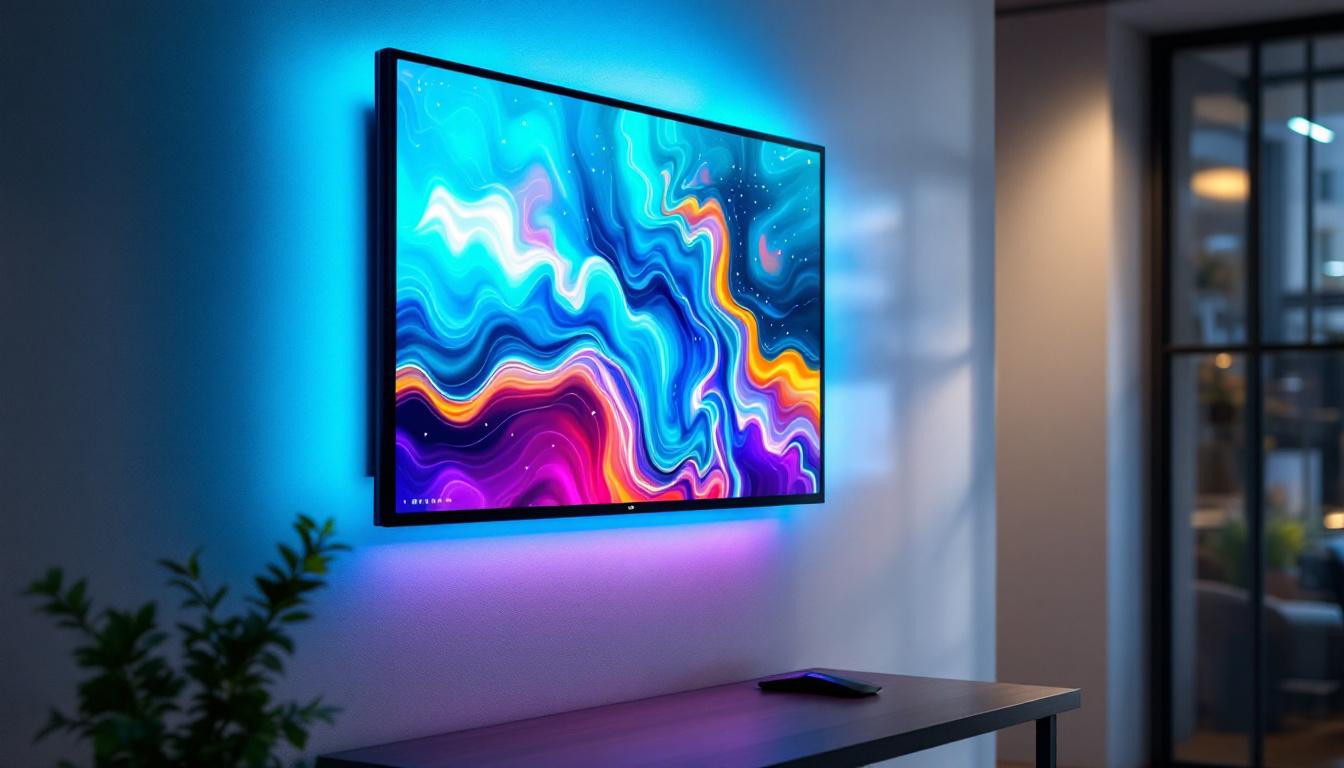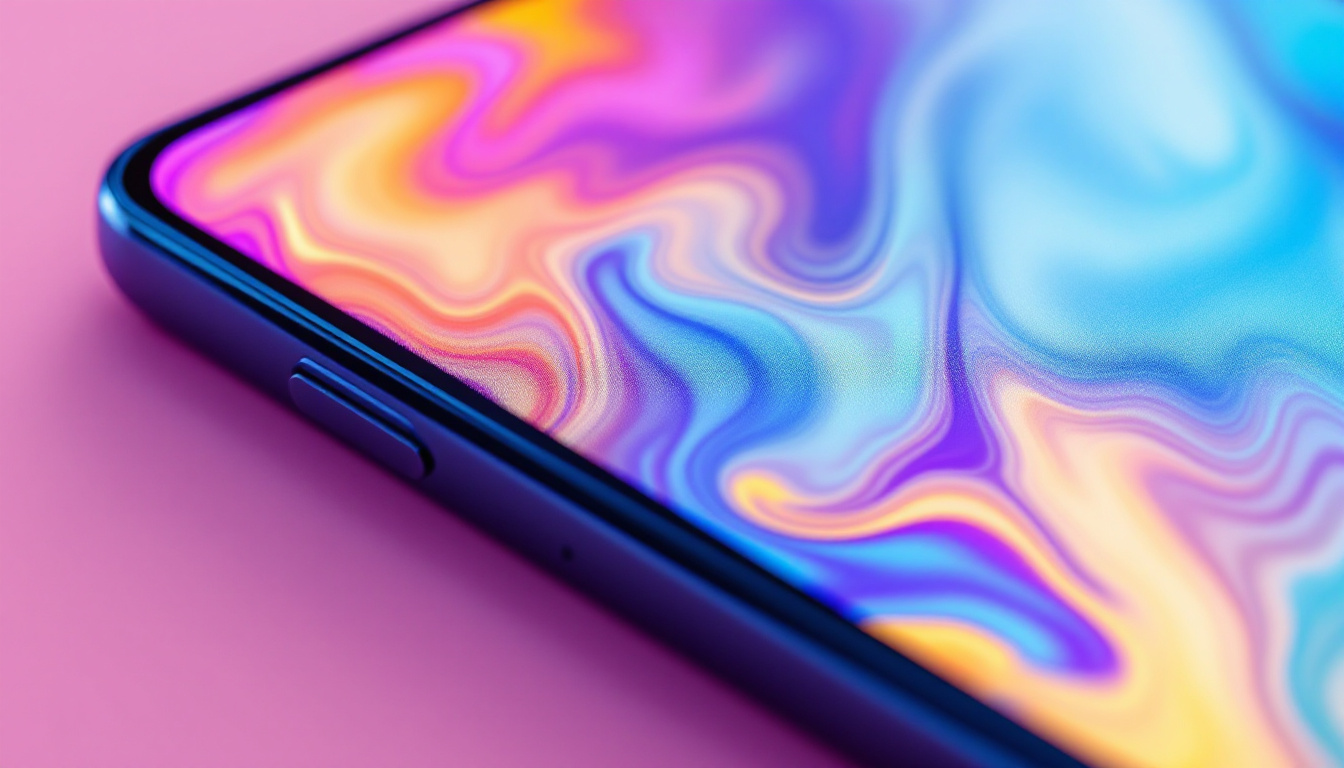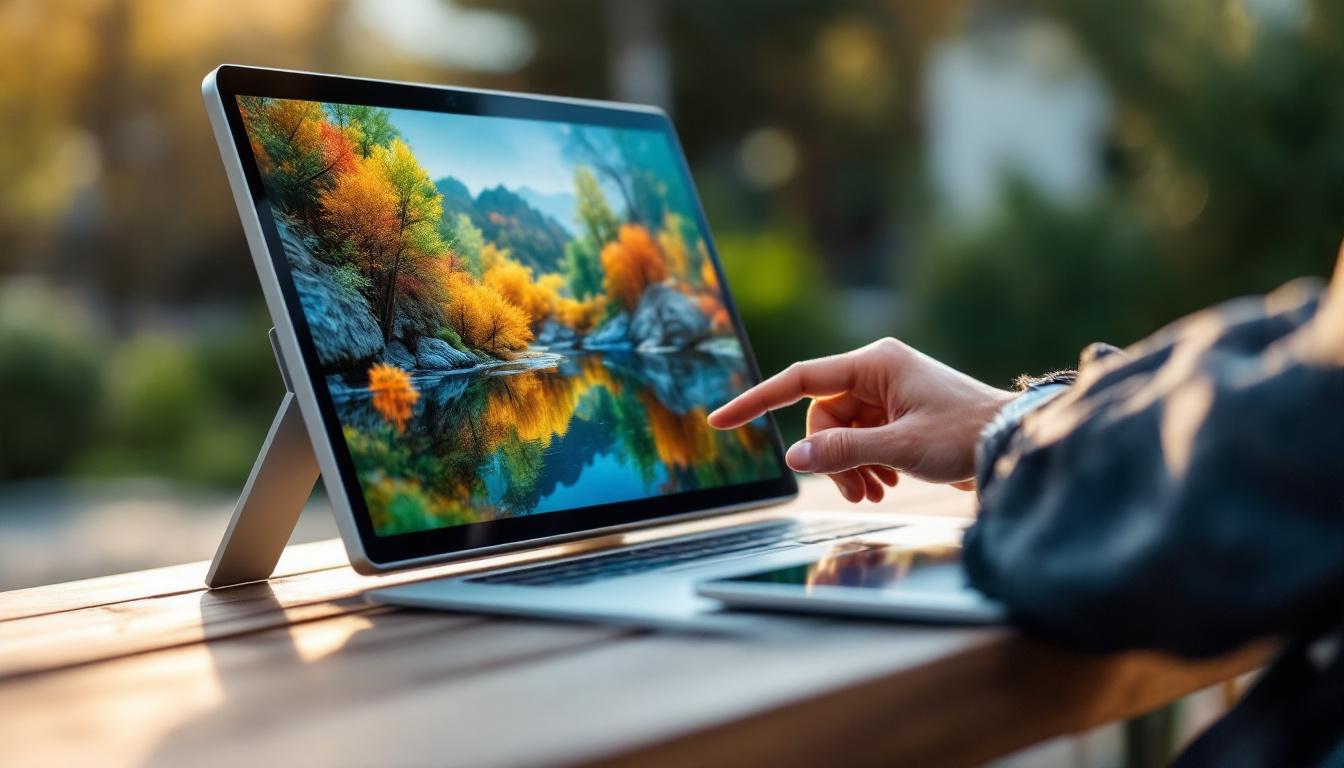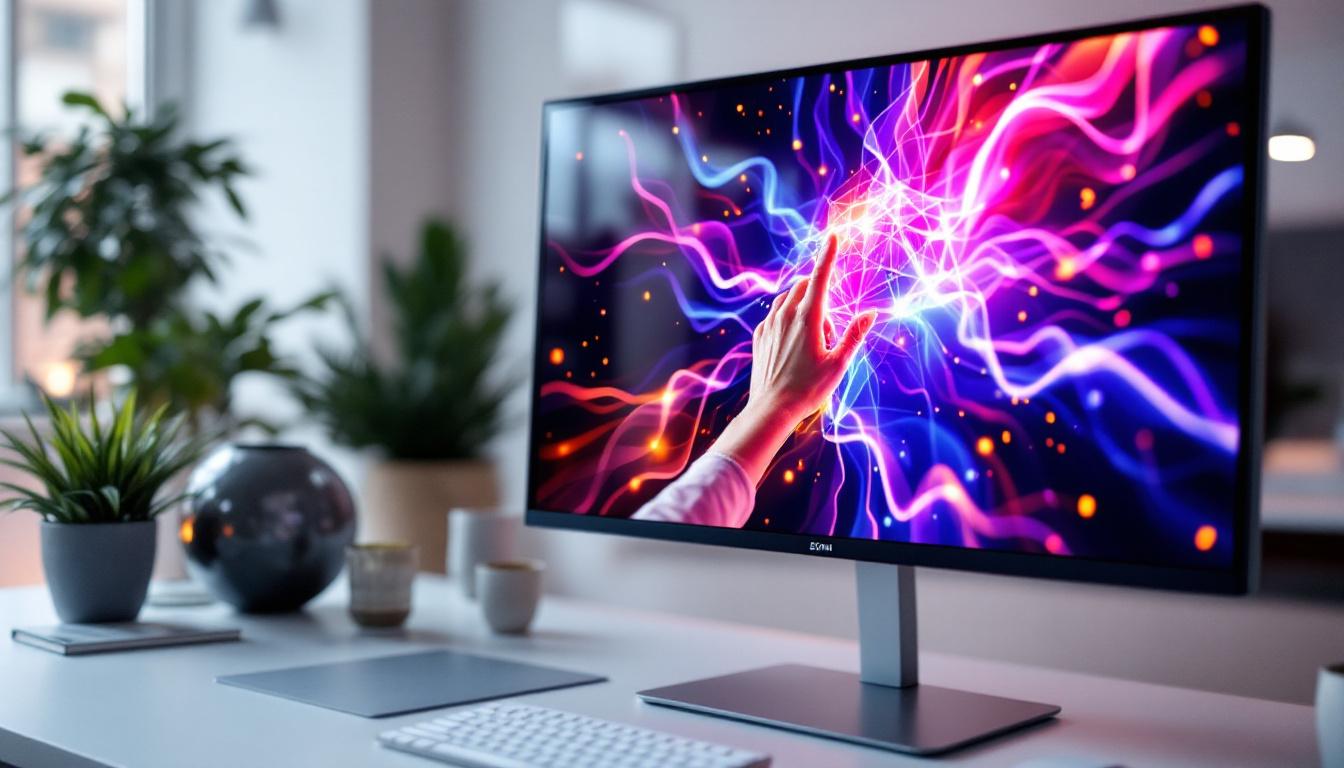
In today’s fast-evolving digital landscape, touch screen monitors have become a staple in both professional and personal environments. Among the various sizes available, the 27 inch touch screen monitor stands out as a versatile and popular choice, especially when paired with LED display technology. This article delves into what makes a 27 inch LED touch screen monitor an excellent investment, exploring its features, benefits, and applications across different sectors.
Understanding LED Display Technology
LED, or Light Emitting Diode, technology has revolutionized the way screens are designed and used. Unlike traditional LCD monitors that rely on cold cathode fluorescent lamps (CCFL) for backlighting, LED displays use light-emitting diodes to illuminate the screen. This shift has brought numerous advantages, including improved energy efficiency, better color accuracy, and thinner panel designs. The transition to LED technology has not only enhanced the visual experience for users but has also paved the way for innovations in display applications, such as digital signage and high-definition televisions.
LED displays can be categorized into two main types: edge-lit and direct-lit. Edge-lit LED monitors position the LEDs along the edges of the screen, allowing for slimmer designs but sometimes uneven brightness. Direct-lit LED monitors place LEDs directly behind the screen, offering more uniform lighting and better contrast ratios. For a 27 inch touch screen monitor, the choice between these can influence both the visual experience and the device’s thickness. Furthermore, advancements in LED technology have led to the development of mini-LED and micro-LED displays, which promise even finer control over brightness and color, thereby enhancing the overall viewing experience.
Key Benefits of LED Displays
One of the most compelling reasons to choose an LED display is its energy efficiency. According to the U.S. Department of Energy, LED backlighting can reduce power consumption by up to 40% compared to CCFL backlighting. This translates to lower electricity bills and a smaller environmental footprint. The longevity of LED displays also contributes to their sustainability, as they typically last longer than traditional displays, reducing the frequency of replacements and waste associated with electronic devices.
Additionally, LED displays typically provide superior brightness and contrast, making them ideal for environments with varying lighting conditions. The ability to achieve deeper blacks and more vibrant colors enhances everything from graphic design work to video playback. This capability is particularly beneficial in professional settings, such as photography studios or film editing rooms, where color accuracy is paramount. Moreover, the rapid response time of LED displays minimizes motion blur, making them an excellent choice for gaming and fast-paced video content, where clarity and fluidity are crucial for an immersive experience.
Why Choose a 27 Inch Touch Screen Monitor?
The 27 inch size hits a sweet spot for many users, offering a balance between screen real estate and desk space. It is large enough to provide immersive visuals and multitasking capabilities without overwhelming a typical workspace.
Optimal Screen Size for Productivity
Research from the Human Factors and Ergonomics Society suggests that monitors between 24 and 27 inches optimize productivity by reducing eye strain and improving focus. The 27 inch touch screen monitor, in particular, allows users to comfortably interact with multiple windows and applications simultaneously.
For professionals in fields such as graphic design, video editing, and software development, this size supports detailed work without the need for multiple monitors. The touch screen functionality adds an intuitive layer of interaction, enabling direct manipulation of on-screen elements, which can speed up workflows and enhance creativity.
Touch Screen Advantages in a 27 Inch Display
Touch screen monitors have evolved beyond simple point-and-click interactions. Modern 27 inch touch screens support multi-touch gestures, allowing users to zoom, rotate, and swipe with ease. This is particularly useful in creative industries, educational settings, and retail environments where interactive displays improve engagement.
Moreover, touch screens facilitate accessibility for users who may find traditional input devices challenging. The combination of a large 27 inch display with precise touch responsiveness ensures that the monitor can serve a wide range of users effectively.
Technical Specifications to Consider
When selecting a 27 inch touch screen monitor with an LED display, several technical specifications deserve close attention to ensure the device meets your needs.
Resolution and Pixel Density
Resolution plays a critical role in image clarity and detail. For a 27 inch monitor, a minimum resolution of 1920 x 1080 pixels (Full HD) is standard, but many models now offer 2560 x 1440 pixels (QHD) or even 3840 x 2160 pixels (4K UHD). Higher resolutions provide sharper images and more workspace, which is beneficial for detailed tasks.
Pixel density, measured in pixels per inch (PPI), affects how crisp the display appears. A 27 inch monitor with 4K resolution typically has a pixel density around 163 PPI, delivering exceptionally fine detail that is advantageous for photo editing and CAD applications.
Touch Technology Types
There are several touch technologies used in monitors, including capacitive, resistive, and infrared touchscreens. Capacitive touchscreens, which detect electrical properties of the human finger, are the most common in modern 27 inch touch screen monitors due to their accuracy and support for multi-touch gestures.
Resistive touchscreens, which rely on pressure, are less common but can be useful in environments where users wear gloves. Infrared touchscreens use an array of sensors to detect touch and can offer high durability and responsiveness, often favored in industrial or public kiosk settings.
Refresh Rate and Response Time
While refresh rate and response time are more critical in gaming monitors, they still impact the overall user experience. A refresh rate of 60Hz is standard for most professional and general-use monitors, but higher refresh rates (up to 144Hz) can provide smoother motion, which benefits video playback and animation work.
Response time, typically measured in milliseconds, indicates how quickly a pixel changes color. Lower response times reduce motion blur and ghosting, enhancing visual clarity during fast-moving scenes.
Applications of 27 Inch Touch Screen LED Monitors
The versatility of a 27 inch touch screen monitor with LED display technology makes it suitable for a wide array of applications across various industries.
Professional and Creative Workspaces
Graphic designers, video editors, and architects benefit greatly from the combination of large screen size, high resolution, and touch interactivity. The ability to manipulate images and models directly on the screen accelerates the creative process and improves precision.
In software development, touch screens can facilitate testing of applications designed for mobile and tablet platforms, allowing developers to interact with their software in a natural manner.
Education and Training
Interactive learning environments increasingly rely on touch screen monitors to engage students. A 27 inch display is large enough to be visible to small groups while still being compact enough for individual use. LED technology ensures bright, clear images even in well-lit classrooms.
Teachers and trainers can use touch gestures to navigate presentations, annotate documents, and demonstrate concepts dynamically, fostering a more interactive and effective learning experience.
Retail and Customer Service
In retail settings, 27 inch touch screen monitors serve as interactive kiosks for product browsing, ordering, and information access. The LED display’s vibrant colors attract customers, while the touch interface simplifies navigation.
Customer service desks and reception areas also benefit from these monitors, enabling quick data entry and improving communication between staff and clients.
Choosing the Right 27 Inch Touch Screen Monitor
Selecting the ideal monitor depends on balancing features, budget, and intended use. Here are some key considerations to guide the decision-making process.
Assessing Your Needs
Start by defining the primary purpose of the monitor. For tasks requiring high color accuracy, such as photo editing, prioritize models with wide color gamut support and factory calibration. For general office use, a Full HD resolution with standard color accuracy may suffice.
Consider the environment in which the monitor will be used. Bright rooms benefit from higher brightness levels and anti-glare coatings, while touch responsiveness is crucial for interactive applications.
Connectivity and Compatibility
Ensure the monitor offers the necessary ports to connect with your devices. Common interfaces include HDMI, DisplayPort, USB-C, and USB hubs for peripherals. USB-C connectivity is increasingly popular, providing video, data transfer, and power delivery through a single cable.
Compatibility with your operating system and software is also important. Most modern touch screen monitors support Windows, macOS, and some Linux distributions, but verifying driver availability can prevent integration issues.
Ergonomics and Design
Ergonomic features such as adjustable height, tilt, swivel, and pivot enhance comfort during prolonged use. A monitor stand that supports these adjustments can reduce neck and eye strain.
The design should also complement your workspace aesthetics and accommodate cable management to maintain a tidy setup.
Maintenance and Longevity of LED Touch Screen Monitors
Proper care can extend the lifespan of a 27 inch touch screen monitor, ensuring consistent performance over time.
Cleaning and Handling
Use a soft, lint-free cloth slightly dampened with water or a screen-safe cleaner to wipe the display. Avoid harsh chemicals and abrasive materials that can damage the screen’s coating or touch sensors.
Handle the monitor gently, especially the touch surface, to prevent scratches and maintain touch sensitivity.
Software Updates and Calibration
Keep the monitor’s firmware and drivers up to date to ensure compatibility and optimal functionality. Some monitors come with calibration tools or support third-party calibration devices to maintain color accuracy.
Regular calibration is particularly important for professional users who rely on precise color reproduction.
Conclusion
The 27 inch touch screen monitor with LED display technology offers a compelling combination of size, clarity, and interactivity. Whether for professional creativity, education, retail, or general productivity, these monitors deliver enhanced user experiences through vibrant visuals and intuitive touch controls.
Understanding the underlying LED technology, evaluating key specifications, and considering specific application needs will help buyers make informed decisions. With proper selection and maintenance, a 27 inch LED touch screen monitor can be a valuable asset that boosts efficiency and engagement across various settings.
Discover LumenMatrix’s Advanced LED Displays
Ready to elevate your visual experience with a 27 inch touch screen monitor that embodies innovation and interactivity? Look no further than LumenMatrix, a pioneer in LED display technology. Our extensive range of solutions, from Indoor LED Walls to Custom LED Displays, is designed to bring your content to life with unparalleled brightness and clarity. Whether for professional use, educational purposes, or retail engagement, LumenMatrix’s LED displays are crafted to transform your space and captivate your audience. Check out LumenMatrix LED Display Solutions today and see the difference cutting-edge technology can make.