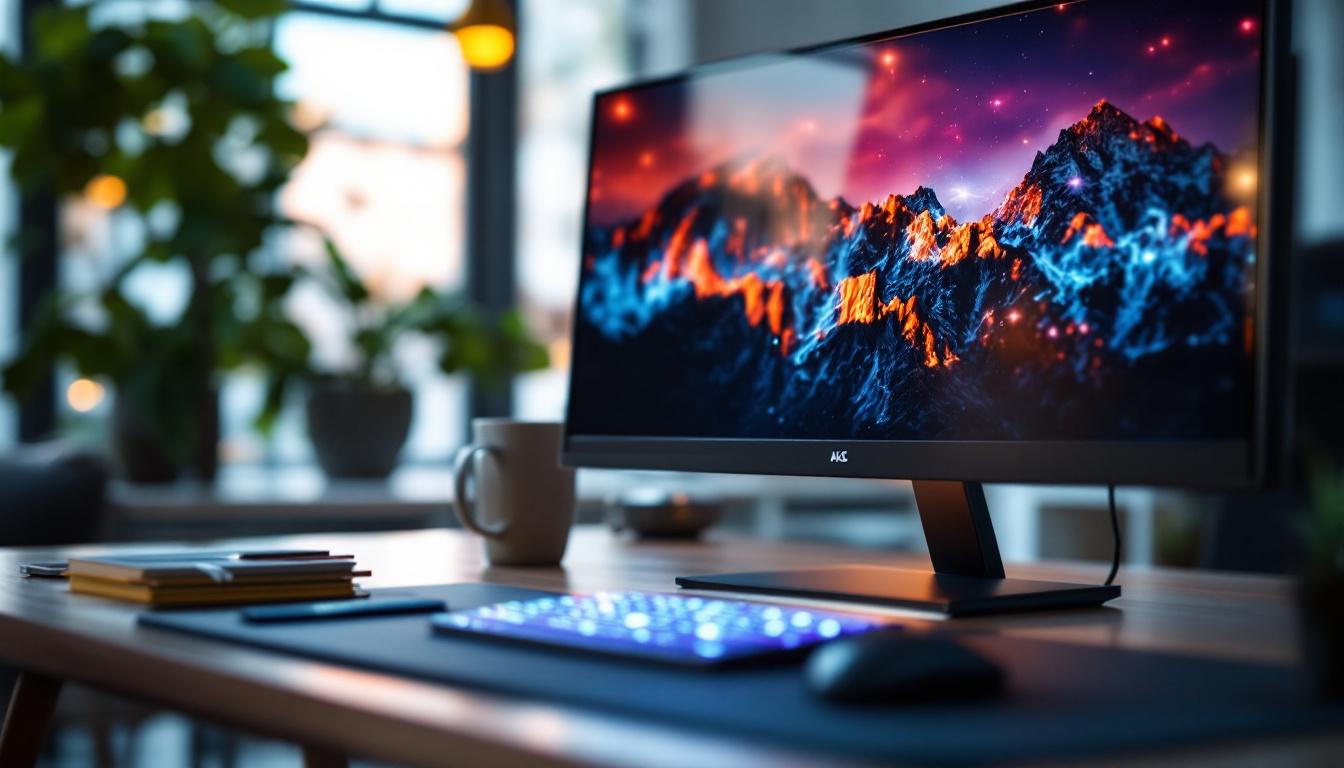
In today’s digital age, the computer monitor is more than just a display device—it’s a window into work, entertainment, and creativity. Among the many options available, a 36 inch computer screen with LED display technology has become a popular choice for professionals and casual users alike. This article delves into the intricacies of 36 inch LED monitors, exploring their technology, advantages, and how to choose the best one for your needs.
Understanding LED Display Technology
What is an LED Display?
LED stands for Light Emitting Diode, a technology that uses tiny diodes to emit light and create images on the screen. Unlike older LCD monitors that rely on cold cathode fluorescent lamps (CCFL) for backlighting, LED displays use LEDs as the light source. This shift has brought significant improvements in brightness, energy efficiency, and color accuracy. The result is a display that not only consumes less power but also provides a more vibrant viewing experience, making it a popular choice for both casual users and professionals alike.
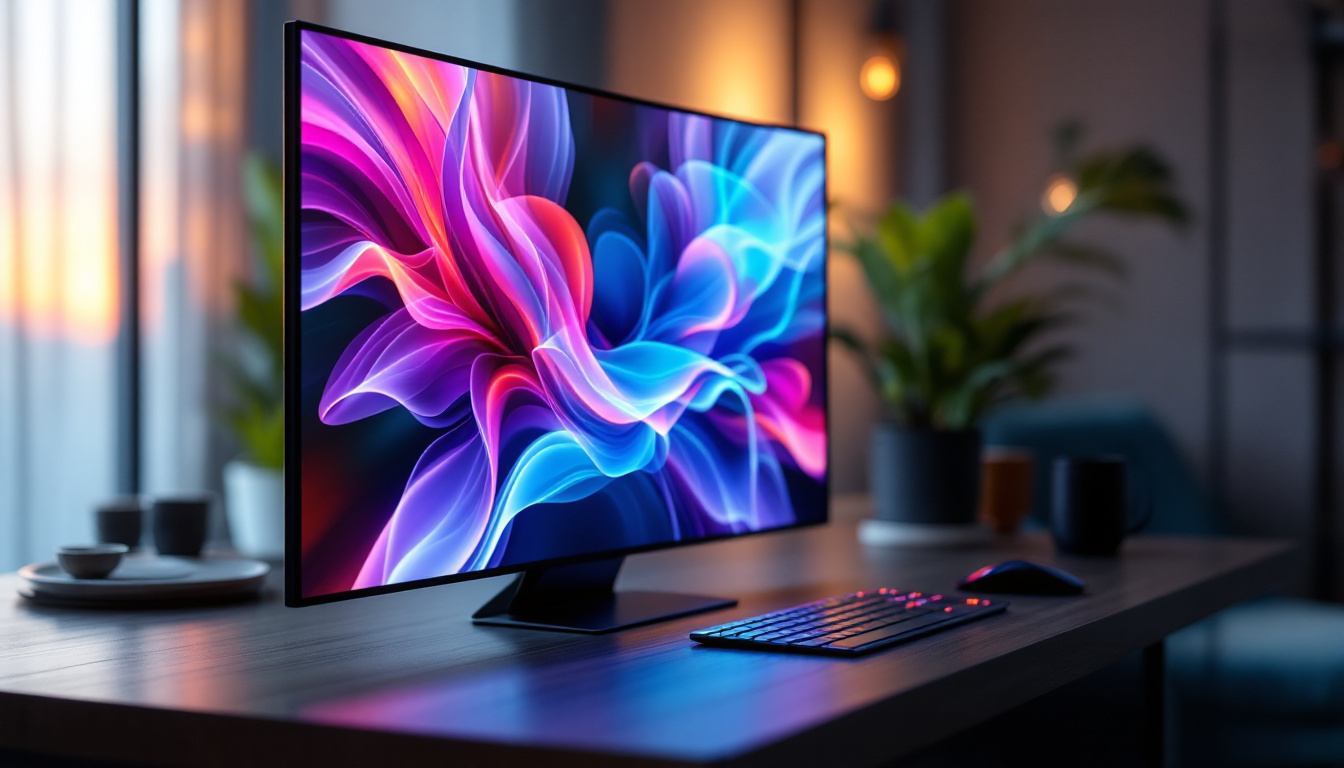
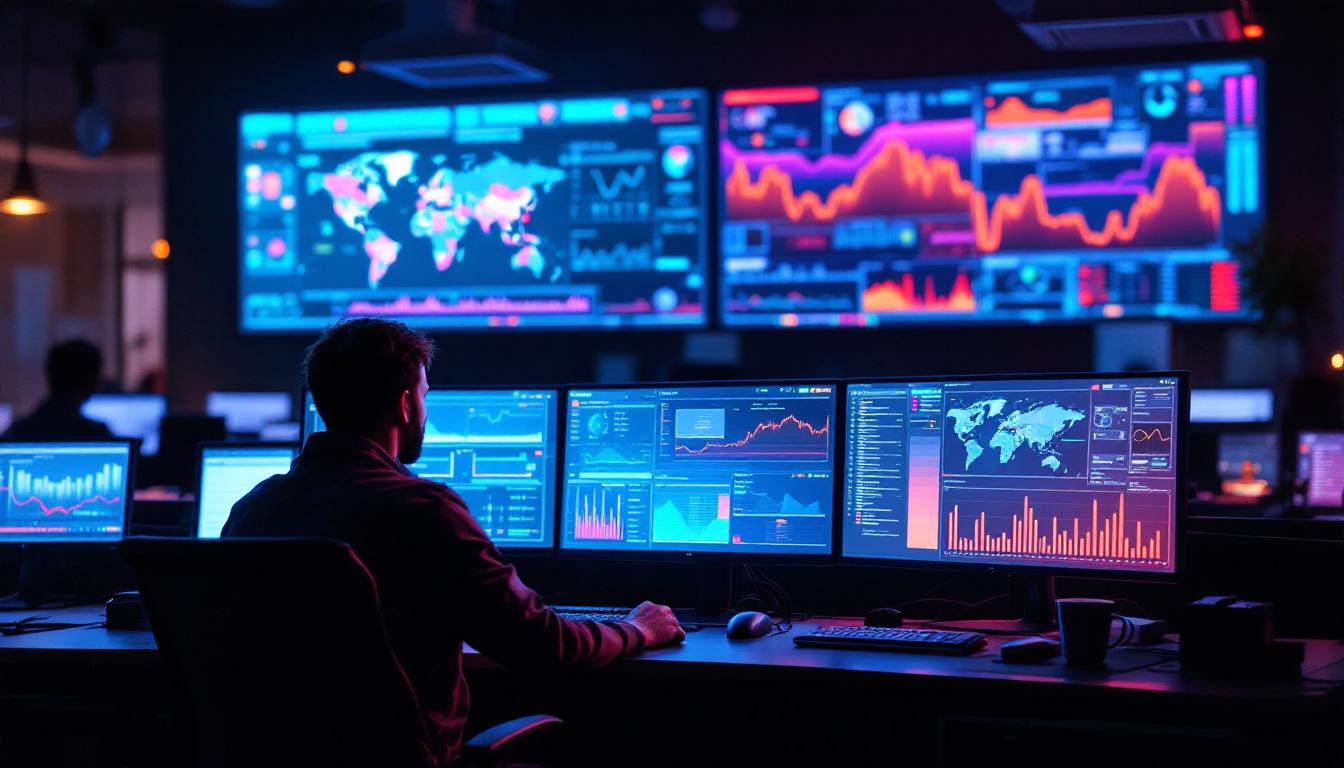
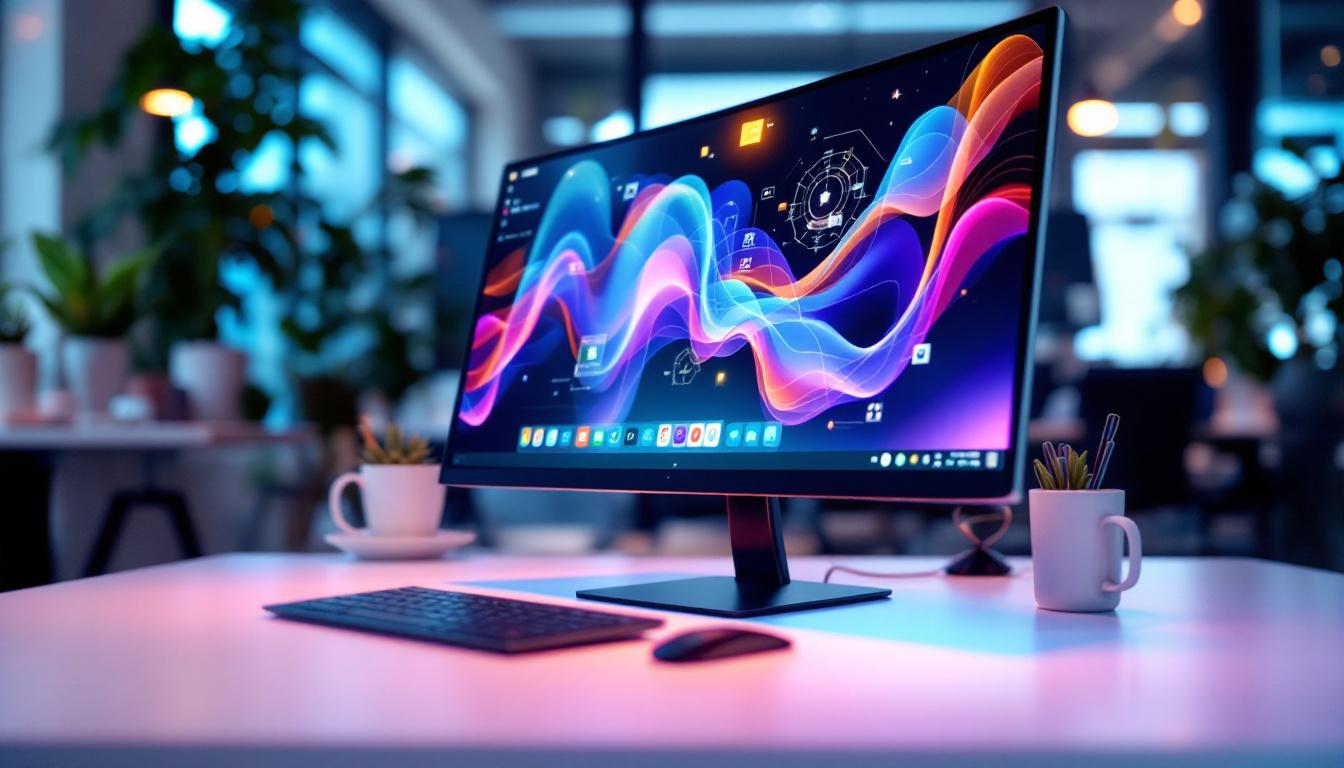
In a 36 inch LED computer screen, the large display area combined with LED backlighting means users can enjoy vivid visuals with sharp detail. The screen size allows for ample workspace, ideal for multitasking, gaming, or media consumption. Furthermore, the increased screen real estate enhances productivity, allowing users to have multiple applications open side by side without sacrificing clarity. Whether you’re editing photos, analyzing data, or enjoying the latest blockbuster, the expansive display offers an immersive experience that smaller screens simply cannot match.
Types of LED Displays
There are primarily two types of LED backlighting used in monitors: edge-lit and full-array. Edge-lit LED displays place LEDs along the edges of the screen, allowing for thinner designs but sometimes uneven brightness. This design is particularly advantageous for users who prioritize portability and aesthetics, as edge-lit monitors can be sleek and lightweight, making them easy to transport. However, some users may notice a drop in picture quality, especially in darker scenes, where the lack of uniform backlighting can lead to noticeable light bleed.
Full-array LED displays, on the other hand, distribute LEDs evenly across the back panel, offering superior contrast and uniform brightness. This technology not only enhances the overall picture quality but also enables features like local dimming, where specific areas of the screen can be dimmed or brightened independently to improve contrast ratios. For a 36 inch monitor, full-array LED backlighting is often preferred by professionals who require precise color reproduction and consistent lighting, such as graphic designers and video editors. However, edge-lit models tend to be more affordable and lighter, making them suitable for general office use. As technology continues to evolve, we may see further innovations in LED display types, potentially leading to even more advanced options that cater to a wider range of user needs and preferences.
Advantages of a 36 Inch LED Computer Screen
Immersive Viewing Experience
The 36 inch screen size strikes an excellent balance between workspace and desk footprint. It offers a panoramic view that enhances productivity by allowing multiple windows or applications to be open simultaneously without feeling cramped. For gamers and multimedia enthusiasts, the large screen size combined with LED technology delivers immersive visuals with vibrant colors and deep blacks. This expansive display is particularly advantageous for tasks that require attention to detail, such as graphic design or video editing, where the clarity and size of the screen can significantly impact the workflow. Furthermore, the ability to view content from various angles without color distortion makes it ideal for collaborative projects, where multiple team members can gather around the screen to discuss ideas and share feedback.
Energy Efficiency and Longevity
LED displays are known for their energy efficiency compared to traditional CCFL-backlit LCDs. A 36 inch LED monitor consumes significantly less power, which can translate into noticeable savings over time, especially in office environments with multiple screens. Additionally, LEDs have a longer lifespan, often exceeding 50,000 hours of use, reducing the need for frequent replacements. This longevity not only contributes to lower maintenance costs but also aligns with sustainable practices, as fewer devices need to be manufactured and disposed of. Moreover, many modern LED monitors come equipped with features such as automatic brightness adjustment, which further enhances energy savings by adapting to the ambient light conditions of the room.
Improved Color Accuracy and Brightness
LED technology provides better control over brightness and color gamut, making these monitors suitable for color-critical tasks. Many 36 inch LED monitors support wide color spaces such as Adobe RGB and DCI-P3, which are essential for professional photo editing and video production. The enhanced brightness levels also improve visibility in well-lit rooms, reducing eye strain during extended use. In addition, the high dynamic range (HDR) capabilities found in some models allow for an even wider range of colors and contrasts, making images appear more lifelike and engaging. This feature is particularly beneficial for content creators who need to ensure that their work looks stunning across various platforms and devices, as it allows for a more accurate representation of how colors will appear in different viewing environments.
Key Features to Consider When Choosing a 36 Inch LED Monitor
Resolution and Image Quality
The resolution of a 36 inch monitor greatly affects the clarity and sharpness of images. Common resolutions for this size include 2560×1440 (QHD) and 3840×2160 (4K UHD). While QHD offers a good balance between performance and visual fidelity, 4K UHD provides four times the pixels of Full HD, resulting in incredibly detailed images.
Choosing the right resolution depends on your use case. For general office work and web browsing, QHD might suffice. However, for graphic design, video editing, or gaming, a 4K UHD resolution can significantly enhance the experience by providing more screen real estate and finer details.
Refresh Rate and Response Time
Refresh rate, measured in hertz (Hz), indicates how many times per second the screen updates its image. A higher refresh rate means smoother motion, which is particularly important for gaming and video playback. Most 36 inch LED monitors offer refresh rates between 60Hz and 144Hz.
Response time, measured in milliseconds (ms), refers to how quickly a pixel changes from one color to another. Lower response times reduce motion blur and ghosting effects. For gaming, a response time of 1-5ms is ideal, while for general use, up to 8ms is acceptable.
Connectivity Options
Modern 36 inch LED monitors come equipped with various connectivity ports to accommodate different devices. HDMI and DisplayPort are the most common interfaces, supporting high resolutions and refresh rates. USB-C ports are increasingly popular, offering video transmission, data transfer, and power delivery through a single cable.
Some monitors also include USB hubs, audio jacks, and even Ethernet ports, making them versatile hubs for desktop setups. When selecting a monitor, ensure it has the necessary ports to connect your computer, peripherals, and any additional devices you plan to use.
Applications and Use Cases for 36 Inch LED Monitors
Professional Workstations
For professionals in fields such as graphic design, video editing, and software development, a 36 inch LED monitor provides ample screen space and color accuracy. The ability to view multiple windows side by side enhances workflow efficiency, while high resolution and wide color gamut support ensure precise visual representation.
Many professionals also benefit from ergonomic features like adjustable stands, blue light filters, and flicker-free technology, which reduce eye fatigue during long working hours.
Gaming and Entertainment
Gamers appreciate the immersive experience offered by a large 36 inch LED screen. When paired with a high refresh rate and low response time, these monitors deliver smooth gameplay and vivid graphics. Features such as adaptive sync technologies (NVIDIA G-Sync or AMD FreeSync) help eliminate screen tearing and stuttering, further enhancing the gaming experience.
For movie enthusiasts, the wide color gamut and high contrast ratios of LED displays bring cinematic visuals to life, making a 36 inch monitor an excellent choice for streaming and media consumption.
General Productivity and Home Use
Even for everyday tasks like browsing, document editing, and video conferencing, a 36 inch LED monitor offers a comfortable and spacious viewing area. The larger screen reduces the need for constant window switching and zooming, improving overall productivity.
Additionally, LED displays’ energy efficiency and long lifespan make them cost-effective choices for home offices and study environments.
Tips for Optimizing Your 36 Inch LED Monitor Setup
Proper Placement and Ergonomics
To maximize comfort and reduce strain, position your 36 inch monitor at eye level and about an arm’s length away. The large screen size may require slight adjustments in seating posture and desk arrangement to ensure you can view the entire display without excessive head movement.
Calibrating Color and Brightness
For professional use, calibrating your monitor’s color settings is essential to achieve accurate color reproduction. Many monitors come with built-in calibration tools or support external calibration devices. Adjusting brightness and contrast to suit ambient lighting conditions also helps reduce eye fatigue.
Managing Screen Real Estate
Utilize software tools and operating system features to organize windows and applications efficiently on the large display. Features like virtual desktops, snap layouts, and window tiling can help you make the most of the expansive screen space.
Conclusion
A 36 inch computer screen with LED display technology offers a compelling combination of size, image quality, and energy efficiency. Whether for professional creative work, immersive gaming, or enhanced productivity, these monitors cater to a wide range of needs. Understanding the underlying LED technology, key features, and practical applications can help users make informed decisions and optimize their viewing experience.
As display technology continues to evolve, 36 inch LED monitors remain a versatile and future-proof choice for those seeking a balance between screen real estate and visual performance.
Explore Cutting-Edge LED Displays with LumenMatrix
Ready to elevate your visual experience with the latest in LED technology? Look no further than LumenMatrix, a pioneer in crafting innovative LED display solutions that transform any space into a dynamic environment. From immersive Indoor LED Walls to vibrant Outdoor Displays, and from sleek LED Posters to customizable Floor Displays, LumenMatrix offers a wide array of options to meet your specific needs. Embrace the future of visual communication and check out LumenMatrix LED Display Solutions today to discover how you can make a lasting impression and communicate your message with unparalleled clarity and impact.