In recent years, the PC building community has witnessed a surge in customization options, with LED screens for PC cases becoming a popular feature. These small yet impactful displays offer not only aesthetic appeal but also functional benefits, allowing users to showcase system stats, animations, and personalized content directly on their PC chassis. This article delves into the world of LED screens for PC cases, explaining their technology, types, applications, and how they are transforming the way enthusiasts interact with their computers.
Understanding LED Screens in PC Cases
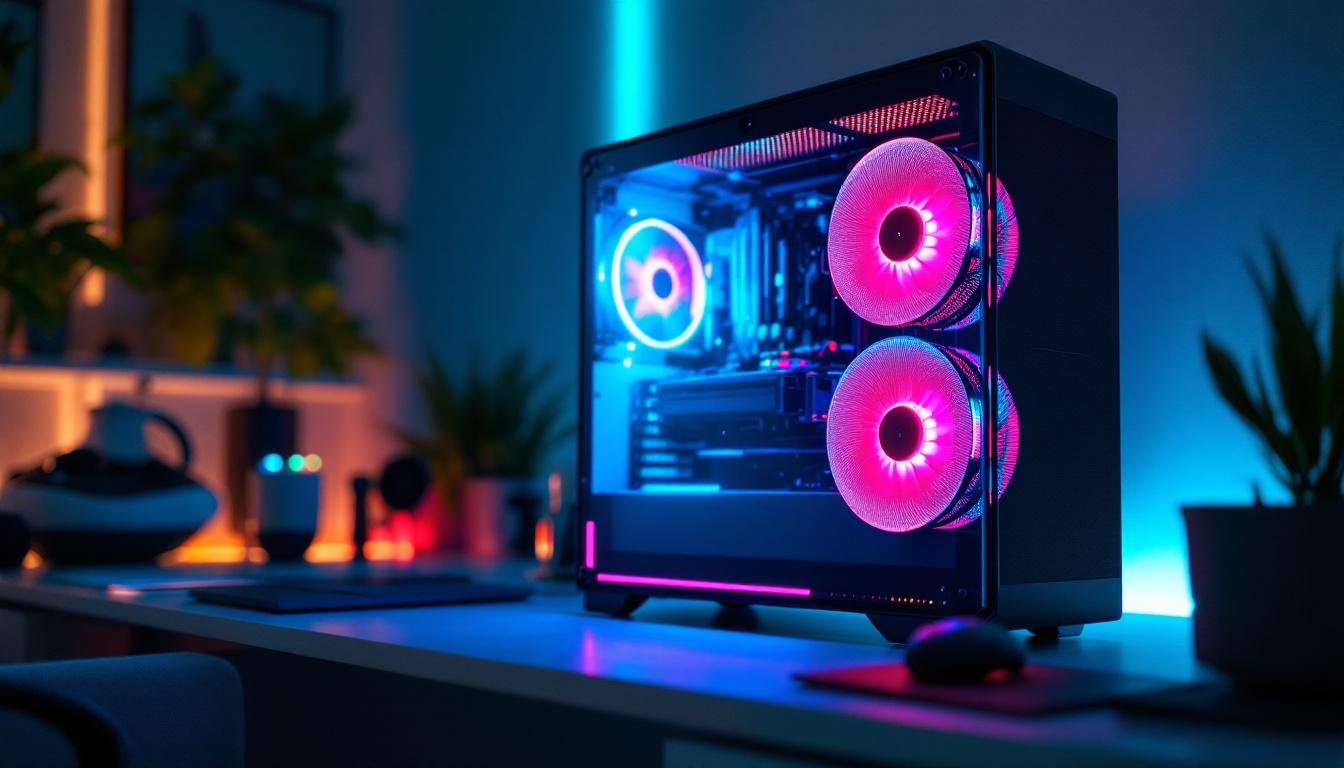
LED screens integrated into PC cases are essentially compact display panels that use Light Emitting Diodes (LEDs) to produce images and animations. Unlike traditional LED strips that provide static or color-changing lighting, these screens can display dynamic content such as system information, GIFs, or custom graphics.
The technology behind these displays varies, but most commonly, they employ OLED (Organic LED) or mini-LED panels, which offer vibrant colors, high contrast ratios, and energy efficiency. OLED screens, for example, are known for their deep blacks and excellent viewing angles, making them ideal for small form-factor displays on PC cases.
Integrating these LED screens into PC cases requires careful consideration of power consumption, heat dissipation, and connectivity options, as they often interface with the motherboard or a dedicated controller via USB or proprietary connectors.
Why LED Screens Are Gaining Popularity Among PC Builders
The rise of streaming, esports, and social media has amplified the demand for visually striking PC builds. LED screens provide a unique canvas for personalization, allowing users to display custom logos, animations, or real-time system metrics like CPU temperature, GPU usage, or fan speeds.
Moreover, these screens enhance the overall aesthetic without the need for bulky external monitors or additional peripherals. For gamers and content creators, this means their rig can serve as both a powerful tool and a statement piece.
Types of LED Screens for PC Cases
Several types of LED displays are commonly used in PC cases, each with distinct characteristics and use cases. Understanding these types helps builders select the right screen for their needs.
OLED Displays
OLED screens are favored for their exceptional color accuracy and contrast. They are thin, flexible, and consume less power than traditional LCDs. Many PC case manufacturers integrate small OLED panels that can show system stats or custom animations.
Because OLEDs emit light individually from each pixel, they can display true blacks by turning off pixels completely, which enhances the visual quality of the displayed content.
Mini-LED and Micro-LED Screens
Mini-LED technology uses thousands of tiny LEDs as a backlight for LCD panels, offering improved brightness and contrast compared to standard LCDs. Micro-LEDs go a step further by using microscopic LEDs as individual pixels, combining the benefits of OLED and traditional LEDs.
While micro-LEDs are still emerging in consumer products, mini-LED screens are becoming more accessible and are used in some high-end PC cases for crisp and vibrant displays.
LED Matrix Panels
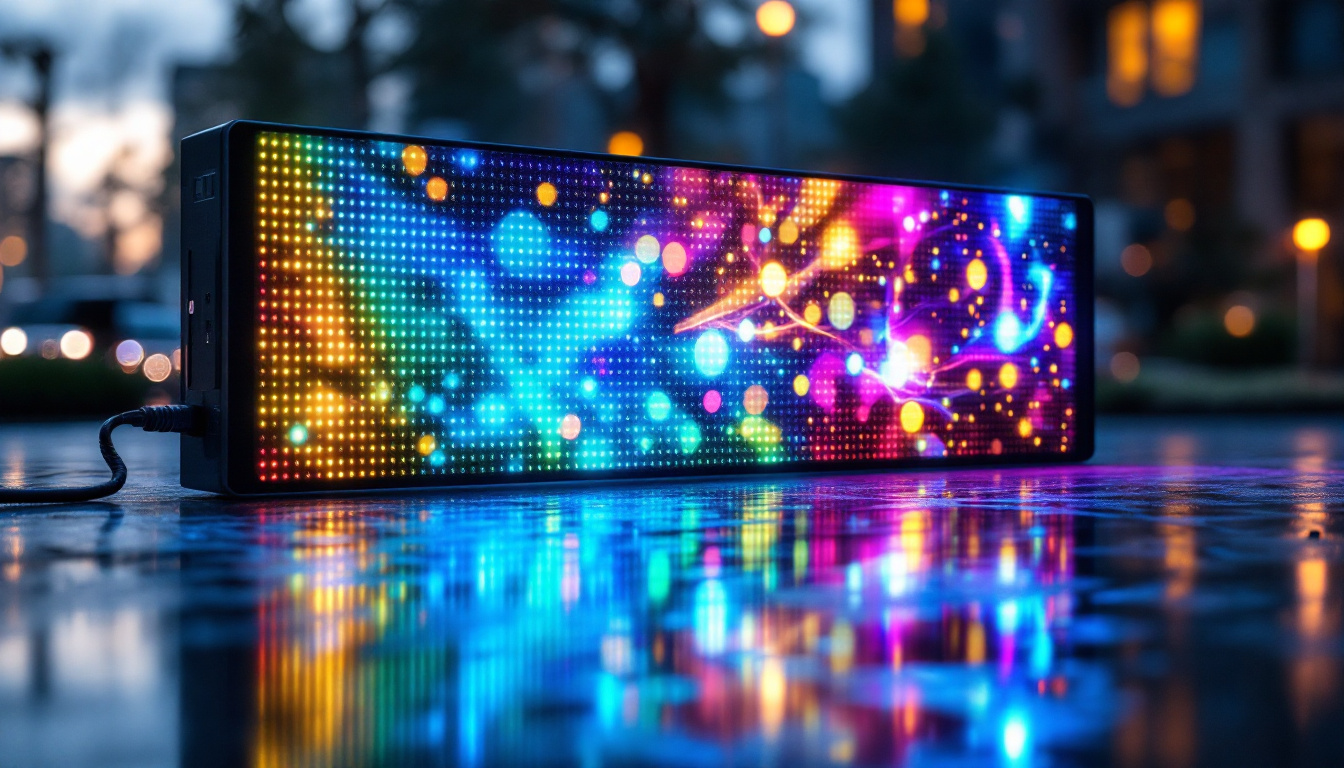
Another popular option is the LED matrix panel, which consists of a grid of LEDs that can be individually controlled to create images or text. These panels are often used for more retro or pixel-art-style animations and can be programmed via microcontrollers such as Arduino or Raspberry Pi.
LED matrix panels are generally more affordable and customizable, making them a favorite among DIY enthusiasts who want to create unique visual effects on their PC cases.
Applications and Benefits of LED Screens in PC Cases
LED screens on PC cases serve multiple purposes beyond just eye-catching visuals. Their versatility makes them valuable for both casual users and professionals.
Real-Time System Monitoring
One of the most practical uses of LED screens is displaying real-time system information. This includes CPU and GPU temperatures, fan speeds, clock speeds, RAM usage, and network activity. By having this data visible on the case itself, users can quickly assess their system’s performance without needing to open software utilities.
This feature is particularly useful for overclockers and gamers who need to monitor hardware conditions closely to prevent overheating or throttling.
Personalized Aesthetics and Branding
Customization is a cornerstone of PC building culture. LED screens allow users to upload custom images, logos, or animations, turning their PC into a personalized showcase. Streamers and content creators often use these displays to feature their branding or social media handles, enhancing their on-screen presence.
Some manufacturers also offer software suites that enable users to design and animate content for their LED screens, making the process accessible even for those without graphic design experience.
Interactive Features and Notifications
Advanced LED screens can be programmed to show notifications such as incoming messages, emails, or alerts from system monitoring tools. This adds a layer of interactivity and convenience, allowing users to stay informed without interrupting their workflow or gaming sessions.
Integration with smart home systems or voice assistants is also emerging, enabling LED screens to display weather updates, calendar reminders, or other contextual information.
How to Choose the Right LED Screen for Your PC Case
Selecting the ideal LED screen involves evaluating factors such as size, resolution, compatibility, and software support. Here are key considerations to guide the decision-making process.
Screen Size and Placement
LED screens for PC cases come in various sizes, typically ranging from 1.3 inches to 5 inches diagonally. The choice depends on the available space in the case and the intended use. Smaller screens are perfect for subtle system stats, while larger displays can accommodate detailed animations or multiple data points.
Placement is also crucial; popular locations include the front panel, side window, or top of the case. Ensuring the screen is visible and does not obstruct airflow or other components is essential.
Resolution and Display Quality
Higher resolution screens provide sharper images and smoother animations but may consume more power and require more processing capability. For simple text and icons, a lower resolution may suffice, whereas complex graphics benefit from higher pixel density.
Considering the type of display technology (OLED, mini-LED, matrix) also affects the visual quality and viewing angles.
Compatibility and Connectivity
Ensure the LED screen is compatible with your motherboard or controller hardware. Many screens connect via USB, SATA, or proprietary headers. Some also require dedicated software for customization and control.
Checking for open-source or manufacturer-supported software can enhance the user experience, especially for those who want to create custom content or integrate system monitoring tools.
Power Consumption and Heat Management
While LED screens generally consume minimal power, it is important to consider their impact on the overall system, especially in compact builds with limited cooling. Proper ventilation and placement away from heat-sensitive components help maintain longevity and performance.
Popular LED Screen Implementations in the Market
Several PC case manufacturers and third-party accessory makers have embraced LED screens, offering a range of products tailored to different user needs.
Built-In OLED Panels in Premium Cases
Some high-end PC cases now come with integrated OLED panels as a standard feature. These panels often display system stats by default but allow users to customize the content via proprietary software. Brands focusing on premium aesthetics and functionality have made these displays a selling point.
Aftermarket LED Screen Kits
For those who want to upgrade existing cases, aftermarket LED screen kits are available. These kits typically include the display panel, controller board, and software. They offer flexibility in placement and customization, catering to DIY enthusiasts.
DIY Solutions Using Microcontrollers
Tech-savvy users often build their own LED screen setups using microcontrollers like Arduino or Raspberry Pi. This approach allows complete control over the display content and interaction but requires programming skills and hardware knowledge.
Open-source projects and online communities provide templates and guidance, making DIY LED screens an accessible option for hobbyists.
Future Trends and Innovations in PC Case LED Displays
The evolution of LED screens for PC cases is closely tied to advances in display technology and user interface design. Several trends are shaping the future landscape.
Higher Resolution and Flexible Displays
As manufacturing costs decrease, higher resolution and larger flexible OLED displays are becoming feasible for PC cases. Flexible screens could conform to curved surfaces, opening new design possibilities for case manufacturers.
Touchscreen Integration
Incorporating touchscreen capabilities into LED screens would allow users to interact directly with their PC case, adjusting settings or launching applications without needing a separate monitor or keyboard.
AI-Powered Customization
Artificial intelligence could enable dynamic content that adapts to user behavior, ambient lighting, or system performance. For example, the LED screen might automatically switch to a gaming mode display or show productivity stats during work hours.
Enhanced Connectivity and Smart Home Integration
Future LED screens may seamlessly connect with smart home ecosystems, displaying notifications from various devices or controlling home automation features, further blurring the lines between PC hardware and lifestyle technology.
Conclusion
LED screens for PC cases represent a fascinating intersection of technology, design, and user experience. They offer both functional benefits, such as real-time system monitoring, and aesthetic enhancements that allow for unparalleled personalization. Whether integrated into premium cases, added through aftermarket kits, or built from scratch by enthusiasts, these displays are redefining how users engage with their PCs.
As display technologies continue to advance and software ecosystems mature, LED screens are poised to become a standard feature in PC builds, offering new ways to visualize and interact with computing hardware. For builders and users seeking to combine performance with style, understanding the capabilities and options of LED screens is essential in crafting the next generation of custom PCs.
Explore Cutting-Edge LED Displays with LumenMatrix
Ready to elevate your PC build with the latest in LED display technology? LumenMatrix, a pioneer in innovative LED solutions, invites you to discover a world of vibrant and dynamic visual experiences. From captivating Indoor LED Wall Displays to robust Outdoor LED Wall Displays, and from sleek LED Poster Displays to immersive LED Sports and Floor Displays, LumenMatrix has the perfect module to bring your vision to life. Embrace the future of visual communication and check out LumenMatrix LED Display Solutions today to transform your PC case into a statement piece that stands out with style and functionality.