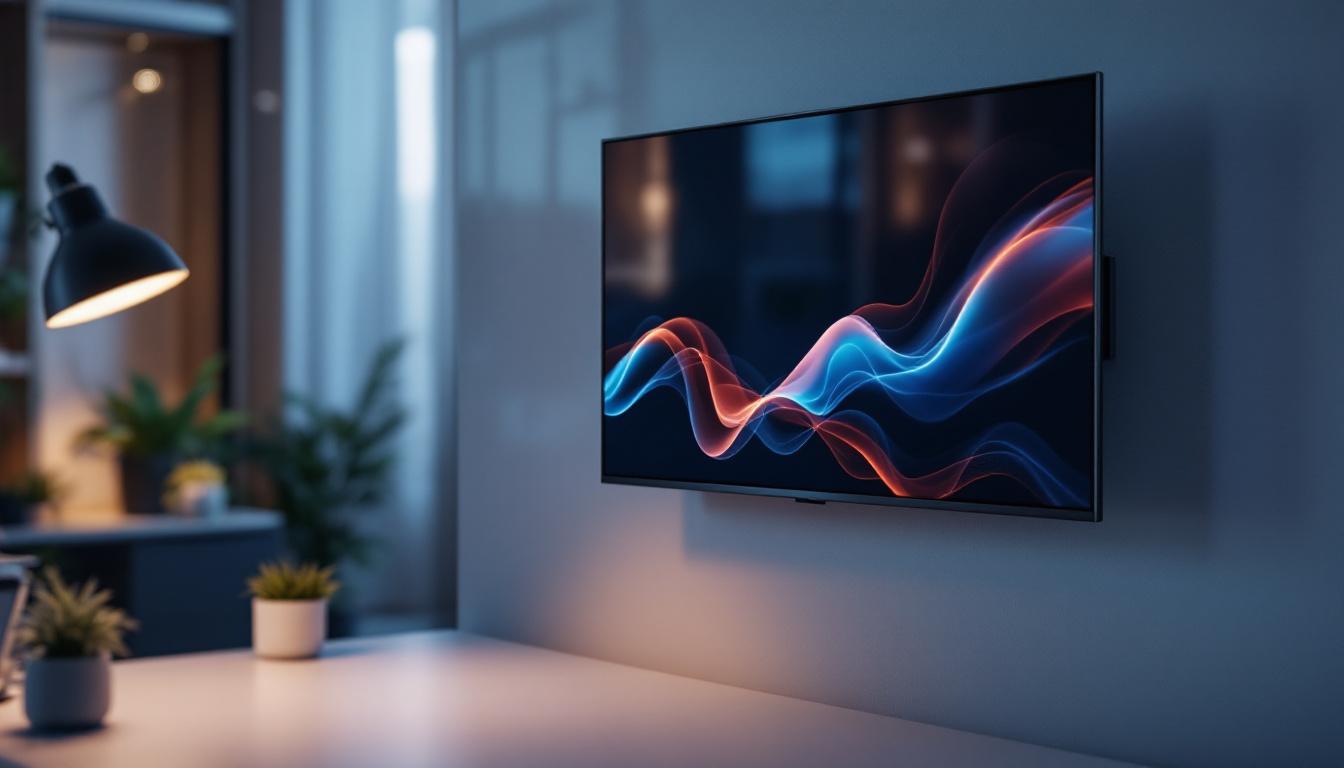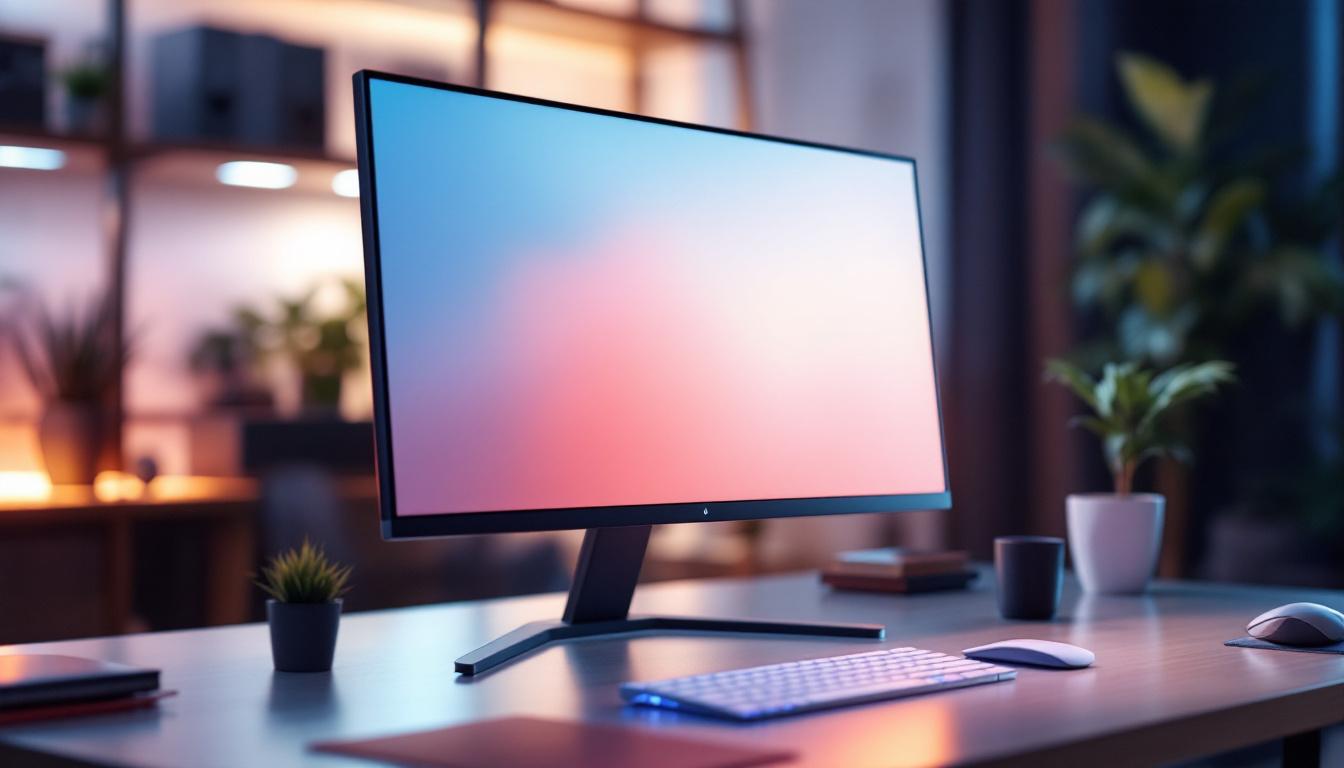
In today’s digital world, computer monitors are essential tools for work, entertainment, and communication. The quality of your display can significantly affect your productivity and viewing comfort, while the right monitor stand can enhance ergonomics and desk organization. Among various display technologies, LED displays have become the standard for modern monitors due to their superior image quality, energy efficiency, and slim design. This article delves into the relationship between computer screen monitor stands and LED displays, explaining their features, benefits, and how to choose the perfect setup for your needs.
Understanding LED Displays: What Sets Them Apart?
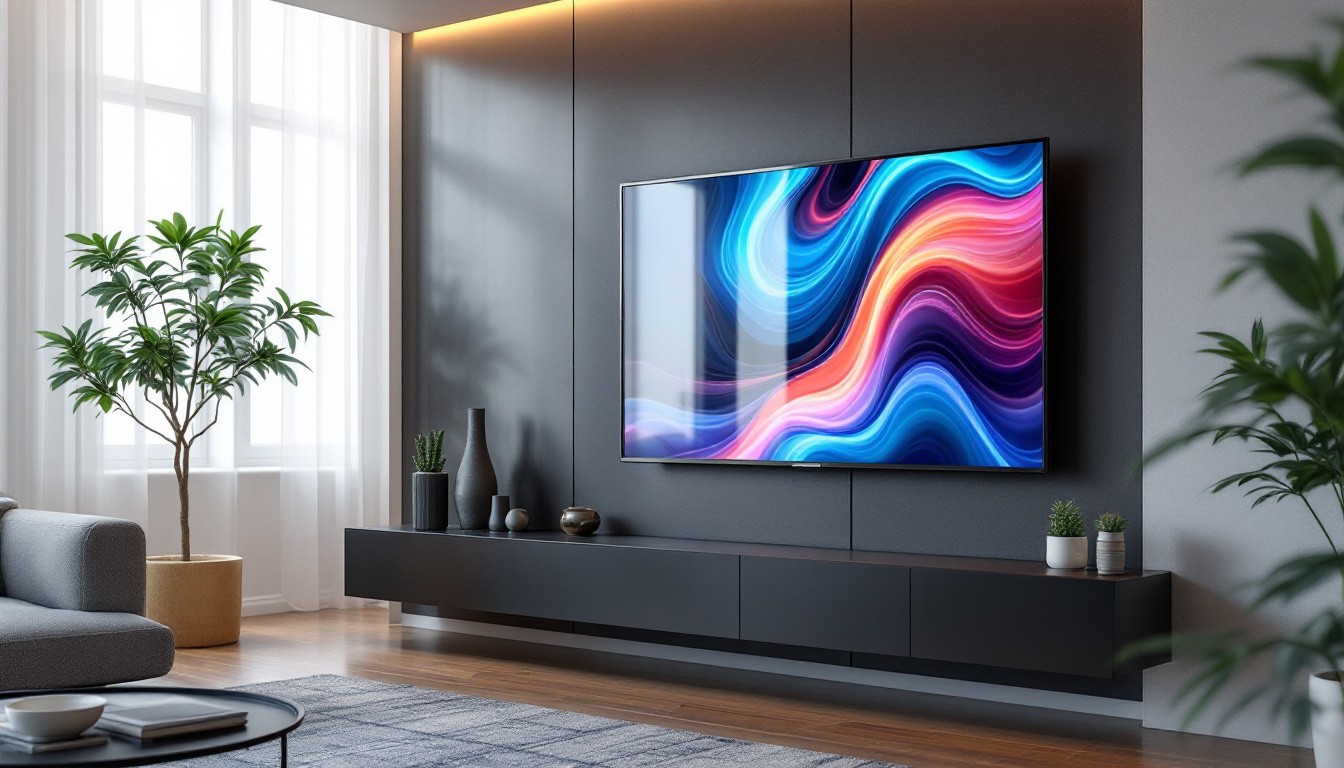
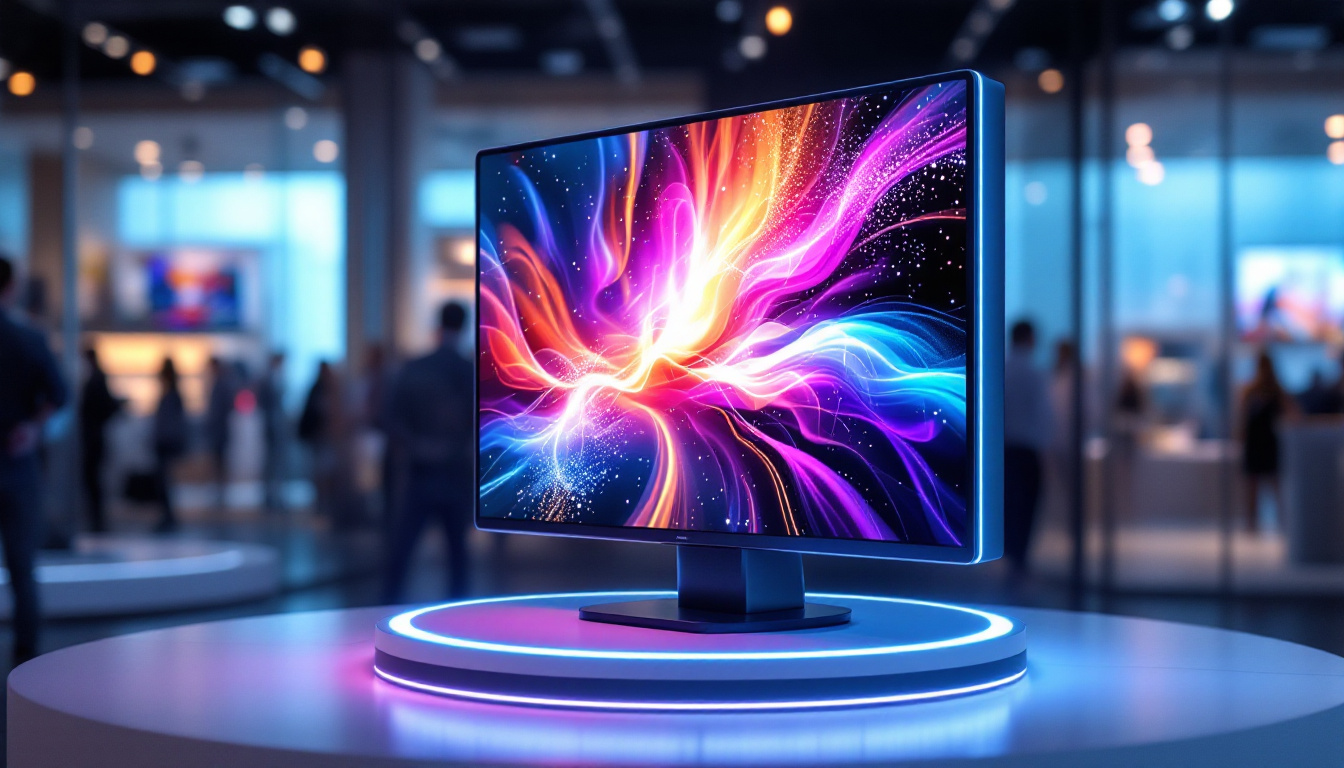
LED, or Light Emitting Diode, displays have revolutionized the way we view digital content. Unlike traditional LCD screens that use cold cathode fluorescent lamps (CCFL) for backlighting, LED monitors employ an array of LEDs to illuminate the screen. This difference in backlighting technology brings several advantages that have made LED the preferred choice for computer monitors worldwide.
How LED Displays Work
LED screens are essentially LCD panels lit by LEDs. The LCD panel controls the image by blocking or allowing light to pass through pixels, while the LEDs provide the necessary backlight. There are two main types of LED backlighting: edge-lit and full-array. Edge-lit LED monitors place LEDs along the edges of the screen, allowing for thinner designs, while full-array LED monitors distribute LEDs evenly behind the screen for better brightness and contrast control. This arrangement not only enhances visual performance but also allows for advanced features like local dimming, where specific areas of the screen can be dimmed or brightened independently, resulting in a more dynamic and immersive viewing experience.
Benefits of LED Displays
LED monitors offer several key benefits:
- Energy Efficiency: LEDs consume less power compared to CCFL backlights, making them more environmentally friendly and cost-effective over time.
- Better Brightness and Contrast: Full-array LED backlighting, especially with local dimming, enables deeper blacks and brighter whites, enhancing image quality.
- Thin and Lightweight Design: LED technology allows for slimmer monitor profiles, freeing up desk space and improving aesthetics.
- Longer Lifespan: LEDs tend to last longer than traditional backlighting methods, reducing the need for frequent replacements.
These advantages have made LED displays the go-to technology for everything from office monitors to high-end gaming screens. Additionally, the rapid advancements in LED technology have led to the emergence of OLED (Organic LED) displays, which take the benefits of LED a step further. OLED screens can produce true blacks by turning off individual pixels, resulting in stunning visuals that are particularly appealing for media consumption and creative work. Furthermore, the versatility of LED technology has allowed for innovative applications beyond traditional displays, such as in signage, automotive lighting, and even architectural lighting, showcasing its adaptability and potential for future developments.
The Role of Monitor Stands in Enhancing LED Display Use
While the quality of the LED display is crucial, the physical setup of your monitor also plays a significant role in your overall experience. Monitor stands are not merely accessories; they are essential for ergonomic health, desk organization, and maximizing the benefits of your LED screen.
Ergonomics and Health Benefits
Proper monitor height and angle can prevent neck strain, eye fatigue, and back pain. According to the Occupational Safety and Health Administration (OSHA), the ideal monitor position is at eye level, about 20 to 30 inches away from the user. Many LED monitors come with adjustable stands, but these can be limited in range. Investing in a high-quality monitor stand allows you to customize the height, tilt, and swivel to fit your unique workspace and posture. Furthermore, incorporating a monitor stand can encourage better posture habits, as users are less likely to slouch or lean forward when their screens are positioned correctly. This can lead to long-term health benefits, including reduced risk of chronic pain and improved productivity due to fewer distractions caused by discomfort.
Desk Space Optimization
LED monitors are often thin and lightweight, but their stands can still take up valuable desk space. Monitor stands with adjustable arms or risers can free up room underneath the screen for keyboards, notebooks, or other accessories. Some stands even include cable management systems, keeping your workspace tidy and reducing clutter. A well-organized desk not only enhances aesthetics but can also improve focus and efficiency. By creating a designated space for essential items, users can minimize the time spent searching for tools and documents, allowing for a more streamlined workflow. Additionally, some monitor stands come with built-in storage options, such as drawers or compartments, providing even more utility and helping to maintain an orderly environment.
Multi-Monitor Setups
For professionals who use multiple LED monitors, specialized multi-monitor stands are indispensable. These stands support two or more screens, allowing for seamless alignment and adjustment. Multi-monitor configurations can boost productivity by up to 42%, according to a study by the University of Utah, making the right stand a worthwhile investment. Beyond productivity, multi-monitor setups can enhance multitasking capabilities, enabling users to manage various applications simultaneously without the need for constant window switching. This is particularly beneficial for fields such as graphic design, programming, and financial analysis, where real-time data visibility is crucial. Moreover, some advanced multi-monitor stands offer features like integrated USB hubs or docking stations, further reducing desk clutter and providing easy access to peripherals, which can be a game-changer for tech-savvy professionals.
Choosing the Right Monitor Stand for Your LED Display
Selecting the perfect monitor stand depends on several factors, including your monitor size, desk setup, and personal preferences. Here are some key considerations to guide your choice.
Compatibility and Weight Capacity
Not all stands fit every monitor. Check the VESA (Video Electronics Standards Association) mounting pattern on your LED display to ensure compatibility. Most modern monitors follow the 75x75mm or 100x100mm VESA standard. Additionally, verify the weight capacity of the stand; LED monitors vary in weight, especially larger models with advanced features.
Adjustability Features
Look for stands that offer a wide range of adjustments:
- Height Adjustment: Essential for aligning the screen with your eye level.
- Tilt and Swivel: Allows you to reduce glare and find the most comfortable viewing angle.
- Rotation: Useful for switching between landscape and portrait modes.
Some premium stands also offer gas spring mechanisms for smooth and effortless adjustments.
Build Quality and Materials
A sturdy stand made from high-quality materials like aluminum or reinforced steel ensures stability and durability. Avoid cheap plastic stands that may wobble or fail over time, especially if you have a larger LED monitor.
Additional Features
Modern monitor stands often come with extra perks:
- Cable Management: Keeps cords organized and out of sight.
- USB Hubs: Convenient for connecting peripherals.
- Integrated Lighting: Some stands include LED lighting to enhance ambiance or reduce eye strain.
LED Monitor Trends and Innovations to Watch
The monitor market continues to evolve rapidly, with LED technology at the forefront of innovation. Staying informed about emerging trends can help you make smarter purchasing decisions.
Mini-LED and Micro-LED Technologies
Mini-LED backlighting uses thousands of tiny LEDs to provide even more precise local dimming, resulting in better contrast and color accuracy. Micro-LED, still in its early stages, promises self-emissive pixels without the need for backlighting, combining the best features of OLED and LED displays. These technologies are gradually making their way into consumer monitors, offering unprecedented image quality.
High Refresh Rates and Low Response Times
LED monitors with refresh rates of 144Hz or higher and response times under 5ms are increasingly popular among gamers and professionals who require smooth motion and minimal lag. These features complement the vibrant colors and brightness of LED displays, delivering an immersive experience.
Curved and Ultrawide LED Monitors
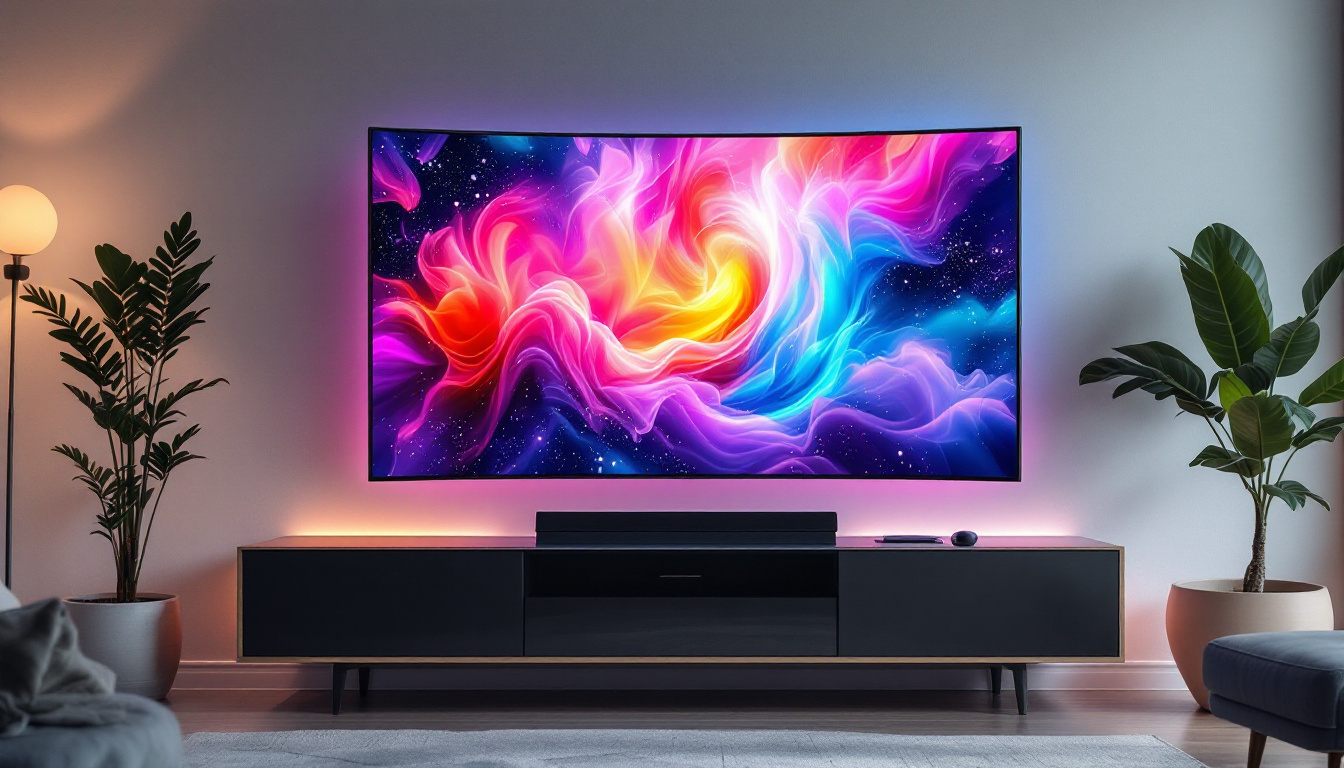
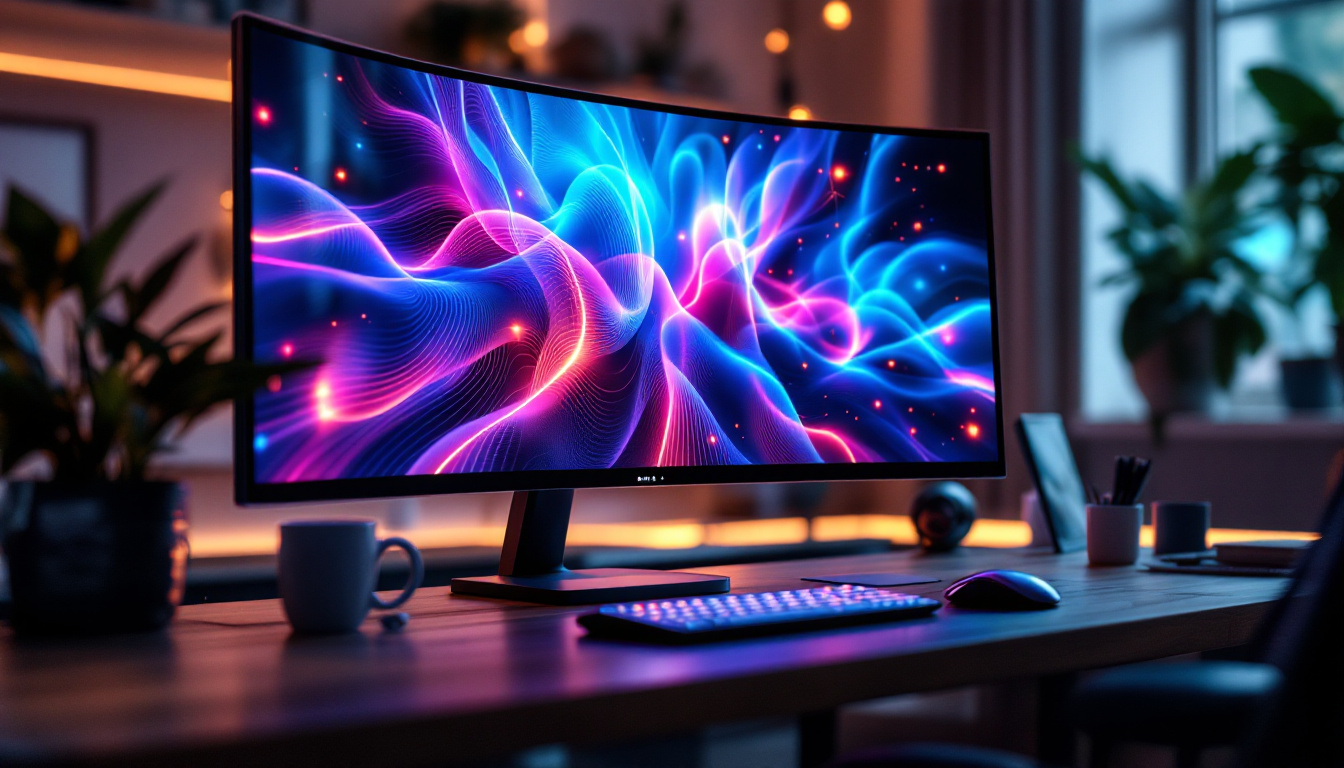
Curved LED monitors enhance immersion by matching the natural curvature of the human eye, reducing distortion and eye strain. Ultrawide monitors provide expansive horizontal screen real estate, ideal for multitasking and creative work. Both types benefit from adjustable monitor stands that support their unique form factors.
Maintaining and Caring for Your LED Monitor and Stand
Proper maintenance ensures your LED monitor and stand remain in excellent condition, extending their lifespan and performance.
Cleaning Tips
Use a microfiber cloth and a gentle screen cleaner specifically designed for LED displays. Avoid harsh chemicals or abrasive materials that can damage the screen coating. For the monitor stand, a damp cloth and mild detergent suffice to remove dust and grime.
Regular Adjustments and Inspections
Periodically check the tightness of screws and joints on your monitor stand to prevent wobbling or accidental falls. Adjust the monitor position throughout the day to reduce eye strain and maintain ergonomic posture.
Protecting Against Power Surges
LED monitors are sensitive electronic devices. Using surge protectors can safeguard your investment against electrical damage caused by power fluctuations.
Conclusion: Optimizing Your Workspace with the Right LED Monitor and Stand
The combination of a high-quality LED display and a well-designed monitor stand can transform your computing experience. LED technology offers vibrant visuals, energy efficiency, and sleek designs, while the right stand enhances comfort, organization, and productivity. Whether you’re a gamer, creative professional, or office worker, investing time and resources into selecting the ideal monitor and stand setup pays off in improved health, efficiency, and enjoyment.
As LED display technology continues to advance, staying informed about new features and ergonomic solutions will help you maintain a cutting-edge and comfortable workspace. Prioritize compatibility, adjustability, and build quality when choosing your monitor stand, and remember that proper care and maintenance are key to long-term satisfaction.
Discover the Future of Visual Display with LumenMatrix
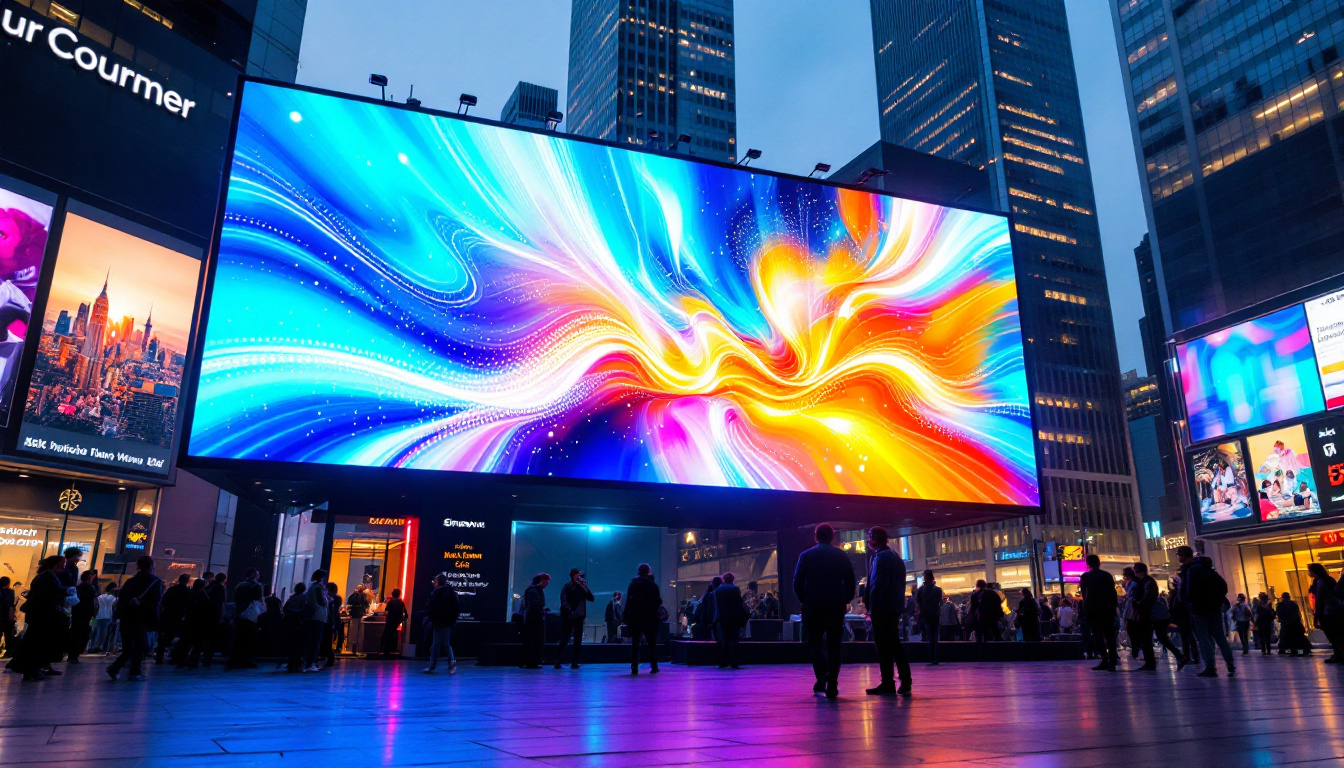
Ready to elevate your workspace and experience the pinnacle of LED display technology? LumenMatrix is at the forefront of innovation, offering a wide array of LED display solutions tailored to your unique needs. From immersive Indoor LED Walls to dynamic Outdoor LED Displays, and from versatile Vehicle LED Displays to sleek LED Posters, our products are designed to captivate and engage. Embrace the revolution in visual communication with LumenMatrix and transform your environment with our cutting-edge digital signage and LED displays. Check out LumenMatrix LED Display Solutions today and see your world in a whole new light.