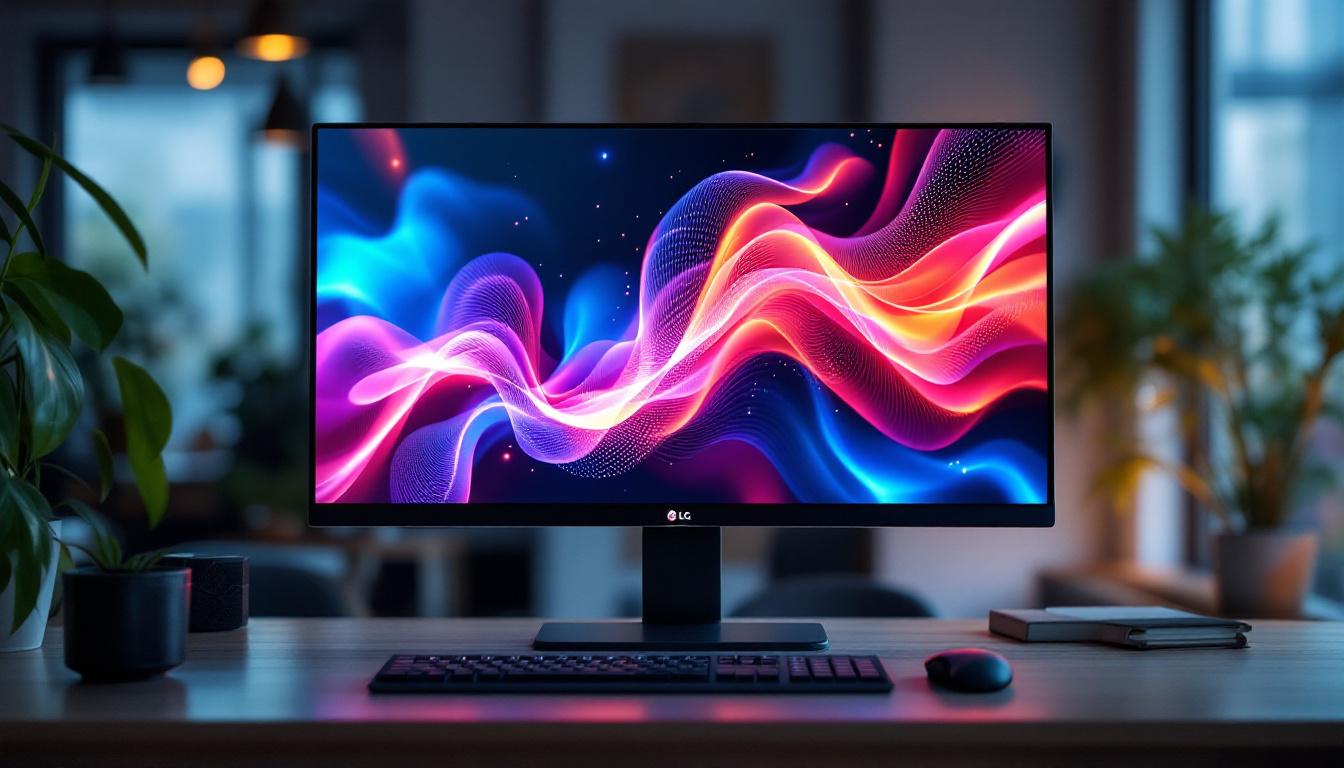
In today’s fast-paced digital world, computer monitors have evolved far beyond simple display panels. Among the most innovative advancements is the integration of touch screen technology with LED displays, offering users an interactive and visually stunning experience. LG, a global leader in display technology, has been at the forefront of this evolution, delivering touch screen monitors that combine sleek design, high performance, and cutting-edge LED display technology.
This article delves into the specifics of LG’s touch screen computer monitors, focusing on the LED display technology that powers them. From understanding the basics of LED displays to exploring the benefits and applications of LG’s touch screen monitors, this comprehensive guide will help you make an informed decision whether you’re a professional, gamer, or casual user.
Understanding LED Display Technology in LG Touch Screen Monitors
What is an LED Display?
LED, or Light Emitting Diode, displays are a type of flat-panel display technology that uses light-emitting diodes to produce images. Unlike traditional LCD monitors that rely on cold cathode fluorescent lamps (CCFL) for backlighting, LED displays use LEDs, which are more energy-efficient and provide better brightness and contrast.
LG’s LED monitors utilize this technology to deliver vibrant colors, deeper blacks, and sharper images. The LEDs can be arranged either as edge-lit or full-array backlighting, with full-array offering superior uniformity and local dimming capabilities, which enhances contrast ratios significantly. This means that when viewing content with dark scenes, the full-array LED monitors can dim specific areas of the screen, resulting in a more immersive viewing experience. Additionally, the lifespan of LED displays tends to be longer than that of traditional displays, making them a more durable choice for both home and professional settings.
How Does Touch Screen Integration Work with LED Displays?
Integrating touch screen technology with LED displays involves layering a touch-sensitive panel over the LED screen. LG employs advanced capacitive touch technology, which detects the electrical properties of the human finger, allowing for precise and responsive touch input.
This combination enables users to interact directly with the display, making tasks like drawing, editing, navigating, and gaming more intuitive. The touch layer is designed to be highly transparent to maintain the display’s brightness and color accuracy, ensuring that the LED display’s visual quality is not compromised. Furthermore, LG’s touch screen monitors often support multi-touch capabilities, allowing multiple users to interact with the screen simultaneously. This feature is particularly beneficial in collaborative environments, such as classrooms or conference rooms, where group participation is essential. The seamless integration of touch technology not only enhances user engagement but also opens up new possibilities for applications in digital signage, interactive kiosks, and creative design, where tactile interaction can significantly enrich the user experience.
Key Features of LG Touch Screen Computer Monitors
High Resolution and Color Accuracy
LG touch screen monitors typically feature high resolutions such as Full HD (1920×1080), Quad HD (2560×1440), and even 4K UHD (3840×2160). This ensures crisp and detailed images, which are essential for professional work like graphic design, video editing, and CAD applications.
Moreover, LG’s monitors often support wide color gamuts such as sRGB, Adobe RGB, and DCI-P3, providing accurate color reproduction. This is critical for creative professionals who require precise color matching. The advanced IPS (In-Plane Switching) technology used in many of these monitors further enhances the viewing experience by offering wider viewing angles and better color consistency, ensuring that the visual integrity is maintained even when viewed from the side. This feature is particularly beneficial in collaborative settings where multiple people may be viewing the screen simultaneously.
Responsive and Multi-Touch Capability
LG’s touch screen monitors support multi-touch gestures, allowing users to perform actions like pinch-to-zoom, rotate, and swipe with multiple fingers simultaneously. The response time is optimized to minimize latency, which is especially important for interactive applications and gaming.
For business environments, this responsiveness enhances collaborative workflows, enabling multiple users to interact with the screen at once during presentations or brainstorming sessions. Additionally, the integration of advanced touch technology, such as capacitive touch sensing, provides a more intuitive user experience, making it easier for users to navigate complex software applications or educational tools. This capability is also advantageous in retail settings, where interactive displays can engage customers and provide a more immersive shopping experience.
Ergonomic and Connectivity Options
LG designs its touch screen monitors with user comfort in mind. Adjustable stands allow for tilt, swivel, and height adjustments, reducing strain during extended use. Some models also support VESA mounting for flexible installation options.
Connectivity is another strong suit, with LG monitors offering multiple ports including HDMI, DisplayPort, USB-C, and USB hubs. USB-C, in particular, supports video, data transfer, and power delivery through a single cable, simplifying workstation setups. Furthermore, many LG monitors come equipped with built-in speakers and audio output options, enhancing the multimedia experience without the need for additional peripherals. This versatility makes them ideal for various applications, from home offices to professional studios, where seamless integration of audio and visual components is crucial for productivity and creativity.
Advantages of LG’s LED Touch Screen Monitors Over Traditional Displays
Energy Efficiency and Longevity
LED technology is inherently more energy-efficient than CCFL backlighting, consuming less power while delivering brighter images. LG’s LED monitors benefit from this efficiency, reducing electricity costs and environmental impact.
Additionally, LEDs have longer lifespans, often exceeding 30,000 to 50,000 hours of use, which translates to fewer replacements and lower total cost of ownership.
Enhanced Visual Experience
The combination of LED backlighting and touch screen technology creates a more immersive and interactive user experience. LED displays offer higher brightness levels and better contrast ratios, which improve visibility even in brightly lit environments.
Touch capabilities further enhance this experience by allowing direct interaction with on-screen content, making tasks more intuitive and engaging compared to using a mouse or keyboard alone.
Improved Productivity and Versatility
For professionals, LG’s touch screen monitors can streamline workflows by enabling direct manipulation of digital content. This is particularly useful in fields such as architecture, education, healthcare, and retail, where touch interaction can speed up processes and improve accuracy.
In gaming and entertainment, the combination of high refresh rates, low input lag, and touch responsiveness offers a competitive edge and a more dynamic experience.
Popular LG Touch Screen Monitor Models and Their Applications
LG 27MD5KL-B UltraFine 5K Touch Monitor
This model is favored by creative professionals for its stunning 5K resolution (5120×2880) and exceptional color accuracy. The LED display delivers vibrant visuals, while the touch screen supports precise input for tasks such as photo editing and digital illustration.
Its Thunderbolt 3 connectivity offers fast data transfer and charging, making it ideal for Mac users and professionals requiring seamless integration with their devices.
LG 24MD4KL-B 4K UHD Touch Monitor
With a 24-inch 4K UHD LED display, this monitor balances size and resolution for detailed work without overwhelming desk space. The touch screen supports multi-touch gestures, enhancing productivity in office and creative environments.
Its wide color gamut and HDR support make it suitable for video editing and content creation, while the ergonomic design ensures comfort during long sessions.
LG 22MD4KL-B 21.5-Inch 4K Touch Monitor
Targeted at professionals who need a compact yet high-resolution display, this model offers 4K clarity with touch capabilities. It’s well-suited for medical imaging, education, and interactive kiosks where space is limited but visual detail is paramount.
Considerations When Choosing an LG Touch Screen LED Monitor
Intended Use and Screen Size
Choosing the right monitor depends heavily on your specific needs. For detailed design work or video editing, larger screens with higher resolutions like 27 inches or more are preferable. For general office use or point-of-sale systems, smaller sizes may suffice.
Touch Technology and Responsiveness
Not all touch screens are created equal. LG’s capacitive touch technology offers superior accuracy and responsiveness compared to resistive touch panels. Consider the number of touch points supported and the latency, especially if you require multi-touch gestures or fast input.
Connectivity and Compatibility
Ensure that the monitor’s ports are compatible with your existing hardware. USB-C is increasingly popular for its versatility, but HDMI and DisplayPort remain standard. Also, verify driver support for your operating system to avoid compatibility issues.
Budget and Warranty
LG offers a range of monitors at various price points. While higher-end models provide advanced features and better display quality, more affordable options may suffice for basic touch interaction needs. Always check warranty terms and support services to protect your investment.
Future Trends in LG Touch Screen LED Monitor Technology
LG continues to innovate in the display sector, with emerging trends promising even more advanced touch screen monitors. Flexible and curved LED displays are becoming more common, offering immersive viewing experiences and ergonomic benefits.
Additionally, integration with AI and smart features is on the rise, enabling adaptive brightness, eye strain reduction, and voice control. These advancements will further enhance user interaction and comfort.
Moreover, sustainability is a growing focus, with LG investing in eco-friendly materials and manufacturing processes to reduce environmental impact.
Conclusion
LG’s touch screen computer monitors with LED displays represent a significant leap forward in display technology, combining energy-efficient LED backlighting with responsive, high-precision touch capabilities. Whether for professional creative work, business applications, or entertainment, these monitors offer vibrant visuals, intuitive interaction, and versatile connectivity options.
Understanding the technology behind LG’s LED touch screen monitors helps users select the best model for their needs, ensuring a productive and enjoyable digital experience. As technology evolves, LG remains a trusted brand delivering innovative solutions that meet the demands of modern users.
Discover Cutting-Edge LED Display Solutions from LumenMatrix
If you’re inspired by the advanced features and capabilities of LG’s LED touch screen monitors, you’ll be excited to explore the innovative LED display solutions offered by LumenMatrix. As a pioneer in LED display technology, LumenMatrix provides an extensive range of products designed to elevate your visual experience. From Indoor and Outdoor LED Wall Displays to specialized solutions like Vehicle LED Displays and LED Sports Displays, LumenMatrix is committed to transforming how you communicate and present your brand. Experience the future of visual engagement with LumenMatrix’s LED display modules that promise to captivate and impress. Check out LumenMatrix LED Display Solutions and take the first step towards redefining your digital presence.