Pc Case LCD Panel: LED Display Explained
In the evolving world of PC building and customization, the integration of LCD panels into PC cases has become a standout trend. These compact displays, often combined with LED technology, offer users a unique blend of aesthetics, functionality, and real-time system monitoring. But what exactly is a PC case LCD panel with LED display, and why has it garnered so much attention among enthusiasts and professionals alike? This article dives deep into the technology, benefits, and practical applications of these innovative components.
Understanding PC Case LCD Panels and LED Displays
What Is a PC Case LCD Panel?
A PC case LCD panel is a small screen embedded into or attached to a computer case, designed to display various types of information. Unlike traditional monitors, these panels are compact, often ranging from 2 to 7 inches diagonally, and serve as secondary displays dedicated to showing system stats, animations, or custom graphics.
These panels can be integrated into the front, side, or top of a PC case, providing users with quick access to vital data without the need to open software on their main monitor. The rise of custom PC building has driven manufacturers to include these panels as a standard or optional feature, enhancing both functionality and visual appeal. Users often take advantage of these displays to monitor CPU temperatures, fan speeds, and GPU usage in real time, allowing for immediate adjustments to ensure optimal performance during gaming or intensive tasks. Moreover, many enthusiasts personalize these panels with custom graphics or animations, transforming them into a unique part of their build that reflects their style and preferences.
Role of LED Technology in LCD Panels
LED, or Light Emitting Diode, technology is fundamental to modern LCD panels. In essence, an LCD (Liquid Crystal Display) panel requires a backlight to illuminate the screen, and LEDs have become the preferred light source due to their efficiency, brightness, and color accuracy.
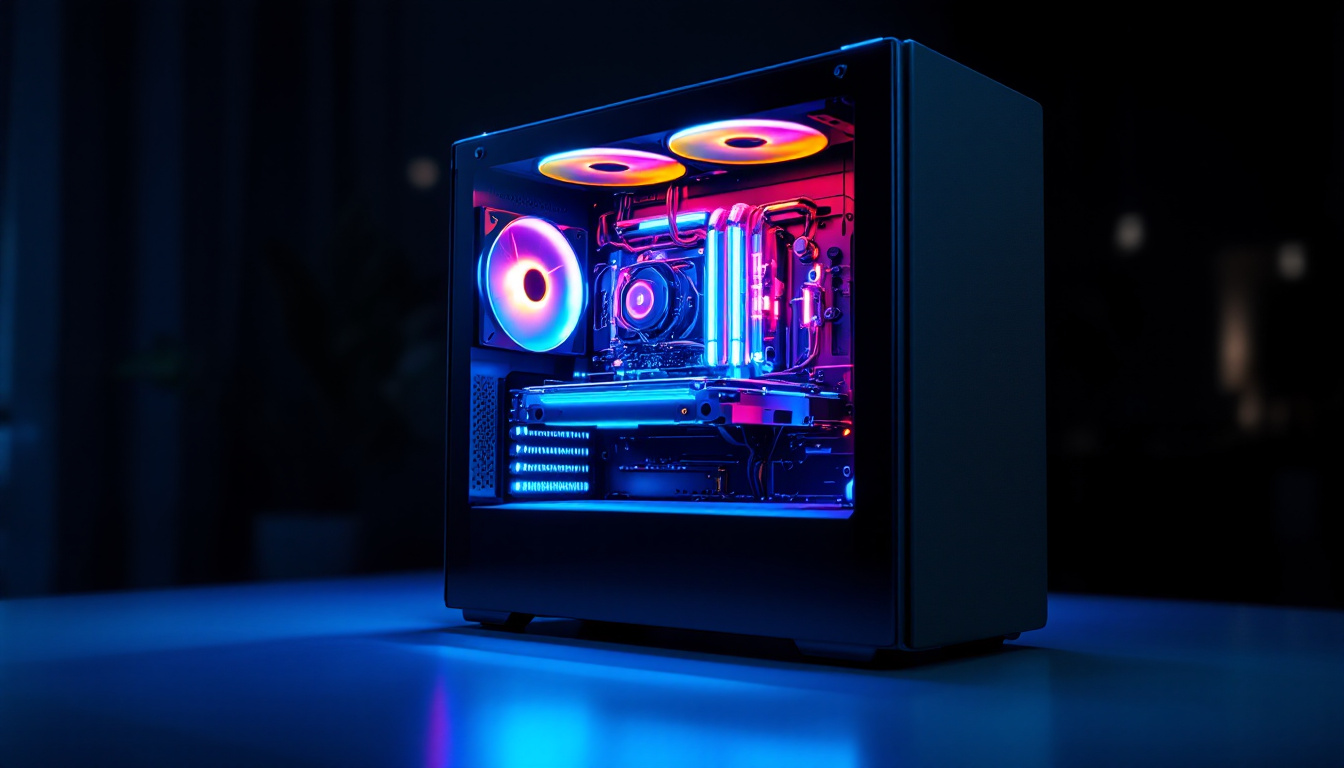
LED backlighting allows these panels to offer vibrant colors and sharp contrasts while consuming minimal power. Additionally, some PC case LCD panels incorporate RGB LED lighting around the display or within the panel itself, enabling dynamic lighting effects that sync with system performance or user preferences. This integration of RGB technology not only enhances the aesthetic appeal of the PC build but also allows for a more immersive experience, especially in gaming environments where lighting can change in response to in-game events. Furthermore, advanced software solutions enable users to customize the behavior of these LEDs, creating a synchronized light show that can react to music, system alerts, or even the temperature of critical components, adding an extra layer of interactivity to the user experience.
Why PC Builders Are Embracing LCD Panels with LED Displays
Real-Time System Monitoring at a Glance
One of the most practical reasons for integrating an LCD panel into a PC case is the ability to monitor system parameters in real time. These panels can display CPU and GPU temperatures, fan speeds, voltages, RAM usage, and even network activity. This immediate access to data helps users maintain optimal system performance and quickly identify potential issues such as overheating or hardware failures.
For gamers and professionals who push their systems to the limit, this kind of monitoring is invaluable. Instead of tabbing out of games or applications to check system stats, users can glance at their PC case display, maintaining immersion and productivity.
Customization and Personal Expression
Beyond functionality, PC case LCD panels offer a canvas for personalization. Many panels support custom images, GIFs, animations, or even live wallpapers. This feature allows users to showcase their personality, favorite themes, or brand logos, turning their PC into a unique piece of art.
Moreover, when combined with RGB LED lighting, these panels contribute to a cohesive and dynamic lighting setup. Synchronizing the LCD display with other RGB components creates a visually striking system that stands out in both gaming setups and professional environments.
Enhancing Aesthetics and User Experience
The modern PC market is increasingly driven by aesthetics. Transparent side panels, RGB lighting, and sleek designs are now standard expectations. LCD panels with LED displays complement these trends by adding a high-tech, futuristic touch to the case exterior.
Some manufacturers design cases with dedicated slots or mounts for these panels, ensuring seamless integration that does not compromise airflow or internal component layout. This thoughtful design enhances the overall user experience by combining form and function elegantly.
Technical Aspects and Features of PC Case LCD Panels
Display Types and Resolutions
PC case LCD panels come in various sizes and resolutions, typically ranging from 320×240 pixels to 800×480 pixels. The choice of resolution impacts the clarity and detail of displayed content. Higher resolutions allow for more complex graphics and sharper text, which is especially useful for detailed system monitoring or custom animations.
Most panels use TFT (Thin Film Transistor) LCD technology, which offers good color reproduction and viewing angles. Some advanced models incorporate IPS (In-Plane Switching) panels for superior color accuracy and wider viewing angles, making the display easier to read from different positions around the desk.
Connectivity and Compatibility
These panels usually connect to the motherboard or a dedicated controller via USB, SATA, or proprietary connectors. USB connections are common because they allow easy data transfer and power supply with minimal cabling. Some panels also support Wi-Fi or Bluetooth connectivity, enabling wireless updates and control through smartphone apps or desktop software.
Compatibility is a key consideration. Many panels come with software that supports popular monitoring tools like HWMonitor, AIDA64, or MSI Afterburner, ensuring seamless integration with existing system monitoring setups. Open-source firmware options also exist, allowing advanced users to customize the display’s functionality extensively.
Software and Customization Options
Software plays a crucial role in maximizing the utility of PC case LCD panels. Manufacturers provide proprietary applications that allow users to configure what information is displayed, adjust brightness and color settings, and upload custom images or animations.
Some software suites offer advanced features such as scripting support, enabling users to create dynamic displays that react to system events or external inputs. This level of customization appeals to enthusiasts who want a truly personalized and interactive PC experience.
Popular Use Cases and Examples
Gaming Setups
In gaming rigs, PC case LCD panels often serve as real-time dashboards showing frame rates, temperatures, and network latency. This data helps gamers optimize performance and troubleshoot issues without interrupting gameplay. Additionally, the ability to display game-related animations or clan logos adds a layer of personalization that resonates with the gaming community.
Professional Workstations
For professionals working in video editing, 3D rendering, or software development, system stability and performance are critical. LCD panels provide immediate feedback on system health, allowing users to prevent crashes caused by overheating or hardware stress. Some professionals also use these displays to show project timers, notifications, or calendar events, enhancing productivity.
Streamer and Content Creator Setups
Streamers and content creators benefit from PC case LCD panels by displaying live chat messages, donation alerts, or subscriber counts directly on their PC case. This setup allows them to monitor audience interactions without cluttering their main screen, improving engagement and workflow during live broadcasts.
Installation and Maintenance Considerations
Installation Tips
Installing an LCD panel in a PC case requires careful planning. It’s essential to ensure compatibility with the case and motherboard, as well as sufficient space for mounting. Many cases designed for LCD integration include pre-cut slots or brackets, simplifying installation.
Proper cable management is also vital to maintain airflow and aesthetics. Using sleeved cables or cable combs can help keep the interior tidy. Additionally, positioning the panel where it is easily visible but not obstructive enhances usability.
Maintenance and Longevity
Maintaining an LCD panel involves regular cleaning to prevent dust buildup, which can affect visibility and heat dissipation. Use a microfiber cloth and appropriate screen cleaner to avoid scratches. Software updates from the manufacturer should be applied to ensure compatibility and access to new features.
LED backlights generally have long lifespans, but excessive heat or power fluctuations can reduce their durability. Ensuring proper case ventilation and stable power supply contributes to the panel’s longevity.
The Future of PC Case LCD Panels and LED Displays
As PC building continues to evolve, LCD panels with LED displays are expected to become more advanced and widespread. Emerging technologies like OLED (Organic Light Emitting Diode) displays promise even better color accuracy, contrast ratios, and thinner form factors, potentially replacing traditional LCDs in the near future.
Integration with AI and IoT (Internet of Things) could allow these panels to provide predictive maintenance alerts, personalized performance tuning, and seamless interaction with smart home devices. Moreover, advances in flexible and transparent display technology may enable entirely new ways to incorporate visual feedback into PC cases.
Ultimately, the combination of functionality, customization, and aesthetic appeal ensures that PC case LCD panels with LED displays will remain a popular feature for both casual users and enthusiasts, driving innovation in PC design and user experience.
Conclusion
PC case LCD panels with LED displays represent a significant leap forward in computer customization and usability. By offering real-time system monitoring, extensive personalization options, and enhanced aesthetics, these panels cater to the diverse needs of gamers, professionals, and content creators alike.
Understanding the technology behind these displays, their practical benefits, and future potential equips PC builders and users to make informed decisions when selecting or upgrading their systems. As the landscape of PC hardware continues to advance, embracing innovations like LCD panels with LED technology ensures a more interactive, efficient, and visually engaging computing experience.
Explore the Future of Visual Display with LumenMatrix
Ready to elevate your PC build with the most advanced LED display technology? Discover LumenMatrix’s comprehensive range of LED display solutions, designed to bring your visual communication to life. Whether you’re seeking to enhance your gaming setup, professional workstation, or content creation hub, LumenMatrix offers Indoor and Outdoor LED Wall Displays, Vehicle LED Displays, LED Poster Displays, and more to create immersive experiences. Embrace the innovation that LumenMatrix brings to your fingertips and check out LumenMatrix LED Display Solutions today to transform your PC case with unparalleled clarity and vibrancy.