In today’s digital world, the way we interact with computers has evolved significantly. From traditional keyboards and mice to voice commands and gesture controls, technology continues to reshape the user experience. Among these advancements, touch screen computer monitors with LED displays have become increasingly popular, offering a seamless blend of visual clarity and intuitive interaction. This article delves into the fundamentals of touch screen LED monitors, exploring how they work, their benefits, and their growing role in both professional and personal settings.
Understanding LED Displays in Computer Monitors
LED, or Light Emitting Diode, technology has revolutionized display screens over the past decade. Unlike older LCD monitors that relied on cold cathode fluorescent lamps (CCFL) for backlighting, LED monitors use light-emitting diodes to illuminate the screen. This shift has brought numerous advantages in terms of brightness, energy efficiency, and color accuracy. The evolution of LED technology has not only enhanced the viewing experience for everyday users but has also opened new avenues for professional applications, such as digital signage and high-definition media consumption.
How LED Displays Work
At the core, an LED display is an LCD panel illuminated by LEDs. The LEDs act as a backlight behind the liquid crystal layer, which modulates light to form images. There are two main types of LED backlighting:
- Edge-lit LED: LEDs are placed along the edges of the screen, and light is diffused across the display. This allows for thinner monitors but can sometimes result in uneven brightness.
- Direct-lit or Full-array LED: LEDs are positioned directly behind the screen in a grid pattern, enabling more uniform brightness and local dimming capabilities for better contrast.
Modern LED monitors often incorporate full-array backlighting with local dimming, which enhances black levels and overall picture quality. This technology is especially beneficial for tasks requiring color precision, such as graphic design and video editing. Additionally, advancements in quantum dot technology are now being integrated into LED displays, further enhancing color vibrancy and expanding the color gamut, making it possible to reproduce a wider range of hues and shades that were previously unattainable.
Advantages of LED Displays
LED monitors offer several benefits over older display technologies:
- Energy Efficiency: LEDs consume less power than CCFL backlights, which translates to lower electricity bills and a smaller environmental footprint.
- Brightness and Contrast: LED backlighting can achieve higher brightness levels and better contrast ratios, improving visibility in bright environments.
- Color Accuracy: Enhanced color reproduction makes LED monitors ideal for creative professionals.
- Thin and Lightweight Design: The compact nature of LEDs allows manufacturers to produce slimmer monitors that save desk space.
Moreover, the longevity of LED displays is another significant advantage. With lifespans typically exceeding 50,000 hours, users can enjoy extended periods of use without the need for frequent replacements. This durability not only contributes to cost savings over time but also reduces electronic waste, aligning with growing environmental concerns. As technology continues to advance, we can expect even more innovations in LED display technology, such as flexible screens and enhanced interactive features that could redefine how we interact with digital content in both personal and professional settings.
The Touch Screen Component: How It Enhances User Interaction
Touch screen technology has transformed the way users interact with computers. By enabling direct manipulation of on-screen content, touch screens provide a more natural and intuitive experience. When integrated with LED displays, touch screen monitors combine visual excellence with tactile responsiveness.
Types of Touch Screen Technologies
Several touch screen technologies are used in computer monitors, each with unique characteristics:
- Resistive Touch: Consists of two flexible layers that register touch when pressed together. It is cost-effective but less sensitive and doesn’t support multi-touch gestures well.
- Capacitive Touch: Uses the electrical properties of the human body to detect touch. It supports multi-touch and gestures, offering a smooth and responsive experience. This technology is common in smartphones and modern touch monitors.
- Infrared Touch: Employs an array of infrared LEDs and photodetectors around the screen edges to detect touch by interruption of light beams. It is durable and works with any input device but can be more expensive.
- Surface Acoustic Wave (SAW): Uses ultrasonic waves on the screen surface to detect touch. It provides excellent image clarity but is sensitive to contaminants like dust and water.
Among these, capacitive touch technology is the most prevalent in contemporary LED touch screen monitors due to its responsiveness and support for multi-touch gestures, which enhance productivity and user engagement.
Benefits of Touch Screen Monitors
Touch screen monitors offer several advantages that make them appealing across various applications:
- Intuitive User Interface: Touch input allows users to interact directly with content, reducing the learning curve and increasing accessibility.
- Increased Efficiency: Tasks like zooming, scrolling, and dragging can be performed faster with touch gestures compared to traditional input devices.
- Space-saving: Combining display and input in one device reduces clutter and the need for additional peripherals.
- Versatility: Useful in diverse settings such as retail kiosks, healthcare, education, and creative workstations.
Applications of Touch Screen LED Monitors
The fusion of LED display technology with touch screen capabilities has opened up a wide range of practical applications. Their versatility and performance make them suitable for both consumer and professional environments.
Professional and Creative Workspaces
Graphic designers, video editors, and architects benefit immensely from touch screen LED monitors. The high color accuracy of LED displays ensures that visual work is rendered precisely, while touch input facilitates natural interactions like sketching, rotating 3D models, or adjusting layouts. Many creative professionals use stylus-compatible capacitive touch monitors to enhance precision and control.
Business and Retail Environments
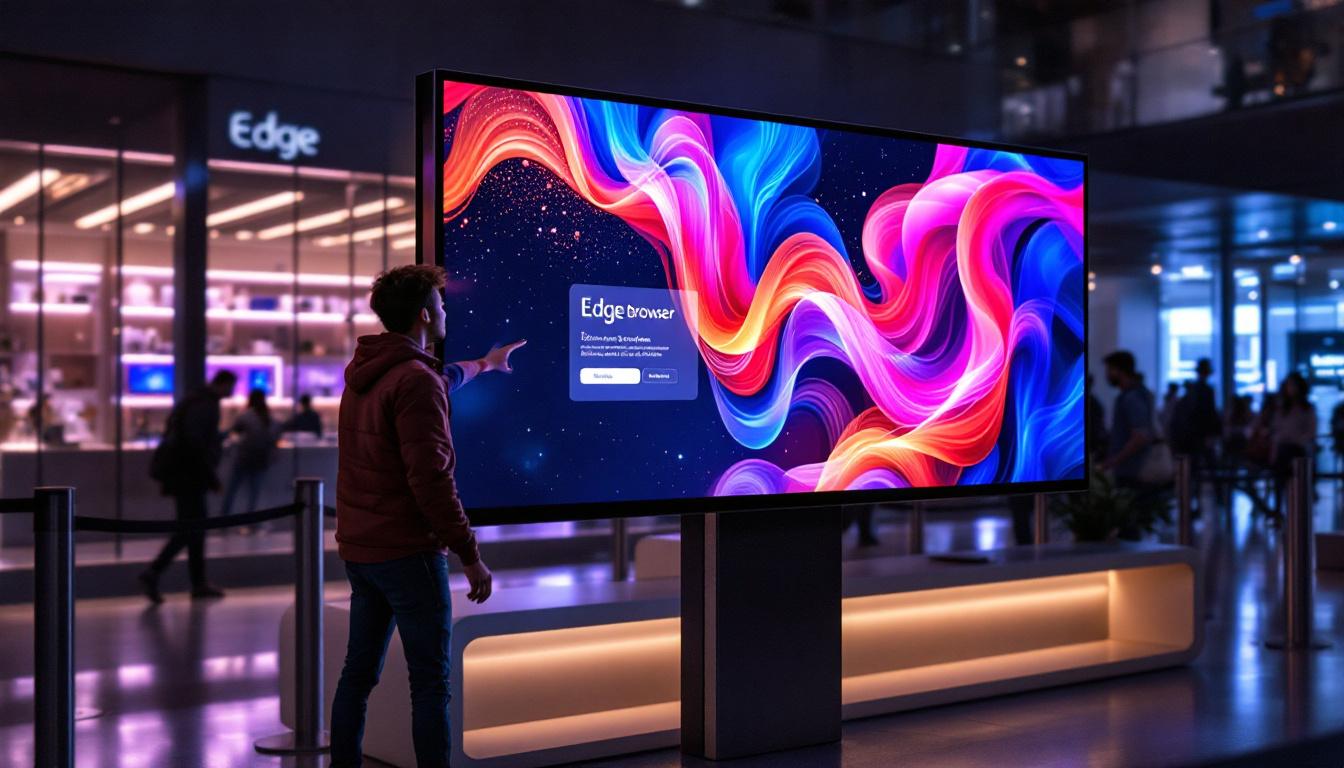
In retail, touch screen LED monitors serve as interactive kiosks, point-of-sale terminals, and digital signage. Their bright displays attract customers, and the touch interface simplifies transactions and product browsing. Similarly, in office settings, touch monitors improve collaboration by enabling direct interaction during presentations and meetings.
Education and Training
Interactive learning has been greatly enhanced by touch screen monitors. Teachers use them to engage students with dynamic content, while students benefit from hands-on experiences that improve retention. LED displays ensure that visuals are clear and vibrant, even in well-lit classrooms.
Healthcare Applications
In hospitals and clinics, touch screen LED monitors are used for patient check-in, medical imaging, and electronic health record management. Their ease of use and hygienic design (often featuring antimicrobial coatings) contribute to efficient and safe healthcare delivery.
Choosing the Right Touch Screen LED Monitor
Selecting the ideal touch screen LED monitor depends on understanding specific needs and evaluating key features. This ensures the device aligns with intended use cases and provides the best performance.
Screen Size and Resolution
Screen size should match the workspace and application. For detailed design work, larger monitors (27 inches or more) with high resolutions such as 4K (3840×2160 pixels) offer ample screen real estate and sharp visuals. For point-of-sale or kiosk use, smaller sizes may suffice.
Touch Technology
Choosing the appropriate touch technology is crucial. Capacitive touch is preferred for responsiveness and multi-touch support, while infrared may be better for environments requiring glove use or stylus input. Resistive touch, though less common, can be suitable for budget-conscious applications.
Brightness and Contrast Ratio
Brightness levels of 250 to 350 nits are typical for indoor use, but higher brightness (up to 500 nits or more) is beneficial in brightly lit or outdoor environments. A high contrast ratio improves image depth and readability.
Durability and Build Quality
Monitors intended for public or industrial use should have robust construction, often featuring reinforced glass and sealed designs to protect against dust and moisture. Some models offer IP ratings indicating resistance to environmental factors.
Connectivity and Compatibility
Ensure the monitor supports necessary interfaces such as HDMI, DisplayPort, USB-C, or legacy ports. Compatibility with operating systems and software is also essential for seamless integration.
Future Trends in Touch Screen LED Monitors
The landscape of touch screen LED monitors continues to evolve, driven by technological advancements and changing user demands. Several trends are shaping the future of this display category.
Integration of OLED and MicroLED Technologies
While LED backlighting remains dominant, emerging technologies like OLED (Organic LED) and MicroLED promise even better color accuracy, contrast, and thinner form factors. These displays emit light directly from each pixel, eliminating the need for backlighting and enabling true blacks and vibrant colors.
Enhanced Touch Sensitivity and Haptics
Advancements in touch technology are improving sensitivity and precision, even enabling pressure-sensitive input for creative professionals. Additionally, haptic feedback is being integrated to provide tactile responses, enhancing the user experience by simulating the feel of physical buttons or textures.
AI and Gesture Recognition
Artificial intelligence is being incorporated to interpret complex gestures and predict user intent, making interactions smoother and more natural. Gesture recognition can complement touch input, allowing users to control monitors without physical contact, which is particularly useful in hygiene-sensitive environments.
Energy Efficiency and Sustainability
Manufacturers are focusing on reducing power consumption and using eco-friendly materials. Energy Star certifications and recyclable components are becoming standard, reflecting growing environmental awareness among consumers and businesses.
Conclusion
Touch screen LED monitors represent a significant step forward in display and interaction technology. By combining the visual benefits of LED displays with the intuitive nature of touch input, these monitors enhance productivity, creativity, and user engagement across various sectors. Whether for professional design, retail, education, or healthcare, understanding the underlying technology and selecting the right features ensures that users can fully leverage the advantages of this versatile tool.
As the technology continues to advance, touch screen LED monitors will become even more integral to the way people work, learn, and communicate, offering richer experiences and greater convenience in an increasingly digital world.
Discover Cutting-Edge Touch Screen LED Monitors with LumenMatrix
Ready to experience the future of interactive display technology? LumenMatrix is at the forefront of LED innovation, offering a wide array of LED display solutions that bring your digital interactions to life. Whether you’re looking to enhance your professional workspace, captivate retail customers, or elevate educational environments, our Indoor and Outdoor LED Wall Displays, Custom LED Displays, and more are designed to meet your needs. Embrace the power of advanced LED technology and transform the way you communicate visually. Check out LumenMatrix LED Display Solutions today and step into a world of vibrant colors, dynamic content, and intuitive touch screen functionality.