In the realm of modern electronics, LED displays have become ubiquitous, powering everything from smartphones and televisions to industrial equipment and vehicle dashboards. For users and technicians working with Simplicity products, understanding the LED display component is crucial for effective maintenance, troubleshooting, and repair. This comprehensive guide delves into the intricacies of LED displays as they pertain to Simplicity parts, providing detailed explanations, practical insights, and essential technical knowledge.
Understanding LED Displays: The Basics
What is an LED Display?
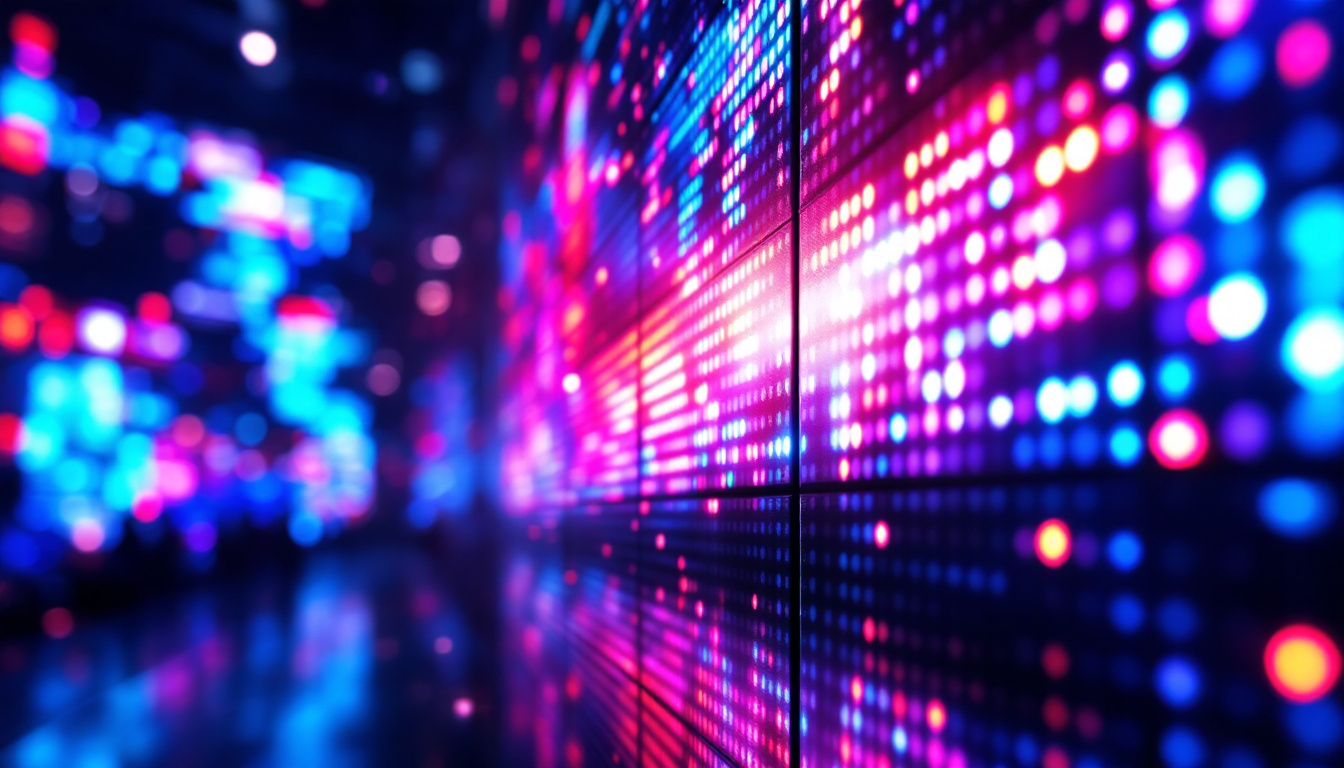
LED stands for Light Emitting Diode, a semiconductor device that emits light when an electric current passes through it. An LED display is composed of multiple such diodes arranged in a matrix or segment configuration to visually represent information. Unlike traditional LCDs, LED displays offer higher brightness, better contrast, and improved energy efficiency, making them ideal for outdoor and industrial applications. The technology behind LED displays has evolved significantly, allowing for thinner, lighter, and more versatile designs that can easily adapt to a variety of environments.
In Simplicity products, LED displays are often used to convey operational status, error codes, or user interface elements. Their durability and clarity under varying lighting conditions make them a preferred choice for rugged environments. Moreover, the rapid response time of LEDs ensures that information is displayed almost instantaneously, which is crucial in scenarios where timely data is essential, such as in industrial monitoring systems or emergency response equipment. This responsiveness, combined with the ability to produce vivid colors, enhances the overall user experience, making it easier for operators to interpret critical information quickly.
Types of LED Displays Used in Simplicity Products
Simplicity incorporates several types of LED displays depending on the product model and intended use:
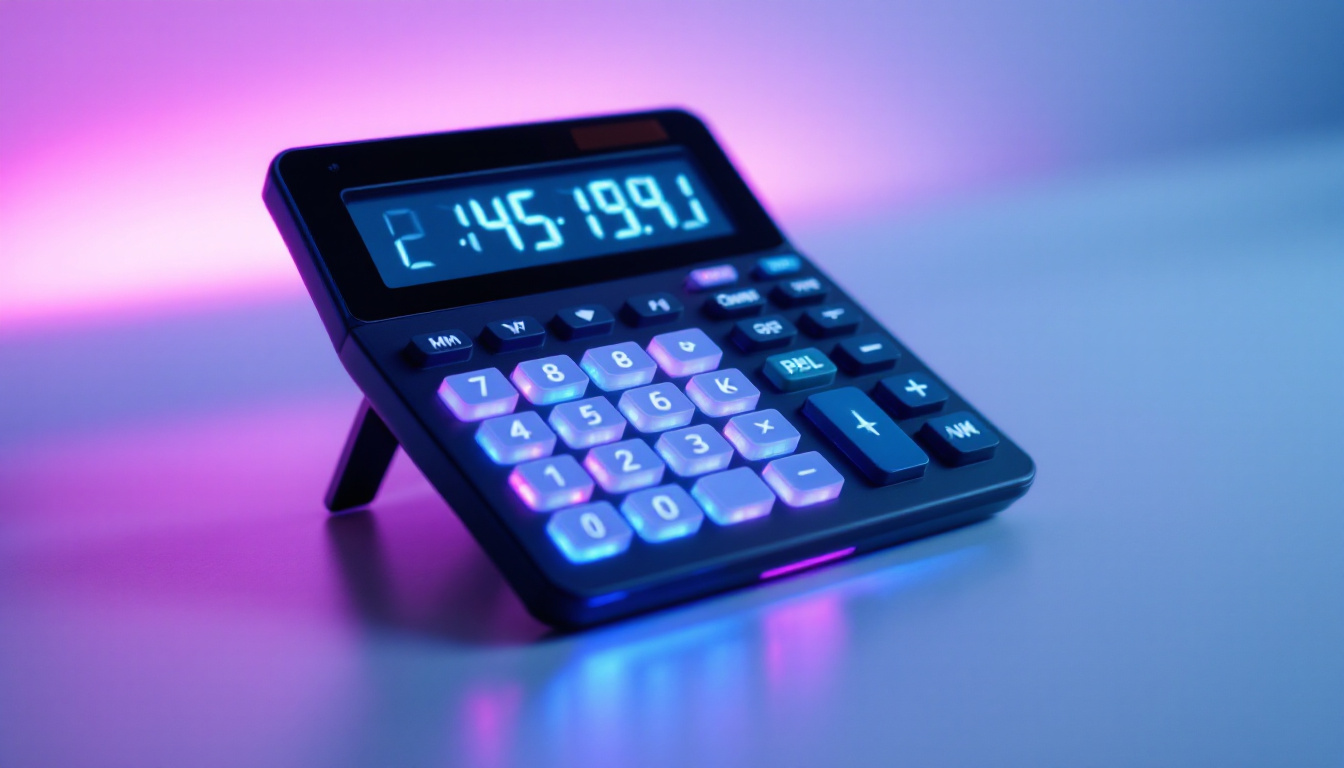
- 7-Segment Displays: Commonly used for numeric readouts such as speed, temperature, or error codes. These displays consist of seven individual LEDs arranged to form numbers. Their straightforward design makes them easy to read from a distance, which is particularly beneficial in high-traffic environments where quick glances at the display are necessary.
- Dot Matrix Displays: Comprising a grid of LEDs, these displays can show alphanumeric characters and simple graphics, offering more flexibility than 7-segment types. This versatility allows for the integration of more complex information, such as scrolling messages or alerts, which can be crucial in applications where detailed communication is required.
- Alphanumeric Displays: Combining multiple segments, these displays allow for the presentation of letters and numbers, useful for detailed status messages. Their ability to convey more information in a compact space makes them ideal for devices that require a comprehensive overview of operational data without overwhelming the user.
Each type serves a specific function, balancing complexity, cost, and clarity based on the application. The choice of display type not only impacts the visual output but also influences the overall design and functionality of the product. For instance, while 7-segment displays are cost-effective and easy to implement, dot matrix and alphanumeric displays provide richer information at a slightly higher cost, which can be justified in applications that demand more detailed feedback. Furthermore, advancements in LED technology, such as the development of RGB LEDs, have opened new avenues for creating dynamic displays that can change colors and patterns, enhancing user engagement and interaction.
Technical Components and Functionality
How LED Displays Work
At its core, an LED display functions by selectively illuminating individual diodes to create visible characters or images. The control circuitry sends electrical signals to specific LEDs, turning them on or off in precise patterns. This process is governed by a driver IC (Integrated Circuit) which manages the timing, intensity, and sequencing of the LEDs. The rapid switching of these diodes allows for the creation of dynamic visuals, making LED displays particularly effective for applications ranging from digital signage to intricate video walls.
In Simplicity equipment, the LED display is typically integrated with a microcontroller that interprets sensor data or user inputs and translates them into readable output on the display. This seamless interaction allows for real-time feedback and monitoring. For instance, in an industrial setting, the display can provide immediate updates on machine performance, alerting operators to any anomalies or maintenance needs. The ability to convey information quickly and clearly is crucial in environments where timely decision-making is essential.
Key Components of Simplicity LED Displays
Understanding the main parts of the LED display assembly can aid in troubleshooting and repair:
- LED Modules: The physical LEDs arranged in the required configuration.
- Driver Circuitry: Controls the electrical signals powering the LEDs.
- Microcontroller Interface: Communicates with the main control board to receive data.
- Protective Housing: Ensures durability and shields the display from environmental factors such as dust, moisture, and mechanical impact.
In addition to these components, the quality of the materials used in the construction of the LED modules can significantly impact the overall performance of the display. High-quality diodes not only enhance brightness and color accuracy but also contribute to a longer lifespan, reducing the need for frequent replacements. Furthermore, advancements in technology have led to the development of flexible LED modules, allowing for creative installations that can conform to various shapes and surfaces, expanding the possibilities for designers and engineers alike.
Power Requirements and Efficiency
LED displays are known for their low power consumption compared to other display technologies. Simplicity designs optimize power usage by employing efficient driver circuits and using LEDs with high luminous efficacy. This not only extends the operational life of battery-powered equipment but also reduces heat generation, enhancing overall system reliability. The implementation of smart power management techniques, such as dimming during low ambient light conditions, further contributes to energy savings, making these displays an environmentally friendly choice.
Moreover, the efficiency of LED displays can be enhanced through the use of advanced thermal management systems. These systems dissipate heat generated during operation, ensuring that the LEDs maintain optimal performance without degrading over time. As a result, users can expect consistent brightness and color fidelity, even in demanding environments. This focus on efficiency not only benefits the end-user by lowering operational costs but also aligns with broader sustainability goals by reducing the carbon footprint associated with energy consumption.
Common Issues and Troubleshooting
Typical LED Display Problems
Despite their robustness, LED displays can encounter issues that affect performance or readability. Some common problems include:
- Dead or Dim LEDs: Individual diodes may fail or become less bright due to age or electrical faults.
- Flickering Display: Often caused by loose connections, faulty driver circuits, or power supply inconsistencies.
- Incorrect Characters or Segments: May indicate issues with the microcontroller interface or damaged wiring.
- Complete Display Failure: Could stem from power supply failure, damaged control boards, or physical damage to the display module.
Step-by-Step Troubleshooting Guide
When diagnosing LED display issues in Simplicity products, follow these steps:
- Visual Inspection: Check for physical damage, corrosion, or loose connectors.
- Power Verification: Measure voltage levels to ensure the display is receiving proper power.
- Signal Testing: Use a multimeter or oscilloscope to verify signals from the microcontroller to the display driver.
- Component Testing: Test individual LEDs or driver ICs for functionality.
- Consult Error Codes: Reference the Simplicity parts manual or user guide for any diagnostic codes displayed.
Adhering to this methodical approach can significantly reduce repair time and prevent unnecessary component replacement.
Maintenance and Replacement of LED Displays
Routine Maintenance Tips
Proper maintenance extends the lifespan of LED displays. Recommended practices include:
- Regular Cleaning: Use a soft, dry cloth to remove dust and debris. Avoid harsh chemicals that can damage the protective housing.
- Environmental Protection: Ensure that the equipment is stored and operated within specified temperature and humidity ranges.
- Connection Checks: Periodically inspect wiring and connectors for signs of wear or corrosion.
When to Replace the LED Display
Replacement is warranted when repairs are no longer cost-effective or when display performance significantly degrades. Signs indicating replacement include:
- Multiple non-functional LEDs affecting readability.
- Persistent flickering or erratic behavior despite troubleshooting.
- Physical damage such as cracks or water ingress.
Using genuine Simplicity replacement parts ensures compatibility and maintains product integrity. Always refer to the official parts manual for the correct part numbers and installation procedures.
Advancements and Future Trends in LED Display Technology
Emerging Technologies Impacting Simplicity Products
The LED display landscape continues to evolve, with innovations that promise enhanced functionality and efficiency:
- Miniaturization: Smaller, more densely packed LEDs enable higher resolution displays in compact form factors.
- Organic LEDs (OLEDs): Offering superior contrast and flexibility, OLED technology is gradually influencing industrial display designs.
- Smart Displays: Integration with IoT and advanced sensors allows for dynamic, context-aware display content.
Simplicity’s commitment to incorporating cutting-edge technology ensures that future products remain reliable, user-friendly, and efficient.
Impact on Maintenance and Repair
As LED displays become more sophisticated, maintenance protocols will adapt accordingly. Technicians will require updated training to handle new materials and integrated systems. Additionally, diagnostic tools will evolve to support more complex interfaces, enabling faster and more accurate fault detection.
Conclusion
Understanding the LED display component within Simplicity products is essential for anyone involved in their operation, maintenance, or repair. From the fundamental principles of LED technology to practical troubleshooting and future innovations, this guide provides a thorough overview to empower users and technicians alike.
By leveraging this knowledge, users can ensure optimal performance, extend the lifespan of their equipment, and minimize downtime. As LED display technology continues to advance, staying informed will remain key to maximizing the benefits of Simplicity’s reliable and efficient products.
Explore Cutting-Edge LED Display Solutions
Ready to take your visual communication to the next level? Discover LumenMatrix’s innovative LED display technology, designed to captivate and engage your audience like never before. From dynamic Indoor and Outdoor LED Wall Displays to versatile Vehicle and Sports LED Displays, LumenMatrix offers a wide range of solutions tailored to your needs. Experience the future of digital signage with our All-in-One LED Displays, LED Posters, and revolutionary LED Transparent Displays. Elevate your brand’s visibility and create unforgettable visual experiences with LumenMatrix. Check out LumenMatrix LED Display Solutions today and see the difference for yourself.