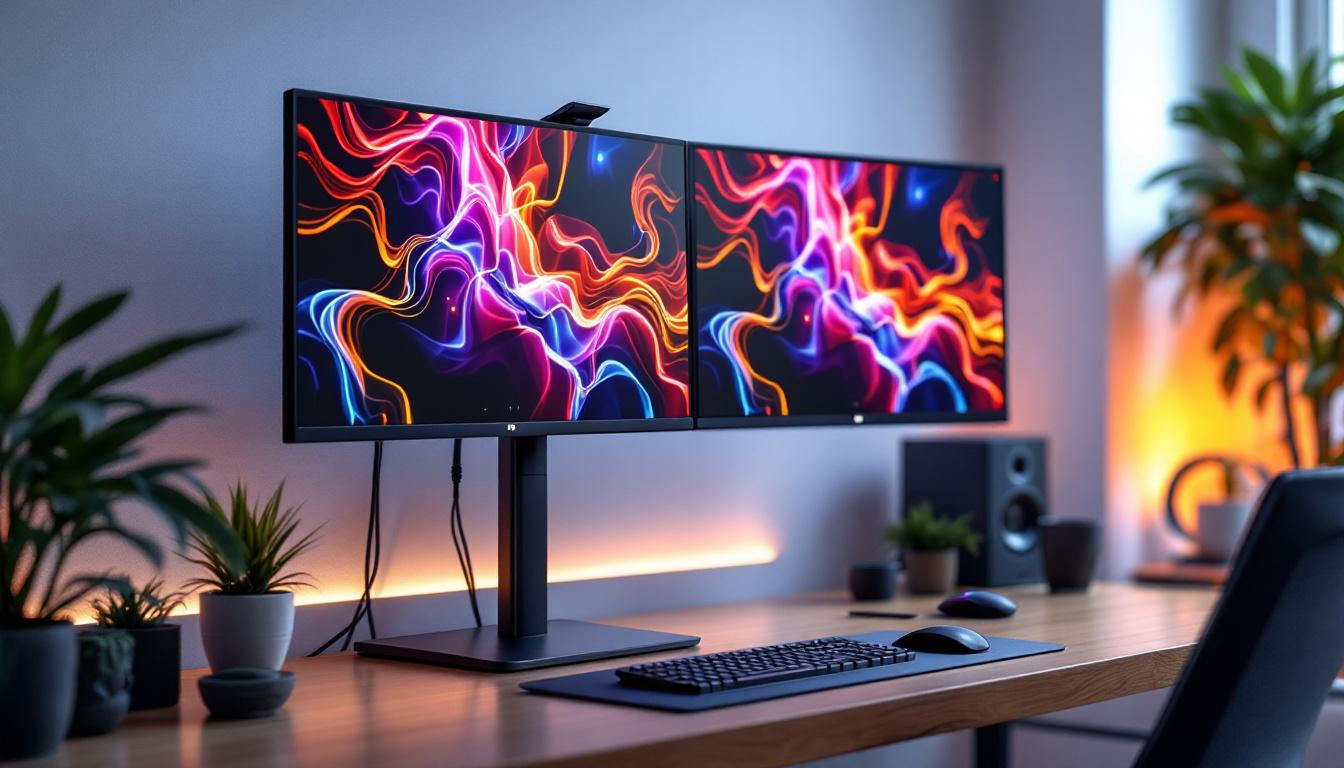
In today’s fast-paced digital world, maximizing workspace efficiency and visual comfort is more important than ever. Dual computer monitor setups have become increasingly popular among professionals, gamers, and content creators alike. When paired with a floor stand, these setups not only optimize desk space but also enhance ergonomic benefits. This article delves into the nuances of dual computer monitor floor stands, with a particular focus on LED displays — explaining their advantages, technical considerations, and how to choose the right setup for your needs.
Why Choose a Dual Monitor Setup?
Using two monitors simultaneously can significantly boost productivity and improve multitasking capabilities. According to a study by the University of Utah, users with dual monitors can increase productivity by up to 42%. This is because having multiple screens allows for easier comparison of documents, smoother workflow transitions, and less time spent switching between tabs or windows.
For professionals such as graphic designers, programmers, financial analysts, and video editors, dual monitors provide a broader digital canvas. Gamers and streamers also benefit from the ability to play on one screen while monitoring chat or system performance on the other. However, the benefits extend beyond just having two screens; how these monitors are positioned plays a crucial role in user comfort and efficiency.
The Role of Floor Stands in Dual Monitor Setups
Space Optimization and Flexibility
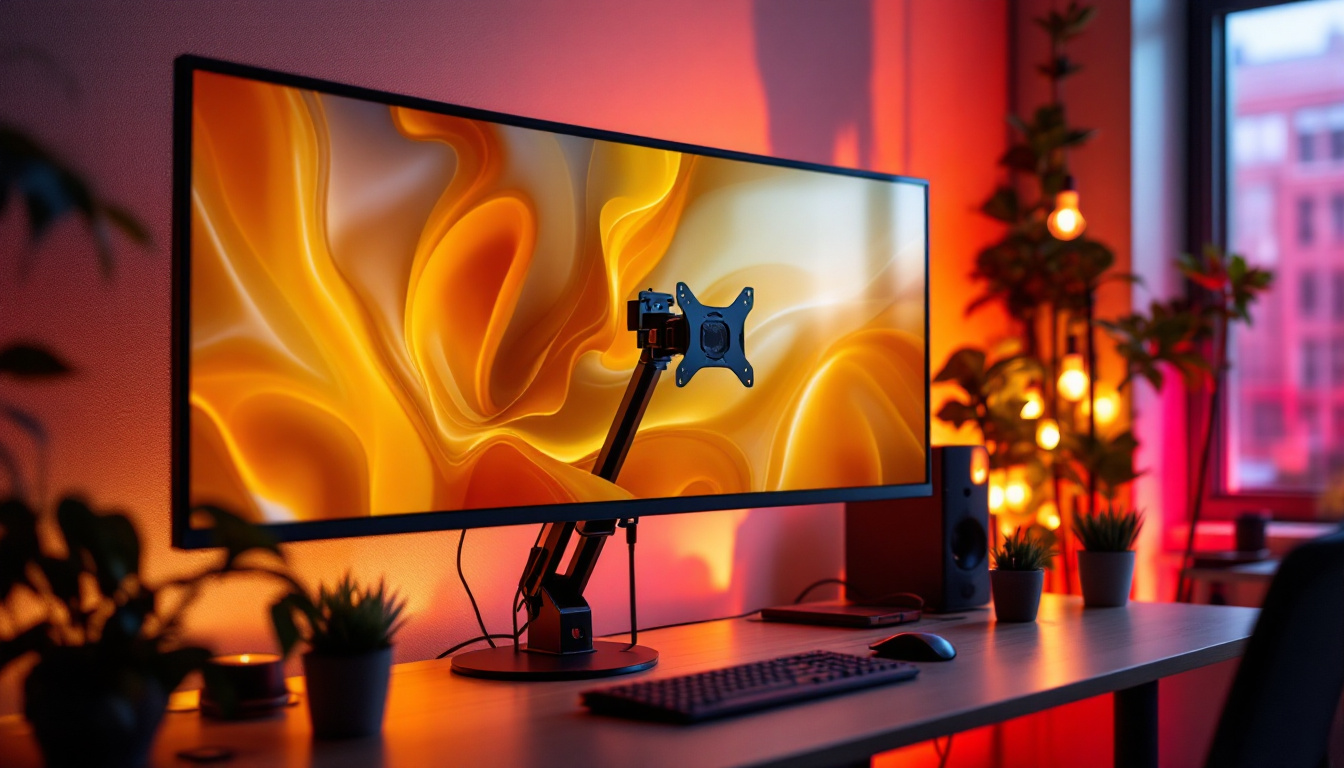
Floor stands for dual monitors are designed to free up valuable desk space by elevating the screens off the desktop surface. Unlike traditional desk mounts, floor stands do not require clamping onto the desk, making them ideal for setups where desk space is limited or where users prefer a clean, minimalist workspace.
These stands often come with adjustable arms that allow users to customize the height, tilt, and angle of each monitor independently. This flexibility ensures that screens can be positioned at eye level, reducing neck and eye strain during extended use. Additionally, floor stands can accommodate varying monitor sizes and weights, making them a versatile choice for different setups.
Ergonomic Benefits
Ergonomics is a critical consideration in any computer setup. Poorly positioned monitors can lead to discomfort, fatigue, and even long-term musculoskeletal issues. Floor stands allow users to maintain a neutral posture by aligning monitors with their natural line of sight. This alignment helps prevent hunching, leaning, or awkward neck angles.
Moreover, many dual monitor floor stands feature swivel and rotation capabilities, enabling users to switch between landscape and portrait modes or share screens with colleagues easily. This adaptability promotes a healthier and more collaborative work environment.
Understanding LED Displays in Dual Monitor Setups
What is an LED Display?
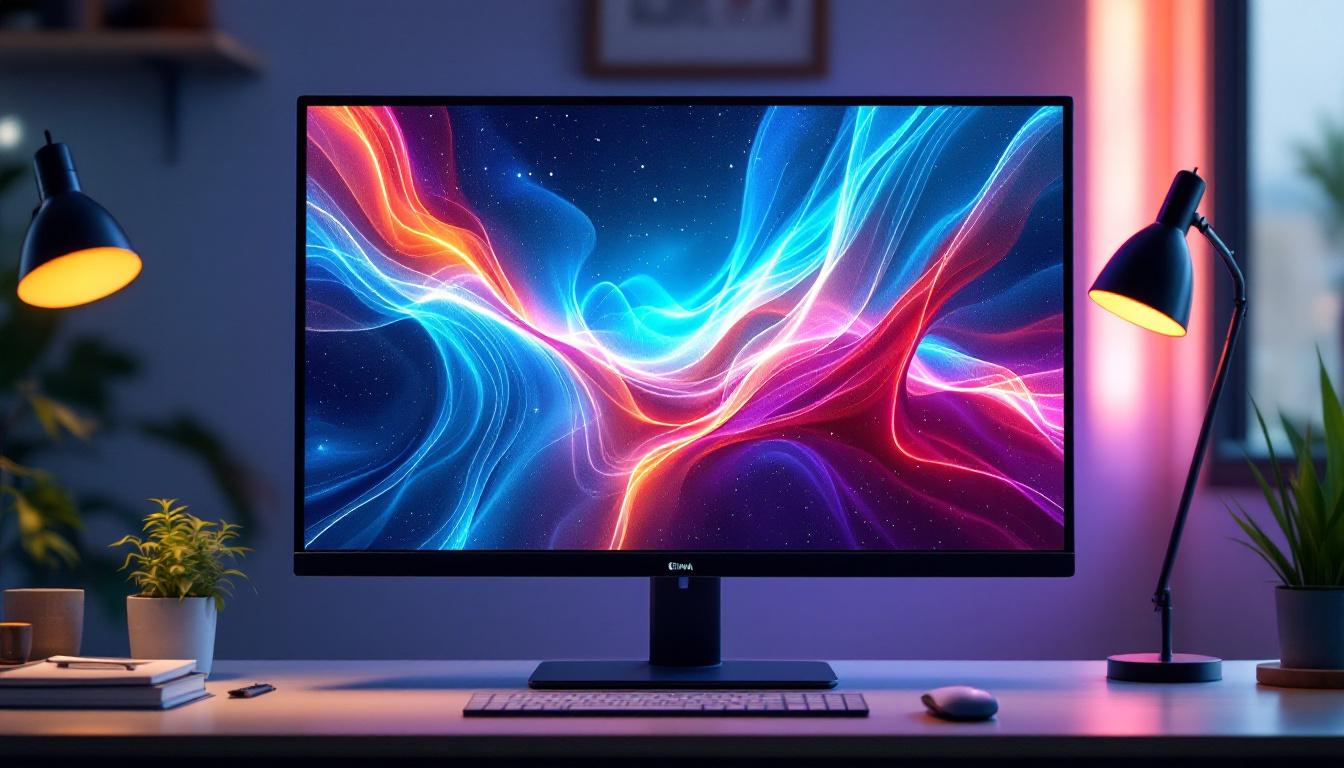
LED (Light Emitting Diode) displays are a type of LCD screen that uses LED backlighting instead of traditional cold cathode fluorescent lamps (CCFL). This technology offers several advantages, including improved brightness, better energy efficiency, and enhanced color accuracy.
LED monitors are widely used in dual monitor setups due to their slim profiles, lightweight design, and superior image quality. They support a wide range of resolutions, from Full HD (1920×1080) to 4K and beyond, catering to diverse professional and entertainment needs.
Benefits of LED Monitors for Dual Displays
One of the standout benefits of LED monitors is their ability to produce vibrant colors and deep contrasts. This is particularly important for creative professionals who require precise color representation for tasks such as photo editing, video production, and graphic design.
Additionally, LED monitors typically have faster response times and higher refresh rates compared to older display technologies. This makes them suitable for gaming and video playback, where smooth motion and minimal lag are essential.
Energy efficiency is another key advantage. LED displays consume less power, reducing electricity costs and environmental impact over time. Their longer lifespan also means fewer replacements, making them a cost-effective choice for long-term use.
Choosing the Right Dual Monitor Floor Stand for LED Displays
Weight and Size Compatibility
When selecting a floor stand, it’s crucial to ensure it can support the combined weight and size of your LED monitors. Most stands specify maximum weight limits per arm and maximum screen sizes they can accommodate. For instance, a typical dual monitor floor stand might support monitors up to 32 inches and 17 pounds each.
Exceeding these limits can lead to instability or damage to the stand and monitors. Always check the specifications carefully and consider the dimensions of your LED displays before purchasing.
Adjustability and Ergonomics
Look for stands that offer a wide range of adjustments, including height, tilt, swivel, and rotation. This flexibility allows you to tailor the setup to your unique ergonomic needs and workspace constraints. Some stands also feature cable management systems to keep cords organized and out of sight, contributing to a tidy and efficient workspace.
Consider stands with gas spring arms or pneumatic lifts, which provide smooth and effortless adjustments. This feature is particularly beneficial if multiple users share the same workstation or if you frequently change your monitor configuration.
Build Quality and Stability
Durability and stability are paramount for floor stands supporting expensive LED monitors. Opt for stands made from high-quality materials such as steel or aluminum, which offer robust support and longevity. A wide and heavy base or a secure floor mount ensures the stand remains stable and prevents tipping.
Reviews and user feedback can provide valuable insights into the real-world performance and reliability of specific models. Investing in a well-constructed floor stand can save money and frustration in the long run.
Setting Up Your Dual Monitor Floor Stand with LED Displays
Step-by-Step Installation Guide
Setting up a dual monitor floor stand is generally straightforward but requires careful attention to detail to ensure safety and optimal performance. Here’s a basic outline of the process:
- Unbox and Inspect: Carefully unpack all components and verify that all parts are included and undamaged.
- Assemble the Base: Follow manufacturer instructions to assemble the base or floor mount securely. Ensure it is stable and level.
- Attach Monitor Arms: Connect the adjustable arms to the base. Check that all screws and bolts are tightened adequately.
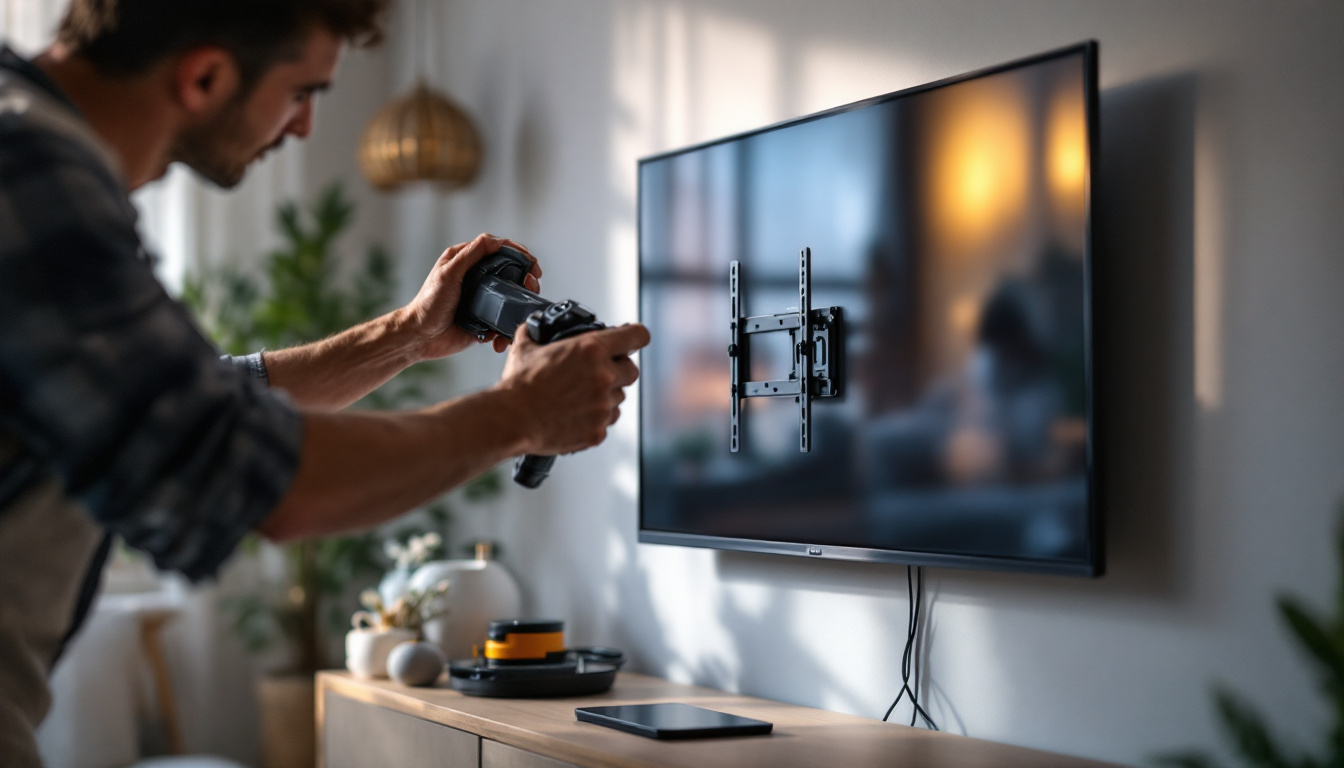
- Mount the Monitors: Use the VESA mounting holes on the back of your LED monitors to attach them to the arms. Most monitors support standard VESA patterns such as 75x75mm or 100x100mm.
- Adjust Positioning: Customize the height, tilt, and angle of each monitor to suit your ergonomic preferences.
- Manage Cables: Use built-in cable management features or clips to route power and data cables neatly along the stand.
- Test Stability: Gently test the stability of the setup by moving the monitors and ensuring the stand remains secure.
Tips for Optimal Viewing Experience
To maximize the benefits of your dual LED monitor setup, consider the following tips:
- Maintain Eye Level: Position the top third of your monitors at eye level to reduce neck strain.
- Minimize Glare: Place monitors perpendicular to windows or light sources to avoid reflections and glare.
- Use Consistent Resolution and Color Settings: Calibrate both monitors to similar brightness, contrast, and color profiles for a seamless visual experience.
- Keep a Comfortable Distance: Position monitors about an arm’s length away to reduce eye fatigue.
Common Challenges and Solutions
Compatibility Issues
One of the most common challenges when setting up dual monitors on a floor stand is compatibility. Not all monitors fit every stand, especially if the monitors have unique VESA patterns or irregular shapes. Before purchasing a stand, verify that it supports your monitor’s mounting specifications.
If your monitors lack VESA compatibility, adapters are available to bridge the gap, but these may add bulk or reduce stability.
Weight Distribution and Stability
Uneven weight distribution can cause the stand to tip or become unstable. Ensure that both monitors are similar in weight and size, or adjust the arms accordingly to balance the load. Some stands allow for tension adjustments to accommodate heavier monitors on one side.
Desk Height and Floor Surface
Floor stands require adequate clearance and a level surface. Uneven flooring or low ceilings can restrict the height adjustment range. Measure your workspace carefully and select a stand that fits comfortably within your environment.
Future Trends in Dual Monitor and LED Display Technology
As technology evolves, dual monitor setups and LED displays continue to improve in functionality and design. Ultra-wide monitors and curved screens are gaining popularity, offering immersive experiences that can sometimes replace traditional dual setups. However, dual monitors still provide unmatched flexibility for multitasking and specialized workflows.
Advancements in LED technology, such as mini-LED and micro-LED, promise even better color accuracy, higher brightness, and improved energy efficiency. These innovations will further enhance the quality of dual monitor setups, especially for professional applications.
Additionally, integration with smart home and office systems, including voice control and automated adjustments based on user preferences, is becoming more common. Floor stands may soon incorporate sensors and motors to dynamically adjust monitor positions throughout the day for optimal comfort.
Conclusion
A dual computer monitor floor stand combined with LED displays offers an exceptional blend of productivity, ergonomic benefits, and visual performance. Understanding the technical aspects and ergonomic principles behind these setups is key to making an informed purchase and creating a workspace that supports both comfort and efficiency.
By carefully selecting a floor stand that matches your LED monitors’ size and weight, and by following best practices for setup and positioning, users can enjoy a seamless and enjoyable computing experience. Whether for professional tasks, creative work, or gaming, this combination is a powerful tool for enhancing digital workflows in any environment.
Explore Cutting-Edge Dual Monitor Solutions with LumenMatrix
Ready to elevate your workspace with the latest in LED display technology? LumenMatrix offers an extensive range of innovative LED display solutions, including our versatile Floor LED Display, designed to transform your professional or gaming environment. Experience unparalleled brand visibility and captivating visual experiences with our Indoor and Outdoor LED Wall Displays, Vehicle LED Displays, and more. Embrace the future of visual communication and enhance your digital workflow with LumenMatrix’s advanced LED display modules. Check out LumenMatrix LED Display Solutions today and take the first step towards a more engaging and productive workspace.