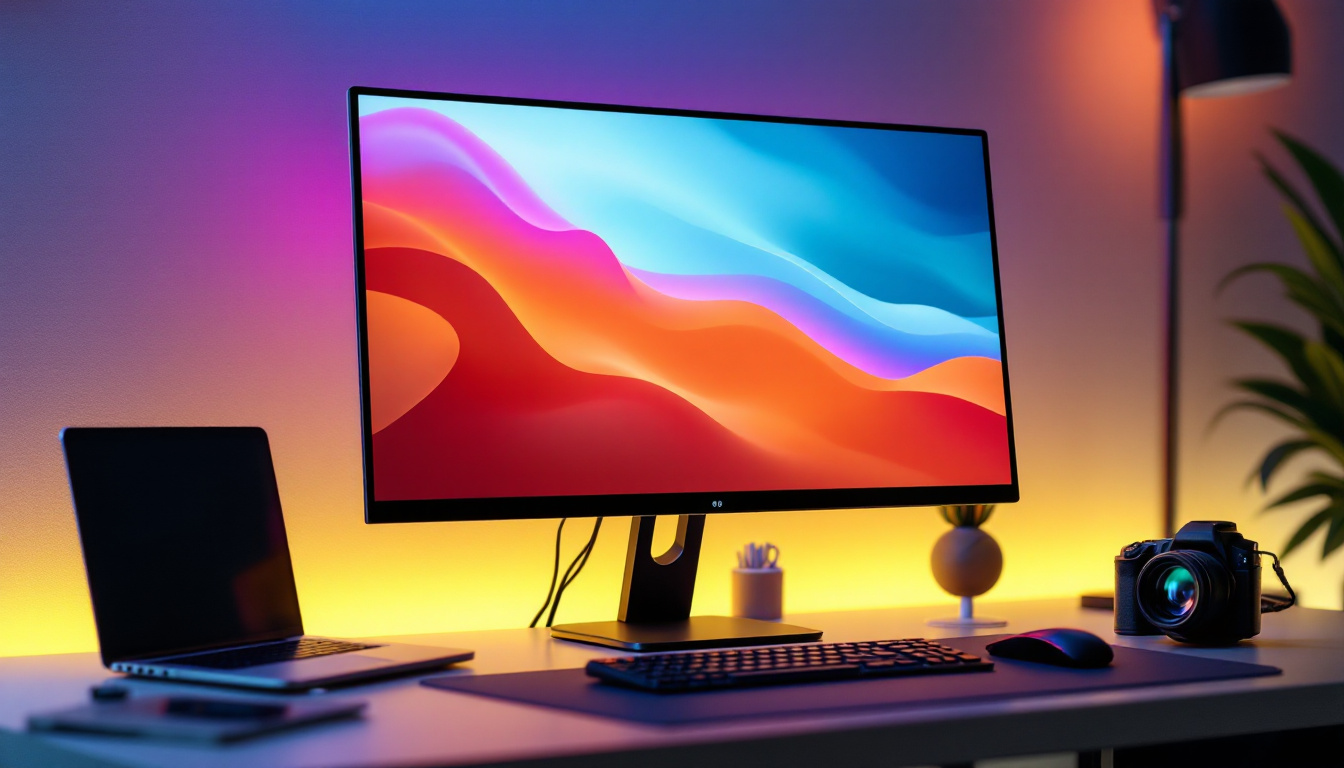
In today’s digital age, the monitor is one of the most essential devices for both work and entertainment. Whether you are a graphic designer, a gamer, or simply browsing the internet, understanding your monitor’s controls is key to optimizing your viewing experience. Among these controls, the LED display settings play a crucial role in delivering crisp visuals, accurate colors, and comfortable screen brightness. This article explores the fundamentals of LED displays, how monitor controls affect them, and practical tips for adjusting these settings to suit your needs.
Understanding LED Displays: The Basics
LED, which stands for Light Emitting Diode, is a technology used to illuminate the screen of modern monitors. Unlike older LCDs that relied on cold cathode fluorescent lamps (CCFLs) for backlighting, LED displays use an array of tiny diodes that emit light when an electric current passes through them. This shift has brought numerous advantages, including improved energy efficiency, thinner screen profiles, and better brightness control.
LED monitors can be broadly categorized into two types based on their backlighting: edge-lit and full-array. Edge-lit LED displays position LEDs along the edges of the screen, which then diffuse light across the panel. Full-array LED displays, on the other hand, have LEDs distributed evenly behind the screen, allowing for more precise control of brightness and contrast through local dimming.
Understanding these distinctions is important because they directly impact how monitor controls manage brightness, contrast, and color accuracy. For example, local dimming in full-array LED monitors can enhance black levels and reduce halo effects, which is especially beneficial for watching movies or gaming in dark environments.
In addition to these technical specifications, LED technology has also evolved to include features such as HDR (High Dynamic Range) support, which allows displays to present a wider range of colors and brightness levels. This capability enhances the viewing experience by making images appear more lifelike and vibrant. HDR content, which is becoming increasingly popular in streaming services and video games, takes full advantage of these advancements, allowing for deeper shadows and brighter highlights that were previously unattainable with standard displays.
Moreover, the longevity and durability of LED displays contribute to their growing popularity. Unlike traditional display technologies that may suffer from burn-in or require frequent replacements, LED screens are designed to last longer, often exceeding 30,000 hours of use. This resilience not only makes them a cost-effective choice over time but also reduces electronic waste, aligning with a more sustainable approach to technology consumption. As manufacturers continue to innovate, we can expect even more enhancements in LED technology, pushing the boundaries of what displays can achieve in terms of visual fidelity and user experience.
Key Monitor Controls Affecting LED Display Quality
Brightness and Contrast
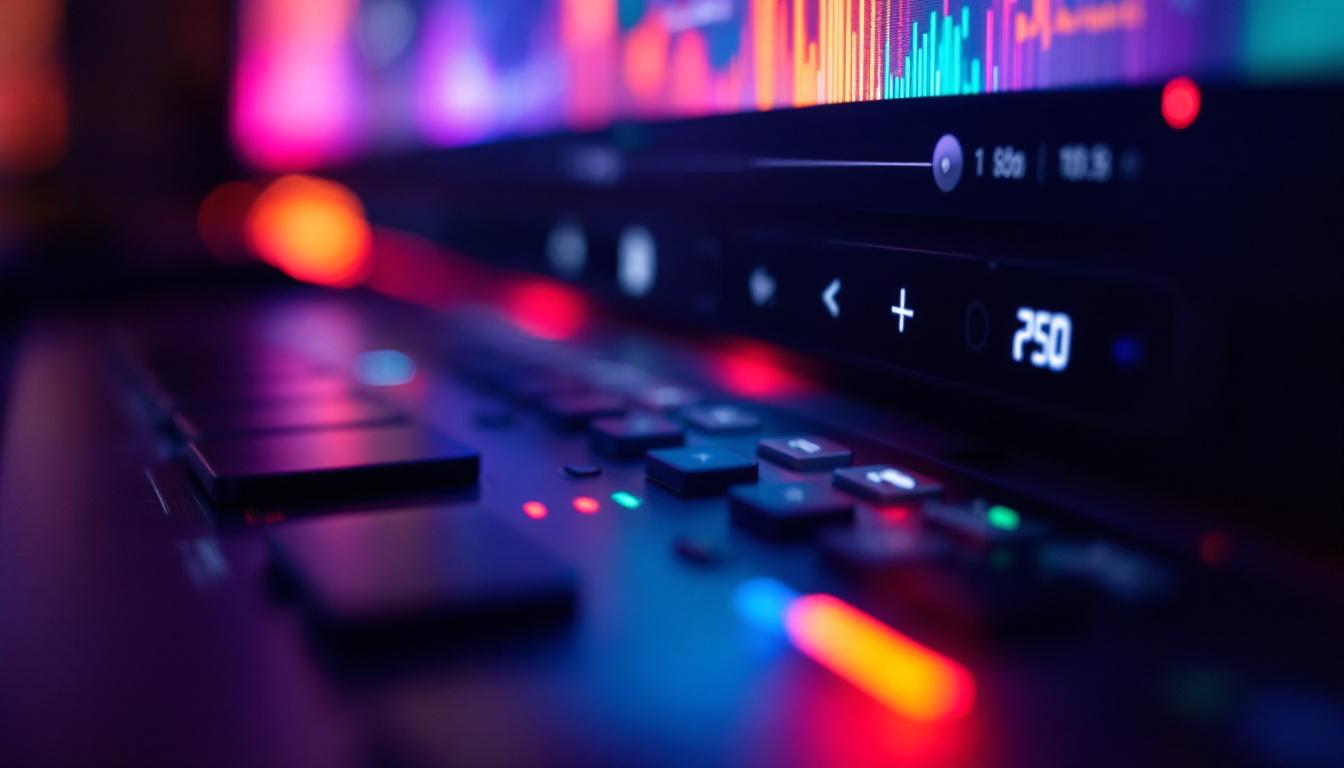
Brightness refers to the intensity of light emitted by the monitor’s LEDs, while contrast is the difference between the darkest and brightest parts of the image. Most monitors allow users to adjust these settings manually through on-screen display (OSD) menus or dedicated buttons.
Adjusting brightness is crucial for reducing eye strain and ensuring visibility in different lighting conditions. For instance, a higher brightness setting might be necessary in a well-lit room, whereas a lower setting is more comfortable in dim environments. Contrast settings, meanwhile, affect the depth and clarity of images. Too high a contrast can cause loss of detail in bright areas, while too low contrast results in a washed-out look.
Color Temperature and Gamma
Color temperature controls the warmth or coolness of the display’s colors, measured in Kelvin (K). A lower color temperature (around 3000K) produces warmer, reddish tones, while a higher temperature (6500K or more) results in cooler, bluish hues. Most monitors default to 6500K, which closely matches daylight and is ideal for general use.
Gamma settings adjust the luminance of midtones without affecting shadows or highlights. Proper gamma calibration ensures that images appear natural and that details are visible across all brightness levels. Incorrect gamma can make images look either too dark or overly bright, affecting color accuracy and overall viewing comfort.
Sharpness and Response Time
Sharpness controls the clarity of edges and fine details on the screen. While increasing sharpness can make images appear crisper, excessive sharpness can introduce unwanted artifacts, such as halos around text or objects. It’s best to find a balance that enhances clarity without degrading image quality.
Response time, though not a direct user-adjustable control on most monitors, is an important specification related to LED display performance. It measures how quickly a pixel can change from one color to another, typically expressed in milliseconds (ms). Lower response times reduce motion blur in fast-paced content like gaming or action movies, contributing to a smoother visual experience.
Advanced LED Display Features and Their Controls
Local Dimming and HDR Support
Local dimming is a feature available on many full-array LED monitors that allows selective dimming of specific screen areas. This enhances contrast by making dark areas truly black while keeping bright areas vivid. Users can often toggle local dimming on or off through monitor controls to suit their preferences or content type.
High Dynamic Range (HDR) support is another advanced feature that works hand-in-hand with LED technology. HDR enables a wider range of brightness and color, delivering more lifelike images. Monitors with HDR capabilities usually have dedicated settings to switch between SDR (Standard Dynamic Range) and HDR modes, often requiring compatible content and hardware to fully benefit from the feature.
Blue Light Filters and Flicker-Free Technology
Extended exposure to blue light emitted by LED screens can cause eye strain and disrupt sleep patterns. To combat this, many monitors include blue light filter settings, which reduce the amount of blue light emitted. These settings are typically adjustable via monitor controls, allowing users to select different levels of blue light reduction based on their comfort.
Flicker-free technology is another eye-friendly feature that stabilizes the LED backlight to reduce screen flickering, which is often imperceptible but can cause discomfort over time. Monitors with flicker-free certification usually indicate this in their specifications, and users can enable or disable this feature through the OSD menu.
Practical Tips for Optimizing LED Display Settings
Calibrating Your Monitor for Accurate Colors
Color calibration is essential for professionals working with images, videos, or any content where color accuracy is critical. Calibration tools and software can help adjust your monitor’s color temperature, gamma, brightness, and contrast to match industry standards such as sRGB or AdobeRGB.
Even casual users benefit from periodic calibration as it ensures consistent and natural colors, reducing eye fatigue and improving the overall viewing experience. Many modern monitors come with built-in calibration presets, but external calibration devices provide the most precise results.
Adjusting Settings Based on Environment and Usage
Ambient lighting plays a significant role in how your LED display appears. In brightly lit rooms, increasing brightness and contrast can improve visibility, while in darker rooms, lowering these settings helps prevent eye strain. Consider using ambient light sensors if your monitor supports them, as they automatically adjust brightness based on surrounding light conditions.
Usage scenarios also influence optimal settings. For gaming, higher brightness and faster response times enhance performance, whereas for reading or office work, reduced brightness and blue light filtering promote comfort over long periods.
Maintaining Your Monitor for Longevity
Proper maintenance of your LED monitor can prolong its lifespan and preserve display quality. Regularly clean the screen with a microfiber cloth to remove dust and smudges without damaging the surface. Avoid exposing the monitor to extreme temperatures or direct sunlight, which can degrade LED performance over time.
Additionally, consider turning off your monitor when not in use or enabling power-saving modes to reduce wear on the LEDs. Some monitors also feature pixel-shift or screen saver functions to prevent image retention or burn-in, particularly useful for static content display.
Common Misconceptions About LED Monitor Controls
There are several myths surrounding LED monitors and their controls that can lead to suboptimal usage. One common misconception is that higher brightness always means better image quality. In reality, excessive brightness can wash out colors and cause eye strain, so balance is key.
Another myth is that all LED monitors provide the same color accuracy. The quality of the LED panel, backlighting type, and calibration significantly affect color reproduction. Investing in a monitor with a high-quality LED panel and proper calibration options is essential for professional use.
Lastly, some users believe that flicker-free technology eliminates all eye strain. While it helps, other factors such as screen resolution, refresh rate, ambient lighting, and viewing distance also contribute to visual comfort.
The Future of LED Display Technology in Monitors
LED technology continues to evolve rapidly, with innovations aimed at enhancing visual quality and user experience. Mini-LED and Micro-LED are emerging technologies that offer even finer control over backlighting by using thousands of tiny LEDs. These advancements promise deeper blacks, higher contrast ratios, and improved energy efficiency.
Moreover, integration with adaptive sync technologies such as NVIDIA G-SYNC and AMD FreeSync is becoming standard, reducing screen tearing and stuttering for gamers. The combination of advanced LED backlighting and adaptive sync delivers smoother, more immersive visuals.
As monitor manufacturers continue to refine LED display controls and features, users can expect more intuitive interfaces, smarter automatic adjustments, and broader support for HDR and color standards. Staying informed about these developments helps consumers make better purchasing decisions and optimize their current setups.
Conclusion
Understanding monitor controls related to LED displays is fundamental for anyone seeking to maximize their screen’s performance and comfort. From basic settings like brightness and contrast to advanced features such as local dimming and HDR, each control impacts how images are rendered and perceived. By learning how to adjust these settings thoughtfully and calibrate your monitor regularly, you can enjoy sharper visuals, accurate colors, and reduced eye strain.
As LED technology advances, monitors will continue to offer more sophisticated controls and features, making it easier to tailor the display to your specific needs. Whether for professional work, gaming, or everyday use, mastering LED display controls empowers users to get the most out of their monitors.
Explore Cutting-Edge LED Displays with LumenMatrix
Ready to elevate your visual experience with the latest in LED display technology? LumenMatrix is at the forefront of innovation, offering a wide array of LED display solutions that bring your content to life. From captivating Indoor and Outdoor LED Wall Displays to dynamic Vehicle and Sports LED Displays, our products are designed to enhance engagement and ensure your message is seen with unparalleled clarity. Discover the transformative power of our LED Transparent Displays, All-in-One LED Displays, and more. Check out LumenMatrix LED Display Solutions today and see how we can help you create a lasting impression.