In today’s digital age, video content dominates the way we communicate, entertain, and educate. From social media platforms to professional presentations, videos are everywhere. However, one common challenge many face is dealing with large video files that consume significant storage space and bandwidth. This is especially relevant when videos are displayed on LED screens, where file size and quality directly impact performance and viewer experience.
This article explores practical methods to reduce video file sizes effectively while maintaining quality, with a particular focus on how these optimizations relate to LED displays. Understanding these techniques can help content creators, marketers, and technical professionals deliver crisp, engaging visuals without overwhelming storage or transmission capabilities.
Why Video File Size Matters for LED Displays
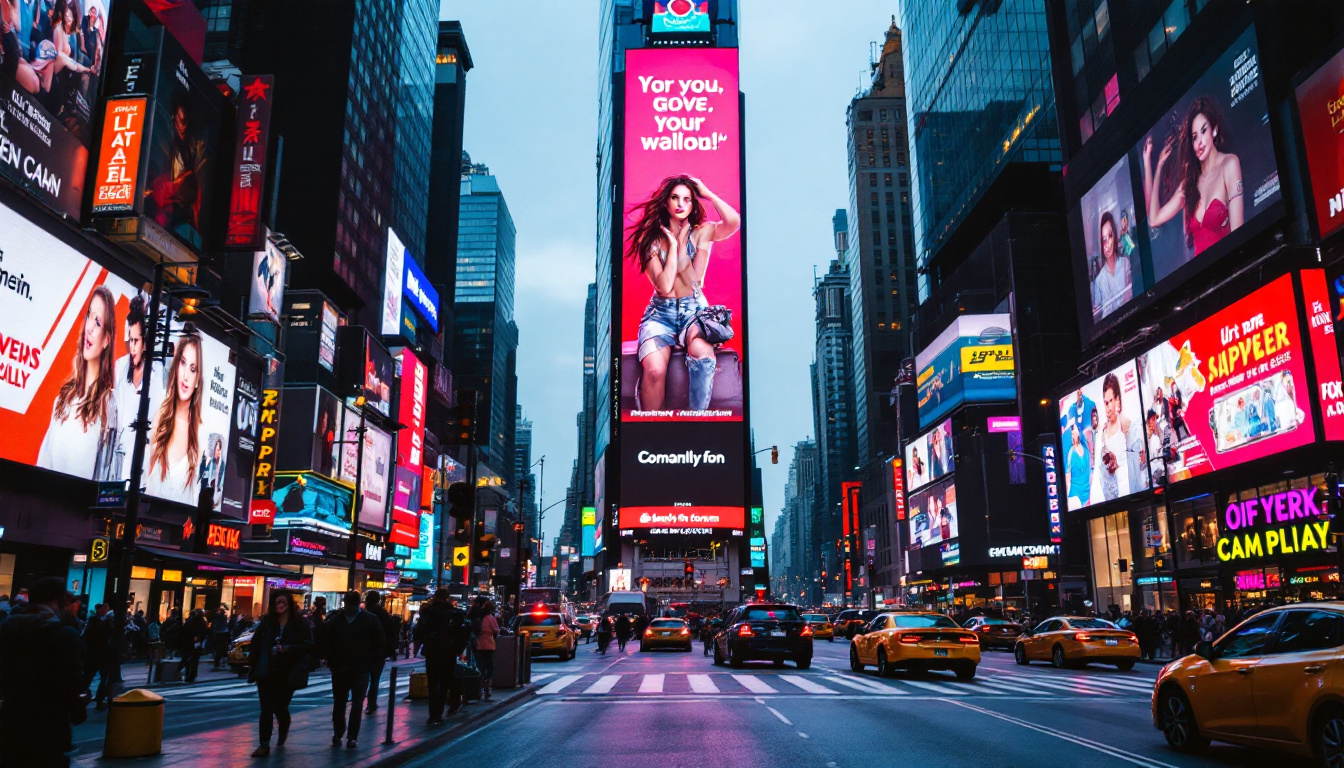
LED displays, whether used in advertising billboards, stadium screens, or indoor video walls, require video files optimized for smooth playback and high visual fidelity. Large video files can cause buffering, lag, or reduced frame rates, which detract from the viewer’s experience. In environments where attention spans are short, such as busy streets or sports events, any interruption in video playback can lead to a loss of engagement, making it crucial for content creators to prioritize file optimization.
Moreover, LED displays often operate under specific hardware constraints. For example, the playback devices connected to LED panels might have limited processing power or storage capacity. Transferring large files over networks can also be time-consuming and costly, especially when using wireless connections or streaming content remotely. This is particularly relevant in scenarios where quick updates are necessary, such as during live events or breaking news broadcasts, where every second counts and the ability to deliver content swiftly can make a significant impact.
Therefore, reducing video file size is not just a matter of convenience—it is essential for ensuring seamless, high-quality playback on LED displays. Smaller files load faster, require less bandwidth, and are easier to manage, making them ideal for both live and pre-recorded content. Additionally, with the rise of 4K and even 8K content, the importance of efficient file management becomes even more pronounced, as these higher resolutions demand more storage and processing capabilities, further complicating the playback landscape.
The Relationship Between Video Quality and File Size
Video file size is influenced by several factors, including resolution, bitrate, codec, and duration. Higher resolution and bitrate generally mean better quality but result in larger files. Conversely, compressing a video too much can degrade its visual appeal, causing pixelation or blurriness, which is particularly noticeable on large LED screens. This is especially critical in applications like art installations or high-profile advertising campaigns, where visual integrity is paramount to convey the intended message effectively.
Balancing quality and file size is critical. For LED displays, the goal is to maintain sharpness and color accuracy while minimizing file size to ensure smooth playback. Understanding the technical aspects behind video compression and optimization helps achieve this balance effectively. Techniques such as variable bitrate encoding can help maintain quality while reducing file size, allowing for more efficient use of storage and bandwidth. Furthermore, advancements in codec technology, such as H.265, offer improved compression rates without sacrificing visual fidelity, making them ideal for modern LED display applications. As technology continues to evolve, staying informed about the latest developments in video encoding can empower content creators to deliver stunning visuals that captivate audiences while managing the practical constraints of file size and playback efficiency.
Key Techniques to Reduce Video File Size
Several techniques can help reduce video file sizes without significantly compromising quality. These methods are widely used in video production and broadcasting and are especially relevant for LED display content preparation.
1. Choosing the Right Video Codec
Video codecs are algorithms that compress and decompress digital video. The choice of codec has a profound impact on file size and quality. Modern codecs like H.264 (AVC) and H.265 (HEVC) offer excellent compression efficiency, enabling smaller files with minimal quality loss.
H.265, for example, can reduce file sizes by up to 50% compared to H.264 at the same quality level. However, H.265 requires compatible playback hardware and software, which should be considered when preparing videos for LED displays.
2. Adjusting Resolution and Frame Rate
Reducing the video resolution is one of the most straightforward ways to decrease file size. For LED displays, the resolution should match the screen’s native resolution to avoid unnecessary data. For example, if the LED panel’s resolution is 1920×1080 (Full HD), creating videos at this resolution prevents oversized files and scaling issues.
Similarly, lowering the frame rate from 60fps to 30fps or 24fps can significantly reduce file size. Many LED display applications do not require ultra-high frame rates, so adjusting this parameter can save storage without noticeable quality loss.
3. Bitrate Optimization
Bitrate controls the amount of data processed per second of video. Lowering the bitrate reduces file size but can affect video clarity. Using variable bitrate (VBR) encoding allows the bitrate to adjust dynamically based on video complexity, maintaining quality while minimizing file size.
For LED displays, selecting an appropriate bitrate depends on content type. Fast-moving videos require higher bitrates to avoid artifacts, while static or slow-motion content can use lower bitrates effectively.
4. Trimming and Editing Content
Removing unnecessary footage or segments can reduce the overall file size. Editing out redundant scenes, pauses, or irrelevant content ensures the video is concise and focused, which benefits both storage and viewer engagement.
5. Using Efficient Video Containers
Video containers like MP4, MKV, and MOV package video, audio, and metadata. MP4 is widely supported and efficient, making it a preferred choice for LED display content. Choosing the right container can influence compatibility and file size.
Advanced Compression Tools and Software
Beyond basic adjustments, specialized software and tools offer advanced compression features tailored for high-quality video optimization.
Popular Video Compression Software
Programs such as HandBrake, Adobe Media Encoder, and FFmpeg provide robust options for compressing videos. They allow fine-tuning of codecs, bitrates, resolutions, and other parameters to achieve optimal balance between size and quality.
HandBrake, for instance, is a free, open-source tool that supports H.264 and H.265 encoding, batch processing, and presets for various devices. Adobe Media Encoder integrates seamlessly with Adobe Creative Cloud, offering professional-grade compression settings. FFmpeg is a powerful command-line utility favored by developers and video professionals for its flexibility.
Automated Compression Services
Cloud-based services like Clipchamp, CloudConvert, and VEED.IO offer user-friendly interfaces for compressing videos online. These platforms are convenient for quick compression tasks without installing software, though they may have file size limits or require subscriptions for advanced features.
Optimizing Videos Specifically for LED Displays
While general video compression techniques apply, LED displays have unique requirements that influence how videos should be prepared.
Understanding LED Display Specifications
LED screens vary in pixel pitch, resolution, brightness, and color depth. Pixel pitch—the distance between LED clusters—affects image sharpness and viewing distance. Knowing these specs helps tailor video content to match the display’s capabilities.
For example, a large outdoor LED billboard with a pixel pitch of 10mm may not require Full HD resolution, as the viewing distance reduces the need for ultra-fine detail. Conversely, indoor LED video walls with smaller pixel pitches demand higher resolution content.
Color Calibration and Bit Depth
LED displays often support high dynamic range (HDR) and wide color gamuts. Videos intended for these screens should be encoded with appropriate color profiles and bit depths to leverage the display’s capabilities.
Reducing bit depth to save file size can lead to banding and color inaccuracies, which are more noticeable on large LED panels. Maintaining at least 8-bit color depth is recommended for most applications, with 10-bit or higher preferred for HDR content.
Content Format and Playback Compatibility
Ensuring the video file format and codec are compatible with the LED display’s media player is crucial. Some LED systems only support specific formats or codecs, so confirming these requirements before compression avoids playback issues.
Practical Examples and Case Studies
Understanding how these principles apply in real-world scenarios illustrates their importance.
Case Study: Outdoor Advertising Billboard
A company managing a large outdoor LED billboard reduced their video file sizes by 40% using H.265 encoding and resolution matching. The billboard’s pixel pitch was 16mm, and videos were encoded at 1280×720 resolution instead of Full HD, as the viewing distance made higher resolution unnecessary.
This optimization led to faster content updates over a limited cellular connection and smoother playback without compromising visual impact, demonstrating the value of tailored compression.
Case Study: Indoor Event LED Wall
An event organizer used Adobe Media Encoder to compress 4K promotional videos for an indoor LED wall with a 4mm pixel pitch. They maintained 4K resolution but optimized bitrate using VBR encoding, balancing file size and quality.
By trimming unnecessary footage and using MP4 containers, they reduced file sizes by 30%, enabling quicker loading times and reliable playback during live events.
Tips for Maintaining Quality While Reducing File Size
Reducing video file size is beneficial, but preserving quality is paramount, especially for professional LED display content. Here are some best practices to consider:
- Test Different Settings: Experiment with codec, bitrate, and resolution settings to find the best balance for your specific content and display.
- Use Preview Features: Many compression tools allow previewing the output before finalizing, helping identify quality issues early.
- Keep Source Files: Always retain original high-quality files for future edits or re-encoding.
- Consider Content Type: Fast-moving scenes require higher bitrates; static content can be compressed more aggressively.
- Update Playback Hardware: Using media players that support modern codecs like H.265 ensures compatibility and better compression efficiency.
Conclusion
Making a video file smaller while maintaining quality is a critical skill for anyone working with LED displays. By understanding the relationship between video parameters and file size, choosing the right codecs, optimizing resolution and bitrate, and tailoring content to the specific LED display, professionals can deliver stunning visuals that load quickly and play smoothly.
Whether managing digital signage, event displays, or advertising billboards, applying these techniques ensures that video content is both efficient and impactful. Investing time in proper video compression and optimization ultimately enhances the viewer experience and maximizes the performance of LED display technologies.
Explore Cutting-Edge LED Display Solutions
Ready to take your video content to the next level with LED displays that promise both efficiency and impact? Discover LumenMatrix’s innovative range of LED display solutions, designed to bring your visual communication to life. From vibrant Indoor LED Walls to dynamic Outdoor LED Displays, and from versatile Vehicle LED Displays to immersive LED Sports Displays, LumenMatrix has the technology to transform your space. Elevate your brand visibility and audience engagement by visiting LumenMatrix LED Display Solutions today.