In today’s fast-evolving digital landscape, touch monitors have become a staple in both professional and personal environments. Among the various sizes available, the 24 inch touch monitor stands out for its perfect balance between screen real estate and desk space efficiency. This article delves into the intricacies of 24 inch LED touch monitors, explaining their technology, benefits, applications, and what to consider when choosing one.
Understanding the Basics of LED Touch Monitors
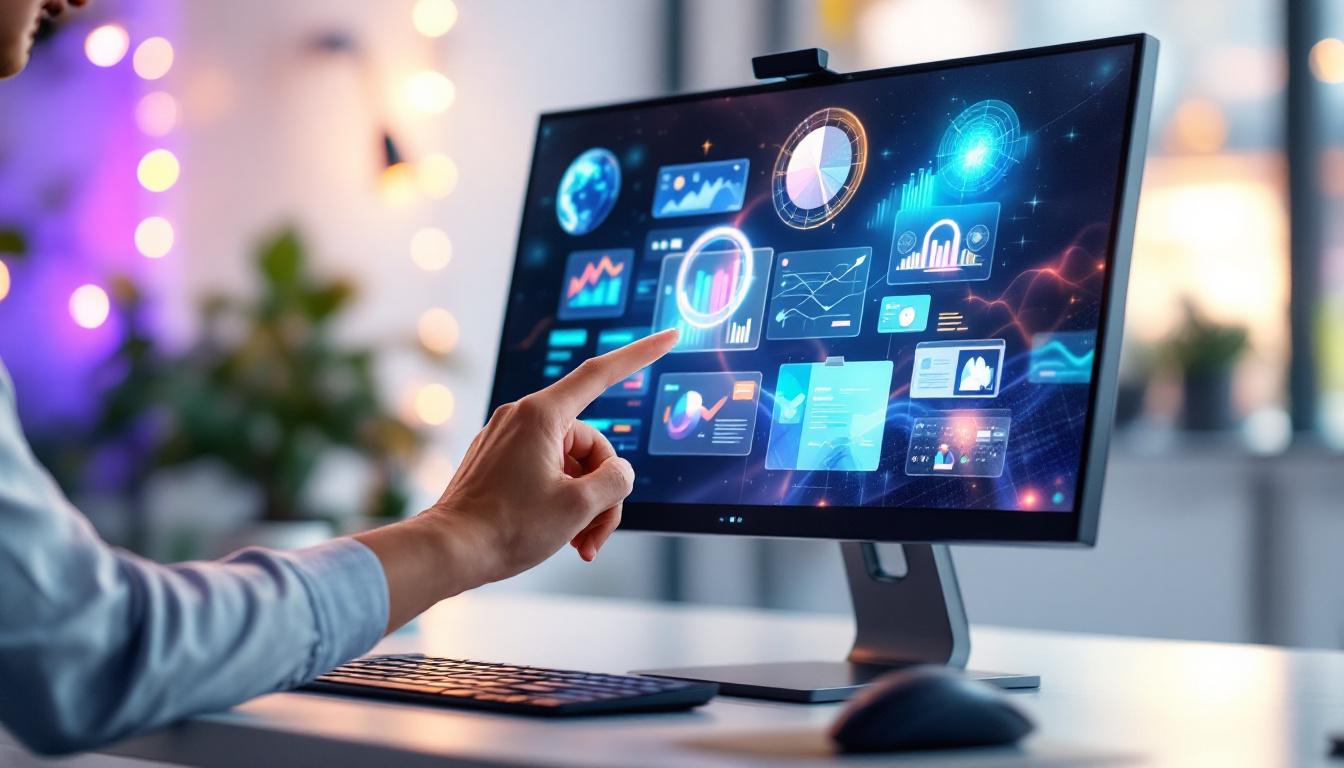
At the core of any touch monitor is the display technology and the touch interface. A 24 inch LED touch monitor combines a 24 inch LED-backlit screen with a touch-sensitive layer, allowing users to interact directly with the display. This seamless integration of display and touch technology not only enhances user experience but also makes it easier to navigate through complex applications and presentations.
What is LED Display Technology?
LED, or Light Emitting Diode, technology refers to the backlighting method used in modern monitors. Unlike older LCD monitors that used cold cathode fluorescent lamps (CCFLs), LED displays use tiny diodes that emit light when an electric current passes through them. This results in brighter images, better color accuracy, and improved energy efficiency. The advancements in LED technology have made it possible for monitors to achieve higher resolutions and deeper blacks, which are essential for tasks that require precise color representation, such as graphic design and video editing.
LED displays can be further categorized into edge-lit and full-array backlighting. Edge-lit LED monitors place LEDs along the edges of the screen, allowing for thinner designs but sometimes uneven lighting. Full-array LED monitors have LEDs spread evenly behind the screen, providing superior brightness and contrast control. Additionally, some full-array models feature local dimming, which enhances the contrast ratio by dimming specific areas of the screen while keeping others bright, making them particularly suitable for watching movies or playing video games in darker environments.
How Does the Touch Interface Work?
Touch monitors typically use one of several technologies: resistive, capacitive, infrared, or optical. The most common and advanced for 24 inch monitors is capacitive touch technology, the same used in smartphones and tablets. Capacitive touch screens detect the electrical properties of the human finger, allowing for multi-touch gestures, high accuracy, and fast response times. This technology has revolutionized how users interact with devices, enabling a more intuitive experience that mirrors natural human gestures.
Capacitive touchscreens are durable and support gestures such as pinch-to-zoom, swipe, and tap, enhancing user interaction. This makes them ideal for applications ranging from professional design to interactive kiosks. Furthermore, the responsiveness of capacitive touch technology means that users can expect minimal lag, which is crucial in fast-paced environments like retail or hospitality where quick access to information can significantly impact customer satisfaction. The robustness of these screens also means they can withstand heavy use, making them a reliable choice for both commercial and educational settings.
Advantages of a 24 Inch Touch Monitor
The 24 inch size hits a sweet spot for many users, offering ample viewing space without overwhelming the workspace. When combined with LED and touch technology, these monitors provide several distinct advantages.
Optimal Screen Size for Productivity and Comfort
A 24 inch monitor offers enough screen real estate to comfortably view multiple windows side-by-side, which is essential for multitasking professionals. According to a study by the University of Utah, larger monitors can increase productivity by up to 44%, as users spend less time switching between tabs and windows.
Moreover, this size is ideal for maintaining ergonomic comfort. It allows users to keep a reasonable viewing distance, reducing eye strain and neck discomfort during extended use. Additionally, the 24-inch display is often accompanied by a high resolution, which enhances clarity and detail, making it easier to read text and view images without squinting or straining. This combination of size and resolution is particularly advantageous for graphic designers, video editors, and anyone who requires precision in their work.
Energy Efficiency and Longevity
LED backlighting consumes significantly less power compared to older CCFL technology. This translates to lower electricity bills and a reduced environmental footprint. Additionally, LED monitors tend to have longer lifespans, often rated for 30,000 to 50,000 hours of use.
For businesses and institutions that rely on continuous operation, such as hospitals or retail environments, this durability is a critical factor in reducing maintenance costs and downtime. Moreover, many modern 24-inch touch monitors come equipped with energy-saving features, such as automatic brightness adjustment and sleep modes, which further enhance their efficiency. This not only benefits the bottom line but also aligns with sustainability initiatives that many organizations are increasingly prioritizing.
Enhanced User Interaction and Accessibility
The touch interface enables intuitive interaction, which is especially beneficial in environments where keyboard and mouse use is impractical. For example, in retail point-of-sale systems, healthcare check-in kiosks, or industrial control panels, touch monitors streamline workflows and reduce training time.
Touch monitors also improve accessibility for users with mobility or dexterity challenges, allowing for easier navigation and control compared to traditional input devices. In educational settings, these monitors can facilitate interactive learning experiences, enabling students to engage directly with the content displayed. Teachers can utilize touch capabilities to create dynamic presentations that encourage participation, making lessons more engaging and effective. Furthermore, as technology continues to advance, many 24-inch touch monitors now support multi-touch gestures, allowing for even more complex interactions that can enhance both productivity and user experience in various applications.
Key Features to Consider When Choosing a 24 Inch Touch Monitor
Not all 24 inch touch monitors are created equal. Selecting the right model depends on your specific needs and the environment in which it will be used.
Resolution and Display Quality
Resolution is a critical factor that determines image sharpness and clarity. The most common resolutions for 24 inch monitors are Full HD (1920×1080) and 2K (2560×1440). For general office work and casual use, Full HD is sufficient, providing crisp text and vibrant images.
However, professionals in graphic design, video editing, or CAD may benefit from higher resolutions such as 2K or even 4K, which offer more detailed visuals and finer color gradations.
Touch Technology and Responsiveness
Capacitive touch is preferred for its accuracy and multi-touch capabilities. When evaluating monitors, consider the number of simultaneous touch points supported—most modern monitors support 10 or more, enabling complex gestures.
Response time is also important, especially in fast-paced environments. A lower touch latency ensures that the screen reacts instantly to user input, improving the overall experience.
Connectivity Options
Modern 24 inch touch monitors come with a variety of connectivity ports including HDMI, DisplayPort, USB-C, and legacy VGA. USB-C is increasingly popular as it can carry video, data, and power through a single cable, reducing clutter.
Additionally, some touch monitors include USB hubs or audio jacks, enhancing their versatility. It’s important to ensure compatibility with your existing devices and infrastructure.
Durability and Environmental Resistance
For industrial or public-facing applications, durability is paramount. Look for monitors with reinforced glass, such as tempered or Gorilla Glass, which resist scratches and impacts.
Some models also offer IP-rated water and dust resistance, making them suitable for harsh environments like manufacturing floors or outdoor kiosks.
Applications of 24 Inch LED Touch Monitors
The versatility of 24 inch LED touch monitors makes them suitable for a wide range of industries and use cases.
Business and Office Environments
In corporate settings, touch monitors enhance collaboration and presentations. Interactive whiteboards and meeting room displays often utilize 24 inch touch screens to facilitate brainstorming sessions and video conferencing.
Additionally, these monitors are used in reception areas and digital signage to provide visitors with interactive information and wayfinding.
Healthcare and Medical Use
Healthcare professionals benefit from touch monitors for patient check-in, electronic health record (EHR) access, and diagnostic imaging. The ease of cleaning and disinfecting touch screens, combined with their intuitive interface, helps maintain hygiene standards while improving workflow efficiency.
Moreover, the accurate touch response is critical when navigating complex medical software or entering patient data quickly.
Retail and Hospitality
Point-of-sale (POS) systems heavily rely on touch monitors for fast and accurate transactions. The 24 inch size provides enough space for detailed menus and product information without overwhelming the cashier or customer.
In hospitality, touch monitors are used for self-service kiosks, reservation systems, and interactive menus, enhancing customer experience and reducing wait times.
Education and Training
Interactive learning environments benefit from touch monitors by enabling hands-on engagement. Students can manipulate digital content directly, fostering better understanding and retention.
In corporate training, touch monitors facilitate simulations and interactive tutorials, making learning more dynamic and effective.
Tips for Maintaining and Optimizing Your 24 Inch Touch Monitor
Proper care and maintenance can extend the life of your touch monitor and ensure optimal performance.
Cleaning and Care
Use a soft, lint-free microfiber cloth to clean the screen. Avoid abrasive materials and harsh chemicals that can damage the touch surface or anti-reflective coatings. Specialized screen cleaning solutions designed for LED displays are recommended.
Regular cleaning prevents the buildup of oils and dirt that can interfere with touch sensitivity.
Calibration and Software Updates
Occasionally calibrate the touch input to maintain accuracy, especially if you notice drift or misalignment. Many monitors come with built-in calibration tools or software utilities.
Keep the monitor’s firmware and drivers updated to benefit from performance improvements and security patches.
Optimal Placement and Ergonomics
Position the monitor at eye level and at a comfortable distance to reduce strain. Avoid placing it in direct sunlight or near strong light sources to minimize glare.
Adjust brightness and contrast settings according to ambient lighting conditions to improve visibility and reduce eye fatigue.
Conclusion
The 24 inch LED touch monitor is a versatile and powerful tool that combines the benefits of modern display technology with intuitive user interaction. Its optimal size, energy efficiency, and responsive touch capabilities make it suitable for a wide range of professional and personal applications.
Understanding the underlying technology, key features, and appropriate use cases can help users make informed decisions when selecting a touch monitor. Whether for business, healthcare, retail, or education, a well-chosen 24 inch touch monitor can significantly enhance productivity, accessibility, and user experience.
Discover LumenMatrix’s Advanced LED Display Solutions
Ready to elevate your interactive display experience? LumenMatrix, a pioneer in LED display technology, offers a comprehensive range of solutions tailored to your needs. From engaging Indoor LED Wall Displays to dynamic Outdoor LED Wall Displays, and from versatile Vehicle LED Displays to innovative Custom LED Displays, LumenMatrix is committed to transforming your visual communication. Experience the difference with our cutting-edge LED display modules that promise to enhance your brand’s visibility and captivate your audience. Check out LumenMatrix LED Display Solutions today and take the first step towards creating unforgettable visual experiences.