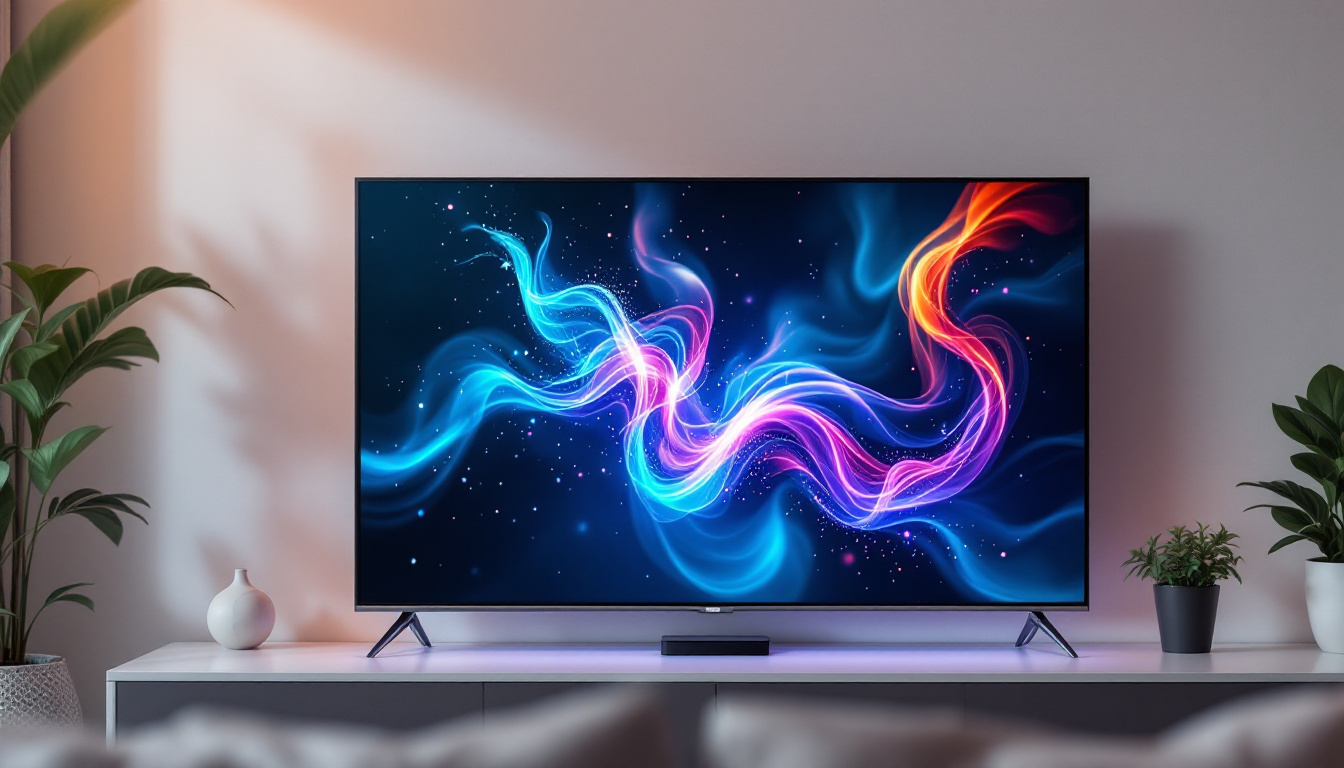
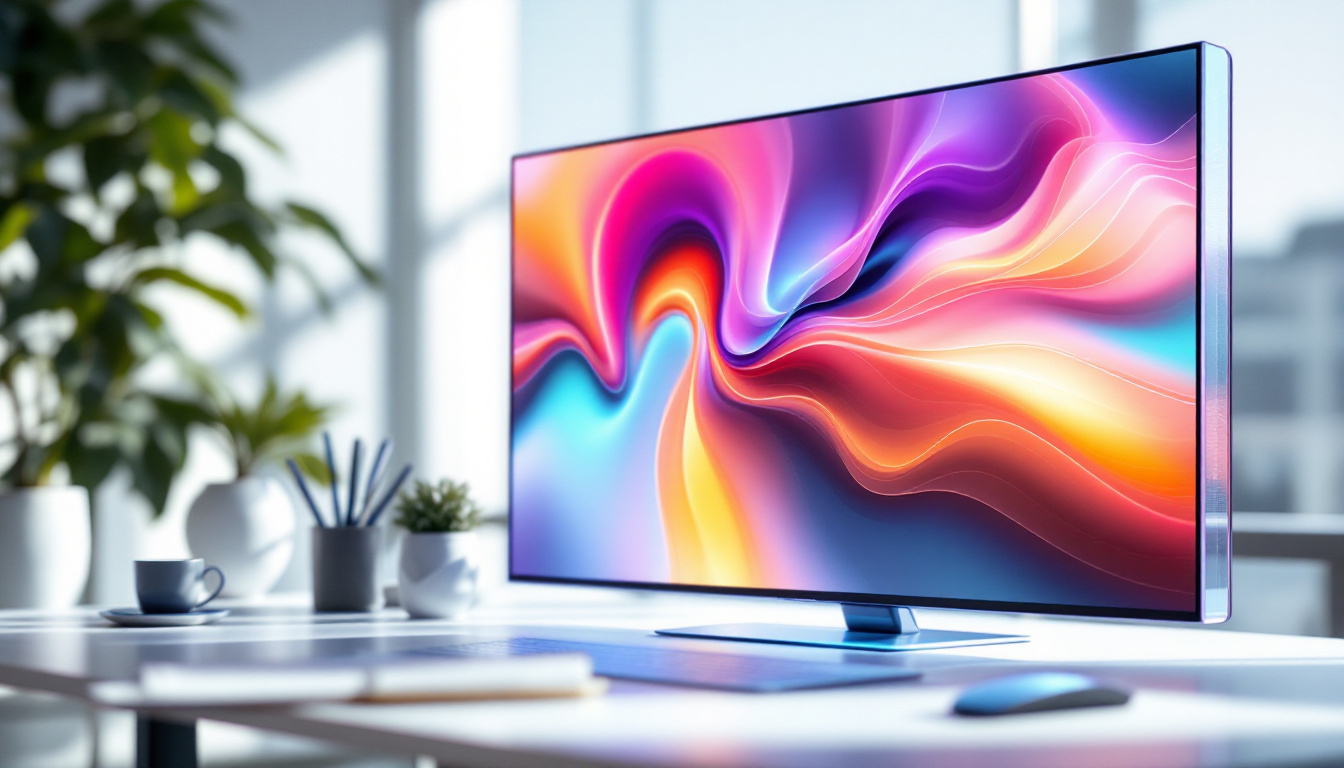
In the rapidly evolving world of display technology, touch screen monitors equipped with LED displays have become a cornerstone of modern computing, design, and interactive applications. From graphic artists sketching their next masterpiece to professionals navigating complex interfaces, understanding the technology behind these devices is essential. This article delves into the fundamentals of touch screen monitors, the role of LED displays, and how their integration enhances drawing and creative workflows.
Understanding Touch Screen Monitors
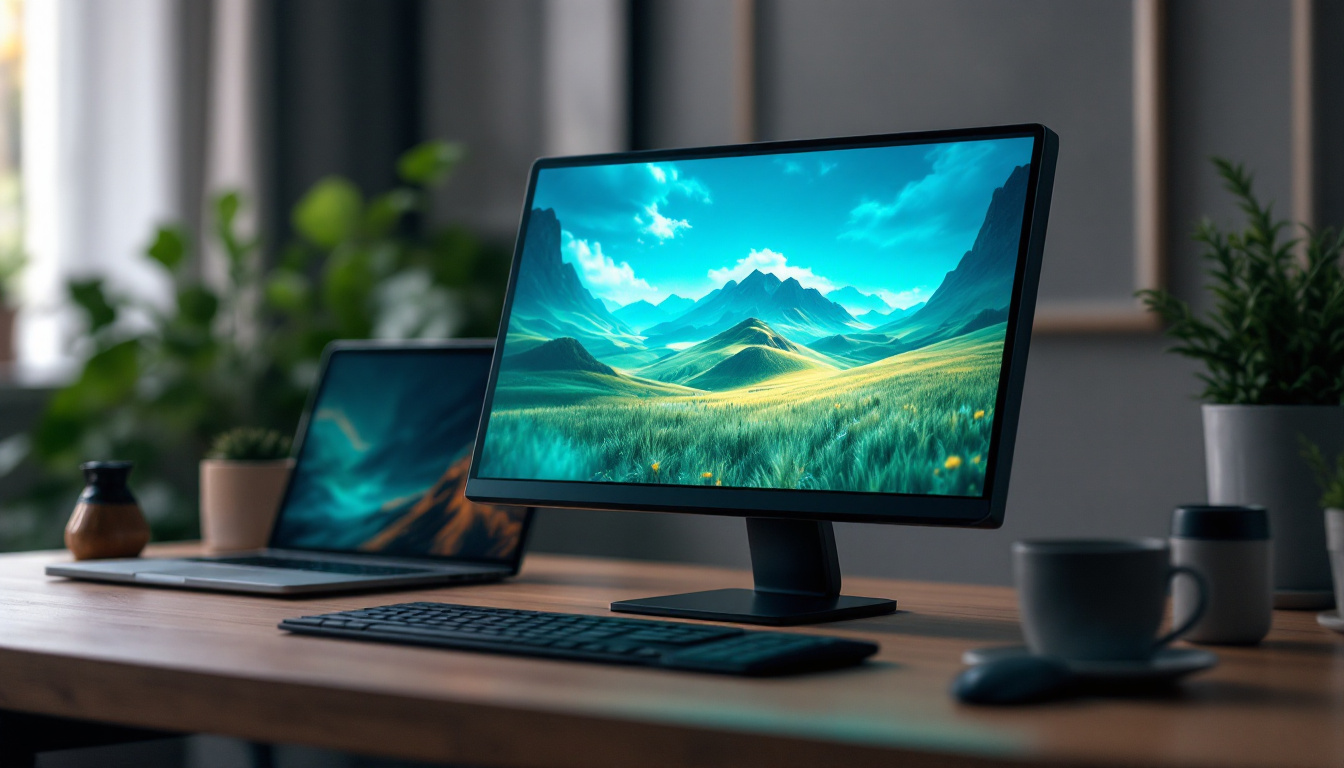
Touch screen monitors combine display technology with touch-sensitive input, allowing users to interact directly with what is shown on the screen. This intuitive interface has transformed user experiences across industries including education, healthcare, retail, and design. The versatility of touch screens has led to their widespread adoption, as they facilitate a more engaging and interactive environment, making tasks more efficient and enjoyable for users of all ages.
At their core, touch screen monitors detect the presence and location of a touch within the display area. This input can come from a finger, stylus, or specialized pen, enabling precise control and interaction. The technology behind touch detection varies, but capacitive and resistive touchscreens are the most common. As technology continues to evolve, we are also seeing the emergence of advanced touch technologies such as optical and infrared touch screens, which further enhance the user experience by providing more robust and flexible interaction methods.
Capacitive vs. Resistive Touchscreens
Capacitive touchscreens rely on the electrical properties of the human body. When a finger touches the screen, it changes the local electrostatic field, which the device detects and processes. These screens are highly responsive, support multi-touch gestures, and offer excellent clarity since they require a glass overlay. This makes them particularly well-suited for applications that require quick and precise inputs, such as gaming or graphic design. The durability of capacitive screens also contributes to their popularity, as they are less prone to wear and tear compared to their resistive counterparts.
Resistive touchscreens, on the other hand, consist of two flexible layers separated by a small gap. When pressure is applied, the layers make contact, registering the touch. While resistive screens are generally less expensive and can be used with any pointing device, they tend to have lower clarity and less sensitivity compared to capacitive screens. However, their ability to function in harsh environments makes them a preferred choice for industrial applications and outdoor kiosks, where moisture, dust, or the need for gloved operation can be significant factors. As industries continue to innovate, the choice between capacitive and resistive technology often comes down to specific use cases and user needs, highlighting the importance of understanding the strengths and limitations of each type of touch screen monitor.
The Role of LED Displays in Touch Screen Monitors
Light Emitting Diode (LED) technology has revolutionized the display industry by offering brighter, more energy-efficient, and thinner screens compared to traditional LCDs with cold cathode fluorescent lamps (CCFLs). When integrated into touch screen monitors, LED displays provide several advantages that enhance the drawing experience.
How LED Displays Work
LED displays use an array of tiny light-emitting diodes as a backlight source for the liquid crystal display (LCD) panel. Unlike CCFL backlighting, LEDs can be turned on and off individually or in zones, allowing for better contrast and deeper blacks. This technology results in vivid colors and sharper images, which are crucial for artists and designers who rely on color accuracy.
There are two common types of LED backlighting: edge-lit and direct-lit (or full-array). Edge-lit LEDs are placed around the edges of the screen and use light guides to distribute light evenly, enabling thinner displays. Direct-lit LEDs have an array of LEDs behind the entire screen, offering superior brightness and contrast but often at a higher cost and thickness.
Benefits of LED Displays for Drawing and Creative Work
For digital artists and designers, the quality of the display directly impacts their work. LED displays provide:
- Improved Brightness and Contrast: Enhanced visibility under various lighting conditions helps artists see details clearly.
- Better Color Accuracy: Many LED monitors support wide color gamuts such as Adobe RGB or DCI-P3, essential for professional-grade artwork.
- Energy Efficiency: LED backlighting consumes less power, reducing heat generation and extending the lifespan of the device.
- Thinner and Lighter Designs: This makes touch screen monitors more portable and easier to integrate into creative workspaces.
Touch Screen Monitor Drawing: How Technology Enhances Artistic Precision
Drawing on a touch screen monitor is not merely about touching the display; it involves a complex interplay of hardware and software designed to capture nuances of pressure, tilt, and movement. This section explores how LED-based touch screen monitors support precise drawing and creative workflows.
Pressure Sensitivity and Stylus Integration
Modern touch screen monitors often include support for active styluses that detect varying levels of pressure. This capability allows artists to create lines of different thicknesses and opacities, mimicking traditional drawing tools. The integration of LED displays ensures that the visual feedback is immediate and accurate, crucial for maintaining a natural drawing experience.
Many professional-grade monitors offer pressure sensitivity levels up to 8192 points, enabling fine control over brush strokes. Additionally, tilt recognition allows the stylus to simulate shading techniques, further bridging the gap between digital and traditional art.
Latency and Response Time
Latency—the delay between a user’s action and the display’s response—is a critical factor in drawing applications. LED displays, with their rapid refresh rates and low response times, minimize this delay, creating a seamless interaction. For artists, this means strokes appear instantly, reducing frustration and improving workflow efficiency.
Multi-Touch Capabilities
Beyond single-point input, many touch screen monitors support multi-touch gestures. This feature allows users to zoom, rotate, and pan their canvas intuitively, enhancing productivity. Combined with LED displays’ clarity, it provides a fluid and immersive creative environment.
Applications and Use Cases of Touch Screen LED Monitors in Drawing
The versatility of touch screen LED monitors extends across various creative fields. Understanding their applications helps highlight why investing in such technology is beneficial for professionals and hobbyists alike.
Digital Art and Illustration
Graphic designers, illustrators, and digital painters rely heavily on touch screen LED monitors for their work. The combination of precise touch input, pressure sensitivity, and vibrant displays enables artists to produce detailed and colorful artwork with ease. Popular software like Adobe Photoshop, Corel Painter, and Clip Studio Paint are optimized for these devices, making them indispensable tools in the creative industry.
Animation and Storyboarding
Animators benefit from the real-time feedback and accuracy of touch screen monitors. The ability to draw directly on the screen accelerates the animation process, allowing for quick iterations and adjustments. LED displays ensure that colors and details are faithfully represented, which is essential when creating frames that will be part of a larger sequence.
Architectural and Industrial Design
Professionals in architecture and product design use touch screen monitors to sketch, model, and annotate designs. The precision offered by stylus input combined with high-resolution LED displays facilitates detailed work on complex projects. Interactive presentations and client reviews are also enhanced by the intuitive touch interface.
Choosing the Right Touch Screen LED Monitor for Drawing
Selecting an appropriate touch screen LED monitor depends on several factors including budget, intended use, and desired features. This section outlines key considerations to guide buyers toward the best choice for their drawing needs.
Screen Size and Resolution
Larger screens provide more workspace and reduce eye strain, which is beneficial for detailed artwork. Resolutions of 1920×1080 (Full HD) are common, but many professionals prefer 4K (3840×2160) displays for finer detail and sharper images. Higher resolution also supports better scaling of drawing applications and UI elements.
Color Accuracy and Calibration
For artists, color fidelity is paramount. Monitors that cover a wide color gamut and offer factory calibration ensure that colors are displayed accurately. Some models include hardware calibration tools or support third-party calibration devices, allowing users to maintain consistent color profiles.
Stylus Compatibility and Features
Not all touch screen monitors support active styluses with pressure sensitivity. Buyers should verify compatibility with popular stylus models and check for features like tilt support and palm rejection, which prevent unintended input while drawing.
Connectivity and Ergonomics
Multiple input options such as USB-C, HDMI, and DisplayPort enhance compatibility with various devices. Adjustable stands that allow tilt, swivel, and height adjustments improve comfort during long drawing sessions.
Future Trends in Touch Screen LED Drawing Monitors
The intersection of touch screen technology and LED displays continues to evolve, promising exciting innovations for artists and professionals.
Mini-LED and Micro-LED Technologies
Emerging display technologies like Mini-LED and Micro-LED offer even greater contrast ratios, brightness, and energy efficiency. These advancements will further enhance the visual experience for digital artists, providing more accurate and vibrant color reproduction.
Flexible and Foldable Displays
Research into flexible LED displays may soon lead to portable, foldable touch screen monitors. Such devices could revolutionize how and where artists work, offering unprecedented mobility without sacrificing screen quality.
Artificial Intelligence Integration
AI-driven software integrated with touch screen monitors can assist artists by predicting strokes, suggesting color palettes, or automating repetitive tasks. Combined with high-quality LED displays, this could significantly streamline creative workflows.
Conclusion
Touch screen monitors with LED displays represent a powerful fusion of technology that enhances drawing and creative expression. Their superior brightness, color accuracy, and responsiveness make them indispensable tools for artists, designers, and professionals across various fields. As display technology continues to advance, these devices will only become more capable, intuitive, and integral to the creative process.
Investing in a quality touch screen LED monitor tailored to one’s specific needs can unlock new levels of precision and creativity, transforming digital drawing from a technical task into an immersive artistic experience.
Discover LumenMatrix’s Innovative LED Display Solutions
Ready to elevate your artistic capabilities and creative projects with the latest in LED display technology? LumenMatrix offers a diverse range of LED display modules designed to bring your digital art to life. Whether you’re looking for an Indoor LED Wall Display to showcase your designs, an Outdoor LED Wall Display to present your work to a larger audience, or specialized solutions like Vehicle LED Displays and LED Sports Displays, LumenMatrix has the technology to meet your needs. Experience the difference in color accuracy, brightness, and innovation with our LED Poster Displays, Floor LED Displays, and more. Embrace the future of visual communication and Check out LumenMatrix LED Display Solutions today to transform your digital drawing experience.