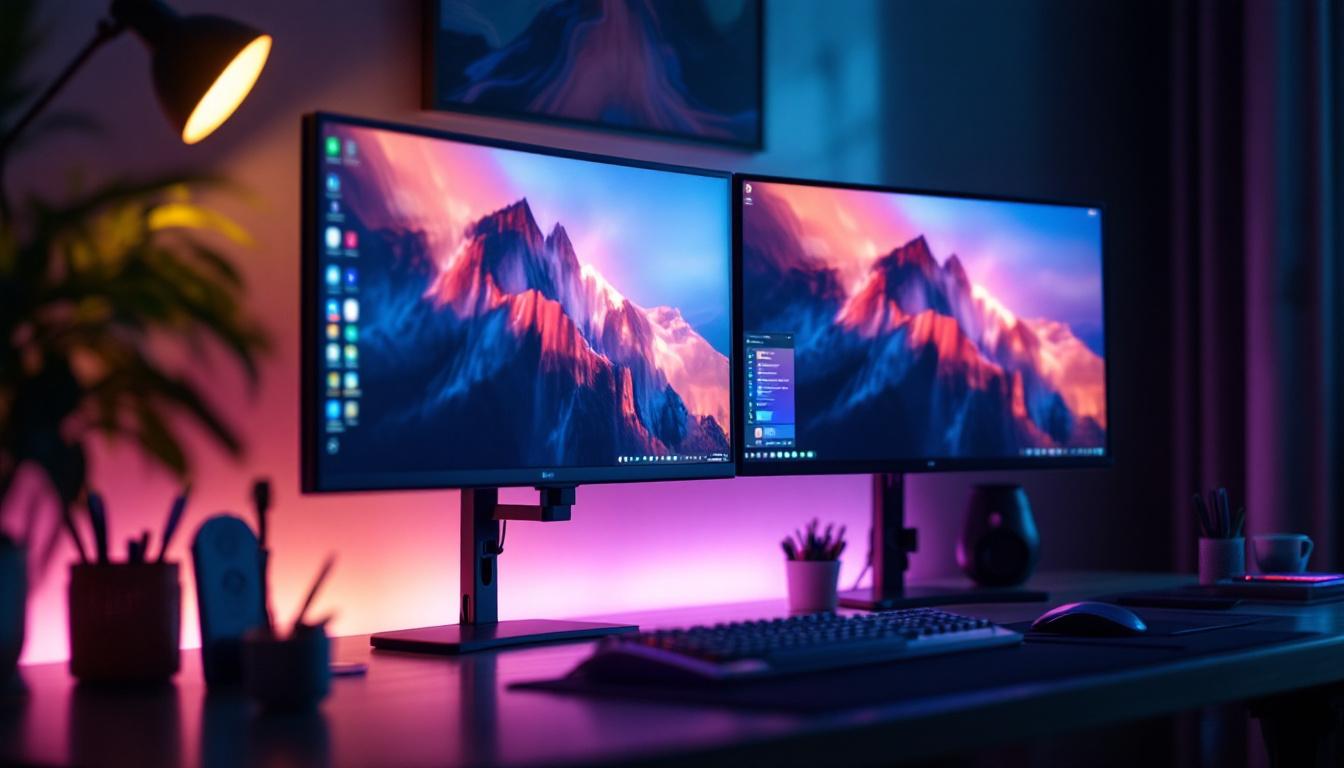
In today’s fast-paced digital world, productivity and efficiency are paramount. One of the most effective ways to enhance both is by using dual monitors. When paired with a proper mounting solution and modern LED display technology, dual monitors can transform any workspace. This article delves into the benefits, technical aspects, and practical considerations of setting up dual monitors with mounts, focusing on LED displays to help you make an informed decision.
The Rise of Dual Monitor Setups in Modern Workspaces
Over the past decade, dual monitor setups have shifted from a luxury to a necessity in many professional environments. According to a 2023 survey by the International Data Corporation (IDC), over 60% of office workers and remote employees use two or more monitors to boost productivity. The ability to view multiple applications simultaneously reduces the time spent toggling between windows, streamlining workflows in industries ranging from finance and software development to design and content creation.
Dual monitors also cater to the growing trend of remote work and hybrid offices. With more professionals working from home, optimizing workspace ergonomics and functionality has become crucial. Dual monitor mounts, especially those designed for LED displays, offer a clean, organized, and ergonomic solution that maximizes desk space while improving posture and reducing eye strain.
Understanding LED Displays for Dual Monitor Setups
What is an LED Display?
LED, or Light Emitting Diode, displays have become the standard for modern monitors due to their superior brightness, energy efficiency, and color accuracy. Unlike traditional LCDs that use cold cathode fluorescent lamps (CCFLs) for backlighting, LED monitors utilize LEDs. This results in thinner panels, better contrast ratios, and lower power consumption.
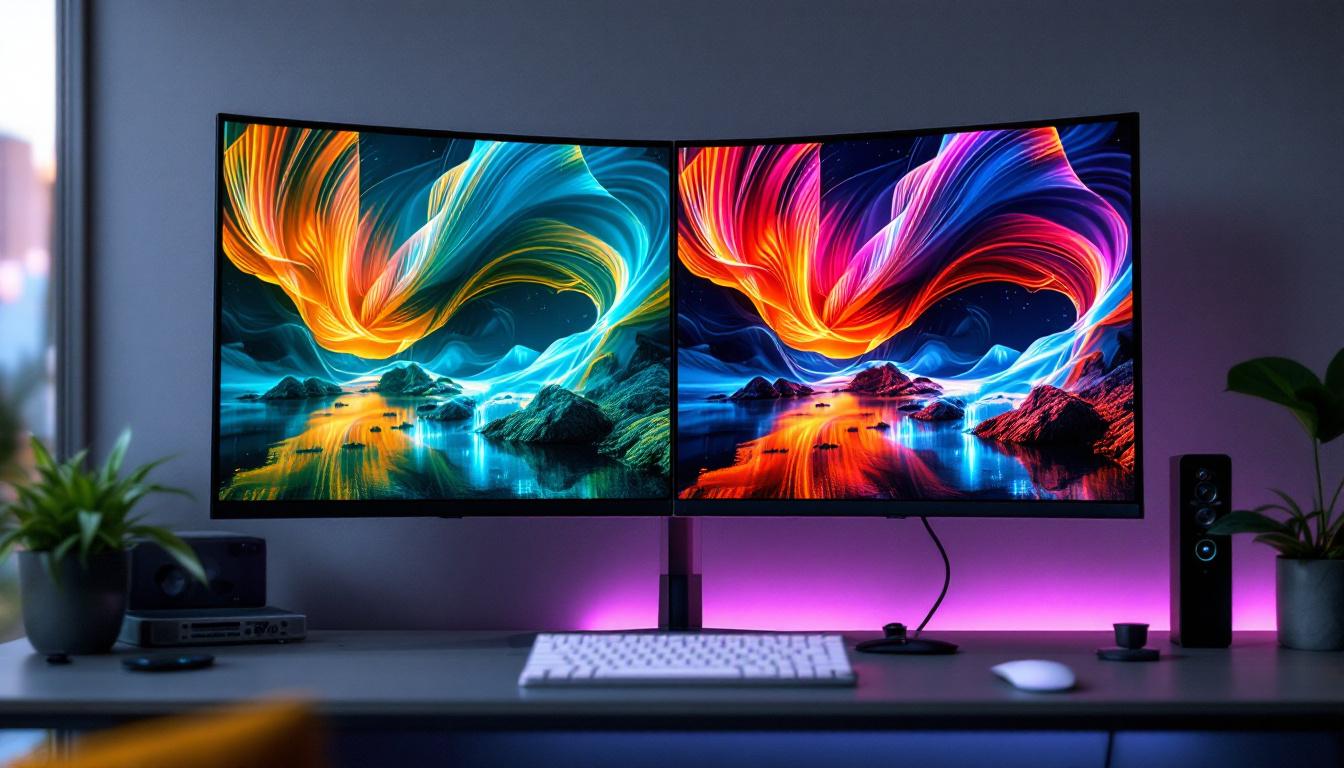
In dual monitor configurations, LED displays offer consistent brightness and color reproduction across screens, which is essential for tasks requiring visual precision such as graphic design, video editing, and data analysis. Additionally, LED technology supports higher refresh rates and faster response times, reducing motion blur and eye fatigue during prolonged use.
Types of LED Displays Suitable for Dual Monitors
When selecting LED monitors for a dual setup, understanding the different types can help tailor the choice to specific needs:
- Edge-Lit LED: LEDs are positioned around the edges of the screen, allowing for thinner designs and lower costs. However, brightness and color uniformity can sometimes be less consistent.
- Full-Array LED: LEDs are distributed evenly behind the screen, providing better contrast and uniform brightness. This type is preferred for professional use but often comes at a higher price point.
- Mini-LED: A newer technology using thousands of tiny LEDs for backlighting, offering exceptional contrast ratios and HDR performance. Ideal for high-end dual monitor setups.
The Advantages of Using Dual Monitors with Mounts
Enhanced Ergonomics and Comfort
One of the primary benefits of using dual monitors with mounts is improved ergonomics. Monitor mounts allow users to adjust the height, tilt, and angle of each screen independently. This flexibility helps maintain proper posture, reducing neck, shoulder, and eye strain. Studies from the Occupational Safety and Health Administration (OSHA) emphasize the importance of ergonomic setups to prevent repetitive strain injuries, which are common in office environments.
Moreover, mounting dual monitors frees up valuable desk space, creating a cleaner and more organized workspace. This can lead to a less cluttered mind and better focus, especially in smaller home offices or shared workspaces.
Improved Productivity and Workflow
Dual monitors enable multitasking by allowing users to keep multiple applications open and visible simultaneously. For example, a software developer can code on one screen while referencing documentation or testing the application on the other. A financial analyst might monitor real-time market data on one display while preparing reports on the second.
Research from the University of Utah found that dual monitor users completed tasks 20-30% faster than those using a single screen. Additionally, the ability to customize monitor placement with mounts ensures that users can create the most efficient setup for their specific workflow.
Flexibility and Aesthetic Appeal
Monitor mounts come in various styles, including desk clamps, free-standing arms, and wall mounts. This variety allows users to choose a mounting solution that fits their space and aesthetic preferences. For instance, a dual monitor mount with adjustable arms can be positioned to create a seamless, immersive display environment, while a wall-mounted setup can free up desk space entirely.
Modern mounts often feature cable management systems, which keep cords tidy and out of sight, contributing to a sleek and professional look. This is particularly important in client-facing environments or creative studios where the visual appeal of the workspace can impact impressions.
Choosing the Right Dual Monitor Mount for LED Displays
Key Features to Consider
When selecting a dual monitor mount, several factors should be taken into account to ensure compatibility and usability:
- Weight Capacity: Ensure the mount supports the combined weight of both LED monitors. LED screens can vary in weight depending on size and build quality.
- VESA Compatibility: Most monitors use the VESA mounting standard (typically 75x75mm or 100x100mm). Verify that the mount supports your monitors’ VESA pattern.
- Adjustability: Look for mounts that offer height adjustment, tilt, swivel, and rotation to customize your viewing angles.
- Mounting Style: Decide between desk clamp, grommet mount, or wall mount based on your desk setup and preferences.
- Build Quality and Materials: Durable materials such as steel or aluminum ensure stability and longevity.
Popular Mounting Solutions for Dual LED Monitors
Several mounting options have gained popularity for their versatility and ease of use:
- Articulating Arms: These provide the most flexibility, allowing each monitor to be moved independently in multiple directions.
- Fixed Dual Stands: These are simpler, often more affordable, and suitable for users who prefer a stationary setup.
- Wall Mounts: Ideal for saving desk space and creating minimalist workstations.
Brands like Ergotron, Vivo, and AmazonBasics offer a range of dual monitor mounts that cater to different budgets and needs, often accompanied by user reviews that provide insight into real-world performance.
Setting Up Your Dual Monitors with Mount: Best Practices
Positioning for Optimal Ergonomics
To maximize the benefits of dual monitors, proper positioning is essential. The primary monitor should be placed directly in front of the user, with the secondary monitor angled slightly inward. Both screens should be at eye level or slightly below to prevent neck strain.
Spacing between the monitors should be minimal to create a cohesive visual workspace but wide enough to prevent overlap or awkward head turns. Using adjustable mounts makes fine-tuning these positions straightforward.
Calibrating LED Displays for Consistency
Even with identical models, LED monitors can display colors and brightness differently out of the box. Calibration tools and software such as Datacolor SpyderX or X-Rite i1Display Pro help ensure color accuracy and uniform brightness across both screens. This is particularly important for creative professionals who rely on precise color representation.
Regular calibration also helps reduce eye strain by maintaining consistent luminance levels, especially in environments with varying ambient light.
Managing Cables and Connectivity
A well-organized cable setup is crucial for both aesthetics and safety. Most dual monitor mounts include integrated cable management channels to route power cords, HDMI, DisplayPort, or USB cables neatly along the arms or stand.
Using high-quality cables that support the desired resolution and refresh rate (e.g., HDMI 2.0 or DisplayPort 1.4) ensures optimal display performance. Additionally, consider the placement of USB hubs or docking stations to minimize cable clutter and improve accessibility.
Common Challenges and How to Overcome Them
Compatibility Issues
One of the most frequent challenges is ensuring that the mount and monitors are compatible. Some ultra-wide or curved LED monitors may require specialized mounts or adapters. Before purchasing, verify the dimensions, weight, and VESA pattern compatibility to avoid costly returns or adjustments.
Desk Space Constraints
Limited desk space can make dual monitor setups feel cramped. In such cases, wall mounts or articulating arms with a small footprint can be a game-changer. Additionally, decluttering the workspace and using vertical storage solutions can create more room for an ergonomic setup.
Technical Setup and Calibration
Connecting and configuring dual monitors can sometimes be confusing, especially when dealing with different resolutions or refresh rates. Using the graphics card’s control panel (NVIDIA Control Panel, AMD Radeon Settings, or Intel Graphics Command Center) allows users to customize display settings and arrange monitors virtually.
For calibration, investing in professional-grade tools or consulting with experts can save time and ensure the best visual experience.
Future Trends in Dual Monitor and LED Display Technology
The evolution of display technology continues to influence dual monitor setups. Mini-LED and OLED displays are becoming more accessible, offering unprecedented contrast ratios, color accuracy, and thinner designs. These advancements will enable even more immersive and visually stunning dual monitor configurations.
Moreover, the integration of USB-C and Thunderbolt ports simplifies connectivity and power delivery, reducing cable clutter further. Emerging technologies like foldable and flexible displays may also redefine how dual screen workspaces are arranged in the near future.
Finally, as artificial intelligence and augmented reality tools become more prevalent, dual monitors might evolve into multi-dimensional workspaces that blend physical and virtual environments seamlessly.
Conclusion
Dual monitors with mounts, especially those featuring LED displays, represent a powerful combination for enhancing productivity, ergonomics, and workspace aesthetics. Understanding the technical aspects of LED technology, selecting the right mounting solution, and following best practices for setup can significantly improve the user experience.
Whether you are a professional seeking to optimize your workflow or a remote worker aiming to create a comfortable and efficient home office, investing in a dual monitor setup with an appropriate mount is a smart choice. As display technologies continue to advance, staying informed about the latest trends will help you maintain a cutting-edge and effective workspace.
Explore Cutting-Edge LED Display Solutions with LumenMatrix
Ready to elevate your workspace and experience the pinnacle of LED display technology? LumenMatrix is at the forefront of innovation, offering a wide array of LED display modules tailored to your needs. From captivating Indoor LED Wall Displays to dynamic Outdoor LED Wall Displays and beyond, our solutions are designed to enhance engagement and transform your visual communication. Don’t miss the opportunity to create a workspace that stands out. Check out LumenMatrix LED Display Solutions today and see the difference for yourself.