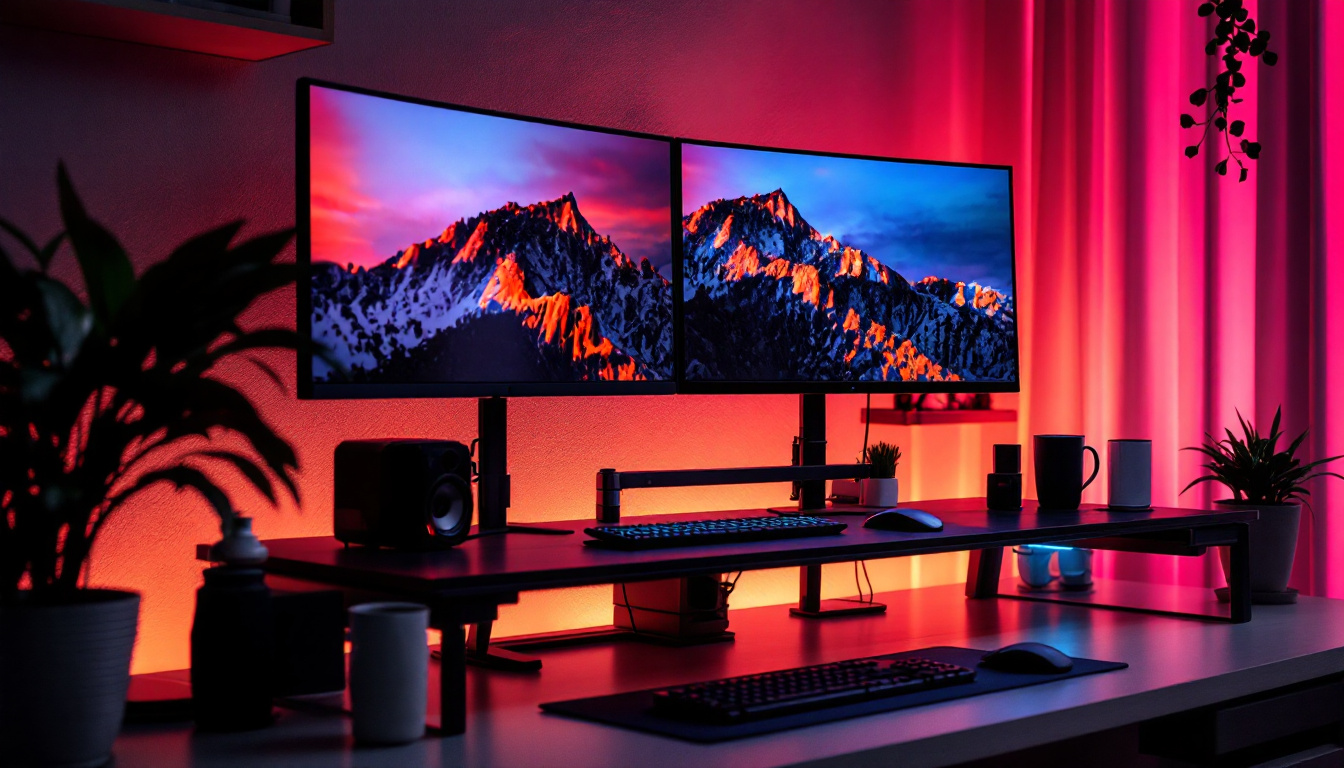
In today’s fast-paced digital world, the demand for multi-monitor setups has surged dramatically. Whether for professional workstations, gaming rigs, or creative studios, having multiple displays enhances productivity and immersion. Among the various display technologies, LED monitors have become the go-to choice due to their superior image quality, energy efficiency, and sleek designs. However, to fully maximize the benefits of a triple-monitor LED setup, investing in the right monitor mounts is crucial.
This article dives deep into the world of 3 monitor mounts tailored for LED displays, explaining their types, benefits, and how to select the best one for your needs. Understanding these factors can transform your workspace, reduce physical strain, and elevate your overall user experience.
Why Choose a Triple Monitor Setup with LED Displays?
Multi-monitor setups are no longer a luxury but a necessity for many professionals and enthusiasts. According to a 2023 study by the International Data Corporation (IDC), users with dual or triple monitor setups report up to a 42% increase in productivity, especially in fields like software development, graphic design, and financial analysis.
LED displays, in particular, offer vibrant colors, higher contrast ratios, and thinner panels compared to traditional LCD or older display technologies. This makes them ideal for extended use, reducing eye strain and providing a more immersive visual experience.
Combining three LED monitors allows users to expand their digital workspace seamlessly. For example, traders can monitor multiple markets simultaneously, video editors can have timelines, previews, and asset libraries open at once, and gamers can enjoy panoramic views that enhance gameplay.
Moreover, the versatility of a triple monitor setup extends beyond just productivity; it can also enhance creativity and collaboration. Designers can spread their work across screens, allowing for a more comprehensive view of their projects without the constant need to switch between tabs or windows. This fluidity can lead to more innovative ideas, as users can reference multiple sources of inspiration side by side. Additionally, in collaborative environments, having multiple screens enables teams to share information more effectively during meetings or brainstorming sessions, fostering a more dynamic exchange of ideas.
Furthermore, the ergonomic benefits of a triple monitor setup cannot be overlooked. With the ability to adjust the height, angle, and orientation of each monitor, users can create a customized workspace that promotes better posture and reduces the risk of repetitive strain injuries. This adaptability is especially important for those who spend long hours in front of screens, as it allows for a more comfortable and sustainable working environment. As technology continues to evolve, investing in a triple monitor setup with LED displays not only enhances productivity but also contributes to overall well-being in the workplace.
Understanding 3 Monitor Mounts: Types and Features
What Are Monitor Mounts?
Monitor mounts are hardware accessories designed to hold and position computer monitors in a fixed or adjustable manner. They free up desk space, improve ergonomics, and allow users to customize their viewing angles. For triple monitor setups, mounts can be more complex, supporting three screens either side-by-side or in other configurations.
Common Types of 3 Monitor Mounts
When selecting a 3 monitor mount for LED displays, understanding the different types is essential. Here are the most popular options:
- Desk Clamp Mounts: These mounts attach directly to the edge of a desk using a clamp mechanism. They are popular for their stability and minimal desk footprint. Many models feature adjustable arms that allow tilting, swiveling, and rotation of each monitor.
- Grommet Mounts: Similar to desk clamps but installed through a hole in the desk surface, grommet mounts provide a secure and clean setup. They are ideal for desks with pre-drilled holes or those willing to customize their workspace.
- Freestanding Stands: These mounts rest on the desk surface without any attachment. While easier to install and move, they typically take up more desk space and may not offer the same stability as clamp or grommet mounts.
- Wall Mounts: For users looking to save desk space entirely, wall mounts are a great option. They require sturdy wall surfaces and proper installation but can create an ultra-clean and ergonomic setup.
Key Features to Consider
When choosing a 3 monitor mount for LED displays, consider the following features:
- Weight Capacity: LED monitors vary in weight, typically ranging from 5 to 15 pounds each. Ensure the mount supports the combined weight of all three monitors.
- VESA Compatibility: Most monitors use the VESA mounting standard (usually 75x75mm or 100x100mm). Verify that the mount supports your monitors’ VESA pattern.
- Adjustability: Look for mounts with tilt, swivel, and rotation capabilities. This flexibility enhances ergonomics and viewing comfort.
- Build Quality: Durable materials like steel or aluminum ensure longevity and stability, especially for heavier LED displays.
- Cable Management: Integrated cable routing helps keep your workspace tidy and prevents cables from tangling.
Benefits of Using 3 Monitor Mounts with LED Displays
Enhanced Ergonomics and Comfort
One of the primary advantages of using monitor mounts is the ability to adjust the height, angle, and distance of each screen. This customization helps maintain proper posture, reducing neck, back, and eye strain. The Mayo Clinic highlights that ergonomic setups can significantly decrease musculoskeletal discomfort for people who spend long hours at their desks.
With three LED monitors mounted correctly, users can position their displays at eye level and optimal viewing distances, promoting a healthier and more comfortable work environment.
Improved Desk Organization and Space Utilization
Triple monitor mounts free up valuable desk space by lifting monitors off the surface. This creates room for other essential items like keyboards, notebooks, or drawing tablets. For smaller workspaces, this can be a game-changer, turning cluttered desks into efficient, organized areas.
Moreover, mounts with integrated cable management reduce visual clutter and make cleaning easier, contributing to a more professional and inviting workspace.
Greater Productivity and Workflow Efficiency
Research from the University of Utah found that multi-monitor users complete tasks 20-30% faster than single-monitor users. Having three screens allows users to multitask seamlessly—reference documents on one screen, communicate on another, and work on the primary task on the third.
For creative professionals, this setup can mean having design tools, inspiration boards, and final outputs visible simultaneously. For gamers, triple LED displays provide immersive panoramic views and enhanced situational awareness.
How to Choose the Best 3 Monitor Mount for Your LED Displays
Assess Your Monitor Specifications
Start by gathering details about your LED monitors, including:
- Screen size (inches)
- Weight
- VESA mounting pattern
- Bezel thickness and design (for seamless multi-monitor arrangements)
These factors influence the type and size of mount you require.
Determine Your Preferred Mounting Style
Consider your workspace layout and personal preferences:
- Desk Clamp or Grommet Mounts: Ideal for most users seeking a balance between stability and desk space conservation.
- Freestanding Stands: Suitable for temporary setups or if you frequently rearrange your workspace.
- Wall Mounts: Best for fixed installations with limited desk space.
Check for Adjustability and Ergonomic Features
Look for mounts that offer:
- Height adjustment to align monitors at eye level
- Swivel and tilt functions to reduce glare and improve viewing angles
- Rotation capabilities for portrait or landscape orientations
These features contribute to a more comfortable and flexible setup.
Consider Build Quality and Warranty
Investing in a high-quality mount ensures durability and safety for your LED displays. Look for mounts made from robust materials like steel or aluminum. Additionally, reputable brands often provide warranties ranging from 1 to 5 years, offering peace of mind.
Read Reviews and Compare Prices
Customer reviews provide valuable insights into real-world performance and durability. Compare products across trusted retailers and consider the overall value rather than just the initial cost. Sometimes paying a bit more upfront results in a better long-term investment.
Popular 3 Monitor Mount Models for LED Displays in 2024
Several 3 monitor mounts stand out in 2024 for their features, build quality, and user satisfaction. Here are a few recommended models:
ErgoTech Triple Arm Desk Clamp Mount
This mount supports monitors up to 27 inches and 17.6 pounds each. Featuring full articulating arms, it offers tilt, swivel, and rotation adjustments. Its integrated cable management system keeps wires organized, and the sturdy steel construction ensures stability.
FlexiMount Grommet Triple Monitor Stand
Designed for desks with grommet holes, this mount supports up to 32-inch LED monitors. It offers height adjustment up to 18 inches and 360-degree rotation. The aluminum alloy frame is both lightweight and durable, making installation straightforward.
VistaWall Triple LED Monitor Wall Mount
For users wanting to save desk space, this wall mount supports three monitors up to 24 pounds each. It includes adjustable arms for tilt and swivel, and its low-profile design keeps monitors close to the wall. Installation requires proper wall anchors and tools.
Installation Tips for 3 Monitor Mounts with LED Displays
Prepare Your Workspace
Clear your desk and gather all necessary tools, including screwdrivers, Allen wrenches, and possibly a drill for grommet or wall mounts. It’s helpful to have a second person assist with lifting and positioning monitors to avoid damage.
Follow Manufacturer Instructions Carefully
Each mount comes with specific assembly and installation guidelines. Adhering to these ensures safety and optimal performance. Pay close attention to weight limits and mounting patterns.
Position Monitors Ergonomically
Arrange your monitors so that the primary screen is directly in front of you, with secondary screens angled slightly inward. The top of the screens should be at or just below eye level. Adjust tilt and swivel to minimize glare.
Manage Cables Neatly
Use the mount’s cable management features or additional clips and ties to route cables cleanly. This prevents tangling and reduces wear on connectors.
Conclusion
Investing in a quality 3 monitor mount for your LED displays is a smart decision that enhances ergonomics, productivity, and workspace aesthetics. By understanding the different types of mounts, their features, and how they complement LED technology, users can create an efficient and comfortable multi-monitor setup tailored to their needs.
Whether you’re a professional seeking to optimize workflow, a gamer craving immersive experiences, or a creative professional managing complex projects, the right triple monitor mount can make all the difference. Take the time to assess your monitors, workspace, and preferences, and choose a mount that offers stability, adjustability, and durability for years of reliable use.
Discover LumenMatrix’s Advanced LED Display Solutions
Ready to elevate your multi-monitor setup with the latest in LED display technology? Look no further than LumenMatrix, where innovation meets visual excellence. Our comprehensive range of LED display solutions, from Indoor and Outdoor LED Walls to Custom and All-in-One LED Displays, is designed to transform your workspace and captivate your audience. Experience the future of visual communication and take the first step towards a more engaging and impactful display setup. Check out LumenMatrix LED Display Solutions today and see the difference for yourself.