LED screens have become ubiquitous in modern life, from smartphones and laptops to large digital billboards and TVs. Their vibrant colors and energy efficiency make them a popular choice for both personal and commercial use. However, maintaining the pristine condition of an LED screen is crucial to preserving its clarity and longevity. Cleaning an LED screen might seem straightforward, but improper techniques can cause damage or reduce the screen’s lifespan. This article explores the best practices for cleaning LED screens safely and effectively, while also explaining the technology behind LED displays to help users understand why certain cleaning methods are preferred.
Understanding LED Screen Technology
What is an LED Screen?
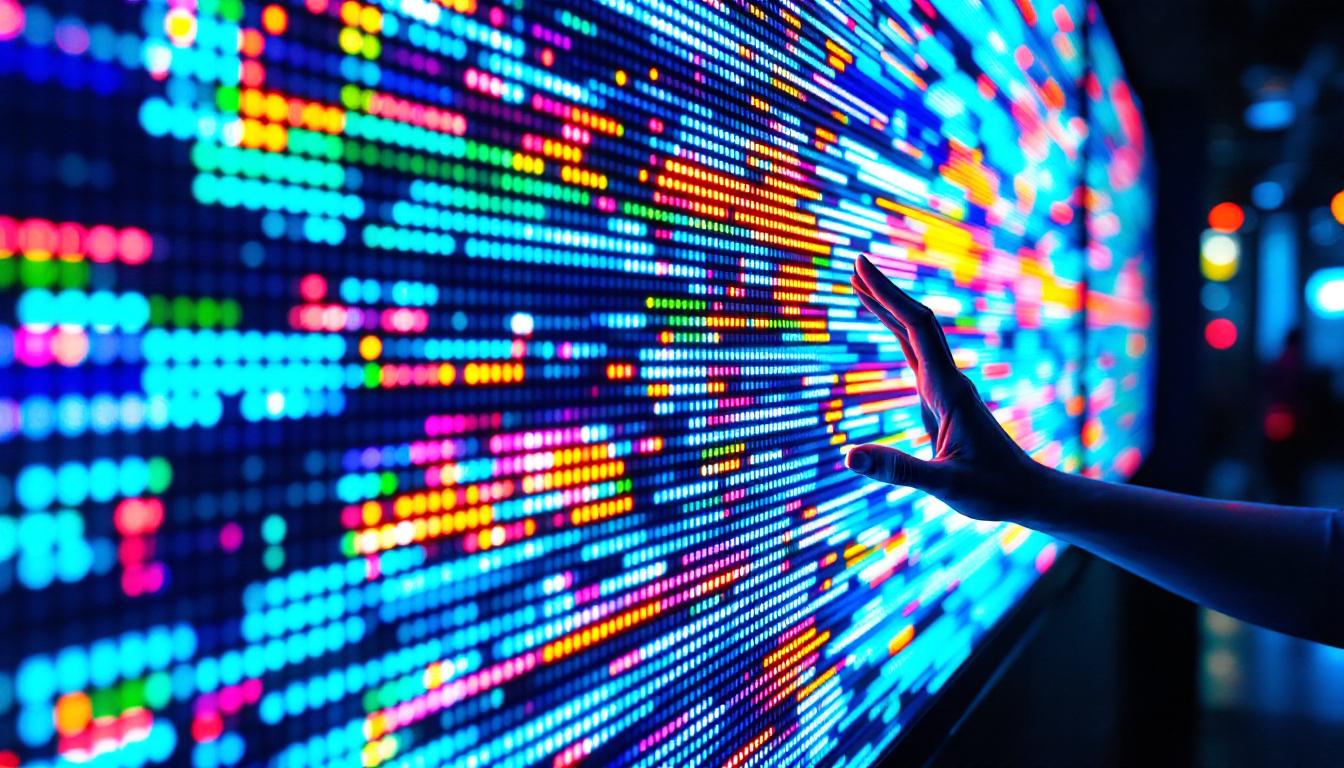
LED stands for Light Emitting Diode, a semiconductor device that emits light when an electric current passes through it. An LED screen is composed of thousands to millions of these tiny diodes arranged in a matrix to form images and videos. Unlike traditional LCDs that rely on fluorescent backlighting, LED screens use these diodes to produce their own light, resulting in higher brightness, better contrast, and energy efficiency.
There are different types of LED displays, including direct-view LED panels used in large outdoor screens and LED-backlit LCDs commonly found in consumer electronics. Direct-view LED screens consist of individual LEDs that form the pixels themselves, while LED-backlit LCDs use LEDs as a backlight behind an LCD panel. Despite these differences, both types require careful handling and cleaning. The advancements in LED technology have also led to innovations such as OLED (Organic Light Emitting Diode) screens, which offer even greater color accuracy and flexibility in design, allowing for curved and bendable displays that enhance user experience in various applications.
Why Proper Cleaning Matters
The surface of an LED screen is delicate and can be easily scratched or damaged by abrasive materials. Additionally, oils from fingerprints, dust, and other contaminants can degrade image quality by creating smudges and reducing brightness. Over time, neglecting proper cleaning can lead to permanent damage such as pixel burn or discoloration. Therefore, understanding the right cleaning methods helps maintain the screen’s performance and extends its useful life.
Using the appropriate cleaning solutions is crucial; many household cleaners contain harsh chemicals that can strip away protective coatings on the screen. It is advisable to use microfiber cloths that are specifically designed for electronics, as they are gentle and effective at removing dirt without scratching the surface. Furthermore, regular maintenance not only enhances visual clarity but also ensures that the screen operates at optimal temperatures, preventing overheating that could lead to hardware failure. By adopting a routine cleaning schedule, users can enjoy the vibrant colors and sharp details that LED technology is known for, while also safeguarding their investment in high-quality display equipment.
Common Contaminants on LED Screens
Dust and Particles
Dust is one of the most common issues affecting LED screens. Even microscopic particles can settle on the surface, causing a dull appearance and potentially scratching the screen if rubbed harshly. In environments with high dust levels, such as workshops or outdoor installations, regular cleaning is essential to prevent buildup. The accumulation of dust can also interfere with the screen’s performance, leading to overheating as the ventilation systems become obstructed. Regular maintenance not only enhances the visual clarity of the display but also extends its lifespan by ensuring that internal components remain free from dust-related damage.
Fingerprints and Smudges
Fingerprints contain oils and sweat that can leave noticeable marks on LED screens. These smudges not only reduce visibility but can also attract more dust. Touchscreen devices are particularly prone to this issue due to frequent contact. In addition to being unsightly, these fingerprints can harbor bacteria, making it important to clean screens regularly, especially in shared environments like offices or public kiosks. Using microfiber cloths and specialized screen cleaners can help maintain a pristine surface, ensuring that the display remains vibrant and user-friendly.
Grease and Other Stains
Grease from food or skin, as well as accidental spills of liquids like coffee or soda, can create stubborn stains. These contaminants often require gentle yet effective cleaning solutions to avoid damaging the screen’s coating. In many cases, a simple solution of water and vinegar can work wonders, but it’s crucial to apply it correctly to prevent moisture from seeping into the device. Furthermore, understanding the specific cleaning requirements of different types of screens—such as OLED versus LED—can help prevent issues like discoloration or screen burn. Regularly addressing these stains not only keeps the screen looking new but also ensures optimal performance, allowing for a clearer and more enjoyable viewing experience.
Step-by-Step Guide to Cleaning an LED Screen
Gathering the Right Materials
Before starting, it’s important to have the proper cleaning tools on hand. Using inappropriate materials can scratch or damage the screen. Recommended items include:
- Microfiber cloth: Soft, lint-free, and non-abrasive, microfiber cloths are ideal for wiping screens without causing scratches.
- Distilled water: Tap water can contain minerals that leave residue; distilled water is pure and safe to use.
- Isopropyl alcohol (70% or less): Used sparingly, it helps remove oils and disinfect the surface but should be diluted and used carefully.
- Screen cleaning solution: Commercially available solutions formulated specifically for LED and LCD screens are safe and effective.
Preparing the Screen
Turn off the device and unplug it from any power source. This prevents electrical issues and allows the screen to cool down, which is safer and helps the cleaning solution evaporate more quickly. If the screen is a large LED display, ensure it is powered down and inaccessible to prevent accidental damage during cleaning.
Dry Dust Removal
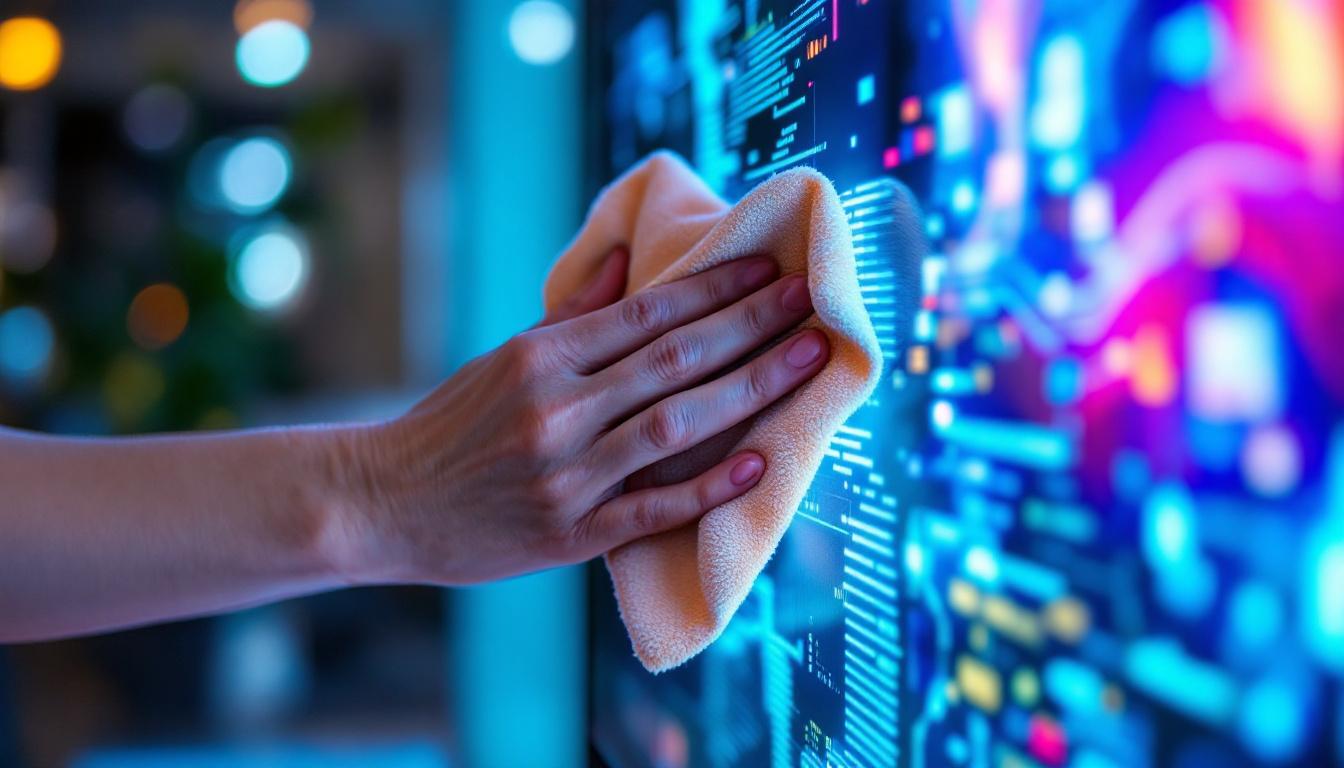
Start by gently wiping the screen with a dry microfiber cloth to remove loose dust and particles. Use light, circular motions without applying pressure. Avoid using paper towels, tissues, or rough fabrics as they can scratch the screen.
Wet Cleaning Method
If dry wiping doesn’t remove smudges or stains, prepare a cleaning solution. A common and safe mixture is 50% distilled water and 50% isopropyl alcohol. Alternatively, use a screen cleaning spray designed for LED screens.
Lightly dampen the microfiber cloth with the solution—never spray directly onto the screen. Excess liquid can seep into the edges and damage internal components. Wipe the screen gently in a circular motion, focusing on areas with visible smudges. Avoid pressing hard or scrubbing.
Drying and Final Touches
After cleaning, use a dry part of the microfiber cloth to gently buff the screen and remove any remaining moisture or streaks. Allow the screen to air dry completely before turning the device back on.
Tips and Precautions for Cleaning LED Screens
Avoid Harsh Chemicals
Never use ammonia-based cleaners, bleach, or abrasive substances on LED screens. These chemicals can strip protective coatings, cause discoloration, or permanently damage the display. Stick to products labeled safe for LED or LCD screens.
Be Gentle
LED screens are fragile. Applying too much pressure can damage pixels or the screen surface. Always use gentle motions and soft cloths to prevent scratches and pixel distortion.
Regular Maintenance
Frequent light cleaning is better than infrequent deep cleaning. Wiping the screen weekly with a dry microfiber cloth helps prevent buildup and reduces the need for wet cleaning, which carries more risk.
Environmental Considerations
Keep LED screens away from direct sunlight, excessive humidity, and extreme temperatures. These factors can accelerate wear and complicate cleaning efforts. For outdoor LED displays, use protective covers when not in use.
Cleaning Different Types of LED Screens
Smartphone and Tablet Screens
These devices often have oleophobic coatings to repel oils and fingerprints. Use a microfiber cloth and minimal liquid to preserve this coating. Avoid excessive moisture and always power down before cleaning.
LED TVs and Monitors
Large screens require more surface area to be cleaned but follow the same principles. For stubborn spots, a slightly dampened cloth with a screen-safe cleaner is effective. Avoid spraying liquids directly onto the screen.
Outdoor LED Displays
Cleaning outdoor LED panels involves additional challenges like weather exposure and dirt accumulation. Use soft brushes or air blowers to remove loose debris before wiping with a damp cloth. Professional cleaning services are recommended for large or high-value installations to ensure safety and proper maintenance.
Common Mistakes to Avoid When Cleaning LED Screens
Using Paper Towels or Rough Cloths
Paper towels and other rough materials can scratch the delicate surface of an LED screen. Always opt for microfiber cloths designed for electronics.
Applying Excessive Liquid
Spraying cleaning solutions directly onto the screen or using too much liquid can cause seepage into internal components, leading to malfunction or permanent damage.
Ignoring Manufacturer Guidelines
Each device may have specific cleaning recommendations. Ignoring these can void warranties or cause unintended damage. Always consult the user manual or manufacturer’s website for tailored advice.
Using Household Cleaners
Common household cleaners often contain harsh chemicals unsuitable for LED screens. Avoid window cleaners, alcohol-based hand sanitizers, or any product not explicitly designed for electronics.
Conclusion: Maintaining Your LED Screen’s Longevity
Proper cleaning and maintenance of LED screens are essential for preserving their visual quality and extending their lifespan. Understanding the technology behind LED displays helps users appreciate why gentle, careful cleaning is necessary. By using the right materials, following safe cleaning procedures, and avoiding common mistakes, it’s possible to keep LED screens looking vibrant and functioning optimally for years.
In an era where screens are central to communication, entertainment, and business, investing a little time in proper care can save significant costs down the line. Whether it’s a smartphone, a home TV, or a large outdoor LED billboard, the principles of careful cleaning remain consistent. Prioritize gentle techniques, use appropriate cleaning solutions, and maintain a regular cleaning schedule to enjoy the full benefits of LED technology.
Discover Advanced LED Display Solutions
Now that you understand the importance of maintaining your LED screens, it’s time to explore the future of visual display technology with LumenMatrix. As a pioneer in the industry, LumenMatrix offers a wide array of innovative LED display solutions tailored to meet your needs. From Indoor and Outdoor LED Wall Displays to specialized options like Vehicle LED Displays and LED Sports Displays, our products are designed to make your brand stand out and your message resonate with audiences. Experience the difference in quality and performance with LumenMatrix’s LED display modules. Check out LumenMatrix LED Display Solutions and transform your visual communication today.