In the world of LED displays, precision is paramount. Whether designing a massive outdoor billboard or a compact indoor screen, understanding the dimensions and measurements involved is crucial for achieving the desired visual quality. One of the most common measurements encountered in the LED display industry is the “thousands of an inch,” often used to describe pixel pitch or component sizes. However, for many professionals and enthusiasts, converting these measurements into millimeters (mm) provides clearer insight and better alignment with international standards.
This article delves into the significance of converting thousands of an inch to millimeters in the context of LED displays. It explores the fundamentals of LED display technology, explains why pixel pitch matters, and provides practical guidance on measurement conversions. By the end, readers will have a comprehensive understanding of how these small units impact the big picture in LED display performance.
Understanding LED Display Technology
What Is an LED Display?
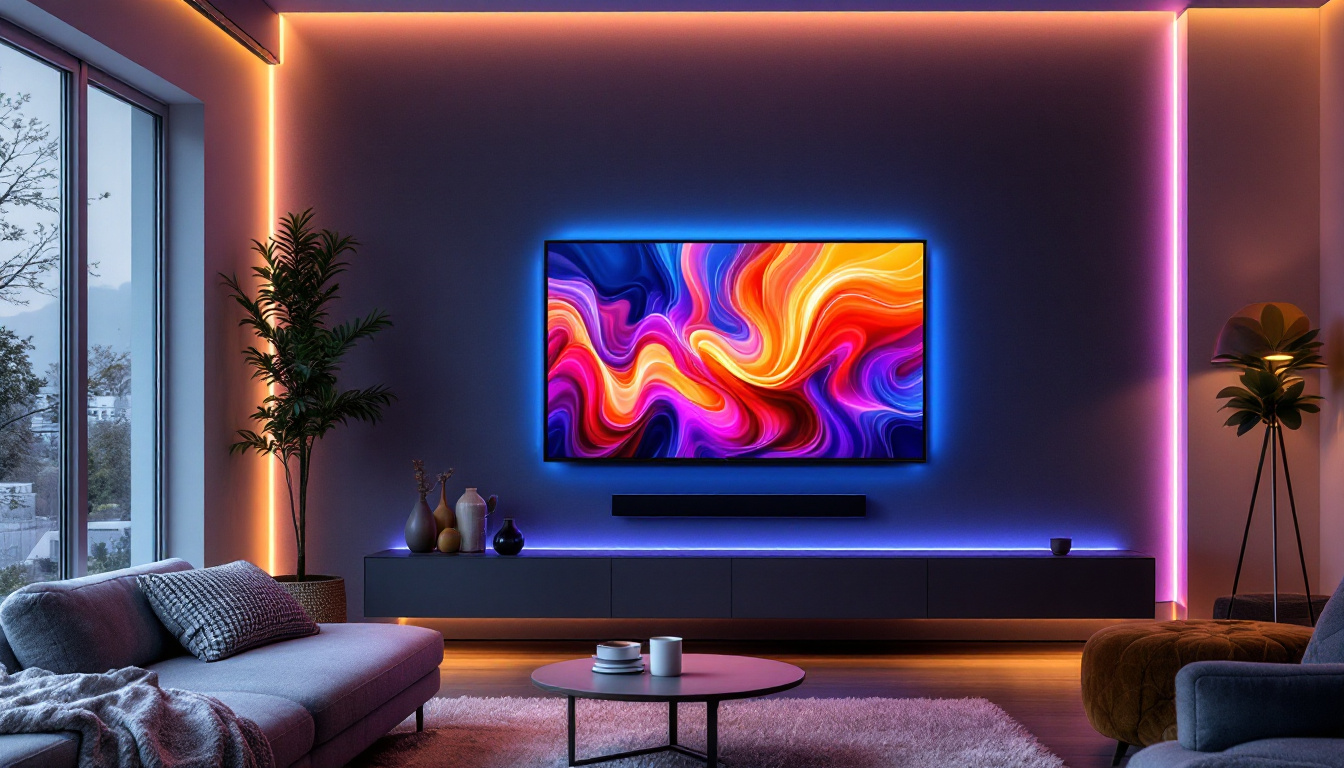
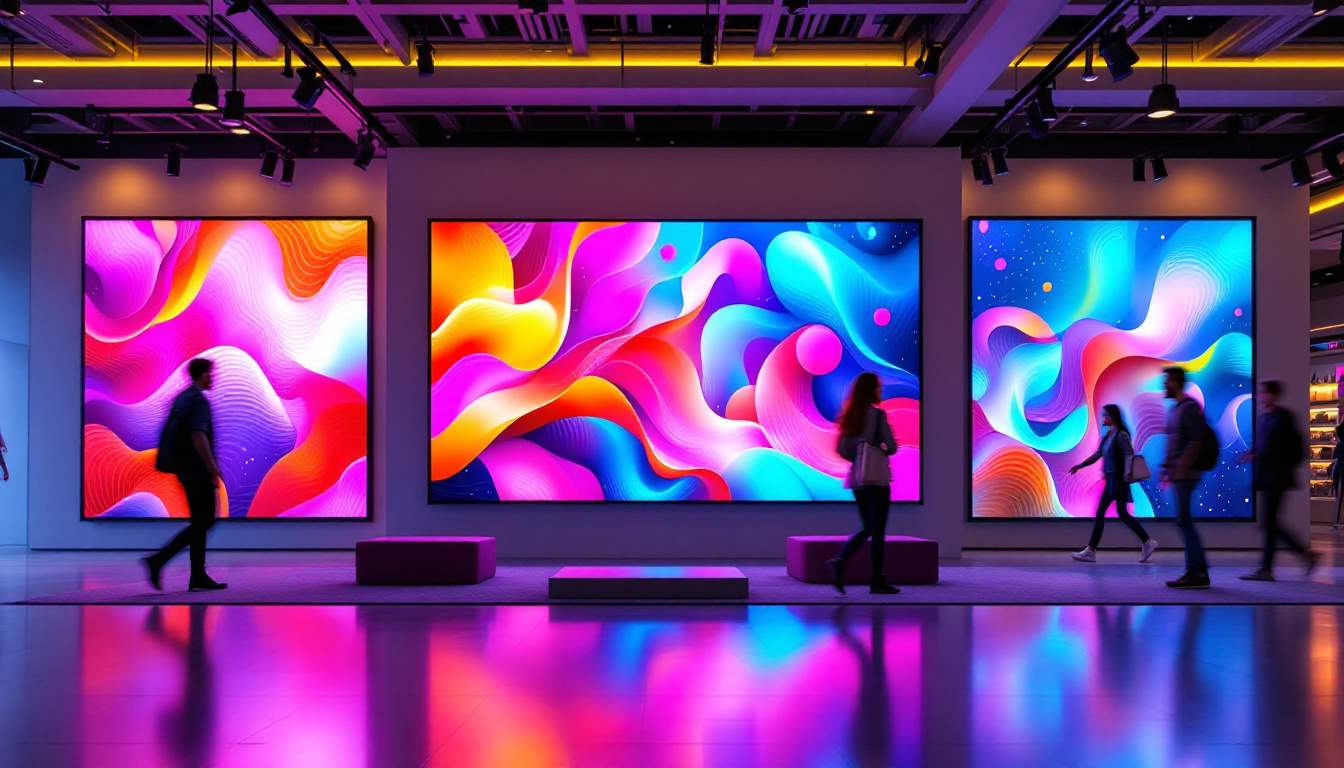
LED (Light Emitting Diode) displays are screens made up of numerous tiny light sources called LEDs. These diodes emit light when an electric current passes through them, creating vibrant images and videos. LED displays are widely used in various applications, from digital billboards and stadium screens to indoor signage and television panels.
The core advantage of LED displays lies in their brightness, energy efficiency, and longevity. Unlike LCDs, which rely on backlighting, LEDs produce their own light, resulting in better contrast and visibility, especially in bright environments. This inherent capability allows LED displays to maintain their clarity and color accuracy even when exposed to direct sunlight, making them ideal for outdoor use. Additionally, the durability of LEDs contributes to lower maintenance costs, as they are less prone to damage compared to traditional display technologies.
Key Components: Pixels and Pixel Pitch
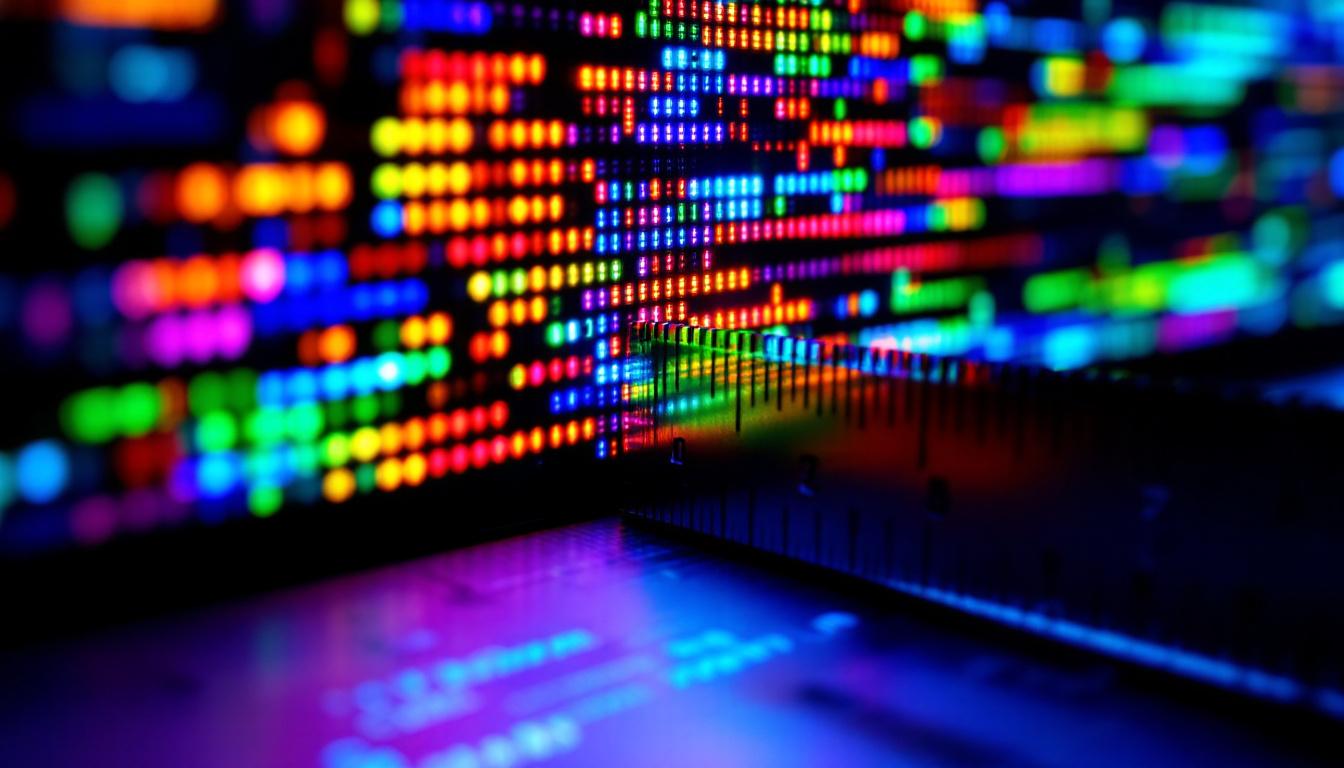
The smallest controllable element of an LED display is the pixel, which consists of one or more LEDs grouped together to display a single color or part of an image. The arrangement and density of these pixels determine the resolution and clarity of the display. Each pixel can be made up of red, green, and blue (RGB) diodes, allowing for a full spectrum of colors to be produced through varying intensities of light emitted from each diode.
Pixel pitch is a critical specification that defines the distance between the centers of two adjacent pixels. It is usually measured in millimeters but can also be expressed in thousands of an inch (mils). The smaller the pixel pitch, the higher the pixel density, resulting in sharper images and closer optimal viewing distances. For instance, a pixel pitch of 2.5 mm is suitable for indoor environments where viewers are closer to the screen, while a larger pixel pitch, such as 10 mm, is often used for outdoor applications where viewers are typically at a greater distance. Understanding pixel pitch is essential for selecting the right LED display for specific environments and ensuring the best visual experience for the audience.
Why Convert Thousands of an Inch to Millimeters?
Global Industry Standards and Communication
The LED display industry is global, with manufacturers, designers, and clients often spanning different countries and regions. While the United States commonly uses imperial units such as inches and mils (thousandths of an inch), most other countries and international standards prefer metric units like millimeters.
Converting thousands of an inch to millimeters ensures clear communication and avoids costly misunderstandings during the design, manufacturing, and installation processes. For example, a pixel pitch specified as 15 mils might be less intuitive than 0.381 mm for engineers accustomed to metric measurements.
Furthermore, the shift towards a more interconnected global market has made it essential for companies to adopt a standardized measurement system. As businesses collaborate across borders, the ability to communicate specifications in a universally understood format not only enhances efficiency but also fosters stronger partnerships. This is particularly important in industries like LED displays, where precision and accuracy are paramount to achieving optimal performance and visual quality.
Precision in Design and Manufacturing
LED display components are incredibly small and require precise measurements. Even a slight miscalculation can affect the alignment of pixels, leading to image distortion or reduced display quality. Using millimeters, which allow for decimal precision, can make it easier to work with these tiny dimensions.
Additionally, many computer-aided design (CAD) tools and manufacturing machines operate using metric units. Converting measurements to millimeters streamlines the workflow and reduces the risk of errors.
Moreover, the trend towards miniaturization in technology has further underscored the importance of precision in measurements. As LED displays become thinner and more compact, the tolerances for components shrink, making it imperative that every measurement is exact. In this context, using millimeters not only aligns with industry standards but also enhances the overall quality of the final product. Engineers and designers can leverage the finer granularity of metric measurements to innovate and push the boundaries of display technology, ensuring that the latest advancements meet the rigorous demands of modern applications.
How to Convert Thousands of an Inch to Millimeters
Understanding the Conversion Factor
A thousandth of an inch, often called a “mil,” is one-thousandth of an inch (0.001 inch). To convert mils to millimeters, use the following relationship:
1 inch = 25.4 millimeters
Therefore:
1 mil = 0.001 inch = 0.001 × 25.4 mm = 0.0254 mm
This means that each mil corresponds to approximately 0.0254 millimeters. Understanding this conversion is crucial in various fields, including manufacturing, engineering, and design, where precision is paramount. The ability to convert between these units allows professionals to communicate measurements effectively across different systems and standards, ensuring accuracy in production and quality control.
Practical Conversion Examples
To better understand the conversion, consider some common pixel pitches expressed in mils and their millimeter equivalents:
- 10 mils: 10 × 0.0254 mm = 0.254 mm
- 15 mils: 15 × 0.0254 mm = 0.381 mm
- 20 mils: 20 × 0.0254 mm = 0.508 mm
- 50 mils: 50 × 0.0254 mm = 1.27 mm
- 100 mils: 100 × 0.0254 mm = 2.54 mm
These conversions illustrate how even small changes in mil values can significantly affect the pixel pitch in millimeters, which in turn impacts display resolution and viewing distance. For instance, in the world of electronics, a difference of just a few mils can alter the performance of a circuit board, affecting everything from signal integrity to thermal management. Therefore, understanding these conversions not only aids in accurate measurements but also enhances the overall design process.
Using Conversion Tools and Software
While manual calculations are straightforward, many professionals use digital tools and software to convert units quickly and accurately. Online calculators, spreadsheet functions, and CAD software often include unit conversion features that handle these tasks seamlessly. These tools can save time and reduce the risk of human error, especially when dealing with large datasets or complex designs.
For example, in Microsoft Excel, the formula =CONVERT(value, "in", "mm") can convert inches to millimeters. To convert mils to millimeters, multiply the value in mils by 0.0254. Additionally, specialized engineering software often comes equipped with built-in conversion tools that can handle multiple units simultaneously, making it easier for engineers and designers to work with various measurement systems without the hassle of manual calculations. This capability is particularly beneficial in industries where precision is critical, such as aerospace and automotive engineering, where even the slightest measurement error can have significant consequences.
The Impact of Pixel Pitch on LED Display Performance
Resolution and Image Clarity
Pixel pitch directly influences the resolution of an LED display. A smaller pixel pitch means more pixels per unit area, resulting in higher resolution and finer image details. This is particularly important for indoor displays or applications where viewers are close to the screen.
For example, a 0.5 mm pixel pitch display (approximately 20 mils) can deliver ultra-high-definition images suitable for control rooms, broadcast studios, and retail environments. Conversely, larger pixel pitches are better suited for outdoor billboards where viewing distances are greater.
Viewing Distance Considerations
The optimal viewing distance for an LED display depends on its pixel pitch. As a rule of thumb, the minimum viewing distance (in meters) is roughly equal to the pixel pitch (in millimeters) multiplied by 1.5 to 2.
For instance, a display with a 2.5 mm pixel pitch (about 100 mils) should be viewed from approximately 3.75 to 5 meters away for the best experience. Understanding these relationships helps designers select appropriate pixel pitches based on the intended use case.
Cost and Energy Efficiency
Displays with smaller pixel pitches require more LEDs and complex electronics, increasing manufacturing costs and power consumption. Larger pixel pitches reduce these factors but at the expense of image sharpness.
Balancing pixel pitch with budget and energy considerations is essential for project success. Accurate measurement conversions ensure that specifications align with these practical constraints.
Common Applications and Industry Trends
Indoor vs Outdoor LED Displays
Indoor LED displays typically feature pixel pitches ranging from 0.9 mm to 4 mm, requiring precise measurements often expressed in millimeters for design accuracy. Outdoor displays, exposed to ambient light and viewed from longer distances, use larger pixel pitches, sometimes exceeding 10 mm.
Understanding the conversion between mils and millimeters helps manufacturers and clients communicate effectively, especially when sourcing components or comparing products globally.
Emerging Technologies and Miniaturization
Advancements in LED technology are pushing pixel pitches to ever smaller dimensions. MicroLED displays, for example, can have pixel pitches below 0.5 mm, enabling ultra-high-resolution screens for smartphones, wearables, and augmented reality devices.
As these technologies evolve, precise measurement conversions become even more critical to ensure compatibility and performance.
Conclusion: Precision Matters in LED Display Measurements
Converting thousands of an inch to millimeters is more than a simple mathematical exercise; it is a fundamental step in the design, manufacturing, and deployment of LED displays. Accurate conversions enable clear communication across international teams, ensure precise component fabrication, and ultimately contribute to delivering stunning visual experiences.
Whether specifying pixel pitch, designing new display modules, or evaluating product specifications, understanding how to convert mils to millimeters empowers professionals to make informed decisions. As LED technology continues to advance and pixel pitches shrink, this knowledge will remain indispensable in creating the vibrant displays that illuminate our world.
Explore Cutting-Edge LED Display Solutions with LumenMatrix
Ready to experience the precision and impact of advanced LED display technology? LumenMatrix is at the forefront of innovation, offering a wide range of LED display solutions tailored to meet your unique needs. From vibrant Indoor LED Wall Displays to dynamic Outdoor LED Wall Displays, and from versatile Vehicle LED Displays to engaging LED Sports Displays, our products are designed to captivate and communicate with unparalleled clarity. Discover how LumenMatrix can transform your visual presentations and help your brand shine. Check out LumenMatrix LED Display Solutions today and take the first step towards revolutionizing your visual communication.