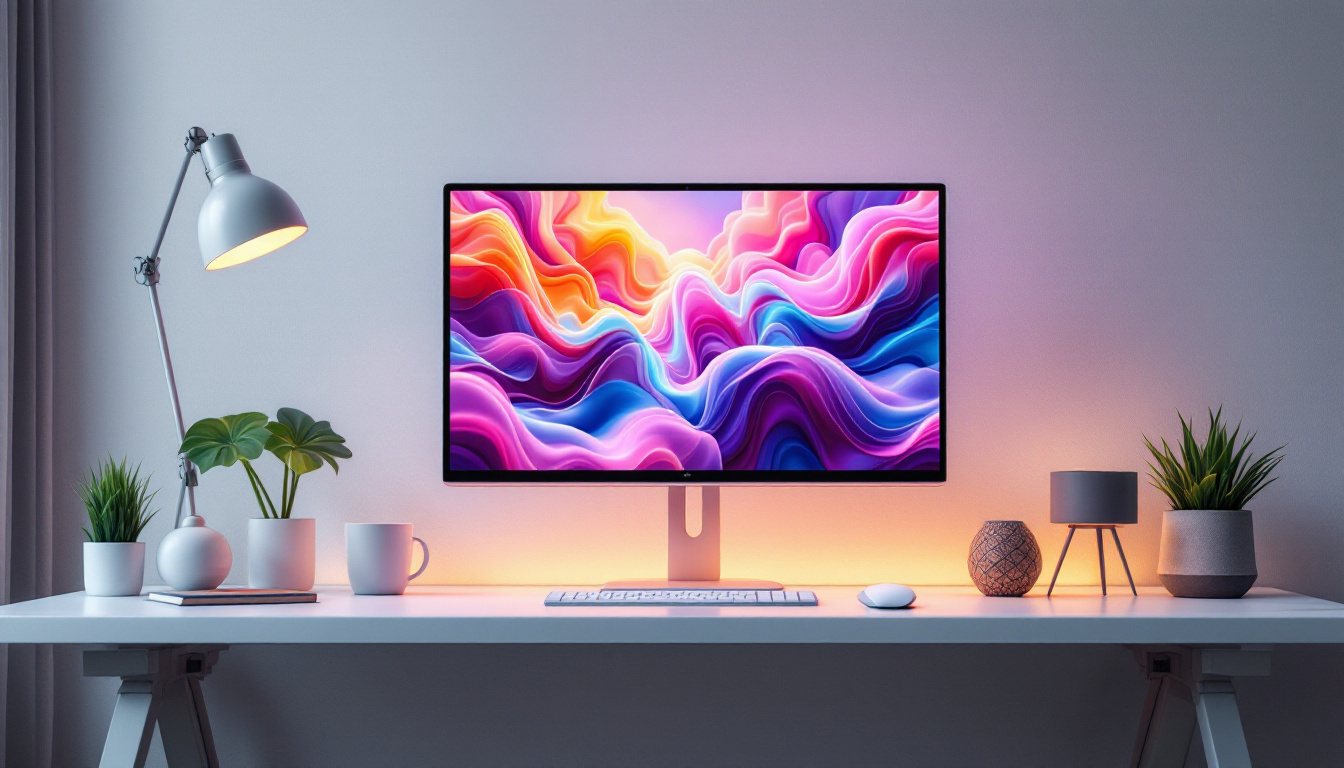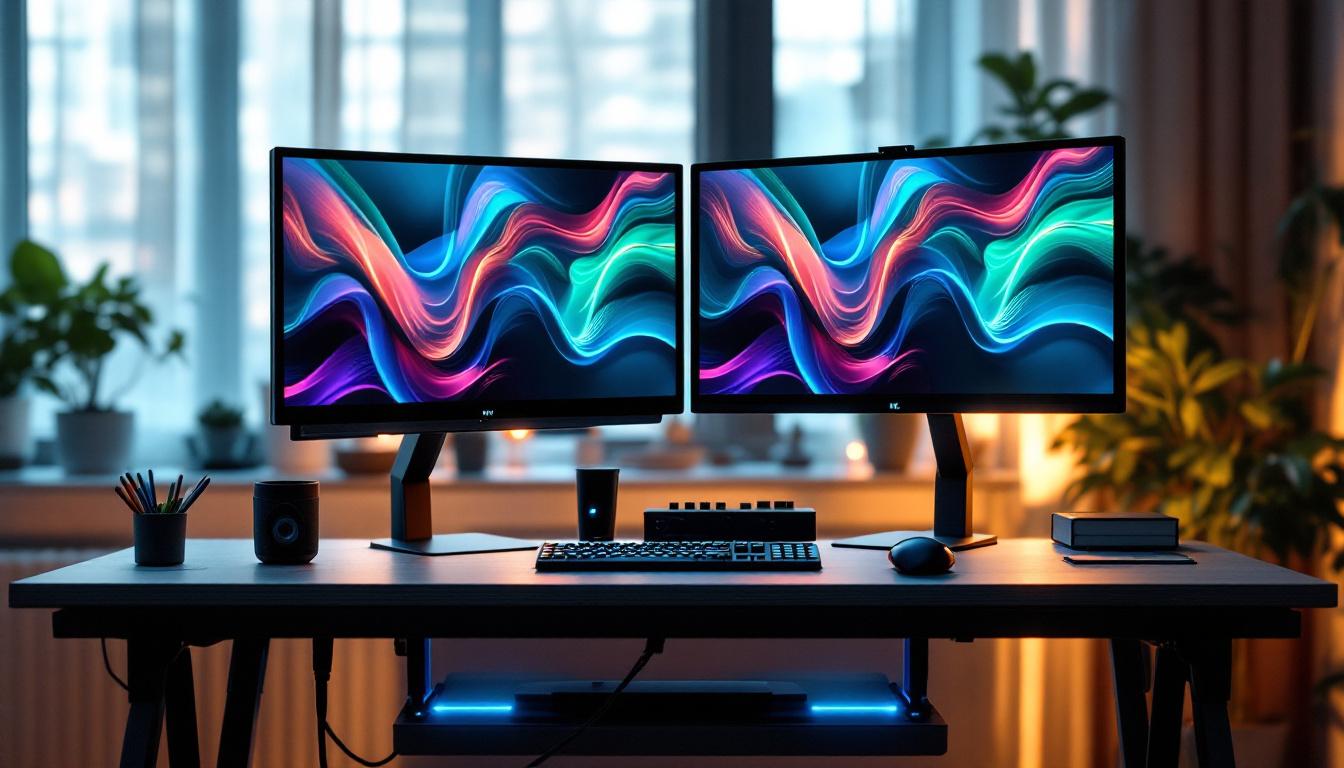
In today’s fast-paced digital world, efficiency and ergonomics are paramount for anyone working at a desk. The dual monitor stand desk, paired with LED displays, has become a popular solution for professionals seeking to enhance productivity while maintaining a comfortable workspace. This article explores the synergy between dual monitor stands and LED displays, explaining their benefits, features, and how to optimize your setup for both work and leisure.
Understanding Dual Monitor Stand Desks
What Is a Dual Monitor Stand Desk?
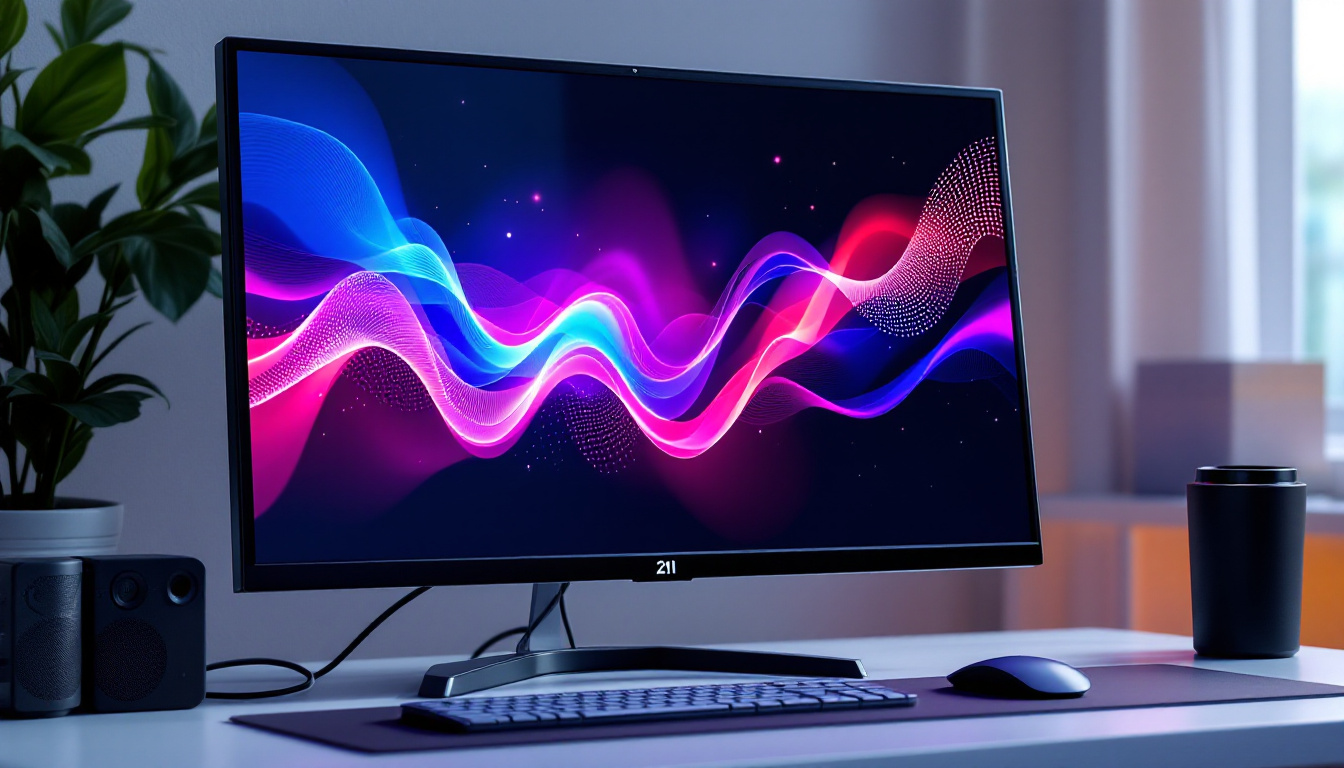
A dual monitor stand desk is a workstation setup designed to hold two monitors simultaneously, often mounted on adjustable arms or stands attached to a desk. Unlike traditional setups where monitors sit directly on the desk surface, these stands elevate the screens, allowing for better positioning and freeing up valuable desk space.
These desks often come with integrated features such as height adjustment, cable management, and swivel or tilt capabilities. The primary goal is to create an ergonomic environment that reduces neck, back, and eye strain by positioning screens at optimal viewing angles. By adjusting the height and angle of the monitors, users can maintain a more natural line of sight, which is crucial for long hours of work or gaming.
In addition to ergonomic benefits, many dual monitor stands are designed with aesthetics in mind. They often feature sleek, modern designs that can complement any office decor. Some models even offer customizable finishes or colors, allowing users to personalize their workspace further. This attention to design not only enhances the visual appeal of the workstation but also contributes to a more enjoyable and productive work environment.
Why Choose Dual Monitor Stands Over Separate Monitors?
While having two separate monitors on a desk is common, using a dual monitor stand offers several advantages:
- Space Efficiency: By lifting monitors off the desk surface, stands create more usable space for documents, keyboards, and other essentials.
- Ergonomic Flexibility: Adjustable arms allow users to customize height, angle, and distance, promoting better posture and reducing physical strain.
- Improved Cable Management: Many stands include channels or clips to organize cables neatly, reducing clutter and potential hazards.
- Enhanced Aesthetics: A unified stand provides a cleaner, more professional look compared to mismatched monitor bases.
Moreover, dual monitor stands can significantly enhance productivity. With two screens at eye level, users can easily multitask, comparing documents side by side or keeping communication tools open while working on projects. This setup is particularly beneficial for professionals in fields such as graphic design, programming, and data analysis, where having multiple sources of information readily accessible can streamline workflows and improve efficiency. Additionally, the ability to adjust the monitors independently allows users to tailor their workspace to their specific needs, whether they are collaborating with a team or focusing on individual tasks.
Another compelling reason to consider dual monitor stands is their versatility. Many stands are compatible with various monitor sizes and types, making them a flexible choice for different setups. Whether you are using a pair of large 27-inch displays or a combination of a monitor and a laptop, these stands can accommodate your needs. Some advanced models even support features like rotation for portrait or landscape modes, catering to different tasks such as reading long documents or coding. This adaptability ensures that your workstation can evolve with your changing requirements, making it a worthwhile investment for both home and office environments.
The Role of LED Displays in Dual Monitor Setups
What Are LED Displays?
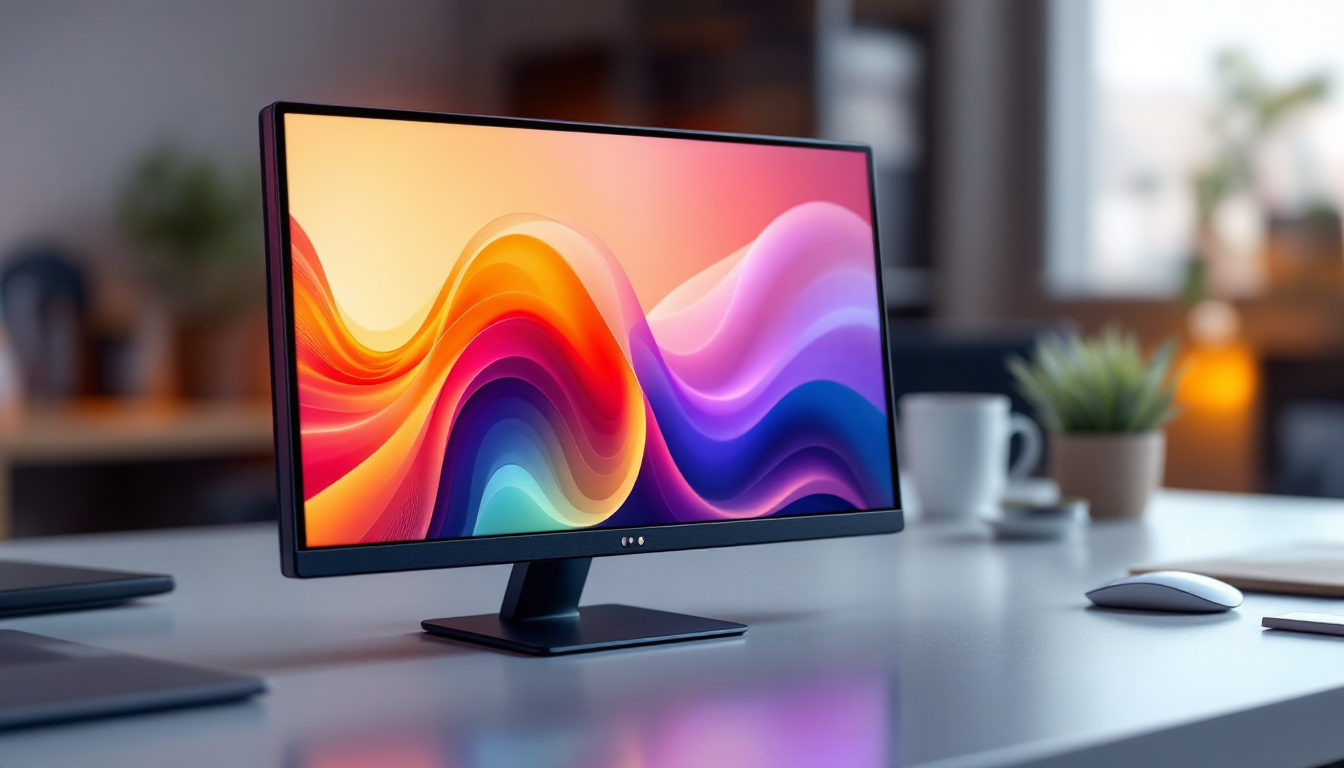
LED (Light Emitting Diode) displays are a type of LCD screen that uses LED backlighting instead of traditional fluorescent lights. This technology offers several benefits, including better brightness, contrast, and energy efficiency.
LED displays have become the standard for computer monitors due to their superior image quality and thinner profiles. When integrated into dual monitor setups, they provide clear, vibrant visuals essential for tasks ranging from graphic design to financial analysis.
Advantages of LED Monitors for Dual Displays
Choosing LED monitors for a dual setup enhances the overall user experience in several ways:
- Energy Efficiency: LED monitors consume less power than older LCD or CRT models, reducing electricity costs and environmental impact.
- Better Color Accuracy: Many LED displays offer wide color gamuts and high color accuracy, crucial for creative professionals.
- Improved Brightness and Contrast: LED backlighting provides sharper images with deeper blacks and brighter whites, reducing eye strain over long periods.
- Thin and Lightweight Design: Slim profiles make it easier to mount monitors on dual stands without adding excessive weight or bulk.
Choosing the Right Dual Monitor Stand Desk for LED Displays
Key Features to Consider
When selecting a dual monitor stand desk for LED displays, several factors should guide your decision to ensure compatibility and comfort:
- Weight Capacity: Verify that the stand can support the combined weight of both LED monitors. LED screens vary in weight depending on size and model.
- Adjustability: Look for stands offering height, tilt, swivel, and rotation adjustments. This flexibility allows users to customize their viewing angles and reduce strain.
- Mounting Compatibility: Most monitors use the VESA mounting standard (usually 75×75 mm or 100×100 mm). Ensure the stand supports your monitors’ VESA pattern.
- Desk Clamp or Grommet Mount: Choose a mounting method that fits your desk type. Clamps attach to the desk edge, while grommet mounts require a hole in the desk surface.
- Cable Management: Integrated cable channels or clips help keep cords organized and out of sight.
Popular Dual Monitor Stand Desk Models
Several brands have developed highly rated dual monitor stands tailored for LED displays. For example, the Ergotron LX Dual Stacking Arm is known for its robust build and wide range of motion, supporting monitors up to 25 pounds each. Another option is the AmazonBasics Premium Dual Monitor Stand, which offers a more budget-friendly solution with solid adjustability and cable management.
Choosing the right model depends on your specific needs, including monitor size, desk space, and budget. Reading user reviews and consulting product specifications can help narrow down the best fit.
Ergonomics and Productivity Benefits of Dual Monitor LED Setups
How Dual Monitors Improve Workflow
Studies have shown that dual monitor setups can increase productivity by up to 42%, according to a report by Jon Peddie Research. Having two screens allows users to multitask more efficiently, such as referencing documents on one screen while writing on the other or monitoring communications while working on a project.
This setup reduces the need to constantly switch between tabs or windows, minimizing cognitive load and saving time. For professions like software development, financial trading, and content creation, dual monitors are almost indispensable.
Ergonomic Advantages of Using Adjustable Stands
Proper ergonomics are critical to preventing repetitive strain injuries and maintaining comfort during long work hours. Adjustable dual monitor stands help achieve this by:
- Aligning Monitors at Eye Level: Reduces neck and shoulder strain by preventing downward or upward head tilting.
- Allowing Optimal Viewing Distance: Helps avoid eye strain by positioning screens at the recommended distance, typically 20-30 inches from the eyes.
- Enabling Screen Rotation: Facilitates switching between landscape and portrait modes, useful for coding or reading long documents.
- Reducing Desk Clutter: Frees up space for ergonomic accessories like wrist rests and document holders.
LED Display Technologies and Their Impact on Dual Monitor Use
Types of LED Displays
Not all LED displays are created equal. The technology behind the screen can influence image quality and user experience. Common types include:
- Edge-Lit LED: LEDs are positioned around the edges of the screen, allowing for thinner panels but sometimes uneven brightness.
- Full-Array LED: LEDs are spread evenly behind the screen, providing better uniformity and contrast.
- Mini-LED: Uses thousands of tiny LEDs for precise backlighting control, offering superior contrast and HDR performance.
- OLED (Organic LED): Although not strictly LED, OLED displays offer self-emissive pixels with perfect blacks and vibrant colors, but are less common in computer monitors due to cost.
Choosing the Right LED Display for Your Needs
When integrating LED displays into a dual monitor setup, consider your primary use cases:
- Professional Color Work: Look for monitors with wide color gamut support (Adobe RGB, DCI-P3) and factory calibration.
- General Office Use: Standard LED monitors with good brightness and anti-glare coatings suffice.
- Gaming and Multimedia: High refresh rates (120Hz or higher) and low response times improve the experience.
Matching monitor specifications across the two screens can also create a more seamless visual experience, avoiding jarring differences in color or brightness.
Setting Up and Maintaining Your Dual Monitor LED Stand Desk
Step-by-Step Setup Guide
Proper setup ensures maximum benefit from your dual monitor stand desk:
- Assemble the Stand: Follow manufacturer instructions carefully, ensuring all screws and clamps are securely fastened.
- Mount the Monitors: Attach each LED monitor to the stand using the VESA mounts, double-checking weight limits.
- Adjust Positioning: Set height, tilt, and swivel to align both monitors at eye level and comfortable viewing angles.
- Connect Cables: Use the stand’s cable management features to route power, HDMI, DisplayPort, or USB cables neatly.
- Calibrate Displays: Use built-in or third-party calibration tools to match color and brightness across both monitors.
Maintenance Tips for Longevity
To keep your dual monitor stand desk and LED displays in optimal condition:
- Regular Cleaning: Use microfiber cloths and screen-safe cleaners to remove dust and smudges.
- Check Mounts Periodically: Tighten any loose screws or clamps to maintain stability.
- Update Drivers: Keep your monitor firmware and graphics drivers up to date for best performance.
- Monitor Usage: Avoid static images for prolonged periods to prevent image retention on LED screens.
Conclusion: Enhancing Workspaces with Dual Monitor Stand Desks and LED Displays
The combination of dual monitor stand desks and LED displays represents a significant advancement in workspace design, marrying ergonomic principles with cutting-edge display technology. This setup not only boosts productivity by enabling efficient multitasking but also promotes user health through customizable positioning and reduced strain.
Whether for professional environments, home offices, or creative studios, investing in a quality dual monitor stand desk paired with high-quality LED displays can transform the way work is done. By understanding the features, benefits, and setup considerations detailed above, users can create a workspace that is both functional and comfortable, ready to meet the demands of modern computing.
Discover the Future of Visual Engagement with LumenMatrix
Ready to elevate your workspace and embrace the future of visual communication? LumenMatrix offers a wide array of innovative LED display solutions that seamlessly integrate with dual monitor stand desks, ensuring your environment is not only productive but also visually stunning. From captivating Indoor LED Walls to dynamic Outdoor LED Displays, and even specialized solutions like Vehicle and Sports LED Displays, LumenMatrix is at the forefront of creating immersive experiences. Don’t just work smarter; inspire and engage with every pixel. Check out LumenMatrix LED Display Solutions today and transform your space into a hub of creativity and efficiency.