Wall Mounted PC Setup: LED Display Explained
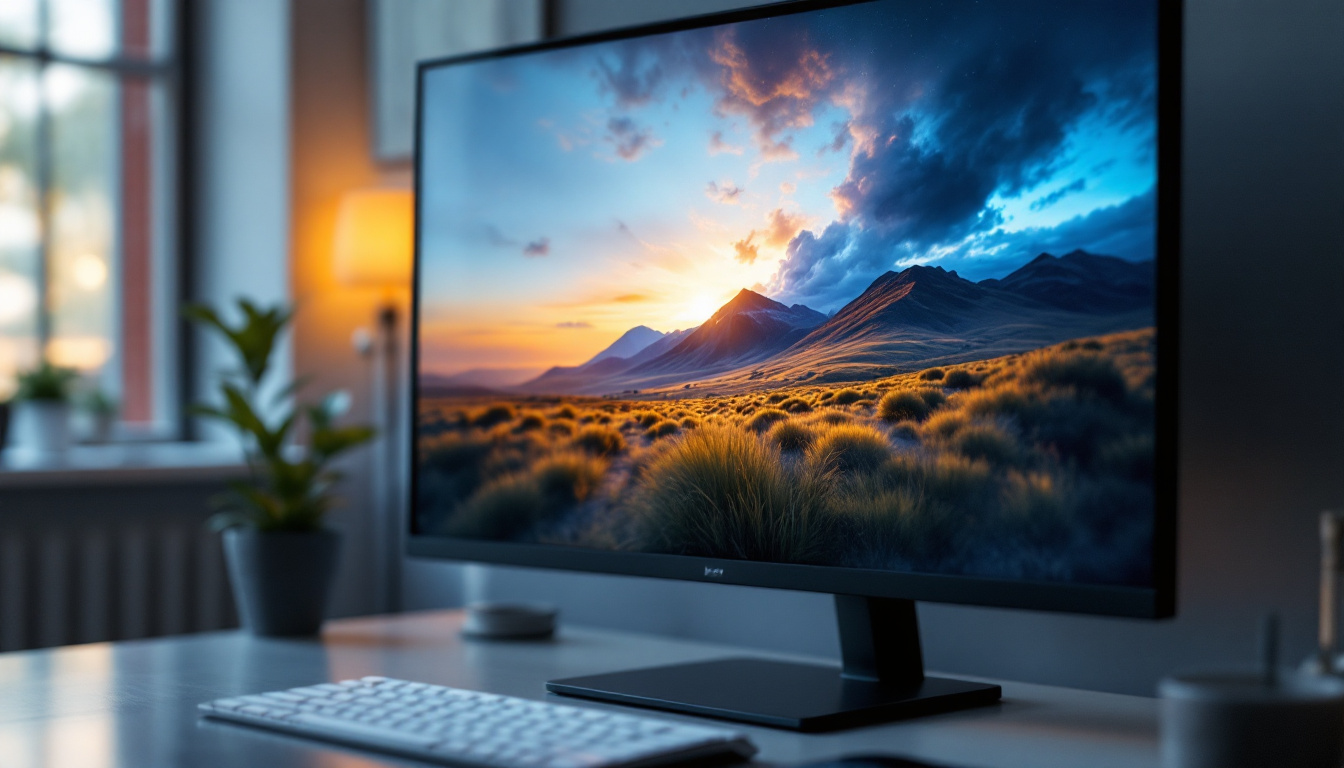
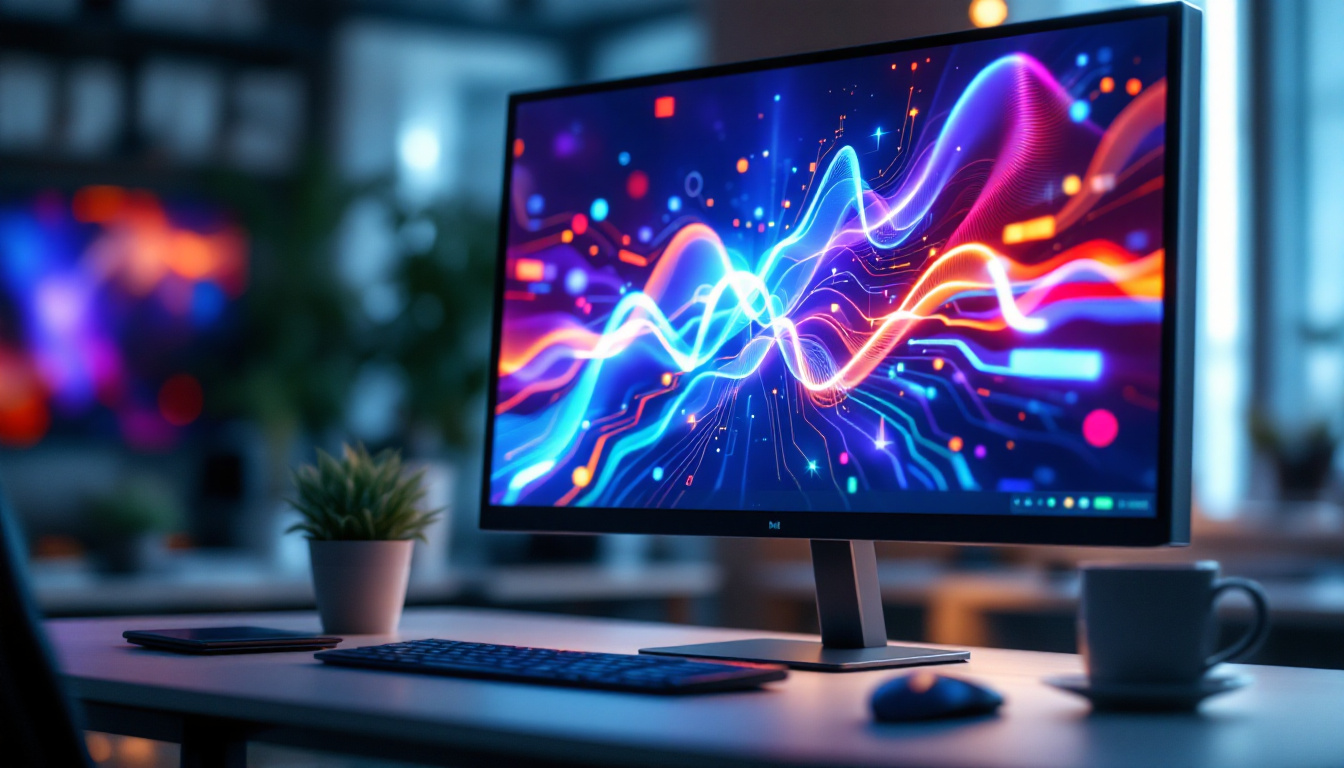
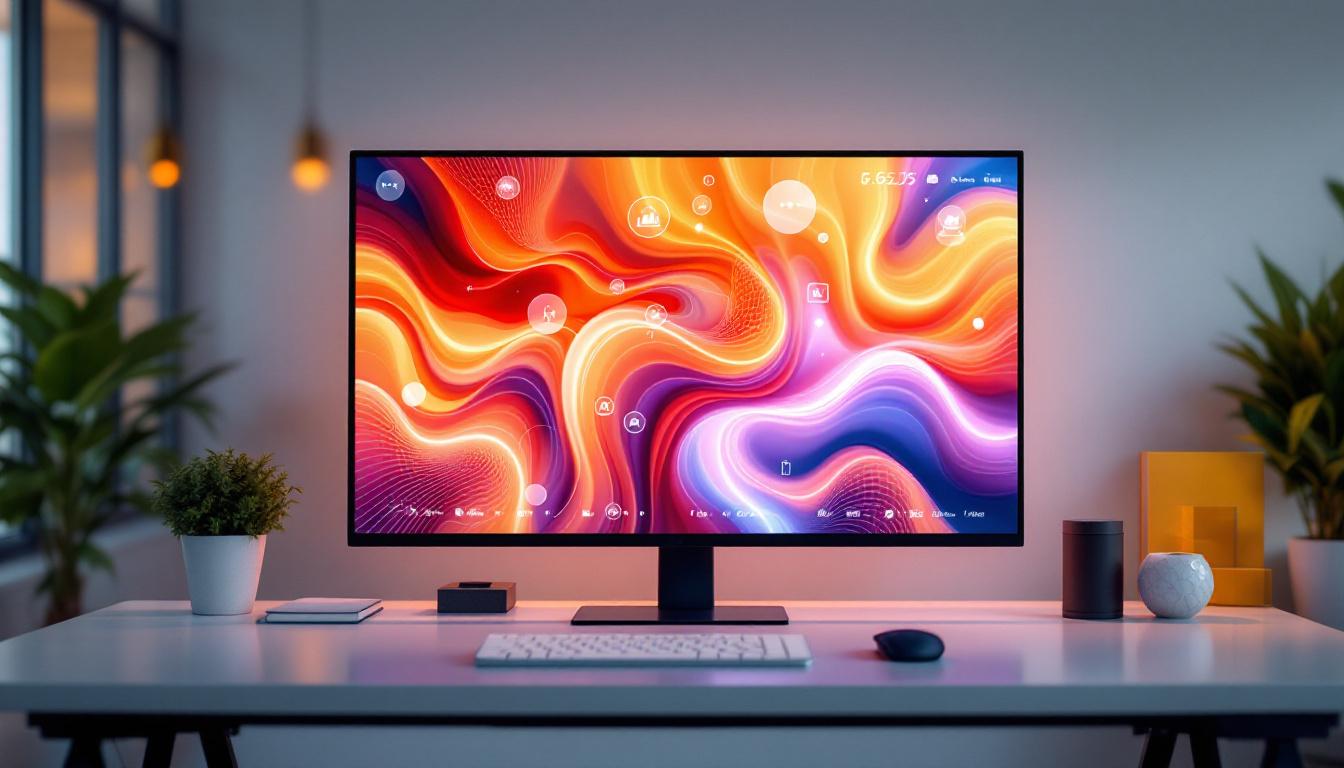
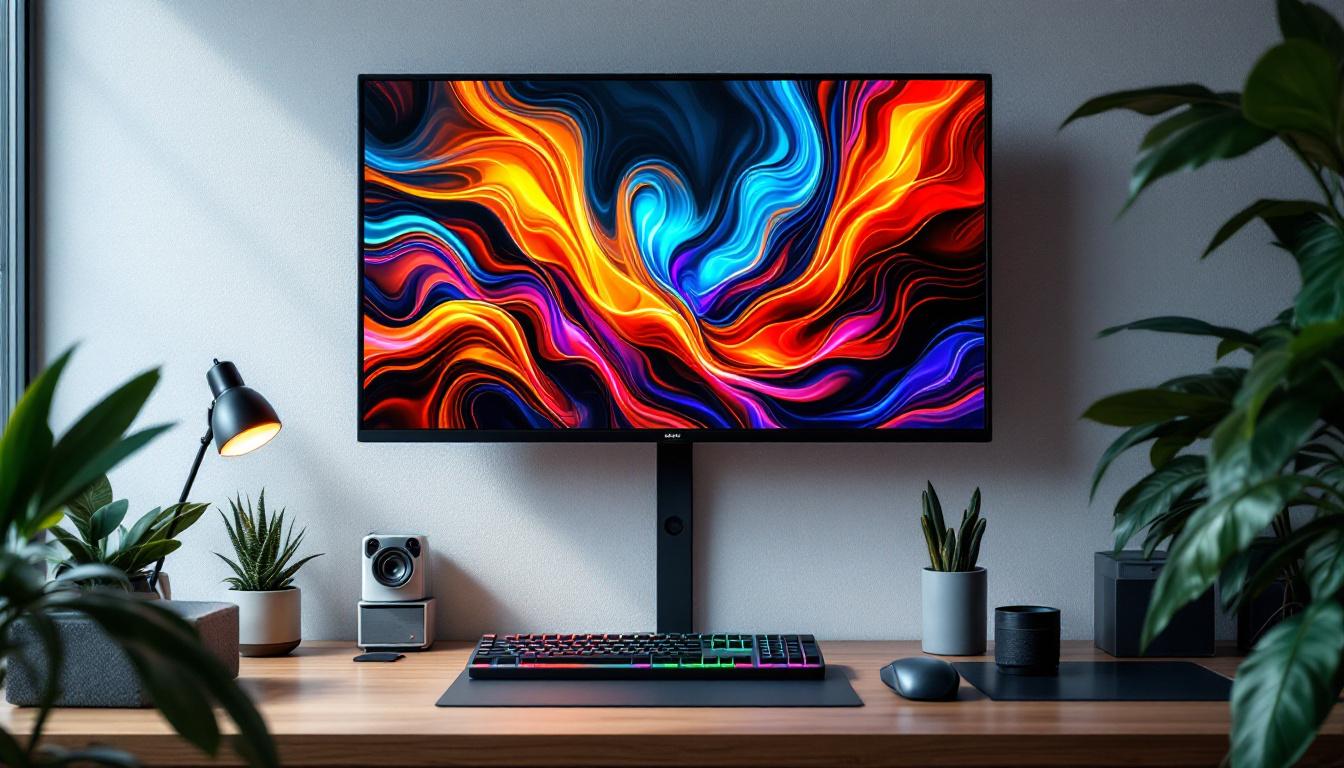
In the evolving landscape of workspace design and home entertainment, wall-mounted PC setups have become increasingly popular. They offer a sleek, space-saving solution that blends technology with modern aesthetics. Central to these setups is the LED display, a critical component that not only defines the visual experience but also impacts performance, ergonomics, and overall usability.
This article delves into the intricacies of wall-mounted PC setups, focusing on the role of LED displays. From understanding the technology behind LED screens to exploring mounting options and optimizing your setup, this comprehensive guide aims to equip you with the knowledge needed to create a functional and visually stunning wall-mounted PC environment.
Understanding LED Displays in Wall-Mounted PC Setups
What is an LED Display?
LED stands for Light Emitting Diode, a technology widely used in modern display screens. Unlike traditional LCDs that rely on fluorescent backlighting, LED displays use an array of tiny diodes that emit light when an electric current passes through them. This results in brighter images, better contrast ratios, and improved energy efficiency.
In the context of wall-mounted PCs, LED displays are favored for their thin profiles and vibrant picture quality. These attributes make them ideal for mounting on walls where space is limited and visual clarity is paramount. Furthermore, the sleek design of LED displays complements contemporary interior aesthetics, allowing them to blend seamlessly into various environments, from home offices to creative studios.
Types of LED Displays: Edge-Lit vs. Direct-Lit vs. OLED
When selecting an LED display for a wall-mounted PC, understanding the different types is crucial. Edge-lit LED displays position LEDs along the screen’s edges, using light guides to illuminate the panel. This design allows for ultra-thin screens but can sometimes lead to uneven brightness. Despite this, edge-lit displays are often more affordable and lightweight, making them a popular choice for casual users.
Direct-lit LED displays place LEDs directly behind the screen, providing more uniform lighting and better contrast. However, these screens tend to be thicker, which might affect the flush mounting on walls. They are particularly advantageous for users who prioritize picture quality over aesthetics, as the improved lighting can significantly enhance the viewing experience. On the other hand, while OLED (Organic LED) displays are technically different from traditional LED screens, they are often grouped together due to their self-emissive pixels that produce exceptional color accuracy and contrast. OLEDs are thinner and offer superior viewing angles, making them an excellent choice for premium wall-mounted PC setups. Their ability to produce true blacks and vibrant colors can transform any media consumption into a visually stunning experience.
Key Specifications to Consider
When choosing an LED display for your wall-mounted PC, several specifications influence performance and user experience:
- Resolution: Higher resolutions like 4K (3840×2160) provide crisp images and more screen real estate, essential for productivity and gaming.
- Refresh Rate: A higher refresh rate (120Hz or above) results in smoother motion, beneficial for gaming and video editing.
- Response Time: Lower response times reduce motion blur, improving clarity in fast-moving visuals.
- Brightness: Measured in nits, higher brightness levels ensure visibility even in brightly lit rooms.
- Color Accuracy: Important for creative professionals, displays with wide color gamuts and factory calibration deliver true-to-life colors.
In addition to these specifications, it is also essential to consider the connectivity options available on the display. Modern LED displays often come equipped with multiple HDMI and DisplayPort inputs, allowing for seamless integration with various devices such as gaming consoles, laptops, and streaming devices. Furthermore, built-in features like USB hubs and wireless connectivity can enhance the versatility of your setup, enabling easy access to peripherals and reducing cable clutter. As technology continues to evolve, many displays now also support advanced features like HDR (High Dynamic Range), which enhances the color and contrast range, providing an even more immersive viewing experience.
Benefits of a Wall-Mounted PC Setup
Space Optimization and Aesthetics
One of the primary advantages of mounting your PC display on the wall is the significant space-saving benefit. Desks can be kept clutter-free, allowing for a cleaner, more organized workspace. This is particularly valuable in small rooms or home offices where every inch counts.
From an aesthetic perspective, wall-mounted setups contribute to a minimalist and modern look. With the right cable management solutions, wires can be hidden within walls or behind panels, creating a seamless visual flow that enhances the overall room design.
Ergonomics and Viewing Comfort
Proper placement of the display at eye level reduces neck and eye strain, promoting better posture during extended use. Wall mounts often come with adjustable arms or tilting mechanisms, enabling users to customize the screen angle and height for optimal comfort.
Additionally, positioning the display away from glare sources such as windows or overhead lighting is easier with wall mounts, improving visibility and reducing eye fatigue.
Enhanced Security and Durability
Wall-mounted PCs are less susceptible to accidental knocks or spills, which can be common in traditional desk setups. This added protection is especially beneficial in environments like public kiosks, retail displays, or shared workspaces.
Moreover, mounting the display securely on the wall can deter theft or tampering, providing peace of mind in both home and professional settings.
Choosing the Right Wall Mount for Your LED Display
Types of Wall Mounts
Wall mounts come in various designs, each offering different levels of flexibility and support:
- Fixed Mounts: These hold the display flat against the wall with no movement. They are ideal for setups where the viewing angle is constant.
- Tilting Mounts: Allow the screen to tilt vertically, helping to reduce glare and improve viewing angles.
- Full-Motion (Articulating) Mounts: Provide the most flexibility, enabling the display to extend, swivel, and tilt. These are perfect for multi-user environments or rooms with varying seating arrangements.
Weight and VESA Compatibility
Before purchasing a wall mount, it is essential to check the weight capacity and VESA (Video Electronics Standards Association) compatibility of the mount relative to your LED display. VESA standards define the mounting hole pattern on the back of the display, commonly ranging from 75×75 mm to 400×400 mm or larger for ultra-wide screens.
Ensuring that the mount supports the weight and matches the VESA pattern of your display guarantees a secure and stable installation.
Installation Considerations
Proper installation is critical for safety and performance. It is recommended to mount the display on wall studs or use appropriate anchors for drywall to support the weight reliably. For heavier or larger displays, professional installation may be advisable.
Additionally, planning cable routing during installation helps maintain a clean look. Options include in-wall cable management systems, surface raceways, or wireless solutions where feasible.
Optimizing Your Wall-Mounted PC Setup
Choosing the Right PC Components
When integrating a PC with a wall-mounted LED display, consider compact and efficient components that complement the setup:
- Mini PCs or NUCs: These small form-factor computers can be mounted behind the display or nearby, minimizing clutter.
- External GPUs: For users requiring high graphical performance, external GPU enclosures can provide the necessary power without bulky desktop towers.
- Wireless Peripherals: Keyboards and mice with wireless connectivity reduce cable mess and enhance mobility.
Ergonomic Accessories and Lighting
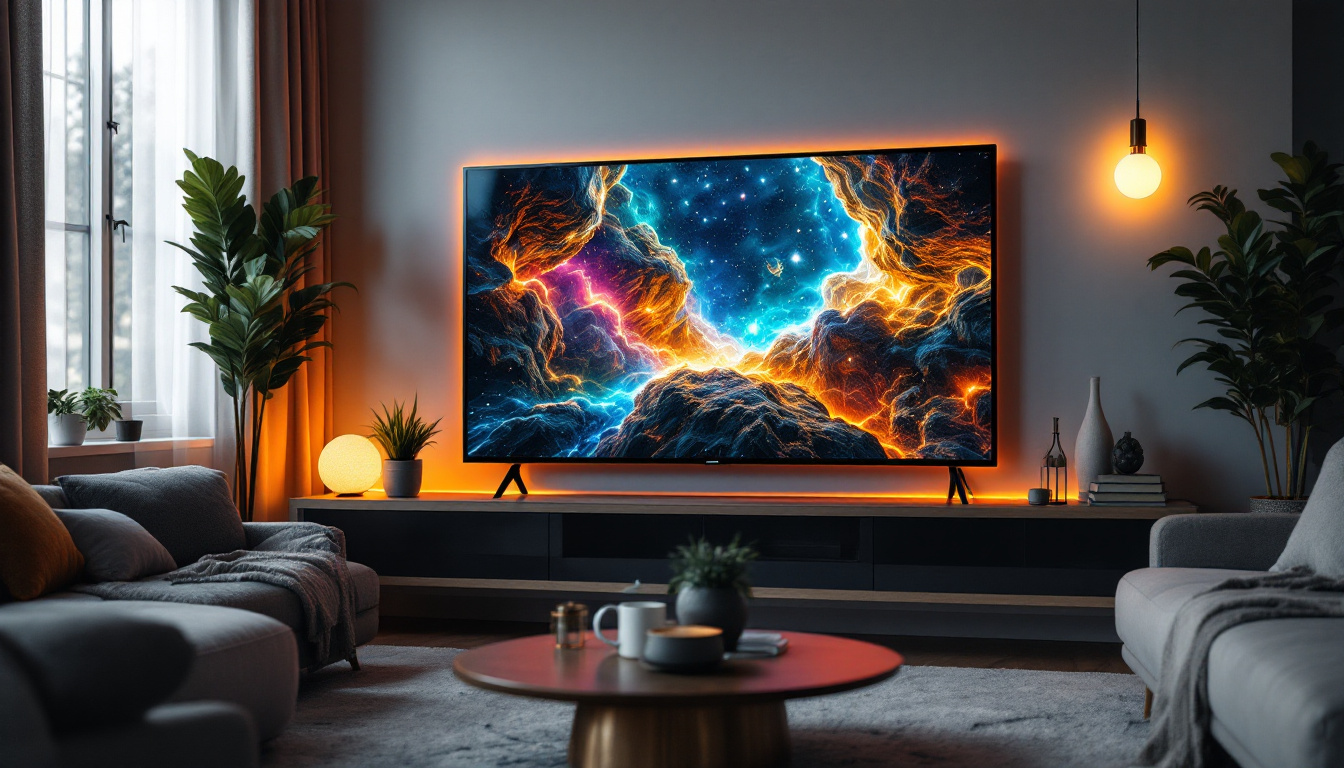
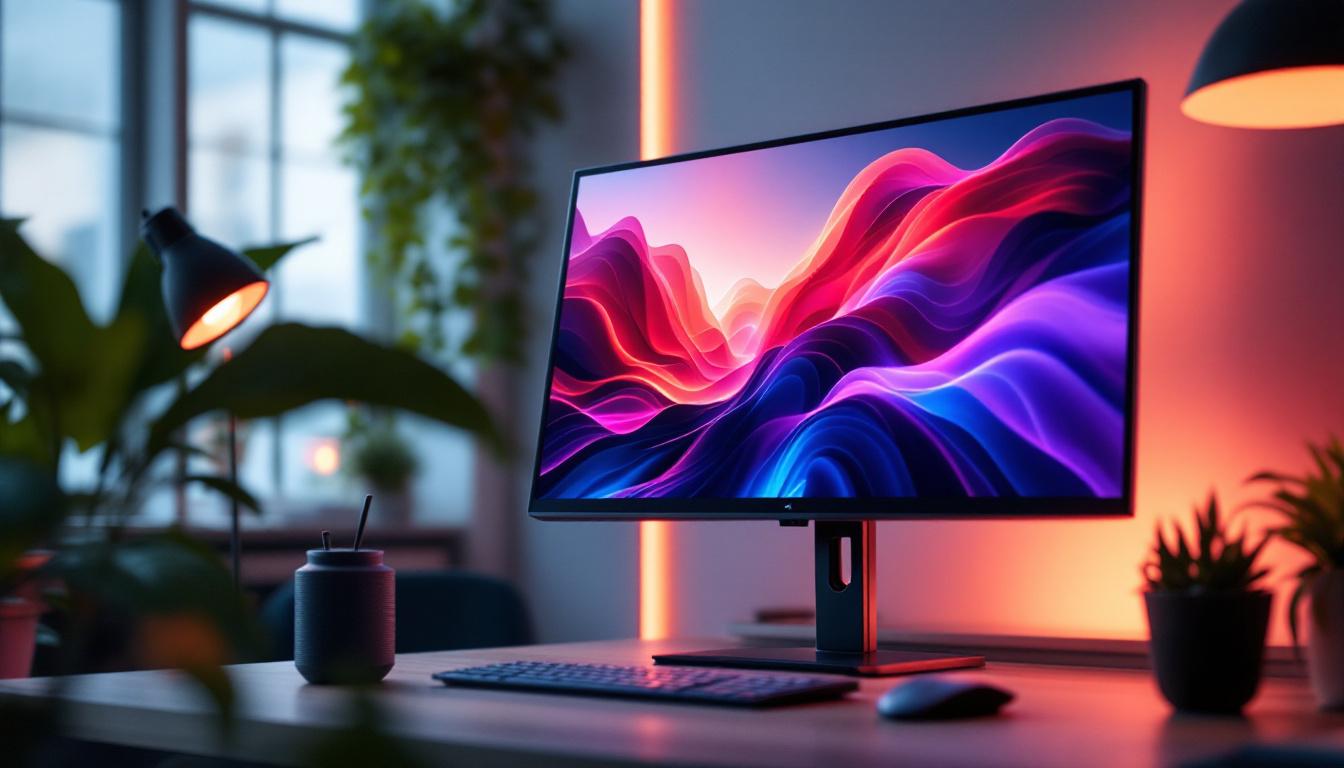
To further enhance comfort and usability, invest in ergonomic accessories such as adjustable chairs and desks that complement the wall-mounted display’s height. Proper ambient lighting, including bias lighting behind the display, can reduce eye strain and improve perceived contrast.
Software and Calibration
Calibrating your LED display ensures accurate colors and optimal brightness. Tools like colorimeters and calibration software can help achieve professional-grade results, especially important for creative work.
Additionally, configuring display settings such as scaling, refresh rate, and color profiles through your operating system or graphics card software can tailor the experience to your specific needs.
Common Challenges and How to Overcome Them
Heat Management
Wall-mounted setups can sometimes restrict airflow around the display and PC components, potentially leading to overheating. To mitigate this, ensure there is adequate ventilation space behind the display and consider using cooling pads or fans for compact PCs.
Cable Management
Managing cables in a wall-mounted setup can be challenging but is essential for aesthetics and safety. Use cable raceways, in-wall conduits, or adhesive clips to route cables neatly. Wireless peripherals and powerline adapters can further reduce cable clutter.
Accessibility for Maintenance
While wall mounting offers a clean look, it can complicate access for upgrades or troubleshooting. Opt for mounts that allow easy removal or tilting of the display, and plan component placement to maintain accessibility.
Future Trends in Wall-Mounted PC and LED Display Technology
Advancements in Display Technology
Emerging technologies such as MicroLED and Quantum Dot displays promise even better brightness, color accuracy, and energy efficiency. These innovations will further enhance the visual experience of wall-mounted PC setups.
Integration with Smart Home Systems
Increasingly, wall-mounted PCs and displays are being integrated into smart home ecosystems. Voice control, automated lighting adjustments, and seamless connectivity with other devices are becoming standard features, making setups more intuitive and user-friendly.
Wireless and Modular Components
Future setups will likely emphasize wireless connectivity and modular designs, allowing users to customize and upgrade components with minimal disruption to the setup. This trend supports the growing demand for flexible and adaptive work and entertainment environments.
Conclusion
Wall-mounted PC setups featuring LED displays combine functionality with modern design, offering a compelling solution for both professional and personal use. Understanding the technology behind LED displays, selecting the appropriate mounting hardware, and optimizing the setup for ergonomics and performance are key to achieving the best experience.
As display and PC technologies continue to evolve, wall-mounted configurations will become even more versatile and integrated, supporting a wide range of applications from gaming and content creation to smart home control and digital signage. Investing time in planning and executing a well-thought-out wall-mounted PC setup ensures a future-proof and visually impressive environment.
Discover the Future of Visual Display with LumenMatrix
Ready to elevate your wall-mounted PC setup with the latest in LED display technology? LumenMatrix is at the forefront of innovation, offering a diverse range of LED display solutions tailored to your needs. From captivating Indoor LED Walls to dynamic Outdoor LED Displays, and from sleek LED Posters to immersive Floor LED Displays, our products are designed to transform your space and engage your audience. Experience the pinnacle of visual communication and make a lasting impression. Check out LumenMatrix LED Display Solutions today and step into a world where clarity and impact go hand in hand.