In the world of digital signage and electronic displays, understanding the technical settings of LED displays is crucial for achieving optimal performance. Among these settings, SLP (Scan Line Period) settings play a pivotal role in determining the quality and efficiency of LED screens. This article delves into the intricacies of SLP settings, explaining their significance, how they impact LED display performance, and best practices for configuring them correctly.
Understanding LED Display Technology
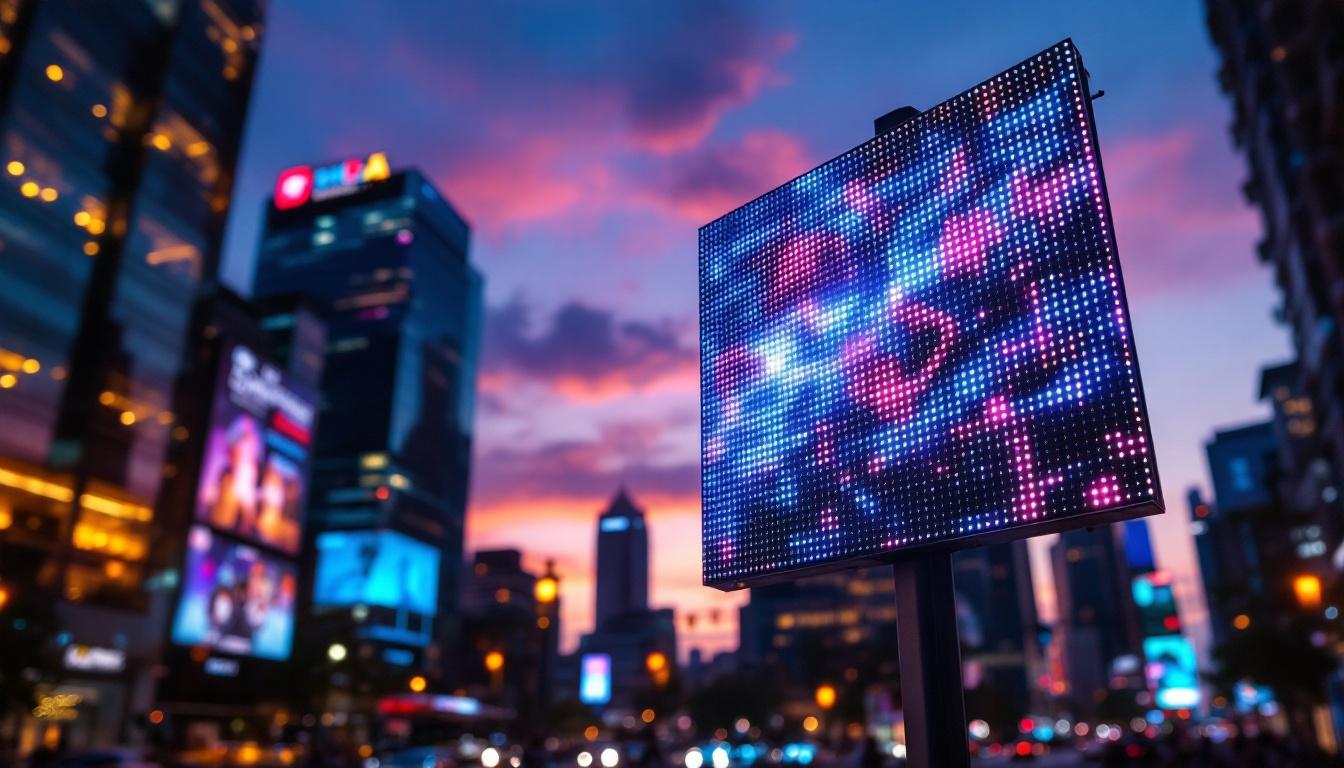
LED (Light Emitting Diode) displays have become the standard for vibrant, energy-efficient, and durable digital signage. Unlike LCDs, which rely on backlighting, LED displays emit light directly from each diode, resulting in higher brightness, better contrast, and wider viewing angles. This direct emission of light allows for deeper blacks and more vivid colors, making LED displays particularly appealing for environments where visual impact is paramount, such as retail spaces, concert venues, and outdoor advertising.
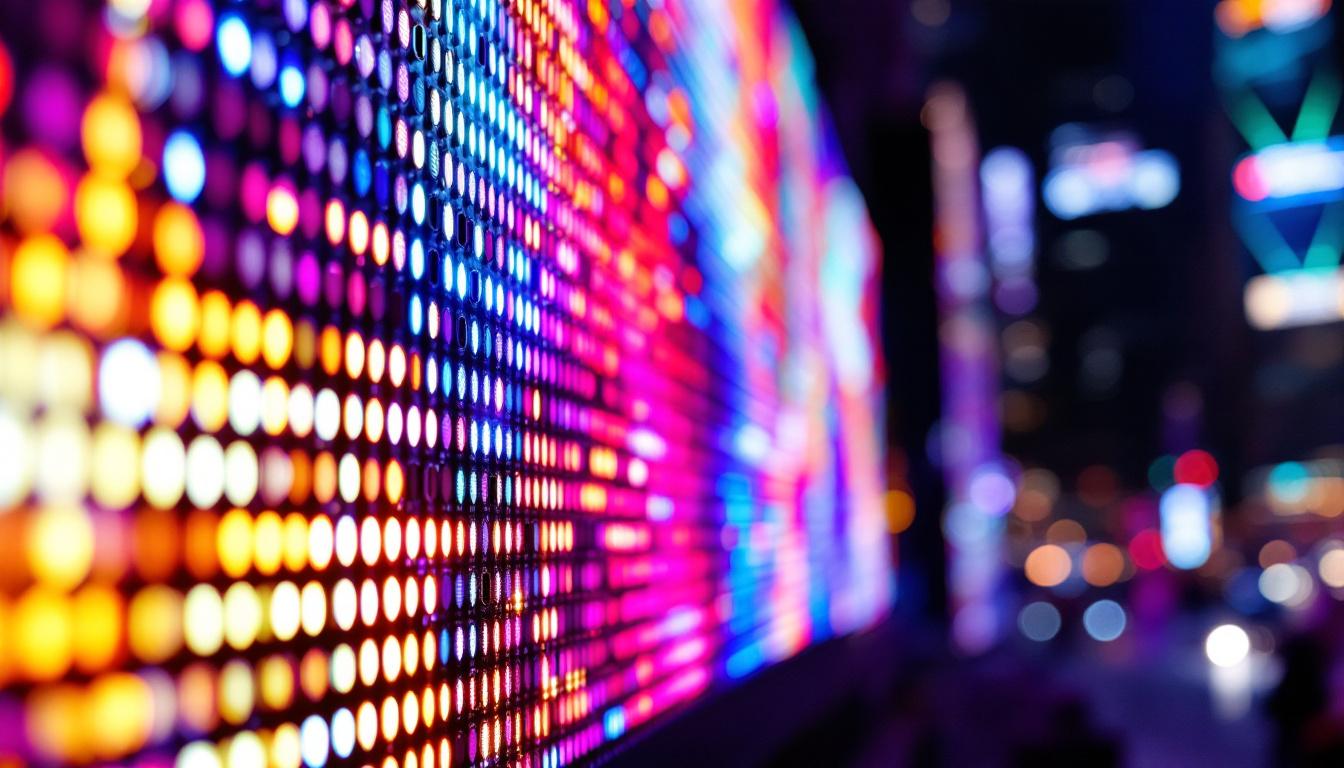
Modern LED displays consist of thousands to millions of tiny LEDs arranged in a matrix. These LEDs are controlled by a driver system that manages the timing and intensity of each diode. The precision of this control is essential for rendering clear and stable images, especially in large-format displays used in advertising, sports arenas, and public information systems. Furthermore, advancements in technology have led to the development of flexible LED displays, which can be shaped and installed in various configurations, opening up new possibilities for creative advertising and artistic installations.
The Role of Timing in LED Displays
The quality of the image on an LED display depends heavily on the timing signals that control when and how each LED is illuminated. This is where scan timing parameters, including the Scan Line Period (SLP), come into play. The SLP determines the duration for which each scan line is activated during the refresh cycle, directly influencing the display’s refresh rate, brightness uniformity, and power consumption. A well-optimized SLP not only enhances the visual experience by reducing flicker and motion blur but also contributes to the longevity of the display by minimizing thermal stress on the diodes.
Moreover, the synchronization of these timing signals is crucial when multiple LED displays are used in tandem, such as in video walls or large-scale outdoor installations. In such cases, precise timing ensures that the images across all displays are aligned seamlessly, creating a cohesive visual experience. Additionally, modern LED technology incorporates intelligent algorithms that adapt the timing based on environmental conditions, such as ambient light, which can further enhance visibility and energy efficiency. As LED technology continues to evolve, we can expect even more innovations that will push the boundaries of what is possible in digital display solutions.
What is SLP (Scan Line Period)?
SLP stands for Scan Line Period, a fundamental parameter in the operation of LED displays. It refers to the time interval allocated to scan and refresh each horizontal line of LEDs on the screen. Essentially, the display refreshes the image line by line, and the SLP defines how long each line is active before moving to the next.
For example, if a display has 1,000 scan lines and the SLP is set to 20 microseconds, the total refresh cycle time would be 20 microseconds multiplied by 1,000 lines, equating to 20 milliseconds per frame. This timing directly affects the refresh rate, which in this case would be 50 Hz (1 second / 0.02 seconds).
Why SLP Matters
The SLP setting is critical because it influences several key aspects of LED display performance:
- Refresh Rate: A shorter SLP means faster scanning of lines, resulting in a higher refresh rate and smoother motion on the display.
- Brightness and Uniformity: The duration each LED is lit affects the perceived brightness. Too short an SLP can reduce brightness, while too long can cause uneven brightness and overheating.
- Power Consumption: Longer SLPs mean LEDs are on longer per line, increasing power draw and heat generation.
- Image Stability: Incorrect SLP settings can lead to flickering, ghosting, or other visual artifacts.
How SLP Settings Affect LED Display Performance
Adjusting the SLP settings requires a balance between competing priorities. Understanding these trade-offs helps operators optimize their LED displays for specific environments and content types.
Impact on Refresh Rate and Motion Clarity
The refresh rate is the number of times per second the display updates its image. Higher refresh rates reduce flicker and improve motion clarity, which is especially important for video playback and dynamic content. Since the refresh rate is inversely proportional to the total scan cycle time, reducing the SLP shortens the time to scan each line, increasing the refresh rate.
For instance, outdoor LED billboards often target refresh rates of 60 Hz or higher to ensure smooth video playback and reduce flicker visible to the human eye, especially in bright daylight conditions. Setting an appropriate SLP is essential to achieving this without compromising brightness or causing overheating.
Brightness and Visual Uniformity
Brightness in LED displays is a function of how long each LED is energized during a refresh cycle. If the SLP is too short, LEDs may not have enough time to reach full brightness, resulting in a dimmer image. Conversely, a longer SLP increases brightness but can cause uneven heating and brightness inconsistencies across the screen, especially if the power supply or driver circuits are not designed to handle the increased load.
Proper calibration of SLP ensures that brightness is uniform across all scan lines, maintaining image quality and viewer comfort. This is particularly important for large-scale displays where inconsistencies become more noticeable.
Energy Efficiency and Heat Management
Power consumption is directly related to how long LEDs are lit during each scan line period. Longer SLPs increase energy use and generate more heat, which can reduce the lifespan of the LEDs and associated electronics. Efficient heat dissipation is critical for maintaining performance and preventing premature failure.
Manufacturers often recommend specific SLP ranges to balance brightness and power consumption. Operators should follow these guidelines and monitor temperature to avoid damage and optimize energy use.
Configuring SLP Settings: Best Practices
Proper configuration of SLP settings requires understanding the specific requirements of the LED display system and the environment in which it operates. Here are some best practices to consider:
Consult Manufacturer Specifications
Every LED display model has recommended SLP ranges based on its hardware capabilities. These specifications consider the LED type, driver ICs, power supply, and intended use cases. Always start by reviewing the manufacturer’s technical documentation to ensure settings are within safe and optimal limits.
Consider Content Type and Viewing Conditions
The nature of the content displayed influences the ideal SLP setting. For static images or text, a lower refresh rate with a longer SLP may be acceptable, allowing for higher brightness and energy savings. For video or dynamic content, a higher refresh rate achieved through shorter SLPs is necessary to avoid flicker and motion blur.
Ambient lighting also plays a role. Outdoor displays in bright sunlight require higher brightness and refresh rates, while indoor displays can often operate with lower settings.
Use Calibration Tools and Software
Many modern LED display controllers include software tools that assist in setting and fine-tuning SLP parameters. These tools can measure refresh rates, brightness levels, and temperature, providing feedback to optimize settings. Utilizing calibration software reduces guesswork and improves consistency.
Monitor Performance and Adjust as Needed
After initial configuration, continuous monitoring is essential. Observe the display for flickering, brightness inconsistencies, or overheating. Adjust SLP settings incrementally to find the best balance. In some cases, environmental changes such as temperature fluctuations or aging components may require periodic recalibration.
Common Challenges and Troubleshooting SLP Settings
Despite careful configuration, issues related to SLP settings can arise. Understanding common problems helps in diagnosing and resolving them efficiently.
Flickering or Flashing Images
Flickering is often a symptom of an SLP that is too long or too short relative to the display’s refresh rate capabilities. It can also indicate synchronization issues between the LED driver and the controller. Reducing the SLP or updating firmware may resolve flickering.
Uneven Brightness or Color Shifts
If certain areas of the display appear dimmer or colors are inconsistent, the SLP may be set too long, causing uneven heating and voltage drops across the panel. Checking power supply stability and adjusting SLP can help restore uniformity.
Overheating and Reduced LED Lifespan
Excessive heat can damage LEDs and driver components. If the display becomes unusually warm, consider shortening the SLP to reduce on-time per scan line and improve heat management. Additionally, ensure that cooling systems and ventilation are functioning properly.
Future Trends in LED Display Timing and SLP Settings
As LED technology advances, so do the methods for optimizing scan timing and display performance. Emerging trends include:
Adaptive Scan Line Periods
Newer LED controllers are beginning to implement adaptive SLP settings that dynamically adjust based on content type, ambient lighting, and temperature. This approach maximizes performance and energy efficiency without manual intervention.
Higher Refresh Rates and Resolution
With the increasing demand for ultra-high-definition LED displays, scan timing parameters like SLP must evolve to support faster refresh rates and more scan lines. Innovations in driver ICs and processing power are enabling these improvements.
Integration with AI and Smart Diagnostics
Artificial intelligence is being integrated into LED display management systems to predict optimal SLP settings, detect anomalies, and automate adjustments. This reduces downtime and enhances display longevity.
Conclusion
The Scan Line Period (SLP) is a fundamental setting that significantly influences the performance, image quality, and longevity of LED displays. Understanding how SLP affects refresh rate, brightness, power consumption, and heat generation empowers operators to optimize their displays for diverse applications and environments.
By adhering to manufacturer guidelines, considering content and environmental factors, and utilizing modern calibration tools, it is possible to configure SLP settings that deliver vibrant, stable, and efficient LED display performance. As technology advances, adaptive and intelligent SLP management will further enhance the capabilities of LED signage, ensuring it remains a cornerstone of digital communication.
Explore Cutting-Edge LED Display Solutions
Ready to elevate your visual communication with the latest in LED technology? LumenMatrix is at the forefront of innovation, offering a wide range of LED display solutions tailored to your needs. From captivating Indoor and Outdoor LED Wall Displays to dynamic Vehicle and Sports LED Displays, and even customizable options like Floor and Transparent LED Displays, we have everything to transform your space into a visual spectacle. Experience the difference with our All-in-One LED Displays that combine quality, efficiency, and creativity. Check out LumenMatrix LED Display Solutions today and start creating unforgettable visual experiences.