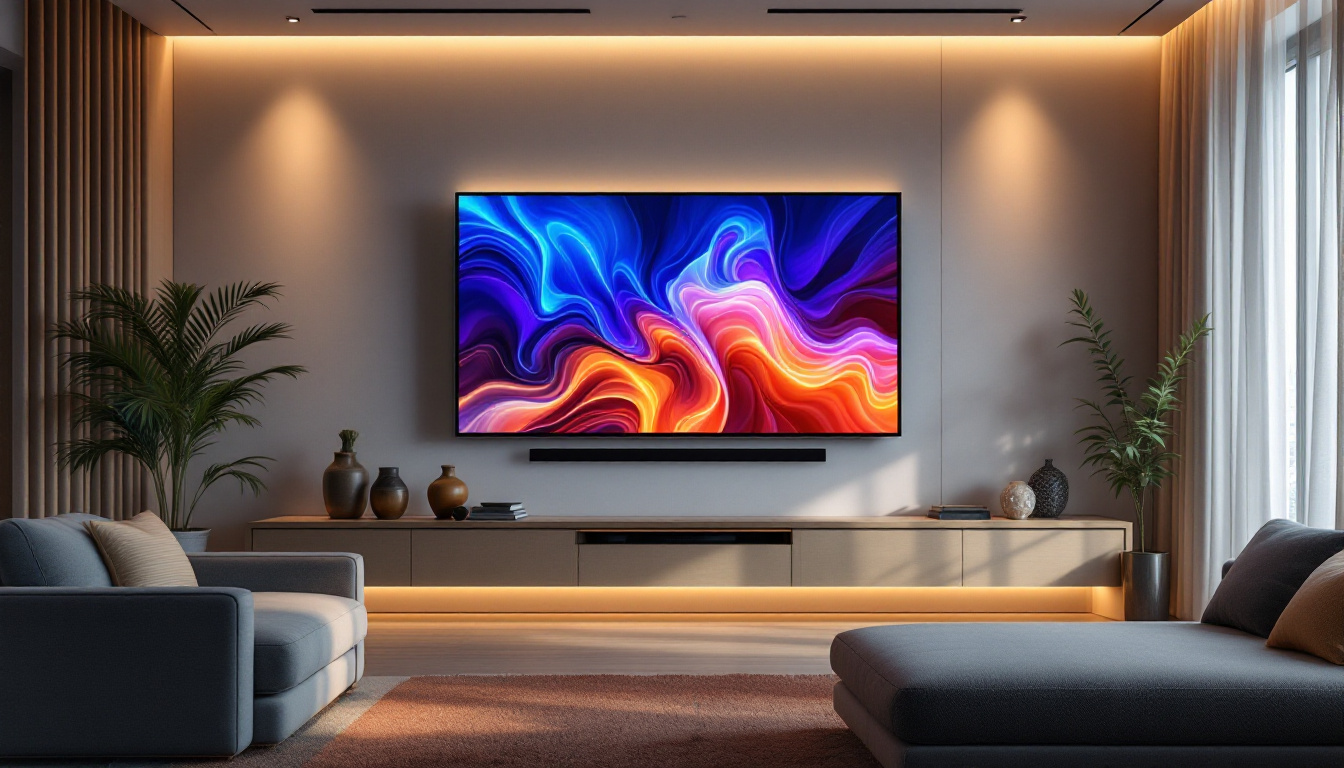
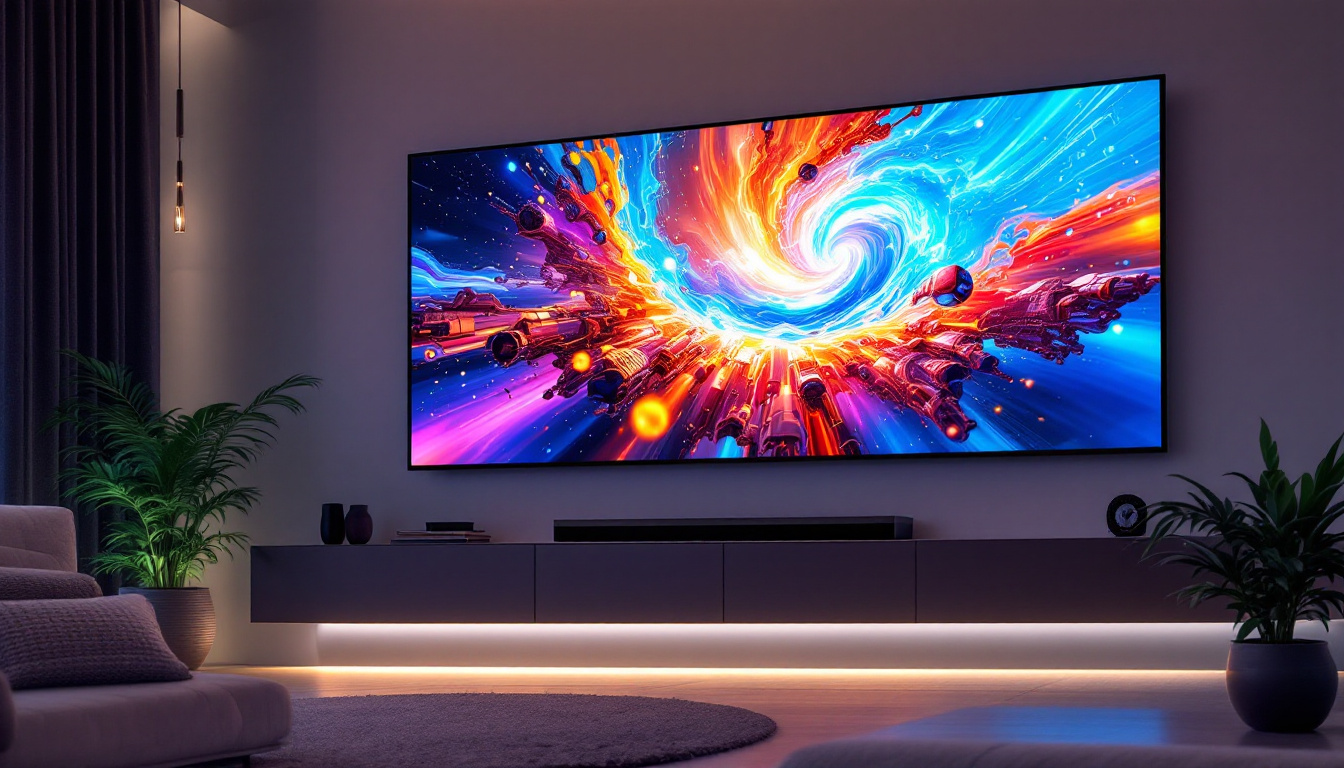
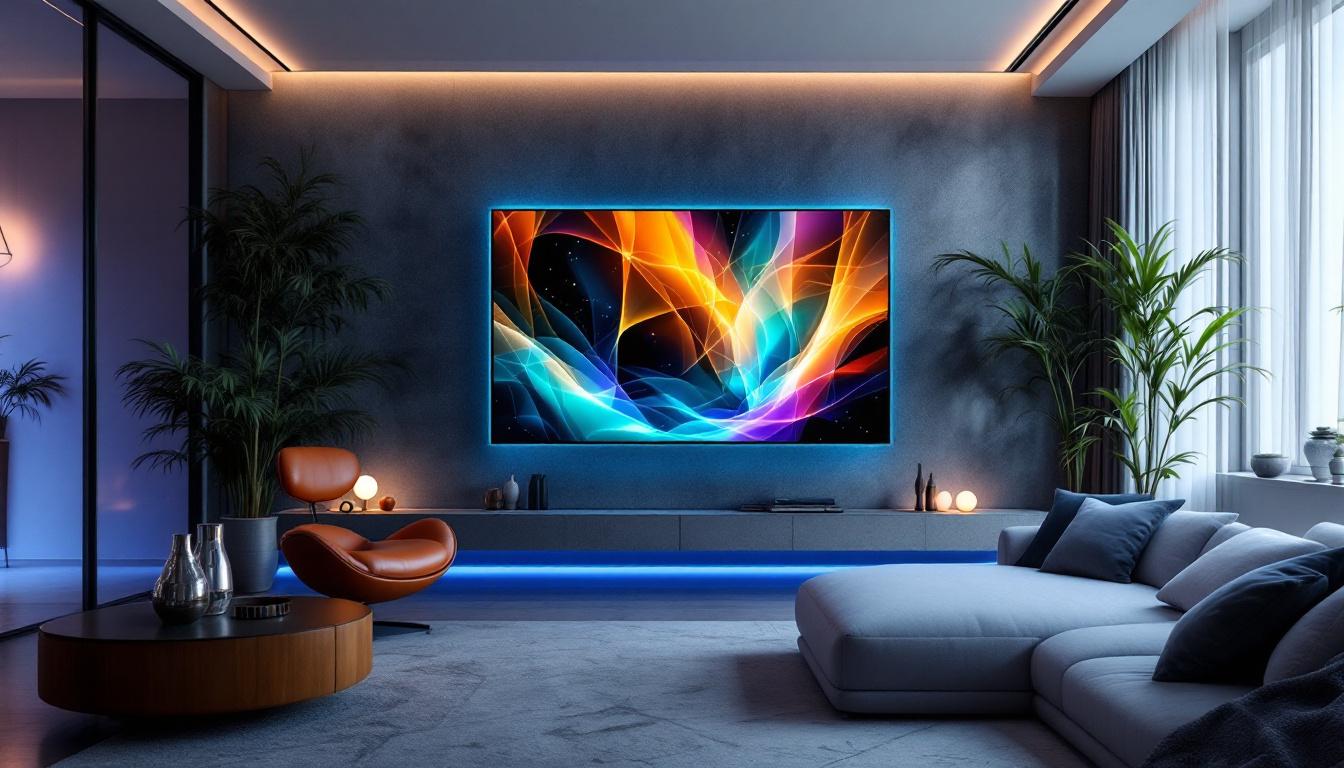
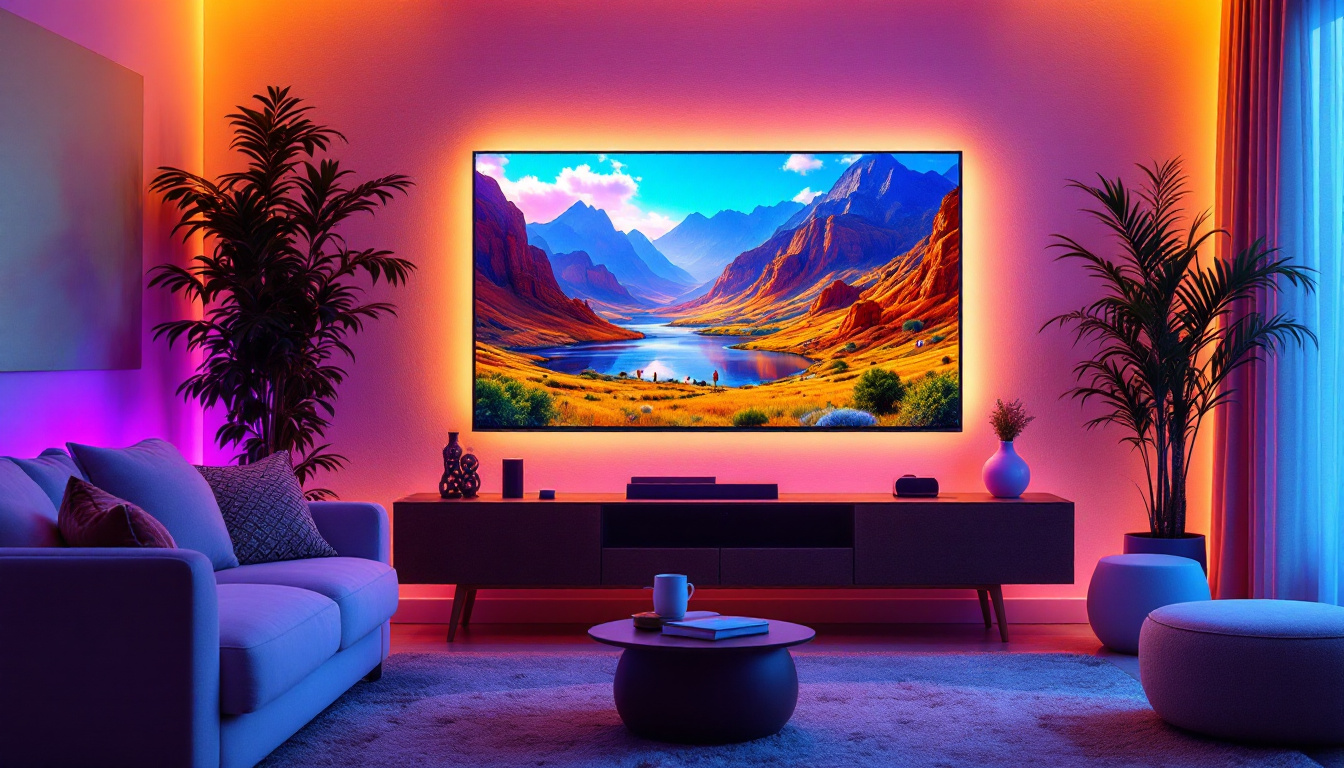
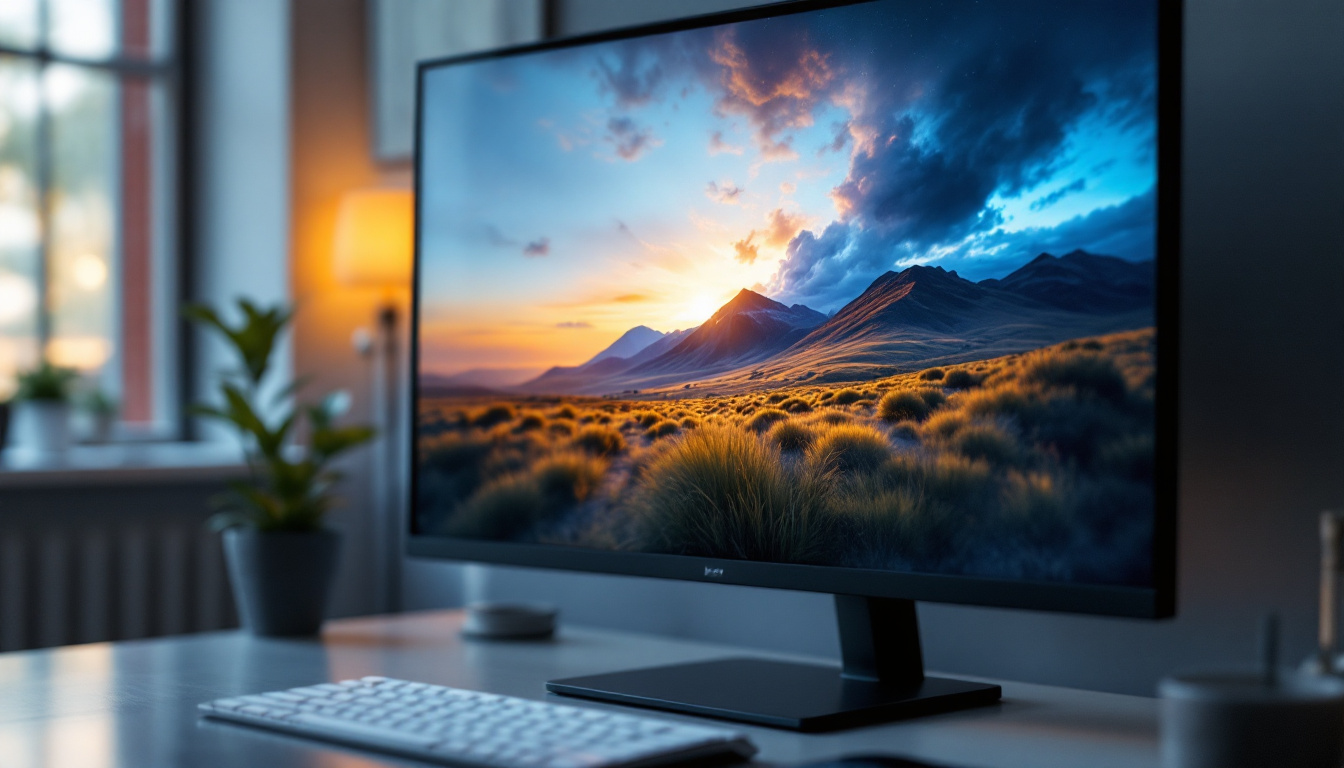
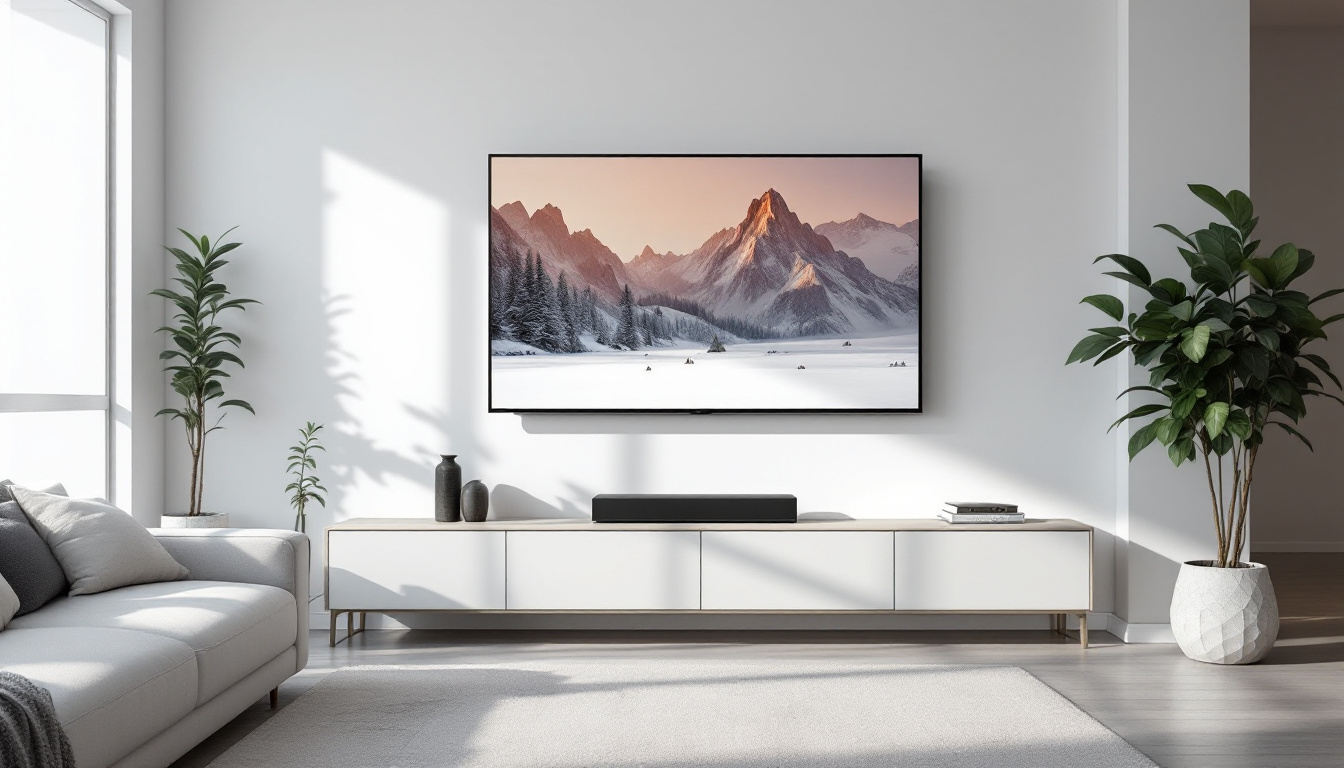
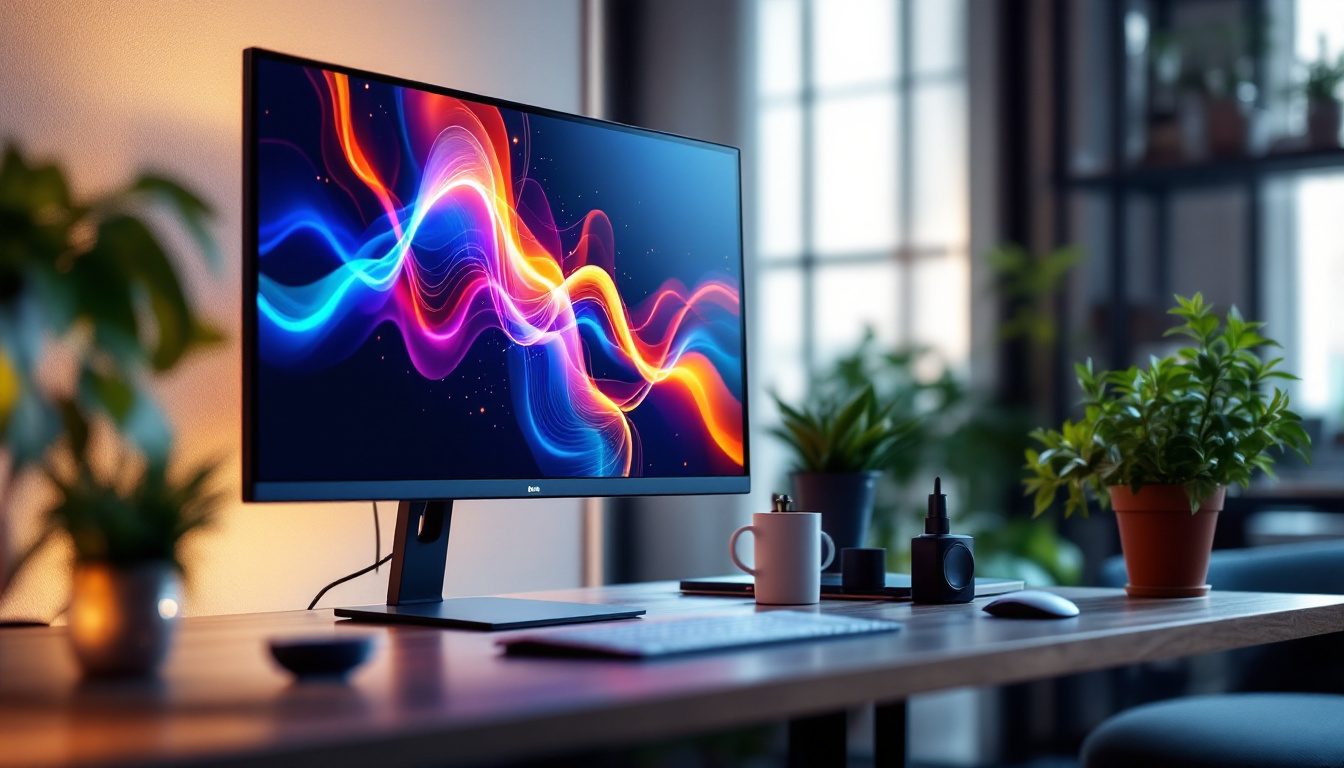
Mounting a TV on the wall is a popular way to save space, enhance viewing angles, and create a sleek, modern aesthetic in any living room or entertainment area. With the rise of LED displays, which are thinner and lighter than traditional LCD or plasma TVs, wall mounting has become even more accessible and desirable. However, installing a TV wall mount correctly requires careful planning, the right tools, and an understanding of both the mount and the LED display itself.
This comprehensive guide will walk you through the entire process of installing a TV wall mount specifically for LED displays. From choosing the right mount to ensuring safety and optimal viewing experience, this article covers everything you need to know.
Understanding LED Displays and Wall Mount Compatibility
LED TVs have become the standard for home entertainment due to their energy efficiency, slim profiles, and excellent picture quality. Unlike older, bulkier models, LED TVs are lightweight, making them easier to mount on walls without requiring heavy-duty support structures. This shift towards lighter designs not only enhances the aesthetic appeal of modern living spaces but also opens up new possibilities for interior design, allowing homeowners to create a more streamlined and contemporary look.
Before starting the installation, it’s crucial to understand the specifications of your LED TV and how they relate to wall mounts. Most LED TVs follow the VESA (Video Electronics Standards Association) mounting standard, which specifies the distance between mounting holes on the back of the TV in millimeters. Common VESA patterns include 200×200, 400×400, and 600×400, but this varies by model and size. Knowing your TV’s dimensions and weight is essential, as it helps you choose the right mount that not only fits perfectly but also complements the overall design of your room.
Why VESA Compatibility Matters
Choosing a wall mount that matches your TV’s VESA pattern ensures a secure fit. Mounts come with adjustable brackets to accommodate different hole patterns, but it’s best to select one that aligns perfectly with your TV’s specifications. This reduces the risk of improper installation, which can lead to damage or accidents. Moreover, a well-fitted mount can enhance the viewing experience by allowing for optimal positioning, whether you prefer a straight-on view or a tilt for better angles in a room with multiple seating areas.
Additionally, consider the weight capacity of the wall mount. LED TVs are generally lighter than older models, but it’s essential to verify that the mount can support your TV’s weight. Manufacturers typically list the maximum supported weight on the mount packaging or product description. Beyond just weight, it’s also wise to think about the type of wall you are mounting to; drywall, concrete, and brick all require different types of anchors and screws for a secure installation. This attention to detail ensures that your investment in a high-quality LED TV is protected, allowing you to enjoy your favorite shows and movies without worry.
Choosing the Right Wall Mount for Your LED TV
Wall mounts come in several types, each offering different levels of flexibility and installation complexity. Understanding these options will help you decide which mount best suits your room layout, viewing preferences, and installation skills.
Fixed Wall Mounts
Fixed mounts hold the TV close to the wall and do not allow for movement. They are the simplest to install and often the most affordable. This type is ideal if you want a clean, minimalist look and your seating arrangement is directly in front of the TV.
Tilt Wall Mounts
Tilt mounts allow the TV to angle up or down, which can reduce glare and improve viewing comfort when the TV is mounted higher than eye level. These mounts offer more flexibility than fixed mounts but still keep the TV close to the wall.
Full-Motion or Articulating Mounts
Full-motion mounts provide the greatest flexibility, allowing the TV to swivel left or right, tilt up or down, and extend away from the wall. These are perfect for rooms with multiple seating areas or where you want to adjust the TV’s position frequently.
Considerations for LED TV Wall Mount Selection
When selecting a mount, take into account:
- VESA pattern compatibility: Ensure the mount matches your TV’s mounting holes.
- Weight capacity: Confirm the mount can safely support your TV’s weight.
- Viewing angle preferences: Decide if you need tilt or full-motion features.
- Wall type: Different mounts are suitable for drywall, concrete, brick, or studs.
Tools and Materials Needed for Installation
Proper preparation is key to a smooth installation process. Having the right tools and materials on hand will save time and prevent mistakes.
- Stud finder – to locate wall studs for secure mounting
- Electric drill with appropriate drill bits – for drilling pilot holes
- Socket wrench or screwdriver – to tighten bolts and screws
- Level – to ensure the mount is perfectly horizontal
- Measuring tape – for accurate placement and alignment
- Wall anchors (if mounting on drywall without studs) – for additional support
- Masking tape or pencil – to mark drilling points
- Safety goggles – to protect eyes during drilling
Step-by-Step Guide to Installing a TV Wall Mount for LED Displays
Step 1: Choose the Mounting Location
Select a wall that offers a comfortable viewing angle and is free from obstructions like windows or vents. Consider the distance from seating areas; the ideal viewing distance is typically 1.5 to 2.5 times the diagonal size of your TV. For example, a 55-inch TV should be viewed from approximately 6.5 to 11.5 feet away.
Also, think about cable management and access to power outlets. Planning these details beforehand will make the installation cleaner and more convenient.
Step 2: Locate Wall Studs
Using a stud finder, locate the vertical studs behind the drywall. Wall studs provide the necessary support for mounting a TV safely. Mark the edges and center of the studs with a pencil. Avoid mounting on drywall alone, as it cannot support the weight of the TV and mount.
Step 3: Mark the Mounting Holes
Hold the wall bracket of your mount against the wall, aligning it with the center of the studs. Use a level to ensure it is perfectly horizontal. Mark the drilling points through the bracket’s holes with a pencil or masking tape.
Step 4: Drill Pilot Holes
Put on safety goggles and drill pilot holes at the marked points. Pilot holes make it easier to insert screws and reduce the risk of splitting the studs. Use a drill bit slightly smaller than the mounting screws.
Step 5: Attach the Wall Bracket
Secure the wall bracket to the wall using the screws provided with your mount. Use a socket wrench or screwdriver to tighten the screws firmly into the studs. Double-check with a level to confirm the bracket remains straight.
Step 6: Attach the Mounting Plate to the TV
Locate the mounting holes on the back of your LED TV. Attach the mounting plate or arms from your wall mount kit using the screws supplied. Be careful not to overtighten screws, which can damage the TV’s frame.
Step 7: Hang the TV on the Wall Bracket
With help, lift the TV and hook the mounting plate onto the wall bracket. Most mounts have locking mechanisms or screws to secure the TV in place. Follow the manufacturer’s instructions carefully to ensure the TV is locked safely.
Step 8: Final Adjustments and Cable Management
Adjust the tilt or swivel features if your mount allows. Use a level to verify the TV is perfectly aligned. Organize and secure cables using cable ties or raceways to keep the installation tidy and prevent strain on the connectors.
Safety Tips and Common Installation Mistakes to Avoid
Wall mounting a TV can be straightforward, but safety should always be the top priority. Here are some important tips and pitfalls to watch out for:
Always Mount Into Studs
Drywall alone cannot support the weight of a TV and mount. Always locate and mount into studs, or use appropriate anchors designed for your wall type.
Check Weight Limits
Do not exceed the weight capacity of the mount. Overloading can cause the mount to fail, leading to damage or injury.
Use Proper Tools
Using the correct drill bits, screws, and tools ensures a secure installation and prevents damage to the wall or TV.
Don’t Rush the Process
Take your time measuring, leveling, and securing each component. Rushing can lead to misaligned mounts or unsafe installations.
Seek Assistance When Needed
Large LED TVs can be awkward and heavy. Having a second person to help lift and position the TV reduces the risk of accidents.
Enhancing Your Viewing Experience After Installation
Once your LED TV is securely mounted, consider these tips to maximize your viewing pleasure:
Optimize Viewing Height
The ideal height places the center of the screen at eye level when seated. This reduces neck strain and provides the best picture quality.
Control Glare and Lighting
Use tilt mounts to adjust the angle and minimize glare from windows or lights. Consider installing blackout curtains or adjustable lighting for the best picture clarity.
Integrate Sound Solutions
Wall-mounted TVs often benefit from external soundbars or speakers mounted below or beside the TV. This setup enhances audio quality without cluttering your space.
Manage Cables Neatly
Use cable covers, raceways, or in-wall cable management kits to hide wires. A clean installation looks professional and reduces tripping hazards.
Conclusion
Installing a TV wall mount for an LED display is a practical and stylish way to enjoy your entertainment system. Understanding your TV’s specifications, choosing the right mount, and following a careful installation process are essential steps to ensure safety and optimal viewing.
With the right preparation and tools, mounting your LED TV can be a rewarding DIY project that transforms your living space. Remember to prioritize safety, take your time, and enjoy the enhanced viewing experience that a well-mounted LED TV provides.
Upgrade Your Space with LumenMatrix
Now that you’ve mastered the art of mounting your LED display, elevate your viewing experience with the innovative solutions from LumenMatrix. As a pioneer in LED display technology, LumenMatrix offers a vast array of products designed to bring your visual communication to life. Whether you’re looking for an Indoor LED Wall Display to complement your newly mounted TV or an Outdoor LED Wall Display to make a statement, LumenMatrix has the perfect solution to fit your needs. Don’t just watch the future unfold—be a part of it. Check out LumenMatrix LED Display Solutions today and transform your space into a captivating visual experience.