In today’s digital landscape, touch screen monitors with pen input have become essential tools across various industries, from graphic design and education to business presentations and healthcare. These devices combine the intuitive nature of touch interaction with the precision of a stylus, offering users a seamless and efficient way to interact with their computers. Central to many of these monitors is the LED display technology, which ensures vibrant visuals, energy efficiency, and durability.
This article explores the technology behind touch screen monitors with pen input, focusing on LED displays. It delves into how these components work together, their advantages, and what to consider when choosing the right monitor for your needs.
Understanding Touch Screen Monitors with Pen Input
What is a Touch Screen Monitor?
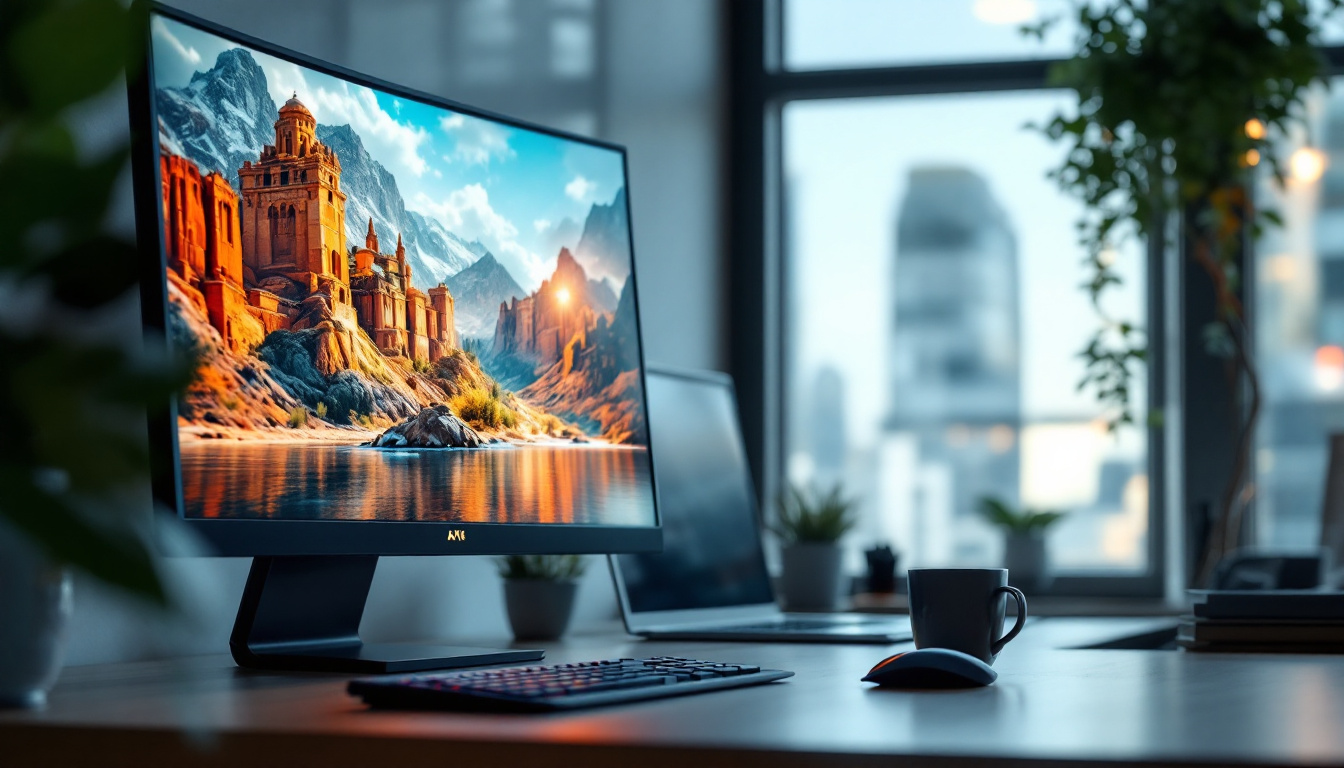
A touch screen monitor is a display device that allows users to interact directly with what is shown on the screen by touching it with a finger or a stylus. Unlike traditional monitors that rely solely on peripheral devices like a mouse or keyboard, touch screen monitors integrate input and display into a single interface, making interactions more natural and intuitive.
Touch screen technology has evolved significantly over the past decade. Capacitive and resistive touch are the most common types, with capacitive touch screens being dominant in modern devices due to their responsiveness and multi-touch capabilities.
The Role of the Pen in Touch Screen Monitors
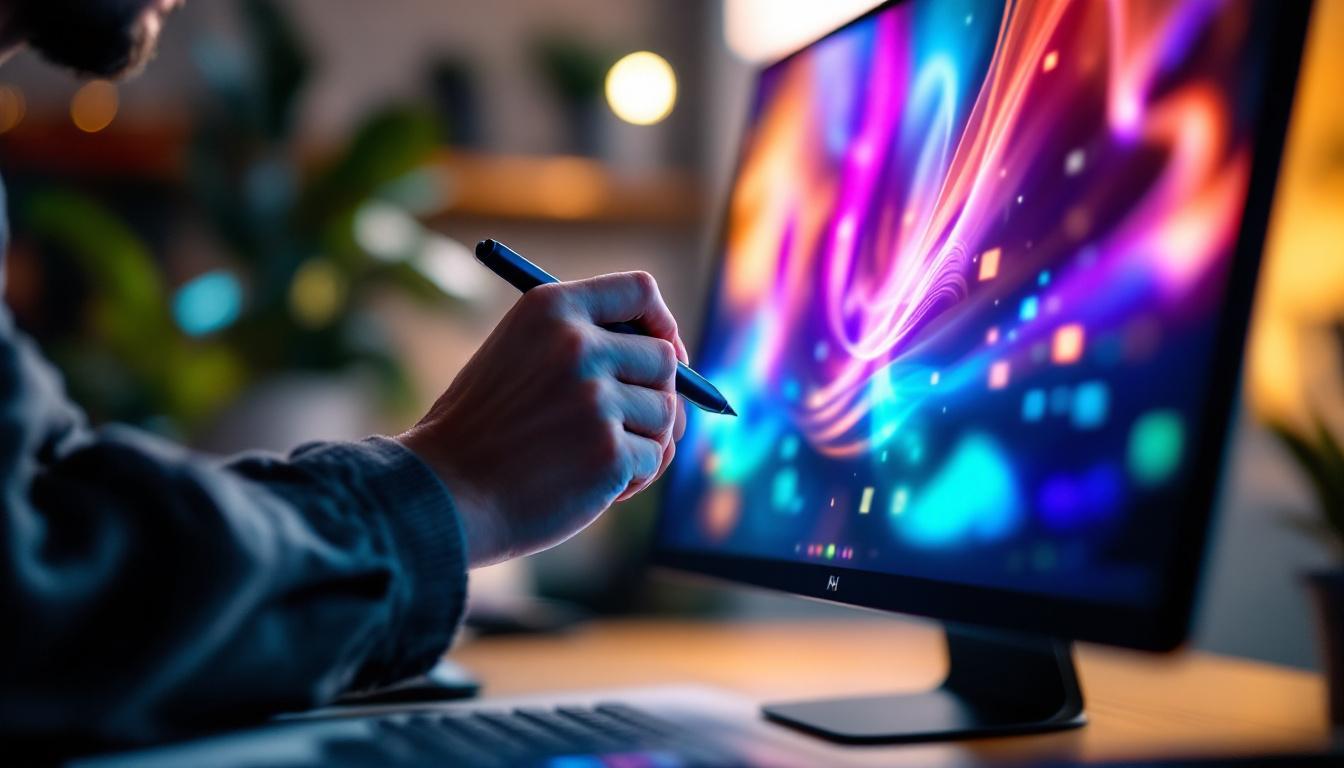
While finger touch is convenient for general navigation, a pen or stylus provides enhanced precision, making it indispensable for tasks that require detailed input such as drawing, handwriting, and design work. Pen input technology often includes pressure sensitivity, tilt recognition, and palm rejection, which together mimic the experience of using traditional writing or drawing tools.
For professionals like artists, architects, and educators, a touch screen monitor with pen input is not just a convenience but a necessity. It allows for natural sketching, note-taking, and editing directly on the screen, improving workflow and creativity.
LED Display Technology: The Backbone of Modern Touch Monitors
What is an LED Display?
LED stands for Light Emitting Diode, a semiconductor light source that produces bright, energy-efficient illumination. In the context of monitors, LED displays use an array of LEDs to backlight an LCD (Liquid Crystal Display) panel, replacing older CCFL (Cold Cathode Fluorescent Lamp) backlighting methods.
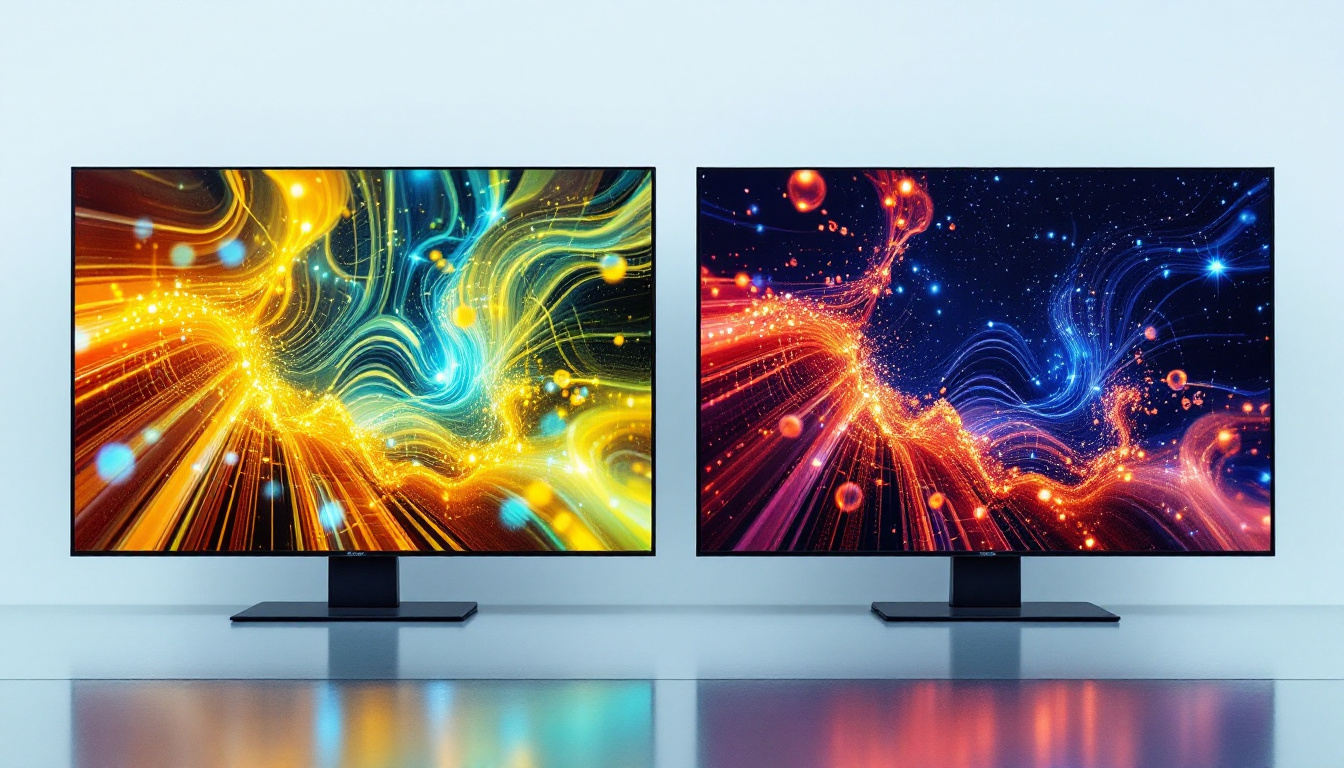
This technology offers several advantages, including better brightness, improved color accuracy, thinner panels, and lower power consumption. LED displays have become the standard for modern monitors, including those with touch and pen capabilities.
Types of LED Displays Used in Touch Screen Monitors
There are two primary types of LED backlighting used in monitors: edge-lit and full-array. Edge-lit LED displays position LEDs along the edges of the screen, allowing for thinner designs but sometimes sacrificing uniformity in brightness. Full-array LED displays place LEDs directly behind the screen in a grid, providing more even lighting and better contrast.
For touch screen monitors with pen input, full-array LED displays are often preferred because they offer superior image quality, which is crucial for detailed work such as graphic design or photo editing.
Benefits of LED Displays in Touch Screen Monitors
LED displays contribute significantly to the overall performance of touch screen monitors:
- Brightness and Clarity: LED backlighting provides higher brightness levels, ensuring clear visibility even in well-lit environments.
- Color Accuracy: Enhanced color reproduction helps professionals in creative fields achieve precise results.
- Energy Efficiency: LEDs consume less power compared to older backlighting technologies, which is beneficial for both desktop and portable monitors.
- Durability and Longevity: LEDs have a longer lifespan and are more durable, reducing the need for frequent replacements.
How Touch Screen and Pen Technologies Integrate with LED Displays
Touch Sensor Technologies
The touch functionality in monitors is enabled by a sensor layer placed over the LED display. Common sensor technologies include:
- Capacitive Sensors: These detect changes in the electrical field when a finger or conductive stylus touches the screen. They support multi-touch and offer high responsiveness.
- Resistive Sensors: Composed of multiple layers that register touch through pressure, resistive screens work with any stylus but generally lack multi-touch and are less sensitive.
- Electromagnetic Resonance (EMR): This technology is often used for pen input, where the pen interacts with a grid embedded in the screen, allowing for pressure sensitivity and tilt detection without needing batteries in the stylus.
Pen Input Features and Technologies
Modern pen-enabled touch screen monitors incorporate advanced features to enhance usability:
- Pressure Sensitivity: Allows the pen to detect varying levels of pressure, enabling dynamic line thickness and shading in drawing applications.
- Tilt Recognition: Detects the angle of the pen relative to the screen, mimicking natural brush strokes or shading techniques.
- Palm Rejection: Prevents accidental input from the user’s palm resting on the screen while writing or drawing.
- Low Latency: Ensures that the pen’s movements are reflected on the screen in real-time, which is critical for a natural drawing experience.
Integration Challenges and Solutions
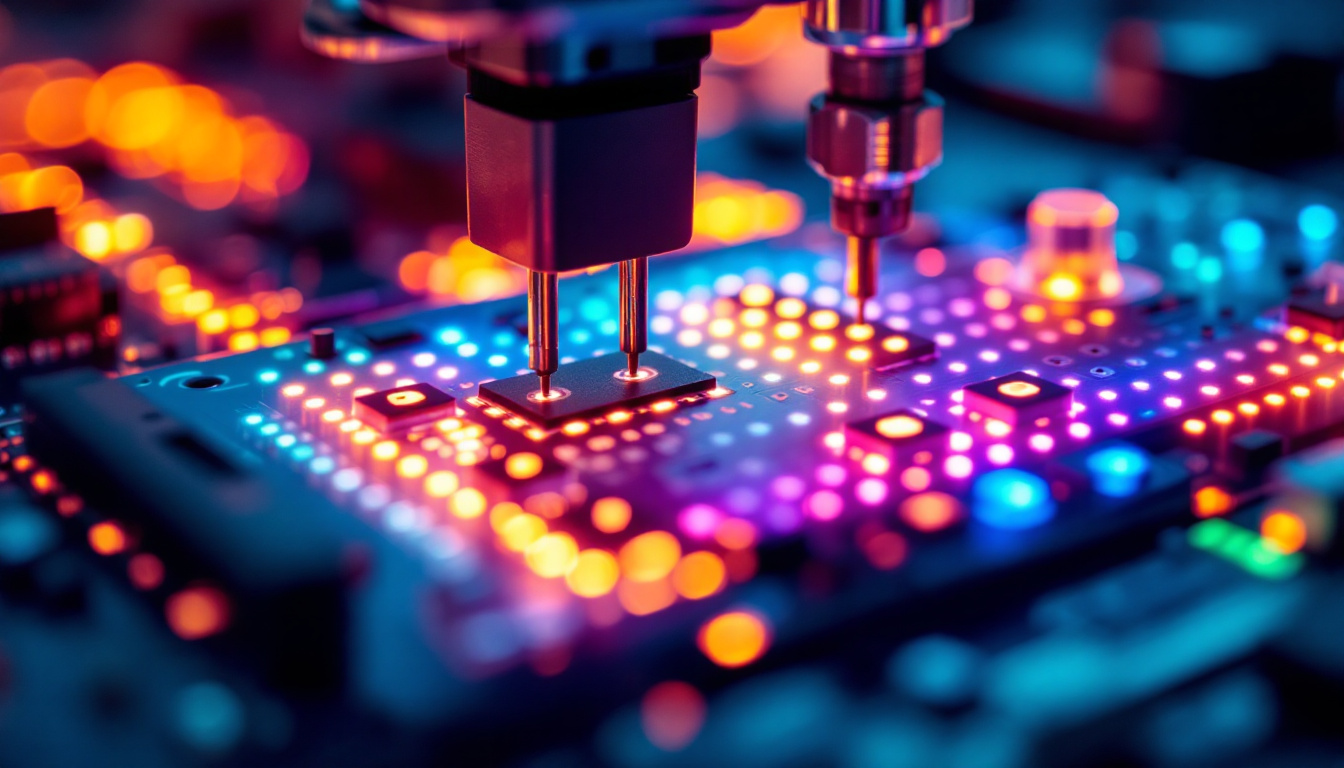
Combining touch and pen input with LED displays requires careful engineering to maintain screen clarity and responsiveness. The sensor layers must be thin enough not to degrade image quality, and the digitizer technology must accurately detect pen input without interference.
Manufacturers often use optical bonding, a process that fuses the touch sensor directly to the LED panel, reducing glare and improving touch accuracy. This method also enhances durability and reduces parallax, the apparent displacement between the pen tip and the cursor.
Applications and Use Cases of Touch Screen Monitors with Pen and LED Displays
Creative Industries
Graphic designers, illustrators, and digital artists rely heavily on touch screen monitors with pen input. The combination of high-resolution LED displays and precise stylus control allows for detailed artwork creation, photo editing, and animation. Popular software such as Adobe Photoshop, Illustrator, and CorelDRAW are optimized for pen input, making these monitors indispensable tools in creative workflows.
Education and Training
Interactive whiteboards and touch screen monitors with pen input are transforming classrooms and training environments. Teachers can annotate directly on digital content, engage students with interactive lessons, and facilitate collaborative work. The bright and clear LED displays ensure visibility even in brightly lit rooms, enhancing the learning experience.
Business and Professional Use
In business settings, touch screen monitors with pen input streamline presentations, note-taking, and brainstorming sessions. Professionals can annotate documents in real-time during meetings, sign digital contracts, and interact with complex data visualizations more intuitively.
Healthcare Sector
Medical professionals use pen-enabled touch screen monitors for patient charting, diagnostic imaging, and telemedicine. The precision of pen input combined with the clarity of LED displays helps improve accuracy and efficiency in patient care.
Choosing the Right Touch Screen Monitor with Pen and LED Display
Key Specifications to Consider
When selecting a touch screen monitor with pen input and an LED display, several factors should guide your decision:
- Screen Size and Resolution: Larger screens with higher resolutions provide more workspace and sharper images, which is crucial for detailed tasks.
- Touch and Pen Technology: Verify the type of touch sensor and pen technology used, ensuring it meets your precision and responsiveness requirements.
- Pressure Sensitivity Levels: Higher pressure sensitivity (e.g., 2048 levels or more) allows for more nuanced input.
- Color Accuracy: Look for monitors with wide color gamut coverage (such as AdobeRGB or sRGB) and factory calibration for professional use.
- Connectivity Options: Ensure compatibility with your computer or device, including USB, HDMI, DisplayPort, or wireless capabilities.
- Ergonomics and Build Quality: Adjustable stands, anti-glare coatings, and durable materials improve comfort and longevity.
Popular Brands and Models
Several manufacturers specialize in touch screen monitors with pen input and LED displays, offering a range of options for different budgets and professional needs. Brands like Wacom, Dell, Microsoft, and Huion are well-regarded for their quality and innovation in this space.
For instance, Wacom’s Cintiq line is a favorite among artists for its exceptional pen technology and color accuracy, while Dell’s touch monitors are praised for their business-friendly features and robust build.
Future Trends in Touch Screen Monitor and LED Display Technology
Advancements in Display Quality
Emerging technologies such as OLED and Mini-LED are beginning to influence the market, promising even better contrast ratios, deeper blacks, and more vibrant colors than traditional LED displays. While OLED is more common in smaller devices, Mini-LED is gaining traction in larger monitors, including touch-enabled models.
Improved Pen and Touch Integration
Future touch screen monitors will likely feature enhanced pen technologies with greater pressure sensitivity, faster response times, and improved palm rejection. Integration with AI and machine learning could enable predictive input and smarter handwriting recognition.
Flexible and Foldable Displays
Innovations in flexible LED panels may lead to foldable or rollable touch screen monitors, offering unprecedented portability and workspace customization. Such developments could revolutionize how professionals and consumers interact with digital content.
Conclusion
Touch screen monitors with pen input and LED displays represent a powerful convergence of technologies that enhance user interaction, precision, and visual quality. Whether for creative professionals, educators, business users, or healthcare providers, these devices offer versatile solutions that improve productivity and creativity.
Understanding the underlying technologies, from the types of touch sensors to the benefits of LED backlighting, helps users make informed decisions when selecting the right monitor. As display and pen technologies continue to evolve, the future promises even more immersive and responsive digital experiences.
Discover LumenMatrix’s Advanced LED Display Solutions
Ready to elevate your interactive digital experience with a touch screen monitor that boasts the latest in LED display technology? LumenMatrix is at the forefront of innovation, offering a diverse range of LED display modules tailored to your professional needs. From captivating Indoor LED Walls to dynamic Outdoor LED Displays and beyond, our solutions are designed to enhance engagement and bring your creative visions to life. Don’t miss out on the opportunity to transform your workspace or customer interactions. Check out LumenMatrix LED Display Solutions today and step into the future of visual communication.