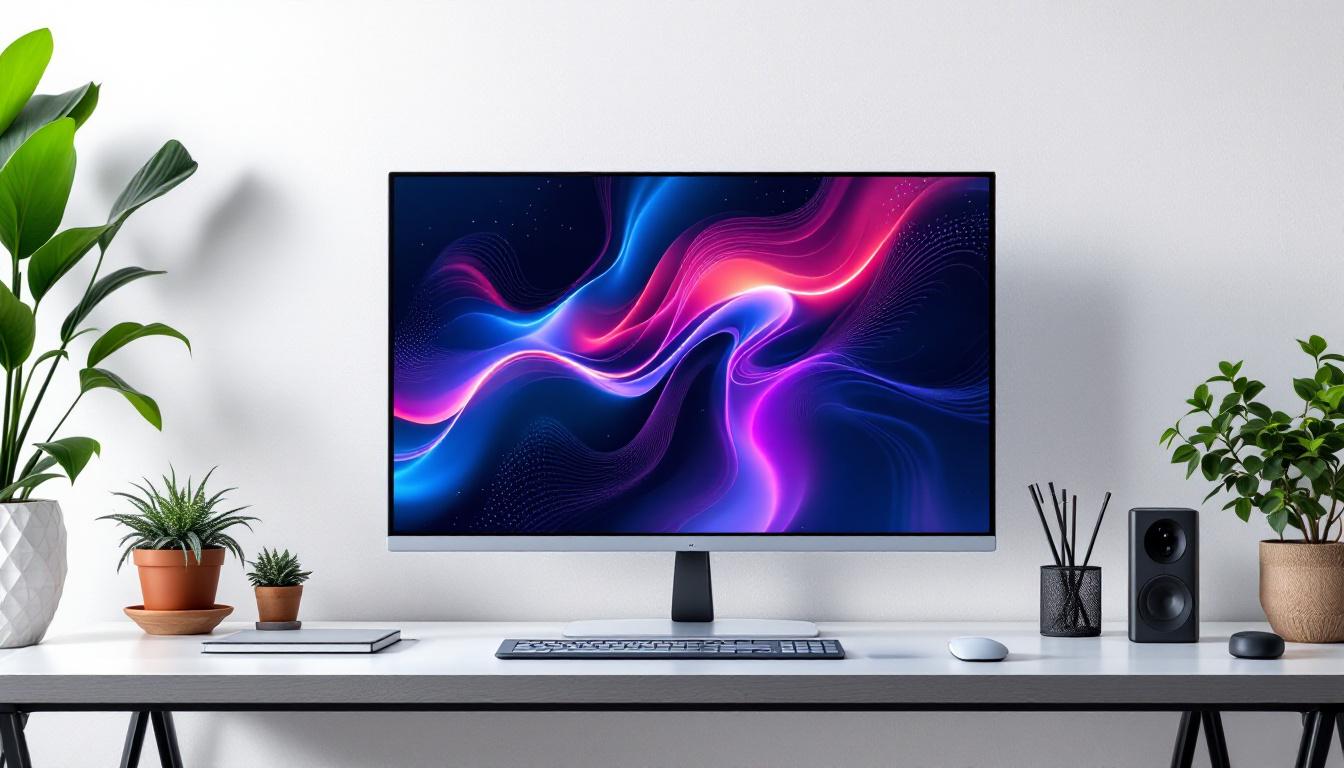
In today’s digital landscape, the choice of a computer monitor is pivotal for productivity, entertainment, and professional work. Among the various sizes available, the 32-inch monitor has gained significant popularity due to its balance between screen real estate and desk space. This article delves into the dimensions of 32-inch monitors, focusing on LED display technology, and explains why this size is becoming a preferred choice for many users.
Understanding Monitor Dimensions: What Does 32 Inches Mean?
The term “32-inch monitor” refers to the diagonal measurement of the screen, from one corner to the opposite corner. This measurement is crucial because it gives a standardized way to compare screen sizes across different models and brands.
For a 32-inch monitor, the actual width and height depend on the aspect ratio, which is the proportional relationship between the screen’s width and height. The most common aspect ratio today is 16:9, which is widely used for HDTVs, computer monitors, and laptops.
For a 32-inch screen with a 16:9 aspect ratio, the approximate dimensions are:
- Width: 27.9 inches (70.9 cm)
- Height: 15.7 inches (39.9 cm)
These dimensions provide a large viewing area, making 32-inch monitors ideal for multitasking, gaming, video editing, and immersive media consumption.
In addition to their size, 32-inch monitors often come equipped with various features that enhance the user experience. Many models offer high resolutions, such as 1440p or even 4K, which allow for sharper images and more vibrant colors. This is particularly beneficial for graphic designers, photographers, and gamers who require precise detail and clarity in their visuals. Furthermore, some monitors include advanced technologies like HDR (High Dynamic Range), which expands the color gamut and improves contrast, making images appear more lifelike.
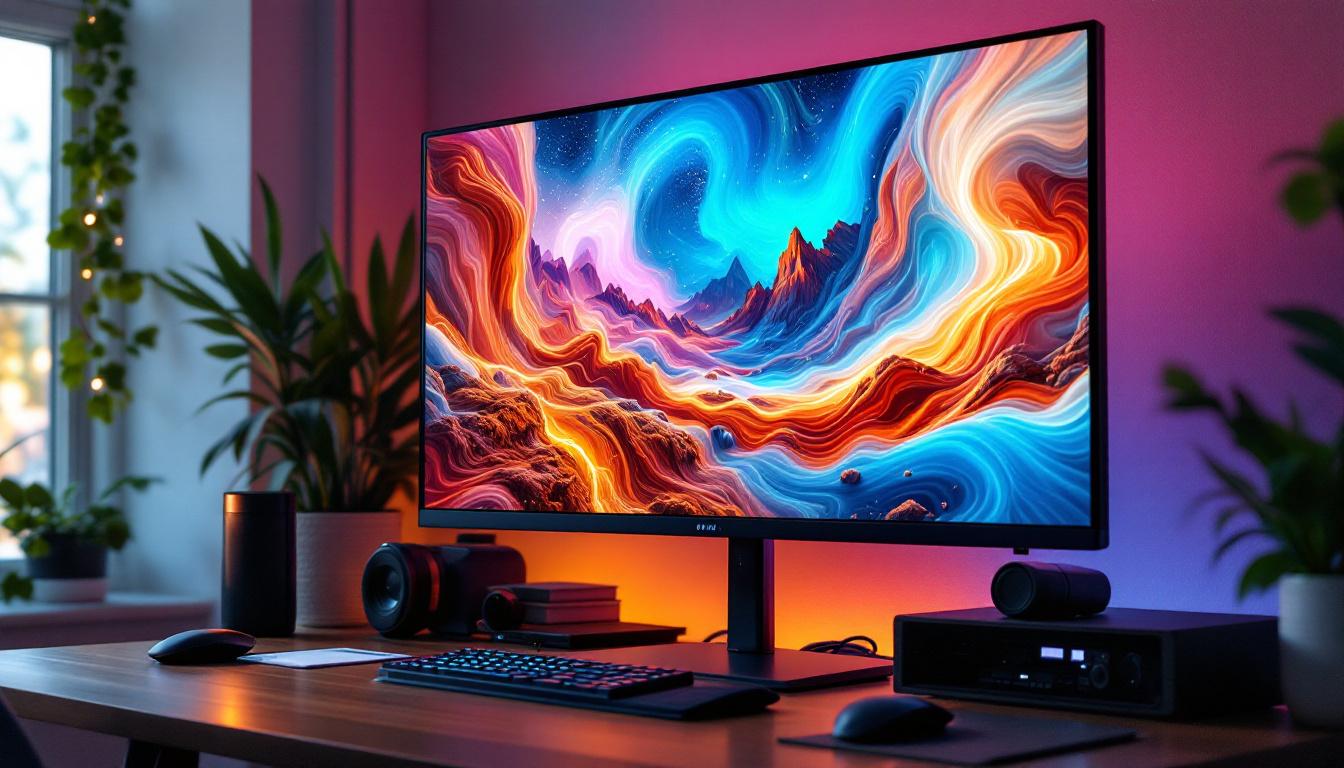
Another aspect to consider is the ergonomics and setup of a 32-inch monitor. Due to their size, these monitors can be positioned at a comfortable viewing distance, which is typically around 3 to 4 feet away from the user. This distance helps reduce eye strain during long hours of work or gaming. Additionally, many 32-inch monitors come with adjustable stands or VESA mount compatibility, allowing users to customize their setup for optimal comfort and productivity. With the right positioning, a 32-inch monitor can significantly enhance the overall computing experience, making it a popular choice among professionals and enthusiasts alike.
LED Display Technology: How It Works and Why It Matters
LED (Light Emitting Diode) display technology has revolutionized the way screens are produced and experienced. Unlike older LCD monitors that used cold cathode fluorescent lamps (CCFL) for backlighting, LED monitors utilize light-emitting diodes to illuminate the screen.
This technology offers several advantages:
- Improved Brightness and Contrast: LEDs provide brighter displays and deeper blacks, enhancing image quality.
- Energy Efficiency: LED backlighting consumes less power, which is beneficial for both desktop setups and portable devices.
- Thinner and Lighter Designs: LED technology allows for slimmer monitor profiles, saving desk space and improving aesthetics.
- Longer Lifespan: LEDs tend to last longer than traditional CCFL backlights, reducing the need for replacements.
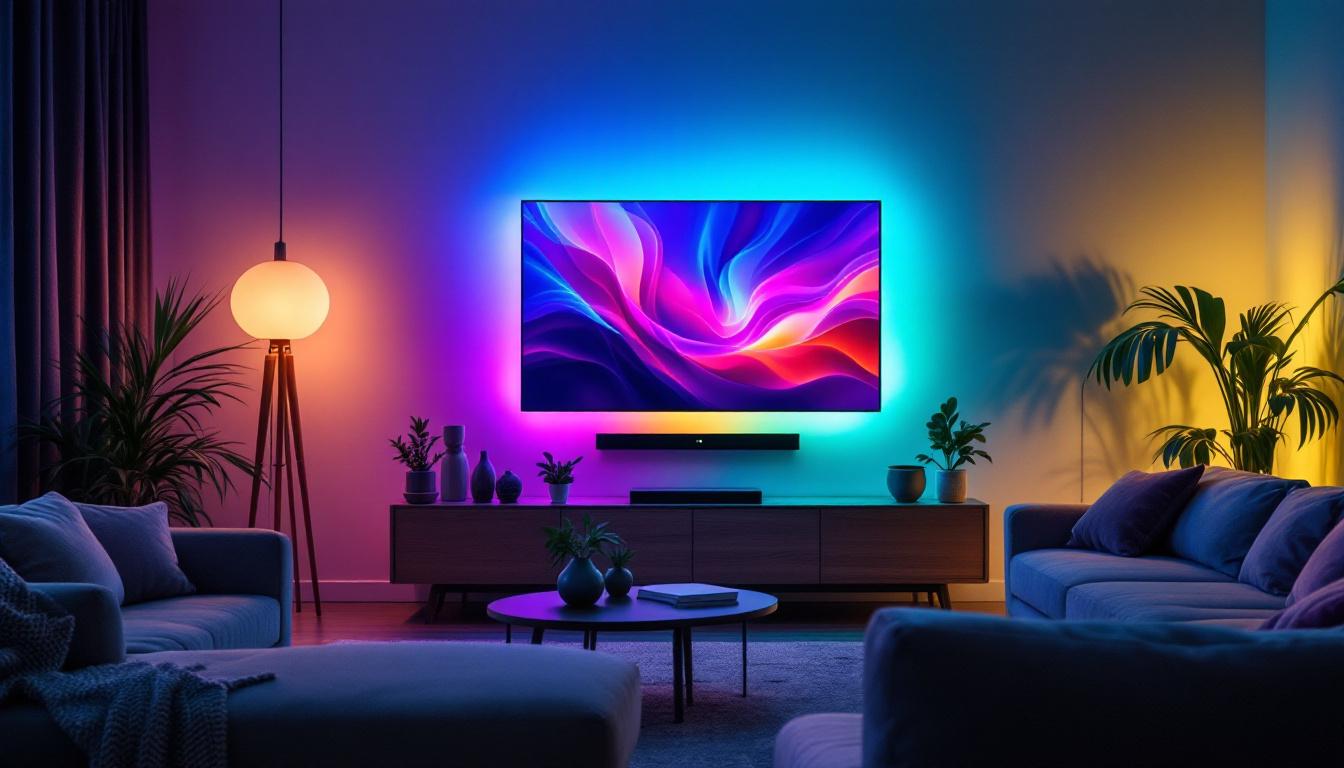
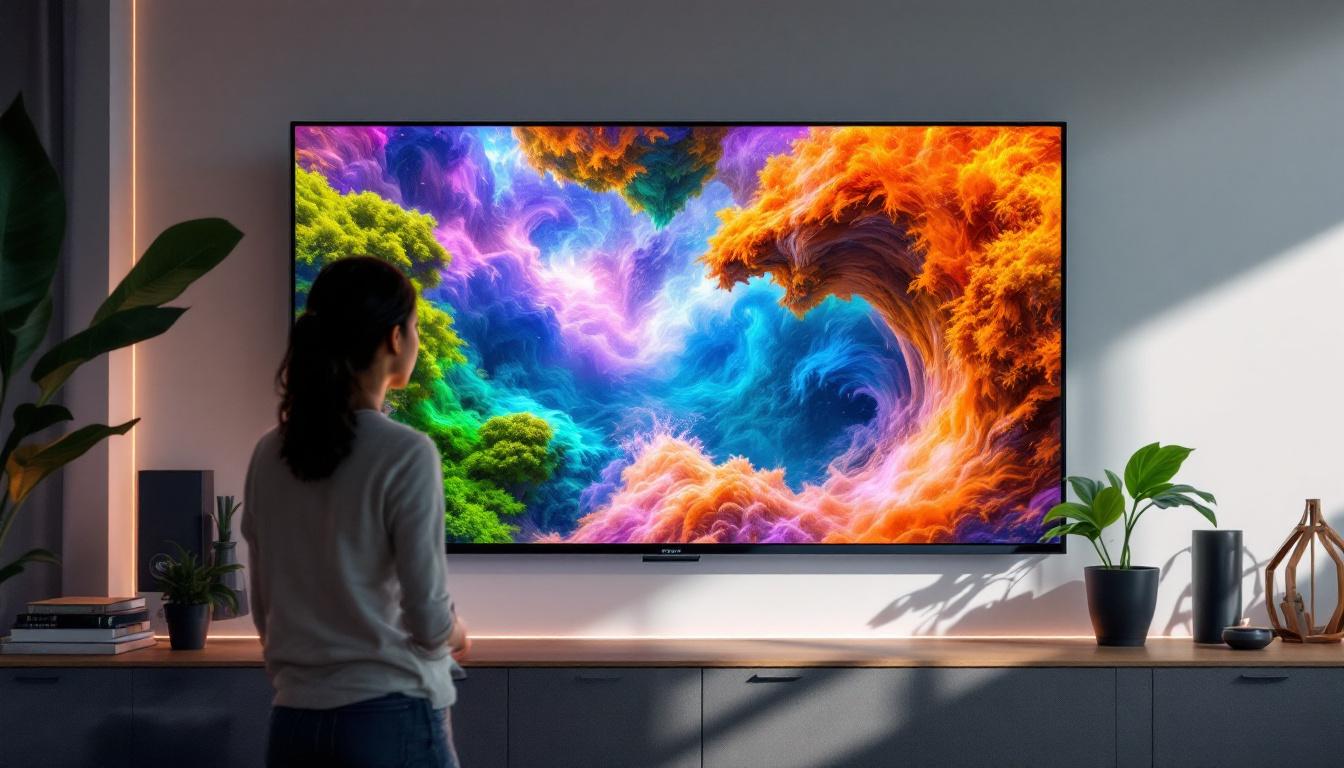
When paired with a 32-inch screen, LED displays offer a visually stunning experience that caters to both casual users and professionals. The vibrant colors and sharp details make them ideal for a variety of applications, from gaming and graphic design to watching movies and browsing the web. As a result, many consumers are now gravitating towards LED technology for their home entertainment systems, recognizing its ability to deliver an immersive viewing experience.
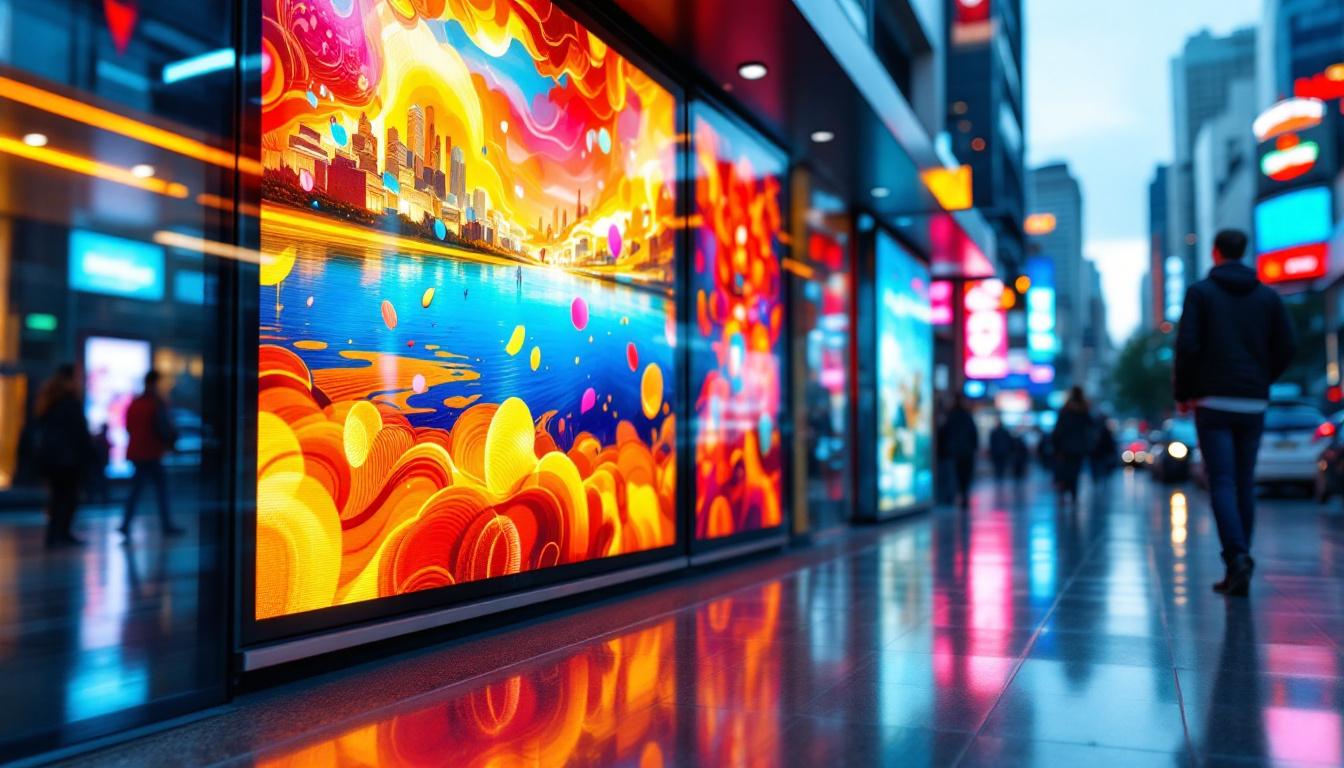
Moreover, the versatility of LED displays extends beyond just personal use; they are increasingly being adopted in commercial settings as well. Retailers, for instance, utilize large LED screens for advertising and promotions, capturing the attention of potential customers with dynamic visuals. Similarly, in the realm of education, LED technology is enhancing learning environments by providing clear, vivid presentations that engage students more effectively. As advancements continue to be made in this field, the potential applications for LED displays are virtually limitless, making them a cornerstone of modern visual technology.
Aspect Ratios and Resolutions: What to Expect on a 32-Inch LED Monitor
Common Aspect Ratios
While 16:9 remains the dominant aspect ratio for 32-inch monitors, some models offer alternatives such as 16:10 or ultrawide 21:9. Each ratio serves different user needs:
- 16:9: Best for general use, gaming, and video playback, as most content is optimized for this ratio.
- 16:10: Preferred by professionals who require extra vertical space for coding, writing, or design work.
- 21:9 (Ultrawide): Ideal for immersive gaming, multitasking, and cinematic experiences, offering a wider field of view.
Resolution Options
The resolution of a 32-inch monitor significantly affects image sharpness and workspace. Popular resolutions include:
- Full HD (1920 x 1080): Suitable for everyday tasks and gaming but may appear less sharp on a 32-inch screen due to lower pixel density.
- Quad HD / 2K (2560 x 1440): Offers a good balance of clarity and performance, making it a popular choice for gamers and professionals.
- 4K UHD (3840 x 2160): Provides exceptional detail and workspace, ideal for video editors, photographers, and users who demand the highest clarity.
Choosing the right resolution depends on the user’s needs and the graphics capabilities of their computer.
Physical Dimensions Beyond the Screen: Monitor Bezels and Stand Sizes
While the screen size is fixed at 32 inches diagonally, the overall physical dimensions of the monitor depend on the bezel thickness and the design of the stand or mount.
Modern monitors often feature ultra-thin bezels, which maximize the visible screen area and make multi-monitor setups more seamless. For example, a 32-inch monitor with a bezel thickness of 5mm on each side will have an overall width just slightly larger than the screen itself, roughly around 28 inches.
The stand design also impacts the monitor’s footprint on the desk. Adjustable stands with height, tilt, swivel, and pivot functions provide ergonomic benefits but may require more space. Some users opt for VESA-compatible monitors, allowing them to use custom mounts or monitor arms to save desk space and improve ergonomics.
Why Choose a 32-Inch LED Monitor? Use Cases and Benefits
Productivity and Multitasking
The large screen area of a 32-inch monitor allows users to comfortably run multiple applications side by side. This is especially useful for professionals in finance, programming, graphic design, and video editing who benefit from expansive digital workspaces.
Higher resolutions such as 2K or 4K on a 32-inch screen enable sharper text and more detailed visuals, reducing eye strain and improving workflow efficiency.
Gaming and Entertainment
Gamers appreciate the immersive experience provided by a 32-inch LED monitor, particularly models with fast refresh rates (120Hz or higher) and low response times (1-5ms). The combination of size, resolution, and LED technology enhances color accuracy and contrast, making games more vibrant and lifelike.
For movie enthusiasts, a 32-inch screen with HDR (High Dynamic Range) support and wide color gamut creates a cinematic viewing experience, rivaling smaller TVs.
Creative Professionals
Photographers, video editors, and designers require monitors that deliver accurate colors and high resolutions. Many 32-inch LED monitors come factory-calibrated or support hardware calibration, ensuring color fidelity.
The larger screen size combined with 4K resolution provides ample workspace for detailed editing tasks, timelines, and tool palettes.
Ergonomics and Workspace Considerations
While a 32-inch monitor offers many advantages, it is essential to consider desk space and viewing distance for optimal ergonomics. Experts recommend a viewing distance of about 20 to 40 inches for a 32-inch screen, depending on resolution and user preference.
Proper monitor height and tilt adjustments help reduce neck and eye strain. Investing in adjustable stands or monitor arms can greatly enhance comfort during extended use.
Additionally, the monitor’s weight and dimensions should be checked before purchase, especially if the user plans to mount it on a wall or arm.
Comparing 32-Inch Monitors to Other Sizes
Understanding how a 32-inch monitor fits into the broader spectrum of monitor sizes helps users make informed decisions.
- 27-Inch Monitors: Slightly smaller, often preferred for tighter desk spaces or for users who want a more compact setup without sacrificing much screen space.
- 34-Inch Ultrawide Monitors: Offer more horizontal space but can be more expensive and require more desk room.
- 24-Inch Monitors: Common for budget-conscious buyers or secondary displays, but may feel cramped for multitasking.
Ultimately, the 32-inch monitor strikes a balance between immersive size and practical workspace requirements, making it a versatile choice.
Future Trends in 32-Inch LED Monitor Technology
As technology advances, 32-inch LED monitors continue to evolve with innovations such as:
- Mini-LED and Micro-LED Backlighting: These technologies offer even better contrast ratios and brightness control compared to traditional LED backlights.
- Higher Refresh Rates and Variable Refresh Technologies: Adaptive sync technologies like NVIDIA G-Sync and AMD FreeSync are becoming standard, improving gaming experiences.
- Enhanced Color Accuracy: Support for wider color gamuts like DCI-P3 and AdobeRGB is increasing, catering to creative professionals.
- Improved Connectivity: USB-C, Thunderbolt 4, and DisplayPort 2.0 are becoming more common, enabling faster data transfer and easier device integration.
These trends indicate that 32-inch LED monitors will continue to be a compelling option for a wide range of users.
Conclusion: Is a 32-Inch LED Monitor Right for You?
Choosing the right monitor size and technology depends on individual needs, workspace constraints, and budget. A 32-inch LED monitor offers a substantial screen area with excellent image quality, energy efficiency, and modern design benefits.
Whether for professional work, gaming, or entertainment, the 32-inch size combined with LED technology provides a versatile and immersive experience. By considering factors such as resolution, aspect ratio, ergonomics, and future-proof features, users can select a monitor that enhances their computing experience for years to come.
Discover the Future of Visual Technology with LumenMatrix
Ready to elevate your visual experience with a 32-inch LED monitor that embodies innovation and performance? Look no further than LumenMatrix, a pioneer in LED display technology. Our extensive range of solutions, from Indoor and Outdoor LED Wall Displays to specialized options like Vehicle and Sports LED Displays, is designed to bring your content to life. Embrace the future of digital signage with our All-in-One LED Displays or captivate passersby with our LED Transparent Displays. Experience the LumenMatrix commitment to revolutionizing visual communication. Check out LumenMatrix LED Display Solutions today and transform the way you share your message.