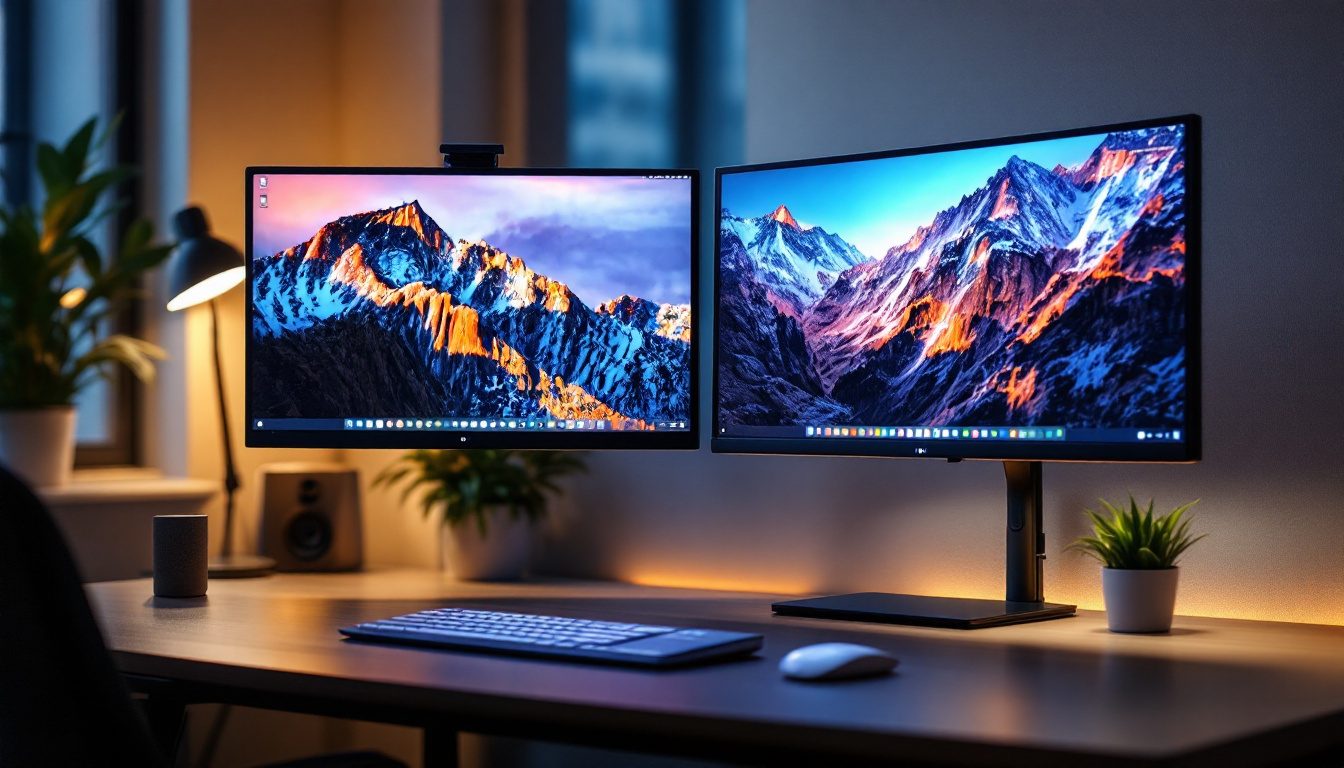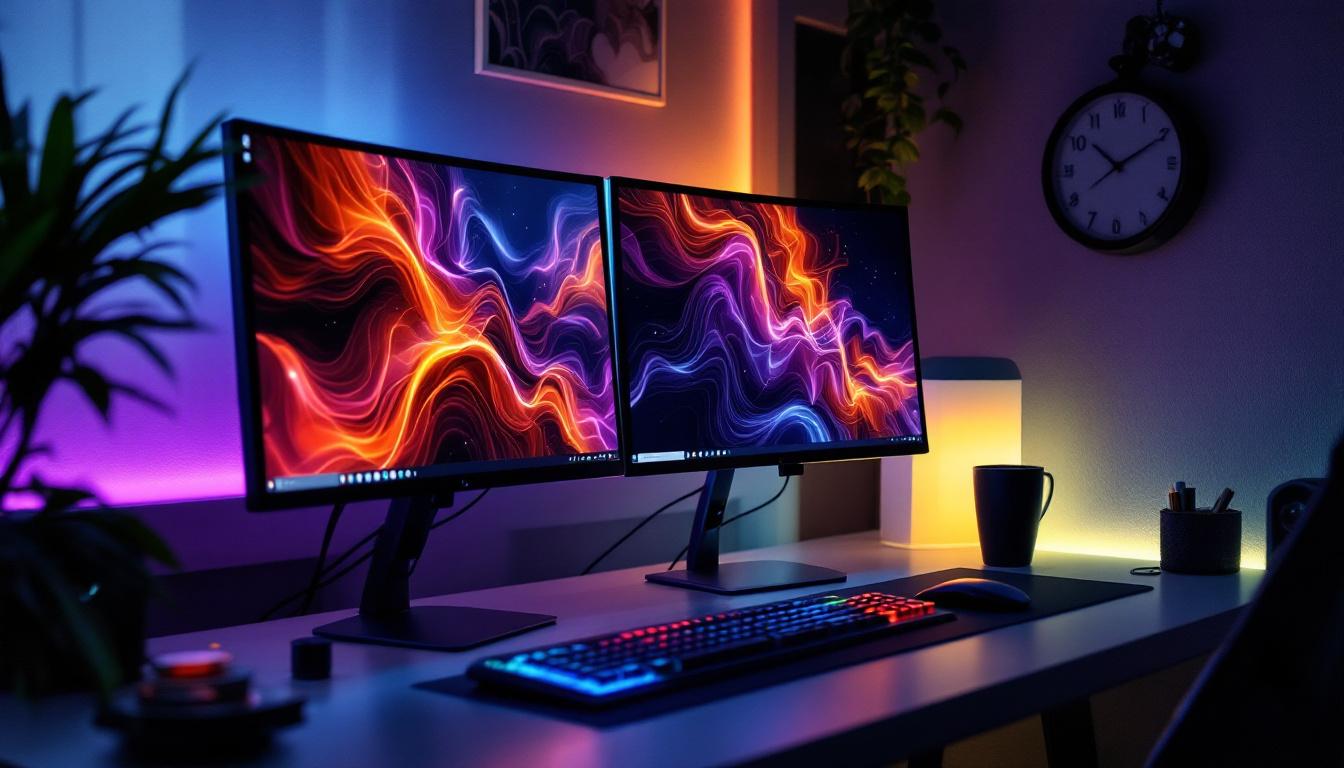
In today’s fast-paced digital world, maximizing workspace efficiency is more important than ever. Dual monitor setups have become a staple for professionals, gamers, and creatives alike, offering increased productivity and a more immersive experience. However, the benefits of dual monitors can only be fully realized with the right hardware—specifically, dual monitor stands designed for LED displays. This comprehensive guide explores the advantages, types, and key considerations when selecting dual monitor stands for desktop LED displays.
Understanding the Importance of Dual Monitor Stands
Dual monitor stands are more than just accessories; they are essential tools that enhance ergonomics, organization, and overall user experience. Unlike placing monitors directly on a desk, stands provide adjustable height, tilt, and swivel options, allowing users to customize their viewing angles and reduce strain on the neck, shoulders, and eyes.
According to a 2023 report by the American Optometric Association, improper screen positioning contributes to digital eye strain, affecting nearly 60% of office workers. Dual monitor stands help mitigate these issues by enabling optimal alignment of LED displays, promoting healthier posture and reducing fatigue during extended computer use.
Why LED Displays Require Specific Attention
LED (Light Emitting Diode) displays are widely favored for their vibrant colors, energy efficiency, and slim profiles. However, their lightweight and thin design can make them more susceptible to damage if not properly supported. Dual monitor stands designed specifically for LED displays ensure secure mounting and stability, preventing accidental tipping or damage.
Moreover, LED displays often feature delicate bezels and sensitive screens. A high-quality dual monitor stand minimizes contact points and distributes weight evenly, preserving the integrity of the monitors over time.
Types of Dual Monitor Stands for LED Displays
Choosing the right dual monitor stand involves understanding the different types available and how they align with your workspace needs and monitor specifications.
Clamp Mount Dual Monitor Stands
Clamp mounts attach securely to the edge of a desk, freeing up valuable surface area. They are ideal for users with limited desk space or those who prefer a clean, minimalist setup. These stands typically offer extensive adjustability, including height, tilt, swivel, and rotation, allowing for precise positioning of LED displays.
One advantage of clamp mounts is their easy installation and removal, making them suitable for shared workspaces or temporary setups. However, they require desks with a sturdy edge and sufficient thickness to support the clamp mechanism safely.
Grommet Mount Dual Monitor Stands
Grommet mounts utilize existing holes in desks or require drilling a hole to secure the stand. This method provides exceptional stability and is often preferred for heavier or larger LED monitors. Grommet mounts keep cables organized by routing them through the mounting hole, contributing to a tidy workspace.
While installation is more involved compared to clamp mounts, grommet mounts offer superior weight support and are less likely to shift or loosen over time.
Freestanding Dual Monitor Stands
Freestanding stands rest directly on the desk surface without the need for clamps or grommets. They are the most portable option, suitable for users who frequently rearrange their workspace or use multiple locations. These stands come in various designs, from simple side-by-side holders to articulated arms that allow extensive adjustment.
The main limitation of freestanding stands is their footprint, which can consume more desk space. Additionally, they may not provide the same level of stability as clamp or grommet mounts, especially for larger LED displays.
Key Features to Consider When Selecting a Dual Monitor Stand
Choosing the right dual monitor stand involves evaluating several critical features to ensure compatibility, comfort, and durability.
Weight Capacity and Monitor Size Compatibility
Dual monitor stands come with specified weight limits and support ranges for monitor sizes, typically measured in inches diagonally. It is crucial to select a stand that can safely hold the combined weight of your LED displays without compromising stability.
For example, a stand rated for monitors up to 27 inches and 15 pounds per arm is suitable for most standard LED displays but may not support larger or ultra-wide screens. Always verify the manufacturer’s specifications and consider the total weight of your monitors, including any attached peripherals like webcams or soundbars.
Adjustability and Ergonomics
Ergonomic adjustability is a primary reason for investing in a dual monitor stand. Look for stands that offer height adjustment, tilt (usually between -45° to +45°), swivel, and rotation (landscape to portrait mode). This flexibility allows users to customize their setup to reduce strain and improve comfort.
Height adjustability is particularly important to align screens with eye level, preventing neck strain. Swivel and rotation features enable users to share screens easily or switch between different viewing modes depending on the task.
Build Quality and Materials
Durability is essential for a long-lasting dual monitor stand. High-quality stands are typically made from robust materials like aluminum or steel, which provide strength without excessive weight. Plastic components may be present but should be limited to non-load-bearing parts.
Pay attention to the finish and design as well. Matte or powder-coated surfaces resist scratches and fingerprints, maintaining a professional appearance over time. Additionally, well-designed cable management systems integrated into the stand help keep cords organized and out of sight.
Compatibility with VESA Mounting Standards
Most LED monitors adhere to the Video Electronics Standards Association (VESA) mounting patterns, such as 75×75 mm or 100×100 mm. Ensuring your dual monitor stand supports these standards is vital for secure attachment.
Some stands offer adjustable VESA plates or adapters to accommodate a wider range of monitors. Confirming compatibility avoids the need for additional adapters and ensures a snug, safe fit.
Benefits of Using Dual Monitor Stands with LED Displays
Investing in a dual monitor stand tailored for LED displays offers numerous advantages that extend beyond mere aesthetics.
Enhanced Productivity and Multitasking
Studies have shown that dual monitor setups can increase productivity by up to 42%, according to a 2022 survey by the International Journal of Human-Computer Interaction. Dual monitor stands facilitate this by allowing seamless alignment and positioning of screens, enabling users to view multiple applications simultaneously without constantly switching windows.
This setup is invaluable for professionals such as software developers, financial analysts, graphic designers, and content creators who rely on multitasking and detailed visual work.
Improved Ergonomics and Health
Properly positioned monitors reduce the risk of musculoskeletal disorders. Dual monitor stands help maintain neutral neck and spine alignment, minimizing discomfort and long-term health issues. Adjustable stands also encourage movement and posture variation, which are critical for overall well-being during prolonged computer use.
Optimized Desk Space and Organization
By elevating monitors off the desk surface, dual monitor stands free up valuable workspace for other essential items. This organization reduces clutter and creates a more inviting and efficient work environment. Many stands include integrated cable management features, further enhancing tidiness and reducing the risk of cable damage.
Flexibility and Customization
Dual monitor stands offer flexibility to adapt to changing work needs. Whether switching between portrait and landscape modes, adjusting for different lighting conditions, or sharing screens with colleagues, these stands provide versatile options that static monitor bases cannot match.
Installation Tips and Best Practices
Proper installation is key to maximizing the benefits of dual monitor stands and ensuring safety.
Assess Your Workspace
Before purchasing, measure your desk dimensions and consider the location of power outlets and peripherals. Ensure there is enough clearance for the stand’s range of motion and that the desk surface is sturdy enough to support the combined weight of the stand and monitors.
Follow Manufacturer Instructions Carefully
Each stand comes with specific installation guidelines. Following these instructions ensures secure mounting and prevents damage to both the stand and monitors. Use appropriate tools and avoid over-tightening screws, which can strip threads or crack monitor frames.
Adjust Gradually and Test Comfort
After installation, take time to adjust the monitors to comfortable viewing angles. Use ergonomic principles such as positioning the top of the screen at or slightly below eye level and keeping the screen about an arm’s length away. Test different configurations to find what works best for your tasks and posture.
Popular Dual Monitor Stand Models for LED Displays
Several models have gained popularity for their reliability, features, and compatibility with LED displays.
Ergotron LX Dual Stacking Arm
Known for its robust build and smooth adjustability, the Ergotron LX supports monitors up to 25 pounds each and offers height, tilt, swivel, and rotation options. Its modular design allows stacking monitors vertically or side-by-side, making it ideal for limited desk space.
VIVO Dual LCD Monitor Desk Mount
VIVO’s dual monitor stand is a budget-friendly option featuring full articulation and compatibility with monitors up to 27 inches. It includes a clamp and grommet mounting system, providing flexibility based on user preference.
AmazonBasics Premium Dual Monitor Stand
This stand offers solid steel construction with adjustable arms supporting monitors up to 32 inches. It features integrated cable management and a sleek design that complements modern LED displays.
Conclusion: Maximizing Your LED Display Experience with Dual Monitor Stands
Dual monitor stands are indispensable for anyone looking to enhance their desktop LED display setup. They provide ergonomic benefits, improve productivity, and maintain a clean, organized workspace. By understanding the types of stands available, key features to consider, and best installation practices, users can make informed decisions that elevate their computing experience.
As LED technology continues to evolve with thinner, lighter, and more vibrant displays, investing in a quality dual monitor stand tailored for these screens ensures longevity, safety, and optimal performance. Whether for professional work, gaming, or creative projects, a well-chosen dual monitor stand transforms the way users interact with their digital environment.
Discover the Future of Visual Display with LumenMatrix
Ready to take your LED display experience to the next level? LumenMatrix is at the forefront of LED display innovation, offering a wide array of solutions that bring your content to life. From dynamic Indoor and Outdoor LED Wall Displays to specialized options like Vehicle, Sports, and Floor LED Displays, our products are designed to captivate and engage. Embrace the power of cutting-edge technology with Custom, All-in-One, and Transparent LED Displays that redefine visual communication. Elevate your brand’s presence and create unforgettable visual experiences with LumenMatrix. Check out LumenMatrix LED Display Solutions today and transform your digital environment.