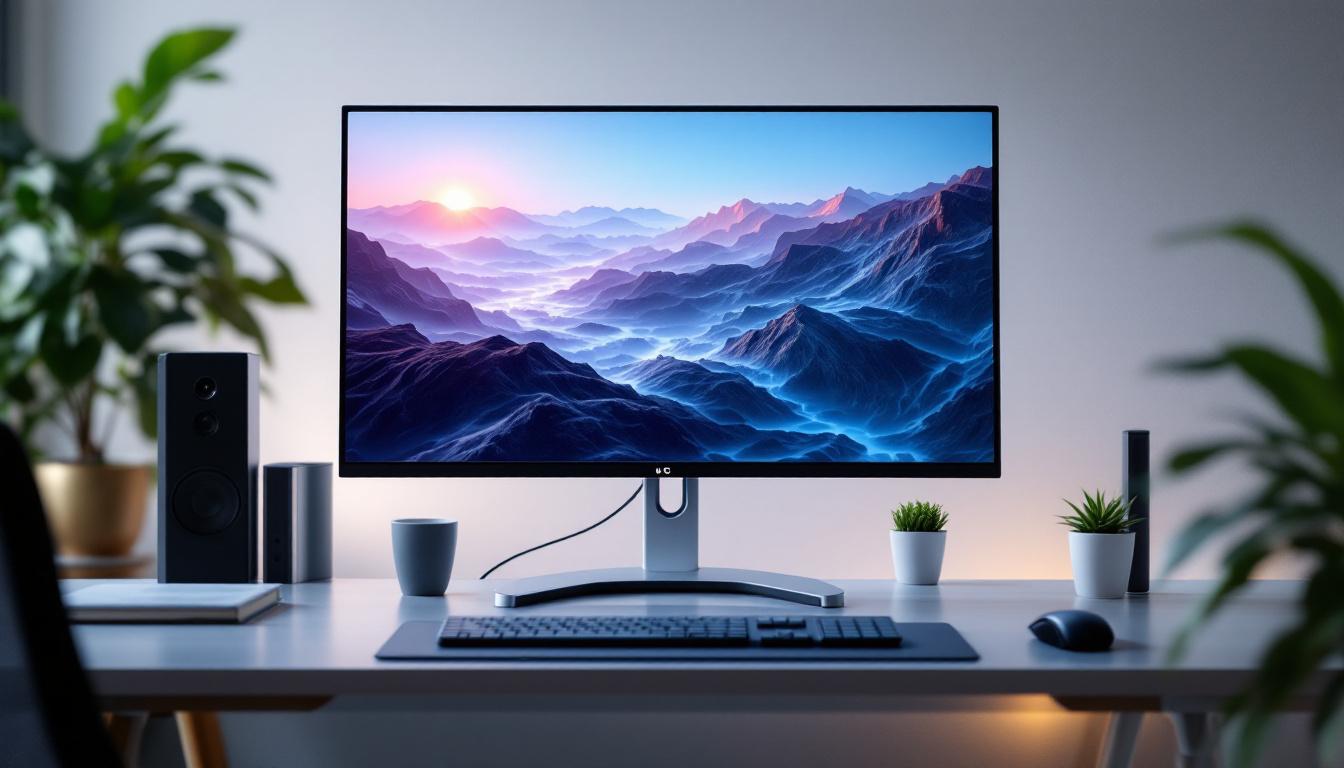
In today’s digital age, the setup of your computer workstation plays a crucial role in productivity, comfort, and overall user experience. Among the many components that contribute to an efficient workspace, the computer screen stand and the LED display technology stand out as essential elements. This article delves into the significance of dual computer screen stands and provides a comprehensive explanation of LED displays, helping users make informed decisions when optimizing their work or gaming setups.
The Importance of Dual Computer Screen Stands
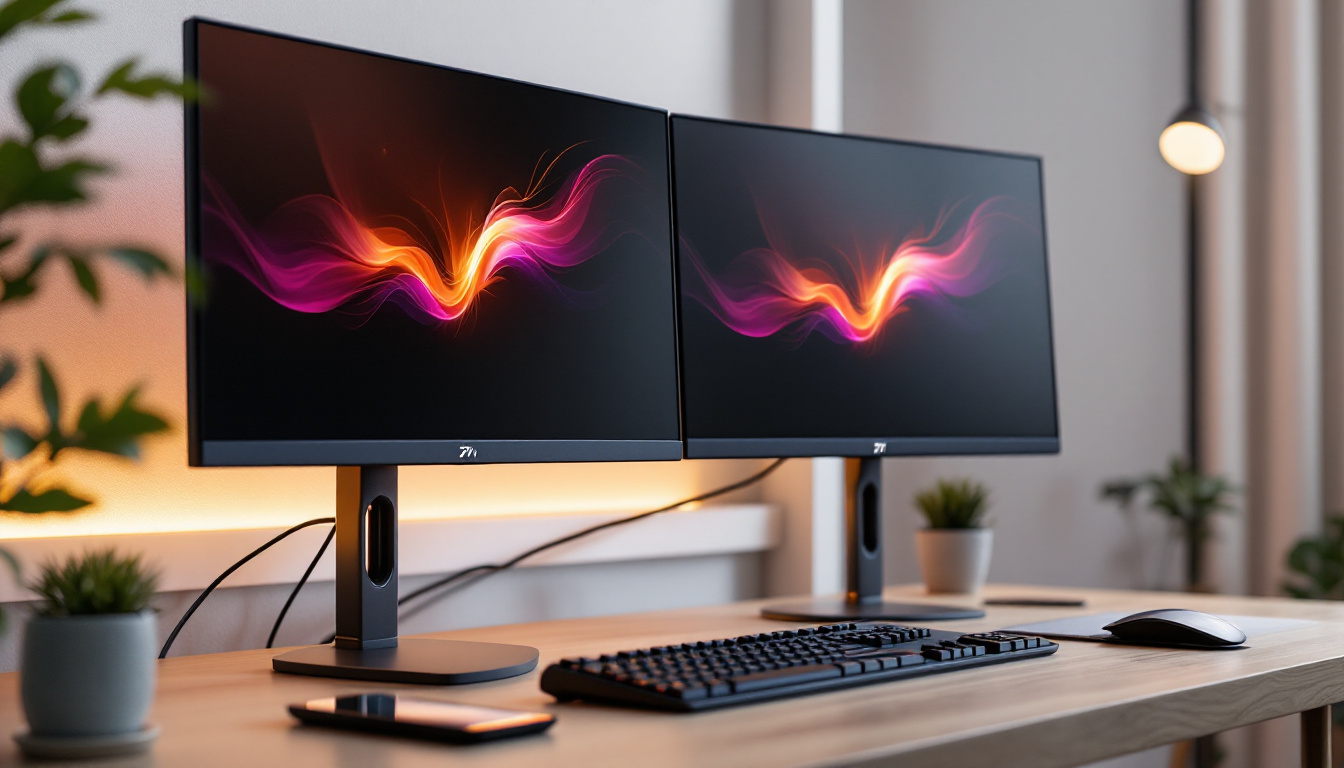
Dual monitor setups have become increasingly popular across various industries, from software development to graphic design, and even in everyday office environments. The ability to extend your workspace across two screens can dramatically improve workflow efficiency and multitasking capabilities.
However, simply having two monitors is not enough. The way these monitors are positioned and supported can significantly impact ergonomics and desk organization. This is where dual computer screen stands come into play.
Ergonomics and Health Benefits
Proper monitor positioning is vital to reduce strain on the neck, shoulders, and eyes. According to a study by the American Optometric Association, improper screen height and distance can lead to computer vision syndrome, which affects nearly 60 million people worldwide. Dual screen stands allow users to adjust the height, tilt, and angle of each monitor independently, promoting better posture and reducing physical discomfort during extended computer use.
Moreover, the benefits of ergonomic setups extend beyond physical comfort. Research indicates that a well-structured workspace can also enhance mental well-being, reducing feelings of fatigue and stress. By minimizing strain and discomfort, users are likely to experience increased focus and productivity, which can lead to improved job satisfaction and overall performance in their roles.
Space Optimization and Desk Organization
Dual monitor stands often feature a compact design that frees up valuable desk space. By elevating monitors off the desk surface, these stands create room underneath for keyboards, documents, or other peripherals. This organization not only enhances aesthetics but also contributes to a more efficient and clutter-free workspace.
In addition to freeing up space, many dual monitor stands come with built-in cable management systems that help keep cords and wires neatly organized. This not only reduces visual clutter but also minimizes the risk of tangling or accidental disconnections. A tidy workspace can significantly boost concentration levels, allowing users to focus on their tasks without the distraction of a chaotic environment.
Increased Productivity and Multitasking
Research conducted by the University of Utah found that users with dual monitors completed tasks 20-30% faster compared to single monitor users. Dual screen stands facilitate seamless viewing angles and alignment, making it easier to drag and drop files, compare documents side-by-side, or keep communication apps open while working on other tasks.
This enhanced productivity is particularly beneficial in fast-paced work environments where time management is crucial. With dual monitors, users can quickly switch between applications, monitor real-time data, or engage in video calls while simultaneously accessing relevant documents. This capability not only streamlines workflows but also fosters collaboration among team members, as information can be shared and discussed more efficiently in a dual-screen setup.
Types of Dual Computer Screen Stands
Understanding the different types of dual monitor stands can help users select the best option tailored to their needs, budget, and workspace constraints.
Freestanding Dual Monitor Stands
Freestanding stands rest directly on the desk surface and typically support two monitors side-by-side. They are easy to install and move, making them suitable for users who prefer flexibility or have limited desk mounting options. Some models include adjustable arms for height and tilt customization.
Clamp and Grommet Mount Stands
These stands attach to the edge of the desk using a clamp or through a grommet hole, providing a more secure and stable setup. This design maximizes desk space by lifting monitors off the surface entirely. Clamp and grommet mounts often offer extensive adjustability, including swivel, rotation, and height adjustments.
Wall-Mounted Dual Monitor Stands
For users with limited desk space or those seeking a minimalist setup, wall-mounted stands offer an excellent solution. These stands fix monitors directly to the wall, freeing up desk space and allowing for precise positioning. Installation requires drilling and a suitable wall surface, making them less flexible but highly space-efficient.
Understanding LED Displays
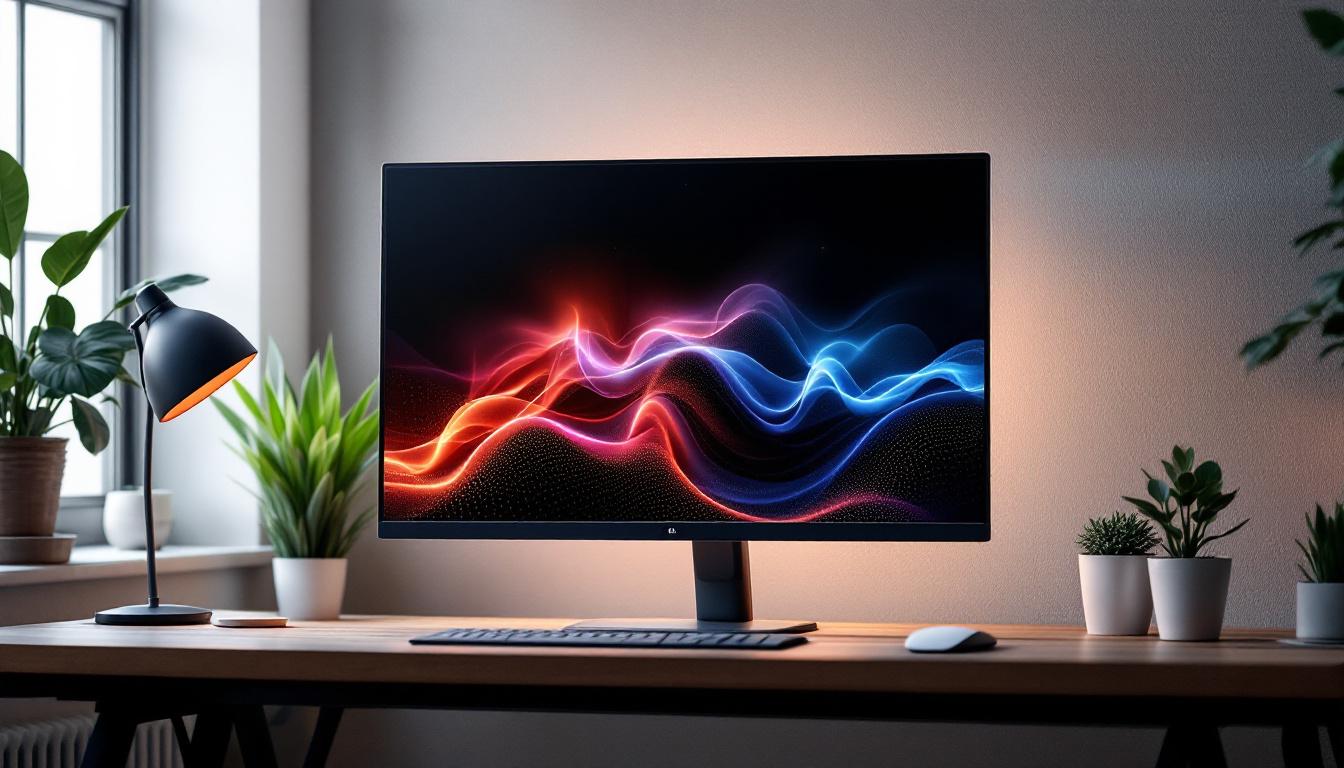
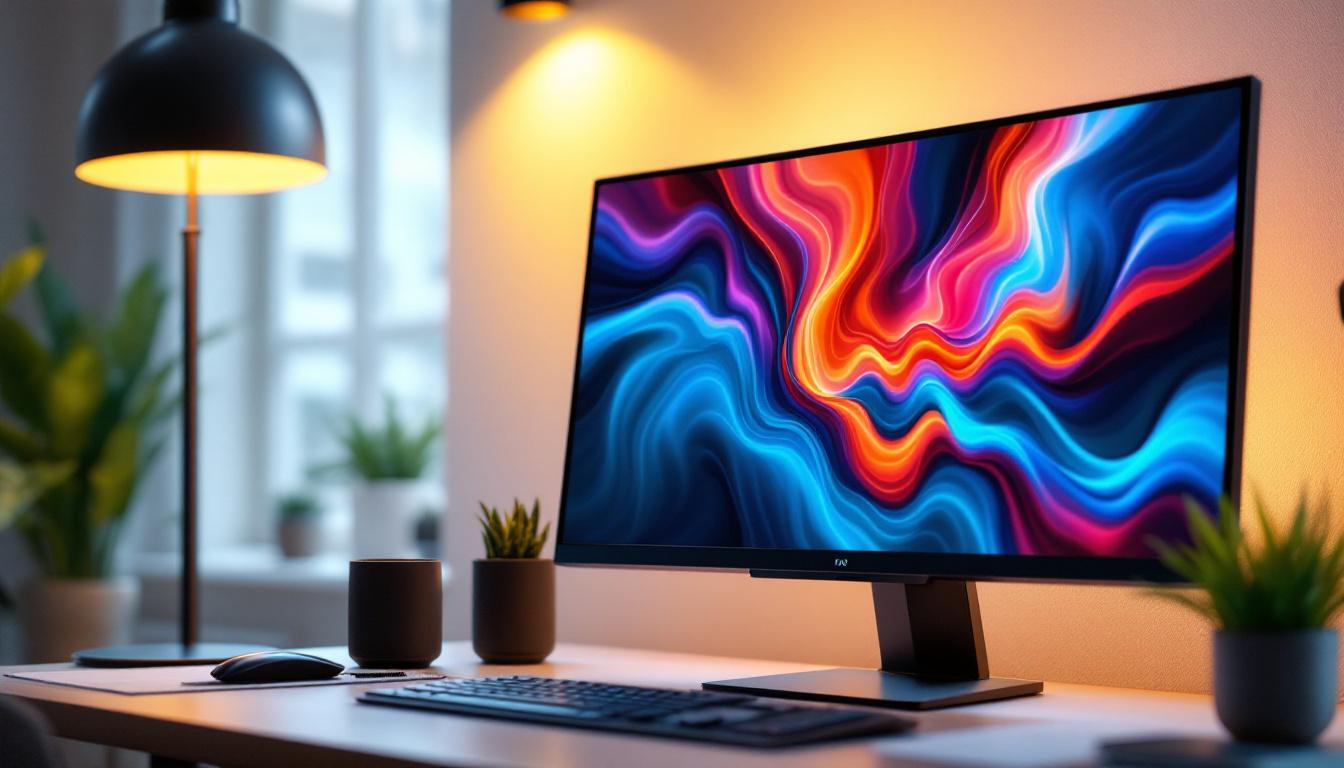
While the stand supports the physical placement of monitors, the display technology defines the visual experience. LED (Light Emitting Diode) displays have become the standard in computer monitors due to their superior image quality, energy efficiency, and slim design.
What is an LED Display?
LED displays use light-emitting diodes to illuminate the screen. Unlike older LCD monitors that rely on cold cathode fluorescent lamps (CCFL) for backlighting, LED screens use LEDs either along the edges or directly behind the screen (known as edge-lit or full-array LED backlighting). This technology enhances brightness, contrast, and color accuracy.
Types of LED Displays
There are primarily two types of LED displays used in computer monitors:
- Edge-Lit LED: LEDs are placed around the edges of the screen, and light is distributed across the display using light guides. This design allows for thinner monitors but may have less uniform brightness.
- Full-Array LED: LEDs are positioned directly behind the screen in a grid pattern, providing more uniform backlighting and better control over local dimming zones, which improves contrast ratios and black levels.
Advantages of LED Displays
LED monitors offer several advantages over older display technologies:
- Energy Efficiency: LED backlighting consumes less power than CCFL, reducing energy costs and environmental impact.
- Improved Image Quality: Higher brightness levels and better contrast ratios result in vivid colors and sharper images.
- Slim and Lightweight Design: The compact LED backlighting allows for thinner and lighter monitors, which complements sleek dual monitor stands.
- Longer Lifespan: LEDs generally last longer than CCFL backlights, extending the useful life of the monitor.
Key Features to Consider When Choosing LED Monitors for Dual Screen Stands
When selecting LED monitors for a dual screen setup, several factors influence the overall experience and compatibility with your chosen stand.
Screen Size and Resolution
Screen size affects how much visual real estate you have, while resolution determines the clarity and detail of images. For dual setups, common sizes range from 24 to 27 inches, balancing workspace and ergonomics. Resolutions such as Full HD (1920×1080), Quad HD (2560×1440), and 4K UHD (3840×2160) are popular choices, with higher resolutions offering sharper images but requiring more powerful graphics hardware.
Refresh Rate and Response Time
Refresh rate, measured in Hertz (Hz), indicates how many times the screen updates per second. Higher refresh rates (e.g., 75Hz, 120Hz, or 144Hz) provide smoother motion, beneficial for gaming and video editing. Response time, measured in milliseconds (ms), affects how quickly pixels change color, influencing motion blur and ghosting. Lower response times (1-5ms) are preferable for fast-paced applications.
Color Accuracy and Panel Type
For professionals in photography, design, or video production, color accuracy is paramount. IPS (In-Plane Switching) panels are widely regarded for their superior color reproduction and wide viewing angles compared to TN (Twisted Nematic) or VA (Vertical Alignment) panels. Many LED monitors now come factory-calibrated or support hardware calibration for precise color work.
Connectivity Options
Modern LED monitors offer various input ports such as HDMI, DisplayPort, USB-C, and USB hubs. Dual monitor setups benefit from versatile connectivity to accommodate multiple devices and reduce cable clutter. USB-C with Power Delivery can also charge laptops, further streamlining the workspace.
Setting Up Your Dual Monitor Stand with LED Displays
Proper installation and configuration of your dual monitor stand and LED displays ensure maximum comfort and productivity.
Positioning and Alignment
Place the monitors so that the top of the screen is at or slightly below eye level to minimize neck strain. The screens should be about an arm’s length away, with a slight inward tilt to reduce glare and improve viewing comfort. Aligning the monitors horizontally and vertically helps create a seamless visual transition between screens.
Calibration and Color Matching
To achieve a consistent viewing experience, calibrate both monitors to match brightness, contrast, and color settings. Calibration tools and software, such as colorimeters or built-in monitor presets, can assist in this process. This step is especially important for creative professionals who require color consistency across screens.
Cable Management
Dual monitor stands often include integrated cable management systems to keep wires organized and out of sight. Proper cable routing not only enhances aesthetics but also prevents accidental disconnections and damage to cables.
Future Trends in Dual Monitor Stands and LED Displays
As technology advances, dual monitor setups and LED displays continue to evolve, offering users enhanced features and capabilities.
Adjustable and Motorized Stands
Emerging designs include motorized stands that allow users to adjust monitor height and angle with the push of a button or via smartphone apps. These innovations cater to dynamic work environments and shared workstations.
Curved and Ultrawide LED Monitors
Curved monitors and ultrawide displays are gaining traction for immersive experiences and expansive screen real estate. Dual setups with curved screens can reduce eye movement and create a more natural viewing field, enhancing comfort during long sessions.
Mini-LED and Micro-LED Technologies
Next-generation LED technologies such as Mini-LED and Micro-LED promise even better contrast ratios, brightness, and energy efficiency. These advancements will likely become mainstream in computer monitors, further improving image quality and user experience.
Conclusion
Investing in a quality dual computer screen stand paired with LED displays can transform your workspace, enhancing ergonomics, productivity, and visual performance. Understanding the types of stands, LED display technology, and key features to consider helps users tailor their setups to their specific needs. As technology progresses, staying informed about emerging trends ensures that your workstation remains efficient and future-proof.
Whether for professional use, gaming, or general multitasking, the combination of a well-designed dual monitor stand and advanced LED displays offers a compelling solution for modern computing environments.
Enhance Your Workspace with LumenMatrix LED Displays
Ready to elevate your dual monitor setup to the next level? Discover LumenMatrix’s innovative LED display solutions, designed to bring unparalleled clarity and vibrancy to your workspace. Whether you’re in need of an Indoor LED Wall Display for your office, an Outdoor LED Wall Display for high-impact advertising, or any of our specialized options like Vehicle, Sports, or Floor LED Displays, LumenMatrix has you covered. Embrace the future of visual communication and check out LumenMatrix LED Display Solutions today to create a workspace that’s not only productive but also visually stunning.