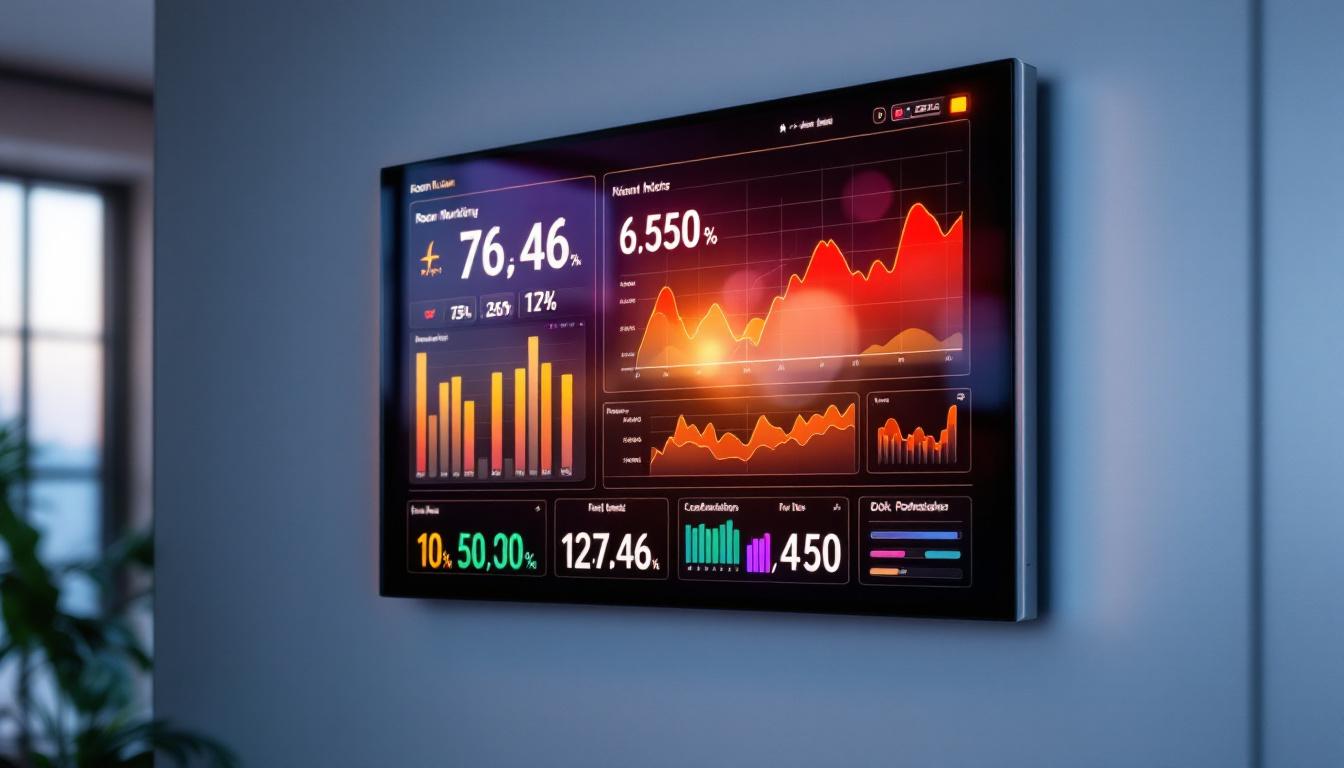
In modern workplaces, educational institutions, and public venues, managing room occupancy and ensuring efficient space utilization have become increasingly important. A key technology enabling this is the room monitor LED display. These devices provide real-time information about room availability, occupancy status, and scheduling, helping organizations optimize their environments and enhance user experience.
This article delves into the world of room monitor LED displays, explaining what they are, how they function, their benefits, and considerations for selecting the right system for your needs.
What Is a Room Monitor LED Display?
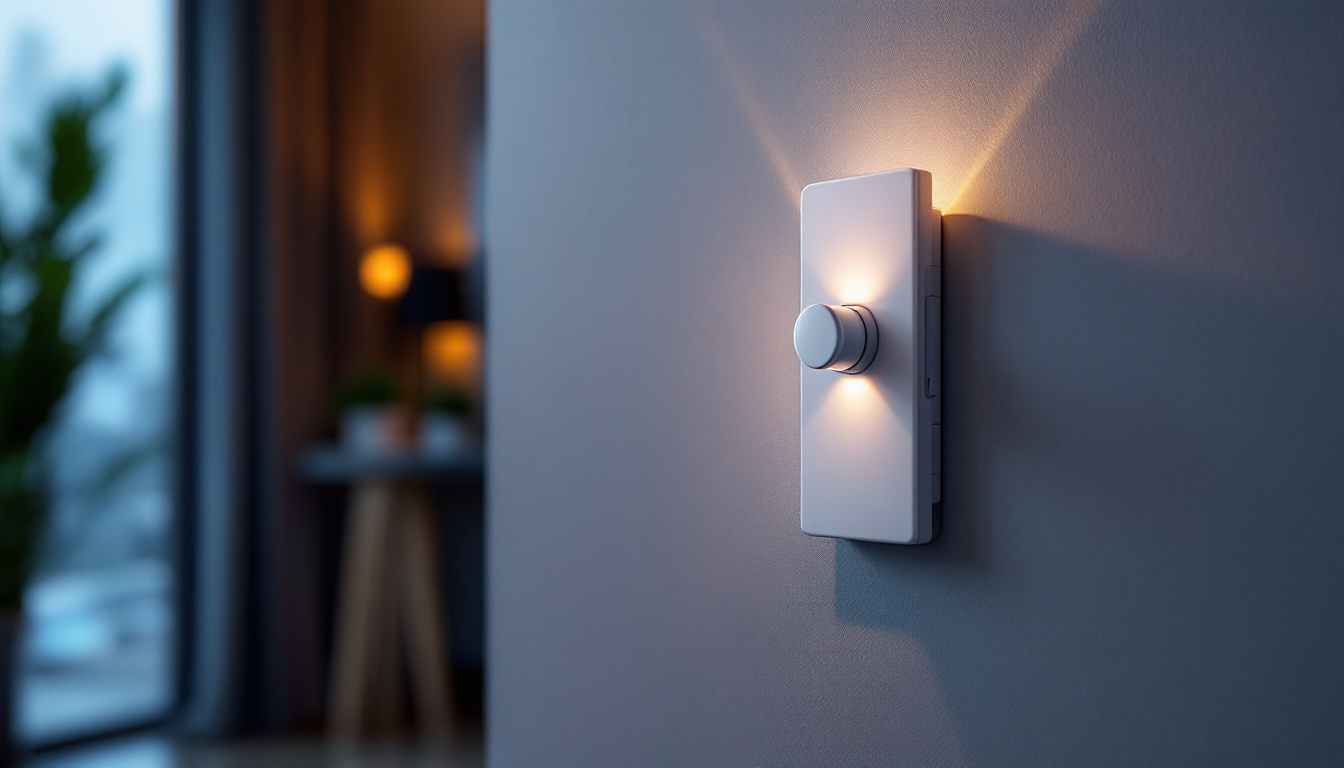
A room monitor LED display is an electronic signage device installed outside meeting rooms, classrooms, or event spaces that visually communicates the room’s current status. Typically, these displays use bright, energy-efficient LED technology to show whether a room is available, occupied, or reserved, often integrating with scheduling software to provide up-to-date information.
Unlike traditional static signs or manual booking sheets, these displays dynamically update in real time, reducing confusion and double bookings. They can also show additional details such as the name of the meeting, time remaining, or upcoming reservations. This functionality not only streamlines the booking process but also enhances the overall user experience by providing clear and immediate information to all users. As organizations continue to embrace hybrid work models, the importance of such displays has grown, as they help manage space utilization effectively and ensure that everyone is on the same page regarding room availability.
Key Components and Technology
At the core, a room monitor LED display consists of:
- LED Panel: The visual interface that displays text, icons, or color-coded indicators. LED technology offers high visibility even in brightly lit environments.
- Control Unit: The embedded system or microcontroller that manages the display content and communication with external systems.
- Connectivity Module: Enables integration with calendar platforms and building management systems via Wi-Fi, Ethernet, or Bluetooth.
- Software Integration: Synchronizes with scheduling tools like Microsoft Outlook, Google Calendar, or specialized room booking software to pull real-time data.
In addition to these core components, many room monitor LED displays come equipped with customizable features that allow organizations to tailor the information presented based on their specific needs. For instance, some displays can be programmed to show emergency alerts or building announcements, ensuring that critical information reaches occupants promptly. Furthermore, advanced models may include touch screens that allow users to interact directly with the display, enabling them to check room availability or book a space on the spot. This level of interactivity not only enhances user engagement but also promotes a more efficient use of shared spaces within an organization.
How Room Monitor LED Displays Work
The operation of a room monitor LED display hinges on its integration with scheduling and occupancy detection systems. Here’s a breakdown of the typical workflow:
1. Integration with Scheduling Software
The LED display connects to a calendar or room booking system, retrieving information about upcoming meetings or events scheduled for that room. This integration allows the display to show who has booked the room, the meeting’s start and end times, and any changes made to the schedule.
For example, if a meeting is scheduled from 10:00 AM to 11:00 AM, the display will automatically update at 10:00 AM to indicate that the room is occupied, and revert to “Available” once the meeting ends. This seamless synchronization not only enhances user experience but also minimizes the chances of double bookings, which can lead to frustration among users. Moreover, many systems offer customizable settings, allowing organizations to tailor notifications and display formats according to their specific needs, ensuring that the information presented is both relevant and engaging.
2. Occupancy Detection
Some advanced room monitor LED displays incorporate occupancy sensors, such as infrared motion detectors or ultrasonic sensors, to detect if people are actually present in the room. This feature helps prevent “ghost bookings” where a room is reserved but not used.
If the system detects no occupancy despite a reservation, it can trigger alerts or automatically release the room back to the pool of available spaces, improving space utilization by up to 30%, according to studies by workplace analytics firms. Additionally, these sensors can provide valuable data on room usage patterns over time, allowing organizations to analyze peak usage hours and make informed decisions about resource allocation and room configurations. This data-driven approach not only enhances operational efficiency but also contributes to a more sustainable workplace by optimizing energy consumption and reducing unnecessary resource expenditure.
3. Real-Time Updates and User Interaction
Many room monitor LED displays allow users to interact directly with the device to extend bookings, check in, or release the room if plans change. Touch-enabled displays or simple button interfaces facilitate this interaction.
Real-time updates ensure that all users have accurate information at their fingertips, reducing scheduling conflicts and enhancing overall operational efficiency. Furthermore, these displays often come equipped with user-friendly interfaces that can display additional information such as room amenities, directions to the room, or even upcoming events in adjacent spaces. This added functionality not only enriches the user experience but also helps foster a collaborative environment by keeping everyone informed and engaged. In some cases, organizations have even integrated social media feeds or internal announcements into these displays, creating a dynamic information hub that enhances communication within the workplace.
Benefits of Using Room Monitor LED Displays
Implementing room monitor LED displays offers numerous advantages across different sectors, from corporate offices to educational campuses and healthcare facilities.
Improved Space Utilization
One of the most significant benefits is the optimization of available space. According to a 2023 report by the International Facility Management Association (IFMA), organizations that deploy smart room monitoring solutions see an average 20-35% increase in meeting room utilization.
By providing real-time occupancy data and enabling flexible booking management, these displays help reduce empty or underused rooms, ensuring that valuable space is put to its best use.
Enhanced User Experience
Clear and immediate information about room availability reduces frustration and time wasted searching for open spaces. Employees, students, or visitors can quickly identify which rooms are free or occupied, streamlining their daily routines.
Furthermore, interactive features like on-the-spot booking adjustments empower users to manage their reservations efficiently without needing to access separate software platforms.
Reduced Administrative Burden
Manual room scheduling and signage management can be time-consuming and error-prone. Room monitor LED displays automate much of this process, minimizing the need for administrative intervention.
Facilities managers can monitor room usage remotely, generate reports for space planning, and adjust policies based on accurate data, freeing up resources for other priorities.
Energy Efficiency and Sustainability
Modern LED displays consume minimal power compared to older display technologies, contributing to lower energy costs. Additionally, by promoting better space utilization, organizations can reduce the need for additional construction or expansion, supporting sustainability goals.
Choosing the Right Room Monitor LED Display
Selecting the appropriate room monitor LED display involves evaluating several factors to ensure it meets your organization’s specific needs.
Display Size and Visibility
The display should be large enough to be easily readable from a distance, especially in busy corridors or large buildings. Common sizes range from small 7-inch panels for compact spaces to larger 15-inch or more for high-traffic areas.
Brightness and contrast are also critical; LED technology typically excels in these areas, but it’s important to verify specifications to ensure legibility under various lighting conditions.
Integration Capabilities
Compatibility with existing scheduling software is essential. Check that the display supports your organization’s calendar platforms, whether it’s Microsoft Exchange, Google Workspace, or specialized room booking systems.
APIs and open protocols can facilitate seamless integration and future scalability.
Occupancy Sensing Features
Decide if occupancy detection is necessary for your environment. While it adds complexity and cost, it can significantly improve space utilization and prevent no-shows.
If privacy concerns are paramount, opt for non-intrusive sensors that do not capture images or personal data.
User Interaction Options
Consider whether users need to interact with the display to modify bookings or check in. Touchscreen interfaces offer flexibility but may require more maintenance, while simpler button controls can suffice for basic needs.
Installation and Maintenance
Evaluate the ease of installation, power requirements, and network connectivity options. Some displays are battery-powered for wireless installation, while others require wired connections.
Maintenance support and software updates are also important to ensure long-term reliability.
Future Trends in Room Monitor LED Displays
As smart building technologies evolve, room monitor LED displays are becoming more sophisticated and integrated into broader Internet of Things (IoT) ecosystems.
AI-Driven Analytics
Artificial intelligence is being used to analyze occupancy patterns and predict room demand, enabling proactive space management. This can lead to dynamic scheduling adjustments and personalized user experiences.
Enhanced Interoperability
Future systems will increasingly support interoperability across diverse platforms, including voice assistants, mobile apps, and building automation systems, creating seamless environments.
Eco-Friendly Innovations
Advancements in low-power LED technology and sustainable materials will further reduce the environmental impact of these devices, aligning with corporate social responsibility initiatives.
Conclusion
Room monitor LED displays represent a vital tool for modern space management, combining real-time information delivery with user-friendly interfaces and smart integration. By improving space utilization, enhancing user experience, and reducing administrative overhead, these displays help organizations operate more efficiently and sustainably.
When selecting a room monitor LED display, consider factors such as display size, integration capabilities, occupancy sensing, and user interaction to find the best fit for your environment. As technology continues to advance, these systems will play an increasingly central role in creating intelligent, responsive spaces.
Discover LumenMatrix’s Advanced LED Solutions
Ready to elevate your space management with the latest in LED display technology? LumenMatrix offers a comprehensive range of LED display solutions tailored to meet the dynamic needs of modern environments. From enhancing brand visibility with our Indoor and Outdoor LED Wall Displays to creating immersive experiences with our Custom and All-in-One LED Displays, we have the tools to revolutionize your visual communication. Experience the power of cutting-edge LED technology and transform your space today. Check out LumenMatrix LED Display Solutions and see the difference for yourself.