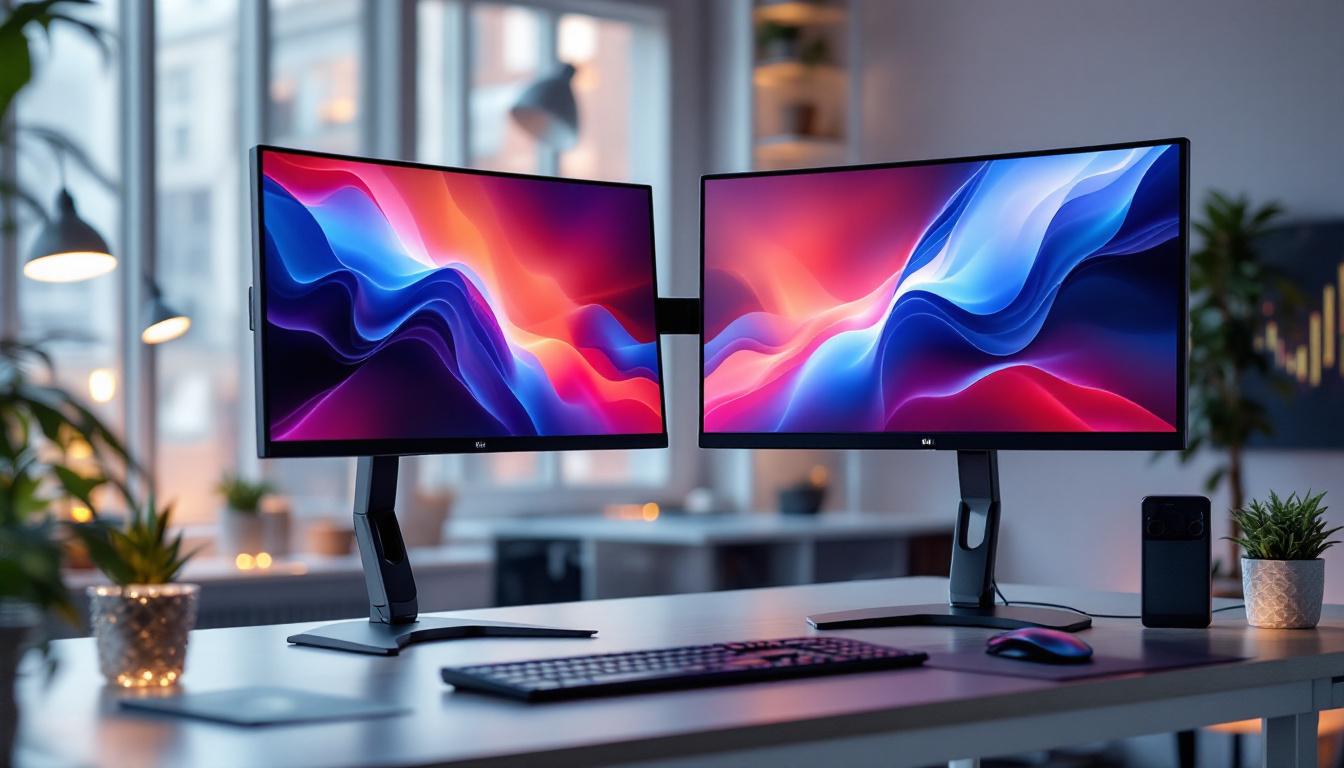
In today’s fast-paced digital world, maximizing workspace efficiency is essential for productivity and comfort. Dual monitor setups have become increasingly popular, especially with 27 inch monitors, which strike a perfect balance between screen real estate and desk space. However, to fully harness the benefits of dual 27 inch LED displays, the right dual monitor stand is crucial. This article explores the key considerations when choosing a dual monitor stand for 27 inch monitors, explains the advantages of LED displays, and offers practical tips for optimizing your workspace.
Why Choose Dual 27 Inch Monitors?
When it comes to selecting monitors, size and resolution play pivotal roles in user experience. The 27 inch monitor size has emerged as a favorite among professionals, gamers, and creatives alike. It offers ample screen space without overwhelming most desk setups.
According to recent market research, 27 inch monitors account for nearly 30% of all desktop monitor sales worldwide. This popularity is driven by their versatility: they provide enough room for multitasking, detailed design work, and immersive gaming, while maintaining a comfortable viewing distance.
Optimal Screen Size for Productivity
Studies have shown that screen size directly impacts productivity. A 27 inch monitor allows users to comfortably view multiple windows side by side, reducing the need to constantly switch between tabs or applications. This is especially beneficial for professionals such as software developers, graphic designers, and financial analysts who rely on simultaneous access to diverse information.
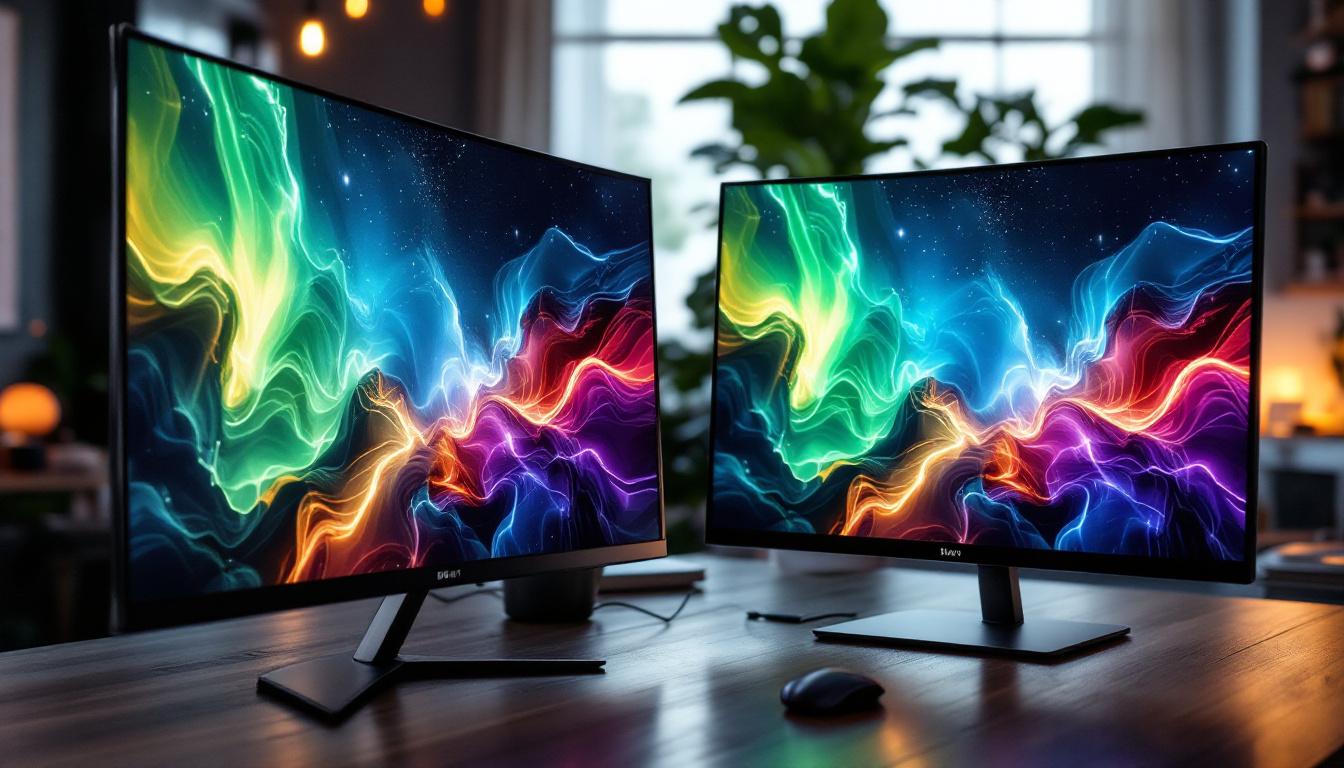
Moreover, dual 27 inch monitors double this advantage, enabling users to expand their digital workspace significantly. This setup can reduce eye strain and improve workflow efficiency by allowing for better organization and quicker access to essential tools. The increased screen real estate also facilitates more effective collaboration during video calls or presentations, as users can share their screens while keeping notes or other applications open on the secondary monitor.
Resolution and Display Quality
Most 27 inch monitors come with a standard resolution of 2560×1440 pixels (QHD), which offers a sharp and clear image quality. This resolution strikes a balance between Full HD and 4K, providing detailed visuals without demanding excessive graphics processing power.
For dual monitor setups, having matching resolution and display quality is important to ensure a seamless viewing experience. LED technology enhances this further by delivering brighter colors, better contrast ratios, and lower power consumption compared to older LCD or CCFL-backlit monitors. Additionally, many 27 inch monitors now come equipped with advanced features such as adaptive sync technology, which reduces screen tearing during gaming, and high refresh rates that ensure smoother motion for fast-paced action. These enhancements not only improve the overall visual experience but also contribute to a more engaging and enjoyable workflow, making them ideal for both work and play.
The Advantages of LED Displays in Dual Monitor Setups
LED (Light Emitting Diode) displays have become the standard for modern monitors due to their superior performance and energy efficiency. When paired in a dual monitor setup, LED displays offer several distinct benefits.
Energy Efficiency and Longevity
LED backlighting consumes significantly less power than traditional CCFL (Cold Cathode Fluorescent Lamp) backlighting. This translates into lower electricity bills and a reduced environmental footprint, which is increasingly important for both home offices and corporate environments.
Additionally, LED monitors tend to have longer lifespans, often exceeding 50,000 hours of use. This durability ensures that investing in dual LED monitors and a compatible stand is a cost-effective choice over time.
Improved Color Accuracy and Brightness
One of the most appreciated features of LED displays is their ability to produce vibrant colors and high contrast ratios. This is particularly valuable for professionals in creative industries such as photography, video editing, and graphic design, where color precision is critical.
Dual LED monitors can be calibrated to match color profiles, providing consistency across screens. This uniformity enhances the visual experience and reduces the risk of errors caused by color discrepancies.
Thinner and Lighter Design
LED technology allows for slimmer and lighter monitor designs compared to older display types. This is a key factor when selecting a dual monitor stand, as it affects the stand’s weight capacity and the overall ergonomics of your workspace.
Lightweight monitors are easier to adjust and reposition, enabling users to customize their setup for optimal comfort and posture.
Choosing the Right Dual Monitor Stand for 27 Inch Monitors
A well-designed dual monitor stand is essential to fully leverage the benefits of dual 27 inch LED monitors. It not only supports the physical weight of the monitors but also enhances ergonomics, desk organization, and aesthetic appeal.
Weight Capacity and Compatibility
When selecting a dual monitor stand, it is crucial to verify that it can support the weight of two 27 inch monitors. On average, a 27 inch LED monitor weighs between 8 to 12 pounds (3.6 to 5.4 kg). Therefore, a stand with a minimum weight capacity of 25 pounds (11.3 kg) per arm is recommended to ensure stability and safety.
Compatibility with VESA mount standards (usually 75×75 mm or 100×100 mm) is another important consideration. Most 27 inch monitors support VESA mounting, but confirming this beforehand prevents compatibility issues.
Adjustability and Ergonomics
Ergonomic adjustability is a defining feature of quality dual monitor stands. Look for stands that offer height adjustment, tilt, swivel, and rotation capabilities. These features allow users to position monitors at eye level, reducing neck and eye strain during extended use.
Height adjustability is particularly important to accommodate different desk heights and user preferences. Swivel and tilt functions facilitate collaborative work by enabling easy sharing of screen content without moving the entire stand.
Desk Space Optimization
Dual monitor stands come in various mounting styles, including clamp mounts, grommet mounts, and freestanding bases. Clamp and grommet mounts attach directly to the desk, freeing up valuable surface space and promoting a clutter-free environment.
For smaller desks or shared workspaces, choosing a stand that minimizes the footprint can significantly enhance usability. Some stands feature cable management systems, which help organize and conceal wires, contributing to a cleaner setup.
Build Quality and Materials
Durability is essential for a dual monitor stand, especially when supporting larger monitors. Stands made from high-quality materials such as steel or aluminum offer better stability and longevity compared to plastic alternatives.
Additionally, a well-built stand reduces unwanted vibrations and wobbling, which can be distracting and potentially harmful to the monitors over time.
Setting Up Your Dual 27 Inch Monitor Stand: Best Practices
Proper installation and setup are key to maximizing the benefits of your dual monitor stand and LED displays. Following best practices ensures comfort, productivity, and safety.
Positioning for Optimal Ergonomics
Place the monitors so that the top of the screen is at or slightly below eye level. This helps maintain a natural neck position and reduces strain. The monitors should be about an arm’s length away from your eyes to prevent eye fatigue.
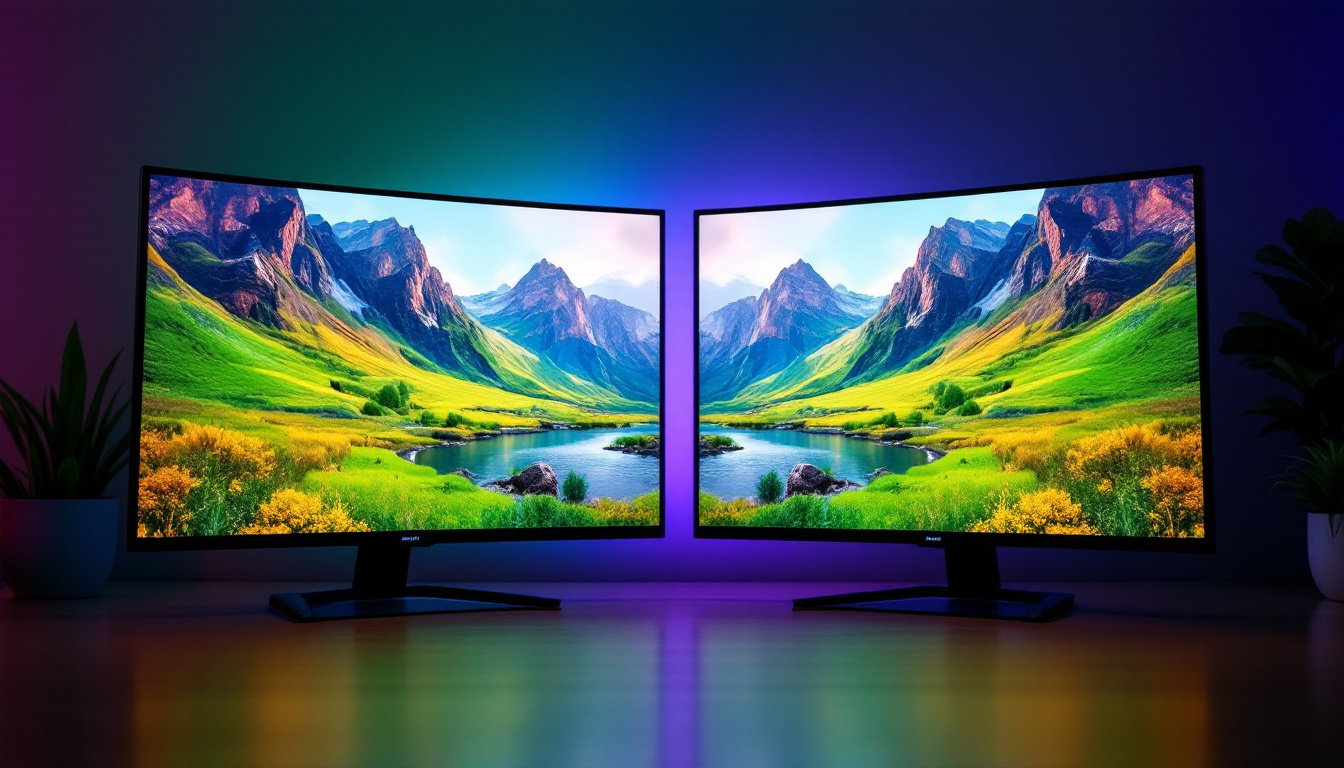
When using dual monitors, angle them inward slightly to create a curved viewing experience. This reduces the need for excessive head movement and keeps both screens within your peripheral vision.
Calibrating Display Settings
After mounting your monitors, calibrate the brightness, contrast, and color settings to ensure consistency across both screens. Many monitors include built-in calibration tools, or you can use third-party software for more precise adjustments.
Matching display settings is particularly important for tasks requiring color accuracy, such as photo editing or video production.
Cable Management Tips
Use the cable management features of your monitor stand to route power cords, HDMI, DisplayPort, and USB cables neatly. This not only improves aesthetics but also prevents cables from tangling or causing accidental disconnections.
Labeling cables can also be helpful in complex setups, making troubleshooting and adjustments easier.
Popular Dual Monitor Stands for 27 Inch LED Displays
Several dual monitor stands have gained popularity for their compatibility with 27 inch LED monitors and user-friendly features. Here are a few examples:
Gas Spring Dual Monitor Arm
This type of stand uses gas springs to provide smooth and effortless height and angle adjustments. It typically supports monitors up to 32 inches and weights up to 19.8 pounds per arm, making it ideal for 27 inch LED displays.
The flexibility and ease of movement offered by gas spring arms make them a favorite among professionals who frequently adjust their workspace.
Freestanding Dual Monitor Stand
Freestanding stands come with a weighted base and do not require desk mounting. They are easy to set up and move, suitable for users who prefer not to modify their desks.
However, they usually occupy more desk space, so they are best suited for larger work surfaces.
Clamp Mount Dual Monitor Stand
Clamp mounts attach securely to the edge of the desk, freeing up surface space. They are ideal for smaller desks or minimalist setups. Many models include integrated cable management and ergonomic adjustability.
Ensure your desk thickness is compatible with the clamp specifications before purchasing.
Conclusion: Enhancing Your Workspace with Dual 27 Inch LED Monitors and Stands
Investing in a dual monitor stand tailored for 27 inch LED displays can transform your workspace by improving ergonomics, increasing productivity, and enhancing visual comfort. LED technology offers superior image quality and energy efficiency, while the right stand ensures stability, adjustability, and desk space optimization.
By carefully considering factors such as weight capacity, VESA compatibility, adjustability, and build quality, users can select a dual monitor stand that meets their specific needs. Proper setup and calibration further maximize the benefits of this powerful combination.
Whether for professional work, creative projects, or immersive gaming, a dual 27 inch LED monitor setup supported by a high-quality stand is a smart choice for anyone looking to upgrade their digital workspace.
Discover the Future of Visual Displays with LumenMatrix
Ready to take your workspace to the next level with a dual 27 inch LED monitor setup? Embrace the future of visual display technology with LumenMatrix, a pioneer in crafting immersive LED experiences. From vibrant Indoor LED Walls to dynamic Outdoor Displays and beyond, LumenMatrix offers an extensive range of solutions tailored to elevate your brand and captivate your audience. Don’t miss the opportunity to transform your digital environment. Check out LumenMatrix LED Display Solutions today and witness the revolution in visual communication.