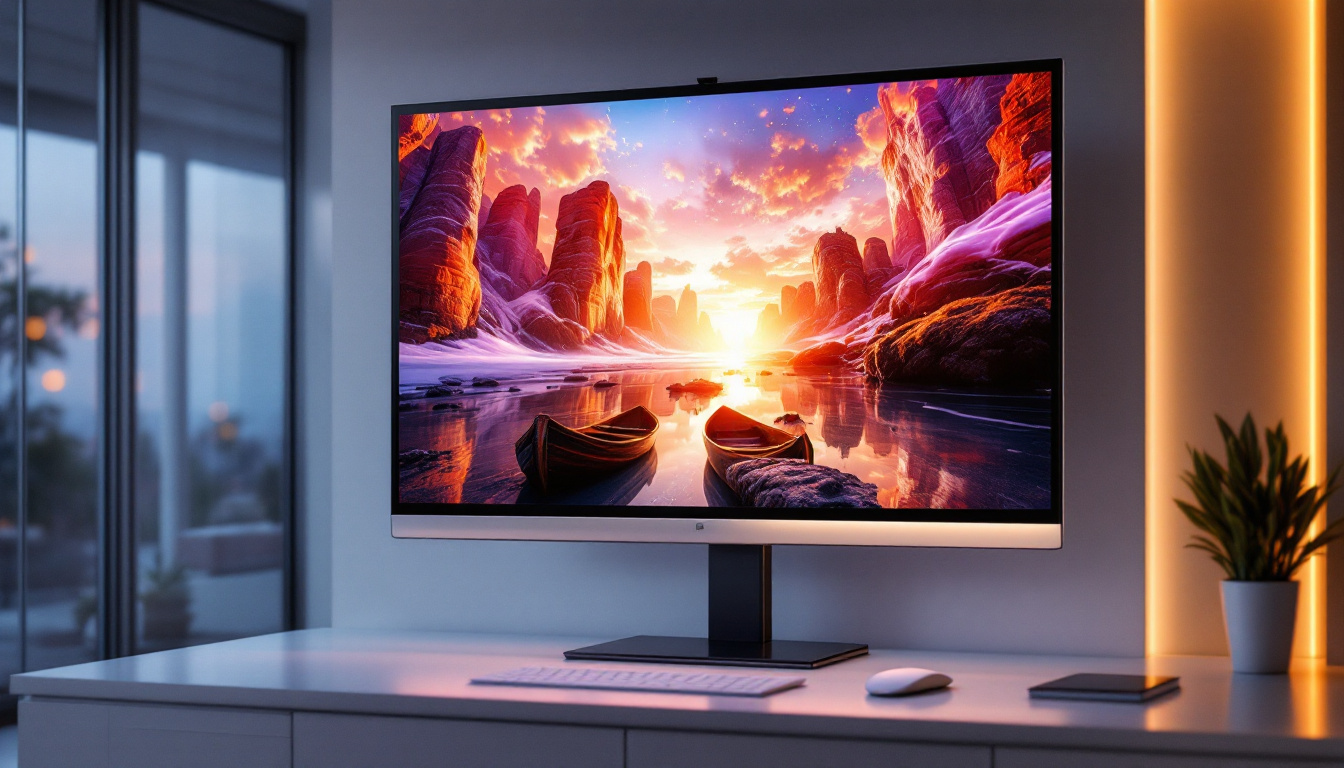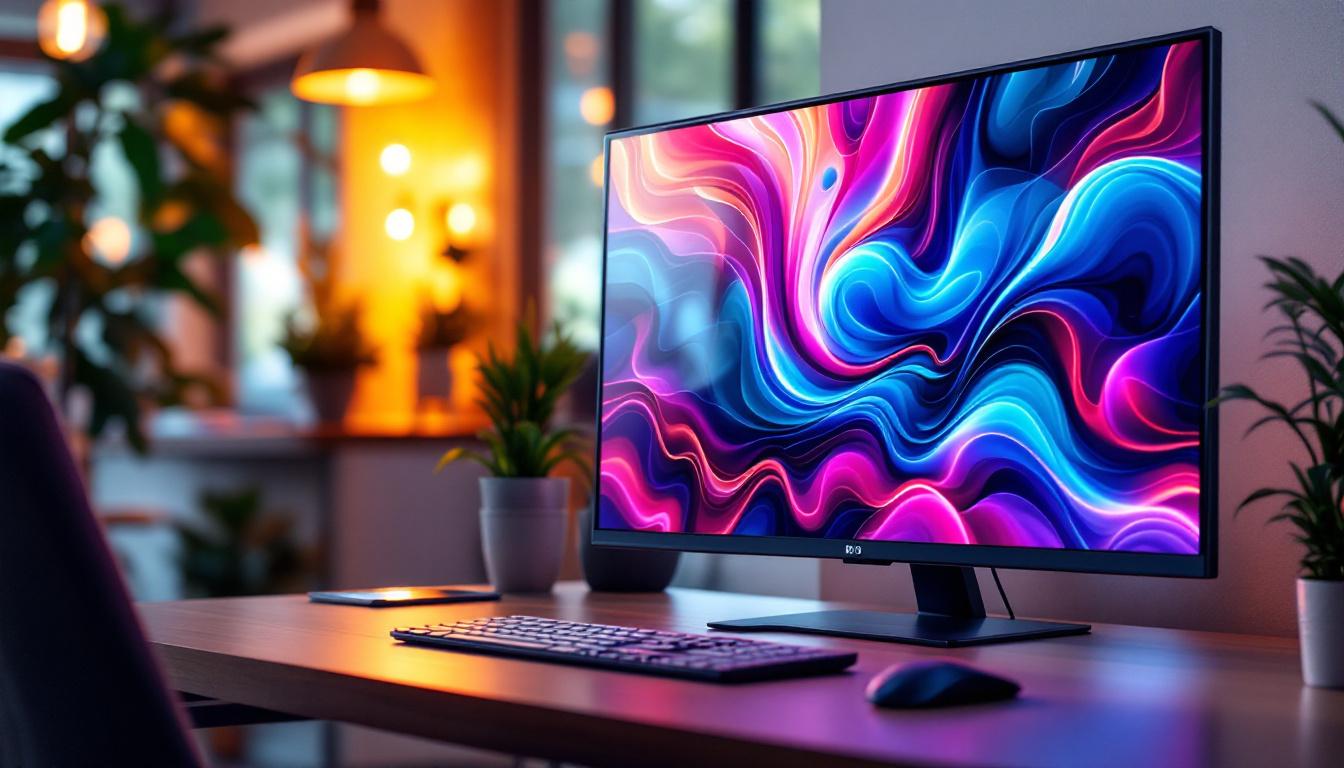
In today’s fast-evolving digital landscape, choosing the right display monitor is crucial for both professional and personal use. Among the many options available, a 50 inch LED display monitor stands out as a versatile choice, offering a balance between size, clarity, and performance. Whether for business presentations, creative work, or immersive entertainment, understanding the technology behind LED displays and the benefits of a 50 inch size can help consumers make informed decisions.
Understanding LED Display Technology
What is an LED Display?
LED, or Light Emitting Diode, displays are a type of flat-panel display technology that uses tiny light-emitting diodes as pixels to produce images. Unlike traditional LCDs that rely on fluorescent backlighting, LED displays use LEDs to illuminate the screen, which improves brightness, contrast, and energy efficiency.
The term “LED display” often refers to two main types of technologies: direct LED and edge-lit LED. Direct LED displays place LEDs directly behind the screen, allowing for more precise lighting control and better contrast. Edge-lit LED displays position LEDs along the edges of the screen, which can make the monitor thinner but sometimes at the cost of uniformity in brightness. This distinction is crucial for consumers, as the choice between these technologies can significantly impact the viewing experience, especially in varied lighting conditions.
Moreover, advancements in LED technology have led to the emergence of Mini-LED and Micro-LED displays, which utilize even smaller diodes for enhanced performance. Mini-LED technology allows for more localized dimming zones, resulting in deeper blacks and improved contrast ratios. Micro-LED, on the other hand, offers self-emissive properties similar to OLED, but without the risk of burn-in, making it a promising contender for future display technologies.
How LED Displays Compare to Other Technologies
When compared to older LCD monitors with CCFL (cold cathode fluorescent lamp) backlighting, LED displays offer several advantages. They consume less power, produce less heat, and provide better color accuracy and brightness. Additionally, LED displays typically have a longer lifespan and are more environmentally friendly due to the absence of mercury in backlighting. This eco-friendliness has made LED technology a preferred choice for many manufacturers looking to reduce their carbon footprint.
Compared to OLED (Organic Light Emitting Diode) displays, LED monitors generally cost less and are less susceptible to burn-in, making them suitable for prolonged use in office environments. However, OLEDs excel in contrast ratios and color vibrancy, which may be preferable for high-end graphic design or cinematic viewing. The debate between LED and OLED often hinges on the specific needs of the user; while gamers might prioritize the rapid refresh rates and deep blacks of OLED, professionals in fields like photography may lean towards LED for its reliability and longevity.
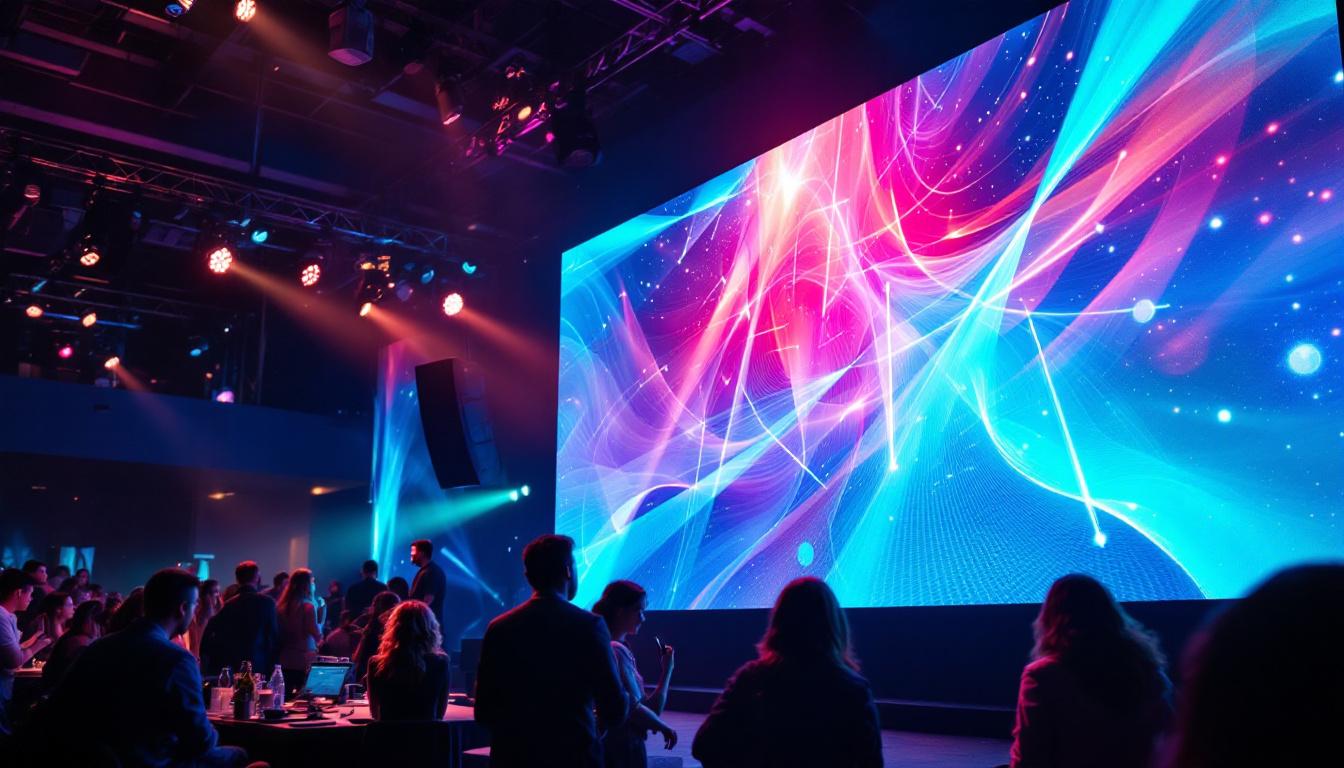
Furthermore, the versatility of LED displays extends beyond just personal and professional use. They are increasingly being utilized in large-scale applications such as billboards, stadiums, and concert venues, where their brightness and visibility can outshine traditional display technologies. The ability to create large video walls using modular LED panels has transformed the way events are experienced, allowing for immersive visual presentations that captivate audiences. As technology continues to evolve, the potential applications for LED displays seem limitless, paving the way for innovative uses in various industries.
The Advantages of a 50 Inch Display Monitor
Optimal Size for Versatility
A 50 inch monitor strikes a unique balance between screen real estate and usability. It is large enough to provide an immersive viewing experience without overwhelming typical desk setups. For professionals working with detailed graphics, spreadsheets, or multiple windows, the extra space enhances productivity by reducing the need for multiple monitors.
For home entertainment, a 50 inch screen offers a cinematic experience suitable for medium-sized rooms. It is large enough to appreciate high-definition content while maintaining a reasonable viewing distance that prevents eye strain.
Enhanced Productivity and Multitasking
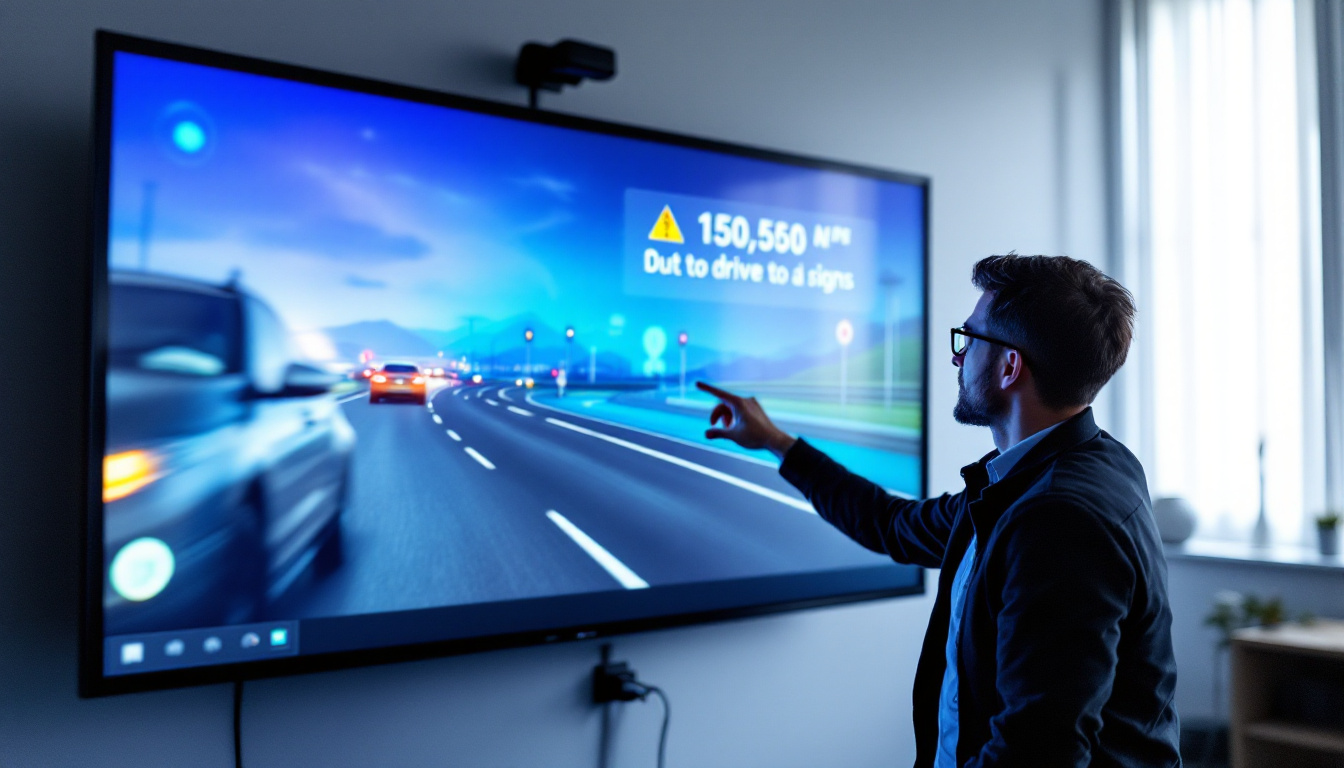
In business environments, a 50 inch LED monitor can serve as a digital whiteboard, presentation display, or collaborative workspace. The expansive screen allows multiple users to view content simultaneously, facilitating teamwork and communication. Many models support split-screen functionality or picture-in-picture modes, further enhancing multitasking capabilities.
Creative professionals such as video editors, photographers, and designers benefit from the increased workspace, which allows for detailed editing and color grading with greater precision. The high resolution typical of 50 inch LED monitors ensures that images and videos appear sharp and true to life.
Key Features to Consider When Choosing a 50 Inch LED Monitor
Resolution and Image Quality
Resolution is a critical factor influencing the clarity and detail of images on a 50 inch screen. Common resolutions for this size include Full HD (1920×1080), 4K UHD (3840×2160), and even 5K in some high-end models. A higher resolution ensures that pixels are less visible, resulting in crisper images and smoother text rendering.
For users prioritizing image quality, 4K UHD is increasingly becoming the standard, offering four times the pixel count of Full HD. This is especially important for tasks requiring fine detail, such as CAD design or video editing.
Refresh Rate and Response Time
The refresh rate, measured in hertz (Hz), indicates how many times per second the display updates its image. Higher refresh rates, such as 120Hz or 144Hz, provide smoother motion, which is beneficial for gaming and video playback. Response time, measured in milliseconds (ms), refers to how quickly a pixel can change color. Lower response times reduce motion blur and ghosting effects.
While a 50 inch monitor is often used for productivity and media consumption, gamers and video professionals should consider models with higher refresh rates and lower response times to ensure optimal performance.
Connectivity Options
Modern 50 inch LED monitors come equipped with a variety of ports to accommodate different devices. HDMI remains the most common interface, supporting high-definition video and audio. DisplayPort is favored in professional settings for its higher bandwidth and support for multiple monitors.
USB-C ports are increasingly popular, enabling video, audio, data transfer, and power delivery through a single cable. This simplifies cable management and is especially useful for laptop users. Additional features such as built-in speakers, USB hubs, and wireless connectivity can further enhance the user experience.
Applications of 50 Inch LED Display Monitors
Business and Professional Use
In corporate environments, 50 inch LED monitors are often used in conference rooms, digital signage, and control centers. Their size allows for clear visibility from a distance, making them ideal for presentations and collaborative work. Interactive touch-enabled models can transform meetings by enabling direct manipulation of content on the screen.
Industries such as finance, healthcare, and engineering benefit from the ability to display complex data and multiple information streams simultaneously, improving decision-making and operational efficiency.
Creative and Multimedia Work
Creative professionals require displays that accurately reproduce colors and fine details. Many 50 inch LED monitors offer wide color gamuts, HDR (High Dynamic Range) support, and factory calibration to meet these demands. Video editors can view footage at full resolution, while photographers can edit high-resolution images with confidence.
Additionally, the large screen size enhances the experience of digital art and animation, allowing for precise brush strokes and detailed work without constant zooming and panning.
Home Entertainment and Gaming
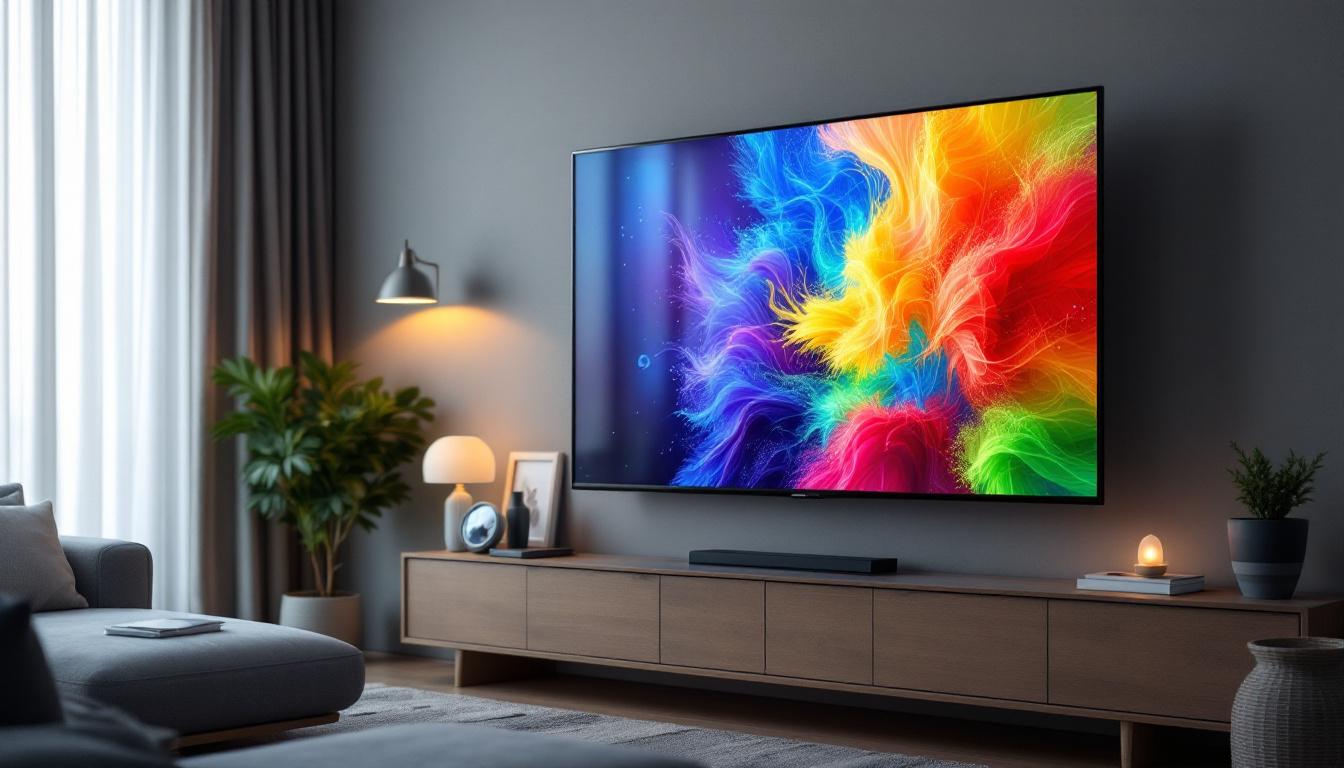
For home users, a 50 inch LED monitor can double as a television or gaming display. The large screen size and high resolution create an immersive experience for movies, streaming, and gaming. Many models support HDR and wide color ranges, enhancing visual quality.
Gamers benefit from features like low input lag, high refresh rates, and adaptive sync technologies (such as NVIDIA G-SYNC or AMD FreeSync), which reduce screen tearing and stuttering for smoother gameplay.
Energy Efficiency and Environmental Considerations
Power Consumption of LED Displays
LED displays are known for their energy efficiency compared to older technologies. A 50 inch LED monitor typically consumes between 50 to 150 watts, depending on brightness settings and usage. This is significantly lower than plasma or older LCD monitors, making LED displays a cost-effective and eco-friendly choice.
Energy Star ratings and other certifications can help consumers identify models that meet strict energy efficiency standards, reducing electricity bills and environmental impact.
Environmental Impact and Sustainability
LED technology also offers environmental benefits beyond energy savings. LEDs do not contain hazardous materials like mercury, which is present in some fluorescent backlights. This makes disposal and recycling safer and more straightforward.
Manufacturers are increasingly adopting sustainable practices, such as using recyclable materials and reducing packaging waste. Consumers can contribute to sustainability by selecting monitors from companies with strong environmental commitments and by properly recycling old electronics.
Tips for Setting Up and Maintaining a 50 Inch LED Monitor
Optimal Placement and Viewing Distance
For a 50 inch display, proper placement is essential to maximize comfort and image quality. The ideal viewing distance is generally between 3 to 6 feet, depending on resolution and personal preference. Sitting too close can cause eye strain, while sitting too far reduces the immersive effect.
Position the monitor at eye level to prevent neck strain, and ensure that ambient lighting minimizes screen glare. Adjustable stands or wall mounts can help achieve the best ergonomic setup.
Regular Maintenance and Calibration
To maintain image quality, regular cleaning of the screen with a soft, lint-free cloth is recommended. Avoid harsh chemicals that can damage the display surface. Periodic calibration using software tools or hardware calibrators ensures color accuracy, especially important for professional users.
Firmware updates from the manufacturer can improve performance and fix bugs, so keeping the monitor’s software up to date is advisable.
Conclusion: Is a 50 Inch LED Display Monitor Right for You?
The 50 inch LED display monitor offers a compelling combination of size, image quality, and versatility suitable for a wide range of applications. From enhancing productivity in professional settings to delivering immersive entertainment at home, this size provides ample screen space without overwhelming typical environments.
Understanding the underlying LED technology, key features like resolution and connectivity, and practical considerations such as energy efficiency and ergonomics can help buyers select the ideal model. Whether upgrading a workspace, creating a digital studio, or enjoying high-quality media, a 50 inch LED monitor is a smart investment in today’s visual-centric world.
Discover LumenMatrix’s Advanced LED Display Solutions
Ready to elevate your visual experience with a 50 inch LED display monitor? Look no further than LumenMatrix, a pioneer in LED display technology. Our comprehensive range of products, from Indoor and Outdoor LED Wall Displays to innovative solutions like Vehicle LED Displays and LED Transparent Displays, is designed to meet your every need. Embrace the future of visual communication with LumenMatrix and transform your space into a dynamic, engaging environment. Check out LumenMatrix LED Display Solutions today and see the difference cutting-edge technology can make.