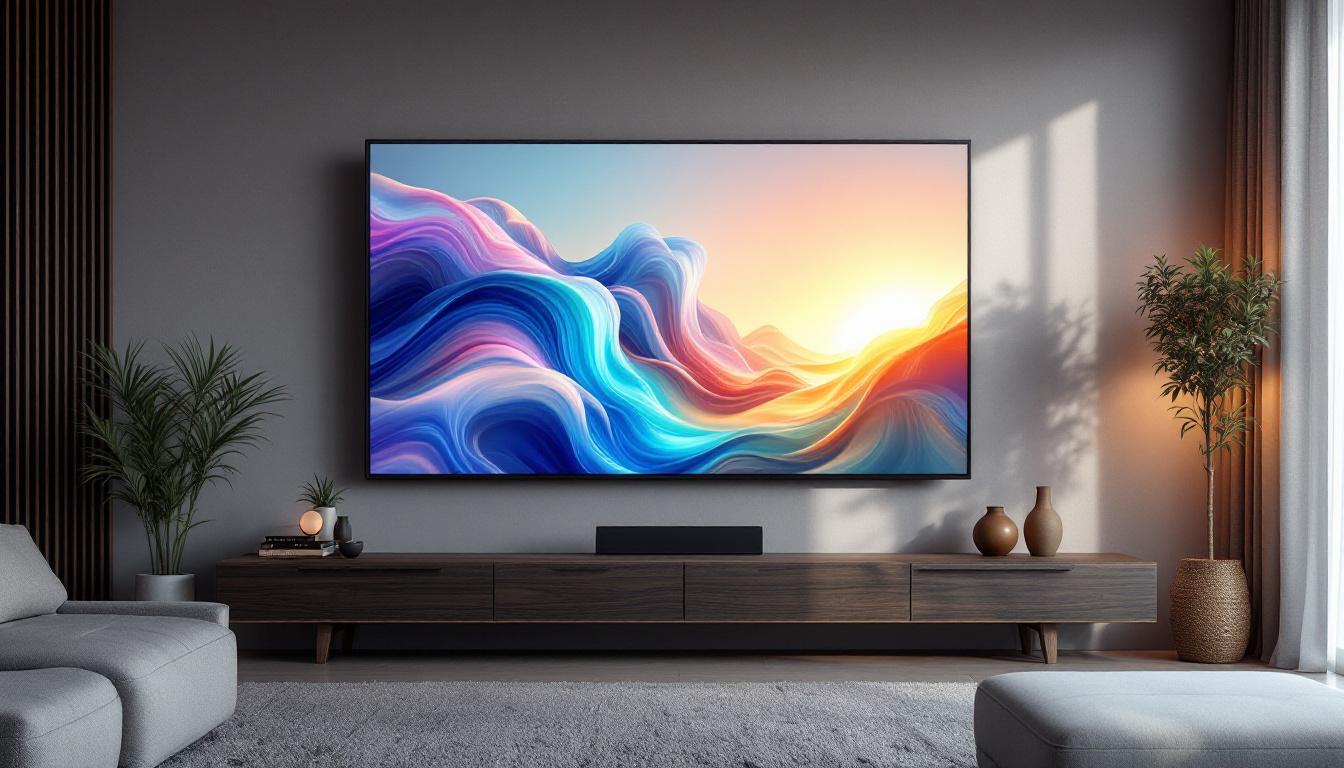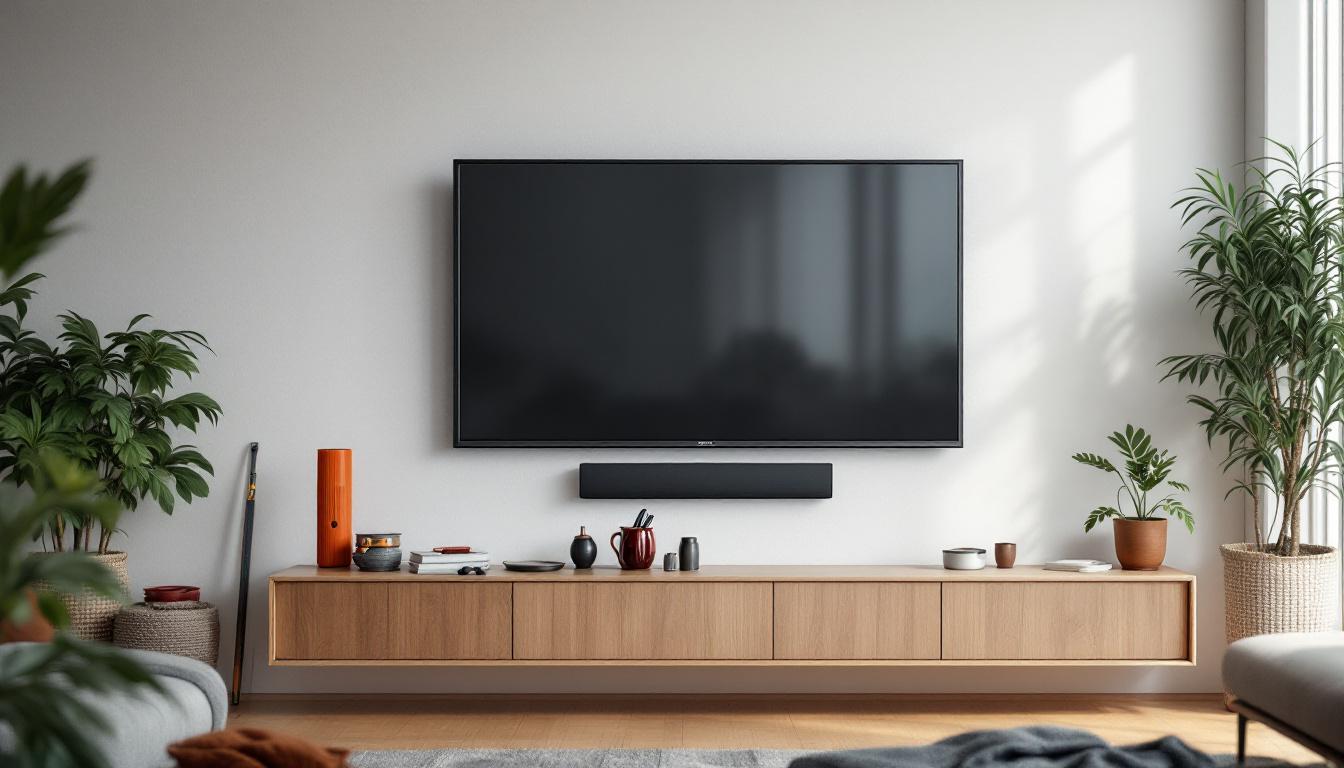
Mounting a wall TV has become a popular way to enhance living spaces, optimize viewing angles, and create a sleek, modern aesthetic. With the rise of LED display technology, wall-mounted TVs offer vibrant colors, energy efficiency, and slim profiles that fit seamlessly into any room. However, installing a wall TV, especially an LED display, requires careful planning and execution to ensure safety, optimal performance, and longevity.
This comprehensive guide will walk you through the essential steps, tools, and considerations for installing an LED wall TV. Whether you’re a DIY enthusiast or hiring a professional, understanding the process and technology behind LED displays will help you make informed decisions and achieve the best results.
Understanding LED Display Technology
What is an LED TV?
LED TVs are a type of LCD (liquid crystal display) television that use light-emitting diodes (LEDs) as a backlight instead of traditional cold cathode fluorescent lamps (CCFLs). This technology allows the TV to be thinner, brighter, and more energy-efficient. The LEDs can be arranged around the edges of the screen (edge-lit) or directly behind the screen (full-array), with full-array models offering better contrast and local dimming capabilities. Edge-lit models are often more affordable and lighter, making them easier to install, while full-array models provide superior picture quality, especially in darker scenes where local dimming can enhance contrast by selectively dimming parts of the screen.
According to a report by Statista, LED TVs accounted for over 90% of global TV shipments in 2023, highlighting their dominance in the market due to their superior picture quality and affordability. This widespread adoption is also attributed to the continuous advancements in LED technology, such as quantum dot enhancements that improve color accuracy and brightness, making LED TVs an attractive option for both casual viewers and home theater enthusiasts alike.
Benefits of LED Displays for Wall Mounting
LED TVs are particularly well-suited for wall mounting for several reasons:
- Slim Profile: LED technology allows for ultra-thin panels that sit flush against the wall, creating a clean and modern look.
- Energy Efficiency: LEDs consume less power, reducing electricity costs and heat output, which is beneficial in enclosed spaces.
- Brightness and Color Accuracy: LED TVs provide bright images with vivid colors, ensuring a great viewing experience even in well-lit rooms.
- Durability: LEDs have a longer lifespan compared to older backlighting methods, meaning your wall-mounted TV will maintain its quality over time.
In addition to these benefits, wall mounting an LED TV can significantly enhance the aesthetic appeal of a room. By eliminating bulky furniture and creating an open space, a mounted TV can serve as a focal point that complements the overall design of your living area. Moreover, many modern LED TVs come with cable management systems that help conceal wires and connections, resulting in a tidy and organized look. This not only enhances the visual experience but also contributes to a safer environment by reducing clutter and potential tripping hazards.
Furthermore, wall mounting provides flexibility in viewing angles and positions. Depending on the layout of your room, you can choose the optimal height and angle for your TV, ensuring that everyone enjoys a comfortable viewing experience. Many wall mounts also allow for tilting or swiveling, accommodating various seating arrangements and minimizing glare from windows or overhead lights. This adaptability makes LED TVs not just a technological investment, but also a practical solution for modern living spaces.
Preparation Before Installation
Choosing the Right Location
Location is critical when installing a wall TV. Consider the following factors to optimize viewing comfort and TV performance:
- Viewing Height: The center of the screen should be at eye level when seated, typically between 42 to 48 inches from the floor.
- Lighting Conditions: Avoid placing the TV opposite windows or direct light sources to reduce glare and reflections.
- Wall Material: Ensure the wall can support the TV’s weight. Drywall alone may not be sufficient; locating studs or using appropriate anchors is essential.
- Proximity to Power Outlets and Cable Connections: Plan for easy access to power and cable inputs to avoid visible wires and ensure a clean installation.
Tools and Materials Needed
Having the right tools on hand will make the installation process smoother and safer. Common tools and materials include:
- Stud finder to locate wall studs
- Drill with appropriate drill bits
- Level to ensure the TV mount is straight
- Screwdrivers (both Phillips and flathead)
- Measuring tape
- Wall mount bracket compatible with your TV size and weight
- Anchors and screws suitable for your wall type
- Cable management system for a tidy appearance
- Safety goggles and gloves for protection
Step-by-Step Guide to Installing Your LED Wall TV
Step 1: Locate the Wall Studs
Most LED TVs are heavy enough to require mounting directly into wall studs rather than drywall alone. Use a stud finder to locate the studs behind the wall. Mark the edges and center of each stud with a pencil. Studs are typically spaced 16 or 24 inches apart, so measuring accurately is crucial.
Step 2: Mark the Mounting Points
Using the TV mount bracket as a template, mark the points on the wall where you will drill holes. Double-check these marks with a level to ensure the bracket will be perfectly horizontal. Misalignment can cause the TV to hang crookedly, which is both unsightly and potentially unsafe.
Step 3: Drill Pilot Holes
Drill pilot holes at the marked points to make it easier to insert screws and reduce the risk of splitting the studs. Use a drill bit slightly smaller than the screws you will use. If mounting on concrete or brick, use a masonry bit and appropriate anchors.
Step 4: Attach the Wall Bracket
Secure the wall mount bracket to the wall using heavy-duty screws and anchors suitable for your wall type. Tighten the screws firmly but avoid overtightening, which can damage the wall or bracket. Confirm the bracket is level once installed.
Step 5: Attach the Mounting Plate to the TV
Most LED TVs come with mounting holes on the back that conform to the VESA (Video Electronics Standards Association) standard. Attach the mounting plate or arms to the back of the TV using the screws provided by the manufacturer. Be sure the screws are the correct length to avoid damaging internal components.
Step 6: Hang the TV on the Wall Bracket
With assistance, lift the TV and hook the mounting plate onto the wall bracket. Many mounts have locking mechanisms or screws to secure the TV in place. Follow the manufacturer’s instructions carefully to ensure the TV is securely attached and safe.
Step 7: Connect Cables and Manage Wires
Connect power cables, HDMI, antenna, and other necessary connections. Use cable management solutions such as raceways, in-wall cable kits, or decorative covers to conceal wires and maintain a clean look. Proper cable management not only improves aesthetics but also reduces the risk of tripping hazards and cable damage.
Step 8: Test the Installation
Turn on the TV and test all functions, including picture quality, sound, and connectivity. Check that the TV is stable and the mount holds firm. Adjust the tilt or swivel if your mount supports it to optimize the viewing angle.
Common Challenges and How to Overcome Them
Dealing with Uneven Walls
Older homes or certain wall materials may have uneven surfaces that complicate mounting. In such cases, consider using a mount with adjustable arms or spacers to compensate for irregularities. Alternatively, consult a professional installer who can assess and address these issues safely.
Ensuring Proper Ventilation
LED TVs generate heat, and improper ventilation can shorten their lifespan. Avoid mounting the TV in enclosed cabinets or too close to the wall. Leave at least a few inches of space behind the TV to allow air circulation, which helps dissipate heat effectively.
Weight and Size Considerations
Ensure the wall mount is rated for your TV’s size and weight. Using an undersized mount can lead to failure and damage. If you have a very large or heavy LED TV (over 70 inches or 70 pounds), consider professional installation to guarantee safety.
Additional Tips for a Professional Finish
Use a Stud Finder with Deep Scanning
Modern stud finders with deep scanning capabilities can detect studs behind thick walls or layers of drywall, ensuring you mount the TV securely. This reduces the risk of drilling into empty spaces or electrical wiring.
Consider a Low-Profile or Full-Motion Mount
Low-profile mounts keep the TV close to the wall for a minimalist look, while full-motion mounts offer tilt, swivel, and extension features for flexible viewing angles. Choose the mount type that best suits your room layout and usage habits.
Plan for Sound and Accessories
Wall-mounted TVs often benefit from external sound systems such as soundbars or surround speakers. Plan cable routing and mounting locations for these accessories during the TV installation to avoid clutter and ensure optimal audio performance.
Safety First
Always prioritize safety by using proper anchors, double-checking weight limits, and enlisting help when lifting heavy TVs. Avoid mounting on walls with hidden electrical wiring or plumbing without professional advice.
Conclusion
Installing an LED wall TV can transform your living space, providing a sleek look and immersive viewing experience. Understanding the technology behind LED displays, preparing adequately, and following a systematic installation process are key to a successful setup. By considering factors such as wall type, mounting hardware, cable management, and ventilation, you can ensure your TV is both secure and visually appealing.
Whether tackling the installation yourself or hiring a professional, this guide offers the essential knowledge and practical tips to help you enjoy your LED wall TV with confidence and style.
Discover the Future of Visual Experience with LumenMatrix
Ready to elevate your space with the latest in LED display technology? LumenMatrix is at the forefront of innovation, offering a diverse range of LED display solutions that bring your visual communication to life. From captivating Indoor LED Wall Displays to dynamic Outdoor LED Wall Displays and beyond, our products are designed to engage and captivate your audience. Experience the difference with LumenMatrix and transform your environment into a vibrant canvas. Check out LumenMatrix LED Display Solutions today and start your journey towards unparalleled visual excellence.