In today’s world of home entertainment, a 75-inch LED television represents the pinnacle of immersive viewing experiences. However, to truly maximize the potential of such a large display, the choice and installation of a suitable TV wall mount are crucial. This article delves into the essentials of TV wall mounts for 75-inch LED displays, exploring the technology behind LED screens and providing practical guidance to help you create a sleek, functional, and visually stunning setup.
Understanding LED Displays: What Makes a 75-Inch TV Special?
LED, or Light Emitting Diode, technology has revolutionized television displays over the last decade. Unlike traditional LCDs that rely on fluorescent backlighting, LED TVs use an array of tiny diodes that emit light directly or through a backlight system, resulting in brighter images, better contrast, and more energy efficiency. This advancement not only enhances the viewing experience but also contributes to a more sustainable approach to entertainment, as LED technology consumes less power, reducing electricity bills and environmental impact.
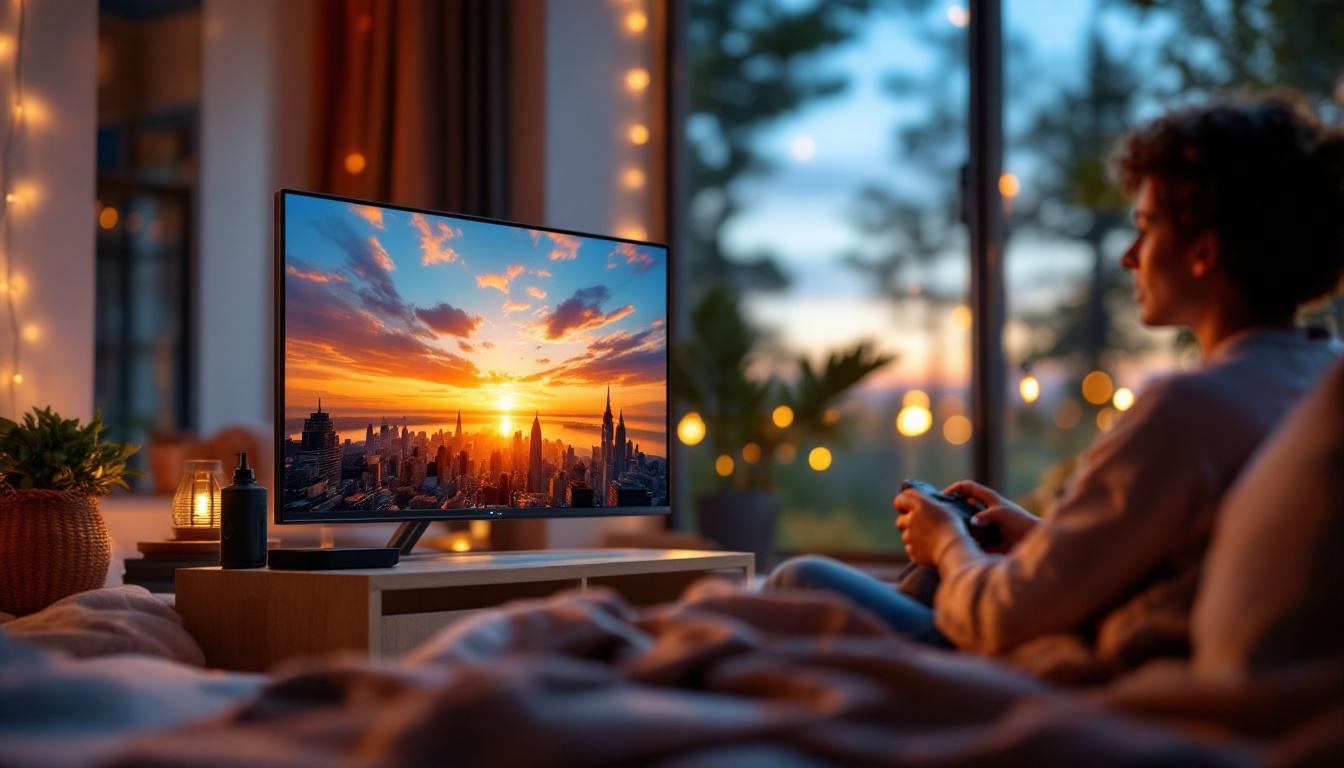
A 75-inch LED TV offers a large canvas for enjoying high-definition content. With screen sizes this big, the viewing experience is immersive, making it ideal for home theaters, gaming setups, and even professional presentations. The sheer size of the display demands careful consideration regarding placement and mounting to avoid strain and ensure optimal visibility. Furthermore, the expansive screen real estate allows for multi-tasking, such as watching a movie while browsing the internet or playing a video game alongside a live sports event, all without compromising on clarity or detail.
Key Features of 75-Inch LED TVs
Modern 75-inch LED TVs often come with 4K resolution, which means four times the pixels of a standard 1080p HD TV. This translates to sharper images and finer details, especially noticeable on such a large screen. Additionally, many models incorporate HDR (High Dynamic Range) technology, enhancing color accuracy and contrast. This means viewers can enjoy a broader spectrum of colors and improved brightness, making scenes look more lifelike and dynamic. For those who appreciate cinematic experiences, this feature can transform how films and shows are perceived, drawing viewers deeper into the narrative.
Another important aspect is the TV’s thickness and weight. While LED technology has allowed manufacturers to produce thinner panels, a 75-inch TV can still weigh between 50 to 80 pounds depending on the brand and model. This weight factor is critical when selecting a wall mount that can safely support the television. Moreover, many modern 75-inch LED TVs come equipped with smart features, allowing users to access streaming services, browse the internet, and even control smart home devices directly from their TV. This integration of technology not only enhances convenience but also positions the TV as a central hub for entertainment and connectivity in the home, making it a versatile addition to any living space.
Why Wall Mounting a 75-Inch LED TV is Essential
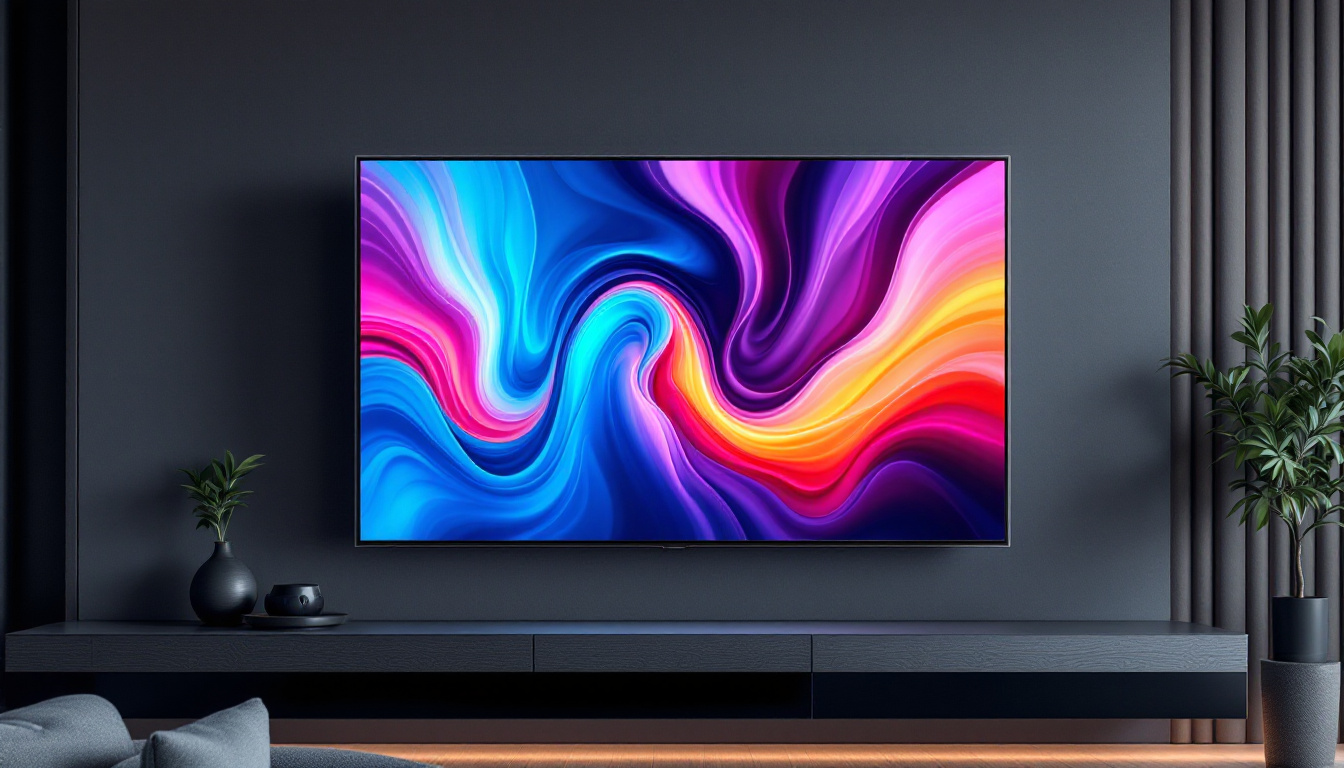
Wall mounting a large TV like a 75-inch LED display offers several advantages over traditional stand placement. First and foremost, it saves valuable floor space, giving rooms a cleaner and more modern look. This is especially beneficial in living rooms or media rooms where space optimization is a priority.
Moreover, mounting the TV on the wall allows for better ergonomic positioning. The ideal height and angle can be adjusted to reduce neck and eye strain during extended viewing sessions. This is particularly important for larger screens, where improper placement can lead to discomfort.
Enhanced Safety and Security
Large TVs can be top-heavy and pose a tipping hazard if placed on unstable stands or furniture. Wall mounting significantly reduces this risk, especially in homes with children or pets. Properly installed mounts anchor the TV securely to the wall, preventing accidental falls and damage.
Improved Aesthetics and Cable Management
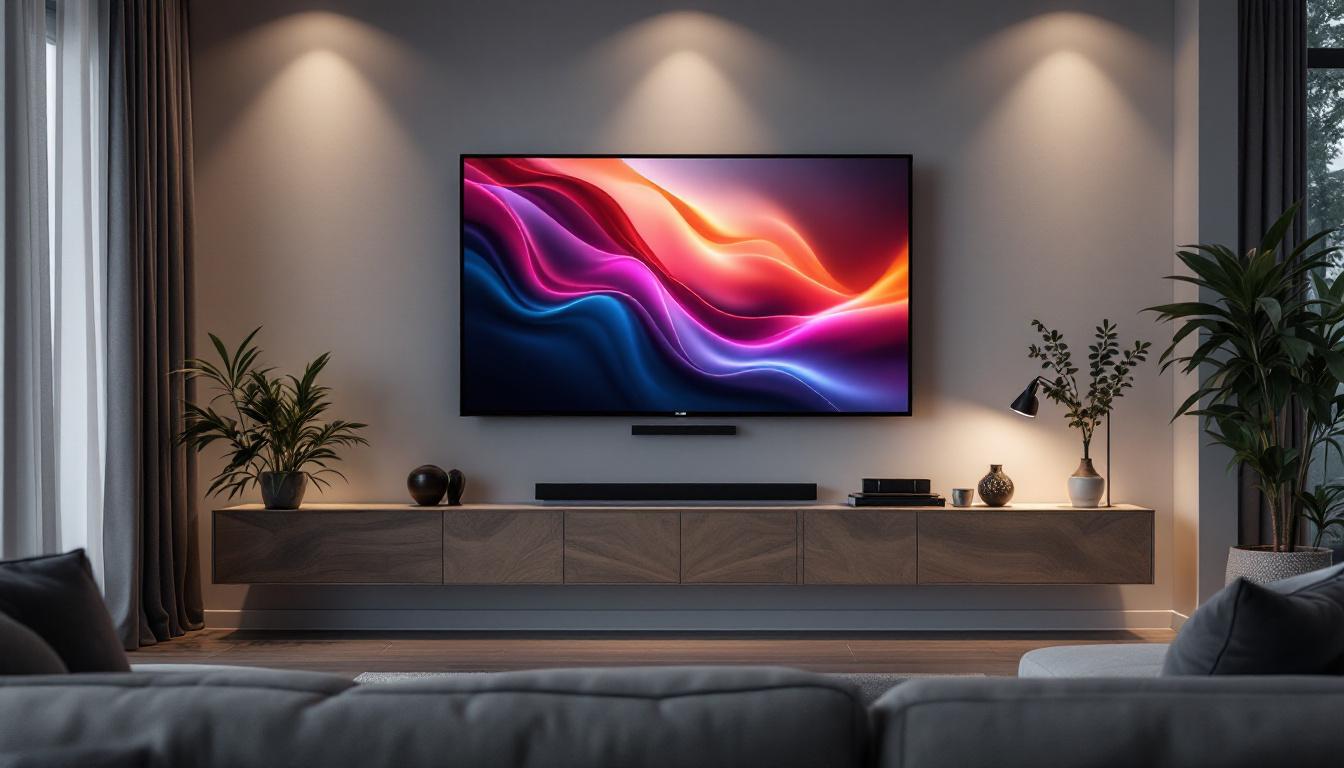
Wall-mounted TVs create a sleek, minimalist aesthetic that many homeowners desire. Additionally, many wall mounts come with integrated cable management systems, allowing wires and cables to be hidden behind the wall or within the mount itself. This not only improves the visual appeal but also reduces clutter and potential tripping hazards.
Choosing the Right Wall Mount for a 75-Inch LED TV
Selecting the appropriate wall mount is a critical step in ensuring the safety and usability of your 75-inch LED display. Several factors must be considered, including the mount type, weight capacity, VESA compatibility, and installation surface.
Types of TV Wall Mounts
There are three primary types of wall mounts to consider:
- Fixed Mounts: These hold the TV flush against the wall without any movement. They are ideal for rooms where the viewing angle is fixed and provide a clean, low-profile look.
- Tilting Mounts: These allow the TV to tilt vertically, which is useful for reducing glare or adjusting the viewing angle when the TV is mounted higher than eye level.
- Full-Motion (Articulating) Mounts: These mounts offer the most flexibility, enabling the TV to be pulled away from the wall, swiveled left or right, and tilted. They are perfect for rooms with multiple seating areas or where the TV needs to be adjusted frequently.
Weight Capacity and VESA Compatibility
Every TV and wall mount comes with a VESA (Video Electronics Standards Association) pattern, which refers to the standardized distance between the mounting holes on the back of the TV. For 75-inch TVs, common VESA patterns range between 400×400 mm to 600×400 mm or larger.
It’s crucial to match the mount’s VESA compatibility with your TV’s specifications. Additionally, the mount must support the TV’s weight, which can vary widely. Always check the manufacturer’s guidelines and choose a mount rated for at least 20% more than the TV’s weight to ensure safety.
Wall Type and Installation Considerations
The type of wall you plan to mount the TV on—drywall, concrete, brick, or wood studs—affects the choice of mounting hardware. For drywall, it’s essential to anchor the mount into studs rather than just the drywall itself to support the heavy TV securely.
Concrete or brick walls require specialized anchors and tools. In all cases, professional installation is recommended if you are unsure about the wall’s structural integrity or your ability to install the mount safely.
Installation Tips for a 75-Inch TV Wall Mount
Installing a 75-inch LED TV wall mount can be a challenging task due to the size and weight of the television. Proper planning and the right tools are key to a successful installation.
Gather the Necessary Tools and Materials
Before beginning, ensure you have the following:
- Stud finder
- Drill with appropriate bits
- Level
- Screwdrivers
- Socket wrench set
- Measuring tape
- Mounting hardware (usually included with the mount)
- Helper or professional installer
Step-by-Step Installation Process
1. Locate the Studs: Use a stud finder to identify the wall studs where the mount will be anchored. Mark these locations clearly.
2. Measure and Mark Mounting Points: Based on the mount’s specifications and the TV’s VESA pattern, mark the drilling points on the wall. Use a level to ensure the marks are perfectly horizontal.
3. Drill Pilot Holes: Drill pilot holes into the studs at the marked points. This prevents the wood from splitting and makes it easier to insert screws.
4. Attach the Wall Plate: Secure the wall plate of the mount to the wall using heavy-duty screws and washers. Double-check the level before fully tightening.
5. Attach Mounting Brackets to TV: Fix the mounting brackets to the back of the TV according to the VESA pattern. Ensure screws are tight but avoid overtightening.
6. Mount the TV: With the help of a second person, lift the TV and hook it onto the wall plate. Secure any locking mechanisms to prevent the TV from slipping.
7. Manage Cables: Connect all necessary cables and use cable management solutions to keep them organized and out of sight.
Common Installation Mistakes to Avoid
One frequent error is failing to mount the TV on studs, which can lead to the mount pulling out of the wall. Another is neglecting to use a level, resulting in a crooked installation. Additionally, improper handling of the TV during installation can cause damage to the screen or internal components.
Enhancing Your Viewing Experience with a Wall-Mounted 75-Inch LED TV
Once your 75-inch LED TV is securely mounted, there are several ways to optimize the viewing experience further.
Optimal Viewing Distance and Height
Experts recommend sitting at a distance of approximately 1.5 to 2.5 times the diagonal screen size for 4K TVs. For a 75-inch screen, this translates to roughly 9 to 16 feet. This distance ensures you can appreciate the high resolution without seeing individual pixels.
The center of the screen should be at eye level when seated to minimize neck strain. Adjusting the mount or choosing a tilting bracket can help achieve this ideal height.
Lighting and Glare Reduction
Ambient lighting plays a significant role in image quality perception. Position the TV away from direct sunlight or strong artificial lights that can cause glare. Consider installing blackout curtains or using adjustable lighting to create the perfect viewing environment.
Sound System Integration
Large-screen TVs often benefit from complementary audio systems such as soundbars or surround sound setups. Wall mounting your TV can facilitate cleaner wiring and better speaker placement, enhancing overall audio quality.
Conclusion
A 75-inch LED TV offers an unparalleled viewing experience, but to fully harness its potential, selecting the right wall mount and installing it properly is essential. Understanding the technology behind LED displays, the importance of secure mounting, and the practical steps for installation can transform your living space into a state-of-the-art entertainment hub.
By considering factors such as mount type, weight capacity, VESA compatibility, and wall structure, homeowners can ensure a safe and aesthetically pleasing setup. Coupled with thoughtful placement and complementary accessories, your wall-mounted 75-inch LED TV will provide years of immersive enjoyment.
Discover the Future of Home Entertainment with LumenMatrix
Ready to elevate your home cinema experience? LumenMatrix is at the forefront of LED display innovation, offering a wide array of solutions that bring your entertainment to life. From the comfort of your living room to the excitement of outdoor venues, our LED display modules are designed to offer unparalleled clarity, vibrant colors, and dynamic visuals. Whether you’re looking for an Indoor LED Wall Display to complement your new 75-inch wall-mounted TV or interested in exploring our extensive range of LED solutions, LumenMatrix has you covered. Check out LumenMatrix LED Display Solutions today and transform the way you watch, play, and engage with digital media.