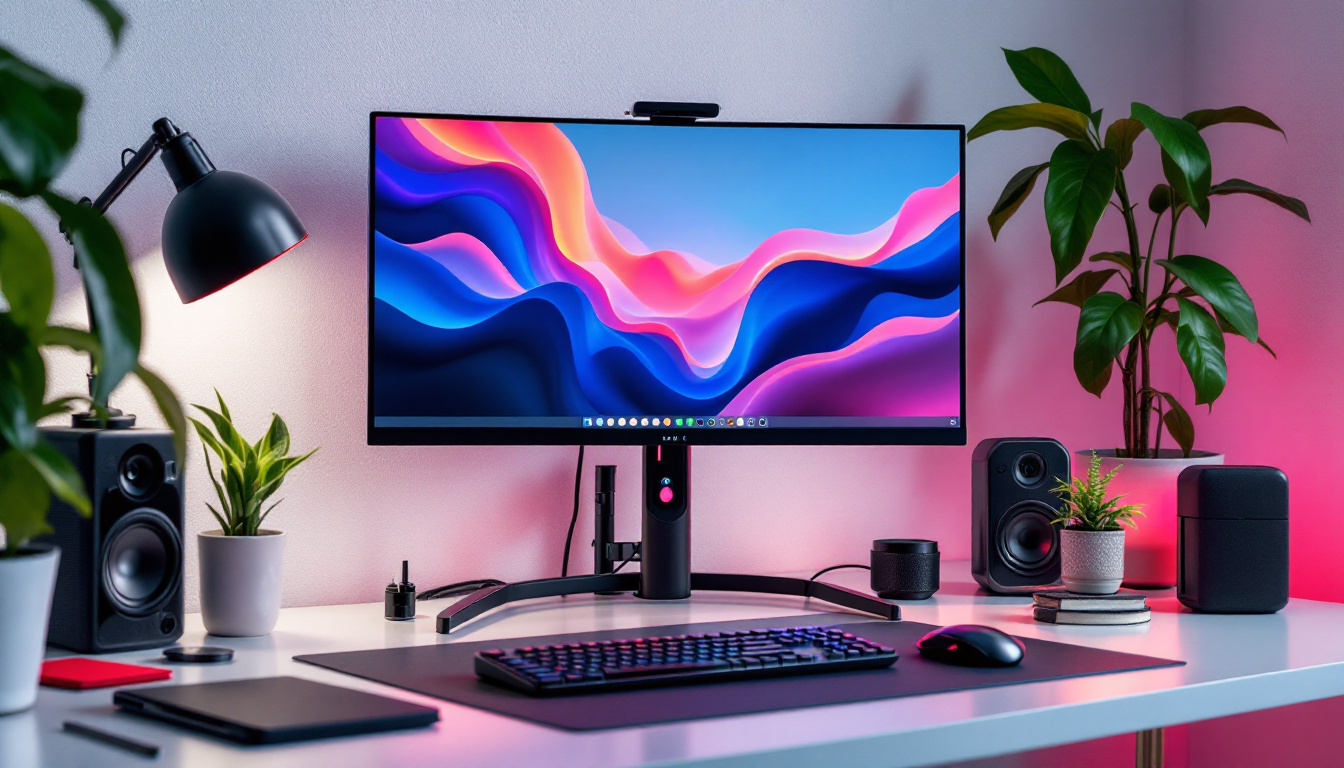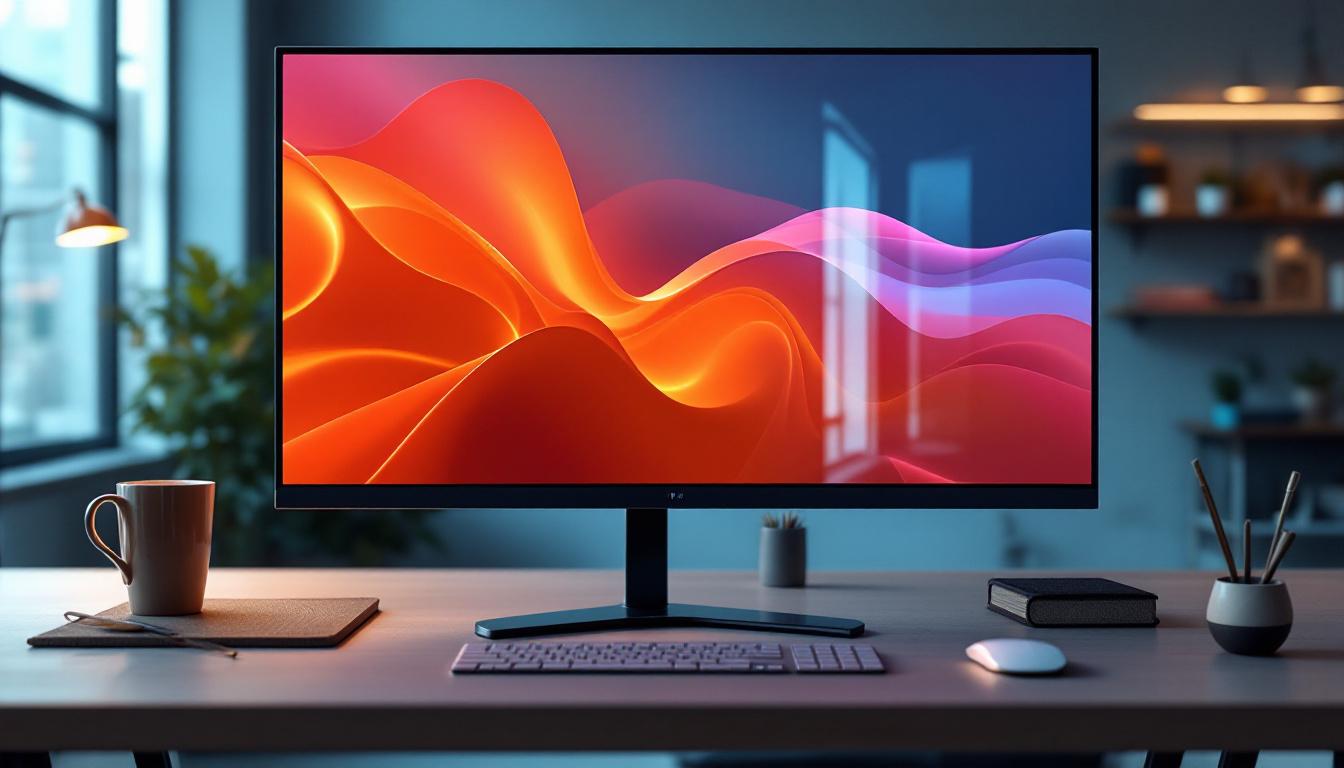
In an era where digital interfaces dominate both professional and personal environments, understanding the technology behind display devices is more important than ever. LCD touchscreen monitors with LED displays have become ubiquitous, powering everything from office workstations to interactive kiosks and gaming setups. This article delves into the technology behind these devices, explaining how they work, their advantages, and what to consider when selecting one for your needs.
Understanding LCD and LED Technologies
What is an LCD Monitor?
LCD stands for Liquid Crystal Display, a technology that uses liquid crystals sandwiched between two layers of glass or plastic. These crystals do not emit light by themselves but manipulate light to create images. When an electric current passes through, the crystals align to allow varying amounts of light to pass through, forming the pixels that make up the display.
LCD monitors became popular in the late 1990s and early 2000s as a replacement for bulky cathode ray tube (CRT) monitors. Their slim profile, energy efficiency, and improved image quality made them ideal for both consumer and professional applications. The transition to LCD technology not only revolutionized the design of computer monitors but also paved the way for the development of flat-screen televisions, which further enhanced the viewing experience in homes and public spaces. The ability to produce larger screens without the accompanying weight and bulk of CRTs allowed for more versatile use in various environments, from offices to living rooms.
Furthermore, advancements in LCD technology have led to innovations such as higher resolutions, including Full HD (1080p) and 4K displays, which provide sharper images and more vibrant colors. These improvements have made LCD monitors a staple in gaming, graphic design, and video editing, where precision and clarity are paramount. As the technology continues to evolve, manufacturers are exploring new materials and methods to enhance the performance and longevity of LCD displays.
Role of LED in LCD Displays
While the term “LED display” is often used interchangeably with LCD, it’s important to clarify that most LED displays are actually LCD panels illuminated by Light Emitting Diodes (LEDs). The LEDs serve as the backlight source, replacing older cold cathode fluorescent lamps (CCFLs). This shift has brought several benefits including improved brightness, better color accuracy, and reduced power consumption.
There are two main types of LED backlighting: edge-lit and direct-lit (or full-array). Edge-lit LEDs are placed along the edges of the screen, allowing for thinner designs, while direct-lit LEDs are positioned behind the entire panel, often enabling better contrast and local dimming capabilities. The latter allows for specific areas of the screen to be dimmed or brightened independently, enhancing the overall dynamic range of the display and providing a more immersive viewing experience, especially in dark scenes.
Moreover, the integration of LED technology has also led to the development of advanced features such as HDR (High Dynamic Range), which allows for a wider range of colors and brightness levels, making images appear more lifelike. This is particularly beneficial for content creators and gamers who require accurate color representation and detail in their visuals. As manufacturers continue to innovate, the combination of LCD and LED technologies is likely to yield even more sophisticated displays that cater to the growing demands of consumers and professionals alike.
How Touchscreen Technology Integrates with LCD LED Monitors
Types of Touchscreen Technologies
Touchscreen functionality can be integrated into LCD LED monitors using several technologies, each with unique characteristics:
- Resistive Touchscreens: These consist of two flexible layers that register touch when pressed together. They are cost-effective and work with any input device but offer lower clarity and multi-touch capabilities.
- Capacitive Touchscreens: These use the electrical properties of the human body to detect touch. They provide sharper images, support multi-touch gestures, and are more durable but typically require a finger or a specialized stylus.
- Infrared and Optical Touchscreens: These use sensors or cameras to detect touch by interrupting light beams across the screen surface. They allow for high durability and can detect any input type but tend to be more expensive.
Capacitive touchscreens are the most common in modern LCD LED monitors due to their responsiveness and clarity. Their ability to recognize multiple touch points simultaneously makes them particularly suitable for applications that require gestures, such as pinch-to-zoom or swipe actions, enhancing user experience significantly.
Advantages of Touchscreen LCD LED Monitors
Combining touchscreen functionality with LCD LED technology offers several advantages:
- Intuitive Interaction: Touchscreens provide direct interaction with the display, making navigation and control more natural and reducing the need for peripheral devices like a mouse or keyboard.
- Space Efficiency: Integrated touchscreens reduce clutter, which is particularly beneficial in compact workspaces or public kiosks.
- Enhanced Productivity: In professional environments such as design studios, medical settings, or retail, touchscreens can speed up workflows and improve user engagement.
- Durability and Maintenance: Modern touchscreen monitors are designed to withstand heavy use, with features like scratch-resistant glass and sealed edges to prevent dust ingress.
Moreover, the integration of touchscreen technology into LCD LED monitors has revolutionized user interfaces across various sectors. For instance, in educational settings, interactive whiteboards equipped with touchscreens facilitate collaborative learning experiences, allowing students to engage directly with the content. This hands-on approach not only fosters creativity but also enhances retention of information, making learning more effective. Additionally, in the hospitality industry, touchscreen monitors streamline operations by enabling quick access to information and services, thus improving customer satisfaction and operational efficiency.
Furthermore, the rise of touchscreen technology has also led to innovations in accessibility. Touchscreens can be designed with features that cater to individuals with disabilities, such as voice recognition or haptic feedback, allowing for a more inclusive user experience. This adaptability ensures that technology serves a broader audience, breaking down barriers and making digital interfaces more approachable for everyone. As touchscreen technology continues to evolve, we can expect even more sophisticated applications that will further enhance interaction with LCD LED monitors.
Key Features to Consider When Choosing an LCD Touchscreen Monitor
Display Quality: Resolution and Color Accuracy
Resolution is a critical factor influencing image sharpness. Common resolutions range from Full HD (1920×1080) to 4K Ultra HD (3840×2160). Higher resolutions provide more detail, which is essential for tasks like graphic design, video editing, or detailed data analysis.
Color accuracy is equally important, especially for professionals working with visual content. Look for monitors covering wide color gamuts such as sRGB, Adobe RGB, or DCI-P3, and consider factory calibration for precise color reproduction.
Touch Responsiveness and Multi-Touch Support
A responsive touchscreen enhances user experience, reducing lag and improving accuracy. Multi-touch support enables gestures like pinch-to-zoom and rotation, which are standard in modern interfaces. When selecting a monitor, verify the touch sampling rate and supported touch points to ensure smooth interaction.
Connectivity Options
Modern LCD touchscreen monitors come with a variety of connectivity ports including HDMI, DisplayPort, USB-C, and legacy VGA or DVI ports. USB-C ports are particularly versatile, offering video, data transfer, and power delivery through a single cable, simplifying setups.
Additionally, some monitors feature built-in USB hubs or audio jacks, which can enhance convenience and reduce cable clutter.
Ergonomics and Build Quality
Adjustability in height, tilt, swivel, and pivot can significantly improve comfort during prolonged use. Monitors with VESA mount compatibility offer flexible mounting options for custom setups.
Build quality affects durability and aesthetics. Monitors with metal stands and robust housing tend to last longer and provide a premium feel. Anti-glare coatings and blue light filters also contribute to eye comfort.
Applications and Use Cases of LCD Touchscreen Monitors
Business and Professional Environments
In offices, touchscreen monitors facilitate interactive presentations, streamline workflows, and enable more dynamic collaboration. Industries such as healthcare use touchscreen displays for patient monitoring and medical imaging, where precision and responsiveness are vital.
Retail environments benefit from touchscreen kiosks for self-service checkouts and information points, improving customer experience and operational efficiency.
Education and Training
Interactive whiteboards and touchscreen monitors have transformed classrooms by enabling hands-on learning and real-time collaboration. Students can engage directly with digital content, fostering a more immersive educational experience.
Training simulations in fields like aviation, medicine, and manufacturing also rely on touchscreen displays for realistic and interactive scenarios.
Gaming and Entertainment
Touchscreen monitors are increasingly popular in gaming setups, particularly for strategy games, simulations, and creative applications. The combination of high-resolution LED displays and responsive touch input enhances immersion and control.
Furthermore, touchscreen-enabled smart TVs and media centers offer intuitive navigation and interactive content consumption.
Future Trends in LCD Touchscreen and LED Display Technology
Advancements in Display Panels
Emerging technologies like Mini-LED and Micro-LED are pushing the boundaries of LCD displays by offering improved contrast, brightness, and energy efficiency. These advancements promise richer visuals and longer device lifespans.
Quantum dot technology is also being integrated into LCD panels to enhance color accuracy and brightness, narrowing the gap with OLED displays.
Enhanced Touch Capabilities
Future touchscreen monitors are expected to incorporate more sophisticated touch sensing, including pressure sensitivity and haptic feedback. This will allow for more nuanced interactions, especially in creative and professional applications.
Integration with artificial intelligence and gesture recognition technologies will further expand the ways users interact with their displays.
Environmental and Energy Considerations
Manufacturers are increasingly focusing on sustainability by improving energy efficiency and using recyclable materials. LED backlighting already reduces power consumption compared to older technologies, and ongoing innovations aim to minimize environmental impact without compromising performance.
Conclusion
LCD touchscreen monitors with LED displays represent a convergence of mature and evolving technologies that offer versatile, high-quality visual and interactive experiences. Understanding the underlying technology, key features, and practical applications can help consumers and professionals make informed decisions tailored to their specific needs.
As display technology continues to advance, these monitors will become even more integral to how people work, learn, and entertain themselves, making them a critical component of modern digital life.
Discover LumenMatrix’s Advanced LED Display Solutions
Ready to elevate your visual experience with the latest in LED display technology? LumenMatrix offers a comprehensive range of innovative LED display modules designed to transform your space and captivate your audience. From dynamic Indoor LED Wall Displays to robust Outdoor LED Wall Displays, and from versatile Vehicle LED Displays to sleek LED Poster Displays, our solutions cater to every need. Experience the future of visual communication with our LED Sports Displays, interactive Floor LED Displays, and the stunning clarity of our Custom LED Displays. Embrace the seamless integration of our All-in-One LED Displays and the transparency of LED Transparent Displays. Join the revolution in digital signage with LumenMatrix and make a lasting impression. Check out LumenMatrix LED Display Solutions and see how we can help you share your message with the world.